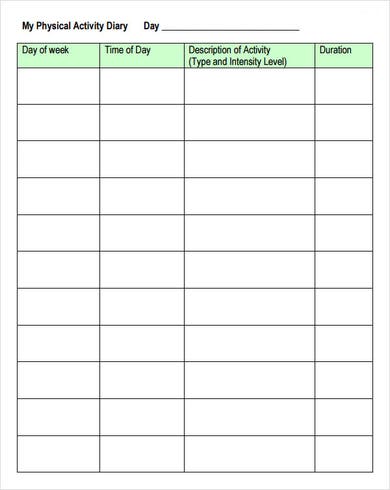
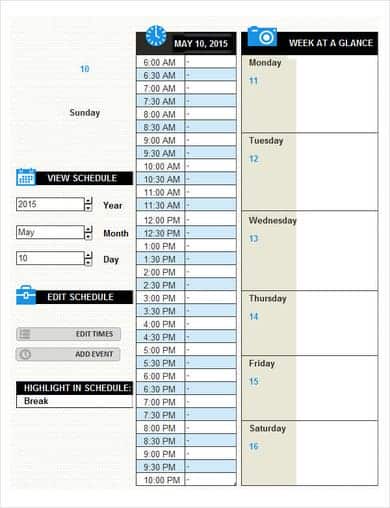
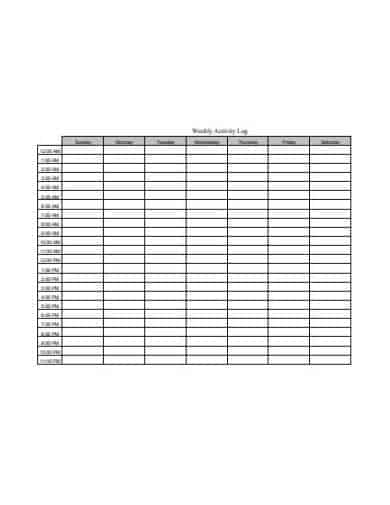
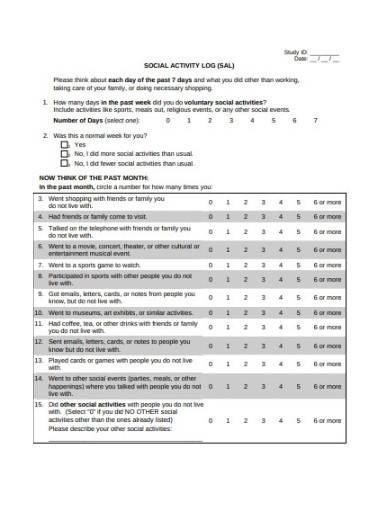
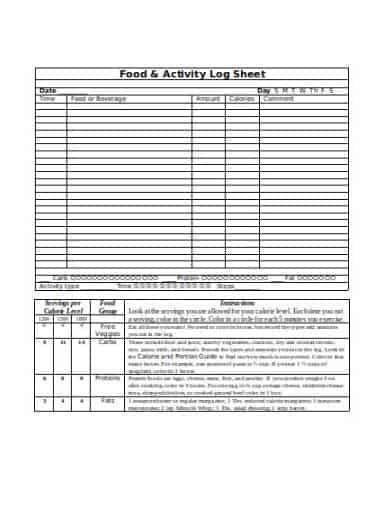
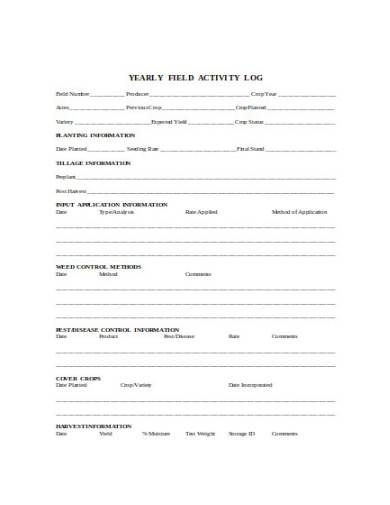
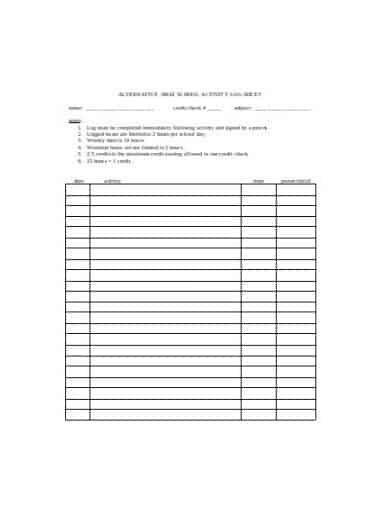
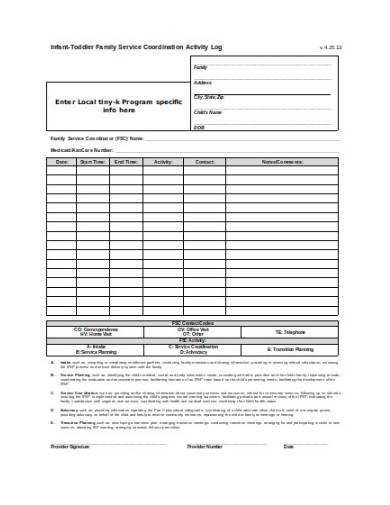
Whether you are seeking to eliminate workplace distractions, audit employee time allocations, track personal wellness routines, or optimize daily task management, an activity log (also referred to as a time tracker sheet, daily activity log, or work log sheet) is an indispensable tool.
Documenting how hours are spent throughout the day provides clear visual data, allowing individuals and team leaders to identify productivity gaps, streamline operational workflows, and make informed scheduling decisions.
Below, discover strategies for conducting an effective time audit, structural guidelines for log formats, and access over 25 free, fully customizable MS Word, Excel, and printable PDF templates ready for download.
What Is an Activity Log and Why Is It Important?
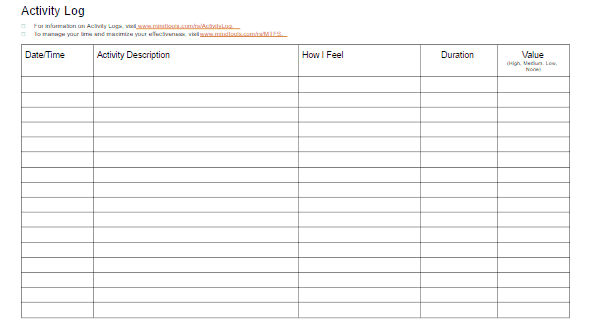
An activity log is a chronological record where an individual or employee records their daily actions, start and end times, completed deliverables, and energy levels in real-time.
Unlike a standard to-do list—which simply lists tasks you plan to accomplish—an activity log measures what you actually complete during the day. This objective record reveals the true distribution of working hours across essential tasks, administrative overhead, and unintended interruptions.
Key Benefits of Maintaining an Activity Tracker
- Eliminates Time Leakage: Uncovers hidden “time sinks” such as unscheduled meetings, social media distractions, or excessive email checking.
- Improves Project Estimations: Helps freelancers, contractors, and project managers accurately gauge how long specific assignments take for future billing and deadline planning.
- Prevents Burnout & Cognitive Fatigue: Tracking energy levels alongside tasks helps align complex, deep-focus work with peak mental energy windows.
- Enhances Remote Work Accountability: Gives remote employees and distributed teams a transparent method to showcase daily contributions without micromanagement.
Essential Elements of an Effective Activity Log Sheet
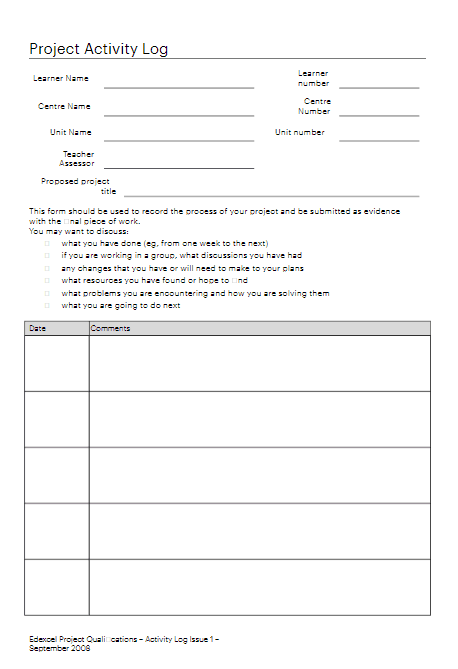
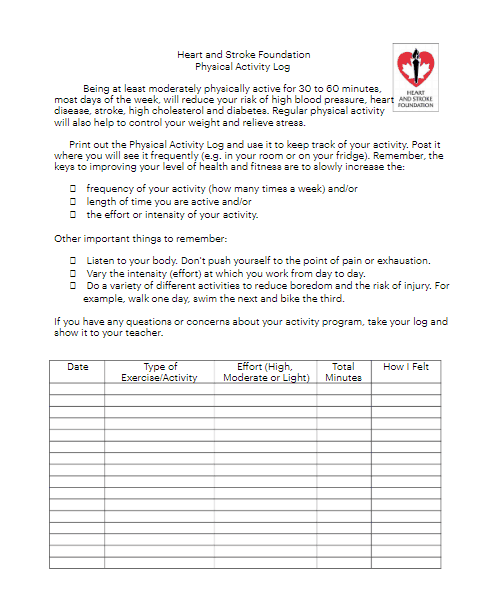
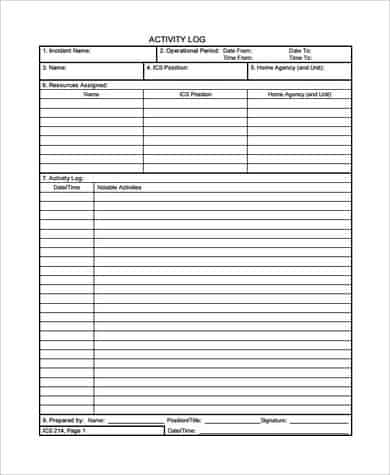
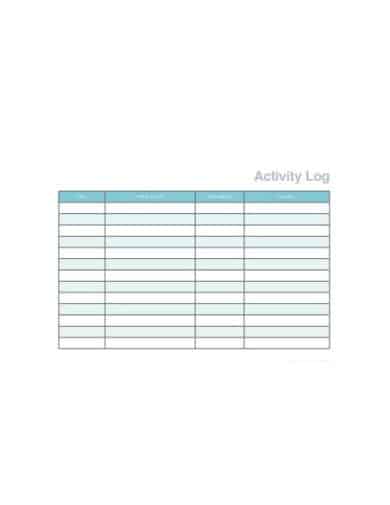
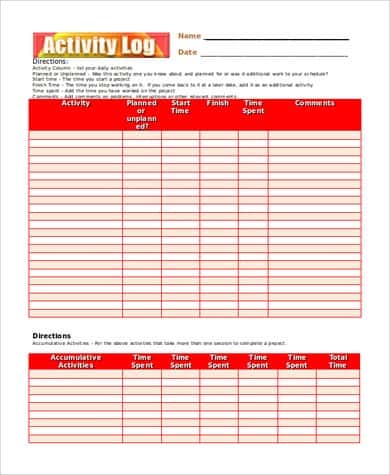
To ensure maximum utility, every activity log template should be structured with simple, easy-to-fill tracking columns:
1. Basic Identifiers
- User / Employee Name: Name of the individual keeping the log.
- Date & Day of the Week: Specific calendar day being audited.
- Department / Role: Relevant project team or professional title.
2. Time Parameters
- Start Time & End Time: Exact timestamps when a task begins and ends (recorded in 15-minute, 30-minute, or 1-hour increments).
- Duration / Elapsed Time: Total calculated minutes or hours spent on the activity.
3. Task Classification & Details
- Activity Description: Clear summary of the task performed (e.g., “Drafting Q3 Marketing Brief” or “Client Call – Project Onboarding”).
- Category / Account Code: Broad classification (e.g., Billable Work, Administrative, Strategy, Personal Break).
4. Output & Priority Metrics
- Task Outcome / Deliverable: Specific result achieved during the time block.
- Energy / Focus Rating (Optional): A simple scale (1–5 or Low/Medium/High) tracking mental alertness during execution.
- Notes & Interruptions: Section to log unexpected roadblocks, urgent phone calls, or technical delays.
Word vs. Excel vs. PDF: Selecting the Best Format
- MS Excel Templates (.xlsx): Ideal for quantitative analysis, automated duration formulas, conditional formatting, and time summary pie charts.
- MS Word Templates (.docx): Best for narrative-style journal logging, daily reflection sheets, and easy printing with custom corporate logos.
- Printable PDF Formats (.pdf): Perfect for physical clipboard logging on a desk or digital handwriting on tablet devices using stylus apps.
How to Conduct a 7-Day Time Audit: Step-by-Step
Conducting a periodic time audit provides deep insight into daily habits. Follow this structured process to maximize results:
Adjust Your Daily Schedule: Reallocate uninterrupted time blocks for high-value tasks using productivity frameworks like time-blocking or the Pomodoro Technique.
Log in Real-Time: Do not wait until the end of the day to record activities from memory. Update your sheet immediately as you switch between tasks.
Track Everything for One Full Week: Include short breaks, coffee runs, administrative tasks, and social media checking to get an honest baseline.
Categorize Your Data: At the end of 7 days, tally total hours spent in each category (e.g., Deep Focus, Meetings, Email Admin, Distractions).
Analyze the Results: Identify patterns where low-priority tasks consumed peak productive hours.
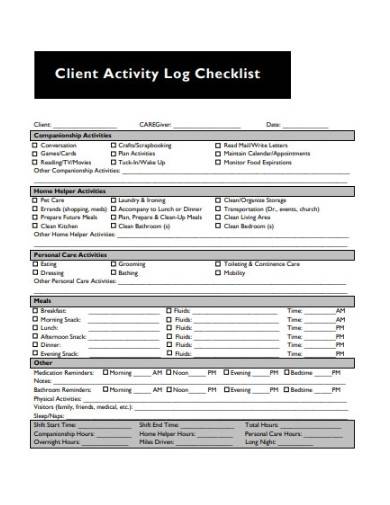
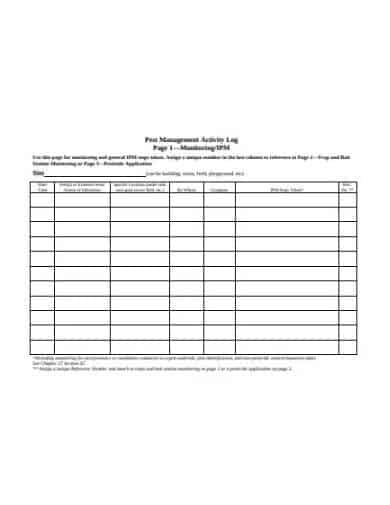
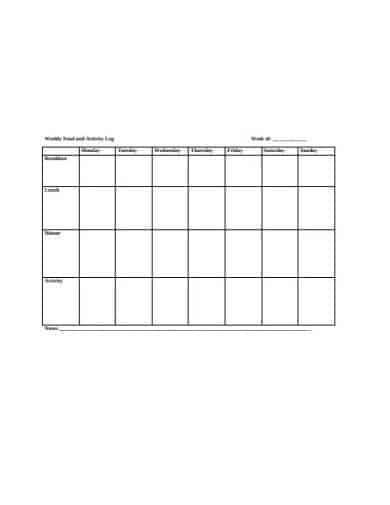
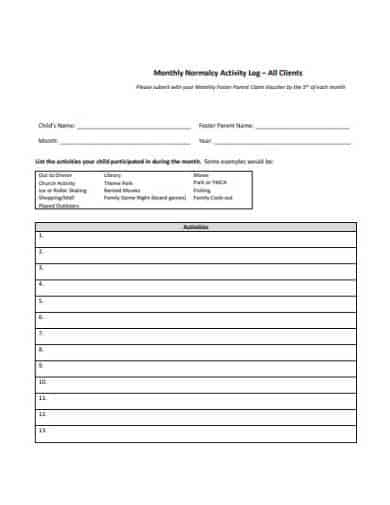
Download Activity Log Templates Here


What is the difference between a timesheet and an activity log?
A timesheet is primarily an administrative payroll document tracking total hours worked for compensation or client billing. An activity log is a granular productivity tool tracking what was done during those hours, how long individual tasks took, and how efficiently time was utilized.
How often should an activity log be updated?
For best accuracy, update your log every time you transition to a new task or experience an interruption. Real-time entries eliminate guesswork and recall bias.
What increment of time is best for activity tracking?
A 15-minute or 30-minute increment strikes the ideal balance between recording precision and ease of maintenance without creating unnecessary administrative burden.