

At some point in life, many of us have to write an obituary for a loved one. If you are not sure what an obituary should include, this article will help. We explain what an obituary is and how to write an obituary step by step, and we provide some of the best obituary templates to make the task easier during a difficult time.
Here you can download 20 free obituary templates in Word and PDF, including simple and short obituary samples, newspaper obituary formats, obituary information forms, memorial and funeral service outlines, writing guidelines, and fillable obituary forms for a mother, father, grandparent or child. Each template comes with a preview and a free download button, so families and funeral homes can write a respectful, accurate death notice and life tribute with less stress.
What is an Obituary?
An obituary is basically a notice of demise or death of a person, mostly a newspaper article or it is like a newspaper article, which includes a brief description of the deceased person. You might have seen that in a newspaper, a short and brief article is written for someone special with their small photo on either left or right side. That basically is an obituary.
An obituary can also be taken as a brief account of a deceased person’s life. The newspapers mostly write and publish the obituary of someone famous, but an obituary can also be written for someone that was special or dear to you i.e., a family member, a close relative, a friend, etc. An obituary written for a family member or family then becomes a part of the funeral program.
While writing an obituary, it is very important to write it in a proper way and with a genuine feeling of loss. It must be written with a natural and true feeling of pain for the loss of the special one. You can express your love for the person, his/her contributions, and an overall sketch of the great life that he/she lived. However, try to keep your obituary brief and concise.
Example Obituary Templates
Obituary Service Outline Template
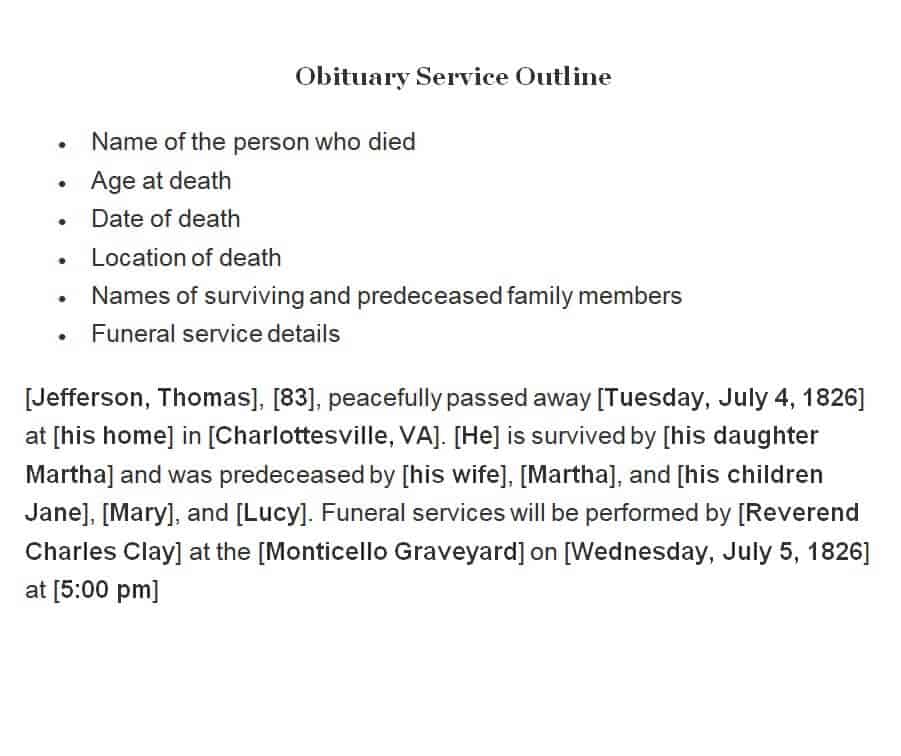
File Size: 11 KB
File Type: MS WORD
Sample Obituary Template
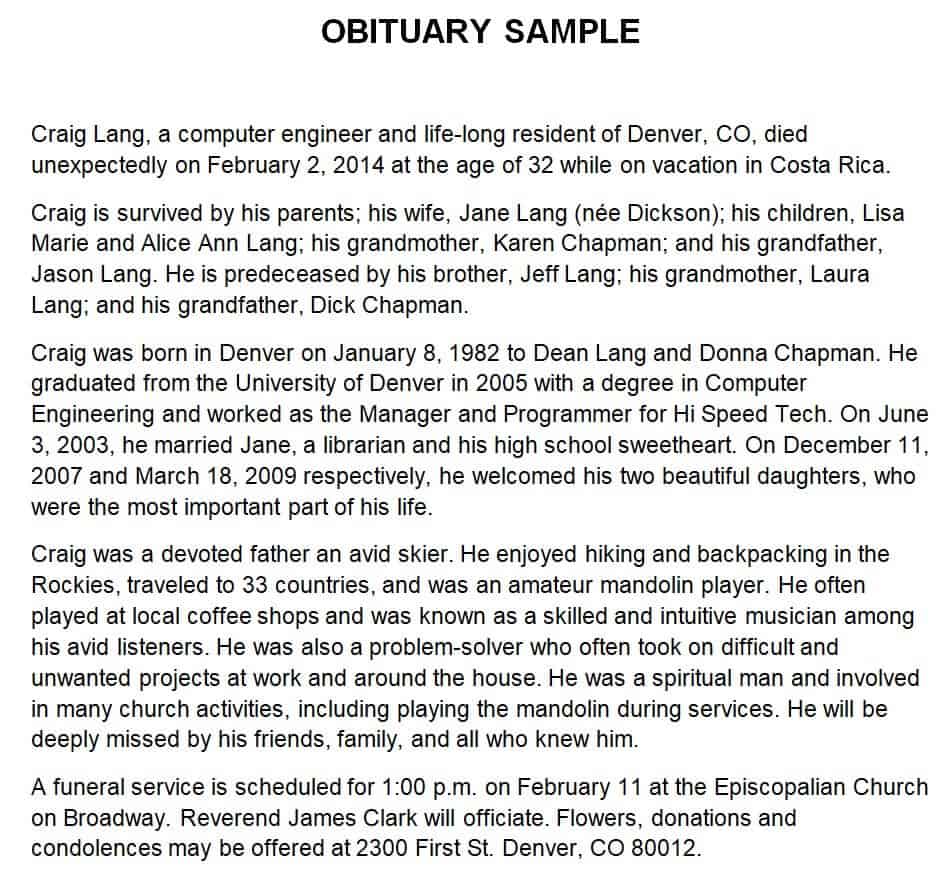
File Size: 3 KB
File Type: MS WORD
Obituary Information Form Template
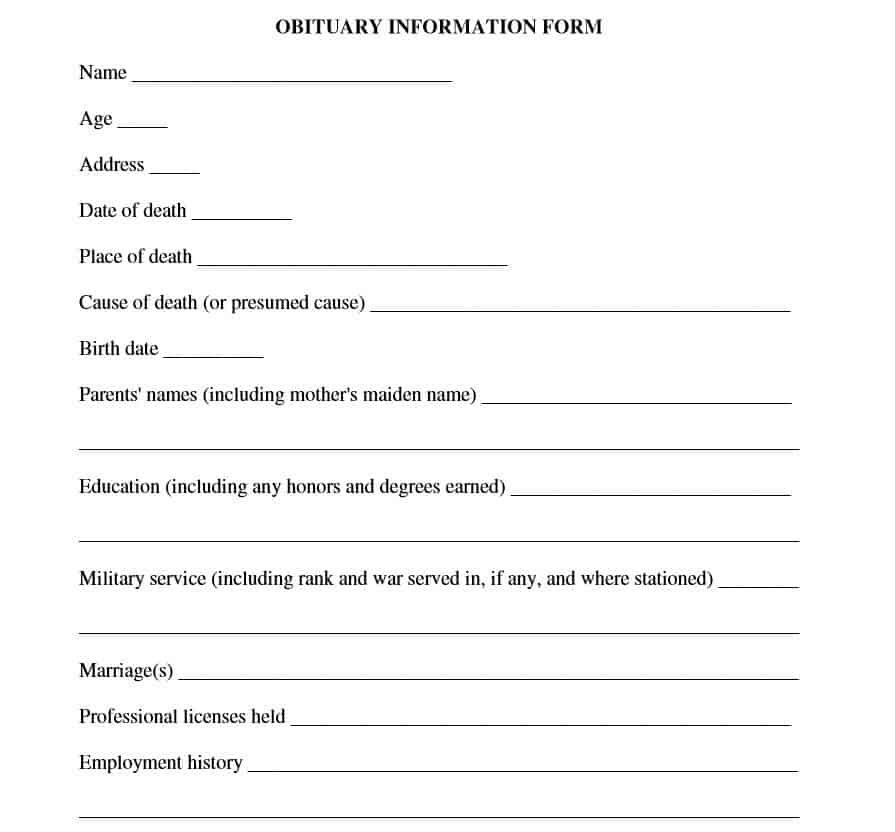
File Size: 12 KB
File Type: PDF
Short Obituary Sample Template
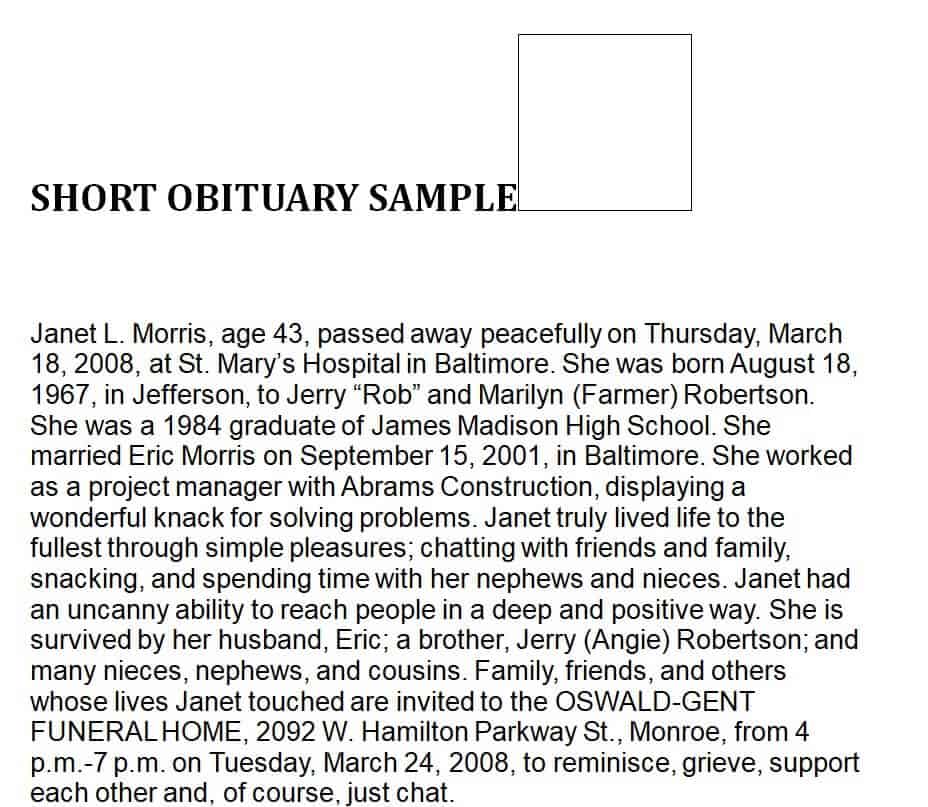
File Size: 7 KB
File Type: MS WORD
Special Order for Obituary Service Template
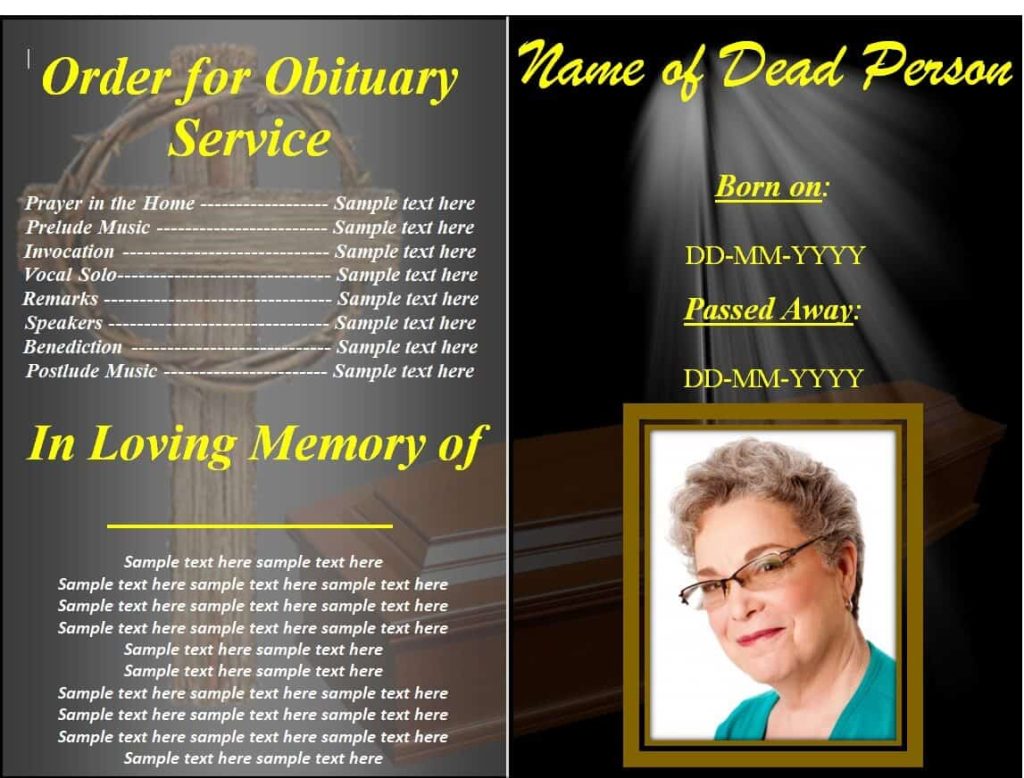
File Size: 448 KB
File Type: MS WORD
Obituary Writing Guideline Template
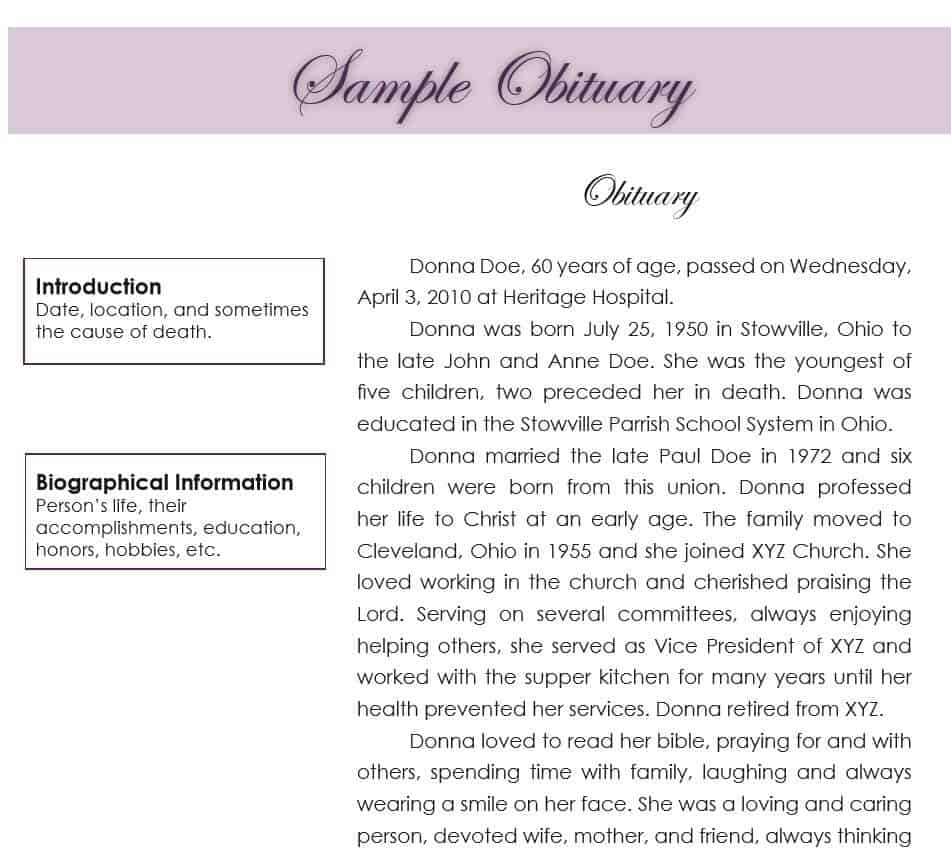
File Size: 92 KB
File Type: PDF
Basic Obituary Format Template
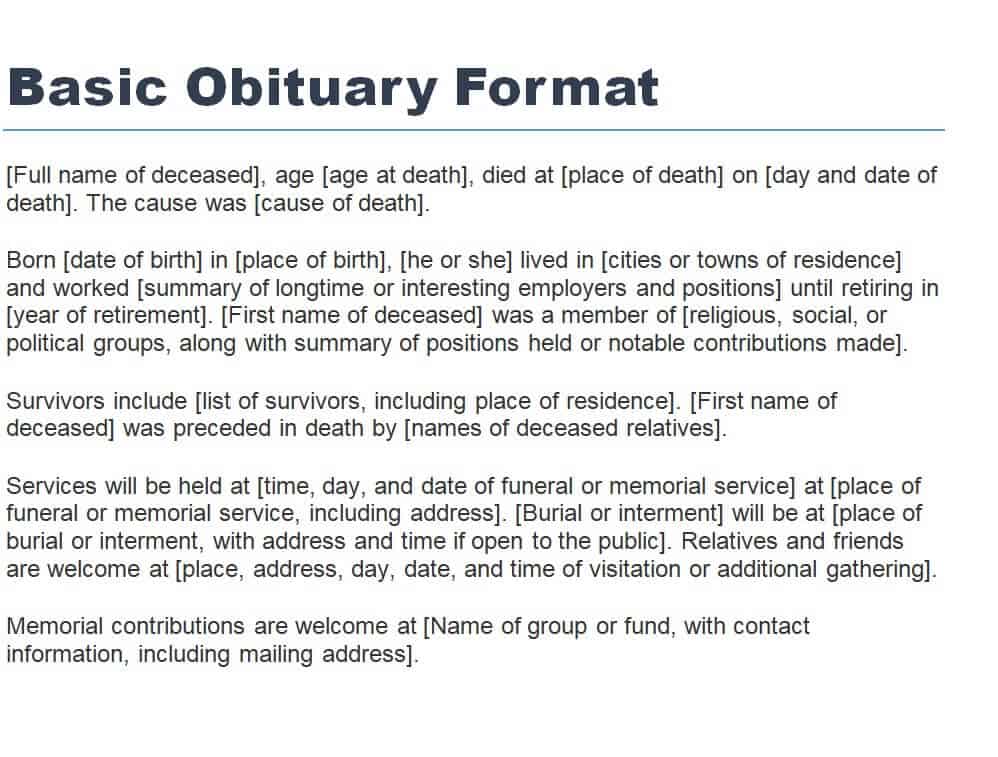
File Size: 13 KB
File Type: MS WORD
Sample Grandma’s Obituary Template
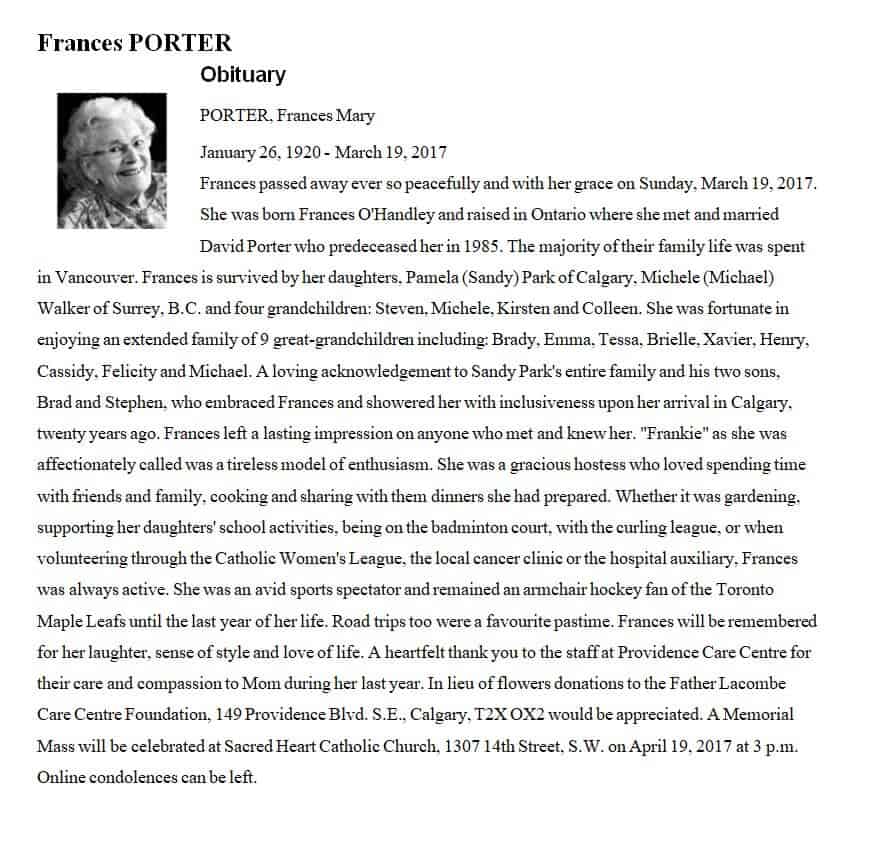
File Size: 40 KB
File Type: MS WORD
Example Basic Obituary Template
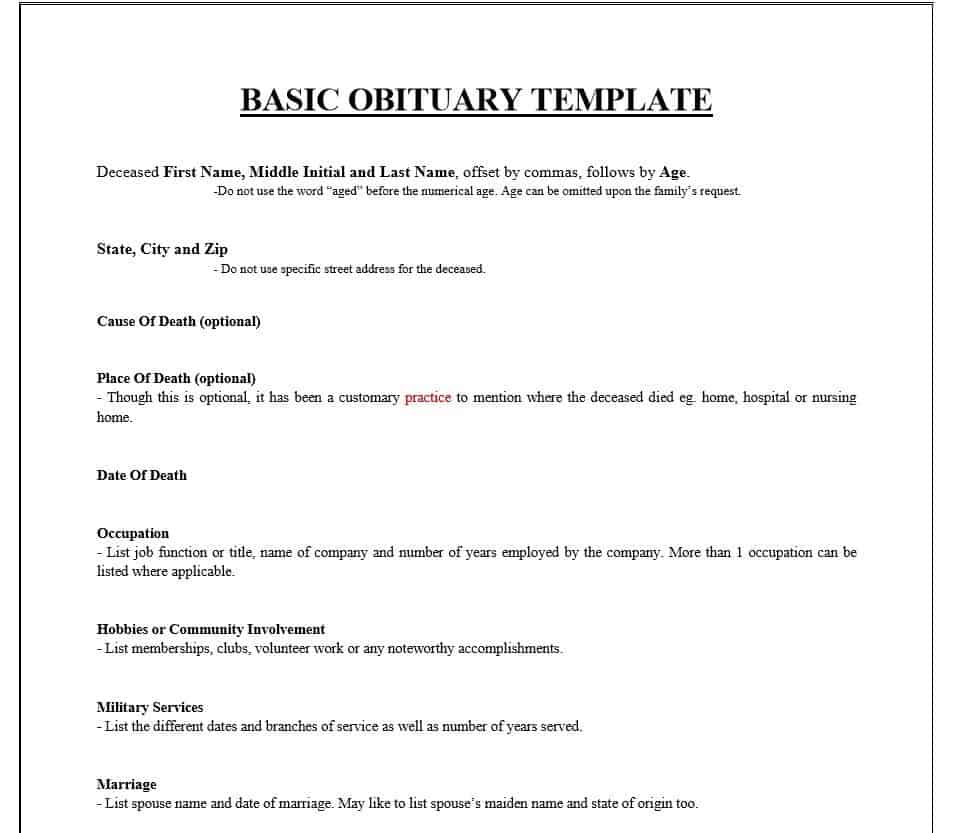
File Size: 6 KB
File Type: PDF
Newspaper Sample Obituary Template

File Size: 14 KB
File Type: MS WORD
How to Write a Perfect Obituary?
An obituary is a kind of a tribute or homage that you actually pays to your loved one that has left the world. You, together with other persons, share your feelings of pain and loss for the person. It also makes you able to enjoy the memories of the demised person so it must be written with great care and proper attention. However, if you want to know how to write a perfect obituary for a loved one or want to know how a newspaper obituary is written from scratch, then make sure to follow the given below steps:
- In the case of a newspaper obituary, the first thing is the dateline which is the city or country in which the deceased person was a resident.
- Include a statement of announcement of the death of the person.
- Date of the death.
- Then add the details of the deceased like his/her name, age, residence, and place of birth.
- After that, you can mention his/her contributions and what he/she did while being alive. This means the occupation or profession of the deceased person must be included.
- In case you are writing an obituary for a close one, write his/her beautiful memories and your unforgettable moments shared with him/her. In such a case, you can get a bit more personal by sharing the deceased person’s hobbies and the kind of person he/she was.
- Mention in detail the family of the deceased person. This usually includes the names of his/her family members, closest relatives, and friends. Make sure to compulsorily mention the deceased person’s spouse, his/her parents, children, grandchildren, and siblings.
- Don’t forget to add a beautiful picture of the deceased person in your obituary. It makes the obituary more special and personal.
- Just before the ending, add the details of the service arrangements in the obituary. Make sure to properly highlight and mention all the key details related to the service arrangements like what will be the funeral date, where the funeral will be arranged, etc.
- Last but not the least, end your obituary with some special message. This can be a phrase like “You have left the world but you will stay in our hearts forever.” Or you can simply add some relevant quote, a poem, a Biblical verse, etc. The basic purpose of doing so is to conclude the obituary in a proper manner.
Free Printable Obituary Template
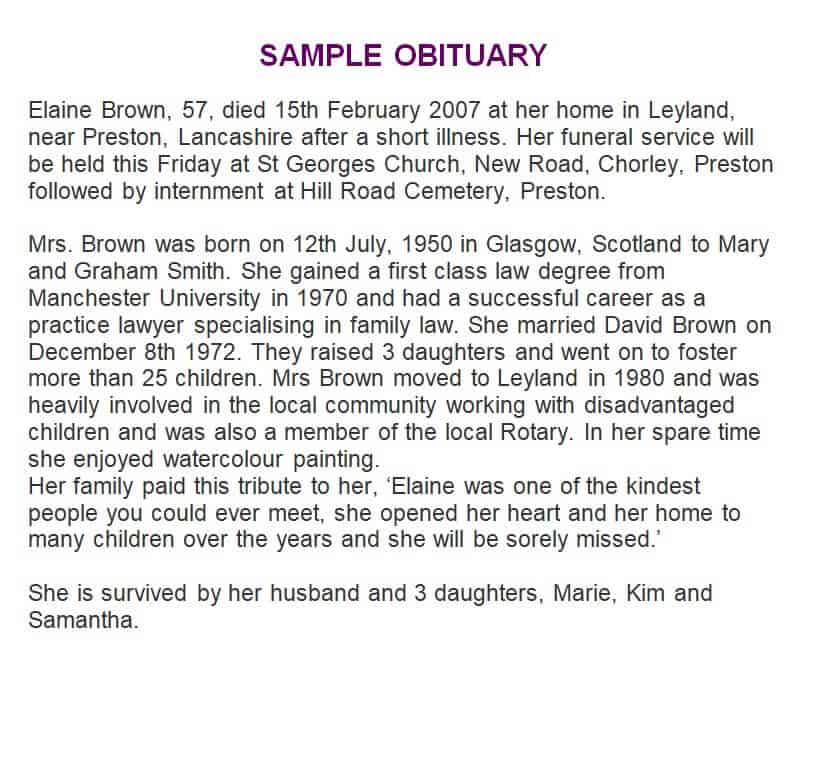
File Size: 3 KB
File Type: MS WORD
Obituary Design Template in DOC Format
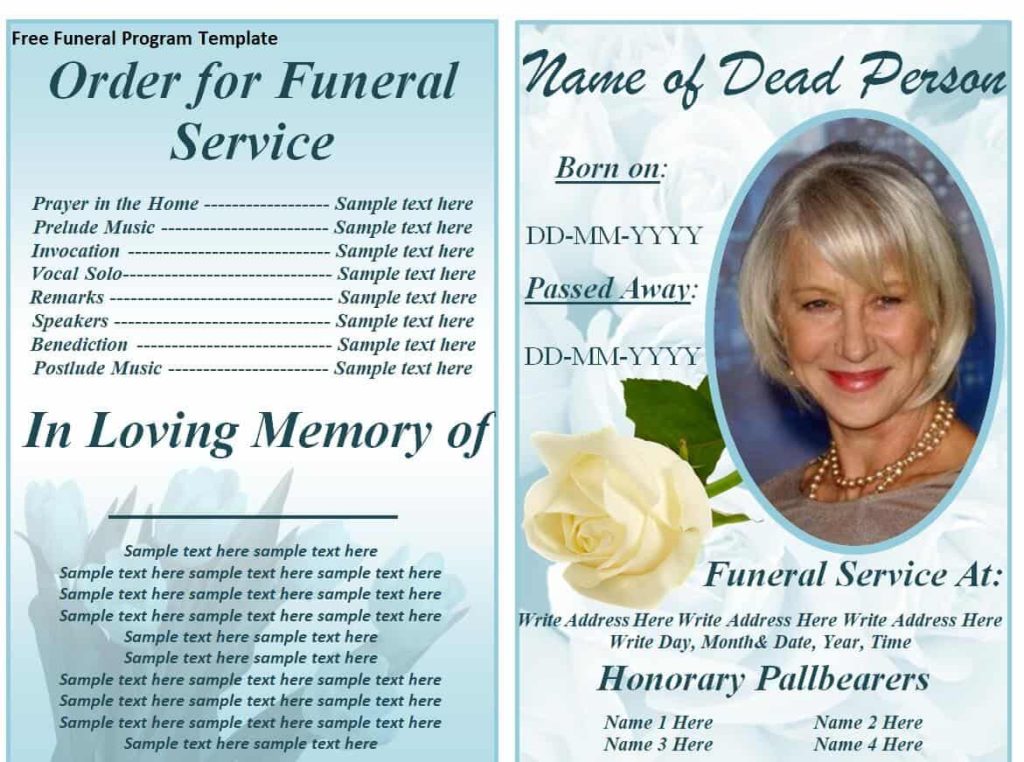
File Size: 918 KB
File Type: MS WORD
Commonly Used Obituary Template WORD
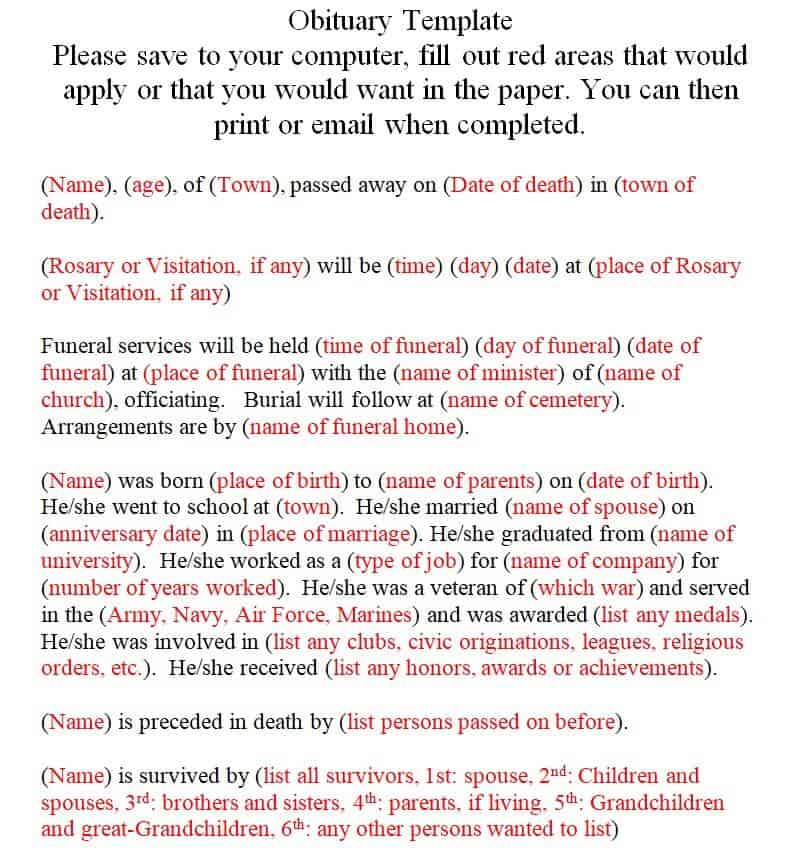
File Size: 4 KB
File Type: MS WORD
Local Newspapers’ Area Obituaries Section in PDF
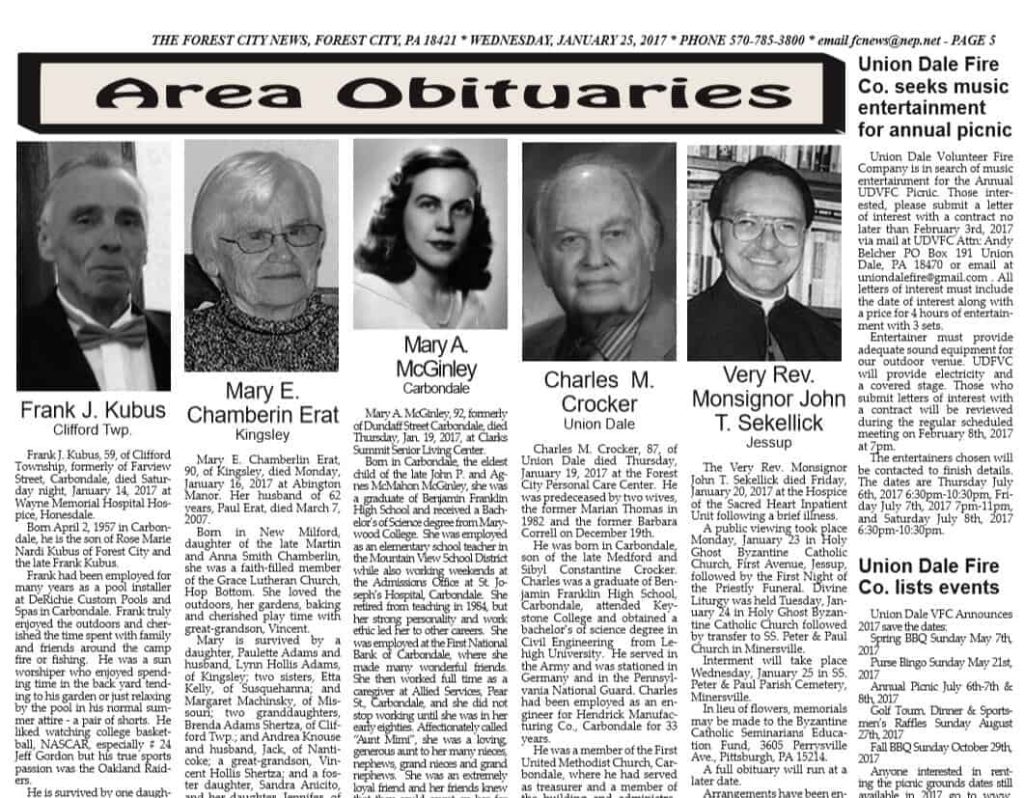
File Size: 1 MB
File Type: PDF
Example Online Memorial Obituary Outline Template
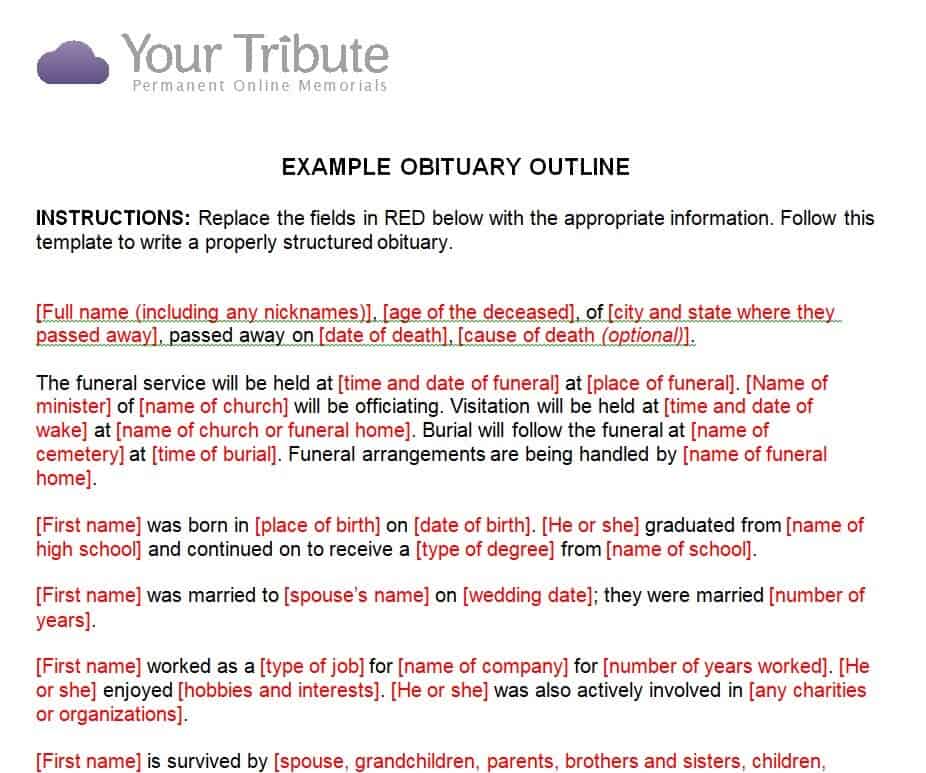
File Size: 18 KB
File Type: MS WORD
Newborn’s Obituary Template

File Size: 7 KB
File Type: MS WORD
Free Fillable Obituary Template
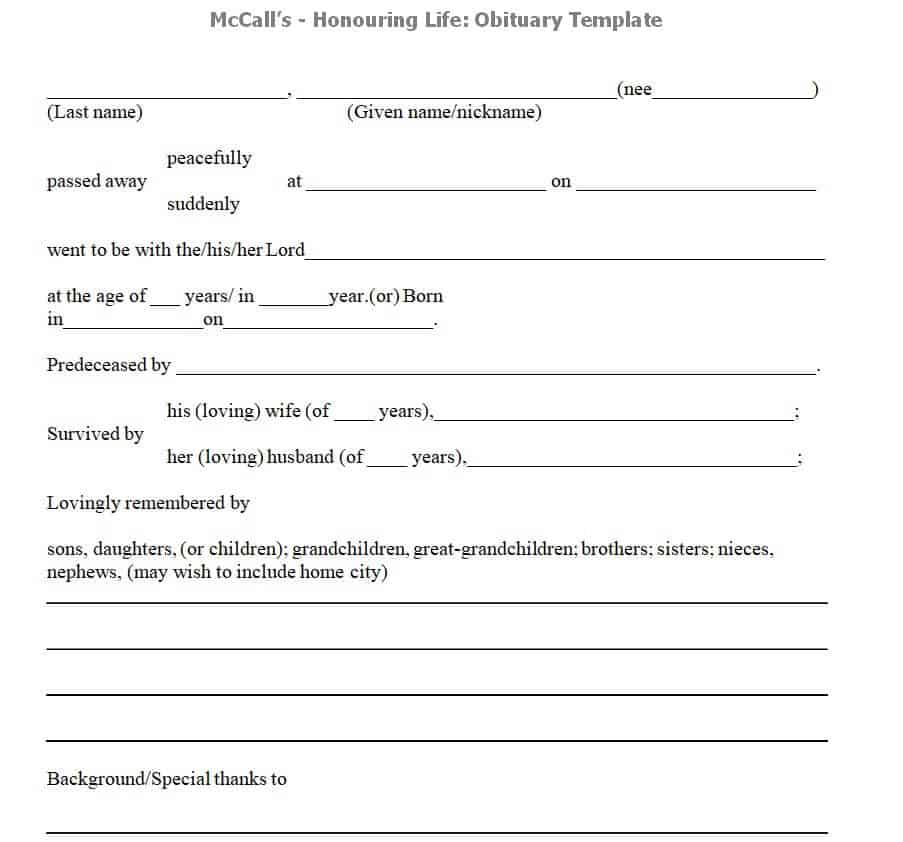
File Size: 6 KB
File Type: MS WORD
Obituary Basic Guideline Template Printable
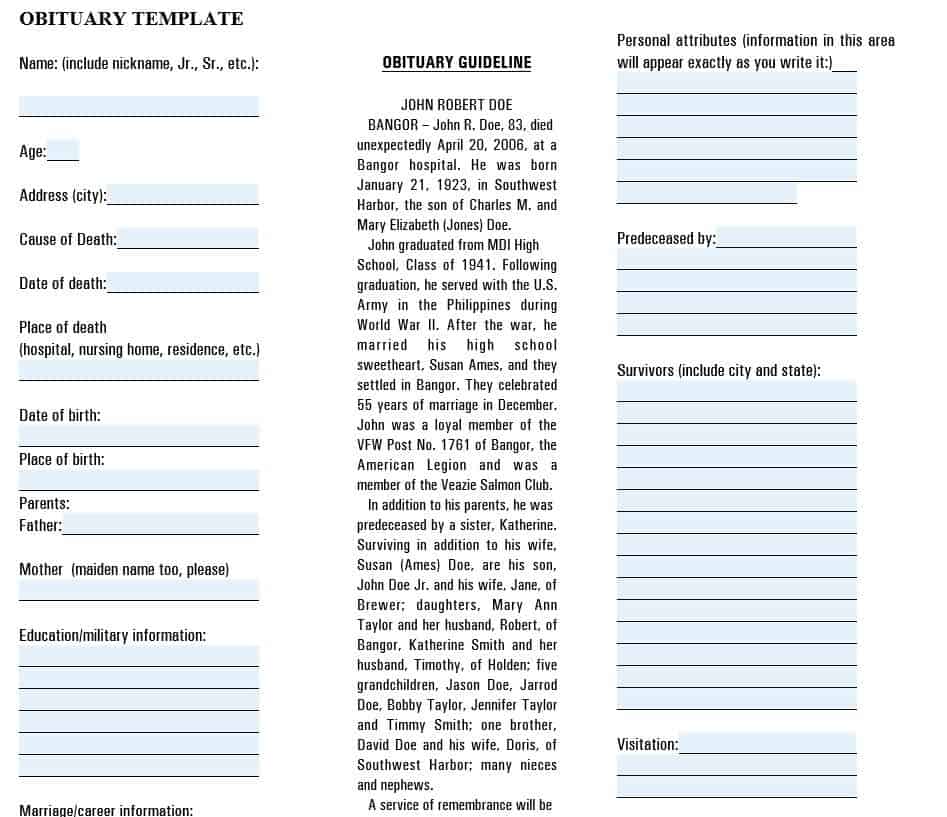
File Size: 56 KB
File Type: PDF
Free Editable Obituary Form Template
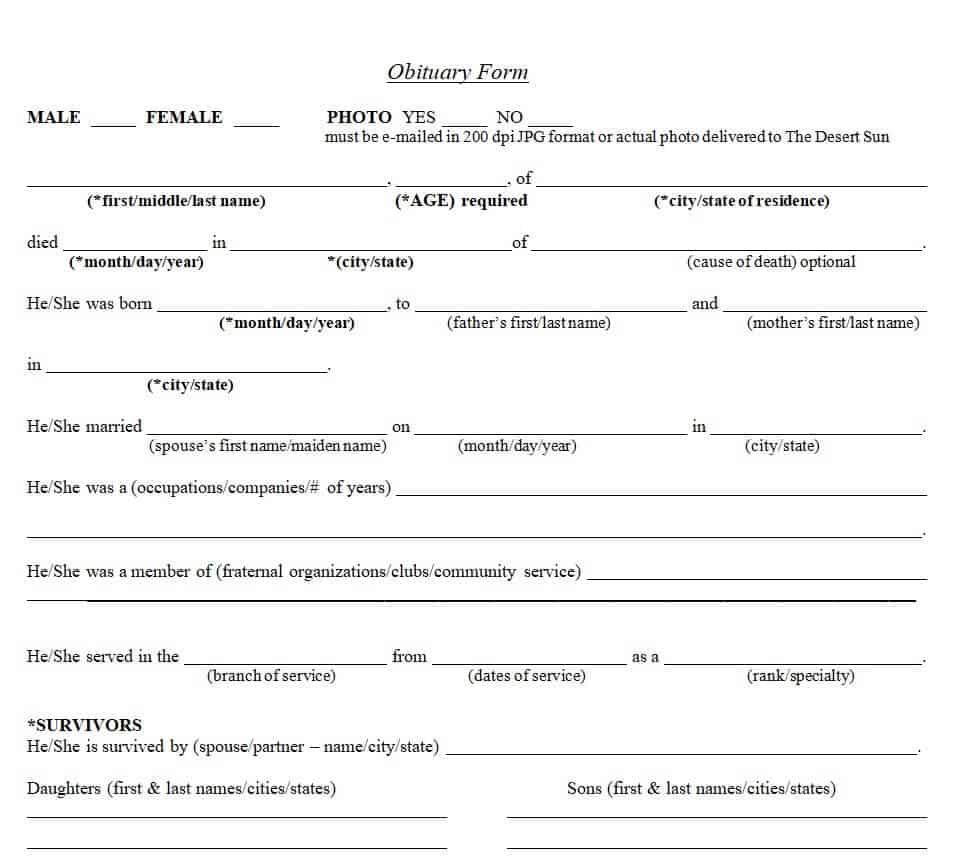
File Size: 44 KB
File Type: MS WORD
Old Lady’s Newspaper Obituary Template
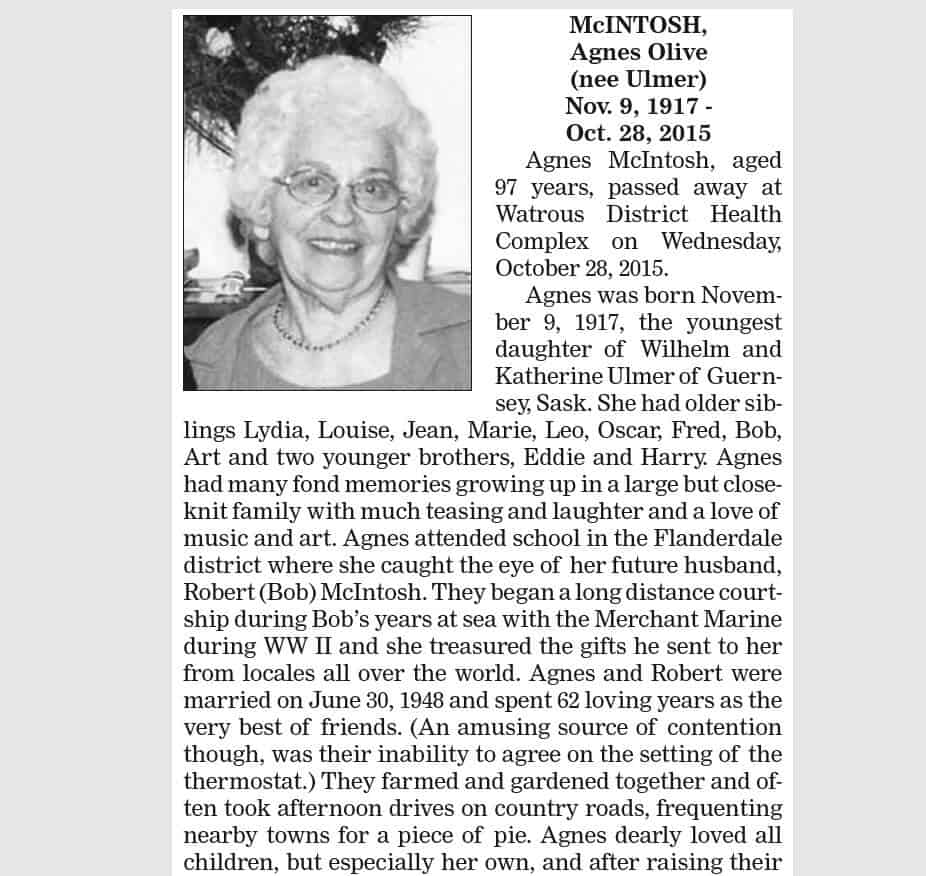
File Size: 645 KB
File Type: MS WORD
What to Include in an Obituary
Every family is different, and an obituary can be as short or as detailed as you wish. Most obituaries include the following information:
Announcement of the death: The full name of the person (including a maiden name or nickname), age, city of residence, and the date and place of death. Some families also mention the cause of death, but this is entirely optional.
Life story and biography: Date and place of birth, parents, education, career, military service, marriage, and the moments that defined their life.
Personality, passions, and achievements: Hobbies, faith, community work, awards, and the qualities that friends and family will remember most.
Surviving family and those who passed before: Spouse or partner, children, grandchildren, siblings, and other close relatives, along with loved ones who died earlier.
Funeral and memorial service details: The date, time, and location of the visitation, funeral, memorial service, or burial, and whether the service is public or private.
Memorial donations or flowers: Many families ask for donations to a charity “in lieu of flowers”. Charities usually send a donation receipt to each donor.
Photograph and acknowledgments: A recent or favorite photo, and a short thank-you to caregivers, hospice staff, or friends who offered support.
Obituary vs Death Notice vs Eulogy
These terms are often used interchangeably, but they are not the same. A death notice is a short, paid announcement that states the death and the funeral arrangements. An obituary is longer and tells the story of the person’s life, either written by the family or by a newspaper journalist. A eulogy is a speech given at the funeral or memorial service to honor the person who has died. You can use the obituary templates above as a starting point for all three.
Tips for Writing and Publishing an Obituary
Gather facts first: Collect full names, dates, places, and the correct spelling of every relative’s name before you start writing. An obituary information form makes this easier.
Write in a warm, personal tone: Share a story, a favorite saying, or a small detail that captures who the person really was.
Check newspaper rules and costs: Local newspapers usually charge by the word or line, and some have word limits and deadlines. Online memorial pages and funeral home websites are often free.
Ask someone to proofread: Have another family member review the obituary for accuracy before it is published.
Inform people personally as well: Close friends, colleagues, and organizations may need to hear the news directly. Our notification letter samples can help, and if you want to support a grieving friend, see our condolence letter samples.
Frequently Asked Questions (FAQs) About Obituaries
What is an obituary?
An obituary is a published notice of a person’s death that also shares a short account of their life, their surviving family, and details of the funeral or memorial service.
Who usually writes an obituary?
Obituaries are usually written by a close family member, sometimes with help from the funeral home. Newspapers may also write news obituaries for well-known people.
How long should an obituary be?
Most newspaper obituaries are between 200 and 500 words. Online memorial pages often allow longer tributes with photos.
How soon after a death is an obituary published?
An obituary is usually published within a few days of the death and before the funeral, so that friends and community members can attend the service.
How do you start an obituary?
A common opening is: “[Full name], [age], of [city], passed away peacefully on [date] surrounded by family.” You can then continue with the person’s life story.
Are these obituary templates free?
Yes. All 20 obituary templates on this page are free to download and edit in Word or PDF format.
Conclusion
Writing an obituary is a meaningful way to honor a loved one and share their story with the community. These 20 free obituary templates in Word and PDF give you a clear structure, so you can focus on remembering the person rather than worrying about the format. Choose a template, add the important details and personal memories, and share it through a newspaper, funeral home, or online memorial page.
