In any growing business, from tech startups and retail outlets to multinational corporations, maintaining tight control over cash flow is paramount. While generating revenue gets most of the spotlight, managing operational expenses, employee reimbursements and travel expenses is what actually protects company margins. Without a standardized expense report system to track every dollar spent, organizations risk budget leaks, tax audit penalties and delayed reimbursements.
This guide explains the core mechanics of effective expense tracking, outlines the key elements every audit-ready form must include, shares practical tips for building clean reports, and gives you direct access to 35 fully customizable expense report templates in Microsoft Excel and Word.
What is an Expense Report?
An expense report is a structured financial document used by employees, contractors, and managers to record, itemize, and submit business-related costs for reimbursement or accounting reconciliation. It transforms scattered receipts, invoice stubs, and digital transaction logs into an organized summary of operational spending over a specific period—whether daily, weekly, monthly, quarterly, or annual.
Expense reports serve multiple essential operational roles within an organization:
- Employee Reimbursements: Outlining out-of-pocket spending incurred by staff while executing company duties (such as client lunches or emergency hardware purchases).
- Corporate Travel Reconciliation: Tracking transportation, lodging, per diems, and entertainment expenses incurred during business trips.
- Departmental & Project Budget Tracking: Auditing specific project spending against pre-allocated operating budgets.
- Tax Compliance & Audit Preparation: Maintaining an official audit trail backed by valid receipts for tax deduction claims.
Why Standardized Expense Reports Are Vital for Business Health
Implementing a structured expense reporting workflow is not just an administrative formality—it is a critical financial control mechanism. Here is why structured reporting matters:
- Strict Cost Control & Variance Analysis: Categorizing expenditures allows financial officers to analyze spending patterns, spot cost overruns early, and renegotiate vendor contracts.
- Accelerated Employee Reimbursement: Standardized submission forms streamline approval workflows, allowing accounting departments to process employee reimbursements faster and reduce friction.
- Fraud Prevention & Error Reduction: Structured formats require receipt attachments, itemized line items, and supervisory signatures, greatly reducing double-billing, erroneous entries, or unauthorized purchases.
- Hassle-Free Tax Deductions: Tax authorities require detailed, verifiable documentation for deductible business expenses. Proper reports ensure your firm claims maximum legal tax write-offs safely.
- Enhanced Forecasting: Historical expense data provides realistic baseline figures when building future quarterly or annual operational budgets.
Key Elements of an Audit-Ready Expense Report
To ensure your expense documents pass internal management reviews and external tax audits, every report should include these standard fields:
| Report Section | Description & Required Information |
| Employee & Department Info | Full employee name, ID number, title, department, contact info, and manager name. |
| Reporting Period | Clear date range covered (e.g., Oct 1, 2026 – Oct 15, 2026 or Q3 Travel Report). |
| Itemized Expense Line Items | Exact transaction date, merchant/vendor name, line-item description, and expense category. |
| Category Classification | Standardized tags such as Meals, Lodging, Mileage, Office Supplies, or Client Entertainment. |
| Payment Method Indicator | Explicit designation showing if the cost was paid via Personal Cash/Card (reimbursable) or Company Credit Card (non-reimbursable offset). |
| Totals & Tax Breakdown | Itemized sub-totals per category, applicable sales tax, advances received, and the final net amount due to/from the employee. |
| Authorization Signatures | Signature and date blocks for both the claimant and the approving supervisor or CFO. |
Step-by-Step: How to Prepare an Expense Report Like a Pro
Creating clean, error-free expense submissions requires systematic attention to detail. Follow these simple steps to ensure your reports are approved quickly without administrative back-and-forth:
Step 1: Collect and Organize All Proof of Purchase
Gather physical receipts, hotel folios, airline e-tickets, and digital invoice confirmations as soon as transactions occur. Digitize paper receipts using a phone scanner to prevent lost records due to faded thermal paper.
Step 2: Choose the Right Template Format
- Use Excel (.xlsx) when dealing with heavy numbers, complex expense breakdowns, automatic tax/mileage calculations, or comparative timeframes.
- Use Word (.docx) when writing detailed travel summaries, narrative justifications, or formal business proposals that require attached reimbursement forms.
Step 3: Categorize Each Line Item Correctly
Avoid dumping multiple costs into vague “Miscellaneous” categories. Group expenses accurately under predefined headers (e.g., Mileage, Airfare, Software Licenses) to simplify ledger posting for your bookkeeping team.
Step 4: Verify Calculations and Reconcile Advances
If the company issued a travel advance prior to a trip, deduct the advance amount from the grand total. Ensure all subtotals add up accurately—especially when using spreadsheet formulas.
Step 5: Attach Receipts and Submit for Signature
Affix scanned or physical receipts in chronological order corresponding to the line items in your report. Sign the document and forward it directly to your designated supervisor for authorization.
Complete Overview of 35 Customizable Expense Report Templates
Explore this curated collection of ready-to-use, fully customizable expense report templates available in Microsoft Excel and Microsoft Word.
Excel Expense Report Templates (Ideal for Automated Calculations & Financial Logs)
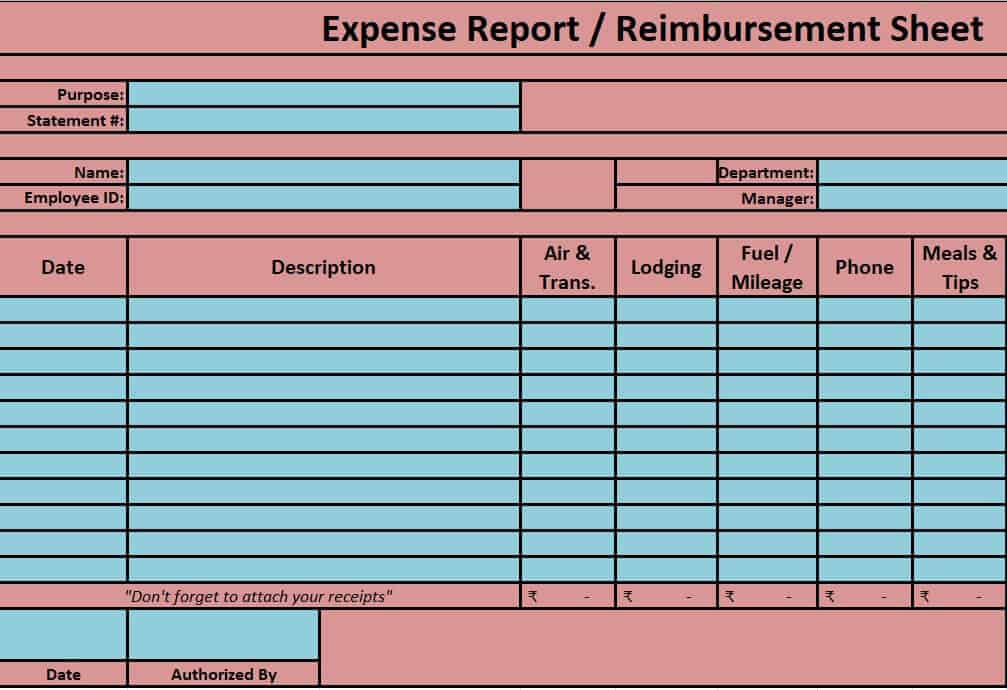
- Expense Reimbursement Report Sheet Template: Streamlined ledger featuring calculated totals for rapid employee out-of-pocket payment processing.
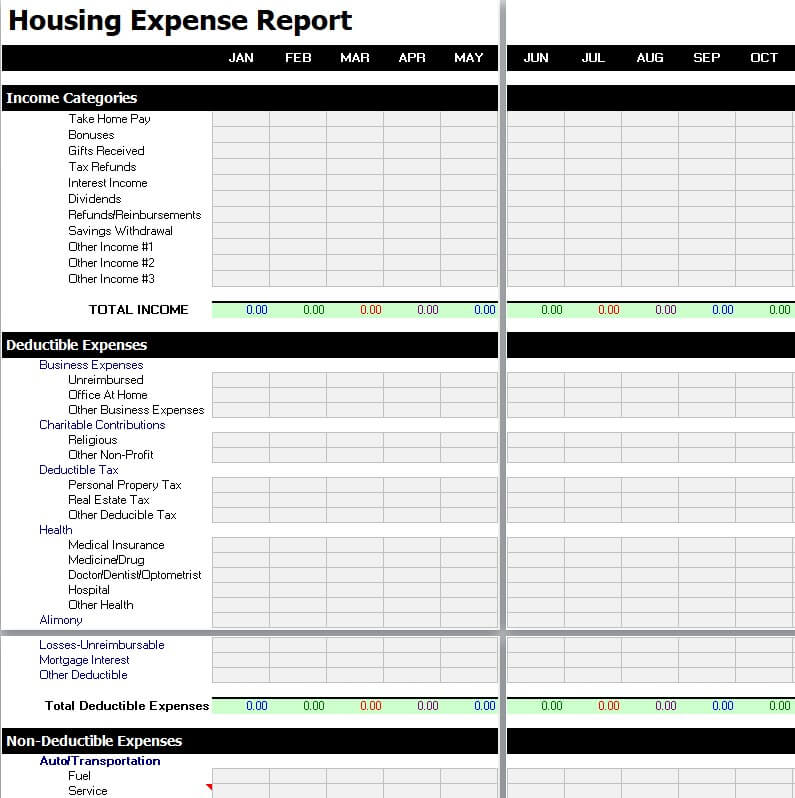
- Housing Expense Report Template: Specialized tracker designed for property managers and real estate firms tracking utility, maintenance, and HOA costs.
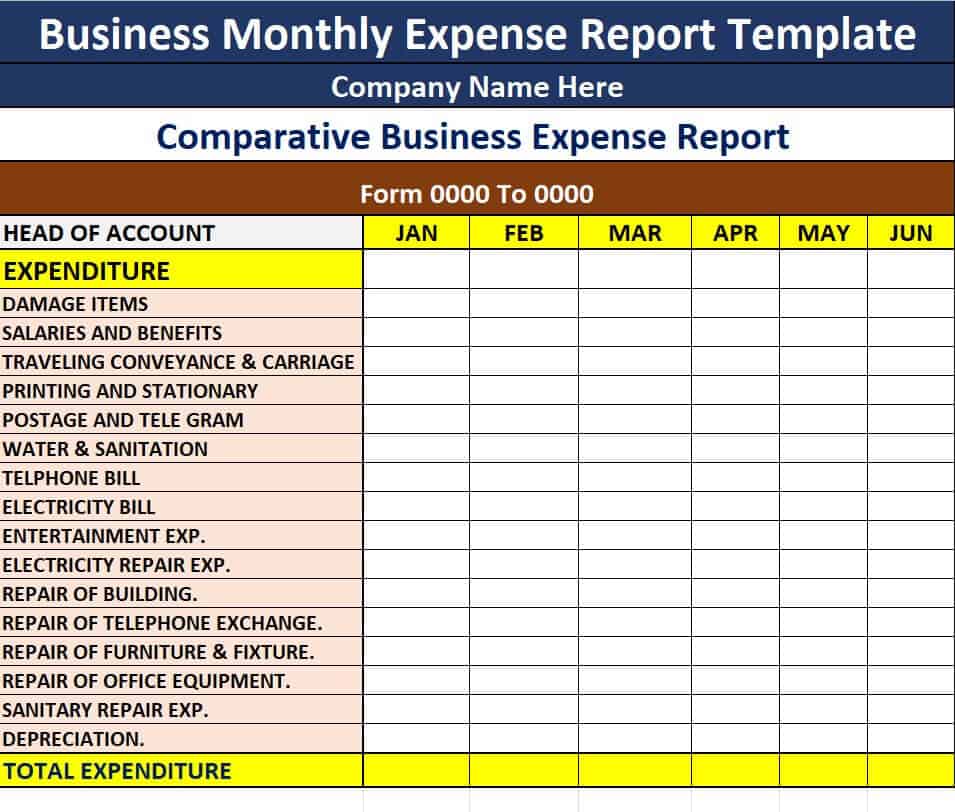
- Business Monthly Expense Report Excel Template: Comprehensive 30-day operational ledger for tracking recurring overhead, utilities, and software costs.
- Sample Business Expense Reimbursement Form: Standardized template featuring clear payment method indicators and authorization signature blocks.
- Simple Expense Report Template MS Excel: A clean, minimal tracker perfect for quick single-event spending logs without clutter.
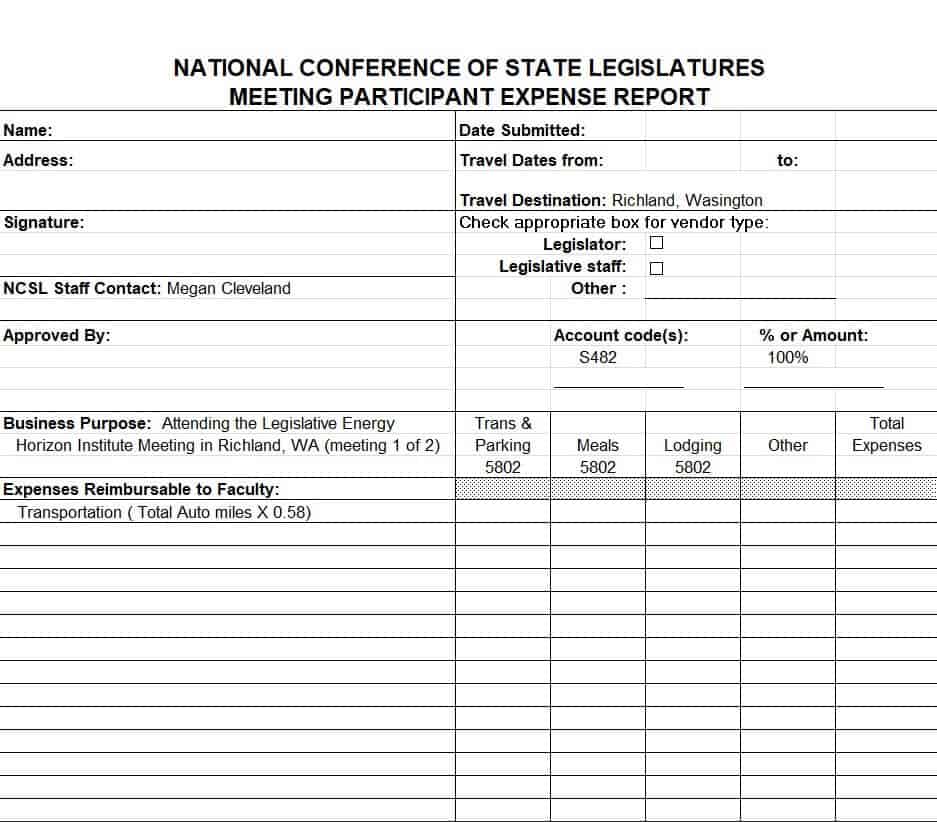
- Meeting Expense Report Format: Structured form for detailing catering, venue rentals, AV equipment costs, and attendee logs for corporate meetings.
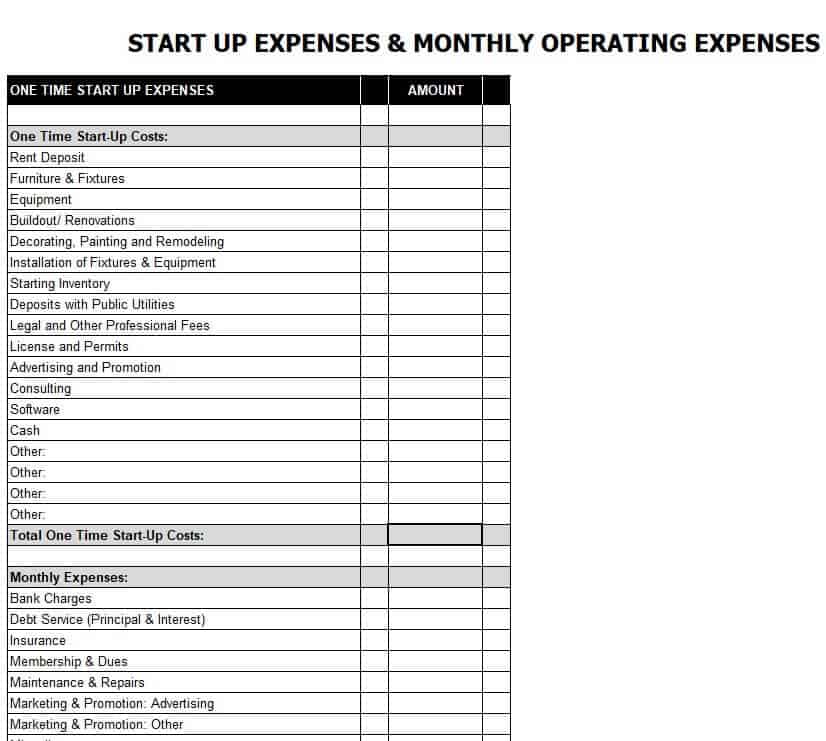
- Startup & Monthly Operating Expense Report Template: Essential tool for early-stage founders monitoring runway burn rate and monthly recurring costs.
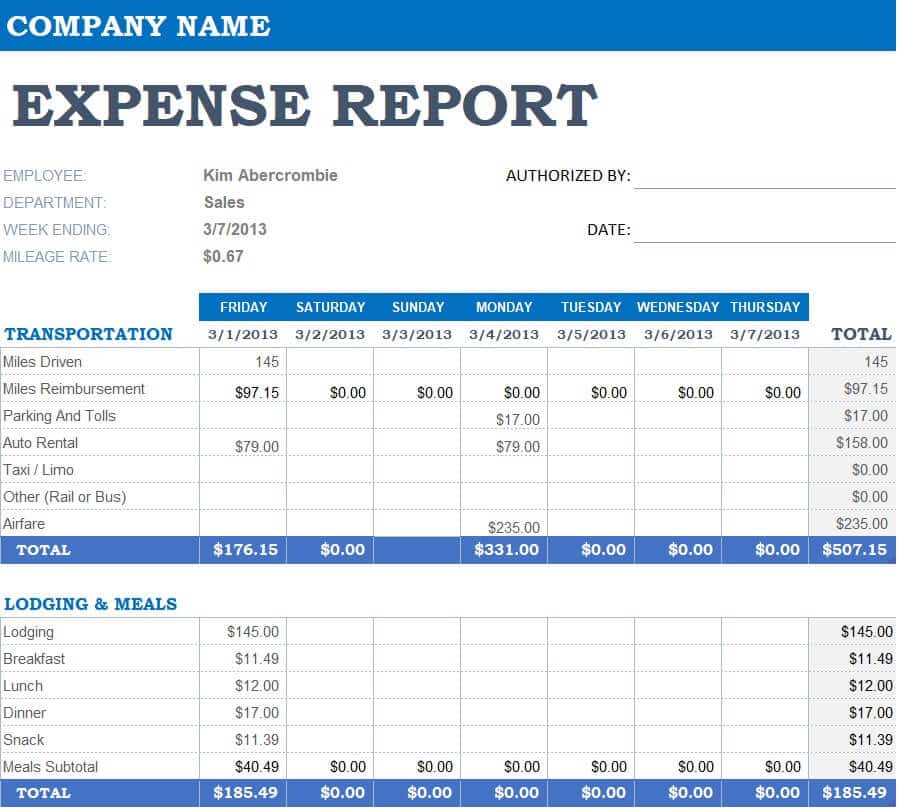
- Official Expense Report Template: High-level corporate sheet styled for formal departmental submissions and fiscal reviews.
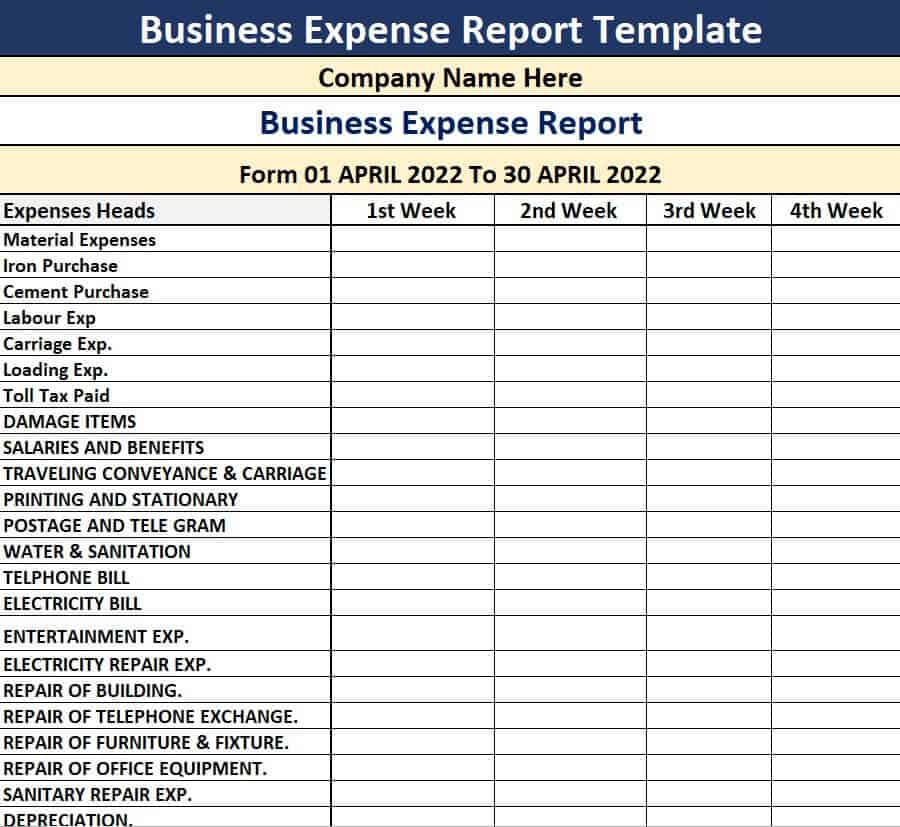
- Business Expense Report Excel Sheet: All-purpose corporate tracker designed to log daily administrative expenditures smoothly.
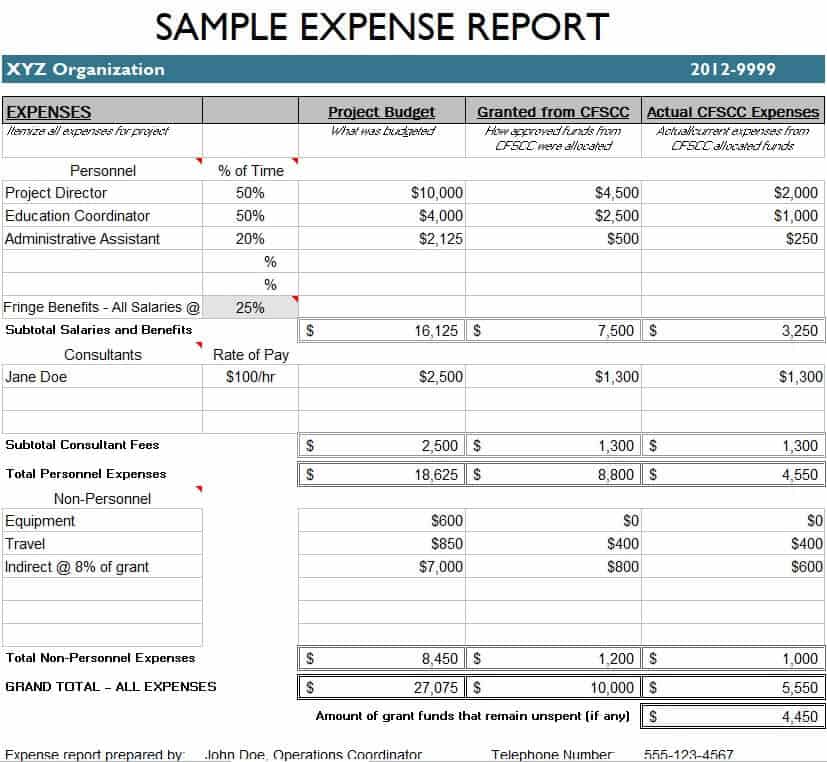
- Sample Expense Report Template: Flexible general-use layout with pre-set sum formulas for everyday office spending.
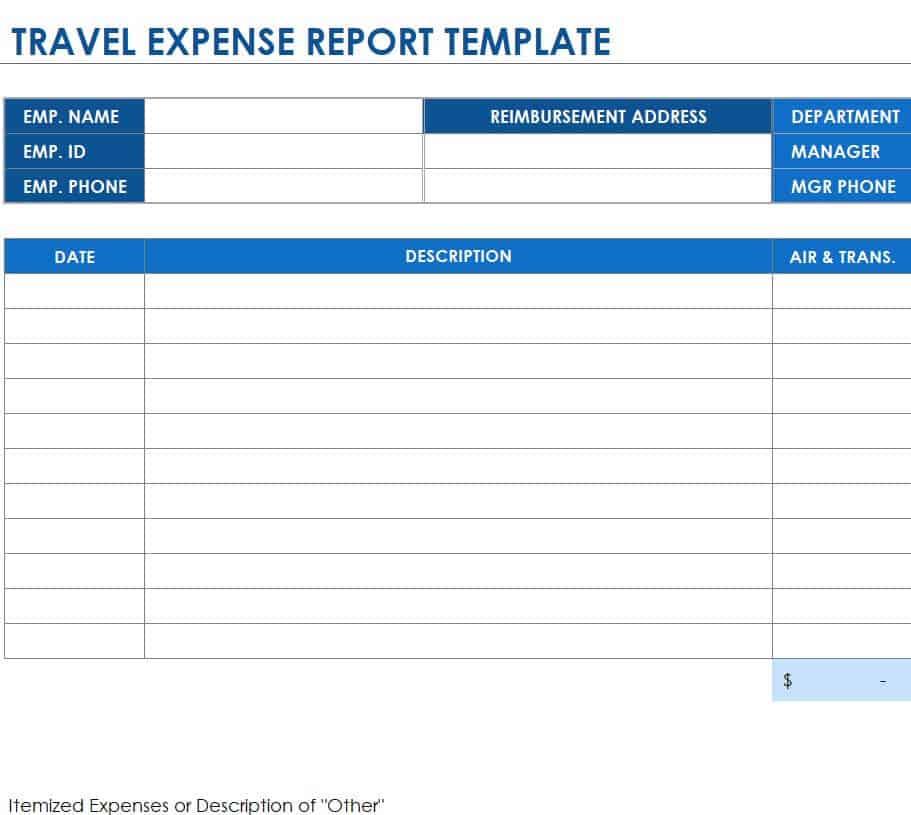
- Travel Expense Report Excel Template: Specialized multi-day travel log including dedicated columns for lodging, meals, flight fees, and taxi fares.
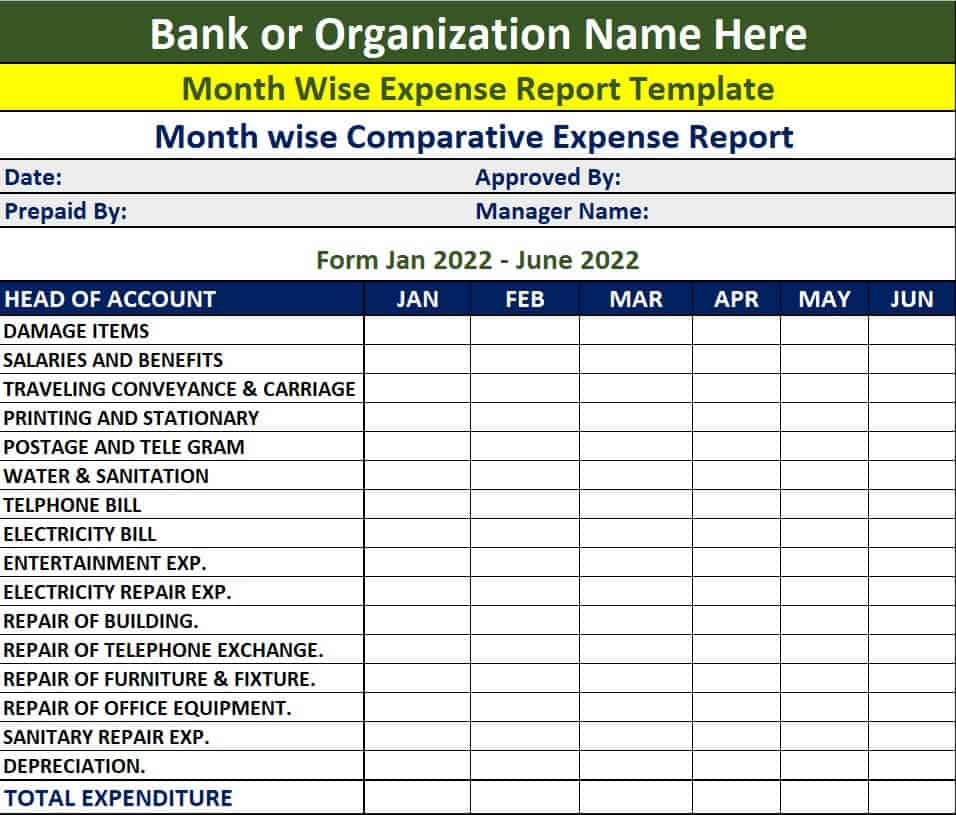
- Bank’s Month Wise Comparative Expense Report Template: Advanced financial sheet for tracking monthly variances and budget drifts over long periods.
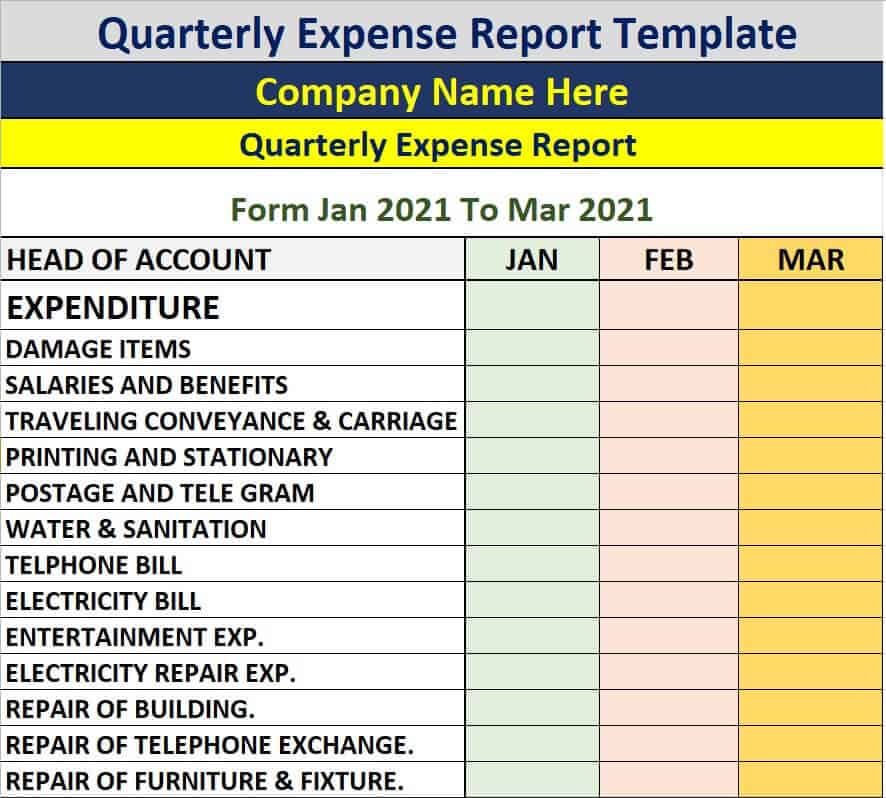
- Company’s Quarterly Expense Report Template: High-level reporting tool built to aggregate three months of operational expenditures for executive reviews.
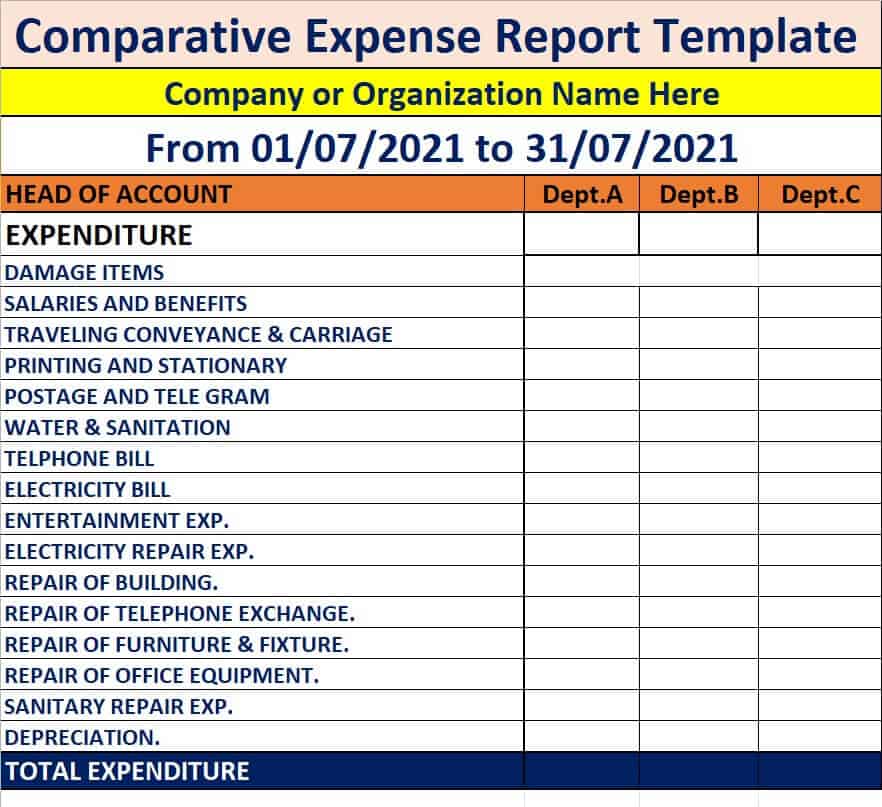
- Simple Comparative Expense Report Template in Excel: Easy-to-read variance analysis sheet comparing actual expenses directly against budgeted limits.
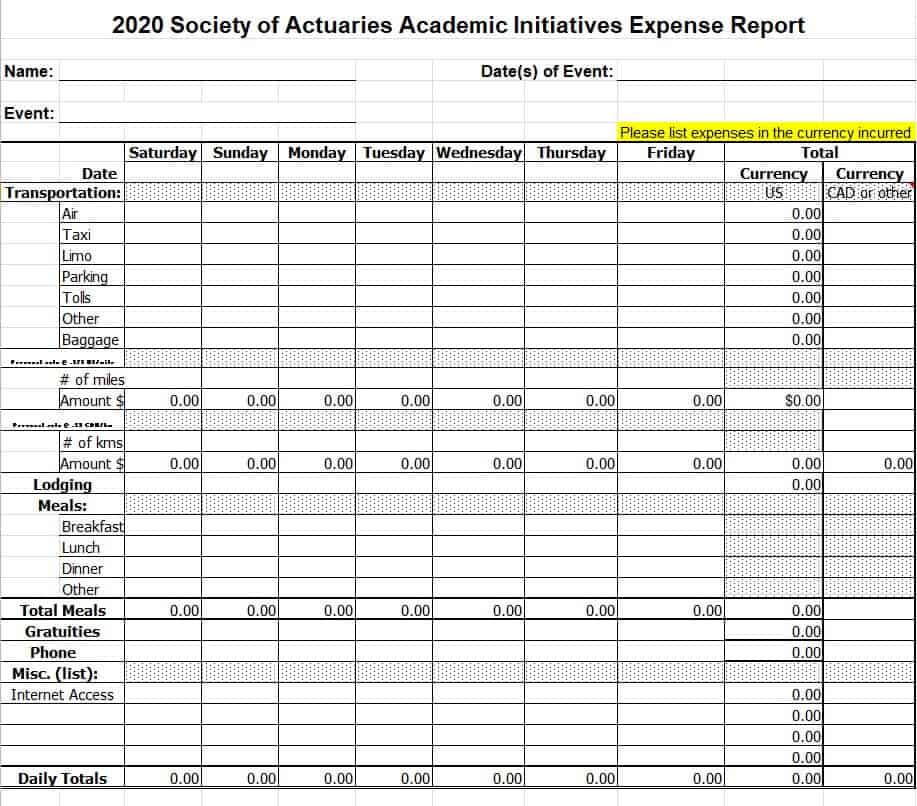
- Academic Initiatives Expense Report Template: Tailored for educational institutions, research grant tracking, and school department budgets.
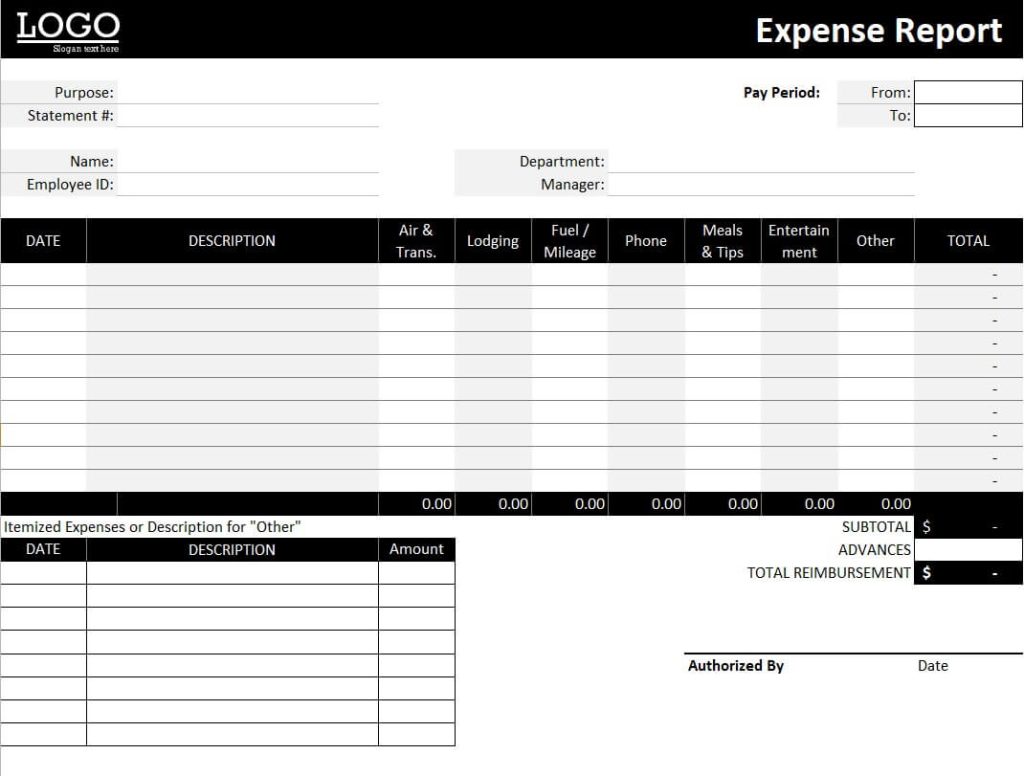
- Professional Expense Report Template: Polished, corporate-styled spreadsheet designed for senior executives and management reporting.
- Basic Expense Sheet Template: Simple table layout ideal for micro-businesses, freelancers, and independent contractors tracking daily overhead.
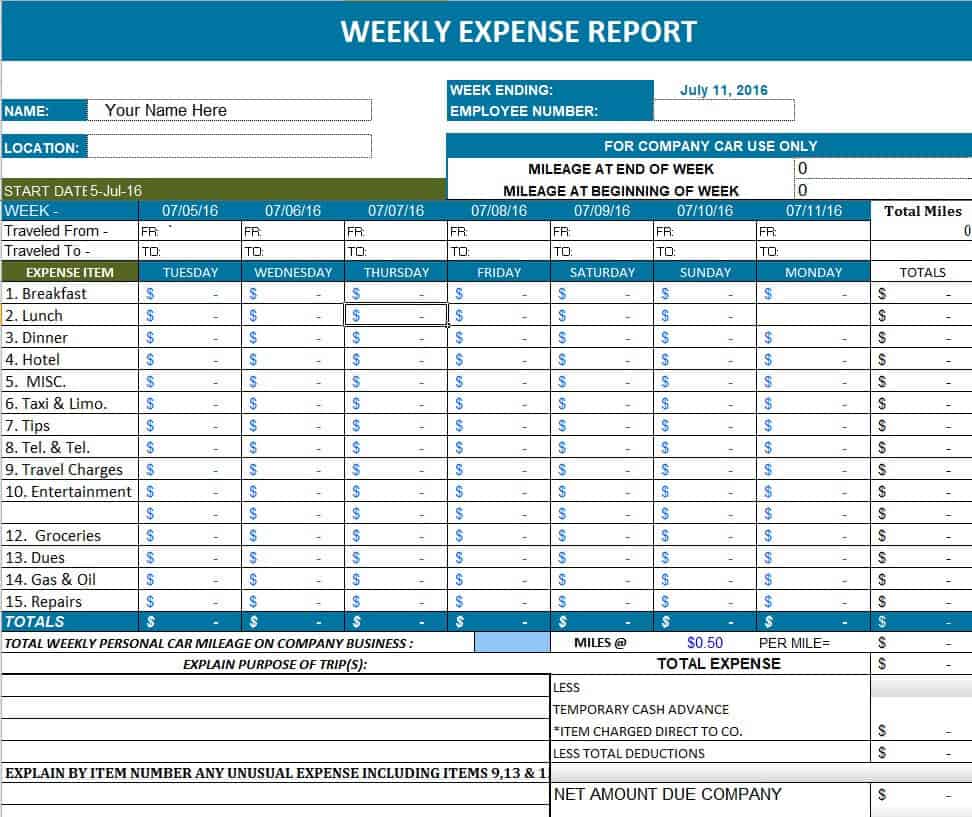
- Customizable Weekly Expense Report: 7-day tracking sheet designed for field sales reps and road workers submitting frequent claims.
- Departmental Expense Report Template: Multi-tab or multi-section spreadsheet organizing expenditures across HR, Sales, IT, and Marketing.
- Sample Weekly Expense Report Template in XLSX Format: Pre-formatted weekly template featuring built-in formulas for rapid data entry.
- Corporate Expense Report Sheet: Formal internal form tailored for corporate finance workflows, policy compliance, and internal auditing.
- Employee Expense Report Excel Worksheet: Simple user-friendly tab for employees to log personal outlays for rapid payroll processing.
- Hospital Expense Report Template: Healthcare administration sheet built to log medical equipment, inventory supplies, and facility operational costs.
Word Expense Report Templates (Ideal for Written Summaries & Narrative Forms)
- Monthly Sales and Expense Report Word Template: Dual-purpose document combining monthly sales revenue summaries with associated operating costs.
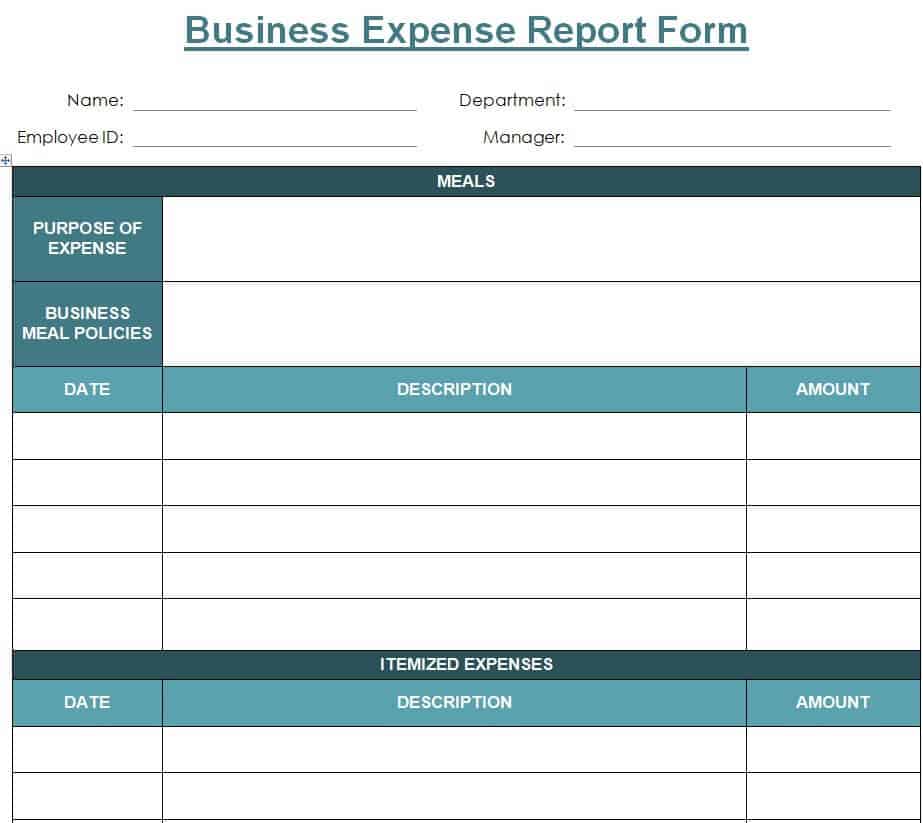
- Basic Business Expense Report Form Template: Simple printable form featuring clear input fields for manual or typed entry.
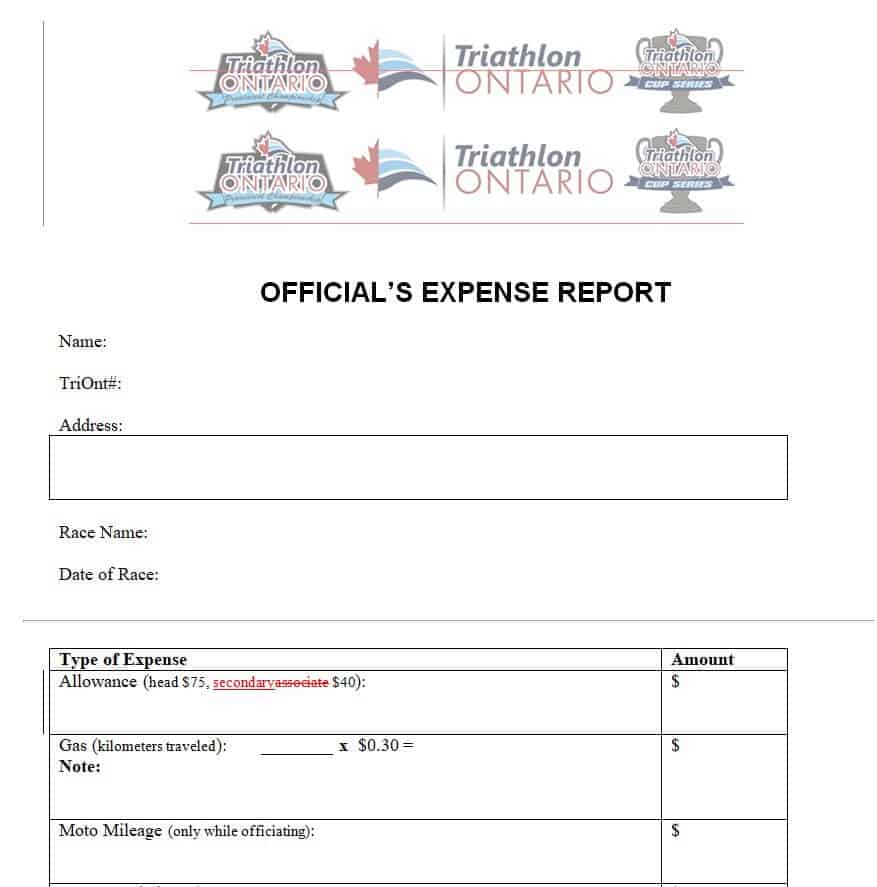
- Official’s Expense Report Template in MS Word: Clean formal letter-style document designed for government, non-profit, or board-level filings.
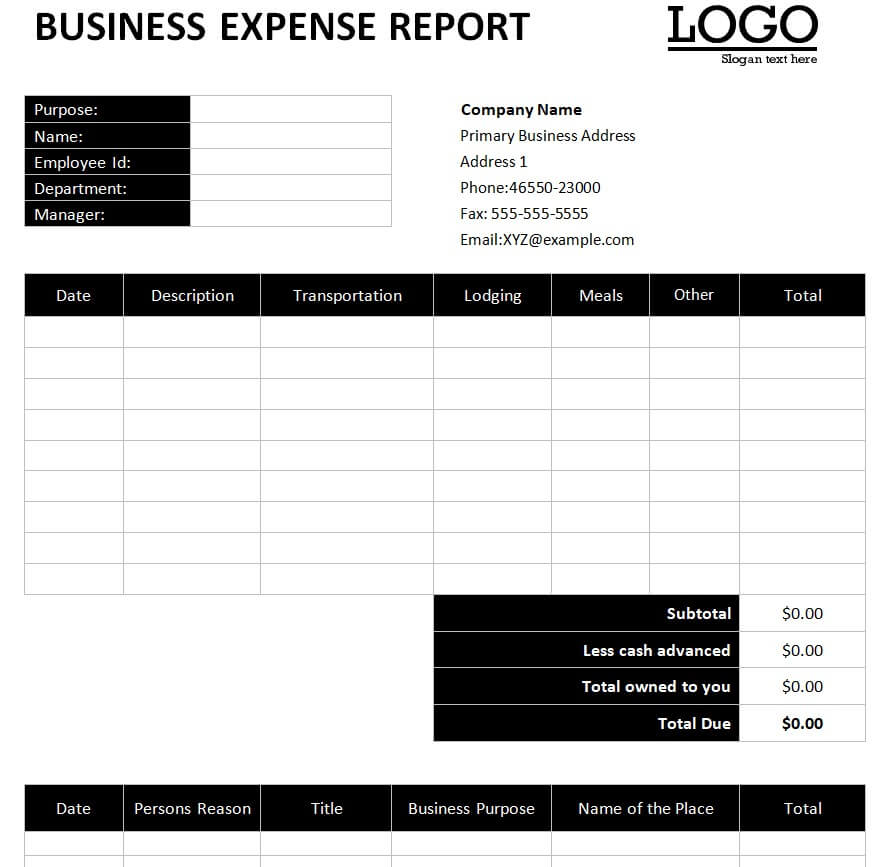
- Business Expense Report Word Template: Versatile narrative-friendly document for outlining departmental expenditures along with written justifications.
- Credit Card Expense Report Sample: Formatted document designed specifically to reconcile monthly company credit card statements against submitted receipts.
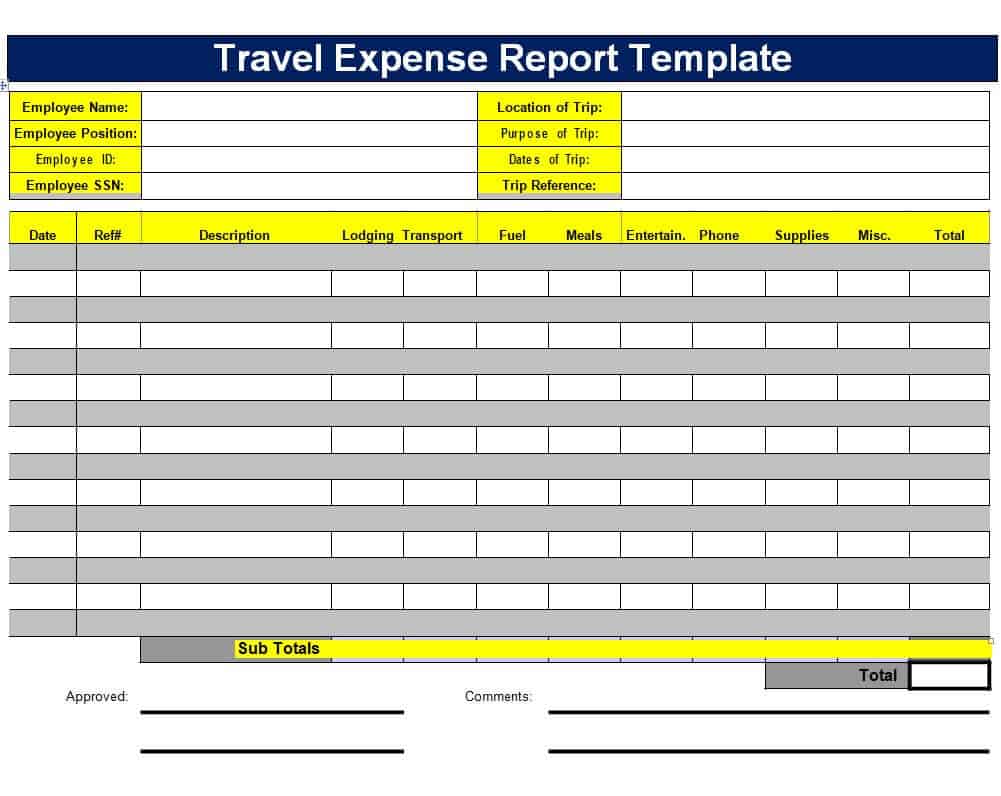
- Travel Expense Report Word Template: Concise travel summary document allowing staff to write mission overviews alongside cost logs.
- Sample Team Expense Report Template: Group reimbursement template designed to combine costs incurred by multiple team members during a single event.
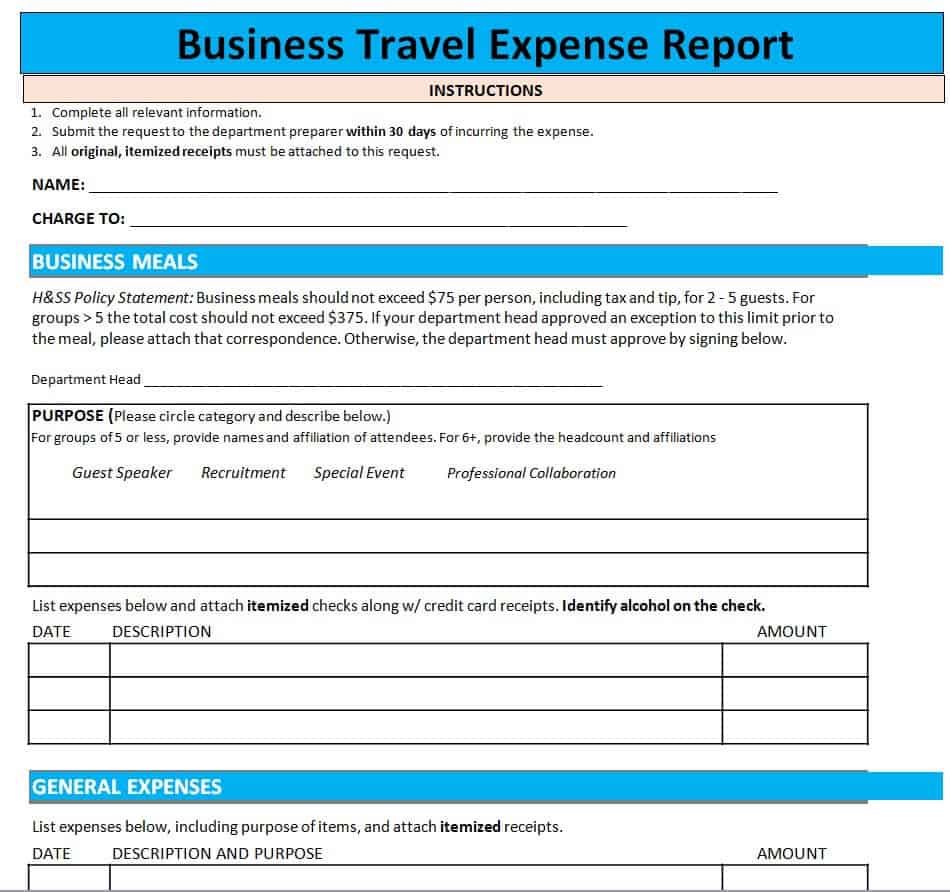
- Business Travel Expense Report Sheet: Clean document layout focusing on business trip itineraries, lodging details, and meal allowances.
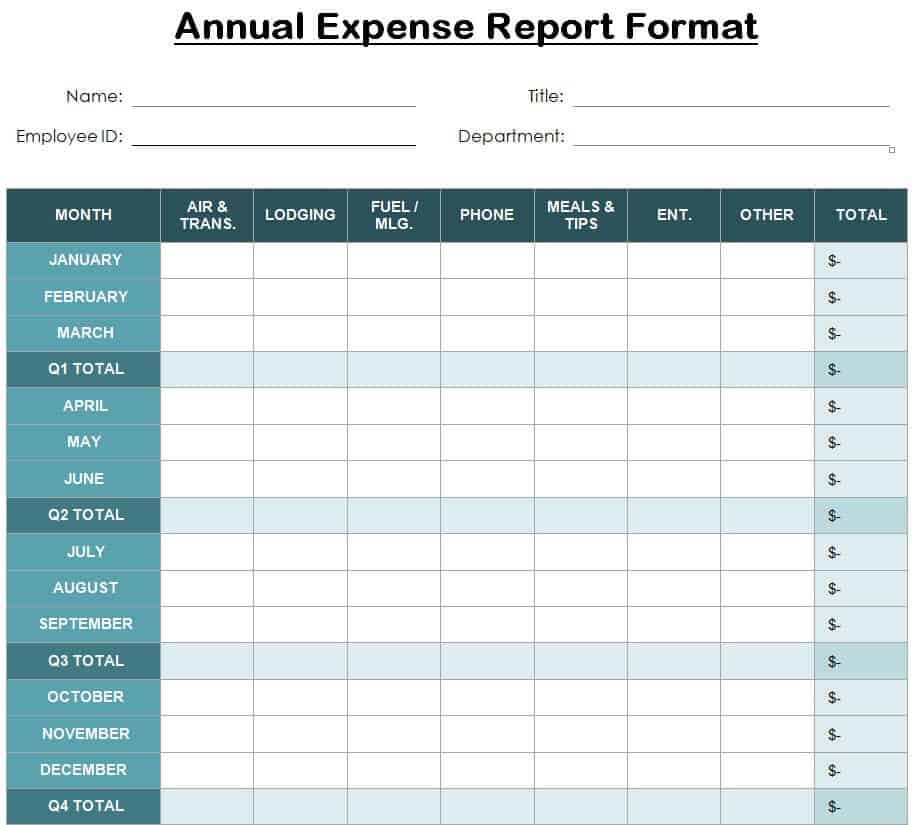
- Annual Expense Report Format: Comprehensive year-end document structure ideal for compiling yearly financial reviews and board presentation decks.
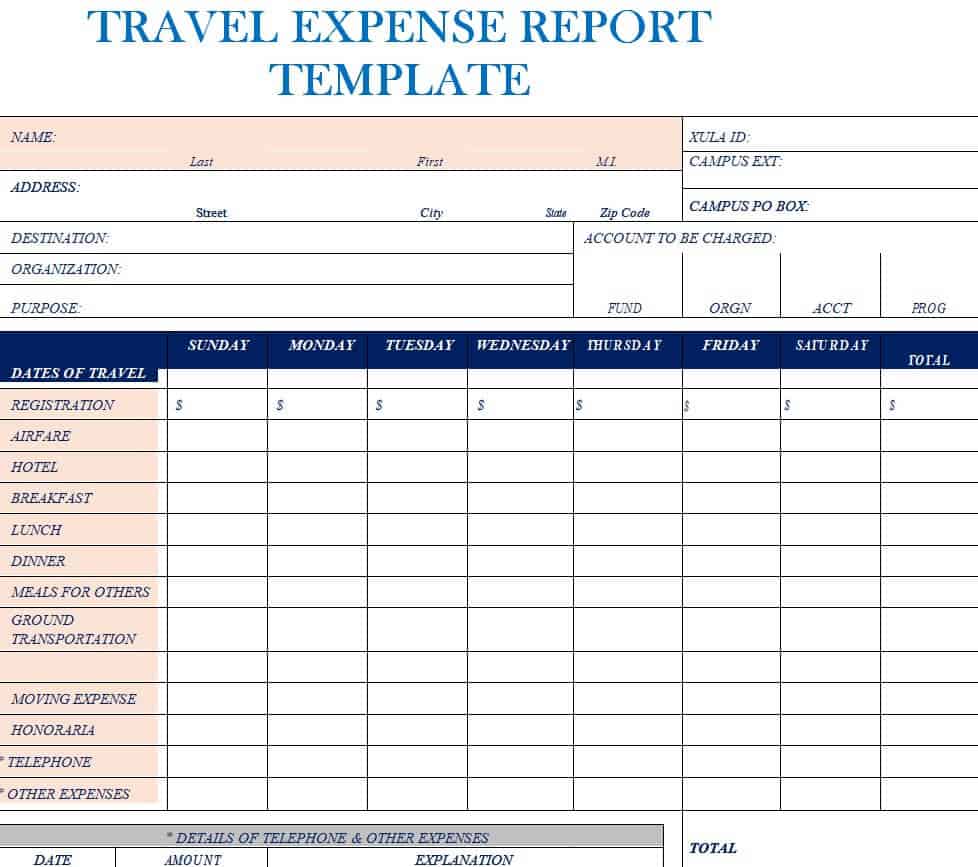
- Travel Expense Report Template: Classic travel claim form with structured sections for transport, per diems, and itemized receipts.
- Officer’s Travel Expense Report Word Template: Executive-level travel form tailored for directors, vice presidents, and C-suite business trips.
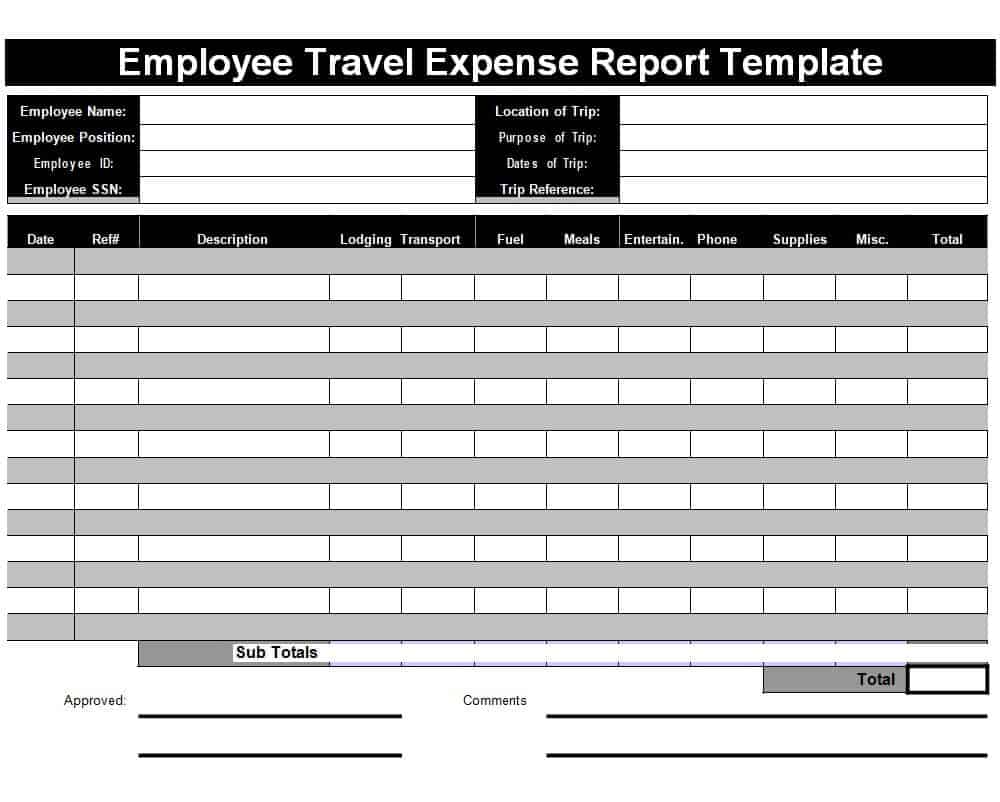
- Employee Travel Expense Report Template: Standardized staff travel claim form designed for easy printing, physical signing, and HR filing.
Expense Report Templates in Excel
Expense Reimbursement Report Sheet Template
File Size: 09 KB
Housing Expense Report Template
File Size: 19 KB
Business Monthly Expense Report Excel Template
File Size: 09 KB
Sample Business Expense Reimbursement Form

File Size: 25 KB
Simple Expense Report Template MS Excel

File Size: 350 KB
Meeting Expense Report Format
File Size: 497 KB
Startup & Monthly Operating Expense Report Template
File Size: 10 KB
Official Expense Report Template
File Size: 18 KB
Business Expense Report Excel Sheet
File Size: 09 KB
More Expense Report Templates in Excel
Sample Expense Report Template
File Size: 28 KB
Travel Expense Report Excel Template
File Size: 27 KB
Bank’s Month Wise Comparative Expense Report Template
File Size: 09 KB
Company’s Quarterly Expense Report Template
File Size: 08 KB
Simple Comparative Expense Report Template in Excel
File Size: 08 KB
Academic Initiatives Expense Report Template
File Size: 09 KB
Professional Expense Report Template
File Size: 27 KB
Basic Expense Sheet Template

File Size: 350 KB
Customizable Weekly Expense Report
File Size: 18 KB
Departmental Expense Report Template
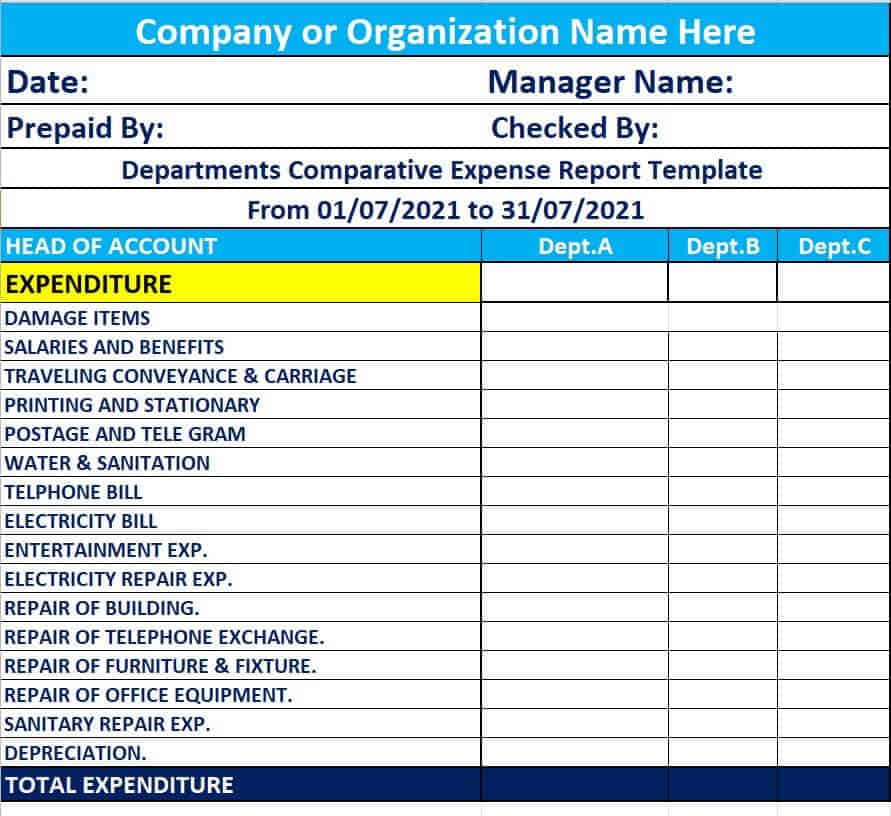
File Size: 08 KB
Sample Weekly Expense Report Template in XLSX Format
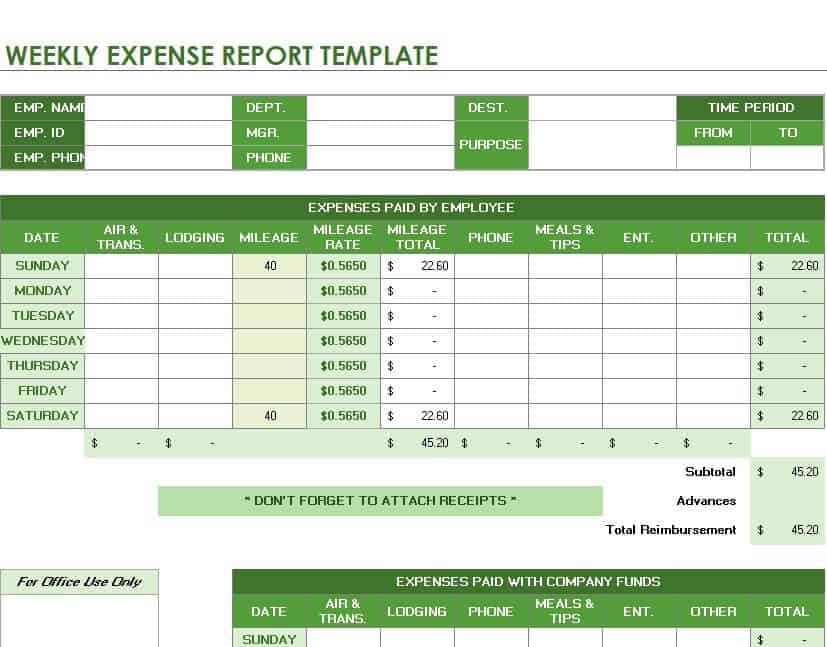
File Size: 352 KB
Corporate Expense Report Sheet

File Size: 48 KB
Employee Expense Report Excel Worksheet
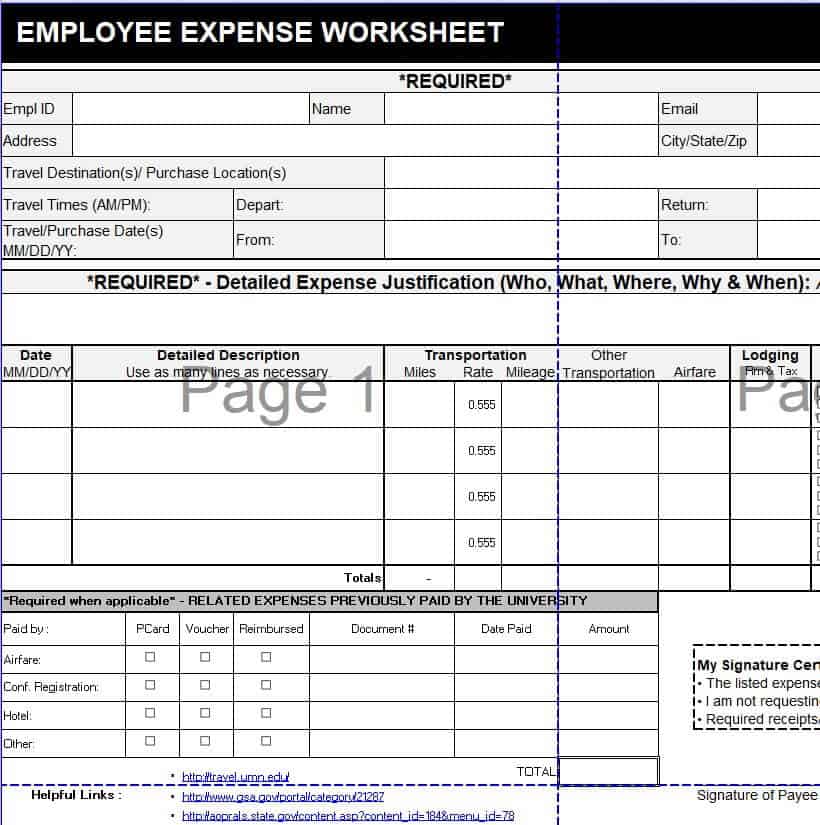
File Size: 106 KB
Hospital Expense Report Template
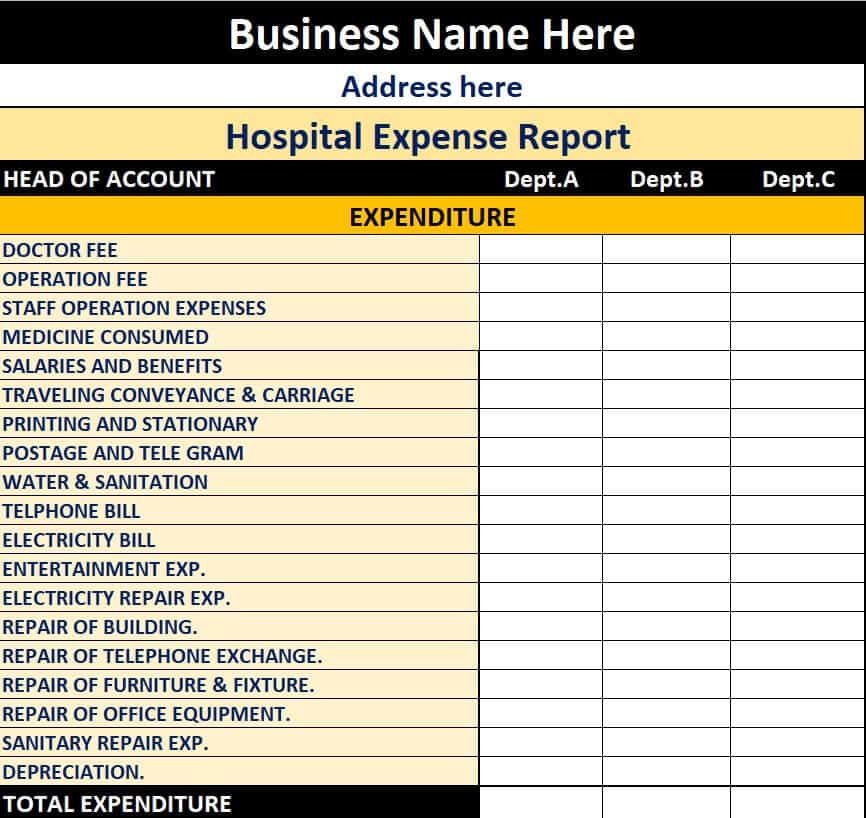
File Size: 08 KB
How to Prepare a Professional Expense Report
If you prefer to build an expense report from scratch instead of using one of the templates on this page, make sure it contains the elements listed in the table above.
General Tips for Preparing a Professional Expense Report
In addition to those elements, keep in mind the following general tips for preparing a professional expense report:
- The title of the report must be written in such a way so that it clearly indicates what the report is all about.
- Add the name of the department.
- The date an expense was incurred and paid for.
- The details of the employee, official, or any person who incurred the expense or expenses. These details will include his/her full name, designation, employee ID, and contact details.
- When you describe a single expense, make sure to keep your explanation short and direct. You should write the purpose of any such expense.
- Indicate how an expense was actually paid for i.e., whether the expense was paid for from the company’s account or by the employee himself.
- Add the necessary columns required to record the details of every expense.
- Properly itemize or categorize all the expenses.
- Amount of each and every expense and the subtotal of each type of expense. After that, write the total amount of expenses by adding all the subtotals.
- Attach the relevant receipts with the expense report as evidence of the expense(s).
- The manager must sign the expense report to make it official.
- Review the expense report to ensure that all the expenses and relevant details have been recorded.
Editable Expense Report Templates in Word
Monthly Sales and Expense Report Word Template

File Size: 74 KB
Basic Business Expense Report Form Template
File Size: 19 KB
Official’s Expense Report Template in MS Word
File Size: 77 KB
Business Expense Report Word Template
File Size: 59 KB
Credit Card Expense Report Sample

File Size: 20 KB
Travel Expense Report Word Template
File Size: 09 KB
Sample Team Expense Report Template

File Size: 28 KB
Business Travel Expense Report Sheet
File Size: 08 KB
Annual Expense Report Format
File Size: 21 KB
Travel Expense Report Template
File Size: 16 KB
Officer’s Travel Expense Report Word Template

File Size: 08 KB
Employee Travel Expense Report Template
File Size: 09 KB
Sample Travel Expense Report
| Date | Category | Description | Paid By | Amount |
| 3 Oct | Airfare | Return flight to client site | Company card | 320.00 |
| 3 Oct | Lodging | Hotel, 2 nights | Employee | 180.00 |
| 4 Oct | Meals | Client lunch | Employee | 45.00 |
| 4 Oct | Local transport | Taxi fares | Employee | 25.00 |
| Total expenses | 570.00 | |||
| Less: paid by company card | (320.00) | |||
| Less: travel advance received | (100.00) | |||
| Amount due to employee | 150.00 | |||
Expense reports work best alongside other finance documents. Record petty cash and reimbursement payments with our payment voucher templates, issue proof of payment using these cash payment receipt templates, plan future spending with a cash flow forecast template, and summarize everything for management with our monthly report templates.
Frequently Asked Questions
What is the difference between an expense report and an invoice?
An invoice is a payment request sent by a vendor or seller to a customer for goods or services provided. An expense report is an internal document created within a company by an employee or department to log money already spent, request reimbursement, or reconcile budgets.
How long should a company keep expense reports and receipts?
Tax authorities (such as the IRS or local revenue agencies) generally recommend keeping expense records, approved reports, and supporting receipts for at least 3 to 7 years, depending on your jurisdiction and specific business entity structure.
Why should I use Excel over Word for expense reporting?
Excel is preferred when your report requires frequent numerical entries, multi-currency conversions, sub-totals, tax calculations, or budget comparison graphs, because spreadsheets eliminate manual math errors through automated formulas. Word is ideal when the report requires significant written context, executive summaries, or formal printable forms.
Can these expense report templates be exported to PDF?
Yes. Once you populate your chosen Word or Excel template, you can easily save or export the file as a PDF (.pdf) directly within Microsoft Office for secure, unalterable distribution and digital signing.
Final Thoughts
A clear, consistent expense report gets employees reimbursed faster, keeps budgets under control and makes tax time easier. Download any of the 35 free Excel or Word expense report templates above, attach receipts for every line item, and review spending by category each month to spot savings early.