

A progress report is an important document in project management that shows the current status of a project, task or study. Ready-made progress report templates let you customize the format to your needs, and they are used for company and business projects as well as for educational and research projects.
On this page, you can download 23 free progress report templates and samples that are fully editable. The collection covers daily, weekly, monthly, quarterly and annual progress reports, project progress reports, research and grant reports, interim reports, executive summaries and student progress reports for schools. Each template comes with a preview and a free download button, so you can add your project details and share a professional status update with your manager, client or stakeholders in minutes.
What is a Progress Report?
Basically, a project report sample is a formal document that includes the details related to a particular project that is being carried out. It provides in detail the status of a project like how much of the project is completed, the roles and responsibilities of everyone involved in the project, and the targets or objectives that have been achieved or accomplished.
To put it simply, a progress report template is a document that provides a timely update of the project and answers the questions of people involved or associated with that particular project. The involved or associated people can be the different stakeholders related to the project like the investors or executive management of the entity. A useful document like a progress report template keeps all these people informed and regularly aware of the details of the project so as to avoid any major issues or conflicts.
If you happen to be involved or related to some project and its management, then it is quite necessary for you to know and understand the importance of the progress report formats. In this article, we have provided 20+ formal and professional progress report templates and samples for your convenience. These sample progress reports are available in different formats and you can just get the template by clicking the download button.
Progress Report Templates
Generic Progress Report Template
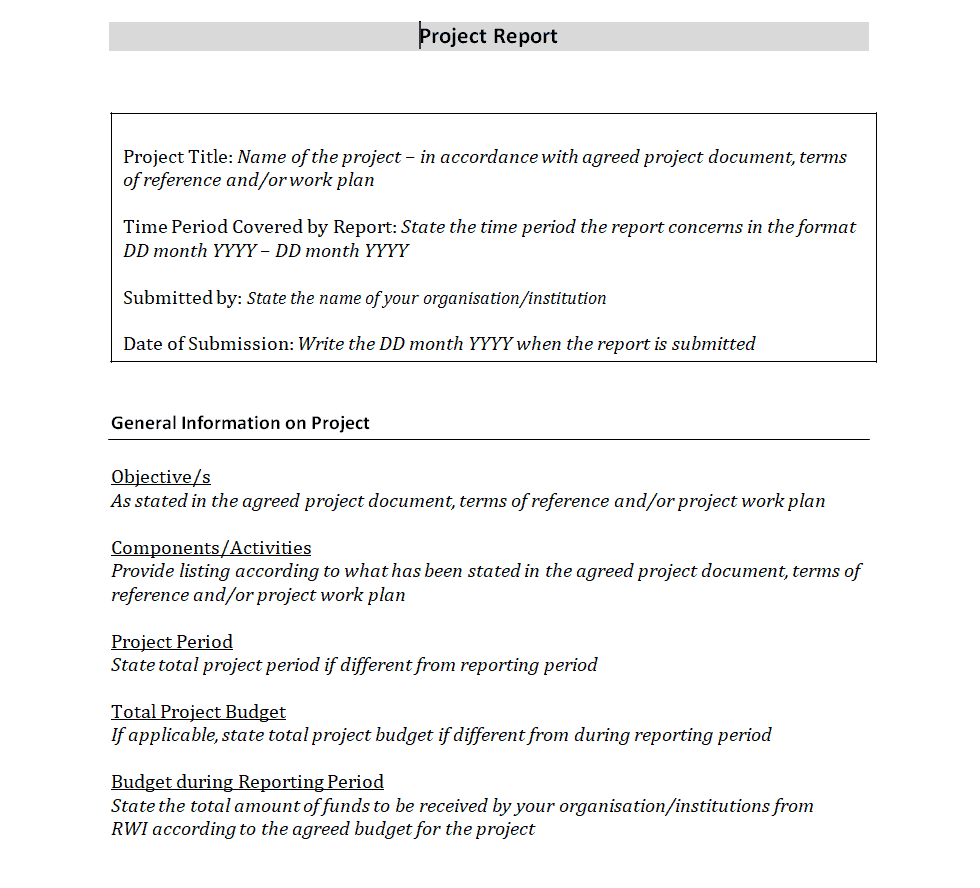
File Size: 9 KB
File Type: MS WORD
Activity Progress Report Template
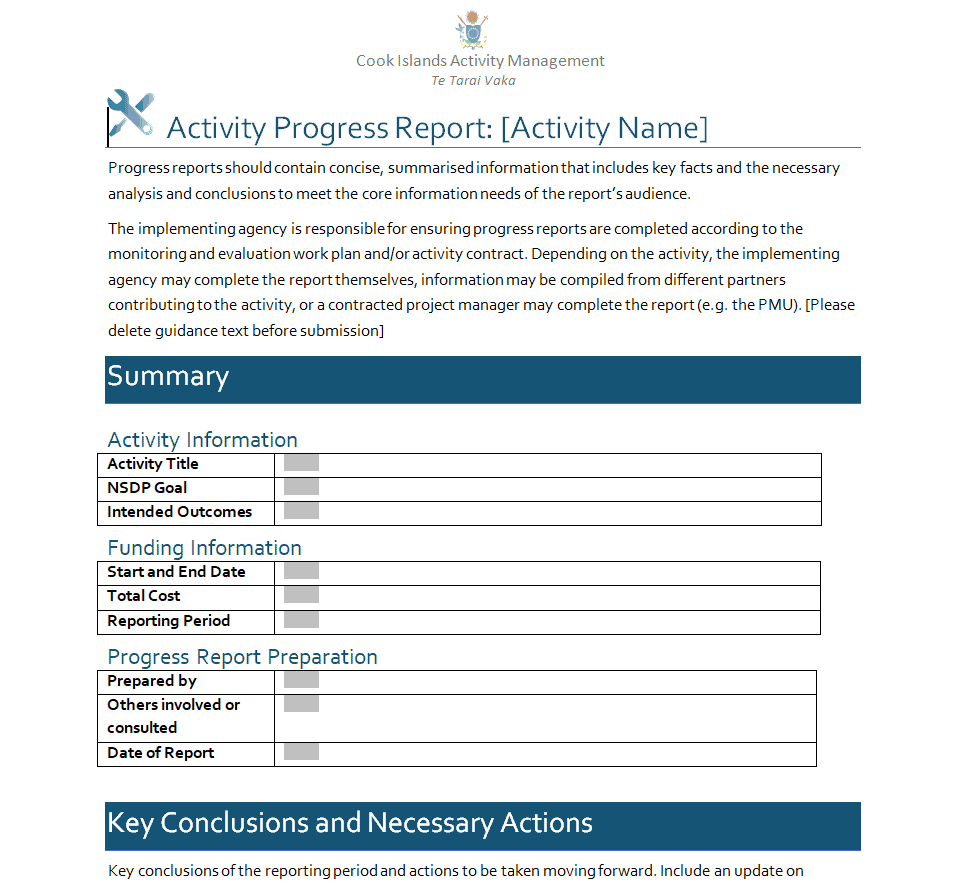
File Size: 561 KB
File Type: MS WORD
Annual Progress Report Template
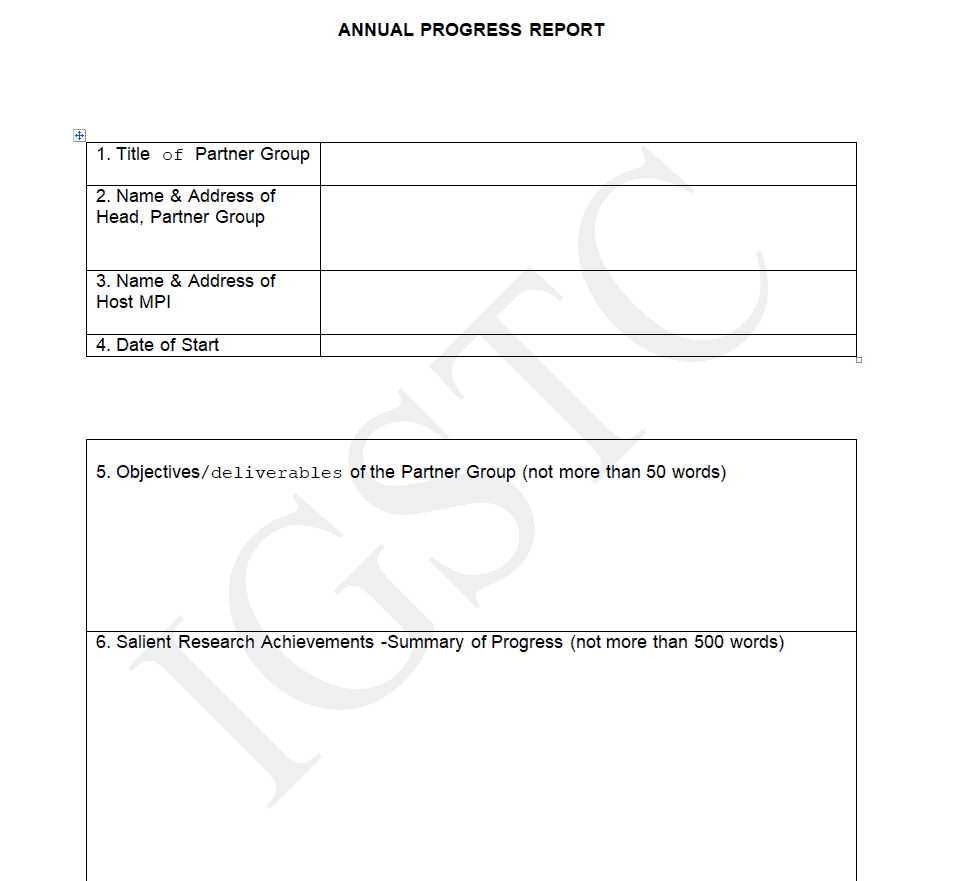
File Size: 25 KB
File Type: MS WORD
Research Project Progress Report Template

File Size: 23 KB
File Type: MS WORD
Interim Progress Report Template
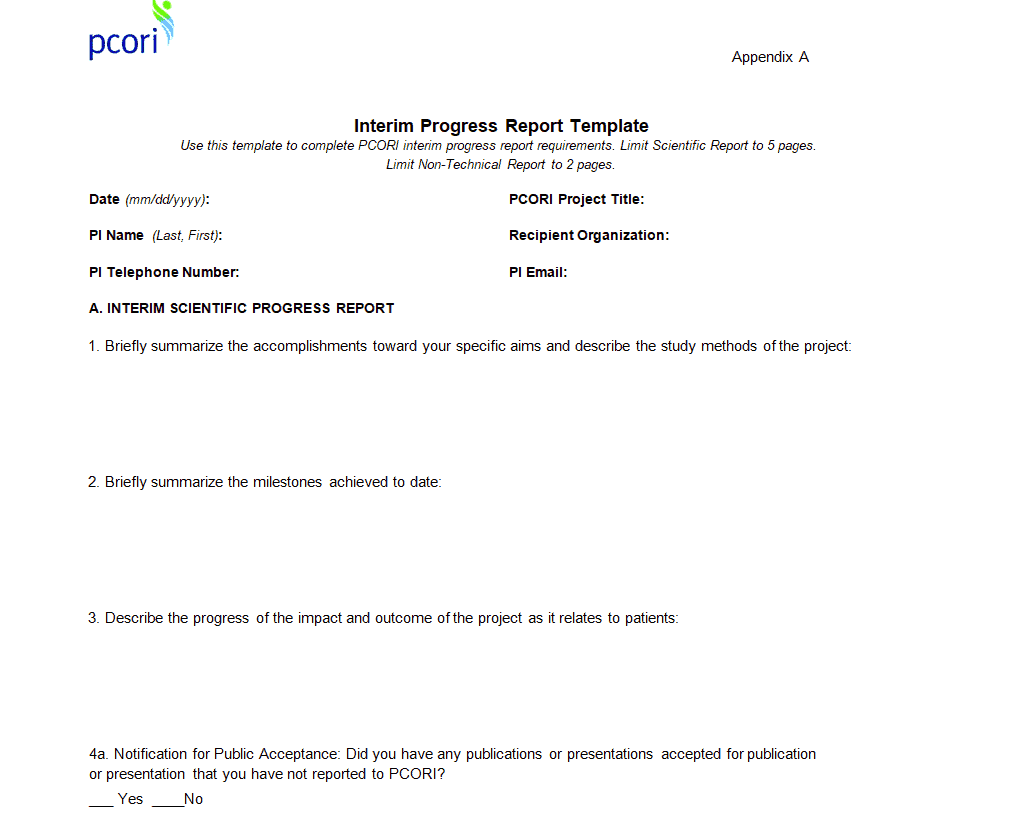
File Size: 11 KB
File Type: MS WORD
Annual Child Progress Report Template
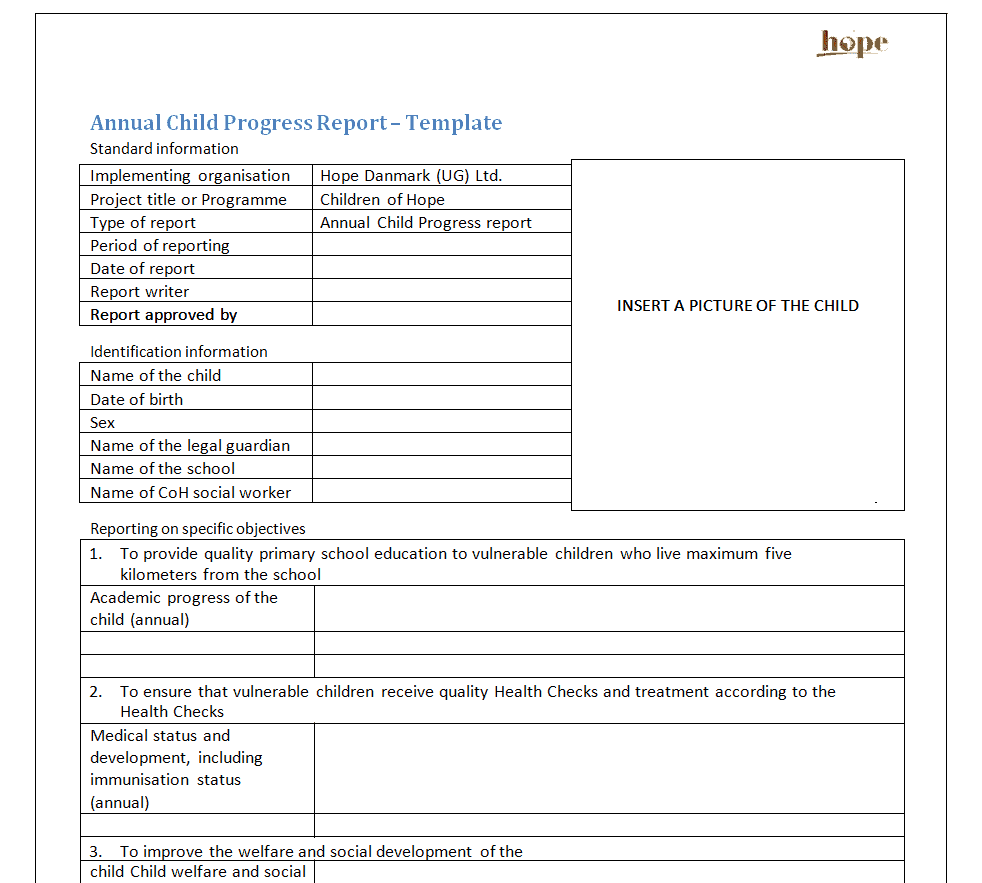
File Size: 9 KB
File Type: MS WORD
Postdoctoral Scholars Progress Report Template
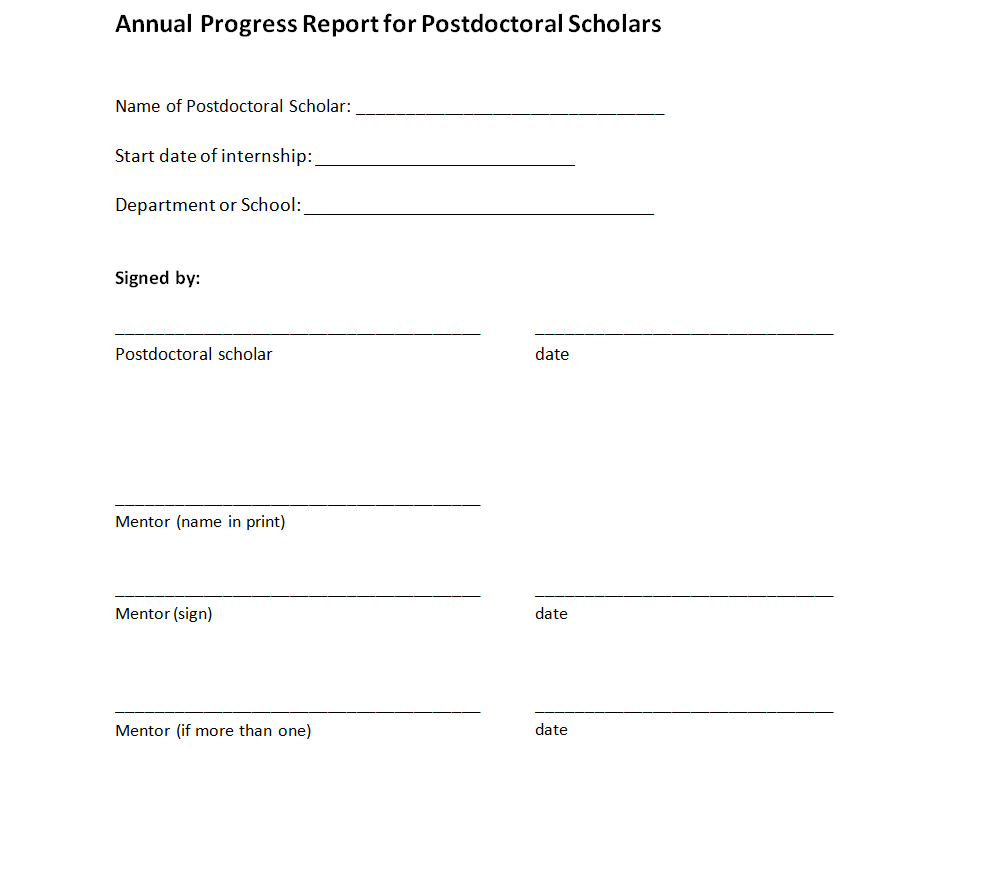
File Size: 10 KB
File Type: MS WORD
Monthly Progress Report Template
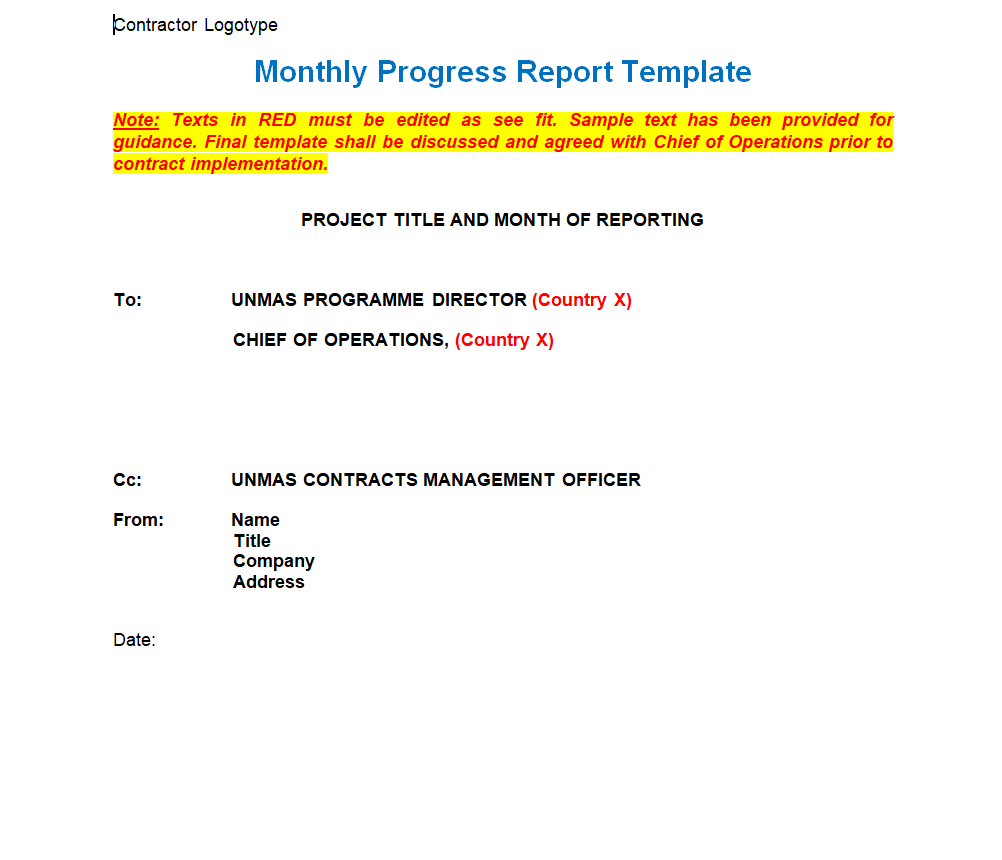
File Size: 11 KB
File Type: MS WORD
Group Progress Report Template
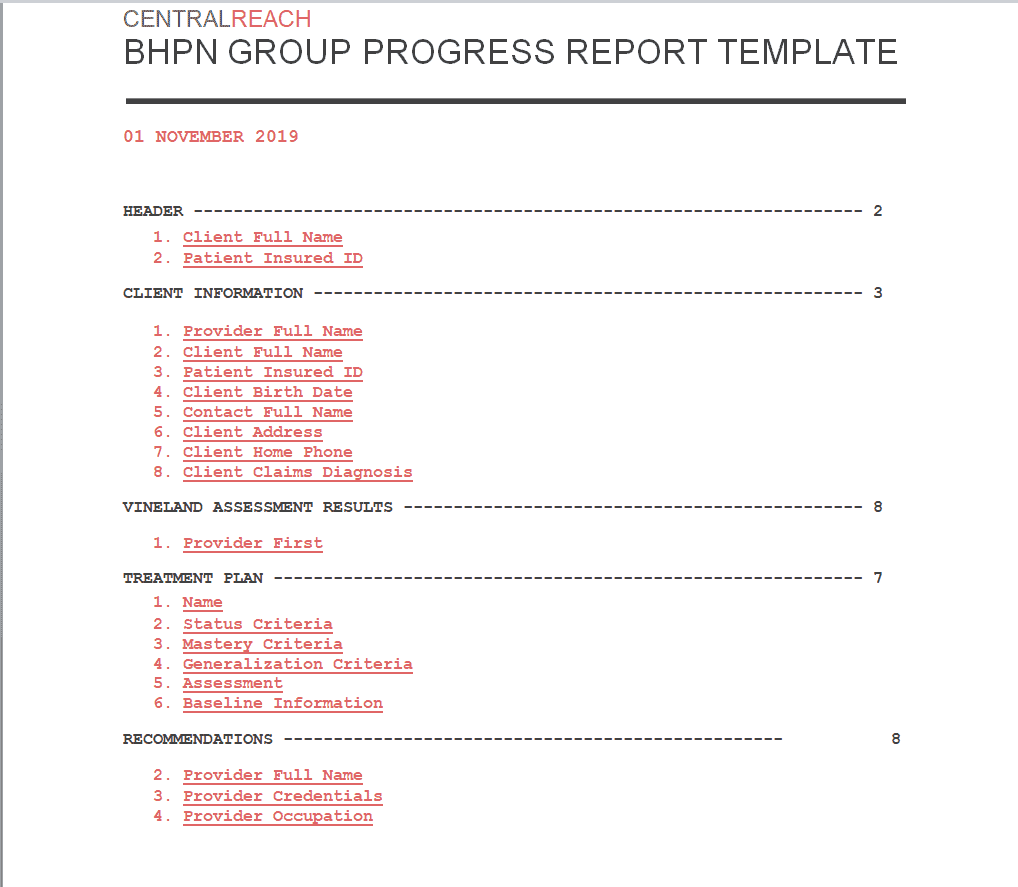
File Size: 562 KB
File Type: MS WORD
Performance Progress Report Template
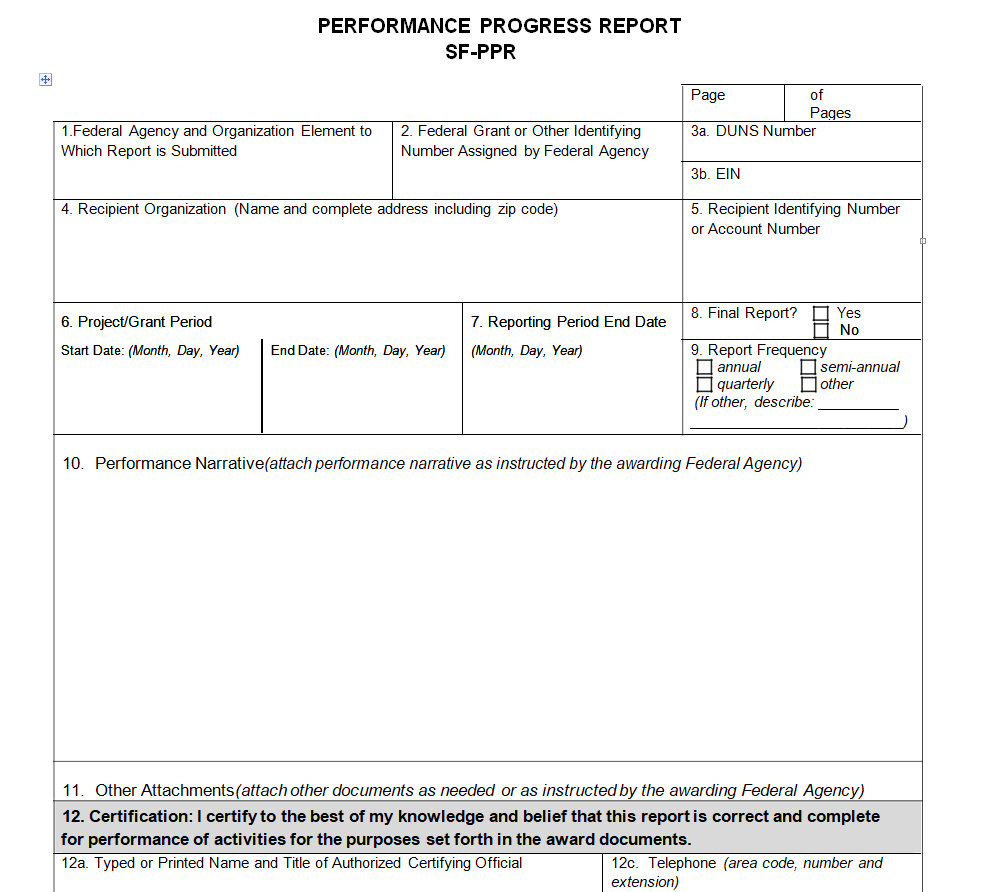
File Size: 17 KB
File Type: MS WORD
Quarterly Progress Report Template
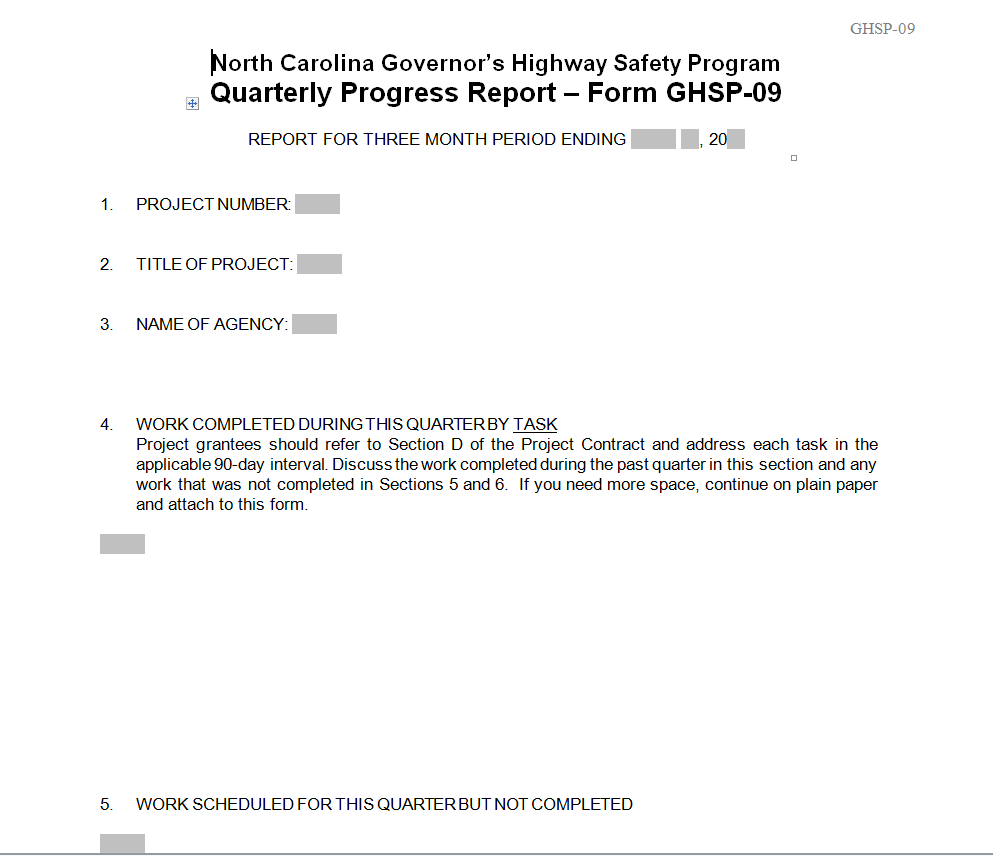
File Size: 17 KB
File Type: MS WORD
Standard Progress Report Template
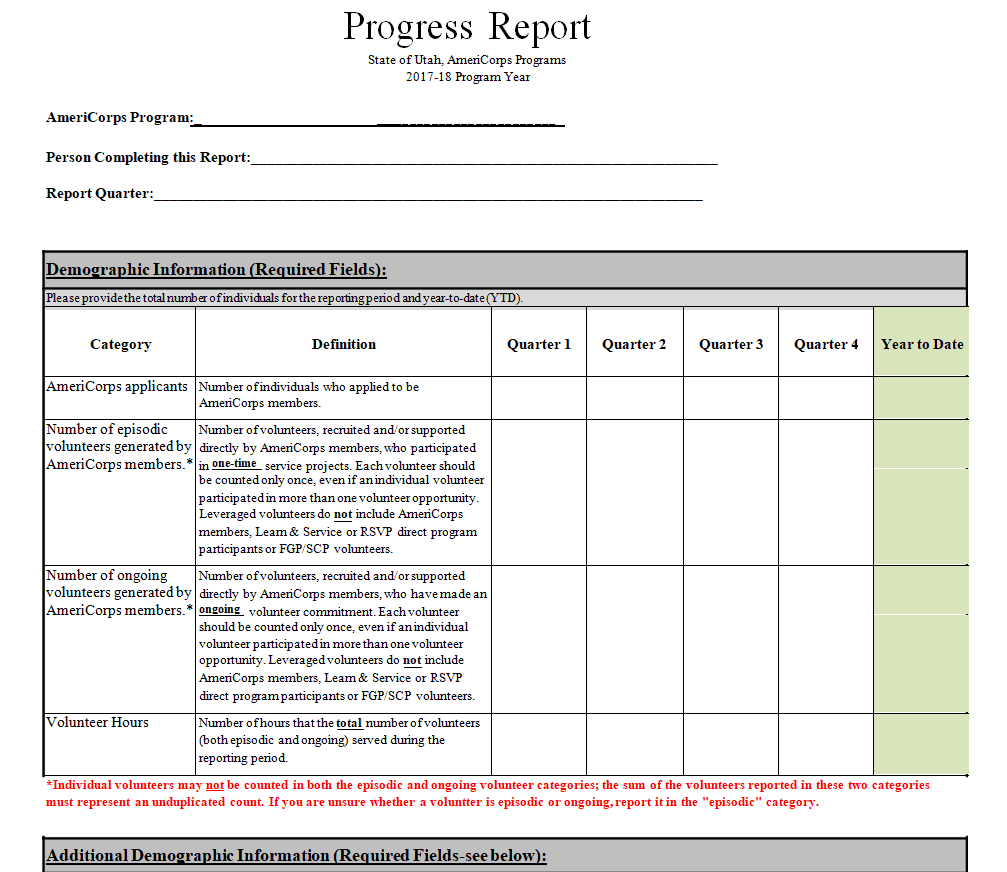
File Size: 25 KB
File Type: MS WORD
How to Write a Progress Report in 7 Steps
The progress report templates and samples are actually provided in this article for your ease and convenience. Moreover, these progress report formats are editable too which means you can edit the contents of the given template or sample according to your requirements. However, if you are still interested in knowing how to write a good progress report sample, then you just have to follow the given below 7 basic and easy steps.
While creating a progress report template or writing a progress report sample, there are some important things that you must include in your report. No matter, whatever format you use or for what purpose you are writing a progress report, make sure to include the following important details in it:
1- Add the title of your progress report template. Mention the title of the report in bold letters and make sure to enlarge the font a bit more than the normal text font. The title of the report quickly enables the reader to get an idea about the report.
2- Mention the other important details relevant to the progress report as the date when the report is written, the name of the recipient and his/her title or position, the name and position of the writer, and the subject of the progress report.
3- Include a brief introduction to your progress report. Provide a to-the-point overview of the report, its timeframe, its purpose, and the other important details of the report.
4- After that, make sure to include in detail what has already been achieved or completed during the whole project. It can be added in the progress report as the “work completed” section. It is a good practice to mention the completed tasks in proper chronological order. For that purpose, you can also add the dates when each task or sub-task within the project has been finished or completed.
5- Mention and explain the problems or issues that arise while working on the project. Briefly explain how you managed to solve those problems or issues or if some issues are still not resolved, you can add a brief explanation of why such issues have still remained unsolved.
6- In a progress report sample, it is also quite important to let the stakeholders or superiors know about your future plans which means how you exactly plan to move forward with the project. For that purpose, you can add an outline of the future plans related to the completion of the project.
7- At the end, make sure to summarize your progress report template by providing only the essential details related to the completed and remaining work.
Progress Report Samples
Cancer Institute Progress Report Template
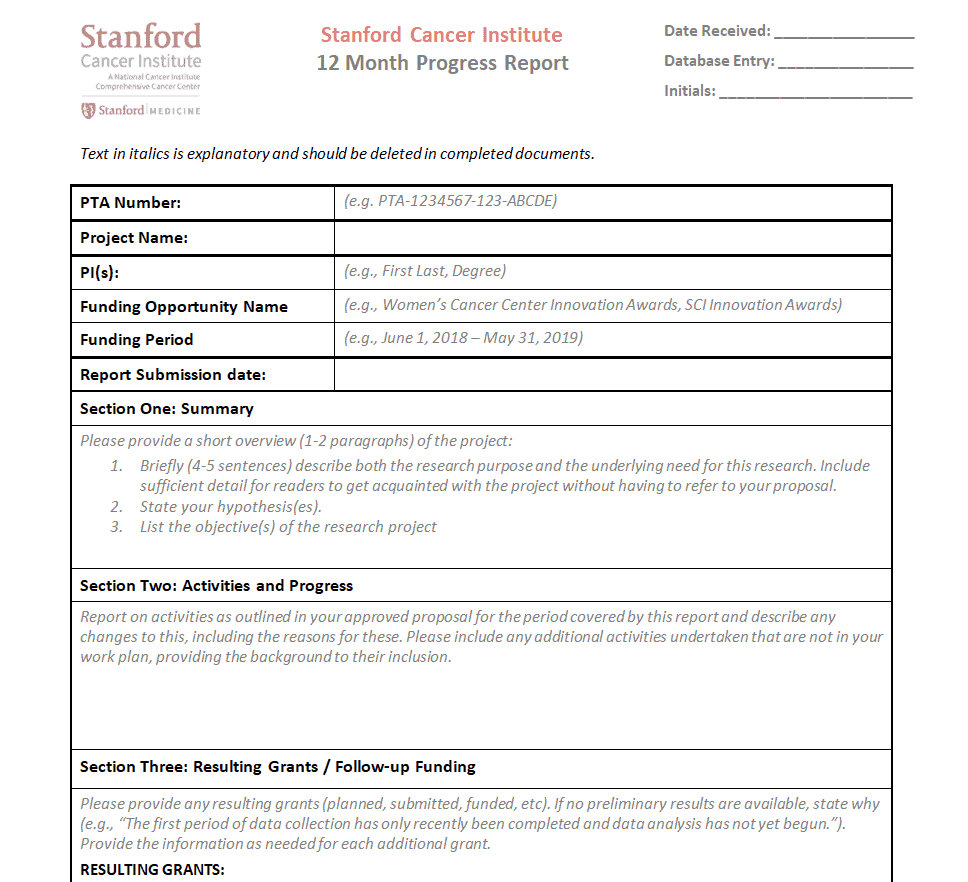
File Size: 61 KB
File Type: MS WORD
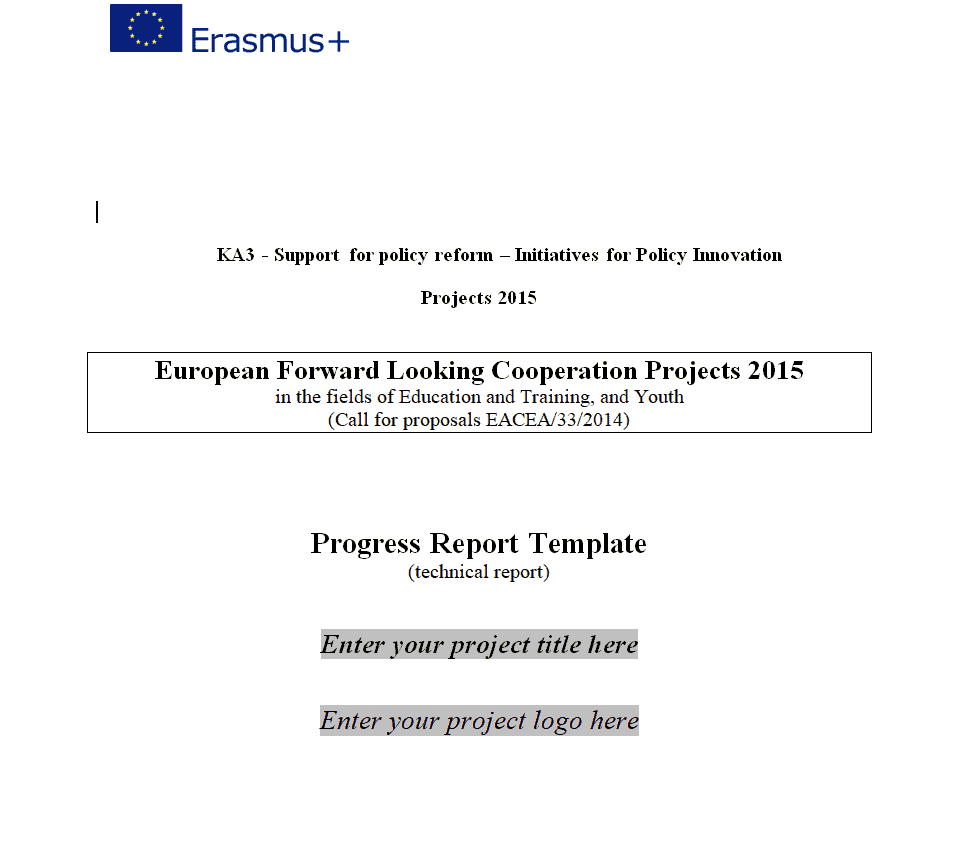
Executive Project Progress Report Template
File Size: 150 KB
File Type: MS WORD
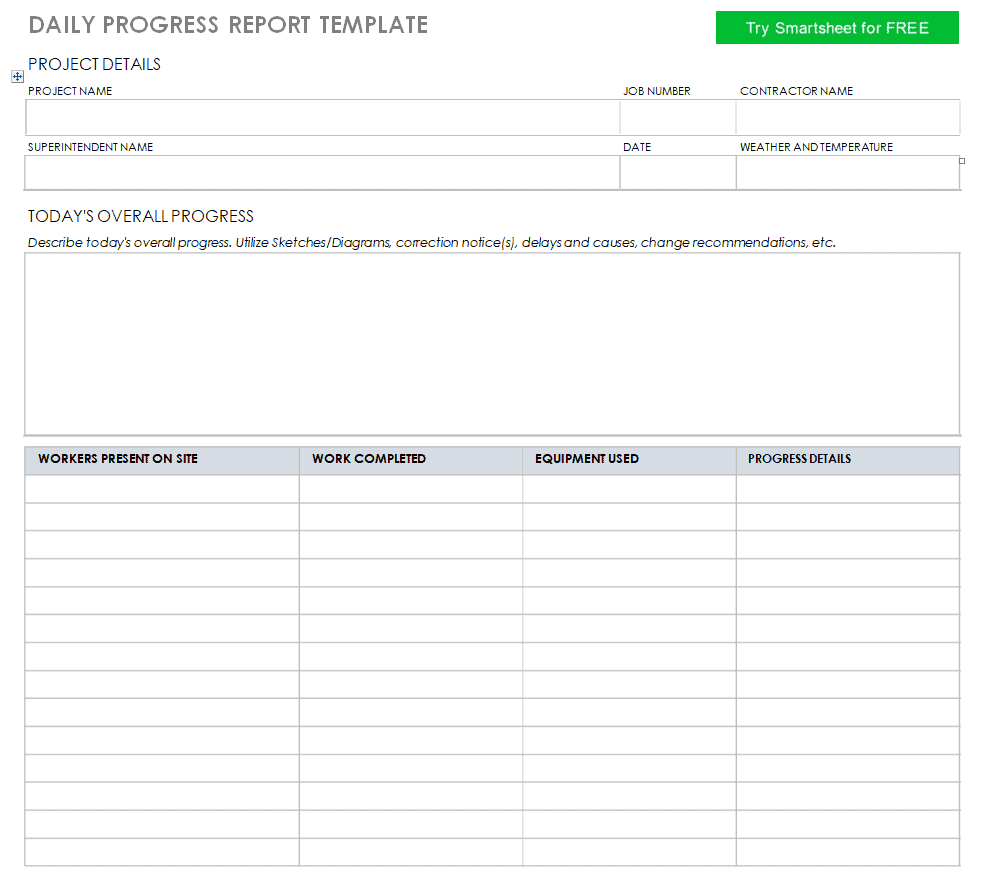
Daily Progress Report Template
File Size: 12 KB
File Type: MS WORD
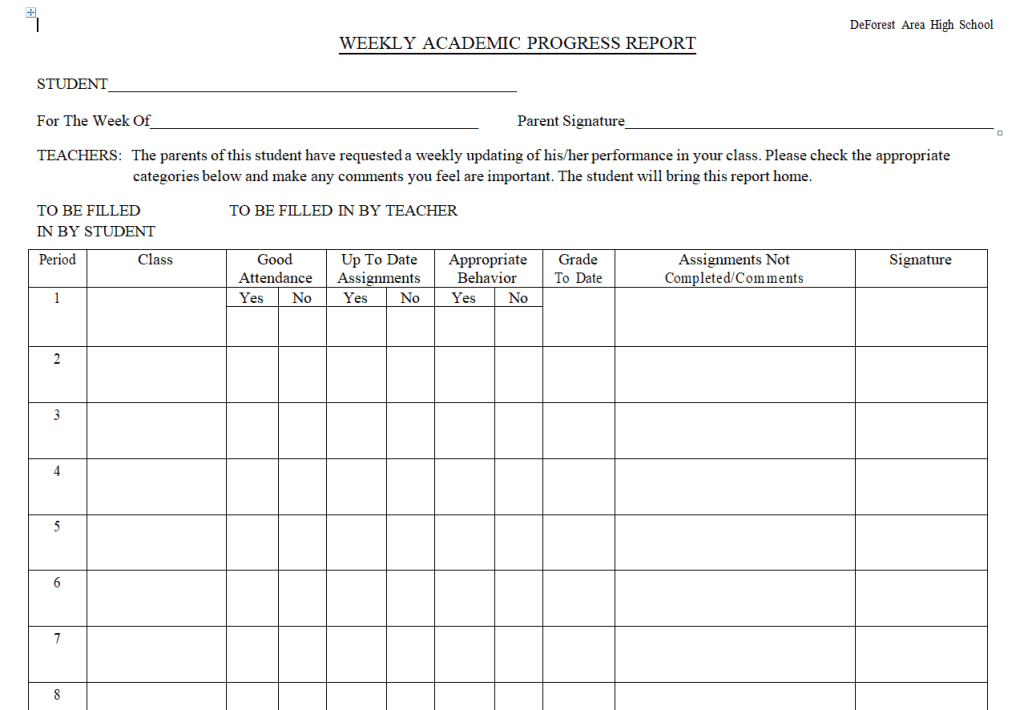
Weekly Academic Progress Report Template
File Size: 6 KB
File Type: MS WORD
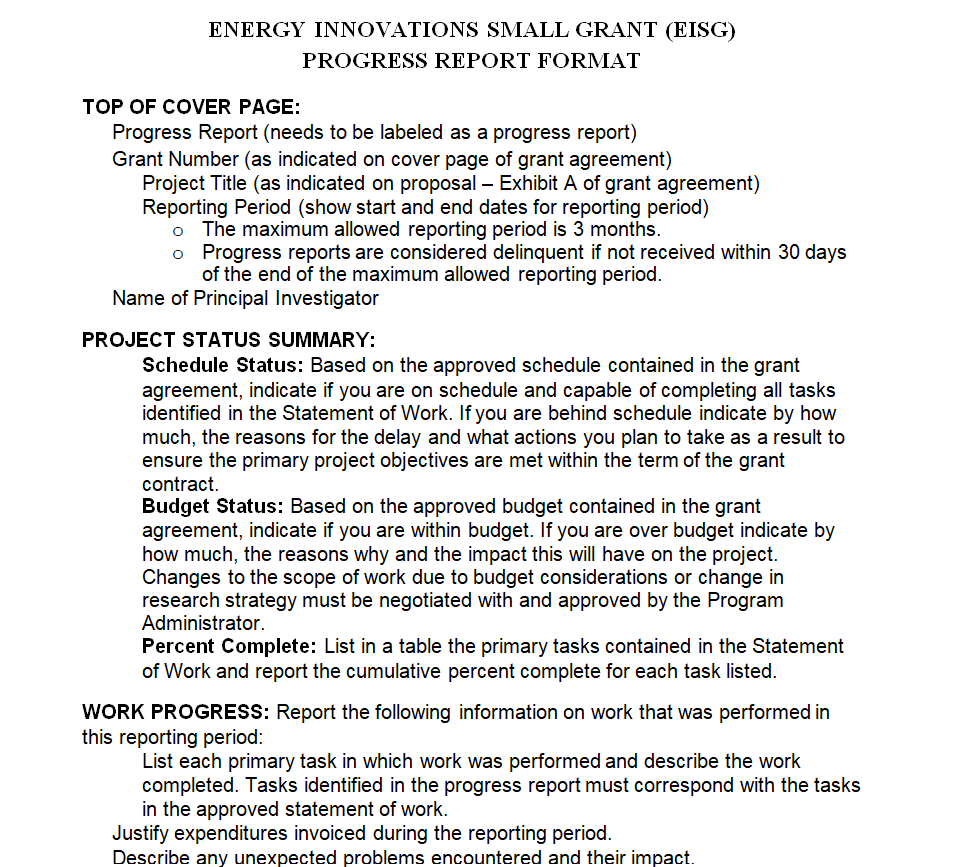
Progress Report Format Template
File Size: 7 KB
File Type: MS WORD
Government Research Project Progress Report Template
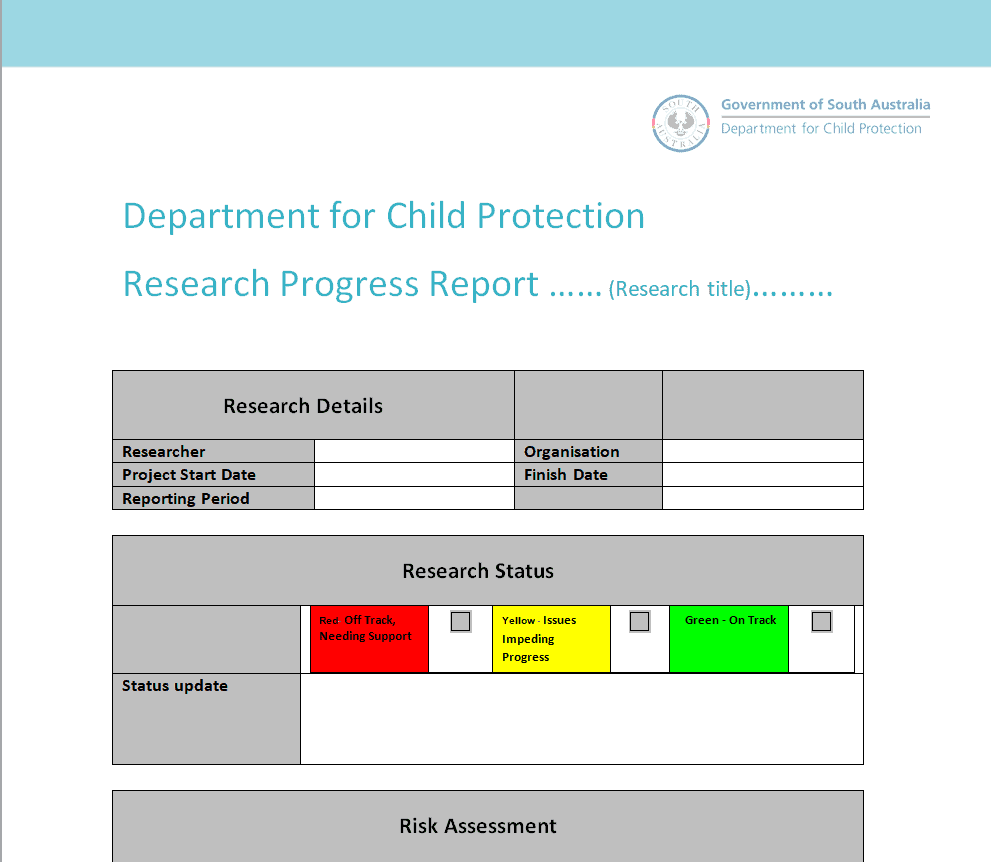
File Size: 58 KB
File Type: MS WORD
Grant Progress Report Template
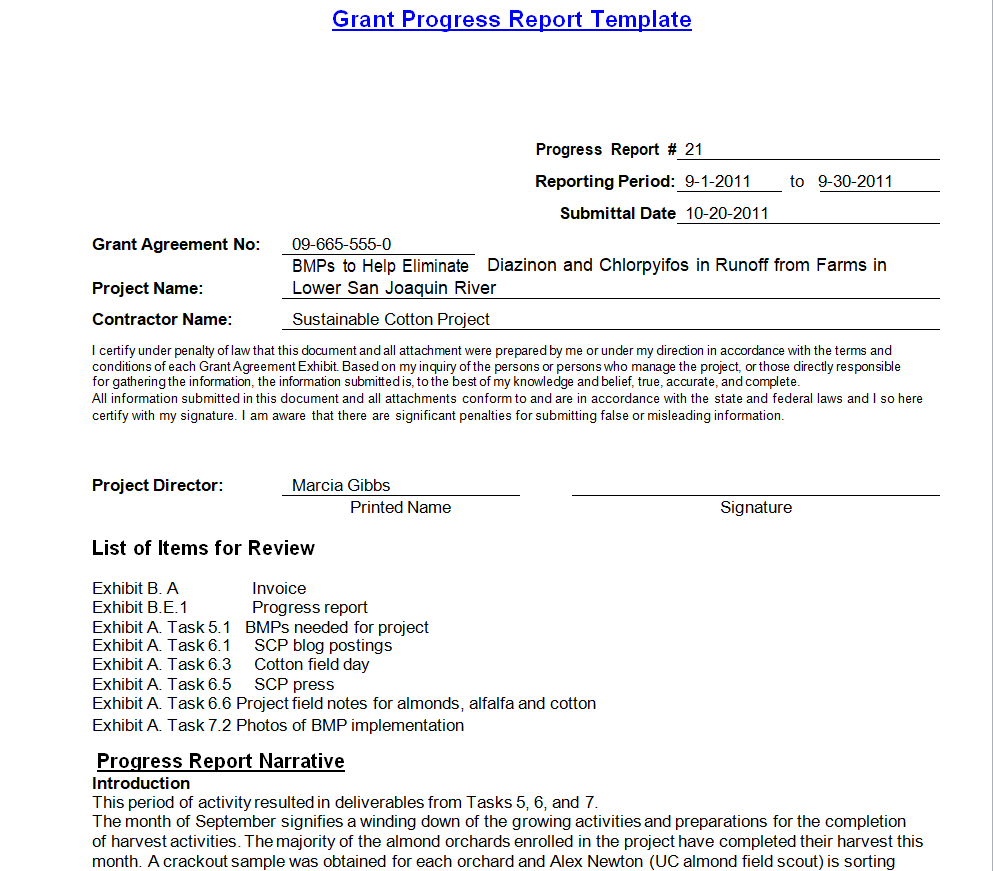
File Size: 27 KB
File Type: MS WORD
Example Progress Report Template
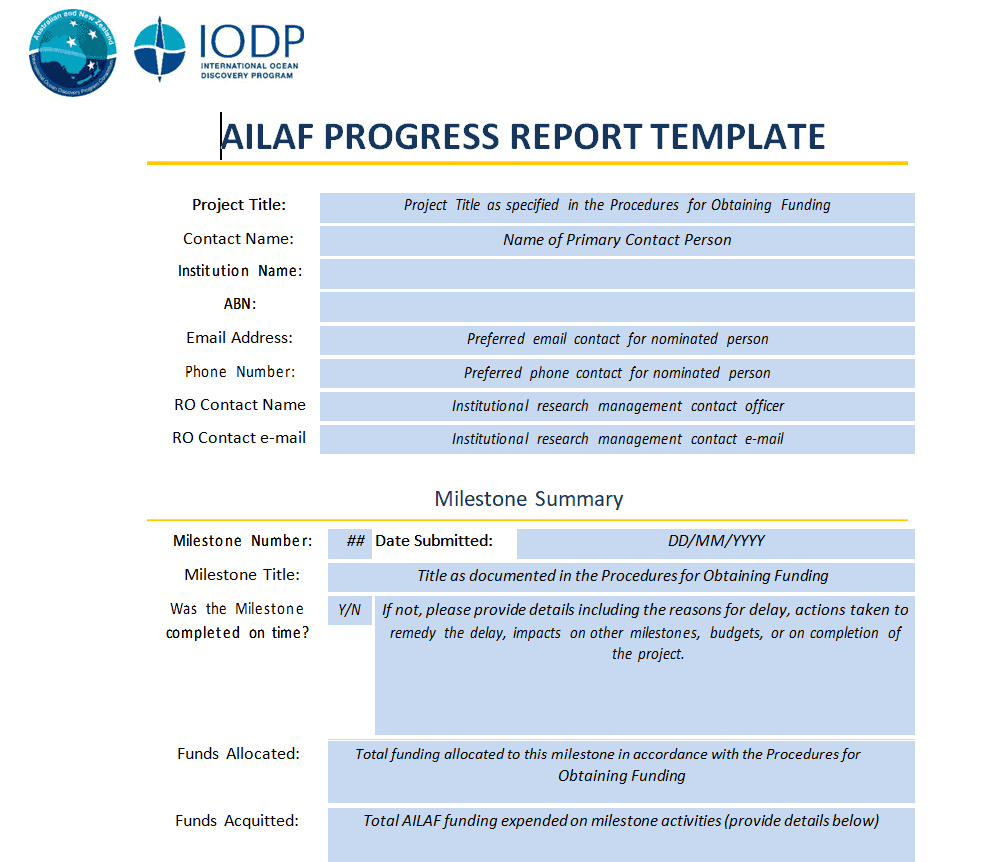
File Size: 230 KB
File Type: MS WORD
Primary Progress Report Template
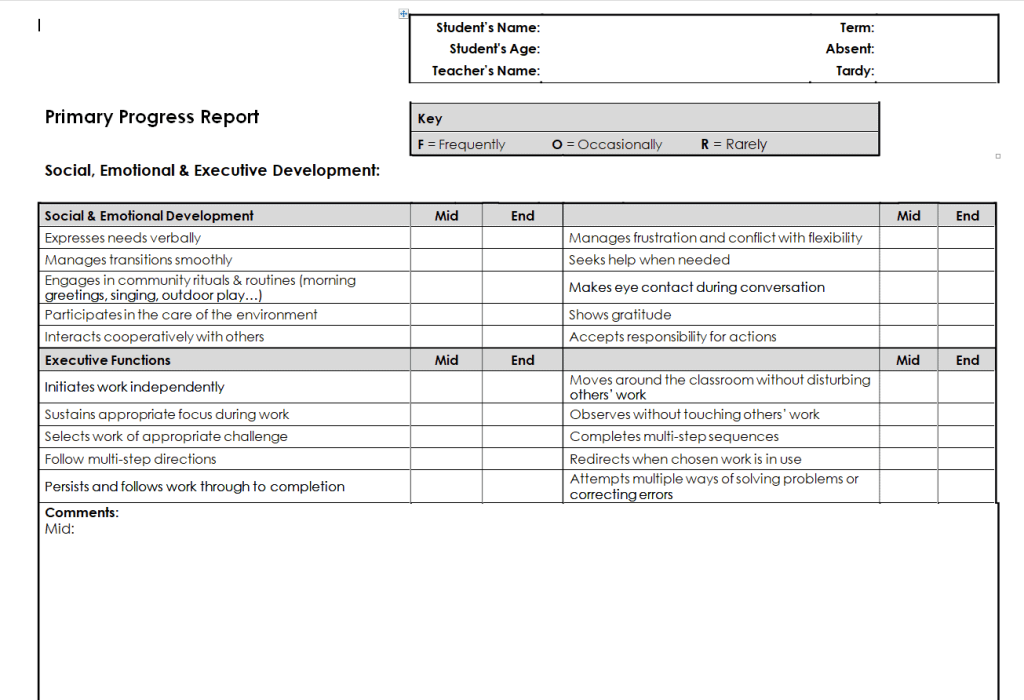
File Size: 14 KB
File Type: MS WORD
Official Progress Report Template
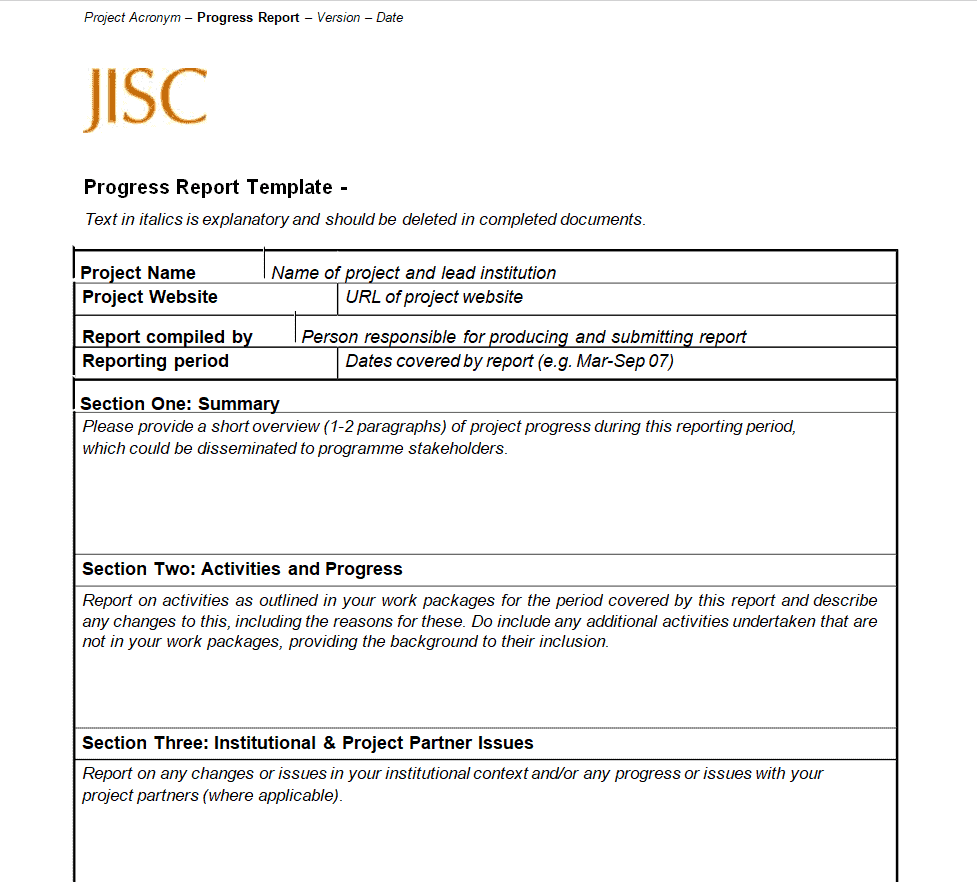
File Size: 13 KB
File Type: MS WORD
Formal Progress Report Template
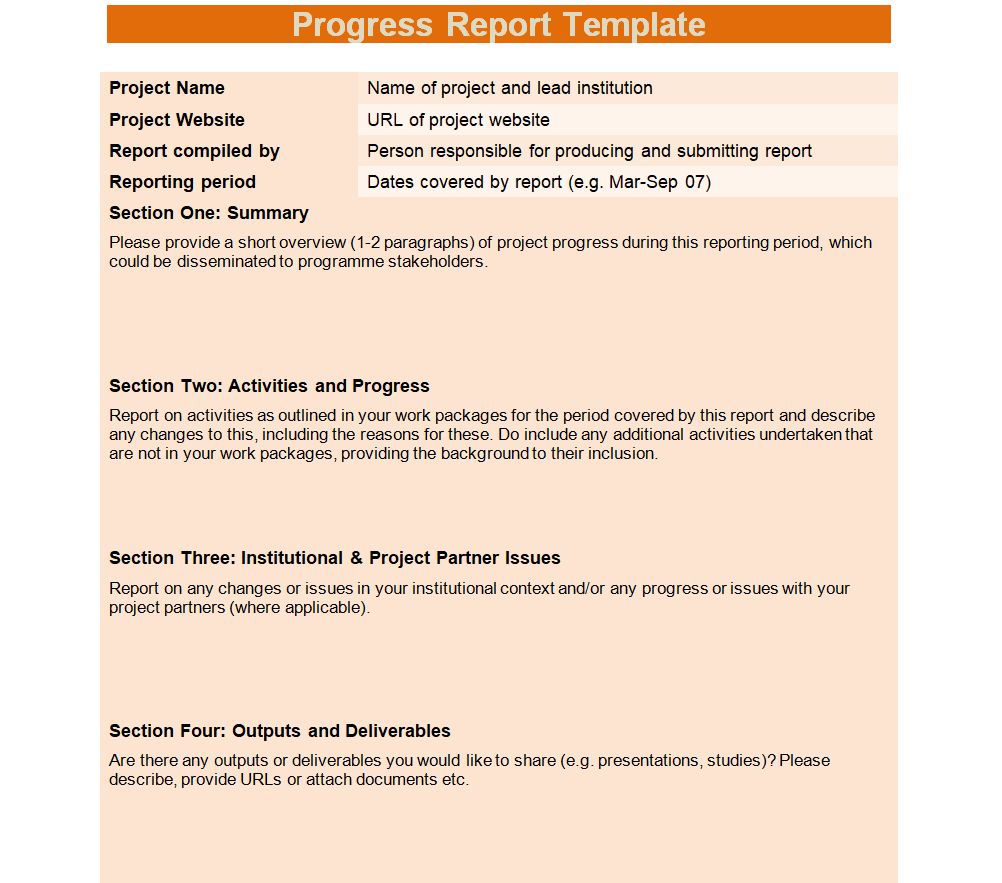
File Size: 15 KB
File Type: MS WORD
Types of Progress Reports
Progress reports come in many forms depending on how often they are sent and who reads them. Choosing the right type keeps your updates useful and easy to follow:
Daily progress report: A short update on tasks completed today, work planned for tomorrow, and any blockers. It is common on construction sites, in manufacturing, and in fast-moving teams. You may also find our daily report templates helpful.
Weekly progress report: Summarizes the week’s accomplishments, upcoming priorities, and risks. It is the most popular format for project teams and is very similar to a weekly status report.
Monthly and quarterly progress reports: Give management a higher-level view of milestones, budget, KPIs, and results over a longer period. See our monthly report templates for more layouts.
Annual progress report: Reviews a full year of work, compares results with goals, and sets objectives for the next year. Non-profits, research teams, and schools use it widely.
Research and grant progress report: Required by funding agencies and universities to show what research has been completed, how funds were spent, and what remains to be done.
Student progress report: Used by teachers to share a student’s academic performance, attendance, behavior, and areas for improvement with parents.
Tips for Writing an Effective Progress Report
Know your audience: Executives want a brief summary of results and risks, while team members may need task-level detail. Adjust the length and language to match the reader.
Be honest about problems: Report delays, issues, and risks early, along with your plan to fix them. Stakeholders appreciate transparency more than surprises.
Use numbers and visuals: Percent complete, budget spent, and KPIs shown in simple tables or charts make your progress easy to understand at a glance.
Keep a consistent format: Use the same progress report template each time so readers know exactly where to find information. Link each report back to the goals in your project charter.
Proofread before sending: Check dates, names, and figures. A clean, error-free report builds trust and reflects well on you and your team.
Frequently Asked Questions (FAQs) About Progress Reports
What is a progress report?
A progress report is a document that updates managers, clients, or stakeholders on the status of a project. It explains what has been completed, what is in progress, any problems faced, and the plan for the next period.
What should be included in a progress report?
A good progress report includes a title, date, recipient, project name, a short introduction, completed work, work in progress, issues and solutions, next steps, and a brief summary.
How long should a progress report be?
Most progress reports are one to two pages. Daily and weekly reports should be short, while quarterly, annual, and research progress reports can be longer and more detailed.
What is the difference between a progress report and a status report?
The terms are often used interchangeably. A status report usually shows where the project stands right now, while a progress report focuses more on what has been achieved since the last report.
How often should I send a progress report?
It depends on the project and the audience. Weekly reports are common for active projects, while monthly or quarterly reports suit senior management, clients, and funding agencies.
Are these progress report templates free?
Yes. All 23 progress report templates and samples on this page are free to download and edit for business, research, or school use.
Conclusion
A clear, regular progress report keeps everyone informed, builds trust, and helps catch problems before they become serious. With these 23 free progress report templates and samples, you can quickly create daily, weekly, monthly, annual, research, or student progress reports that look professional. Download the template that fits your project, fill in your updates, and share it with your team or stakeholders. When the project is complete, wrap it up with one of our summary report templates.
