Keeping managers, team members, and executive stakeholders informed about project health does not require lengthy meetings. A well-structured weekly status report (also known as a weekly progress update, task tracking report, or project status sheet) condenses seven days of accomplishments, upcoming targets, and potential roadblocks into a single, digestible document.
Whether you need an editable MS Word status report template for narrative updates or a ready-to-print PDF status report with clear RAG (Red, Amber, Green) progress indicators, having pre-formatted layouts saves time and ensures consistent communication across your organization.
Below, discover key framework strategies for drafting effective weekly reports, followed by 31 customizable templates tailored for project managers, department leads, freelancers, and remote teams.
What Is a Weekly Status Report?
A weekly status report is a formal operational document submitted at the end of each work week. It provides an executive summary of completed tasks, ongoing deliverables, milestone achievements, resource allocations, and critical risks that require immediate managerial attention.
Unlike daily log sheets—which focus on granular activities—a weekly status update synthesizes broad progress, tracking whether a project remains on schedule, within budget, and aligned with overall business objectives.
Core Purpose of Progress Reporting
- Accountability: Establishes clear ownership for individual deliverables and team milestones.
- Early Risk Identification: Highlights operational bottlenecks, supply delays, or budget overruns before they escalate.
- Stakeholder Alignment: Keeps cross-functional departments, clients, and leadership unified without unnecessary check-in calls.
- Historical Documentation: Creates an auditable trail of project activity, changes in scope, and resource usage over time.
Essential Elements of an Effective Weekly Progress Report
To make your progress update easy to scan for busy executives, every status report layout should include these core sections:
1. Document Header & Metadata
Establish context instantly with baseline project information:
- Project Name & ID: Official title and tracking reference.
- Reporting Period: Exact dates covered (e.g., Week 34: August 17 – August 21).
- Author / Project Lead: Name, title, and assigned department.
- Overall Health Indicator: Quick visual cue (On Track, At Risk, Delayed).
2. Executive Summary
A 2-to-3 sentence high-level overview summarizing the week’s key wins and overall trajectory. This section allows senior leaders to get an instant snapshot without reading line-by-line task details.
3. Key Accomplishments (Completed Tasks)
A bulleted breakdown of deliverables finished during the reporting period. Focus on outcomes rather than basic activity—for example, “Finalized database migration with zero downtime” rather than “Worked on database.”
4. Work in Progress (Ongoing Activities)
Highlight active tasks currently in development. Include completion percentages, target finish dates, and assigned team members to maintain operational momentum.
5. Next Week’s Planned Deliverables
Outline specific goals scheduled for the upcoming week. Setting clear short-term priorities establishes expectations and helps team members prepare resources in advance.
6. Risks, Blockers, and Action Items
Document active impediments, technical challenges, or resource shortages. State clearly what assistance, decision, or budget approval is needed from management to unblock progress.
Word vs. PDF Status Reports: Which Should You Choose?
Selecting the right file format depends on how your team tracks performance and presents data:
When to Use MS Word Status Templates
Word documents work best for narrative-driven status updates, client-facing reports, and executive summaries that require detailed context:
- Ideal for: Creative agencies, software development updates, administrative department reports, and consulting projects.
- Key Strengths: Clean typography, flexible layout formatting, easy inclusion of images/diagrams, and smooth PDF conversion.
When to Use PDF Status Templates
PDF templates suit teams that want a fixed layout that looks the same on every device and printer:
- Ideal for: Printed site reports, construction and field updates, school or camp reports, and forms filled in by hand.
- Key Strengths: Consistent formatting, easy printing and sharing, and a layout that recipients cannot accidentally change.
If your project has many tasks to track with formulas, you can keep the detailed task list in your own spreadsheet and summarize the results each week in one of the Word or PDF templates below.
5 Rules for Writing Clear Weekly Reports
Send Reports Consistently: Establish a fixed delivery time—such as every Friday afternoon or Monday morning—so recipients know exactly when to expect updates.
Keep It Concise: Use bullet points and bold headers. Avoid lengthy paragraphs; aim for a document that can be read in under two minutes.
Focus on Results, Not Effort: Highlight completed milestones and business value rather than listing every email sent or meeting attended.
Be Honest About Roadblocks: Flag delays early. Reporting a problem along with a proposed solution builds trust with stakeholders.
Maintain Consistent Metrics: Use standard status definitions (e.g., Red = Critical Blocker, Amber = Minor Delay, Green = On Schedule) across all weekly reports.
Weekly Status Report Templates in PDF
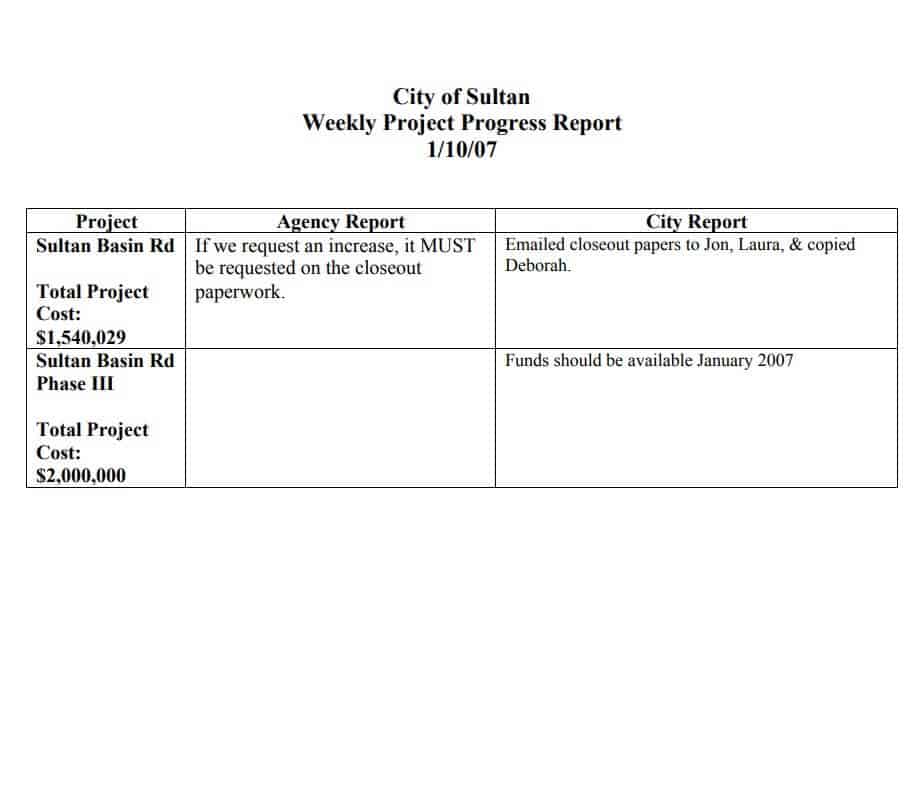
Simple Weekly Project Progress Report Template
File Size: 71 KB
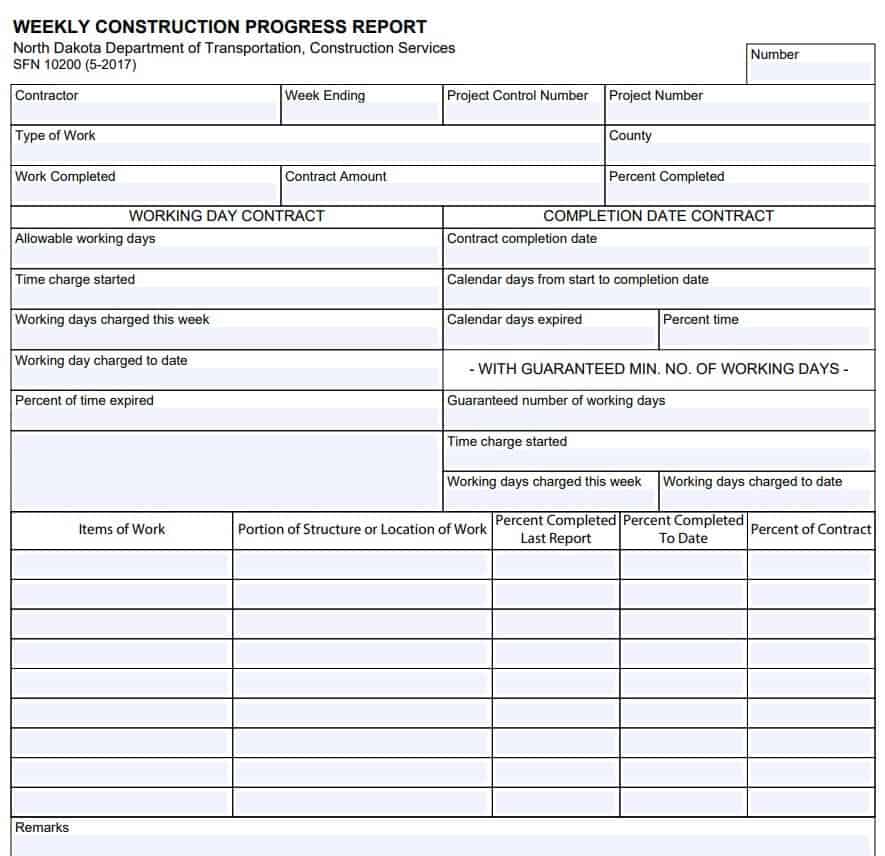
Weekly Construction Progress Report Template
File Size: 637 KB
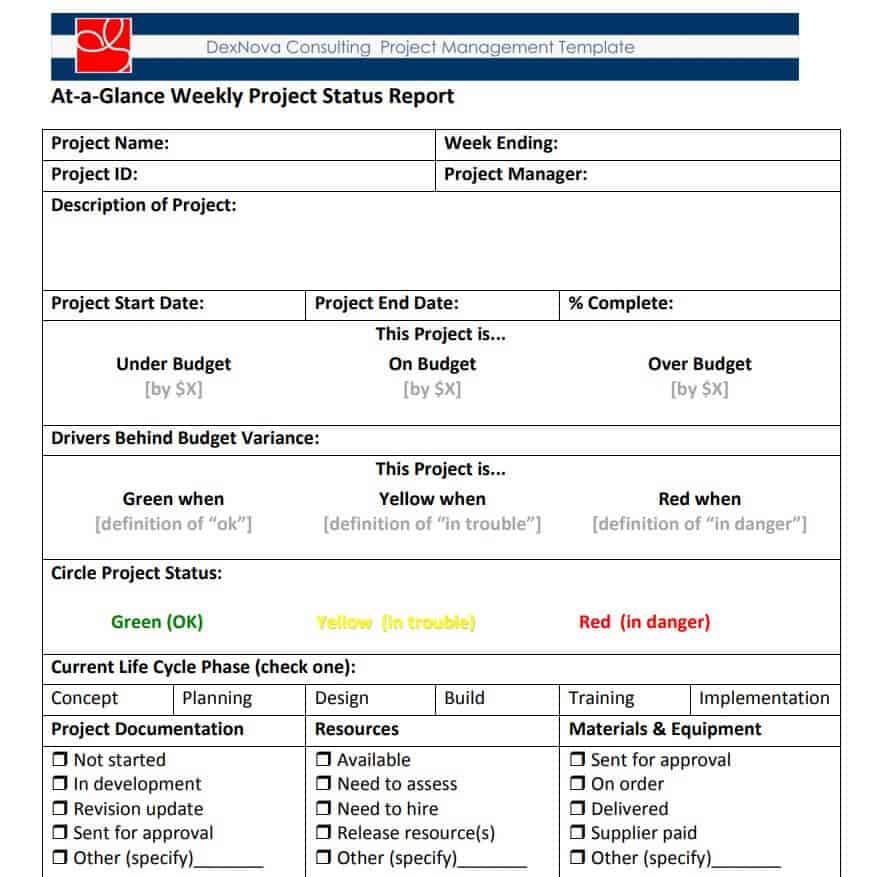
Printable Weekly Project Status Report
File Size: 228 KB
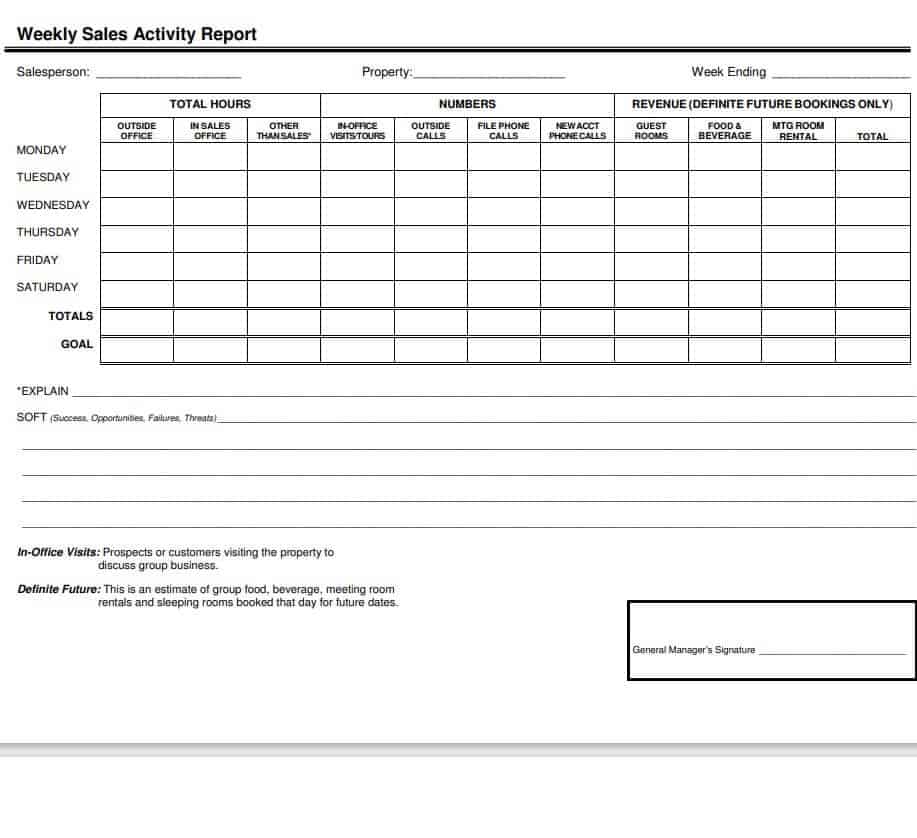
Fillable Weekly Sales Status Report Template
File Size: 21 KB
Quality Control Weekly Status Report PDF Template

File Size: 08 KB
Employee Weekly Status Report Example
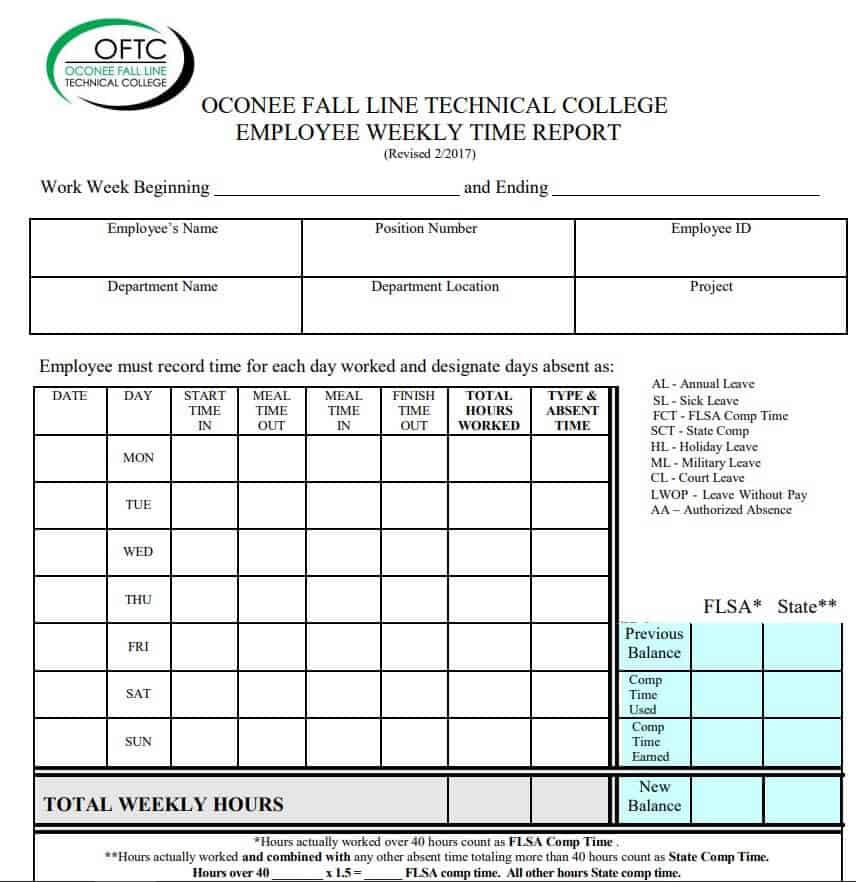
File Size: 98 KB
Manager’s Weekly Status Report Sample PDF

File Size: 100 KB
Camp’s Weekly Status Report Template
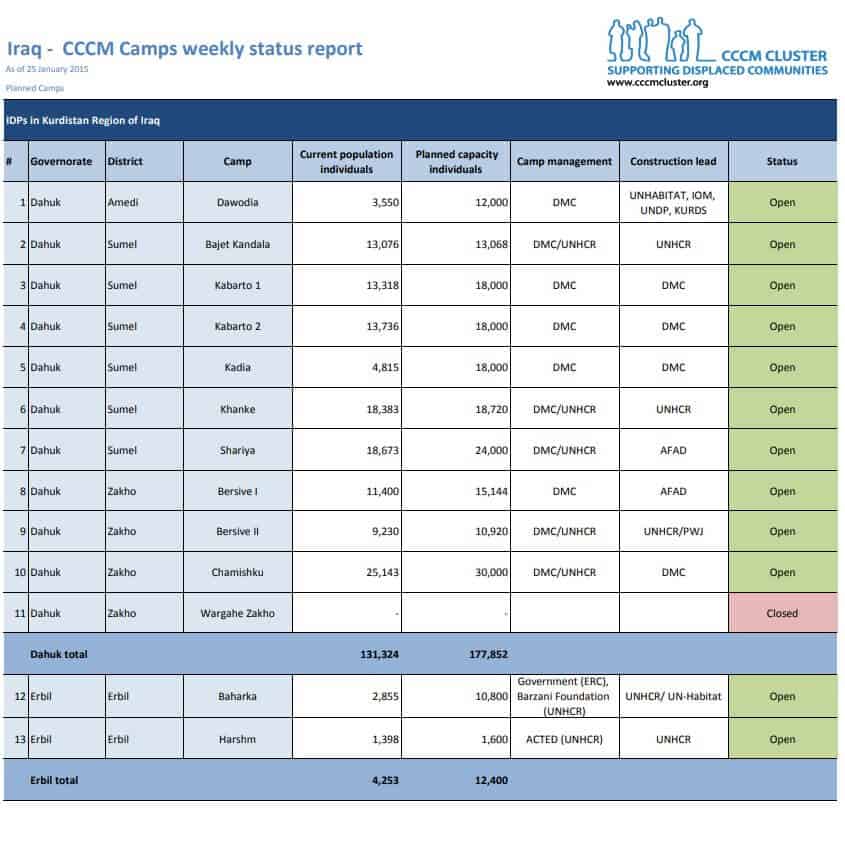
File Size: 281 KB
Attendance Accountability Weekly Status Report
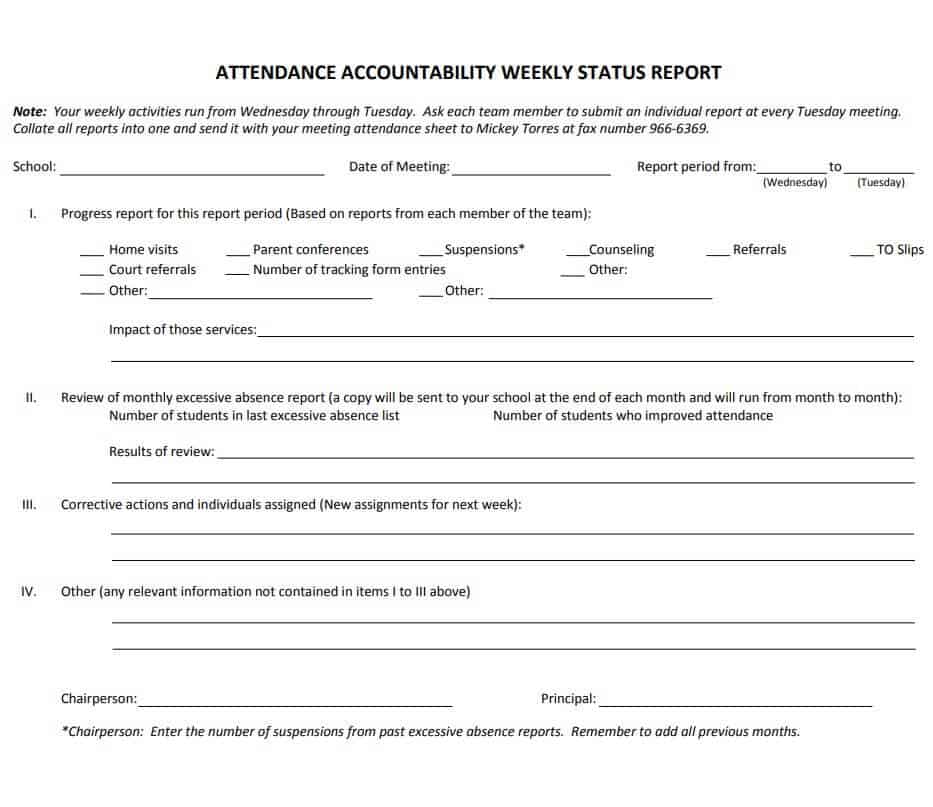
File Size: 202 KB
General Manager’s Weekly Status Report Format
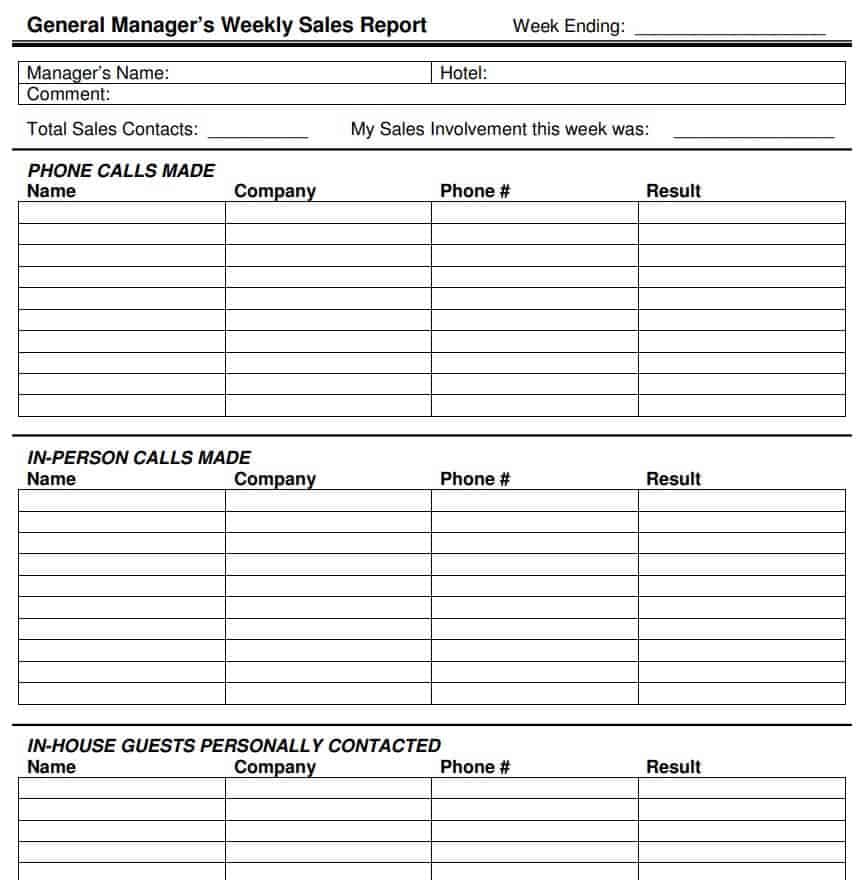
File Size: 12 KB
Blank Weekly Status Report Template Printable
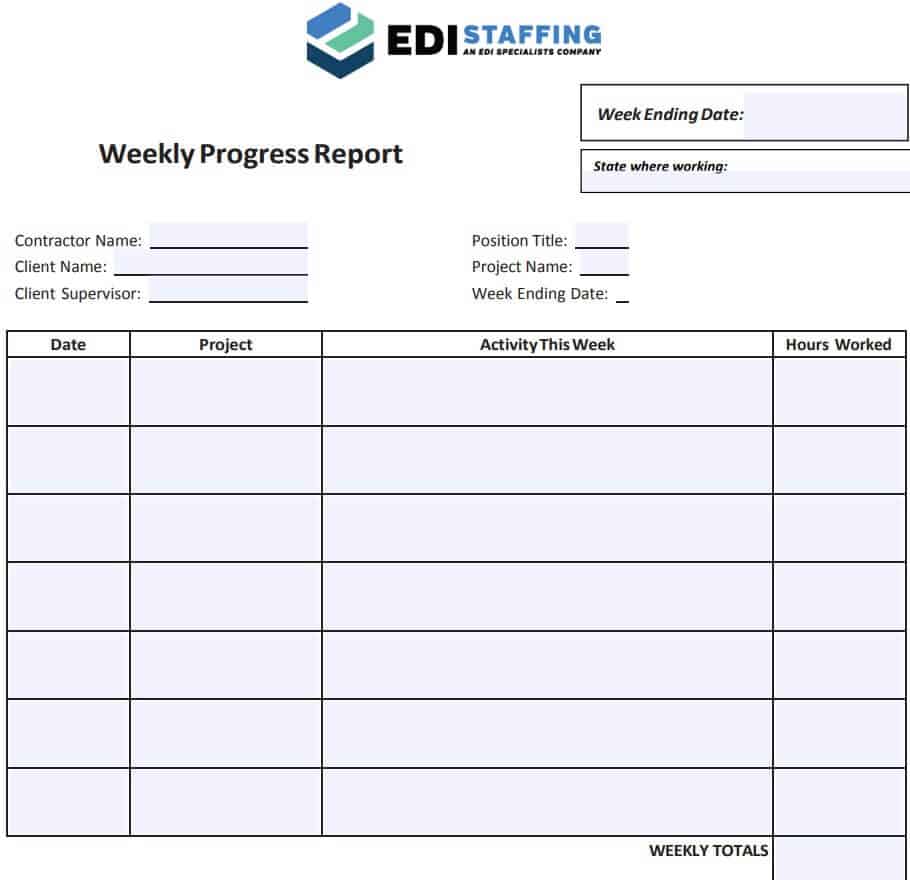
File Size: 107 KB
Athletic Weekly Status Report Sheet
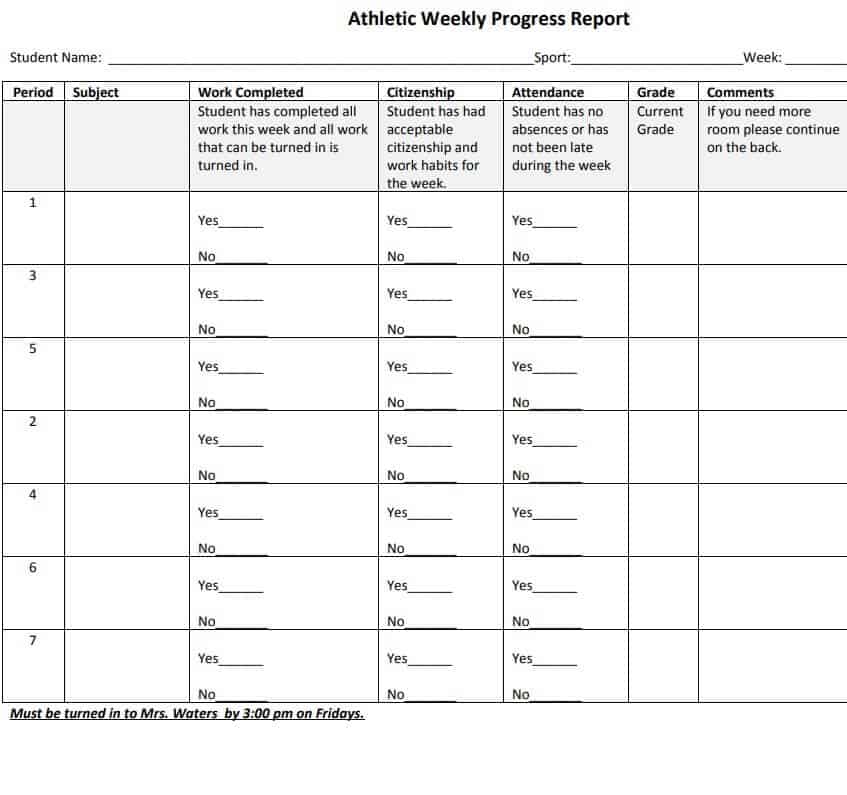
File Size: 49 KB
Small Business Weekly Status Report Template
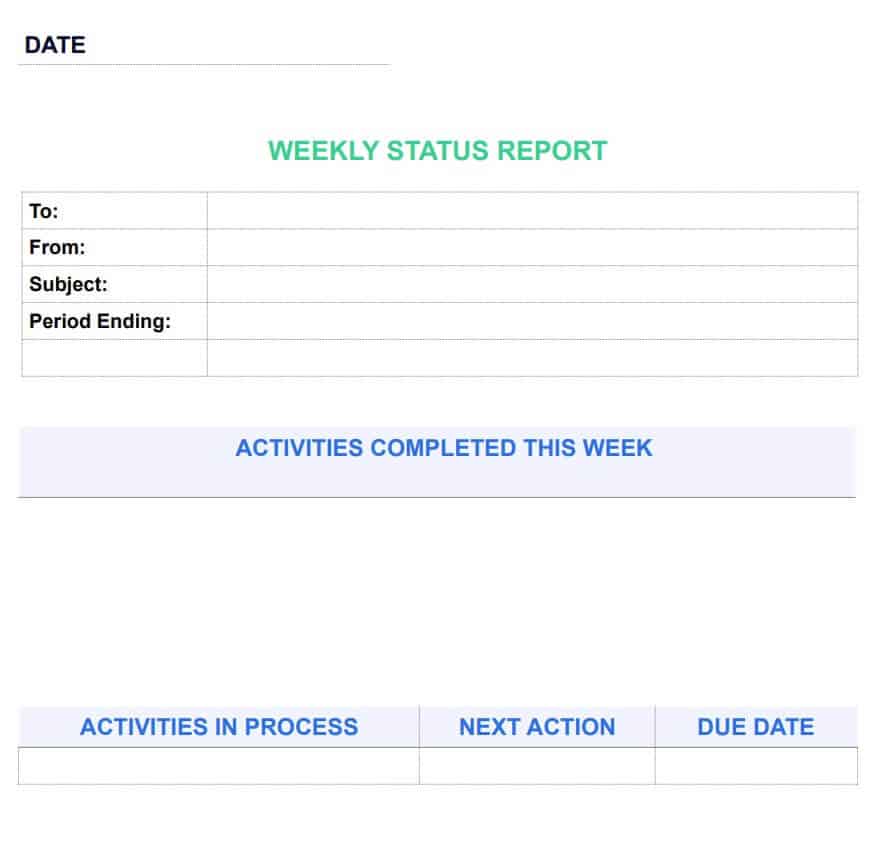
File Size: 27 KB
Online Weekly Student Progress Report Template
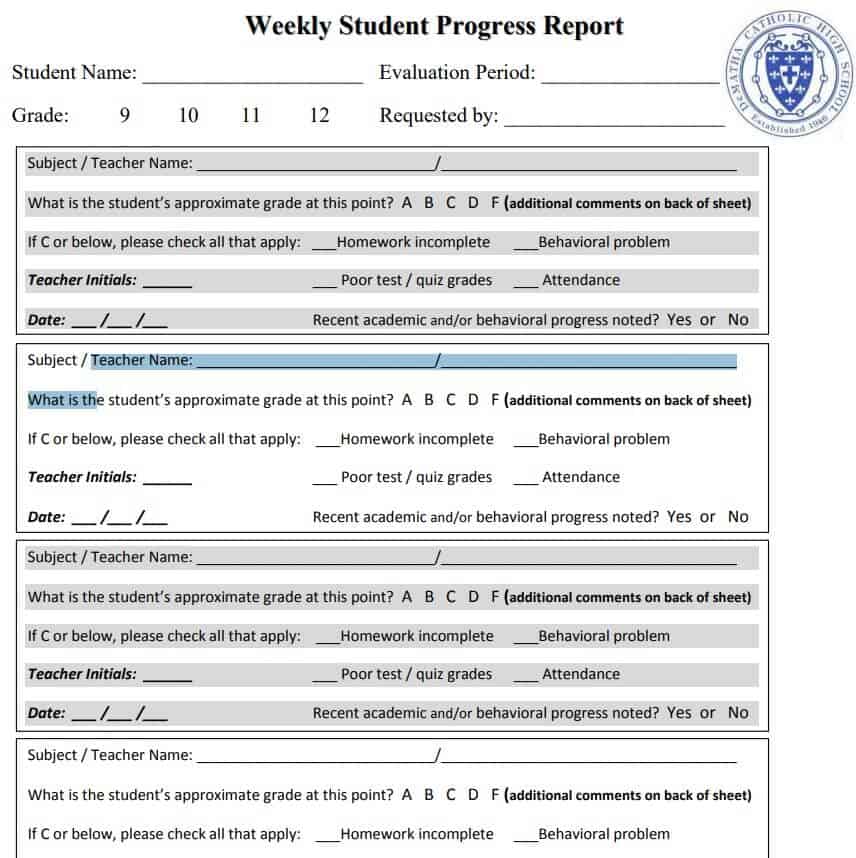
File Size: 263 KB
Formal Weekly Status Report PDF Sample
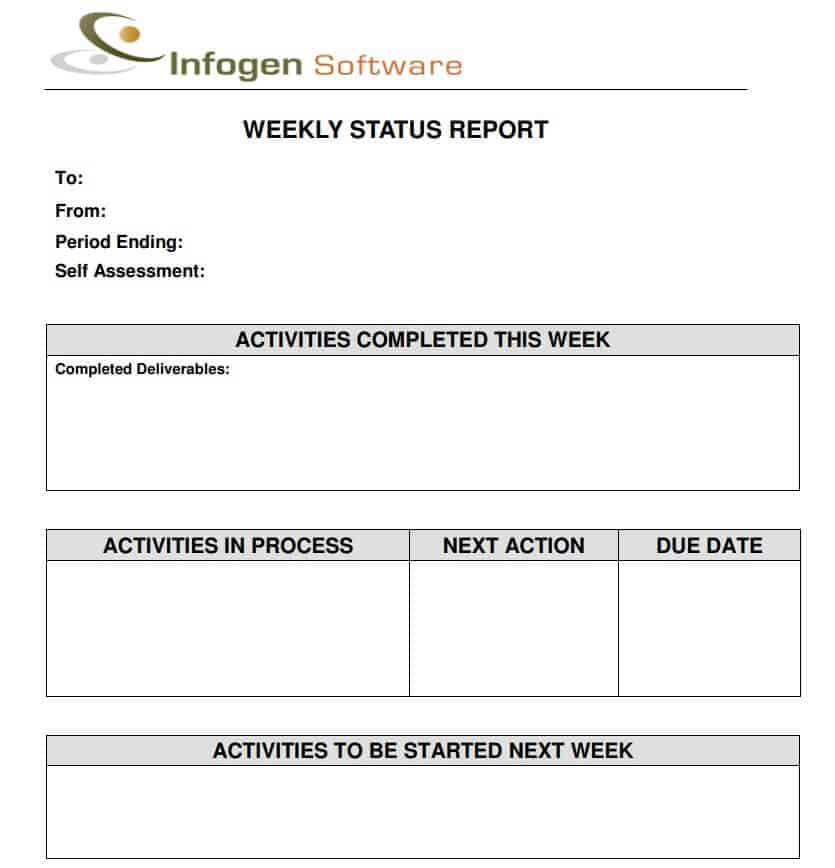
File Size: 40 KB
Weekly Academic Status Report Template
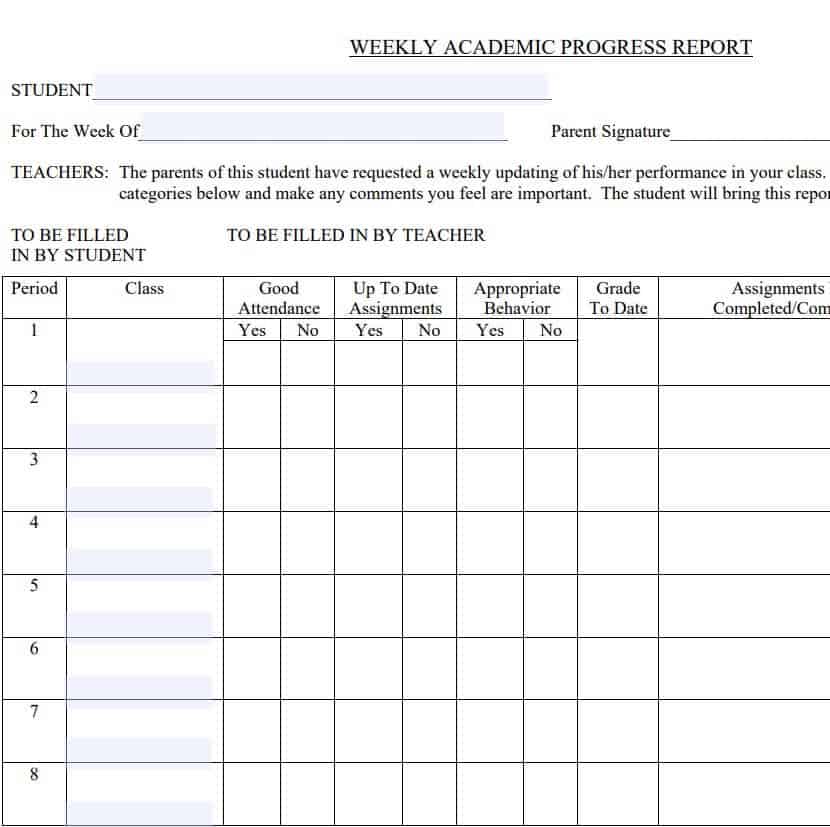
File Size: 24 KB
8 Tips for Preparing a Professional Weekly Status Report
The sole purpose of preparing a weekly status report is to let your manager know what activity has happened in the whole week. This is important so that if there is room for improvement in performance, the managers can take steps to improve the employees’ performance. Moreover, a weekly status report also lets the managers decide whether or not it is feasible to continue a certain project.
As mentioned earlier, if you want to prepare a weekly status report, you can take guidance from the weekly status report templates that are available here on this page. However, if you want to know how to prepare a professional weekly status report from the beginning, make sure to keep in mind the following useful tips:
1. Create an Outline
Firstly, create a proper outline of your weekly status report. This usually includes identifying the purpose and objectives of your weekly status report. You must know what information or details are required by your manager or team leader. You can also take guidance from the same manager in this regard.
2. Dates & Month
Write down the starting and ending dates of the week. Also, write the name of the month.
3. Title
Give a proper title to your document so that the manager knows at a quick glance what the report is actually about. For example, if it is a sales status report then write the title as “Weekly Sales Status Report”.
4. Your Details
When you prepare the weekly activity report, mention your full name and your job title or position within the organization.
5. Important Details
Your weekly status report must include some very important details like:
- An overview of the past week i.e., what happened.
- The tasks that you had to complete for the present week.
- The achievements in the present week i.e., the results.
- A brief overview of the future plan i.e., the target in mind.
While writing or preparing a weekly status report, you must keep in mind your job role and responsibilities. For example, if the organization has some large-scale ongoing project, and you are just a supervisor of a specific area within that project, you only need to report on that area, not on other parts of the project.
6. Language
In preparing a weekly status report, use simple yet professional language. Also, try to avoid the use of jargon and keep your report simple and concise. The report must be written to the point and must be easily understandable for the reader.
7. Challenges
Write down or mention the challenges that you actually faced during the week. It is quite important to let the management know about any hurdles or challenges that you encountered.
8. Review
Before finalizing and presenting the weekly status report to your manager, it is better to thoroughly review or revise it. Make sure that no important details or information have been left out of the report.
Weekly Status Report Templates in Word
Official Project Weekly Status Report Template
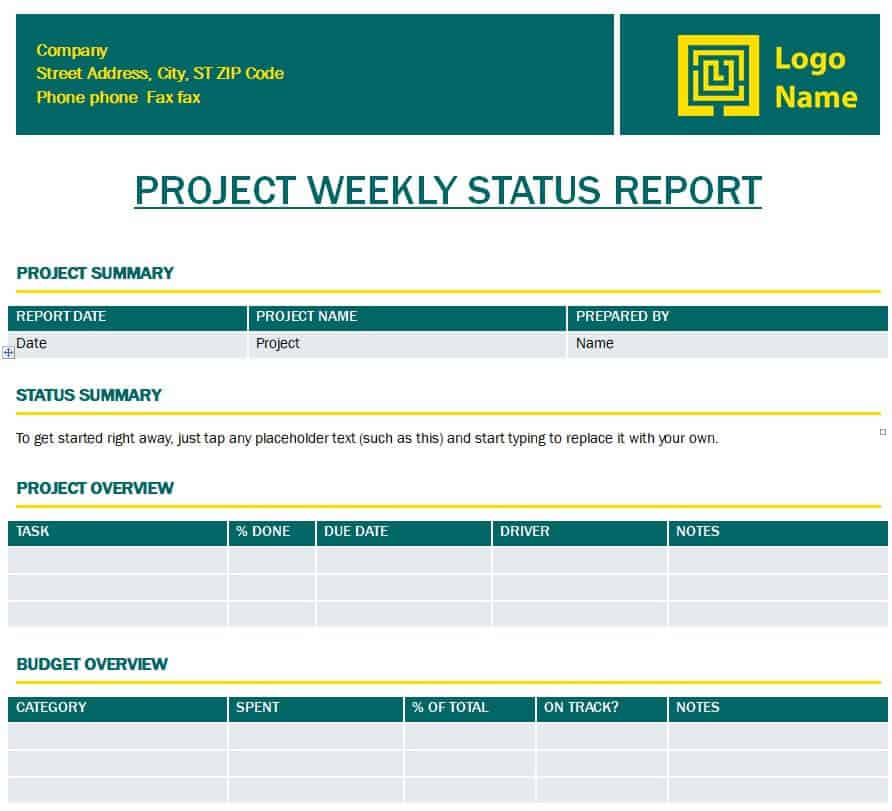
File Size: 62 KB
Detailed Weekly Status Report Word Template
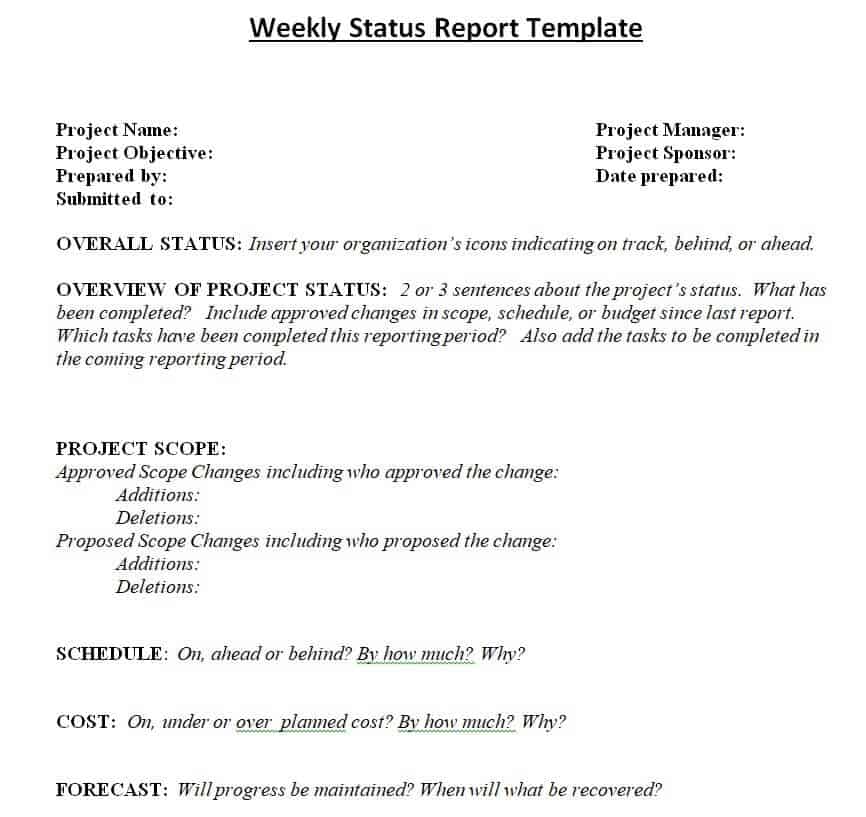
File Size: 13 KB
Sample Weekly Status Report Example
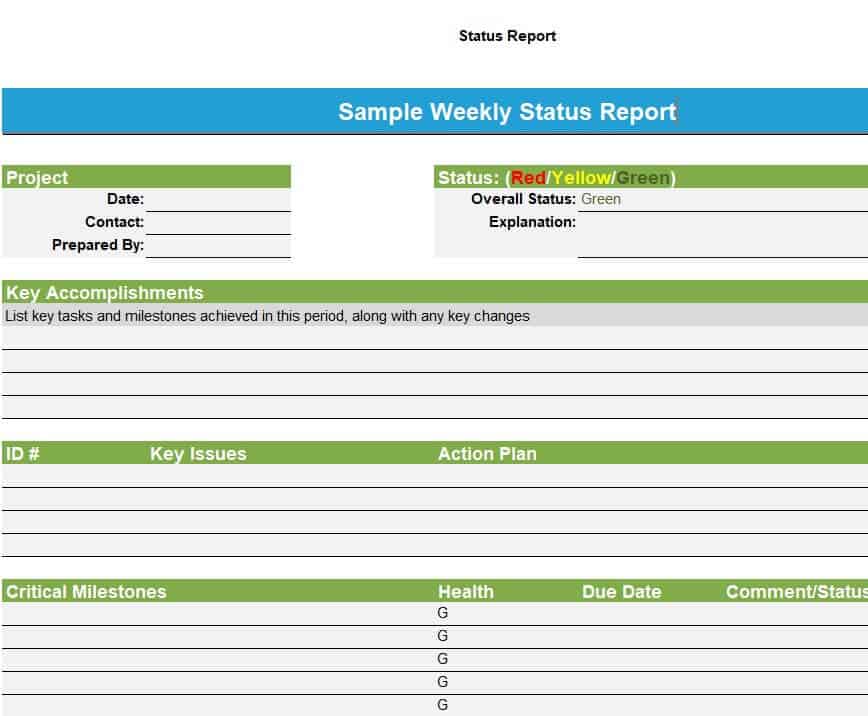
File Size: 22 KB
Common Weekly Status Report Format for a Project
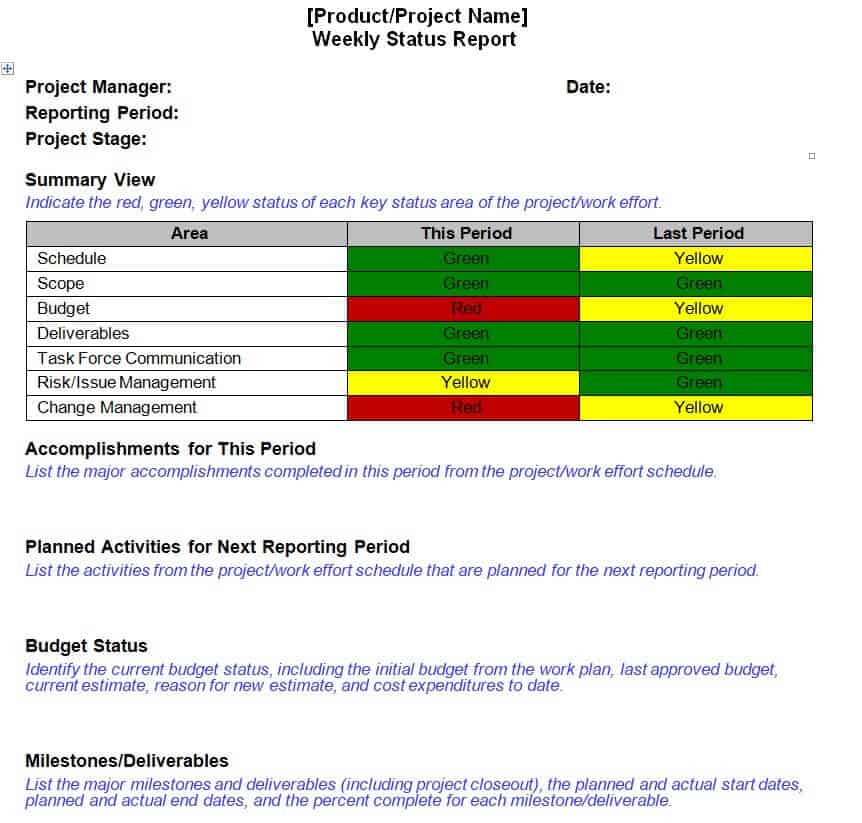
File Size: 15 KB
Standard Weekly Status Report Template in DOC Format
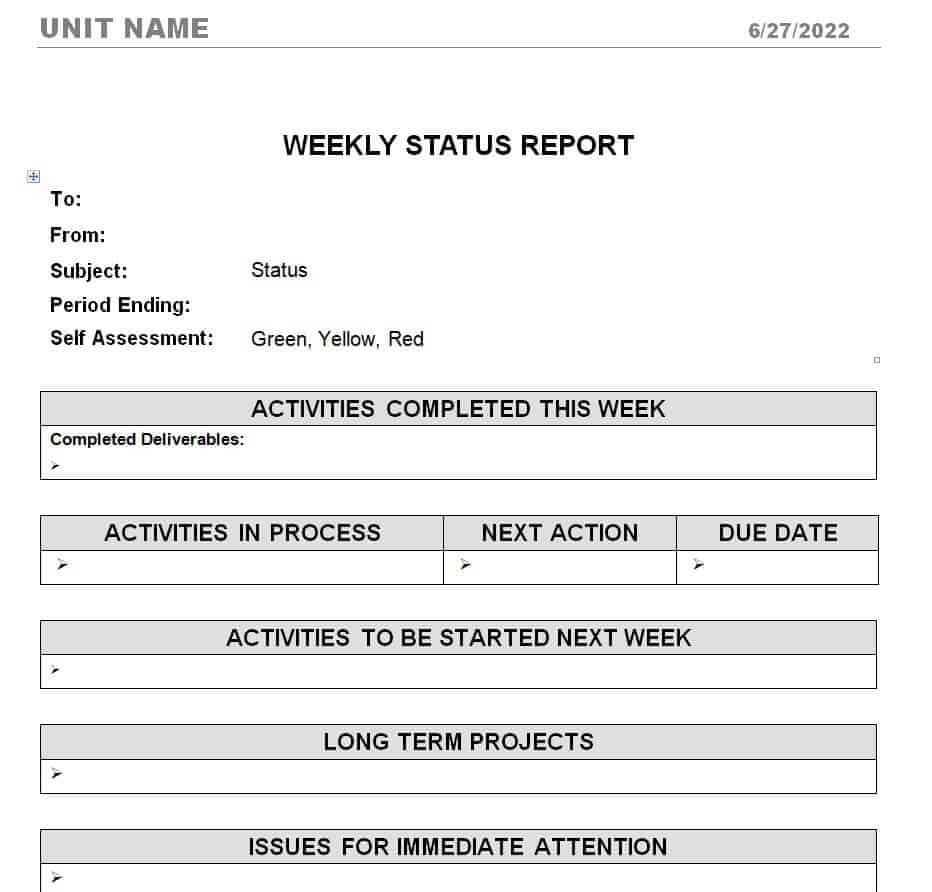
File Size: 24 KB
Student Weekly Internship Status Report Template
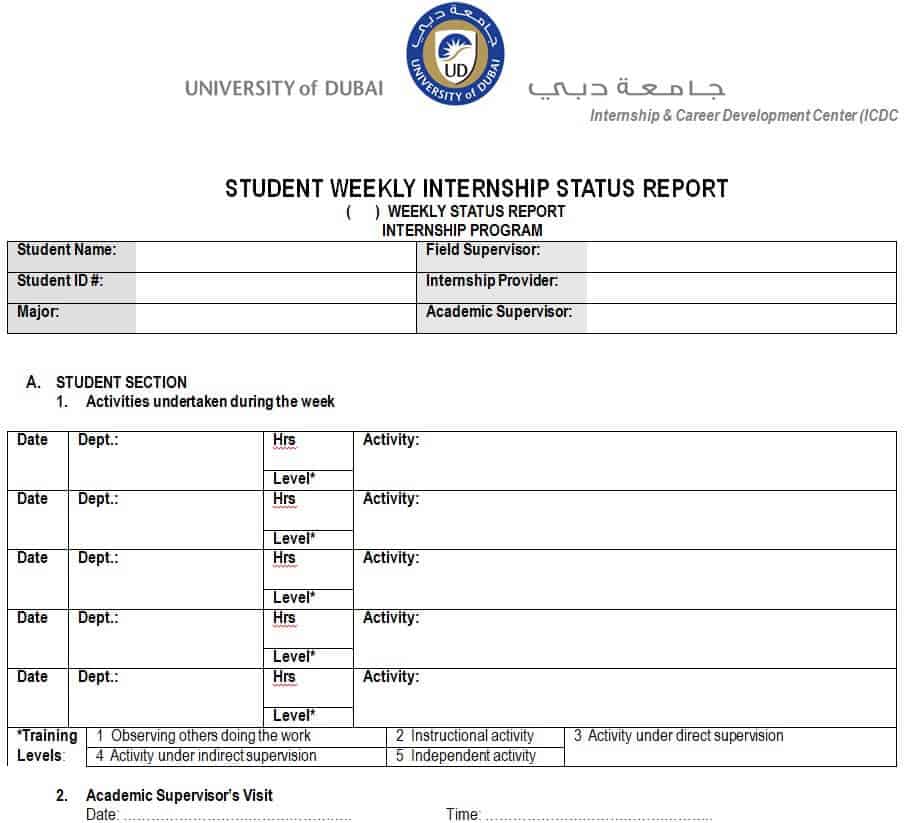
File Size: 67 KB
Weekly Sales Status Report Template
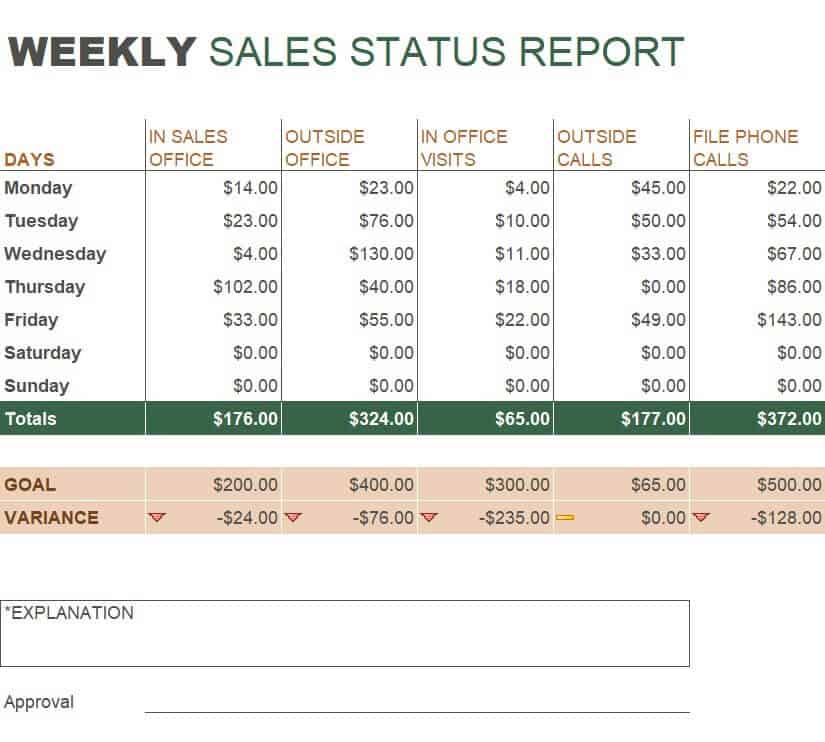
File Size: 18 KB
Employee Weekly Status Report Word Template
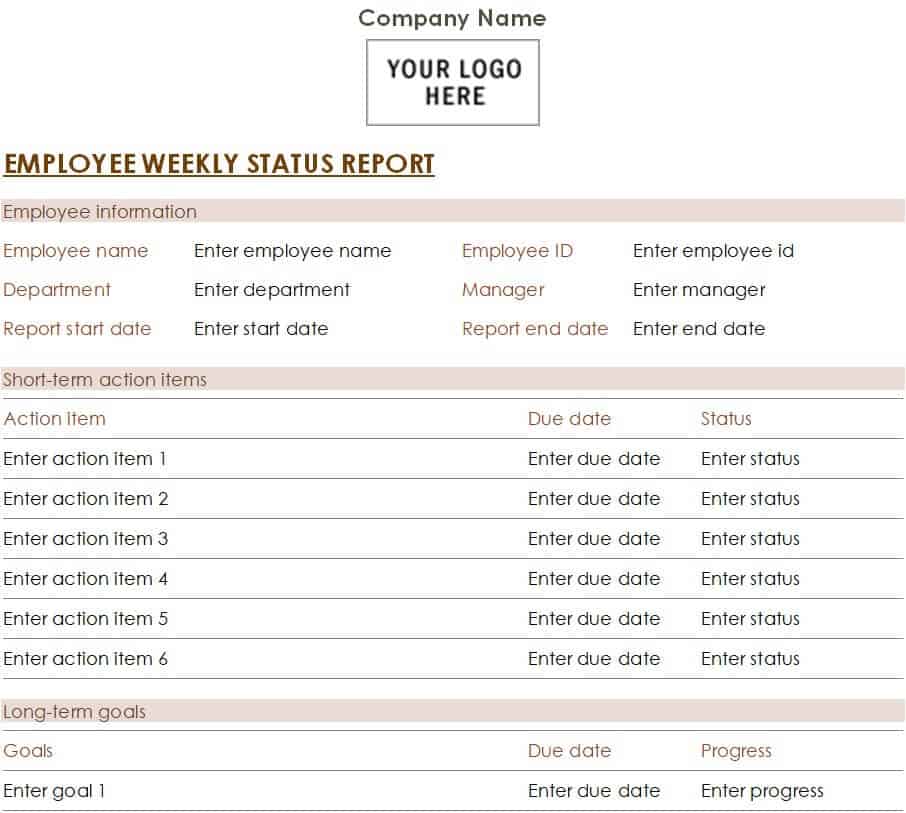
File Size: 661 KB
Consultant’s Weekly Status Report Template
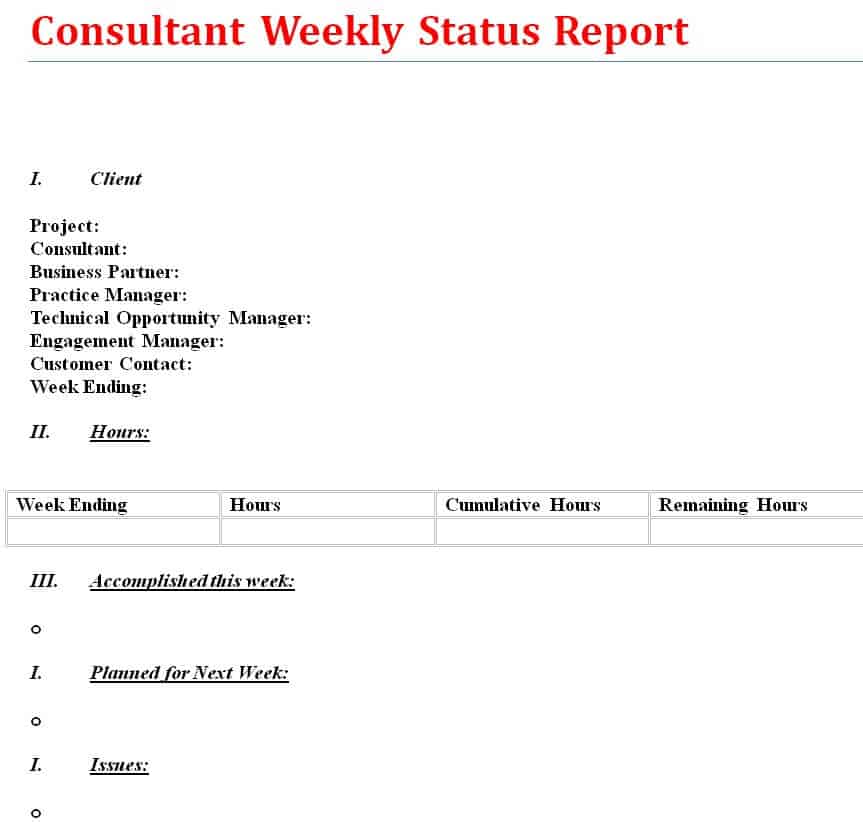
File Size: 08 KB
Institutional Development Project Weekly Status Report
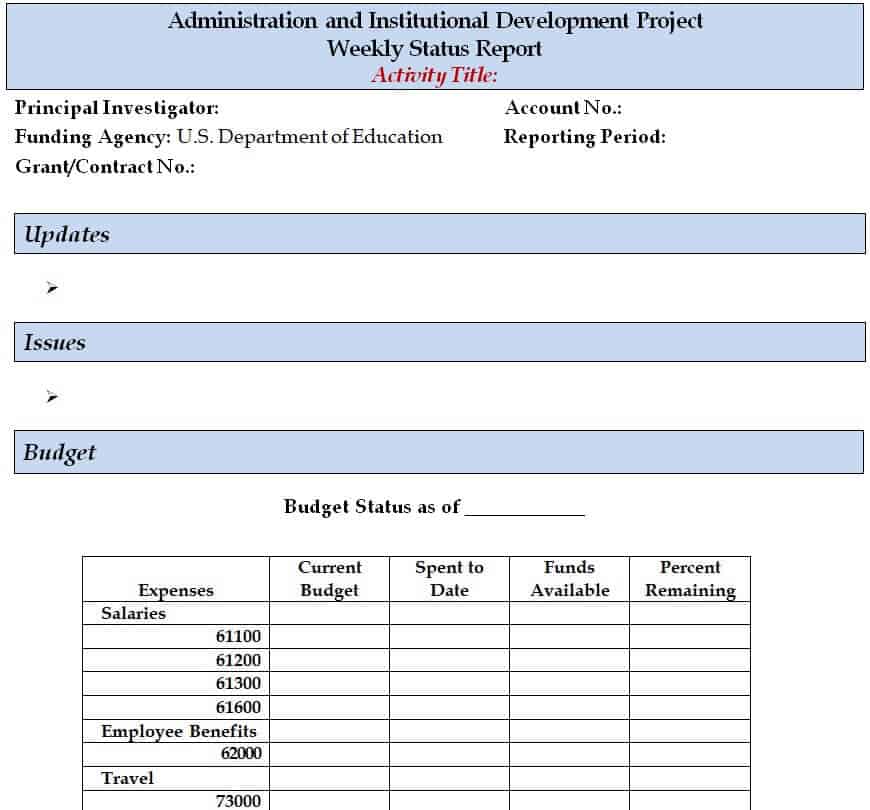
File Size: 21 KB
Professional Weekly Status Report Format

File Size: 36 KB
Project Weekly Status Report Format DOC
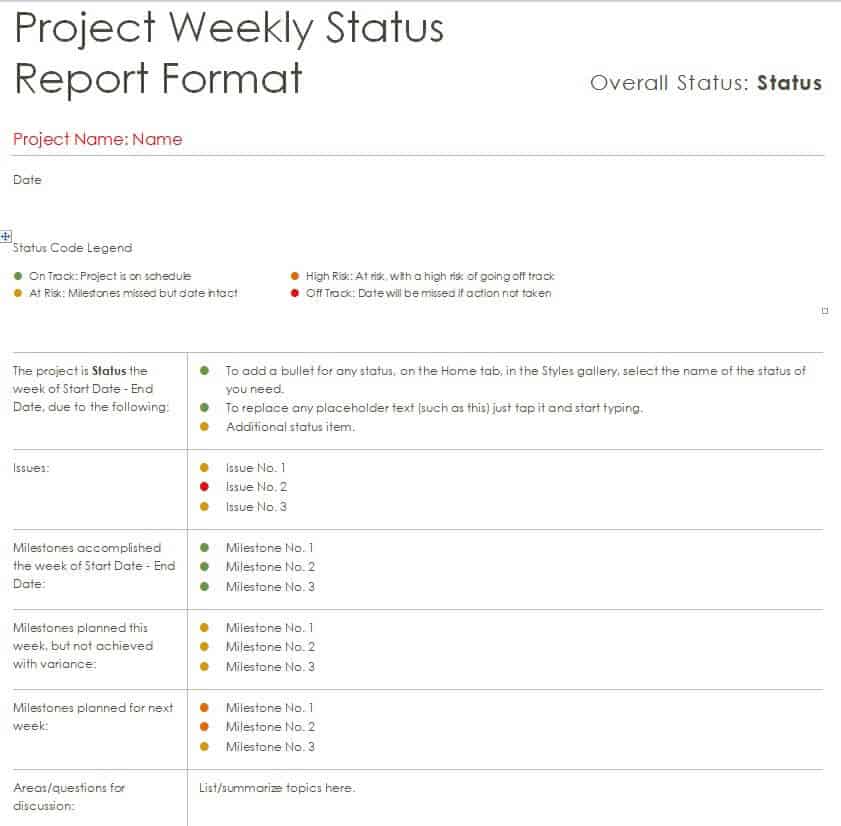
File Size: 28 KB
Project Weekly Status Summary Report
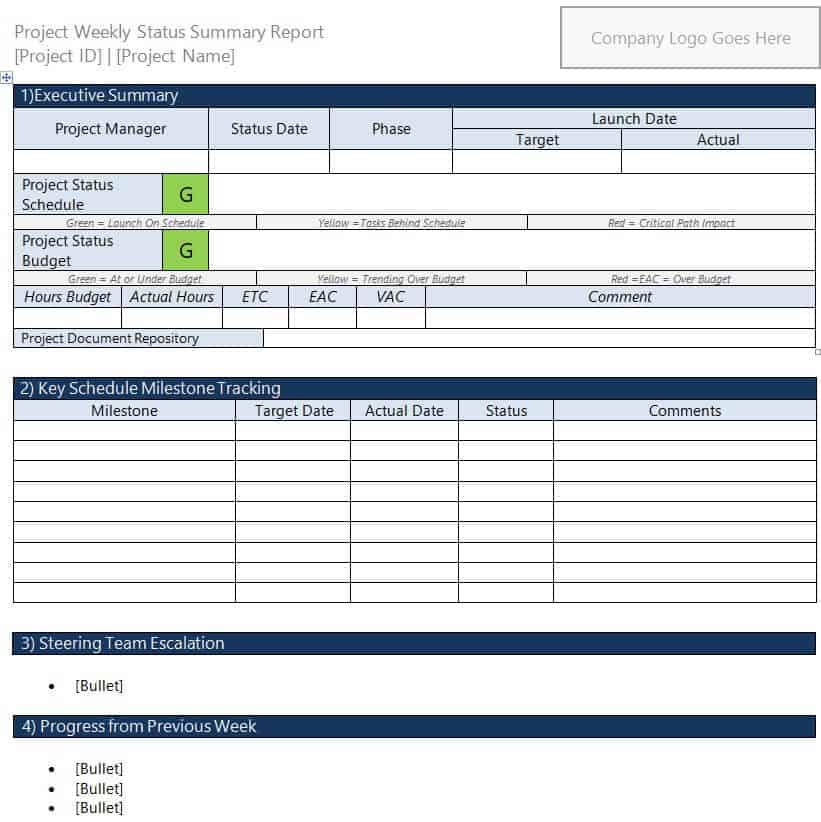
File Size: 45 KB
Organization’s Project Weekly Status Report Example
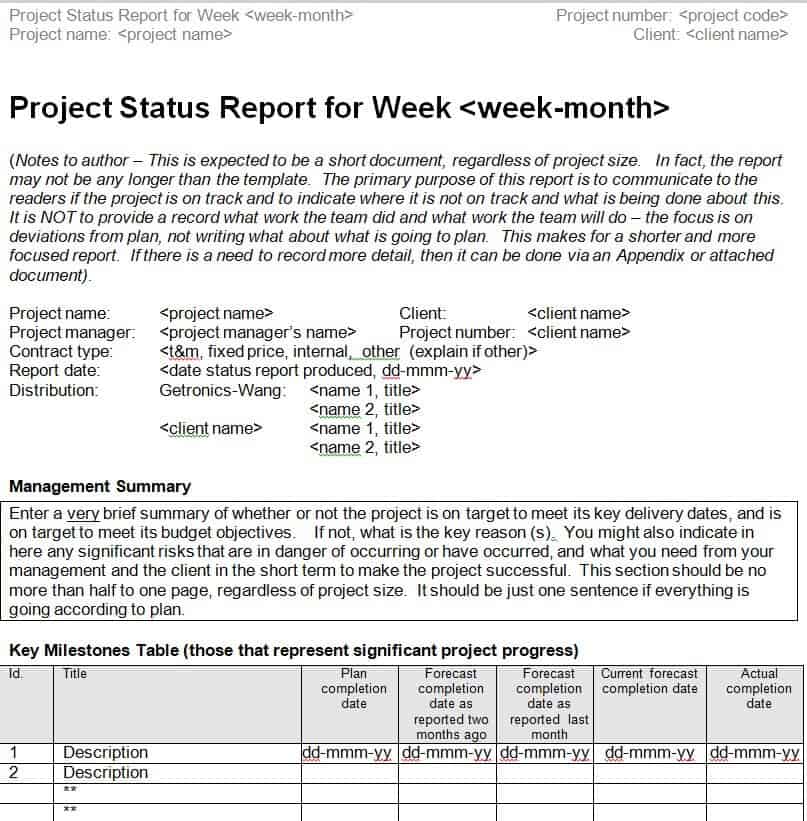
File Size: 12 KB
Business Weekly Status Report Sample in Word
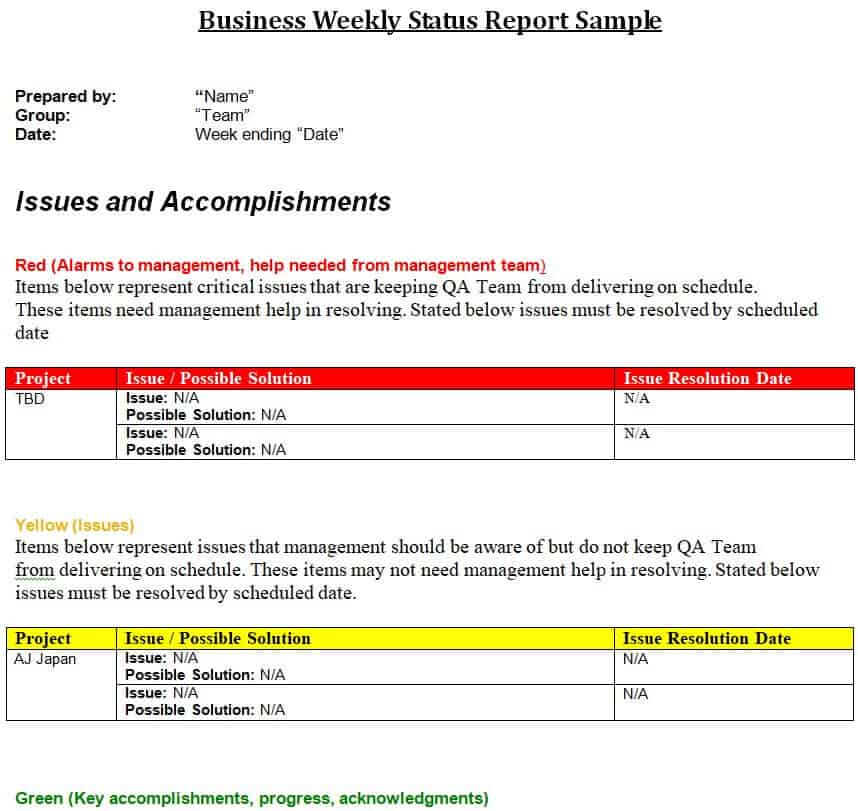
File Size: 10 KB
Sample Weekly Status Report (Filled Example)
Here is a short example of how the task section of a weekly status report might look for a small website redesign project. The overall status is Amber (minor delay) because one task is at risk.
| Task | Owner | Status | % Complete | Due Date |
|---|---|---|---|---|
| Finalize homepage design | Sarah (Design) | Completed | 100% | Oct 7 |
| Write content for service pages | James (Content) | Completed | 100% | Oct 8 |
| Build contact form | Ali (Development) | In Progress | 60% | Oct 14 |
| Set up blog section | Ali (Development) | In Progress | 30% | Oct 16 |
| Migrate old product pages | Maria (Development) | At Risk – waiting for product data | 10% | Oct 16 |
Summary: 2 of 5 tasks completed, 2 in progress, and 1 at risk. Next week: finish the contact form and blog section. Help needed: product data from the sales team by Oct 12 to keep the migration on schedule.
Frequently Asked Questions
What is the best day to submit a weekly status report?
Most organizations prefer receiving status reports on Friday afternoon (to summarize the week’s completed work) or early Monday morning (to set priorities for the week ahead).
How long should a weekly status report be?
A standard weekly status report should ideally fit on a single page (1–2 pages maximum for complex enterprise projects). Keeping it brief ensures higher readership among executives.
What is the PPP status report format?
The PPP format stands for Progress, Plans, and Problems. It is a simplified reporting method where employees list:
Progress: Tasks completed this week.
Plans: Tasks scheduled for next week.
Problems: Roadblocks requiring help or intervention.
What is the difference between a weekly status report and a progress report?
A weekly status report is a short, regular update that covers one week of work and flags any current problems. A progress report is usually less frequent and looks at how far a project has moved toward its overall goals over a longer period, such as a month or a project phase.
For other reporting needs, take a look at our daily report templates, monthly report templates, summary report templates, and meeting minutes templates, which work well alongside your weekly updates.
Final Thoughts
A good weekly status report is short, honest, and sent at the same time every week. Choose one of the 31 PDF and Word templates above, fill in your completed work, next steps, and any blockers, and your manager will have a clear picture of where things stand in just a few minutes.