Maintaining consistent daily reporting is essential for tracking project progress, managing team productivity, and catching operational bottlenecks before they delay deadlines. A structured daily report provides managers, clients, and department heads with an immediate overview of completed tasks, ongoing work, and immediate priorities.
Our collection of free editable daily report templates is available in Microsoft Excel (.XLSX) and Microsoft Word (.DOCX). Whether you need an employee daily work log, a construction site progress report, a daily sales summary sheet, or a shift handover log, you can easily download and customize these sheets to keep your operations running smoothly.
This page includes 31 editable daily report templates: 20 in Microsoft Excel and 11 in Microsoft Word. Simply pick a format, edit its contents, and use it as required. You can also check out related templates such as our customer service report templates and stock report templates.
What is a Daily Report and Why is it Essential?
A daily report (also known as a daily work log, daily activity report, or daily progress tracker) is an operational record filled out at the end of each workday or shift. It details work completed, hours logged, resources used, and obstacles encountered during that 24-hour period.
Implementing a standardized daily reporting routine across your organization offers several major operational benefits:
- Increases Team Accountability: Encourages employees to document their daily accomplishments and manage their time efficiently.
- Provides Real-Time Visibility: Gives managers instant insights into project timelines without needing constant status update meetings.
- Improves Issue Tracking: Highlights technical blockers, material shortages, or safety concerns as soon as they arise.
- Creates Historical Records: Builds a searchable daily log that simplifies weekly, monthly, and annual performance audits.
Key Components of an Effective Daily Report Template
To ensure your daily updates remain concise and actionable, a well-designed daily progress sheet should include these core data fields:
| Field Name | Description & Purpose | Recommended Format |
| Date & Shift Information | Identifies the specific workday, date, and working shift. | Date Format (DD/MM/YYYY) |
| Reporter / Employee Name | Full name and job title of the person submitting the report. | Text Field |
| Tasks Completed Today | Itemized list of deliverables, site work, or sales closed during the day. | Bulleted List |
| Work in Progress (WIP) | Ongoing tasks scheduled to roll over into the next workday. | Bulleted List with % Complete |
| Blockers & Bottlenecks | Immediate challenges, missing approvals, or equipment issues requiring help. | Priority Highlight (Red/Amber) |
| Resource & Material Log | Summary of labor hours, materials used, or equipment operated. | Numeric Table |
| Tomorrow’s Objectives | Key priorities planned for the upcoming workday to maintain momentum. | Bulleted List |
Types of Daily Report Templates Available for Download
1. Employee Daily Work Log Templates (Word & Excel)
Designed for remote teams, office staff, and freelancers. Allows workers to document daily task completions, hours spent per task, and key priorities for the next working day.
2. Construction Site Daily Progress Reports
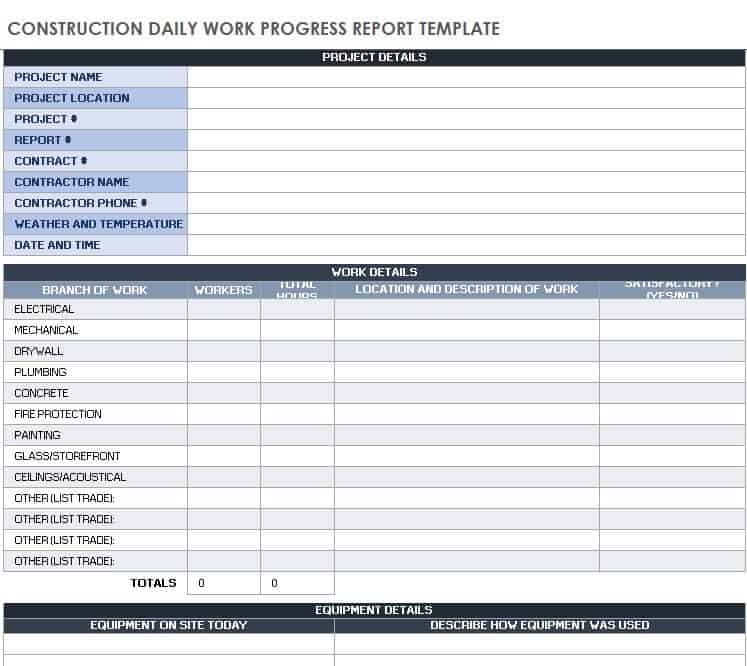
Tailored for project managers, site engineers, and foremen. Features specialized sections for weather conditions, site manpower counts, safety incidents, and equipment usage logs.
3. Daily Sales & Revenue Tracking Sheets (Excel)
Built for retail managers and sales teams. Includes pre-formatted Excel tables to track daily sales volume, customer transactions, cash vs. card breakdown, and target variances.
4. Shift Handover & Operational Logs (Word & Excel)
Ideal for manufacturing plants, hospitality, and customer support centers. Captures key events from the outgoing shift so incoming teams can take over without operational gaps.
Best Practices for Writing Clear Daily Reports
Highlight Urgent Blockers First: Always place critical issues or resource needs near the top of the report so management can address them without delay.
Be Concise and Direct: Use bullet points and clear metric totals instead of writing long paragraphs. Focus on factual outputs and percentages completed.
Submit Before the End of Shift: Fill out and submit your report immediately before leaving your workspace to ensure all details and numbers remain fresh and accurate.
Quantify Progress Wherever Possible: Instead of stating “worked on client project,” write “completed 5 out of 8 wireframe designs (62% complete).”
Daily Report Templates in Excel
Salon Daily Sales Report Form
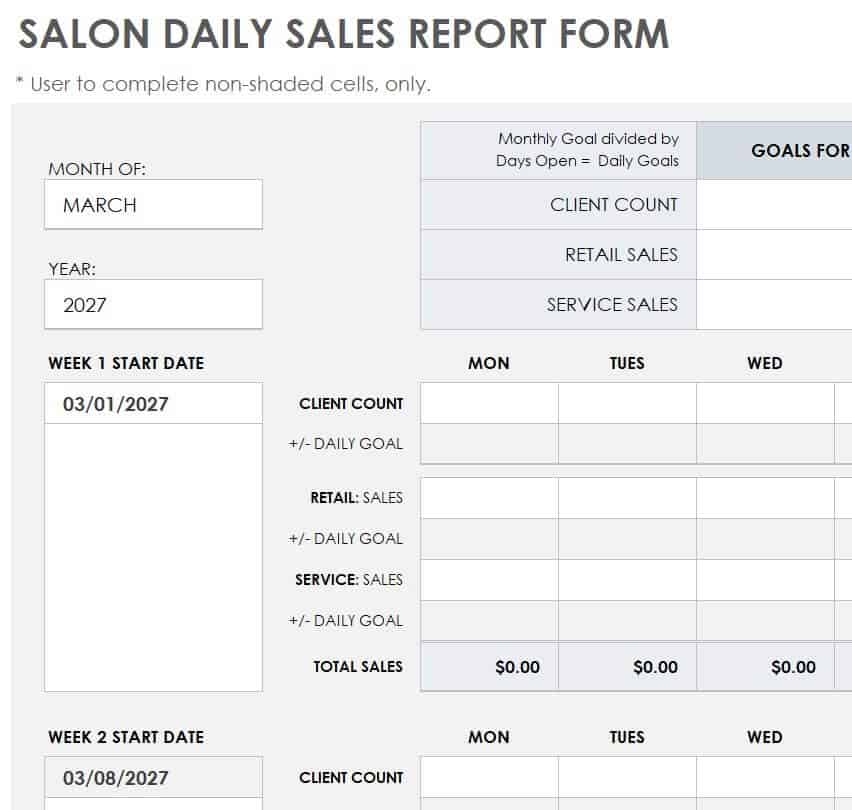
File Size: 307 KB
Trainee Daily Progress Report Template
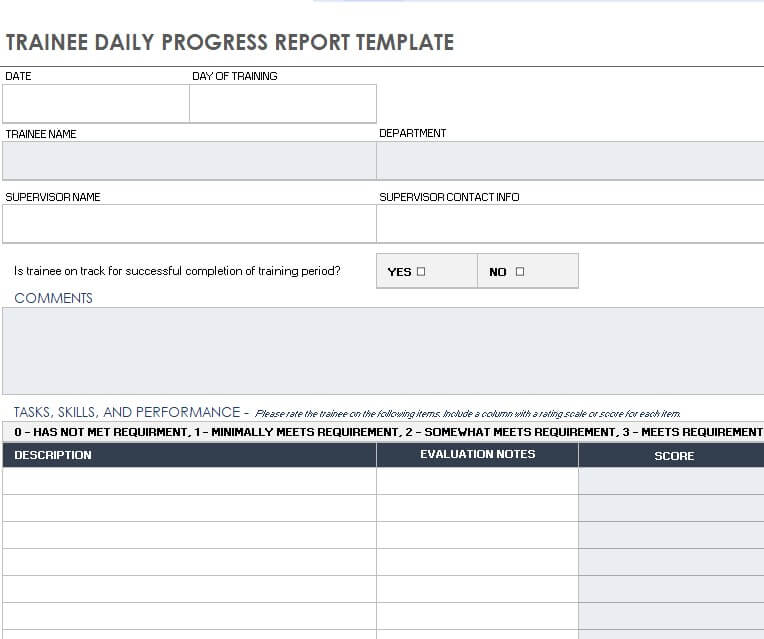
File Size: 338 KB
Blank Daily Sales Report Template Excel
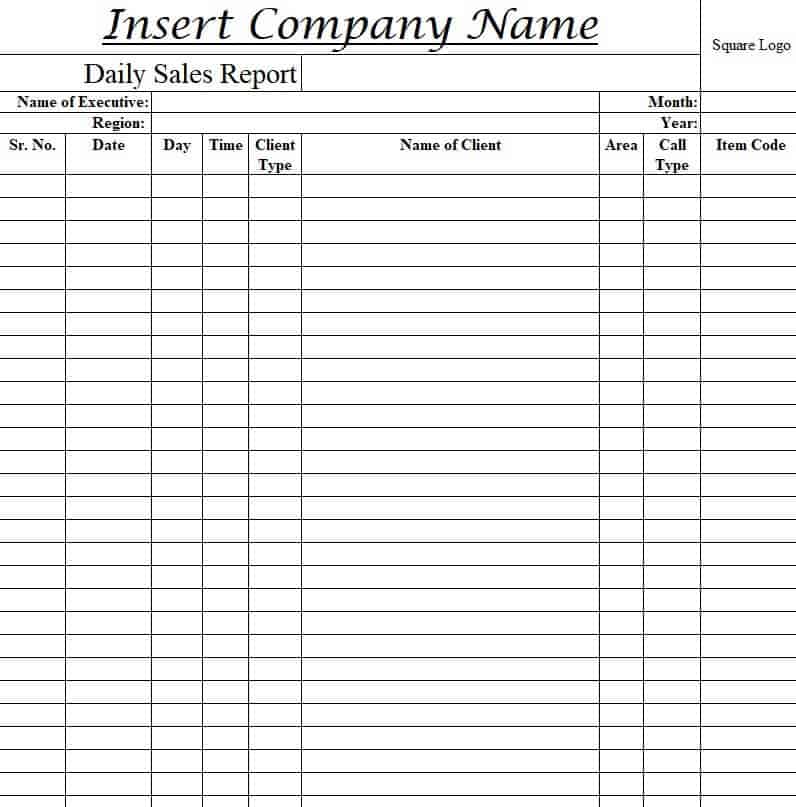
File Size: 95 KB
Sales Executive Daily Report Template
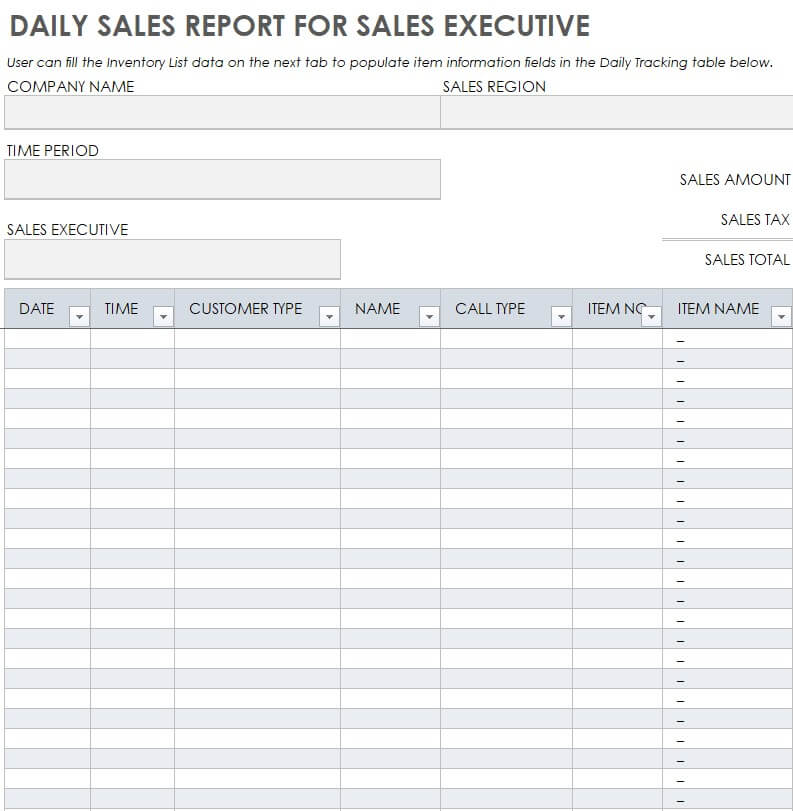
File Size: 314 KB
Construction Daily Work Progress Report Template
File Size: 338 KB
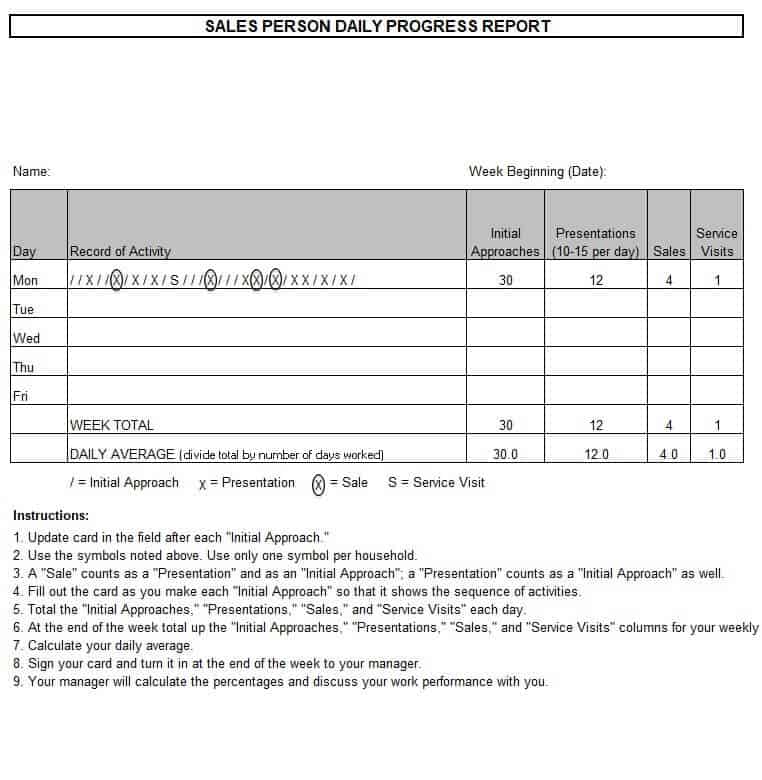
Sales Person Daily Progress Report Sheet
File Size: 22 KB
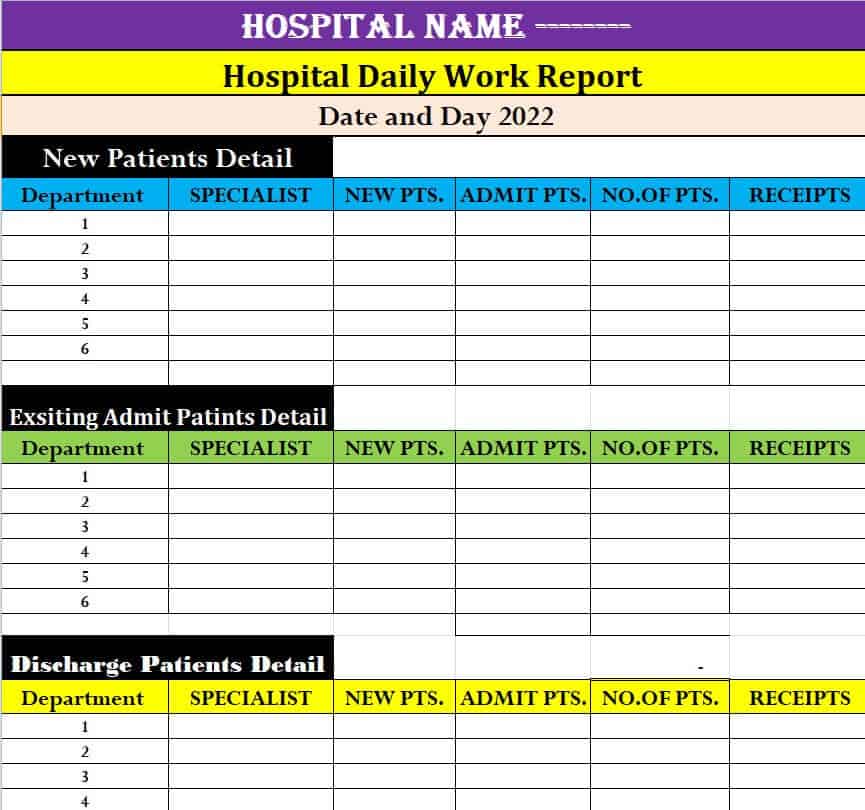
Editable Hospital Daily Work Report Example
File Size: 12 KB
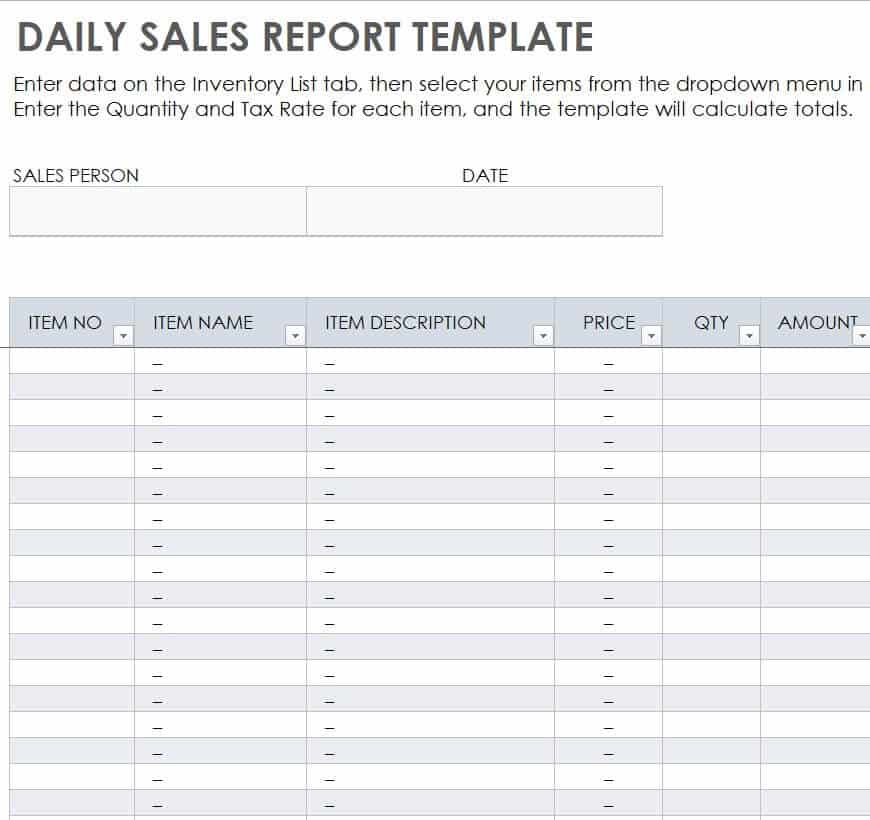
Excel Daily Sales Report Template
File Size: 310 KB
Daily Progress Report Template in XLSX Format
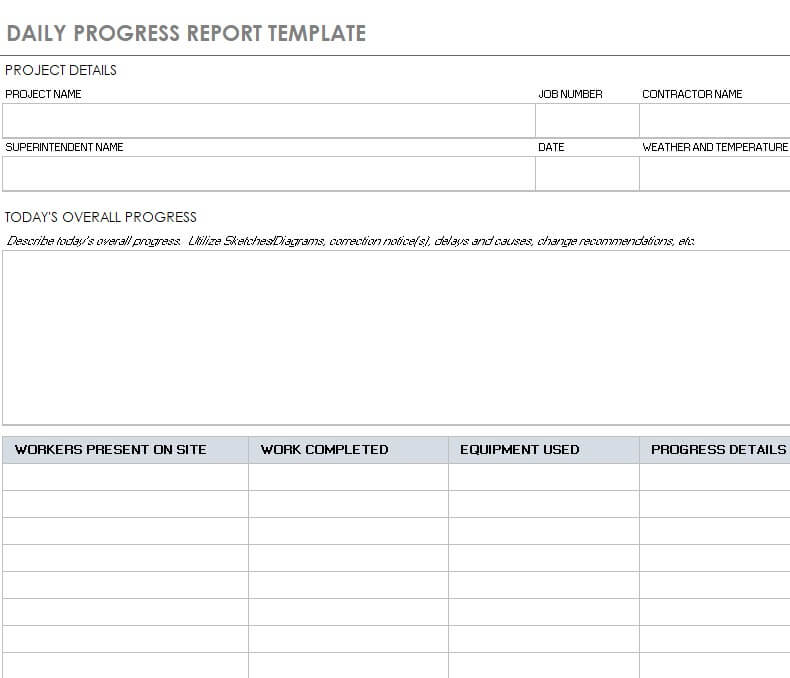
File Size: 369 KB
Standard Daily Sales Report Template
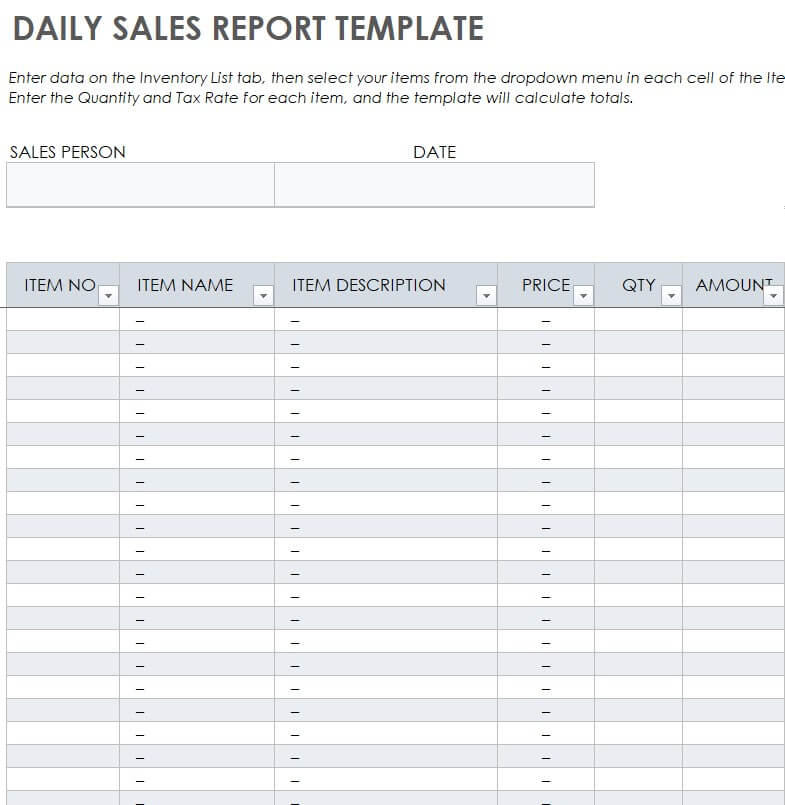
File Size: 310 KB
Company’s Daily Work Report Template
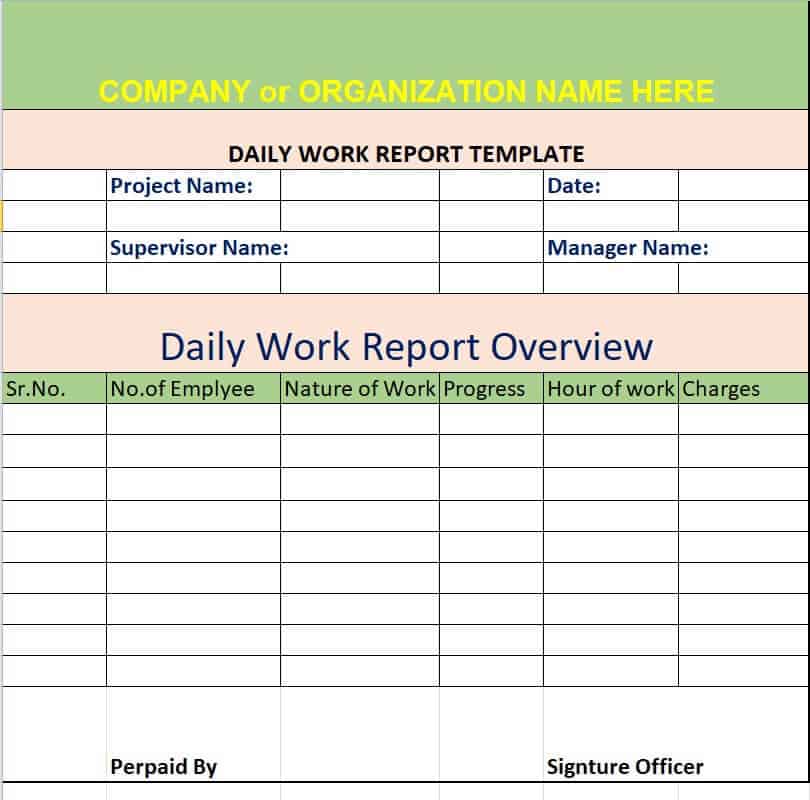
File Size: 08 KB
Official Daily Sales Report Excel Template
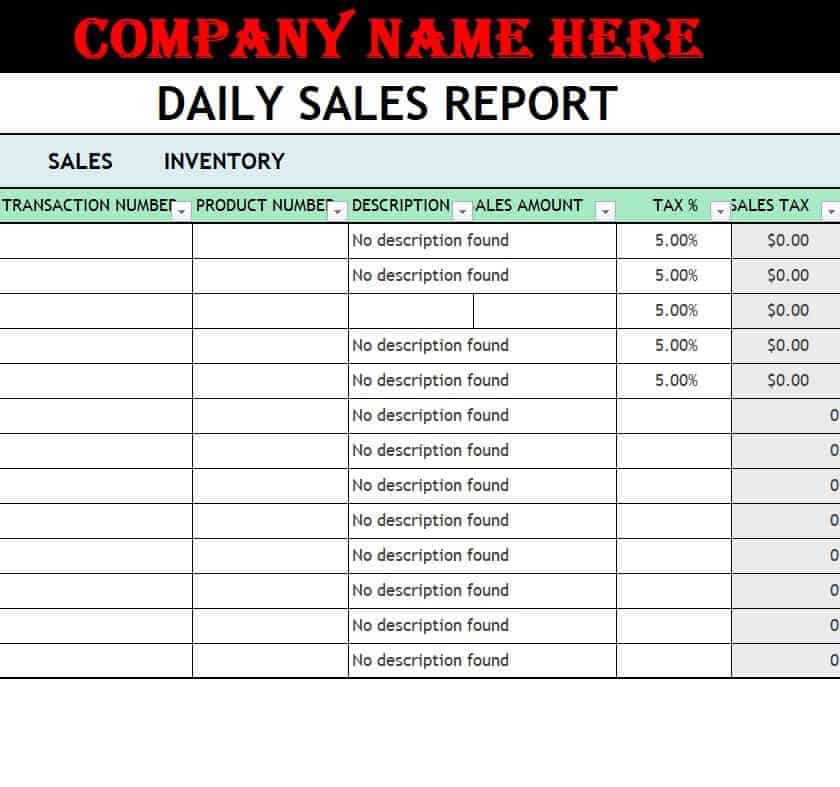
File Size: 17 KB
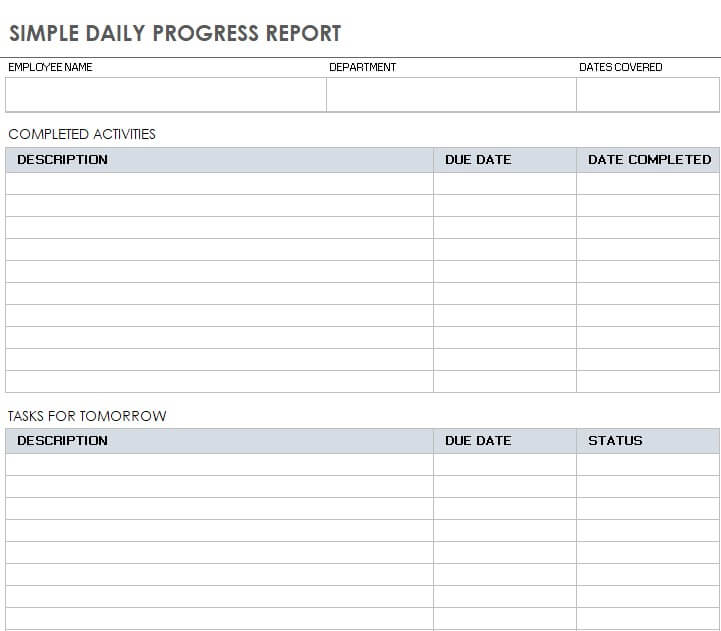
Simple Daily Progress Report Example
File Size: 472 KB
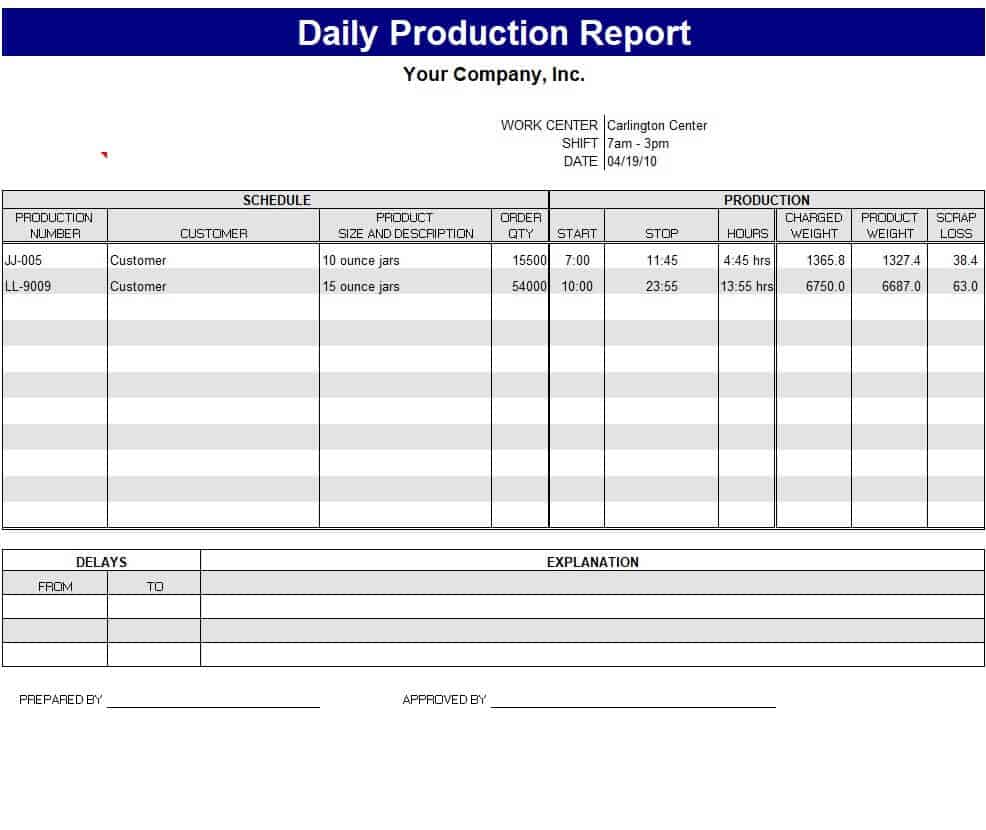
Company’s Daily Production Report Template
File Size: 22 KB
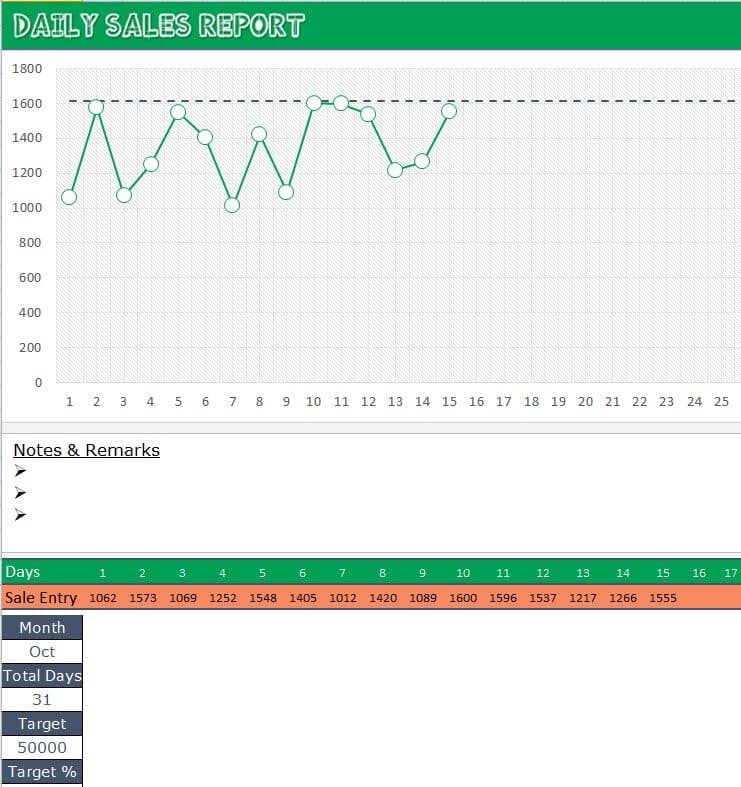
Daily Sales Report Graph
File Size: 36 KB
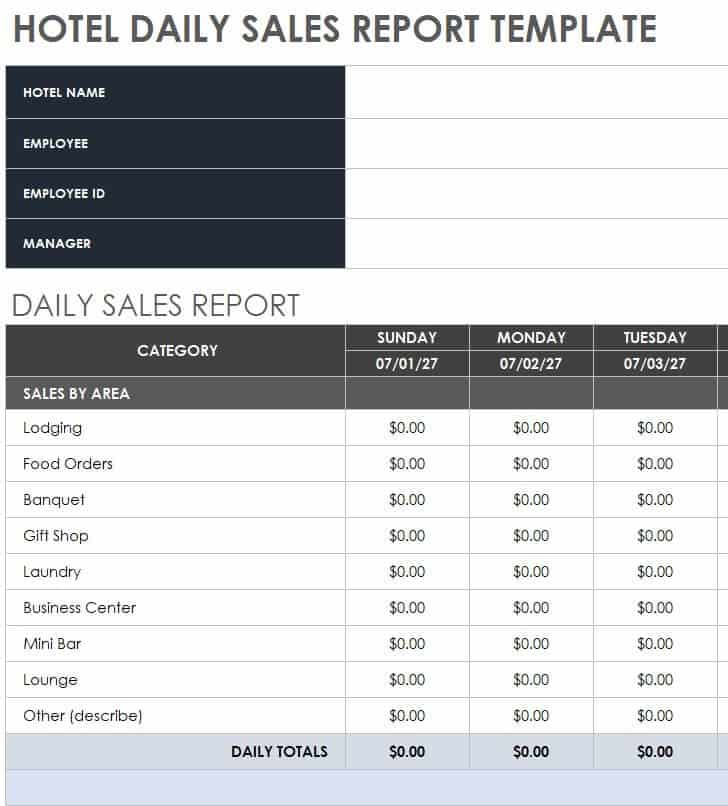
Customizable Hotel Daily Sales Report Format
File Size: 326 KB
Detailed Daily Sales Report Template
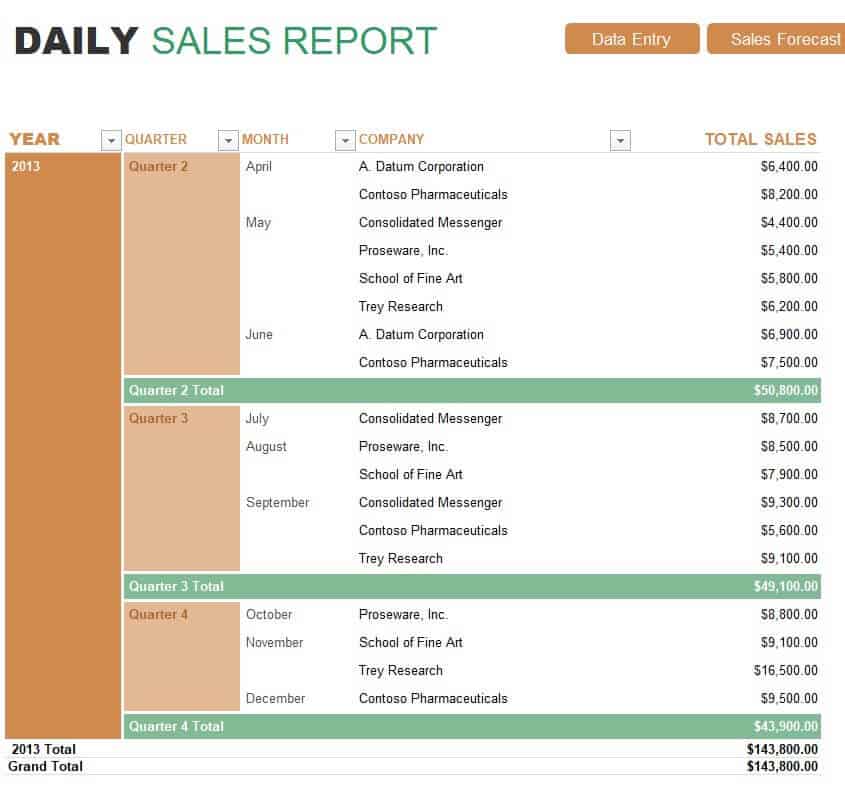
File Size: 33 KB
Sample Restaurant Daily Sales Report Template
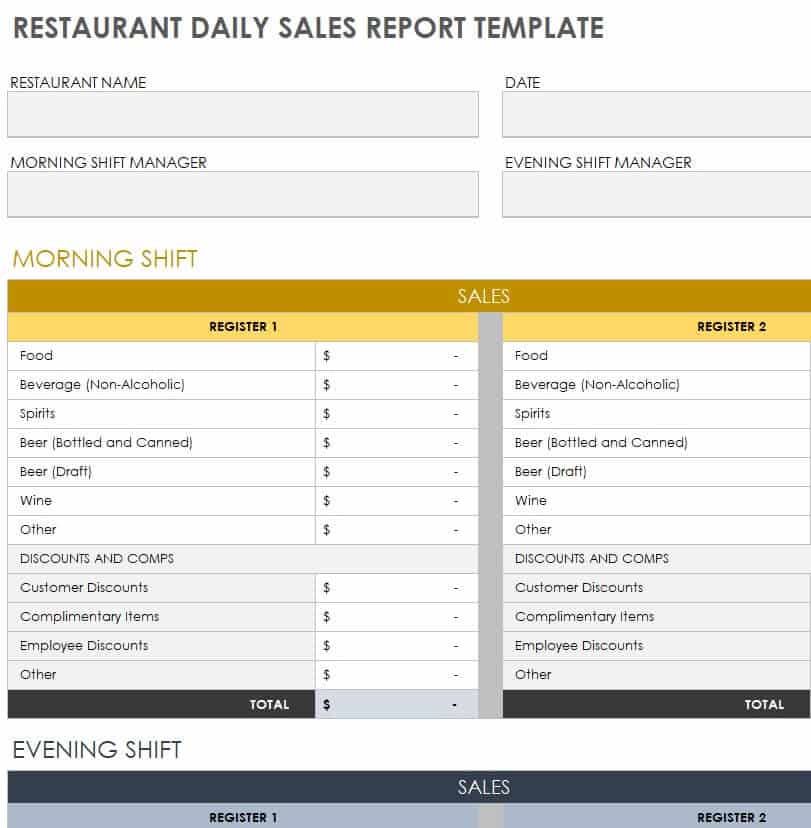
File Size: 334 KB
Small Business Daily Expense Report Template
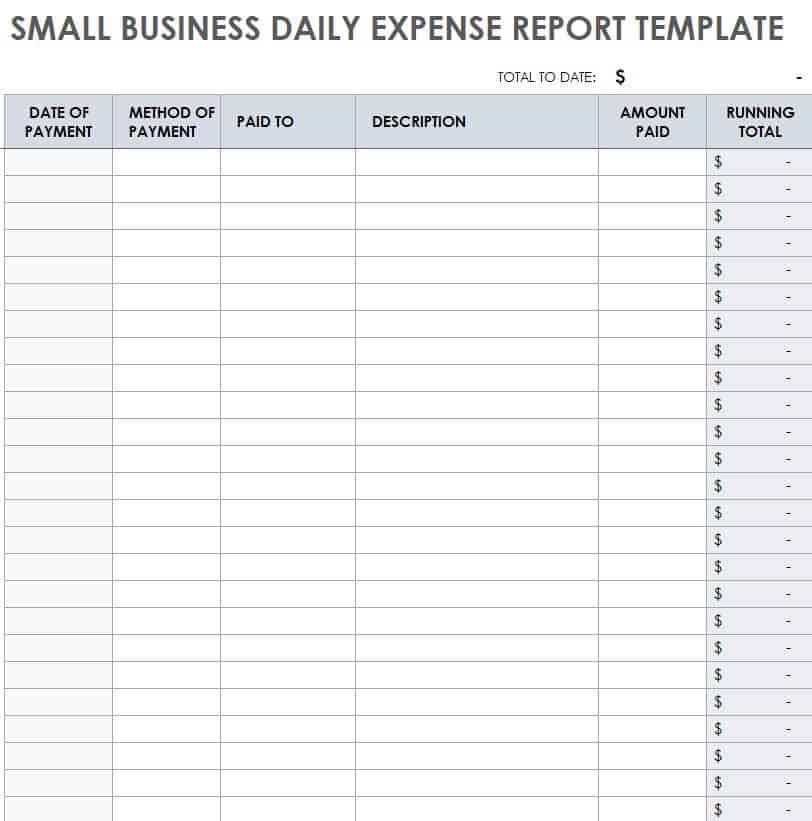
File Size: 295 KB
Contractor’s Daily Progress Report Template
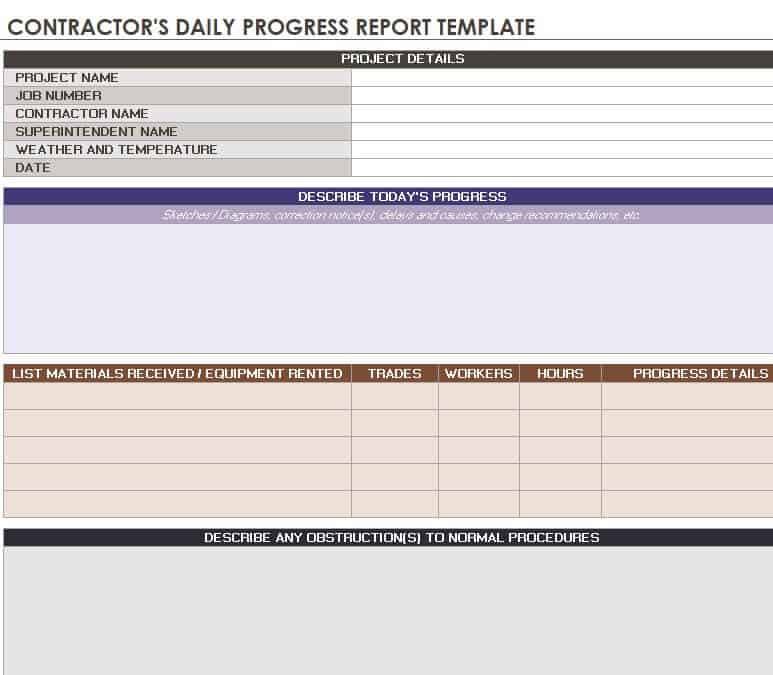
File Size: 357 KB
Benefits of Using a Daily Report
Daily reports are quite important for any type of business or any other organization. Some of the amazing benefits of preparing and using a daily report are here below:
- The most important objective of a daily report is to update the project managers and team leaders on a daily basis.
- Preparing reports on a daily basis plays an important part in successful project management.
- Some daily reports are quite helpful in keeping proper track of daily happenings and events in the organization.
- Some daily reports like daily expense reports or daily materials report help in maintaining and supervising the financial accounts of the company. Doing so also minimizes the risk of fraud.
- Daily reports are also helpful in managing and improving the productivity of the workforce.
- A daily report can also be used as a piece of conclusive evidence in case of any future disputes.
- Daily reports can also be presented to clients so as to keep them up-to-date about a certain project.
- It is also one of the best tools to evaluate employees’ performances.
- A daily report enables the project managers to analyze the performance of the whole team instead of interviewing or asking each and every one of the team members.
- It encourages the employees to perform better so as to be in the good books of the bosses. Such reports might help them in getting recognized by their superiors.
Daily Report Templates in Word
Sample Student Daily Report Template
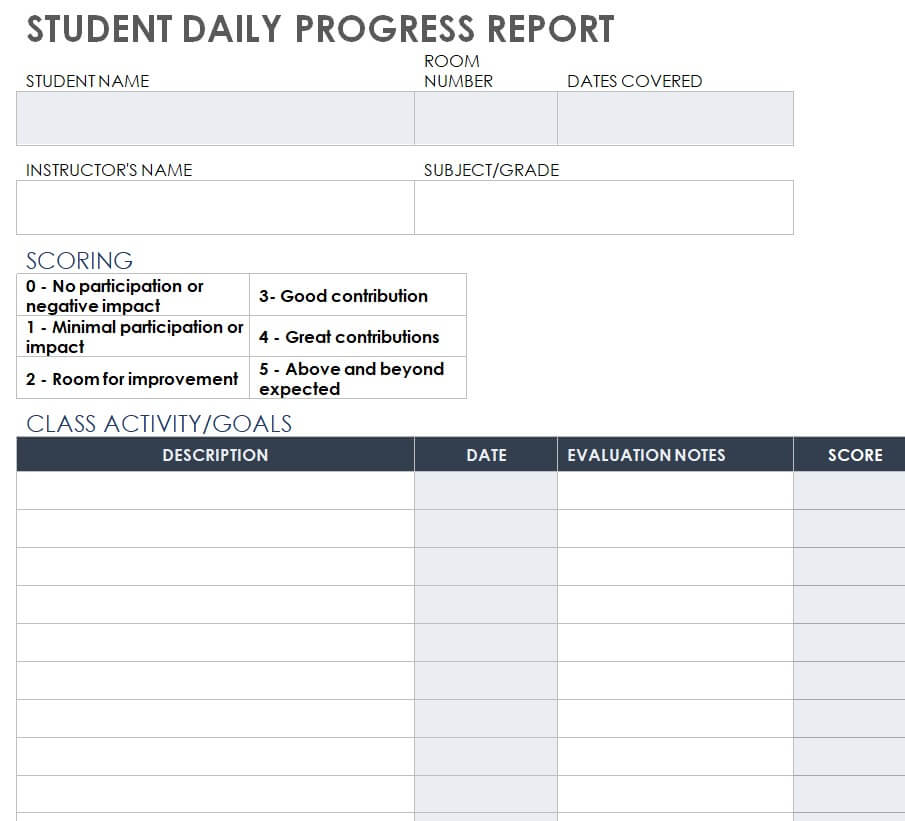
File Size: 21 KB
Company’s Daily Progress Report Template
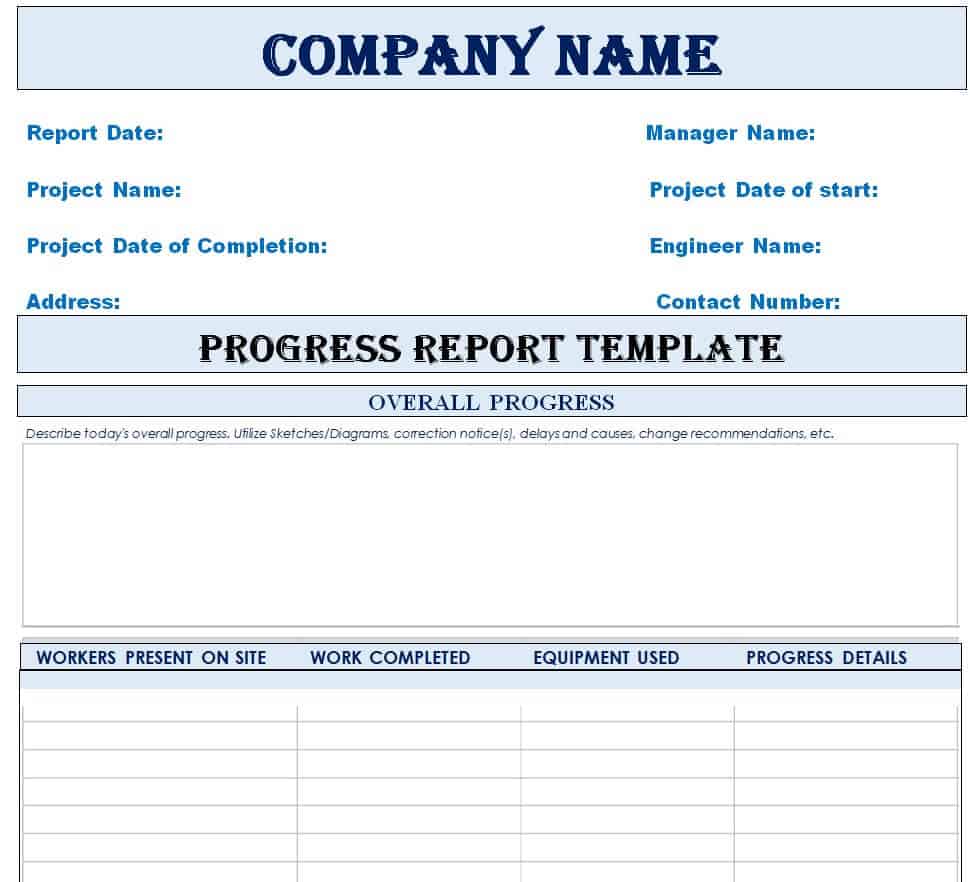
File Size: 09 KB
Fillable Daily Progress Report Sheet
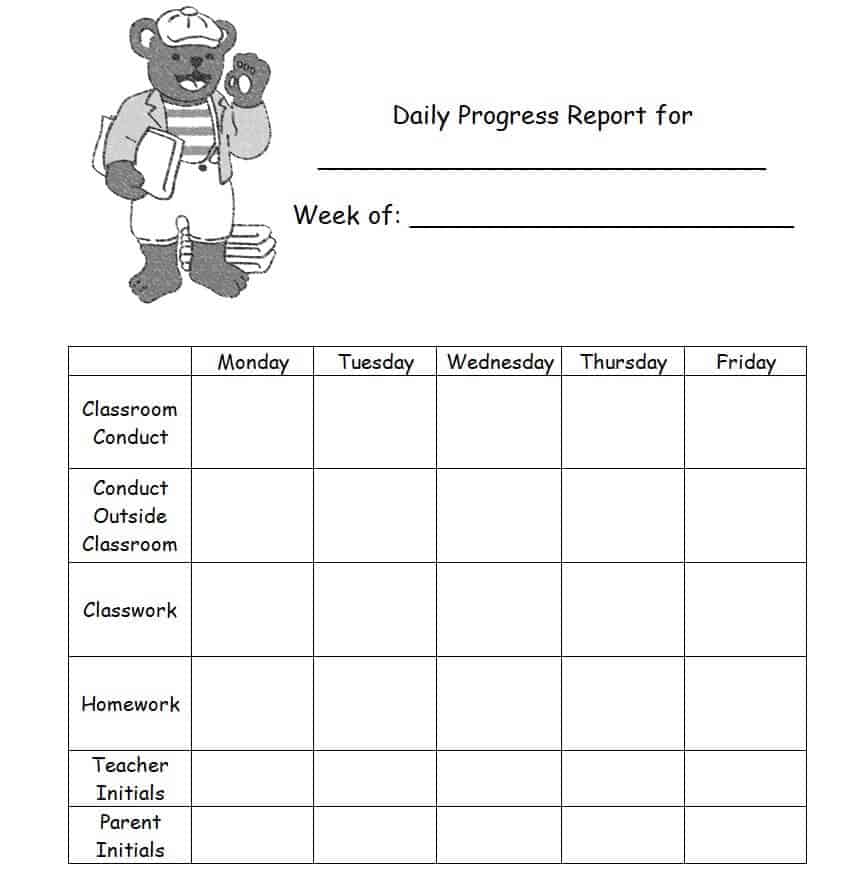
File Size: 182 KB
Daily Work Time Report Template

File Size: 11 KB
Daily Sales Report Example in Word
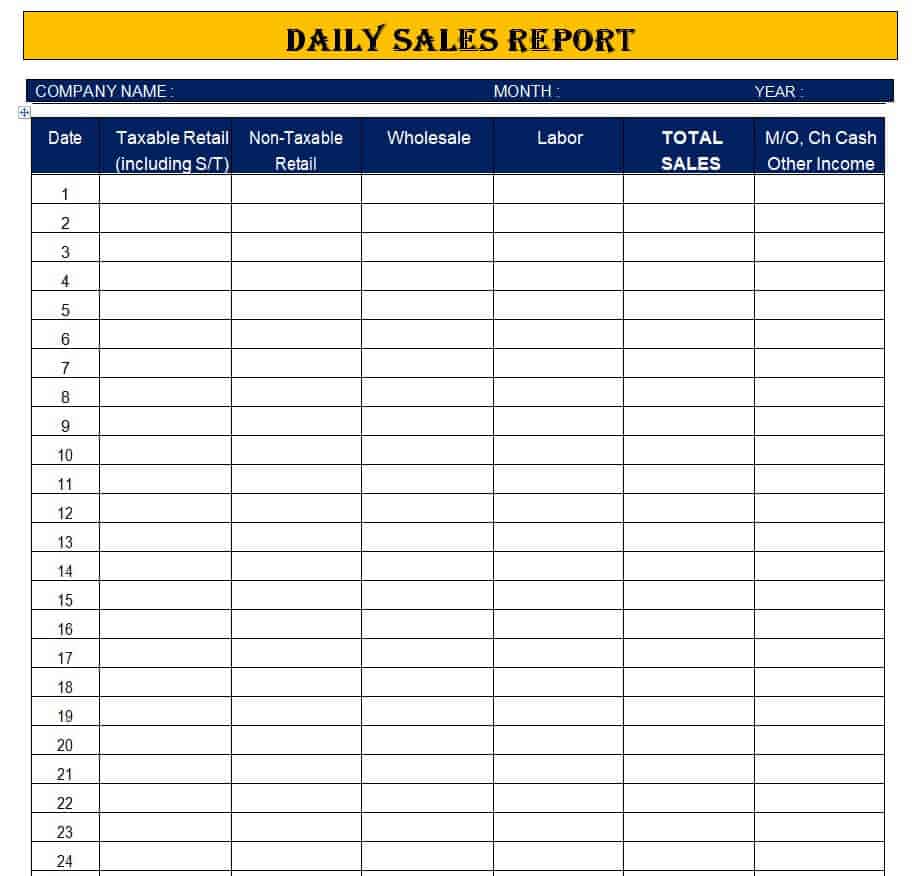
File Size: 08 KB
Warehouse Daily Report Template in DOC Format
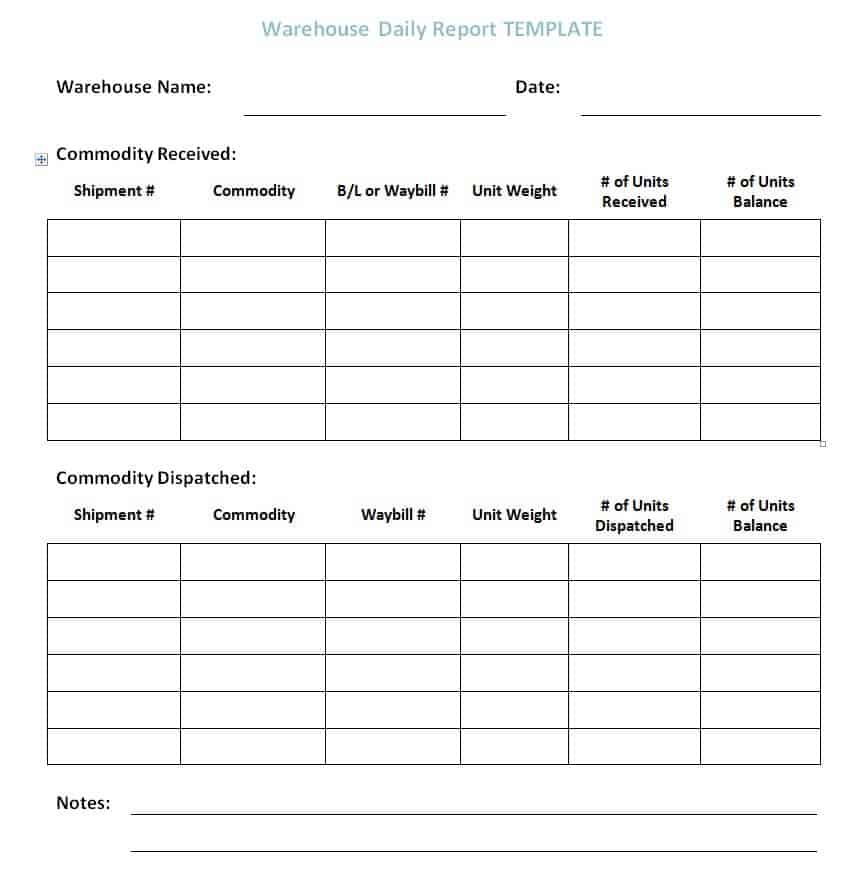
File Size: 15 KB
Online Daily Progress Report Template

File Size: 12 KB
Sample Project Daily Progress Report Template

File Size: 16 KB
Team Member Daily Status Report Template
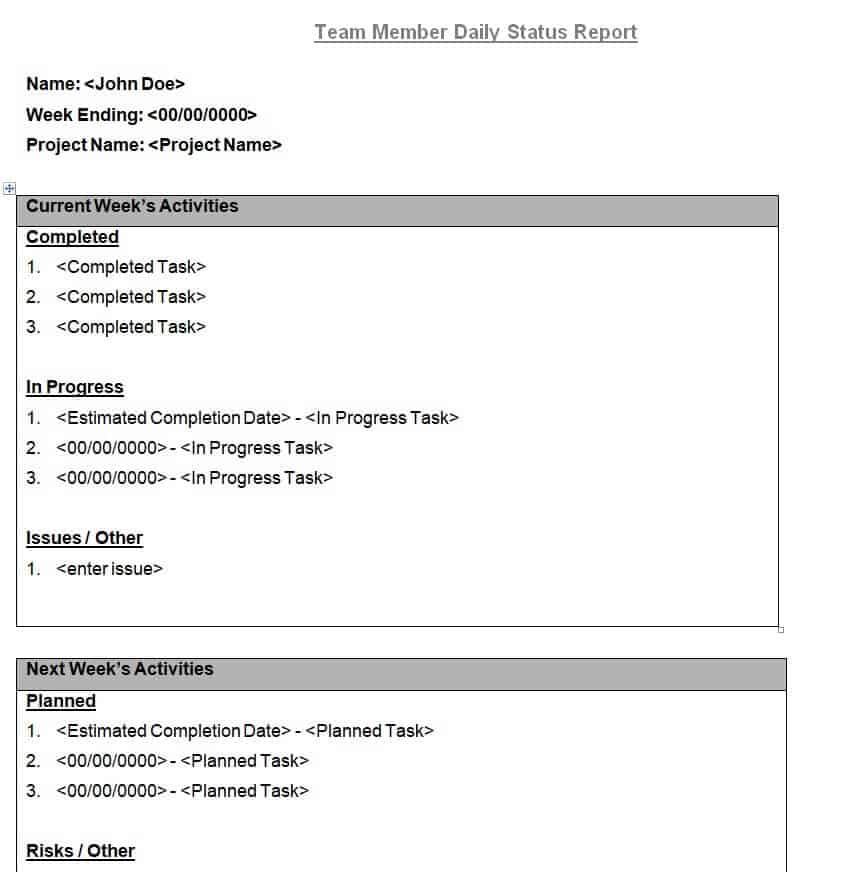
File Size: 11 KB
Organization’s Daily Activity Report Template
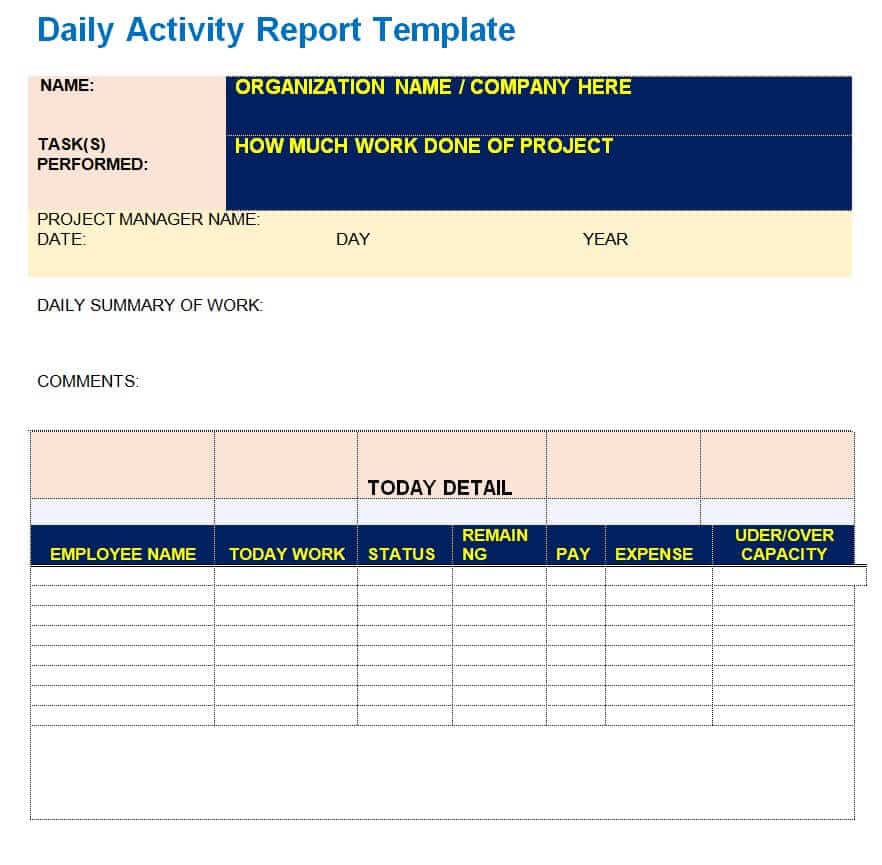
File Size: 12 KB
Official Daily Report Template in DOC Format
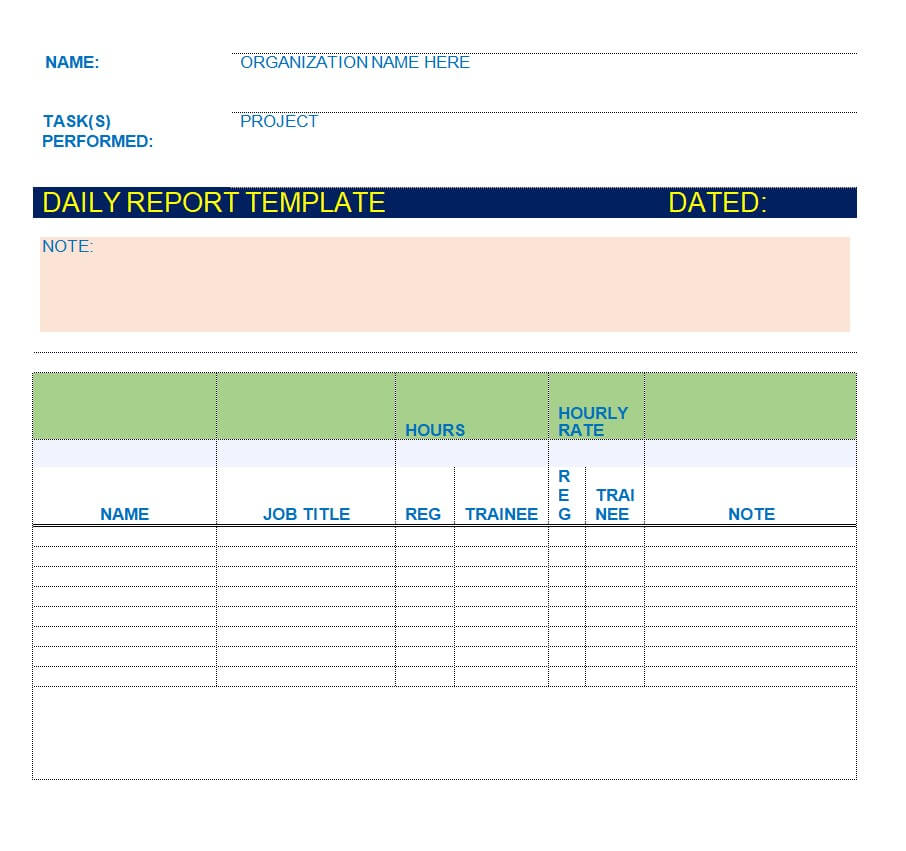
File Size: 10 KB
How to Make a Professional Daily Report
It is quite important that while preparing a daily report, you must choose a professional readable format. A daily report must be prepared in such a way that it clearly highlights and explains everything. In order to know how to write a perfect daily report or to make a professional daily report, make sure to keep in mind the following useful tips:
- As mentioned above, it is quite important to select and adapt a uniform professional format. Every organization must prepare a daily report in an easy yet official format so that it gets easy for the employees to fill in all the relevant details and information.
- Simply write the title of the report as “Daily [Type of Report] Report” at the top center of the report document. Make sure to write the title in bold letters and in big font.
- Details of the employee or employees involved. These details will include the names, contact details, and identification numbers of the employees.
- Details of the supervisor or any other person who is responsible for making the daily reports. This will include that person’s name, designation, contact details, etc.
- Mention the day, date, and month on which a daily report is being prepared.
- List down the specific tasks or accomplishments during the day.
- You can also briefly describe those tasks and accomplishments.
- Make sure to keep the report simple, concise, and easily understandable.
- The details of the resources used or consumed during the whole day.
- Include all the details and information in a proper organized way.
- Wherever necessary, attach relevant documents to the daily report, such as receipts or other proof.
- At the end, always leave some space for the manager or team leader’s remarks and signatures. Both the supervisor and the manager or team leader must sign the report.
- It is not compulsory, but the manager can also put the organization’s official stamp on the final report.
Sample Filled Daily Sales Report
Here is an example of a completed end-of-day sales report for a small retail store:
| Date / Shift | Tuesday, May 12 – Day shift (9:00 am to 6:00 pm) |
| Prepared By | Emma Clarke, Store Supervisor |
| Cash Sales | $1,240 |
| Card Sales | $2,860 |
| Total Sales | $4,100 (daily target: $4,000, achieved 102.5%) |
| Number of Transactions | 82 (average sale: $50) |
| Issues / Blockers | Card terminal 2 offline from 2:00 to 2:40 pm; supplier notified |
| Tomorrow’s Priorities | Restock shelving aisle 3; follow up on terminal repair |
Frequently Asked Questions
What is the difference between a daily report and a weekly progress report?
A daily report focuses on immediate granular tasks, hours worked, and daily obstacles. A weekly progress report aggregates daily logs to highlight high-level milestones, budget usage, and overall project health for C-suite executives.
Can I open these daily report templates in Google Sheets and Google Docs?
Yes. All Excel (.XLSX) and Word (.DOCX) files can be uploaded directly to Google Drive and edited in Google Sheets or Google Docs, although some advanced formatting may need minor adjustment.
Which format is best for daily reporting: Word or Excel?
Use Microsoft Excel if your report involves numerical calculations, sales figures, hours logged, or inventory usage. Use Microsoft Word if your report is narrative-based, such as site inspection notes, client briefing summaries, or task status overviews.
Who should review a daily report?
The employee’s direct supervisor or team leader should review the report the same day or first thing the next morning. Quick reviews mean blockers are dealt with before they delay work, and the signed reports can later be combined into weekly or monthly summaries.
For longer reporting periods and related records, see our weekly status report templates, monthly report templates, cash sales report templates, and activity log templates.
Final Thoughts
A short, consistent daily report keeps managers informed and problems visible before they grow. Choose one of the 20 Excel or 11 Word templates above, fill it in before the end of each shift, and quantify your progress wherever you can.