Keeping track of several medicines every day is much easier with a written plan. On this page you can download 10 free daily medication schedule templates in Microsoft Word, including printable daily medication charts, medicine trackers and medication logs that patients, families and caregivers can fill in. Each medication schedule template can be edited with the medicine name, dose, time, purpose and prescribing doctor, then printed and kept on the fridge or in a care folder.
What Is a Daily Medication Schedule?
A daily medication schedule is a simple document that lists each medicine a person takes, the dose and the time of day it should be taken. It may also record the name of the doctor or clinic, the patient’s name, the reason for each medication and any special instructions or precautions. Doctors and pharmacists often give patients a written plan, and a medication chart at home helps them follow it correctly.
Who uses it: Patients managing several prescriptions, parents giving medicine to children, and caregivers looking after elderly relatives or people recovering from illness. Clinics can also use these editable templates to prepare clear medication plans for their patients.
Why it helps: In a busy life it is easy to forget a dose or take one twice. A printable medication schedule shows at a glance what to take and when, and ticking off each dose builds a reliable record you can share with your doctor.
More than a dose list: You can also use the schedule to note medical tests, checkups, refill dates and your physician’s guidance, keeping all important health details in one place. Simply download a suitable medication schedule template below and edit it to match your own prescriptions.
How to use these templates: Download a daily medication chart, list each medicine with its dose and timing exactly as prescribed, and tick each dose after it is taken. Bring the chart to appointments and update it whenever your doctor changes a prescription.
Download Daily Medication Schedule Templates
Compare the previews below and choose a layout that fits your task. Each download shows its actual file format. All ten downloads are Word documents. Open a file in compatible software, adapt its layout and copy medicine details from your prescription labels.
1. Daily medication schedule template (DOCX)
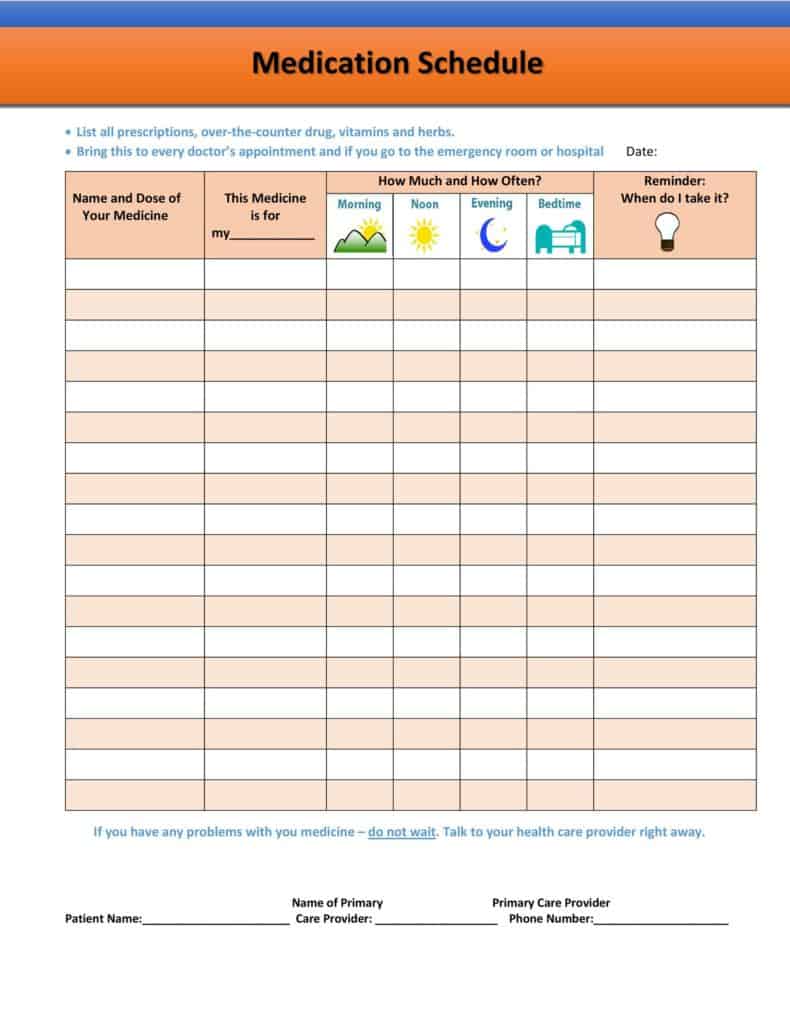
Download daily medication schedule template 1 — Word (DOCX)
2. Printable medication schedule chart (DOCX)
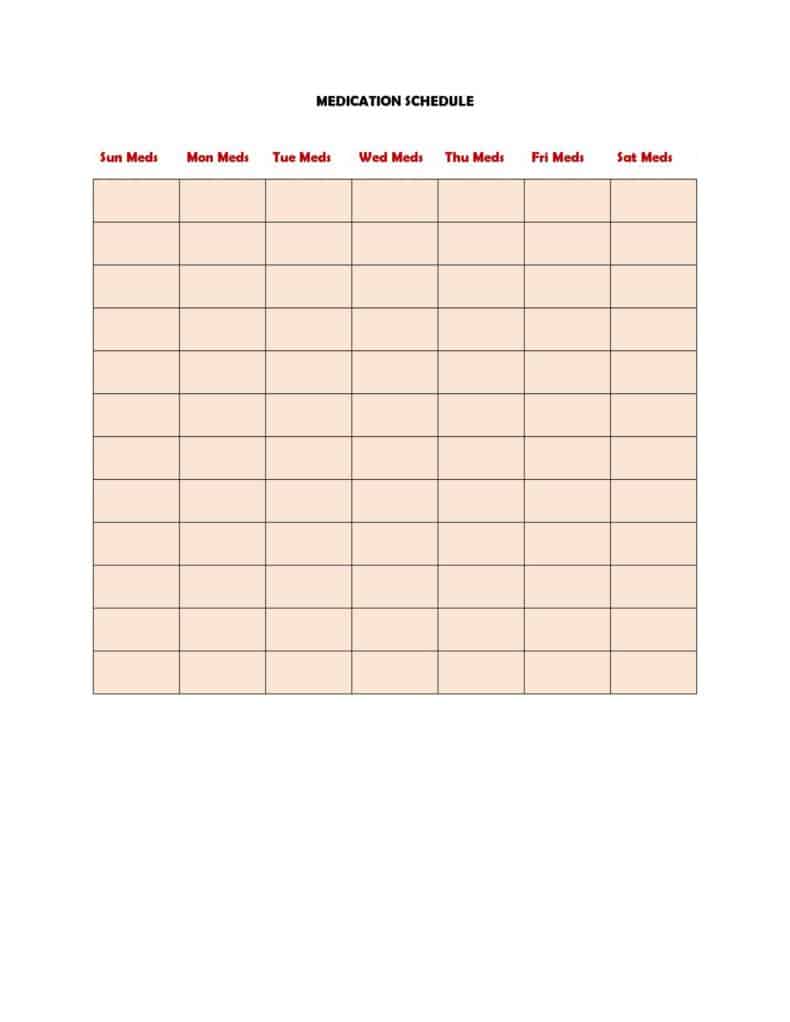
Download daily medication schedule template 2 — Word (DOCX)
3. Medication schedule template in Word (DOCX)
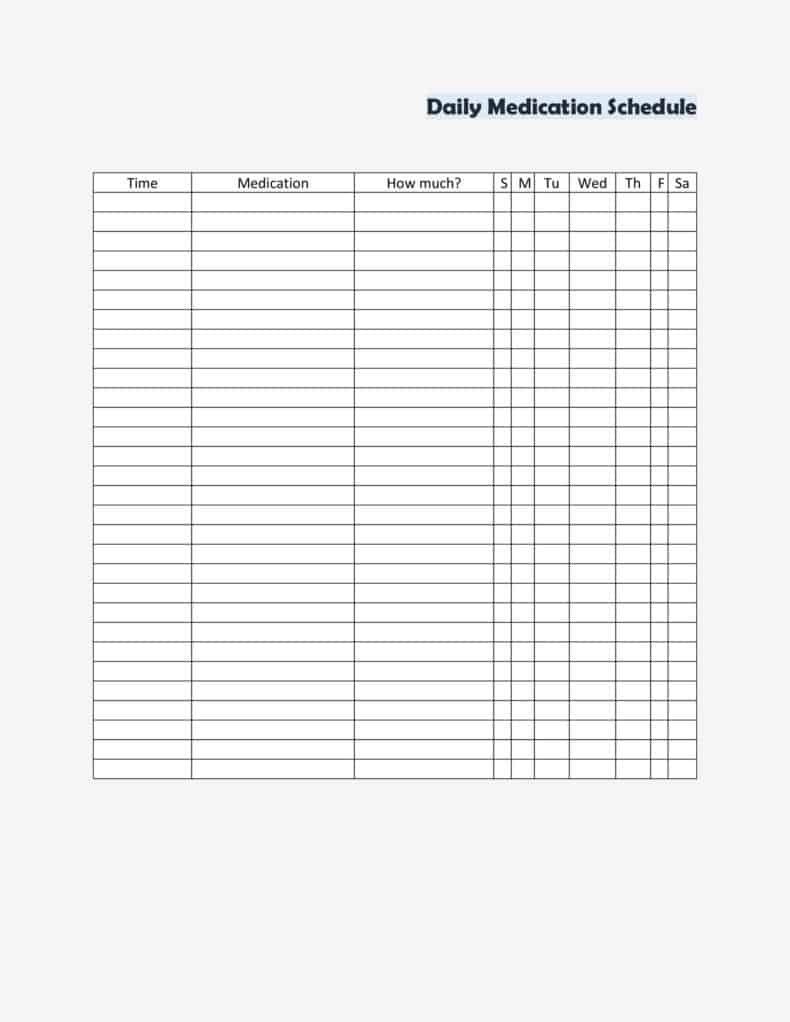
Download daily medication schedule template 3 — Word (DOCX)
4. Daily medicine chart template (DOCX)
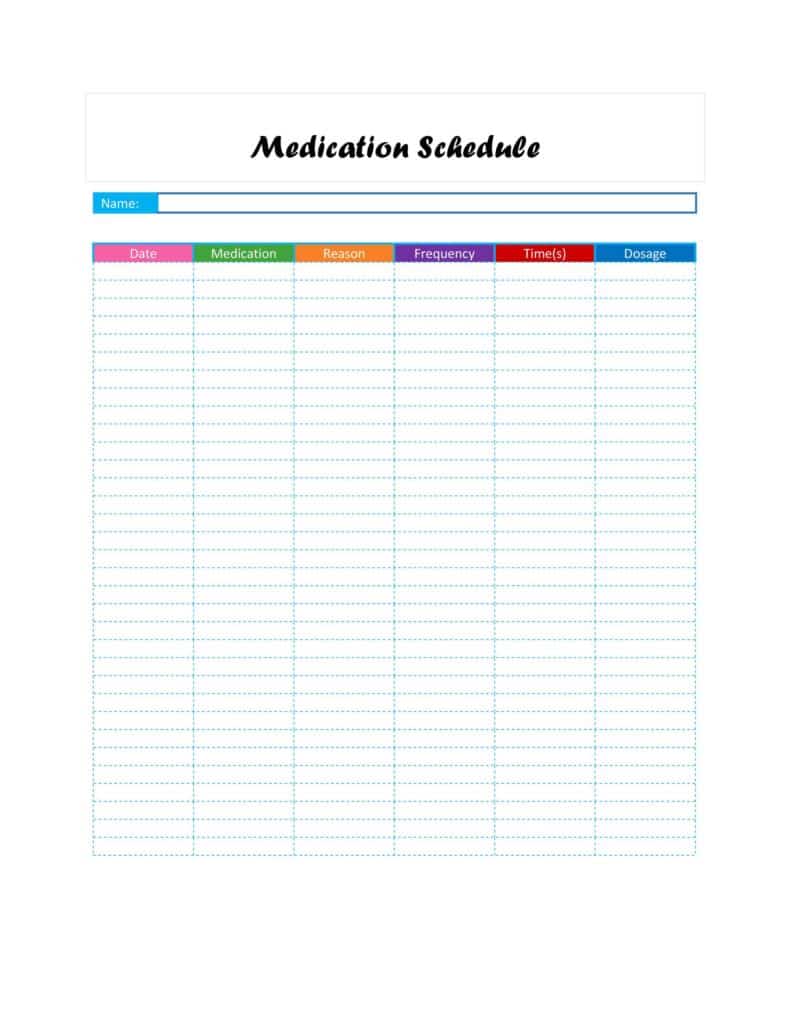
Download daily medication schedule template 4 — Word (DOCX)
5. Medication tracker template (DOCX)
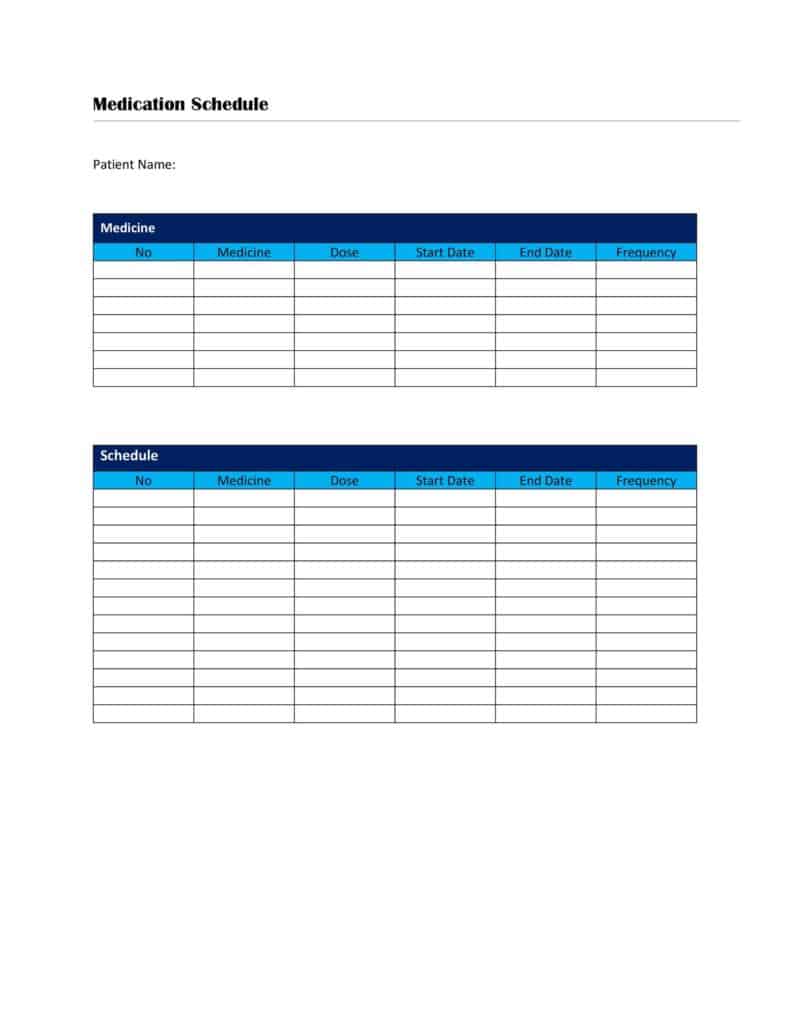
Download daily medication schedule template 5 — Word (DOCX)
6. Medication schedule template landscape (DOCX)
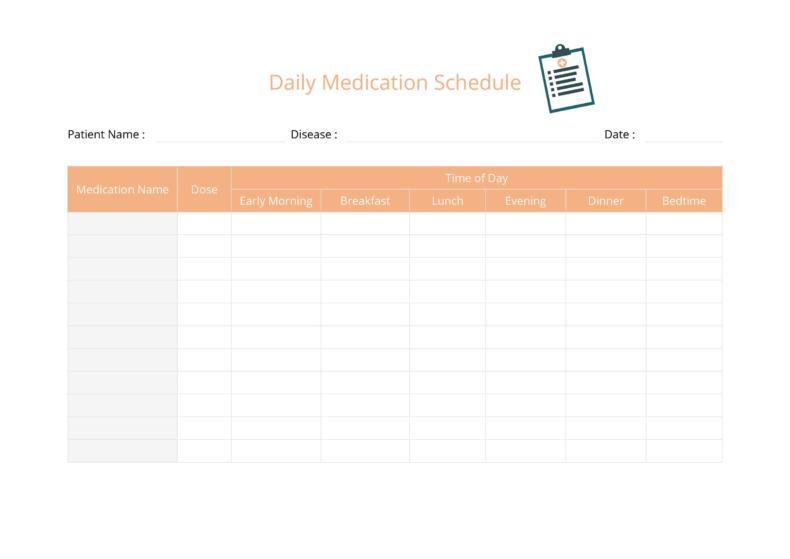
Download daily medication schedule template 6 — Word (DOCX)
7. Medication list template (DOCX)

Download daily medication schedule template 7 — Word (DOCX)
8. Medication planner template (DOCX)
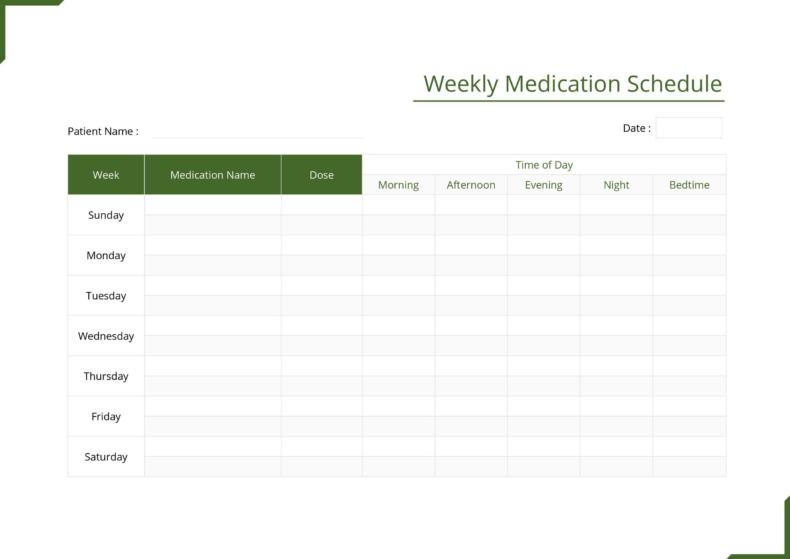
Download daily medication schedule template 8 — Word (DOCX)
9. Medication log template (DOCX)
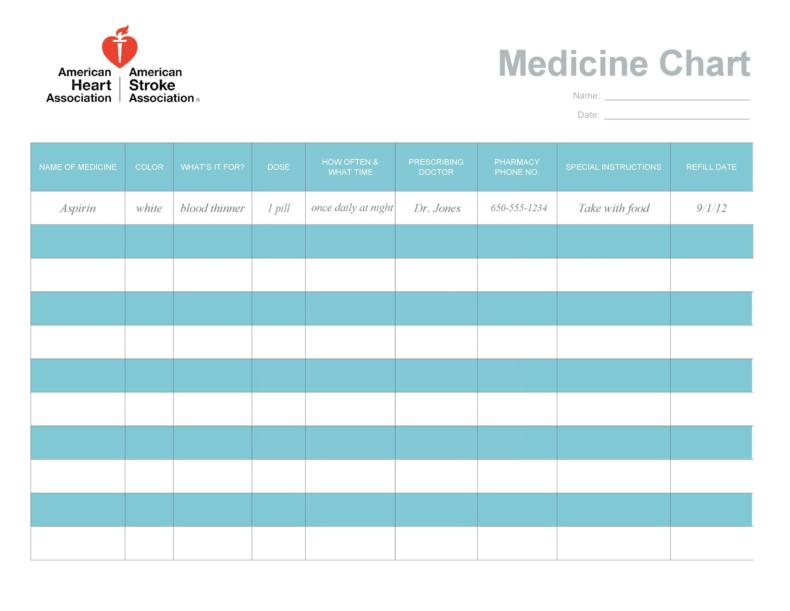
Download daily medication schedule template 9 — Word (DOCX)
10. Editable medication schedule template (DOCX)
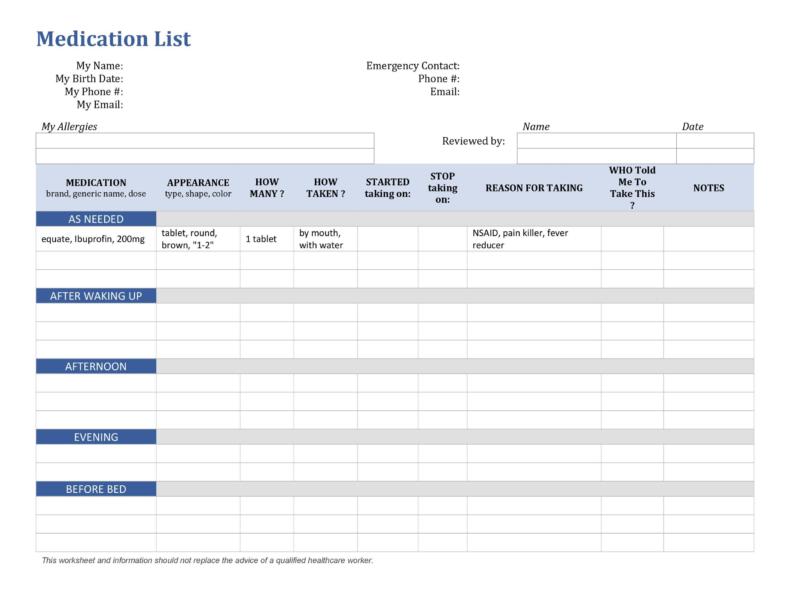
Download daily medication schedule template 10 — Word (DOCX)
Why Use a Daily Medication Schedule?
Many people take more than one medicine every day, often at different times and with different instructions. Older adults, people managing long-term conditions, parents giving medicine to children and family caregivers can easily lose track of what was taken and when. A printable daily medication schedule puts all of this information on a single page, so everyone involved in care can see at a glance which medicine is due, how much to take and whether a dose has already been given.
A medication schedule is also helpful when you visit a doctor, pharmacist or hospital. Bringing an up-to-date medication list makes it easier for healthcare professionals to review your medicines, check for interactions and avoid duplicate prescriptions. A medication schedule supports, but never replaces, the instructions on your prescription label and the advice of your doctor or pharmacist.
What to Include in a Medication Schedule Template
Personal details: Patient name, date of birth, allergies, emergency contact, primary doctor and preferred pharmacy with phone numbers.
Medicine name: Both the brand name and generic name if possible, so there is no confusion when a pharmacy changes suppliers.
Dose and form: The strength and amount, such as one 500 mg tablet, 5 ml of liquid or two puffs from an inhaler, exactly as written on the label.
Time of day: Columns for morning, midday, evening and bedtime, or exact times, so each dose is easy to follow.
Special instructions: Notes such as take with food, take on an empty stomach, avoid alcohol or do not crush, copied from the prescription label or pharmacist leaflet.
Purpose: A short note on what each medicine is for, which helps caregivers and family members understand the treatment.
Start and stop dates: Especially important for short courses such as antibiotics, so the full course is completed as prescribed.
Check boxes or initials: A space to tick or initial each dose once it is taken, which prevents missed or double doses.
Common Medication Schedule Layouts
Daily medication chart: A simple table listing medicines in rows and times of day in columns, ideal for people taking a few medicines once or twice daily.
Weekly medication schedule: Shows each day of the week, so you can tick off doses and spot missed days easily.
Caregiver medication log: Includes columns for the time given, dose and caregiver initials, useful for home care, assisted living and families sharing care duties.
Landscape medication planner: A wider layout with more space for instructions and notes, perfect for complex routines with many medicines.
How to Fill Out Your Medication Schedule
Start by gathering every medicine you take, including prescription drugs, over-the-counter medicines, vitamins and supplements. Copy the name, dose and directions exactly from each label. Arrange the medicines by time of day, then print the schedule and keep it somewhere visible, such as on the refrigerator or next to a pill organizer. Update the schedule whenever your doctor changes a dose or adds or stops a medicine, and ask your pharmacist to review it if you are unsure about anything. You can combine your medication chart with a daily schedule template to plan meals, exercise and appointments around your doses, or use a meal plan template if some medicines must be taken with food.
Tips for Safe Medication Management
Use a weekly pill organizer together with your schedule, and refill it on the same day each week. Set phone alarms for each dose time. Keep medicines in their original containers when possible, store them away from children and pets, and check expiry dates regularly. Note any side effects in a health diary or log book and share them with your doctor. Caregivers may also find a daily checklist useful for other care tasks. Finally, keep a copy of your medication list with your family emergency plan so it is available if you ever need urgent care.
Medication Schedules for Caregivers
When more than one person helps with medicines, such as family members taking turns or home care staff working different shifts, a shared medication schedule becomes even more important. Agree on one master copy of the schedule and keep it in the same place every day, for example in a folder next to the medicines. Ask every caregiver to initial each dose as soon as it is given, so the next person can see immediately what has already been taken.
Keep contact details visible: Write the phone numbers of the doctor, pharmacy and an emergency contact at the top of the schedule.
Record changes clearly: If a doctor changes a dose, draw a single line through the old entry, write the new instructions and date, and add your initials. Do not erase old information, because the history can be useful at appointments.
Note refills: Add a column for refill dates so medicines do not run out over weekends or holidays.
Track observations: Use the notes section to record anything unusual, such as missed doses, refusals or side effects, and mention them to the doctor or pharmacist.
Plan for travel: Take a printed copy of the schedule on trips and remember to adjust times if you cross time zones, following your pharmacist’s advice.
A clear routine and a well-kept medication schedule give caregivers confidence and help everyone stay on the same page.
Author and Medication Resources
Written by Derek, whose author profile focuses on practical Microsoft Word and Excel templates. This page provides organizational templates rather than a personalized medication plan. Ask your pharmacist or prescribing clinician to check your completed chart.
For independent guidance, see MedlinePlus: Keeping your medicines organized and Caregiving — medication management. These resources recommend maintaining a current medicine list and reviewing it with healthcare professionals. They are general references, not an endorsement or professional review of these templates.
Frequently Asked Questions
What is a daily medication schedule?
It is a chart or list that shows which medicines a person takes, the dose, the time of day and any special instructions, so doses are taken correctly and on time.
Who should use a medication schedule template?
Anyone taking more than one medicine, older adults, people with chronic conditions, parents managing a child’s medicine and caregivers looking after family members or patients.
Should I include vitamins and supplements?
Yes. List vitamins, herbal products and over-the-counter medicines too, because they can interact with prescription medicines. Share the full list with your doctor or pharmacist.
What should I do if I miss a dose?
Follow the instructions on the medicine leaflet or ask your pharmacist or doctor. Do not double the next dose unless a healthcare professional tells you to.
How often should I update my medication list?
Update it every time a medicine is added, stopped or changed, and review it with your doctor or pharmacist at each visit.
Are these medication schedule templates free?
Yes. All 10 daily medication schedule templates on this page are free to download and edit in Microsoft Word.
Important: These templates are organizing tools only. They do not replace medical advice, and you should always follow the directions on your prescription label and the guidance of your doctor or pharmacist. If you notice a serious reaction or are unsure about a dose, contact a healthcare professional right away.
Conclusion
A simple, up-to-date medication schedule makes daily routines easier and helps prevent missed or repeated doses. Download a free daily medication schedule template, fill it in from your prescription labels, and keep it handy for yourself, your family and your healthcare team.