A clear price quotation helps you win customers before a competitor does. On this page you can download 7 free price quotation templates and price quote templates in Word and Excel, suitable for product sellers, contractors, freelancers, service businesses and suppliers. Each quotation template has space for your logo, customer details, item descriptions, quantities, unit prices, discounts, taxes, validity date and terms, so you can send professional quotes quickly and convert more inquiries into sales.
Price Quotation Basics
A price quotation (also called a sales quote or quote) is a document a seller or service provider sends to a prospective customer to show the price of specific products or services before the customer decides to buy. It is often the very first step in securing a sale, because it gives the customer every detail they need to compare options and make a decision.
Why customers ask for quotes: In a competitive market, buyers want high quality products and services at a reasonable price. Requesting quotations from several suppliers helps them choose the vendor that offers the best value.
What a quotation includes: A description of the goods or services, the price you will charge, quantities, discounts, taxes, payment terms, delivery details and how long the quote is valid. Once the customer accepts the quotation and its terms, it effectively becomes a sales agreement and the seller is committed to supply as quoted.
Why use a template: Large companies often use expensive software to generate quotes, but individual sellers and small businesses can create the same professional result with a free price quote template. Download one below and design print-ready quotations for your customers in minutes.
How to use these templates: Download a quotation template, add your logo and business details, then enter the customer’s name, a quote number and the date. List each product or service with quantities and prices, add taxes and discounts, and state the validity period and payment terms before sending the quote as a PDF.
Tip: Follow up a few days after sending your quote to answer questions and confirm the customer’s needs, as a quick, friendly follow-up often turns a quote into a confirmed order.
Download Price Quotation Templates :

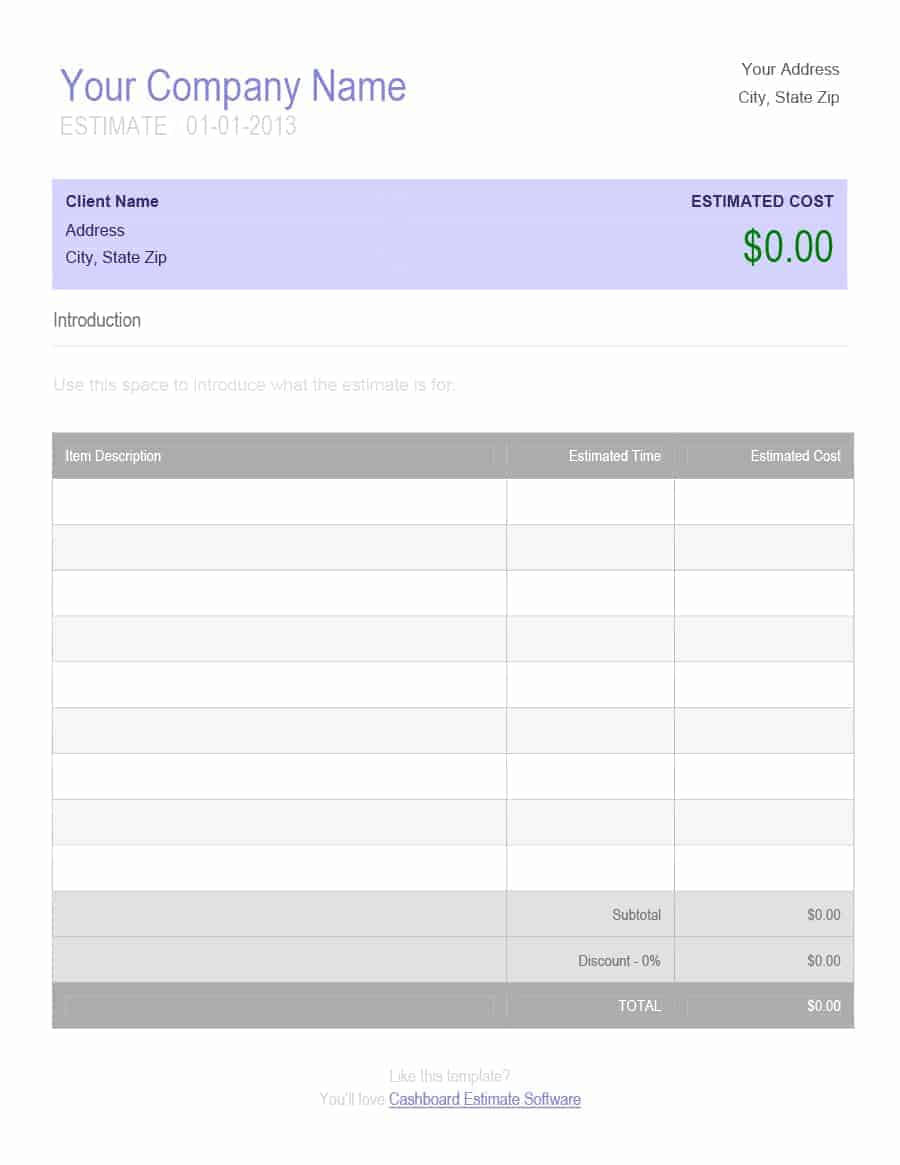

Price Quote Templates:
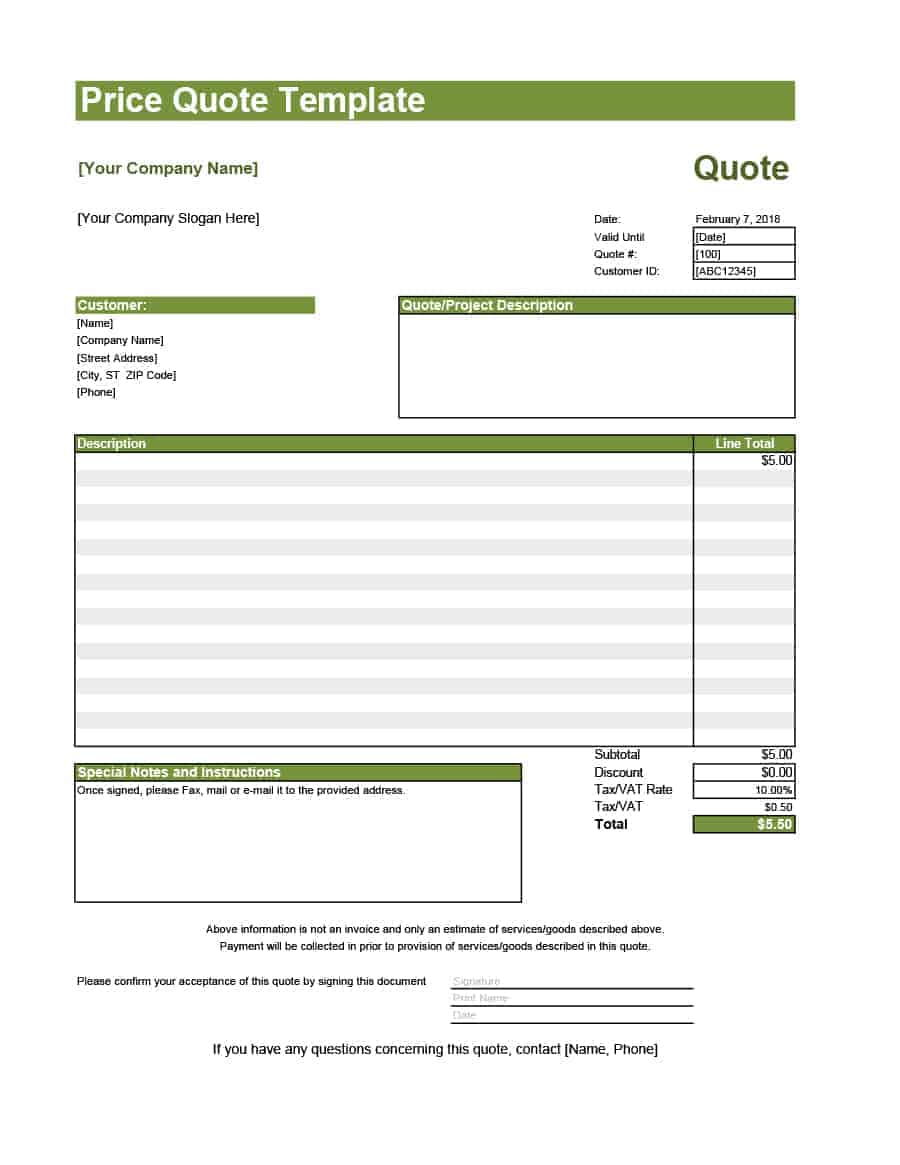
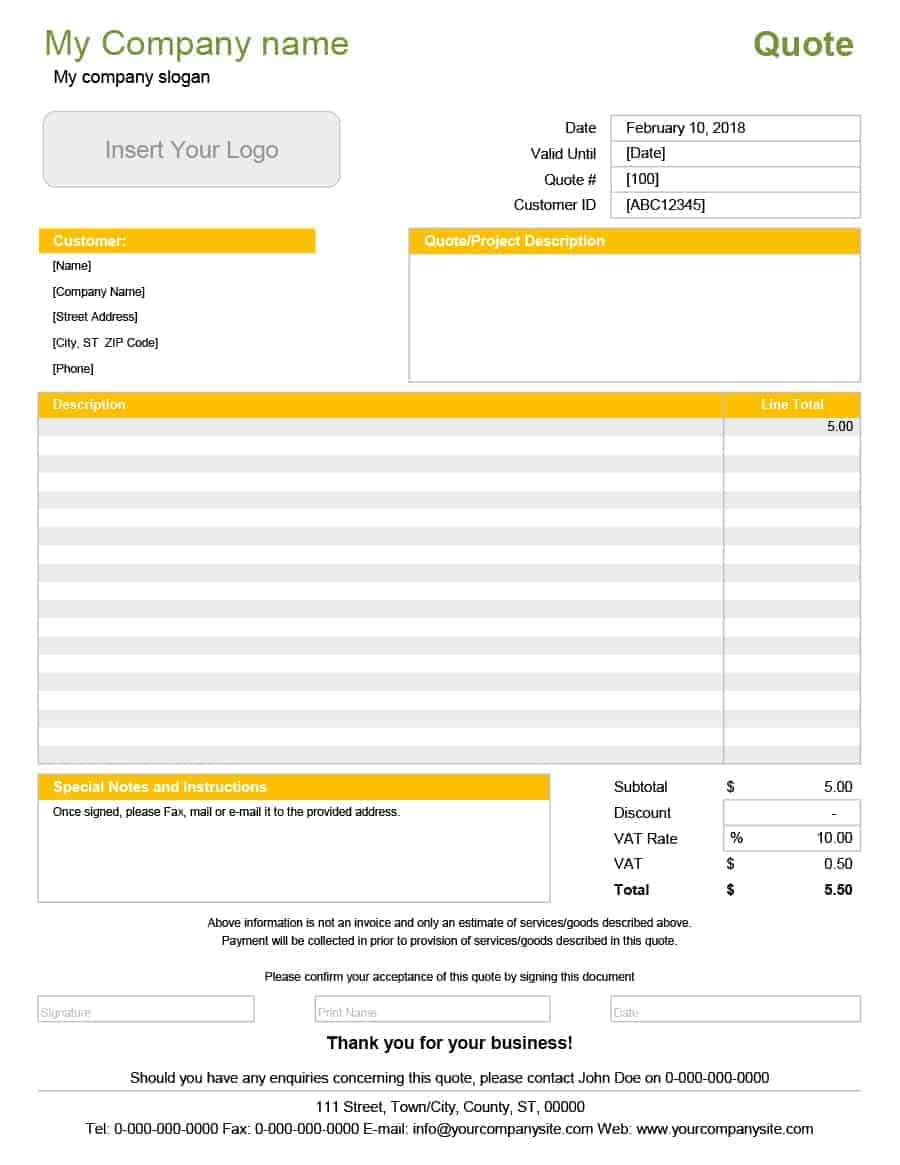
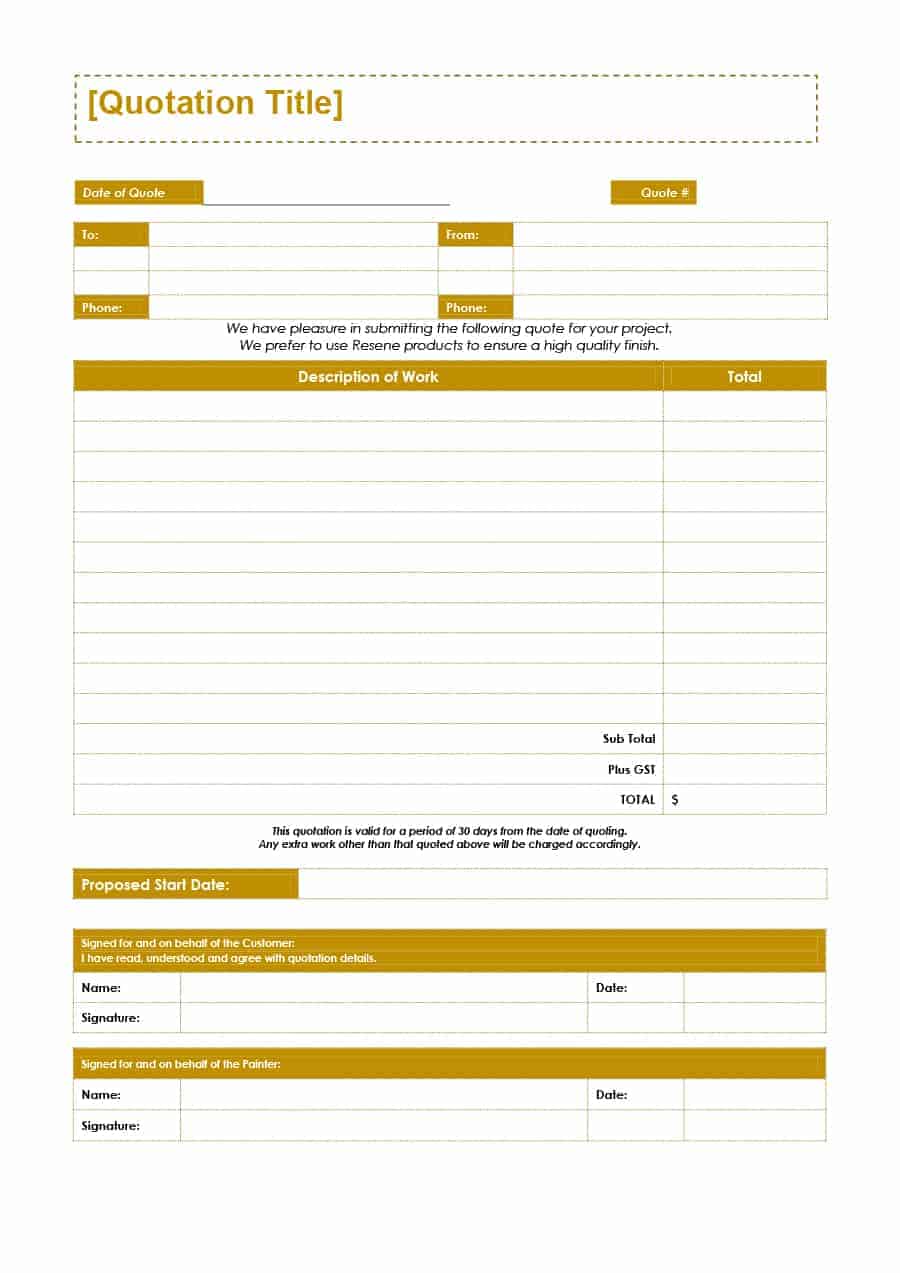
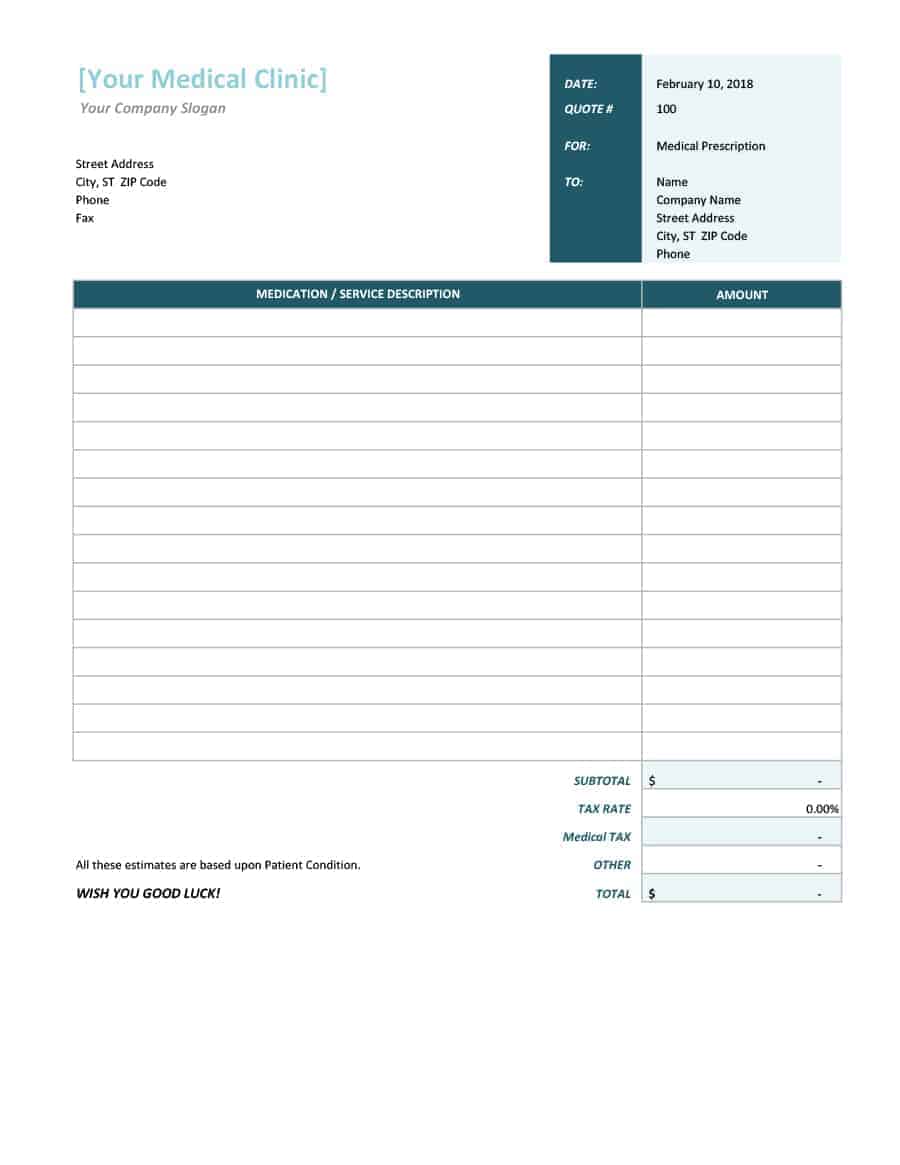
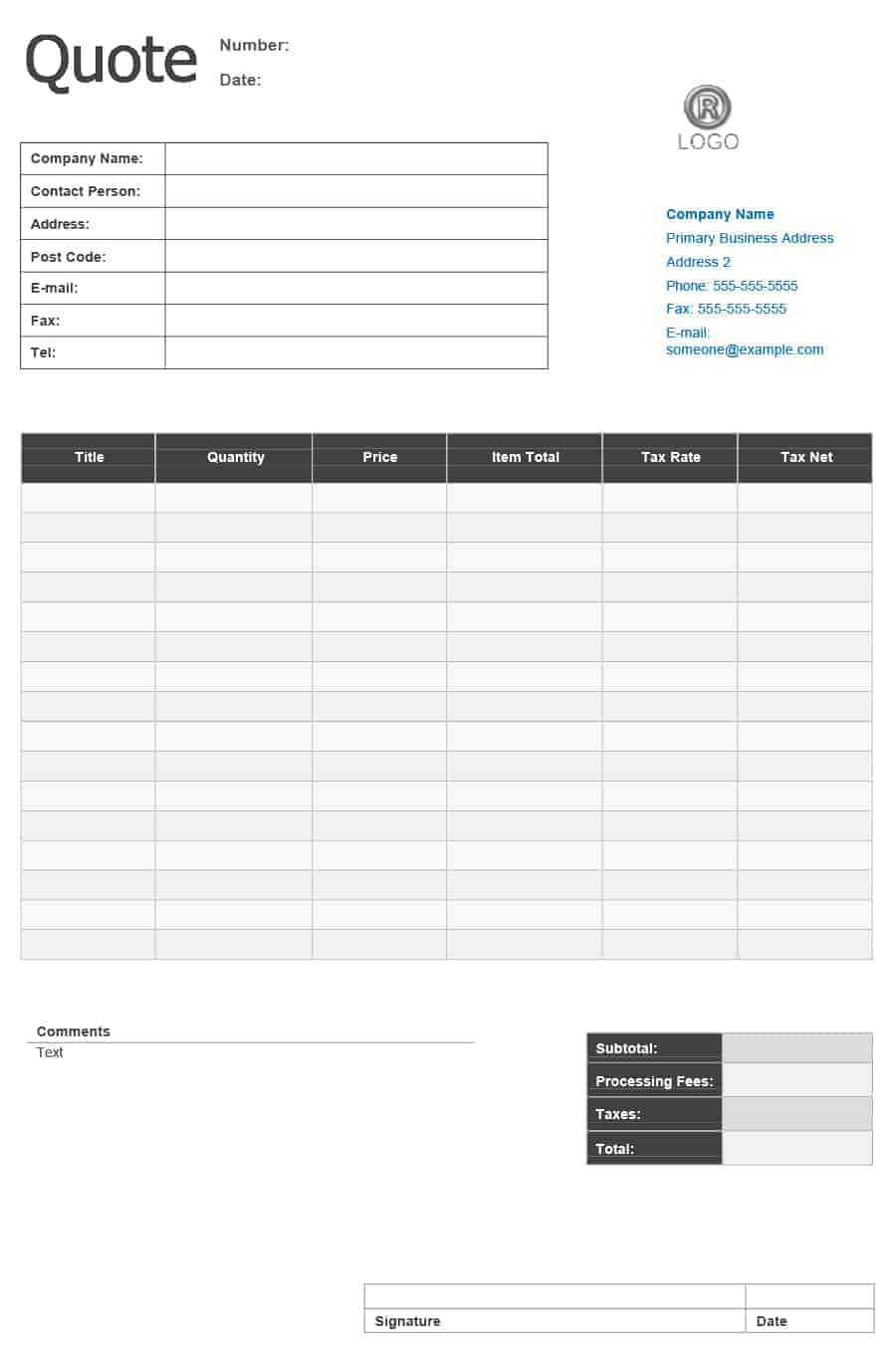
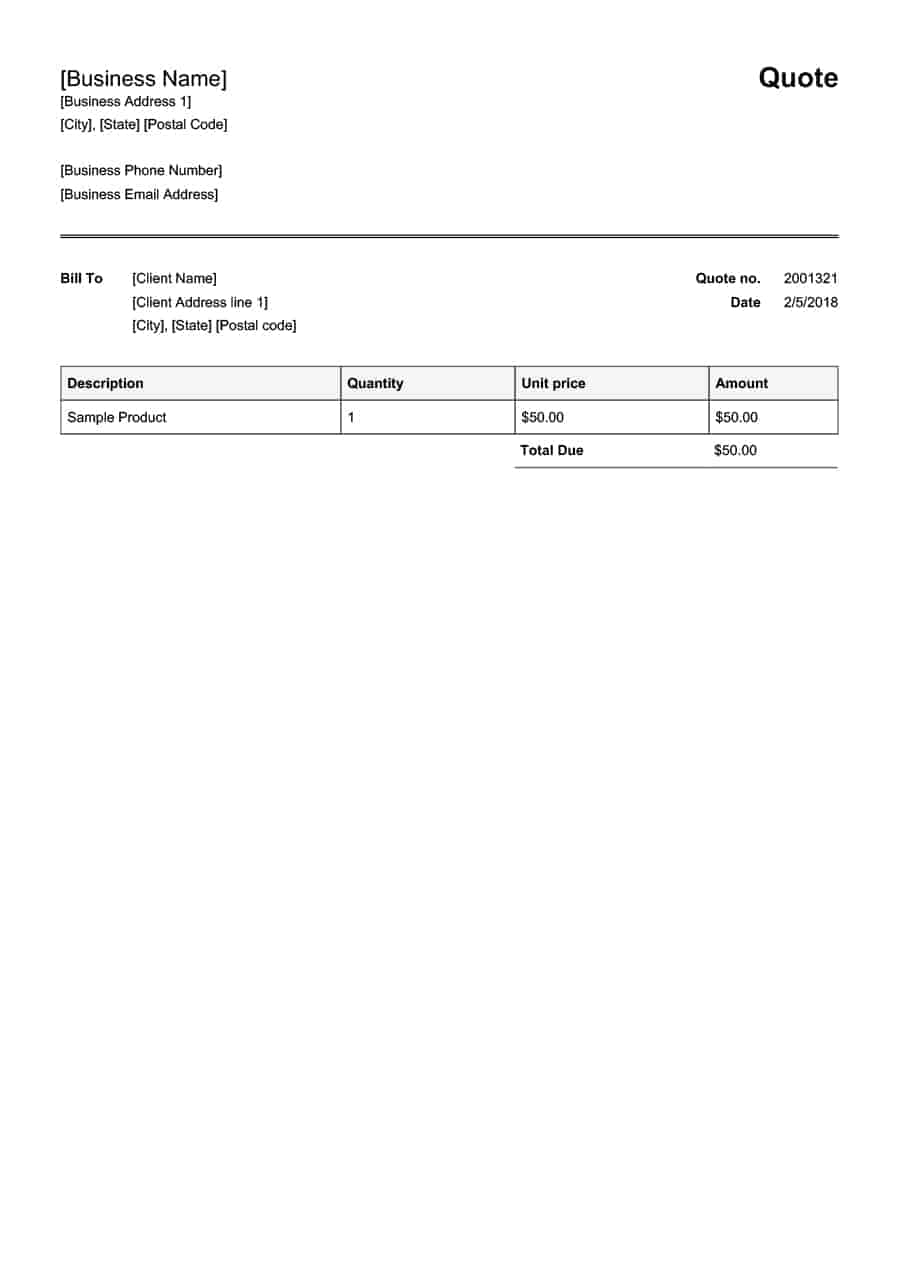
What Is a Price Quotation?
A price quotation, also called a price quote, sales quote or quotation, is a document a seller sends to a potential customer to state the price of specific products or services before the sale takes place. It explains exactly what the customer will receive, how much it will cost, and the conditions of the offer, such as payment terms, delivery time and how long the price is valid. Once the customer accepts a quotation, it often becomes the basis of a purchase order or sales agreement.
Quotations are used by almost every type of business: manufacturers and wholesalers quoting product prices, contractors quoting construction or repair jobs, IT companies quoting software projects, printers, caterers, cleaners, event planners, consultants and freelancers. A professional price quotation template helps you respond to inquiries quickly and consistently, which can make the difference between winning and losing a job.
Key Elements of a Price Quotation Template
Business details and logo: Your company name, address, phone number, email, website and tax registration number, presented clearly at the top.
Quotation number and date: A unique quote number makes it easy to track quotes and match them later to orders and invoices.
Customer details: The customer’s name, company, address and contact person.
Itemized list of products or services: A description, quantity, unit price and line total for every item. For services, describe the scope of work, hours or milestones.
Discounts, taxes and shipping: Show any discount, sales tax or VAT, delivery charges and the final total so the customer sees the full cost.
Validity period: State how long the price is valid, for example 15 or 30 days, to protect you from changes in material costs or exchange rates.
Payment terms: Deposit required, due dates, accepted payment methods and late payment charges.
Delivery or completion time: When the goods will be delivered or the work will start and finish.
Terms and conditions: Warranty, cancellation policy, exclusions and any assumptions behind the price.
Acceptance section: A place for the customer to sign and date to confirm acceptance of the quote.
Quotation vs Estimate vs Invoice
A quotation is a fixed-price offer that is usually binding for the stated validity period once accepted. An estimate is an approximate cost that may change as work progresses. An invoice is sent after the goods are delivered or the work is done to request payment. Many businesses send a quote first, then a proforma invoice if a deposit is needed, and finally a sales invoice. For more designs, browse these quotation formats and templates.
How to Write a Winning Price Quote
Respond quickly: Customers often request several quotes at once. Sending a clear quote within hours rather than days increases your chances of winning the job.
Be specific: Describe exactly what is included and excluded. Specific quotes reduce misunderstandings and disputes later.
Price clearly: Show unit prices and totals, and avoid hidden fees. If you offer optional extras, list them separately.
Highlight value: Briefly mention what makes your offer better, such as faster delivery, warranty, quality materials or experience.
Set a validity date: A deadline encourages a decision and protects your margins.
Follow up: A short follow-up call or email a few days later can turn an undecided customer into a sale.
Using Excel vs Word Quotation Templates
Excel price quote templates are ideal when you have many line items, because formulas calculate subtotals, discounts, taxes and totals automatically. Word quotation templates are better for service quotes with longer descriptions and terms. Whichever you choose, save a master copy with your branding and standard terms, and keep each sent quote on file so you can compare them with actual sales in your sales reports. For large orders paid in stages, attach a payment schedule to the quotation.
Common Quotation Mistakes to Avoid
Leaving out important costs: Forgetting delivery, installation, travel or materials can turn a profitable job into a loss. Review every cost before you send the quote.
Using vague descriptions: “Website design” or “repair work” is not enough. List what is included, the quantities and any limits, such as number of revisions or hours.
No validity date: Prices change. Without a validity date, customers may try to accept an old quote months later.
Missing terms: State payment terms, deposits and what happens if the customer changes the scope, so expectations are clear from the start.
Inconsistent numbering: Number every quote and record it, so you can follow up, compare quotes and match accepted quotes to orders and invoices.
Poor presentation: Spelling mistakes, missing logos or messy layouts reduce trust. A professional template keeps every quote consistent with your brand.
Tracking Your Quotes
Keep a simple quote log listing the quote number, customer, date, value, status (sent, accepted, declined or expired) and follow-up date. Reviewing this log each month shows your win rate, the average size of accepted quotes and which products or services sell best. You can use this information to adjust your prices, improve your descriptions and focus on the customers most likely to buy. Accepted quotes should be converted into orders and invoices quickly, using the same item descriptions and prices, so the customer sees a seamless and professional process from first contact to final payment.
Following up on a quotation: Many sales are won or lost after the quote is sent. Contact the customer a few days later to confirm they received it, answer questions and offer to adjust quantities or options. If the quote is close to its validity date, a polite reminder can encourage a decision. Record every follow-up in your quote log, and if a customer declines, ask why. Their feedback on price, timing or scope will help you prepare stronger quotations in the future.
Frequently Asked Questions
What is a price quotation?
A price quotation is a document that states the price, quantity, terms and validity of products or services offered to a potential customer before a sale.
Is a quotation legally binding?
Once a customer accepts a quotation within its validity period, it can form part of a binding agreement. Laws differ by country, so seek advice for high-value contracts.
How long should a quotation be valid?
Most businesses set validity between 15 and 30 days, depending on how quickly their costs change.
What is the difference between a quote and an estimate?
A quote gives a fixed price for a defined scope, while an estimate is an approximate cost that may change.
Can I make a quotation in Excel?
Yes. Excel price quote templates calculate totals, discounts and taxes automatically.
Are these price quotation templates free?
Yes. All 7 price quotation templates on this page are free to download in Word and Excel.
Conclusion
A clear, professional price quotation builds trust and helps you close more sales. Download a free price quotation template from this page, add your logo and standard terms, and start sending quotes that win customers.