

Whenever a company launches a new product or service, its main goal is to reach its target audience and start generating sales. It needs to explain the benefits clearly and persuade potential customers to buy, and all of this can be done with a single document called a sell sheet, also known as a sales sheet or product one-sheet.
Below you can download 21 free sell sheet templates in Word and Excel, including product sell sheets, one-page sales sheets for tech and electronics products, product specification sheets, household product flyers, blank and fillable sell sheets, and sales record and recap sheets. Each template comes with a preview and a free download button, so marketers, sales reps, manufacturers and small business owners can create a professional one-page product summary for trade shows, retailers, distributors and B2B buyers.
What is a Sell Sheet Template?
A sell sheet template is a single-page document that is used to provide the customer with the details and benefits of a new product or service launched by the company. It may sound more like a sales flyer or brochure but it is a bit different from them. These high-quality beautifully designed documents are not just used to inform potential customers about a new product or service but it is also used as promotional material by the company’s marketing representatives.
A sell sheet, a sales sheet, or a product sheet is typically of two types:
1- Product Sell Sheet:
It is one of the main responsibilities of a sales manager to keep track of all the sales activity during a specific period. A product sell sheet provides the complete details of the sales of a product during a specific period of time. These sell sheets are then analyzed and new sales strategies and sales targets are set accordingly.
2- Service Sell Sheet:
If a company or an organization is a service provider, its sales managers will use service sell sheets. Just like a product sell sheet, a service sell sheet shows the record of jobs done or services provided during a specific period of time. A service sell sheet may also include customers feedback which is then analyzed and strategies are devised so as to provide high-quality services.
Download Sell Sheet WORD Templates Here
Product Sell Sheet Template
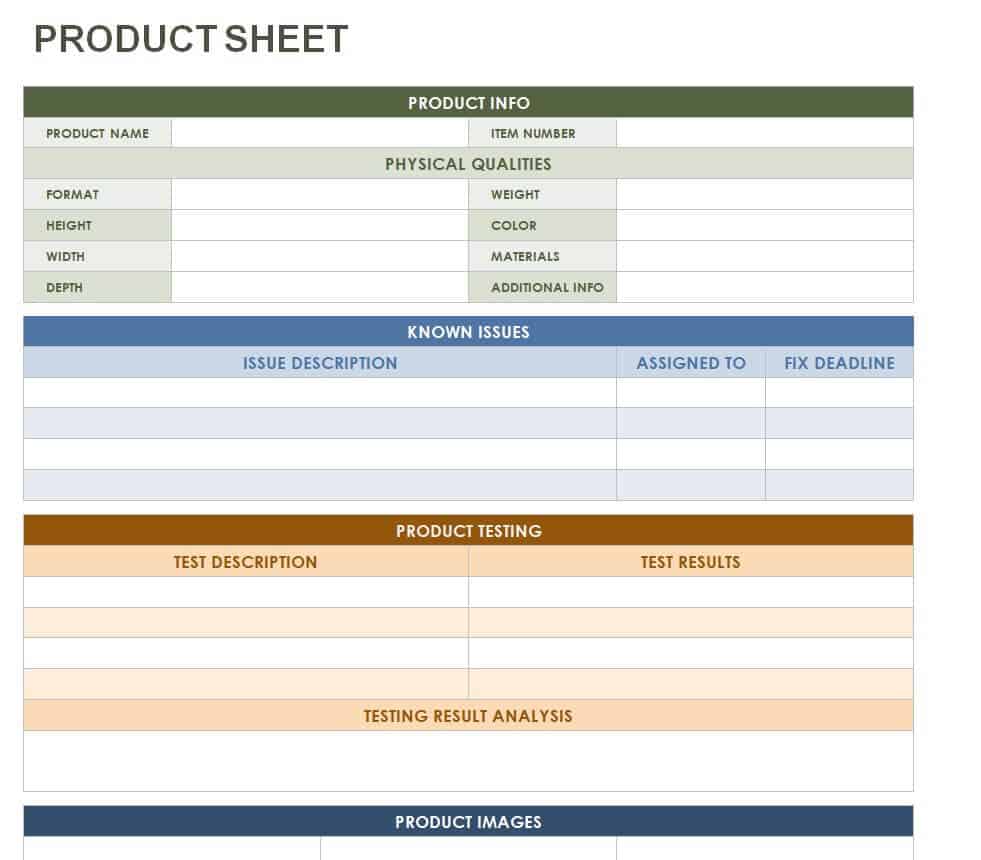
File Size: 15 KB
Blank Sell Sheet Template
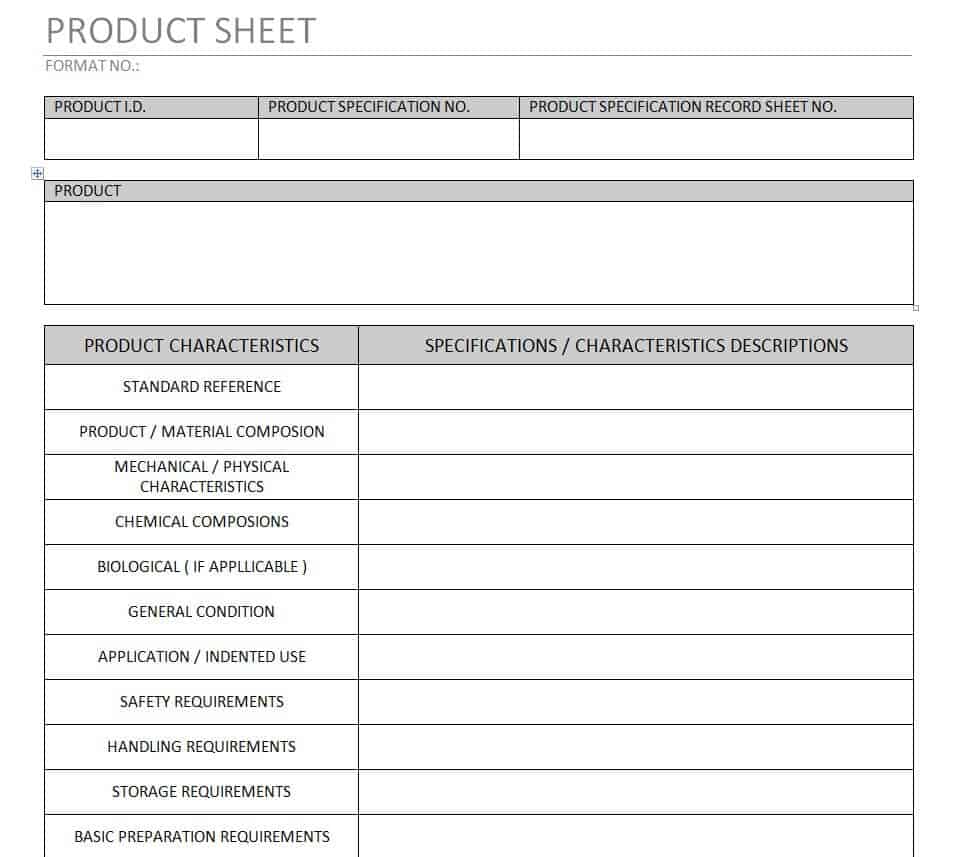
File Size: 12 KB
Month Wise Daily Sales Sheet Template
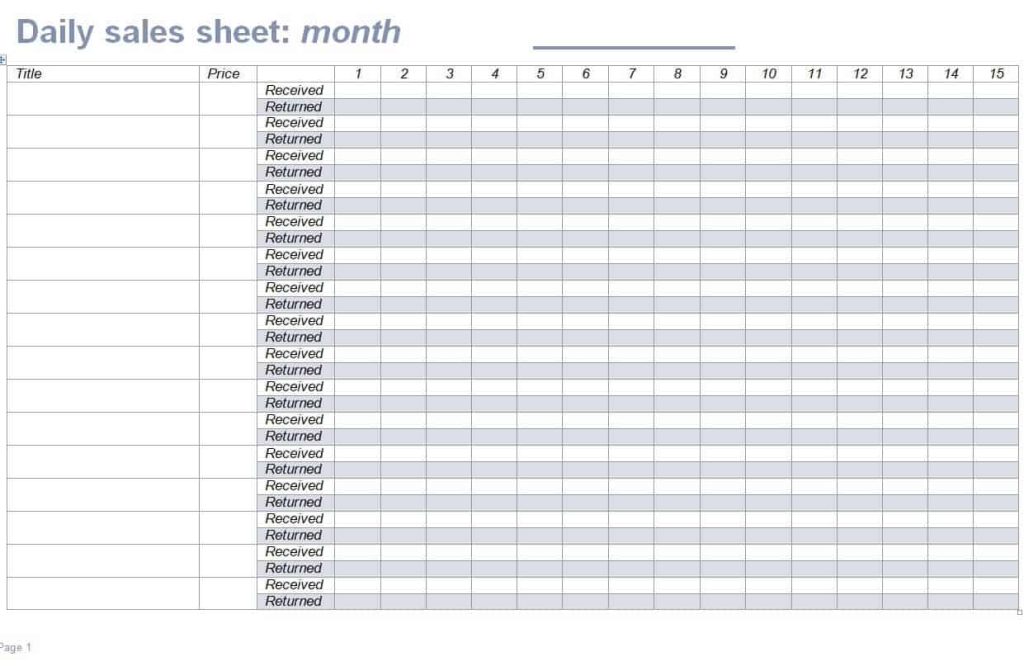
File Size: 35 KB
Company’s Sell Sheet Template
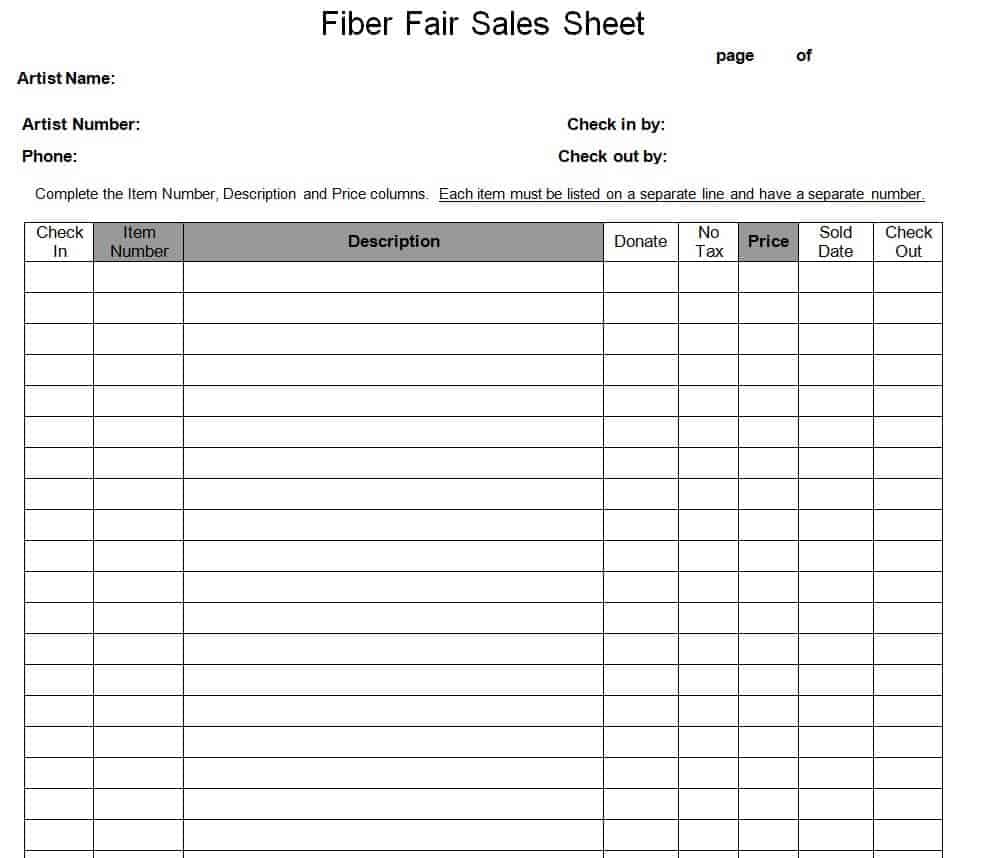
File Size: 11 KB
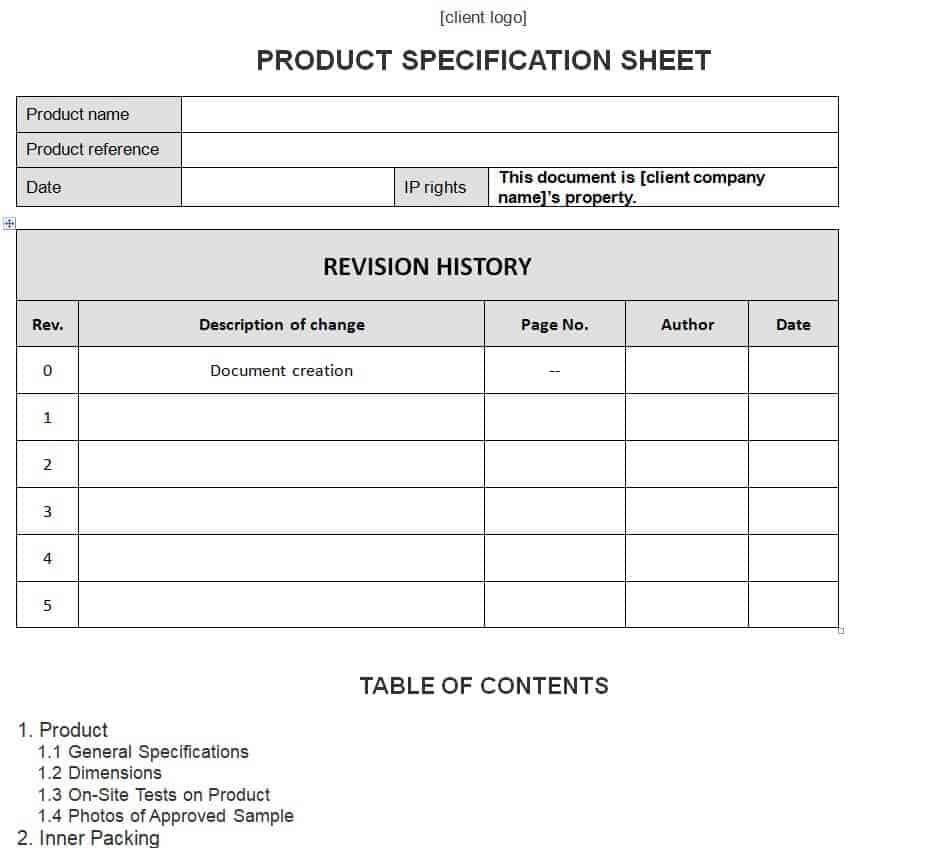
Free Product Specification Sheet Template
File Size: 27 KB
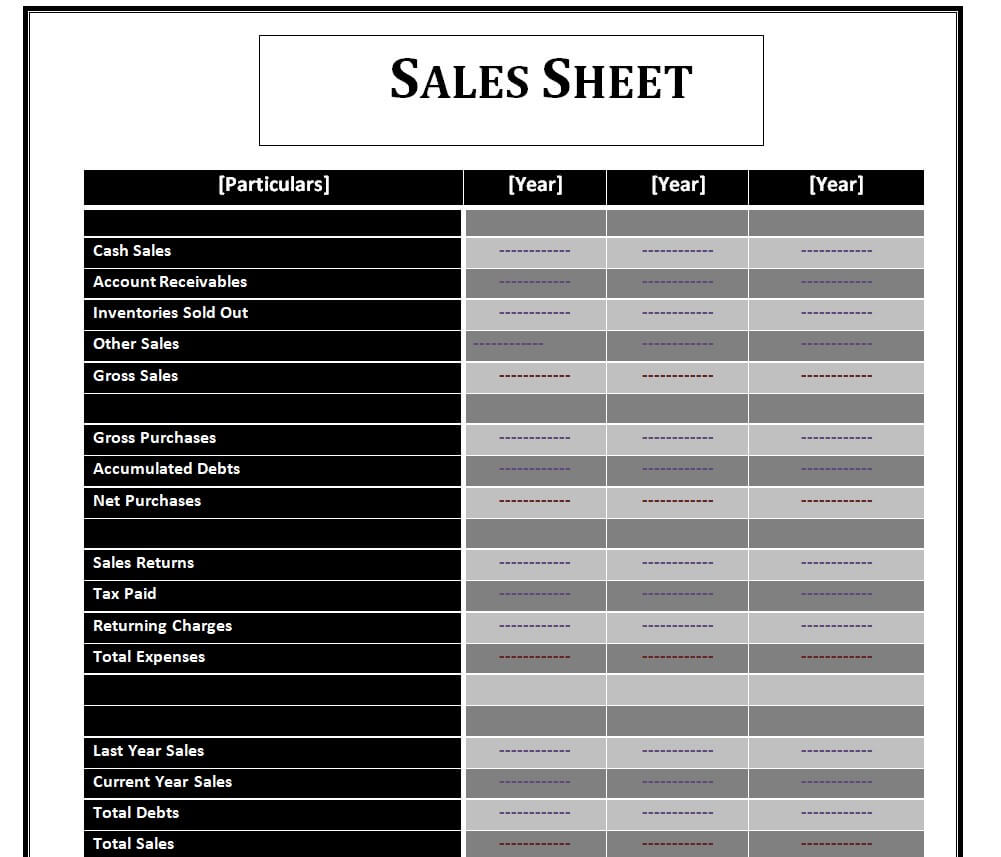
Official Sell Sheet WORD Template
File Size: 14 KB
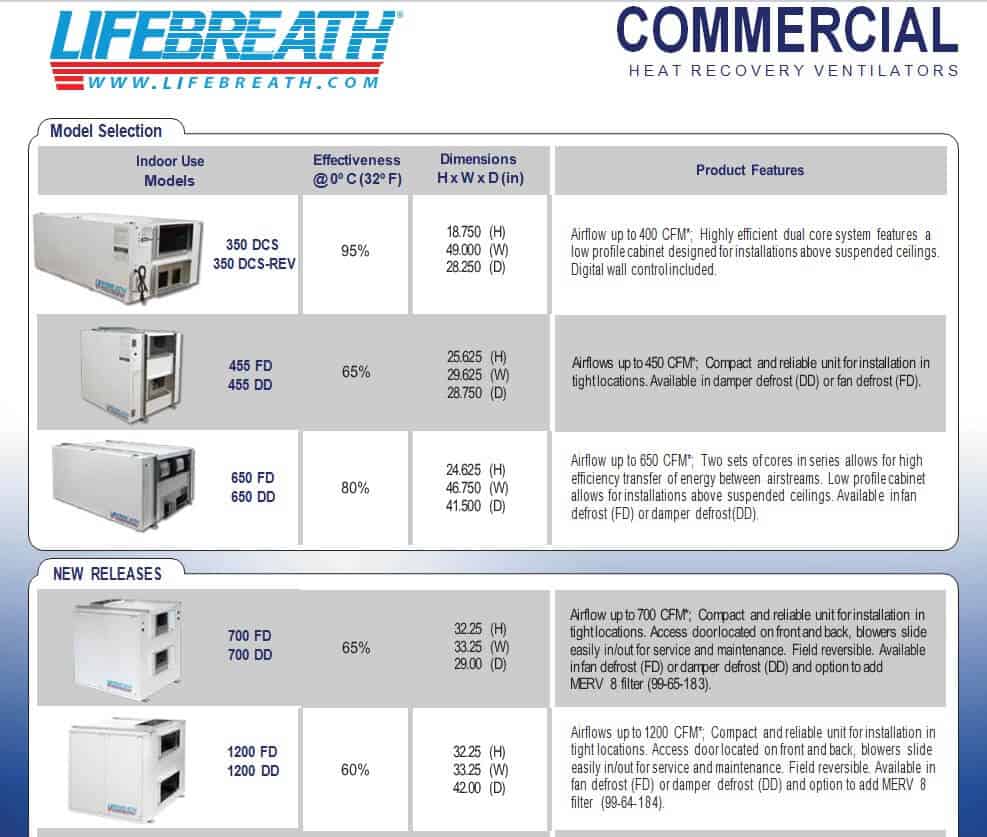
Electronics Product Sell Sheet Template
File Size: 1 MB
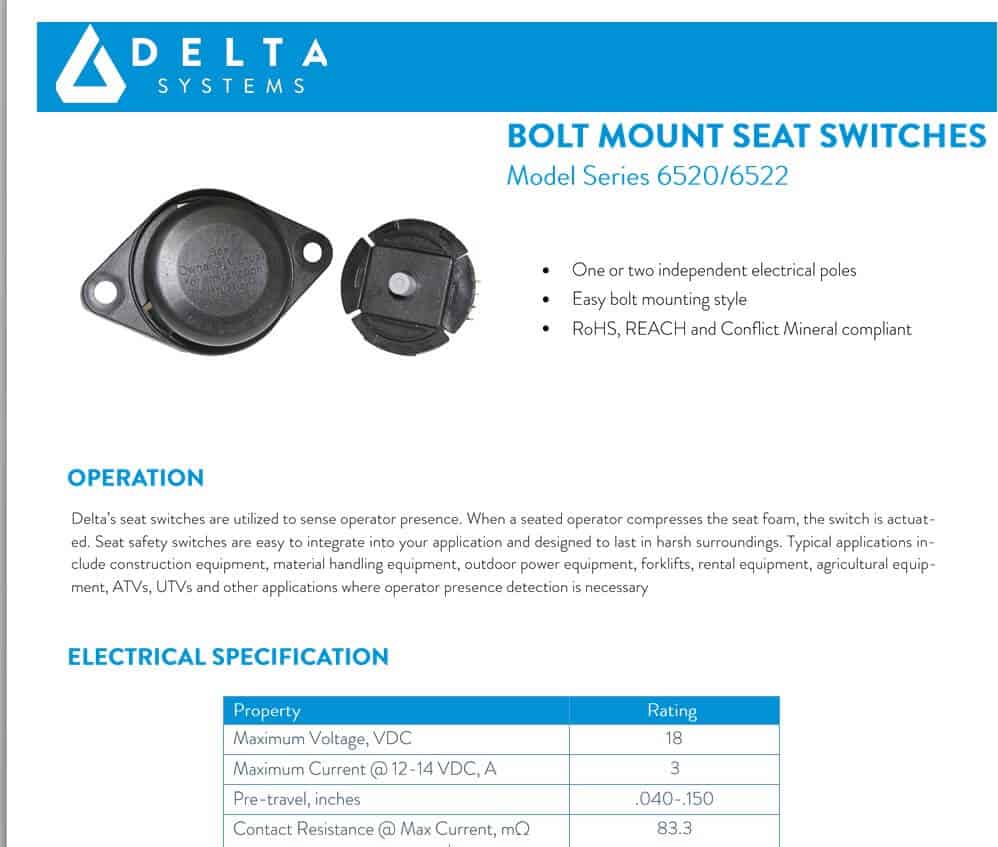
Tech Product Sell Sheet Template
File Size: 3 MB
Free Printable Sell Sheet Template WORD
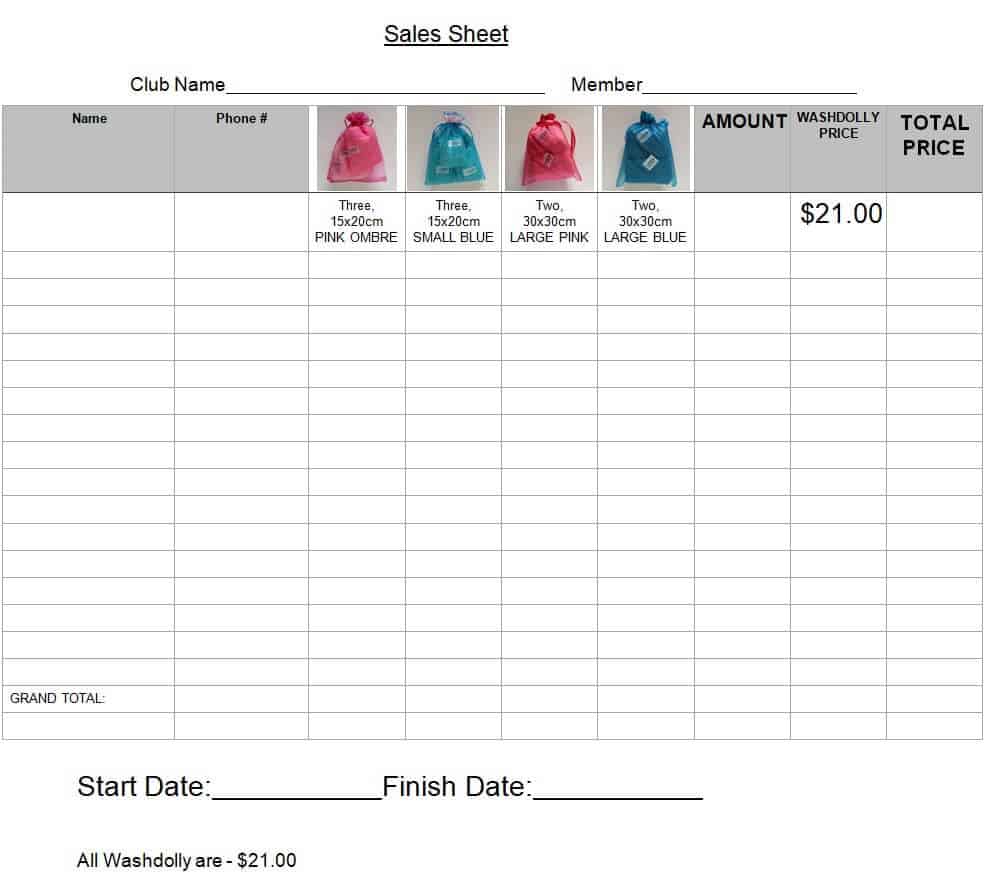
File Size: 32 KB
Sales Recap Sheet Sample Template
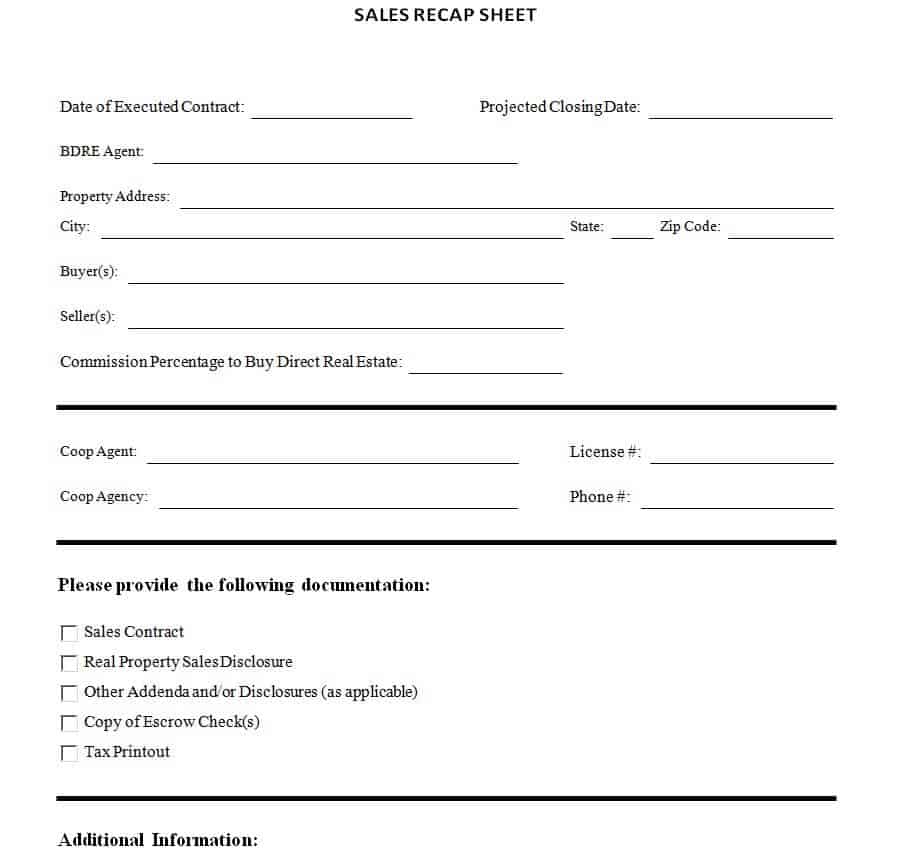
File Size: 70 KB
Company’s Product Sale Sheet Template
File Size: 943 KB
Detailed Sales Sheet Template
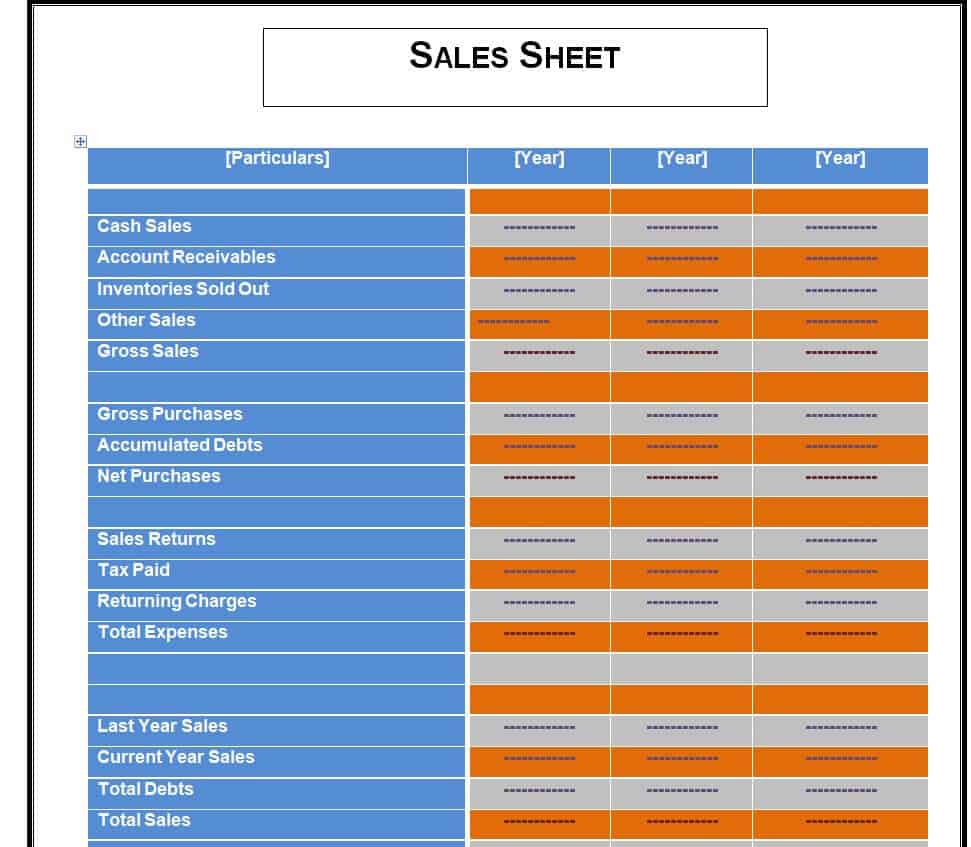
File Size: 14 KB
Household Product Sell Sheet Template
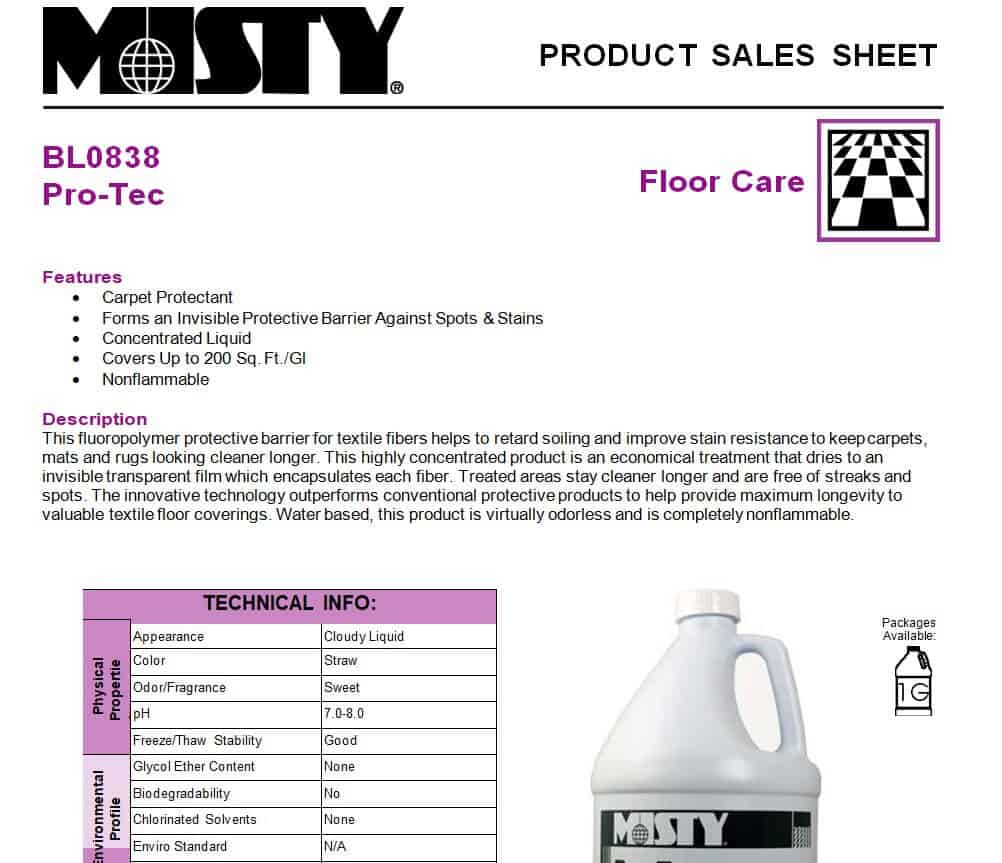
File Size: 58 KB
How to Create a Perfect Sell Sheet Template?
In order to create a perfect and effective sell sheet template, you just need to follow the given below simple steps:
- Add the official logo of your business in a prominent position so as to make your brand more visible.
- Add a memorable title to the document that describes your product or service in the best possible way.
- In order to make your sell sheet more effective and attractive, it is important to add visual elements to it. Add the main image in the background and some other images of your product from a different angle. The main objective is to make your sell sheet more appealing and this can be done by adding images and texts in the right way.
- Add a catchy headline or tagline and keep it concise. It must be written in such a way so as to provide a 1-line benefit of your product. For this purpose, you can think of the best benefit that your customers will get by using your product.
- After that, make sure to provide a direct and brief description of your product, its specifications, and how it will be beneficial for your potential customers. Present your product as a solution to a specific problem or problems of your target audience. As you have limited space in your sell sheet, it is very important to keep your description concise and to the point.
- In your sell sheet, you can also provide the statistics and data so as to support the claim of the amazing benefits of your product. However, it is important to provide the statistics in an interesting way like by presenting these statistics visually. It will make it more interesting and easy for the target audience to understand.
- As for now, you have created a perfect sell sheet but don’t forget to miss one last thing and that is adding a call to action in your document. It is important because you ultimately want to convert your prospects or target audience into your potential customers. So, without a call to action, this can not be achieved.
Download Sell Sheet EXCEL Templates Here
Simple Product Sales Sheet Template
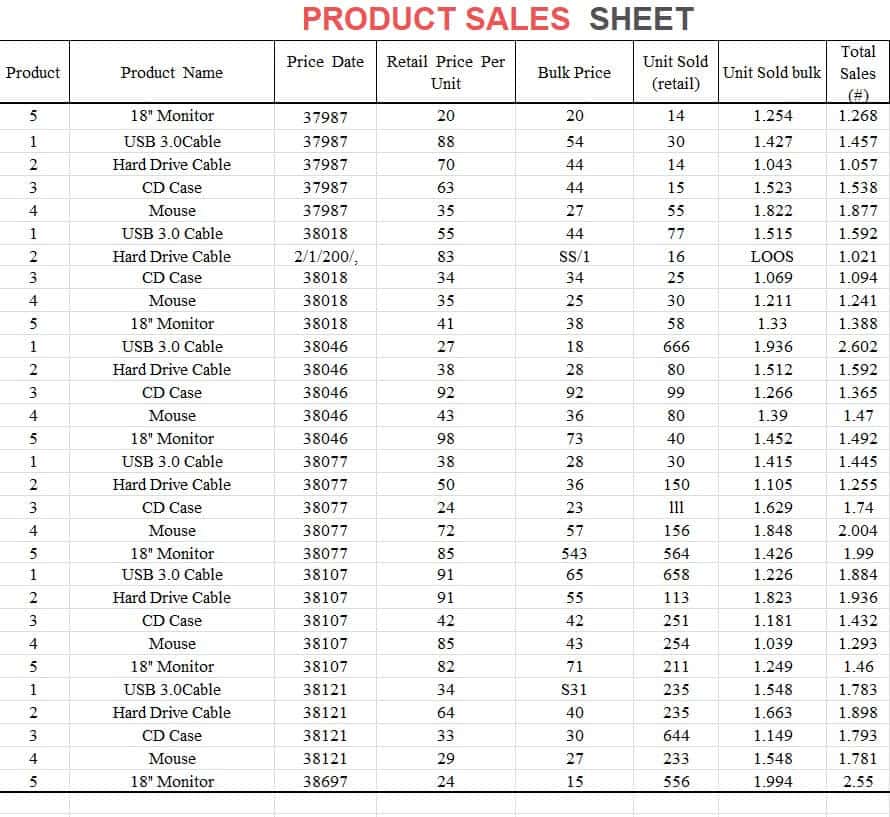
File Size: 10 KB
Practical Product Sales Sheet Template

File Size: 16 KB
Special Product Sheet EXCEL Template
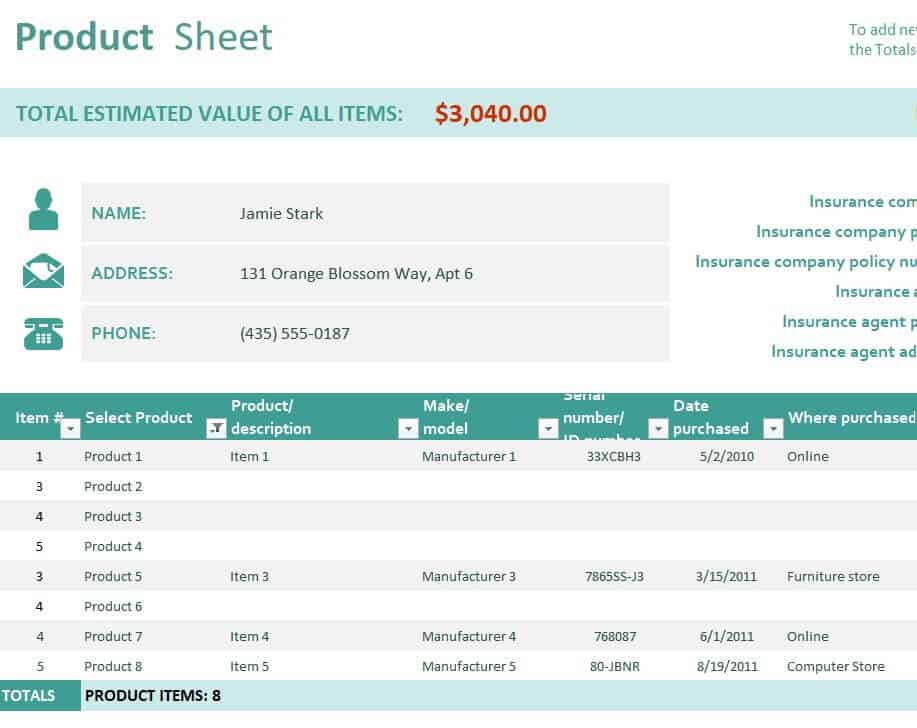
File Size: 32 KB
Entity’s Official Sell Sheet Template
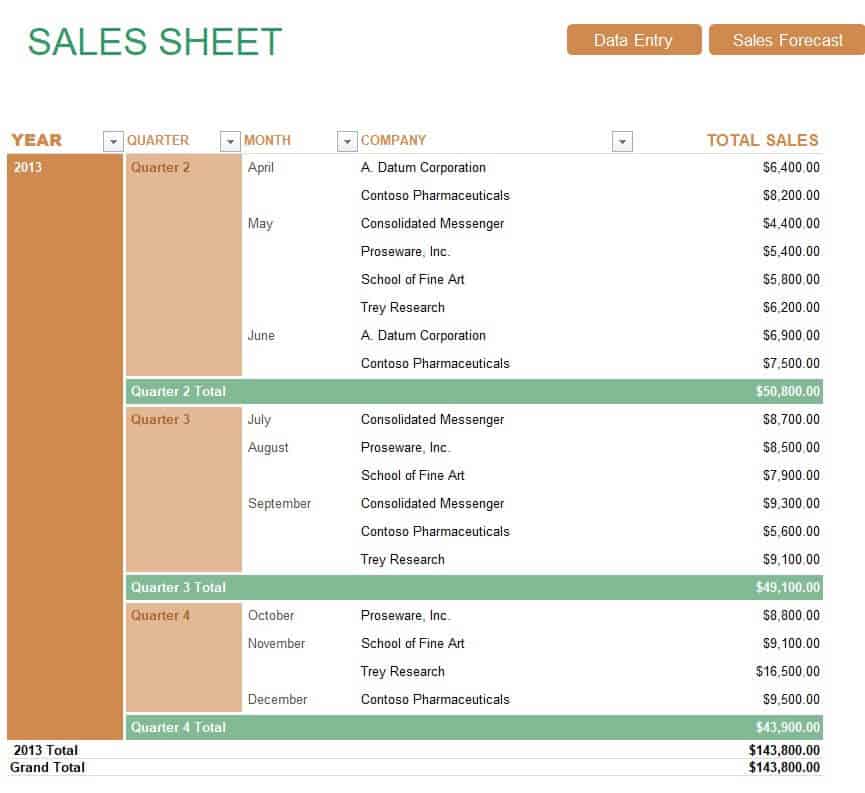
File Size: 33 KB
Example Sell Sheet Template EXCEL
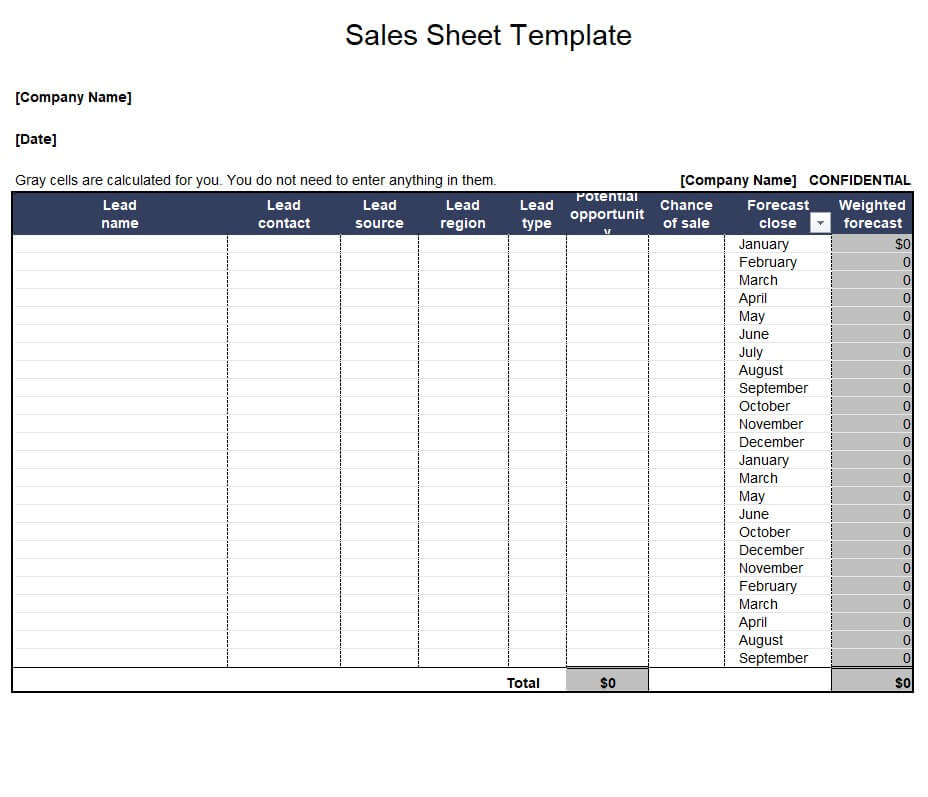
File Size: 25 KB
Product Sell Sheet Template in XLSX Format
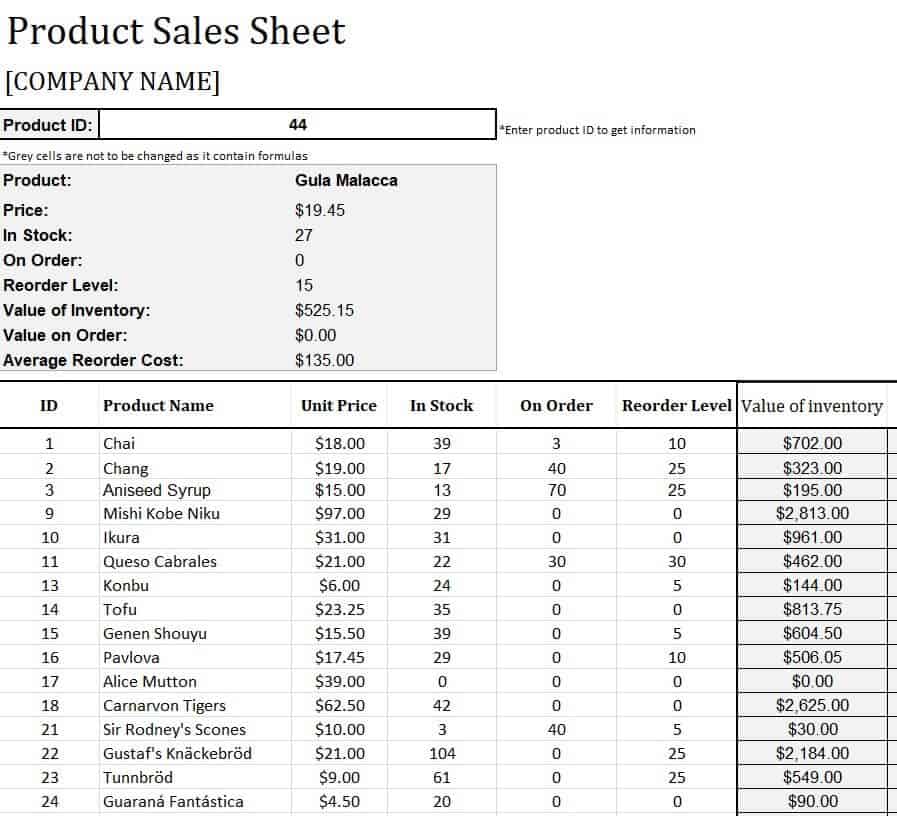
File Size: 17 KB
Free Online Sales Record Sheet Template
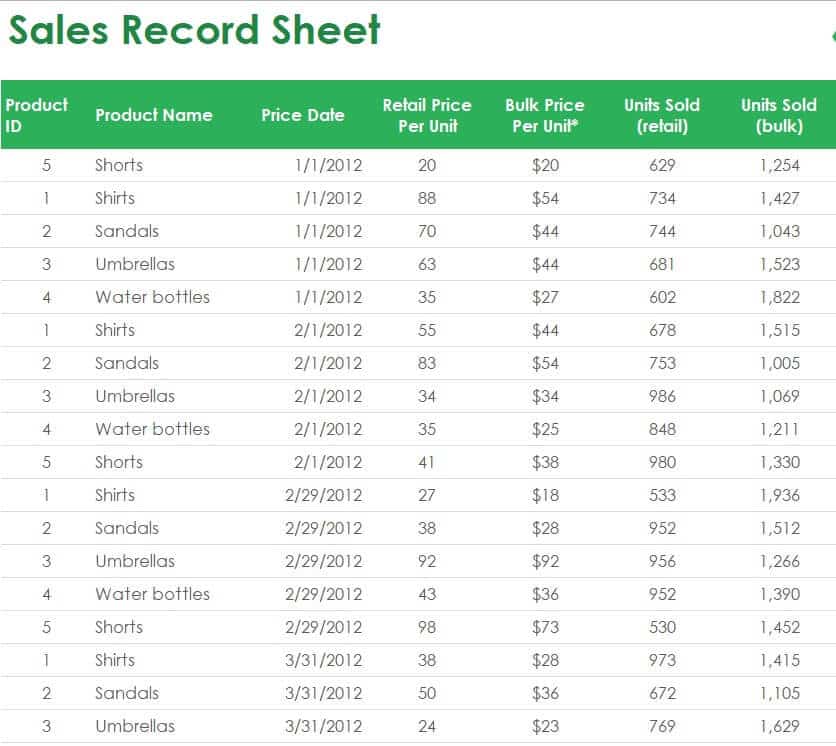
File Size: 40 KB
Basic Fillable Sell Sheet Template
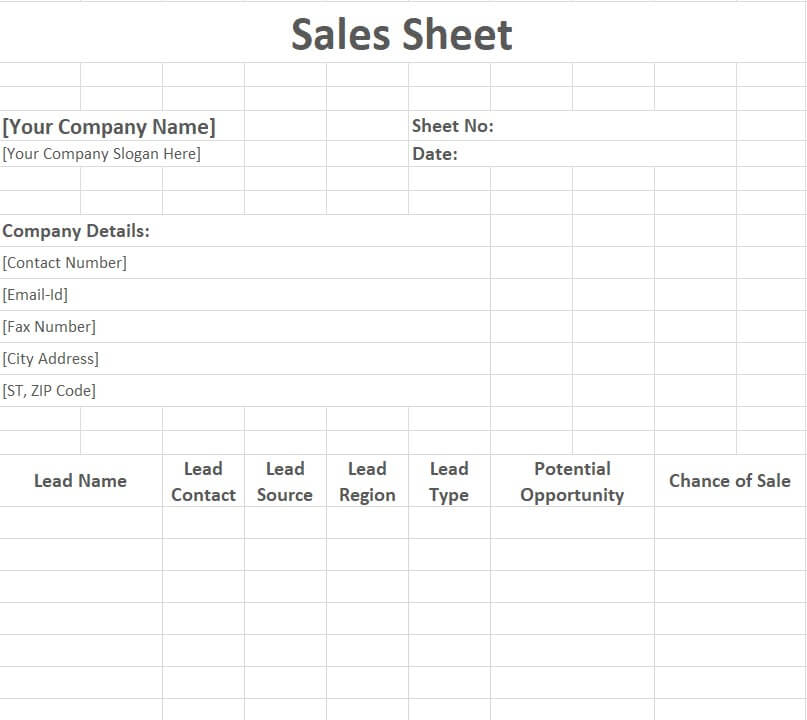
File Size: 10 KB
What to Include on a Sell Sheet
A sell sheet has only one page to win a buyer’s attention, so every element must earn its place. The most effective product sell sheets include:
A strong headline: One short line that states the main benefit of the product, not just its name. For example, “Cuts cleaning time in half” works better than “Model X200 Cleaner”.
High-quality product images: Clear photos of the product, packaging, or the product in use. Images often decide whether a buyer keeps reading.
Key features and benefits: Three to six bullet points that explain what the product does and why it matters to the customer.
Specifications: Size, weight, materials, colors, model numbers, and technical details that retailers and distributors need.
Pricing and ordering information: Wholesale price, MSRP, minimum order quantity, case pack, SKU or UPC codes, and lead times. Many companies attach a separate price quotation for larger buyers.
Social proof: Short customer testimonials, awards, certifications, or sales results that build trust.
Call to action and contact details: Tell the reader exactly what to do next, such as “Call to place your first order”, and include your phone number, email, website, and logo. Use the same branding as your company letterhead for a consistent look.
Sell Sheet Design Tips
Keep it to one page: A sell sheet is a quick summary, not a catalog. Use short sentences, plenty of white space, and a clear visual hierarchy.
Write for your buyer: A retailer cares about margins and sell-through, while an end customer cares about benefits. Create separate versions if you sell to both.
Use your brand colors and fonts: Consistent branding makes your sheet recognizable at trade shows and in buyers’ inboxes.
Print and share digitally: Print on quality glossy paper for trade shows and meetings, and save a PDF version to email or share online.
Track your sales: After launching a new sell sheet, monitor results with our monthly sales report templates to see which products and messages perform best.
Common mistakes to avoid: Do not overload the page with long paragraphs, tiny fonts, or too many images. Avoid vague claims such as “best quality” without proof, and never forget the call to action or contact details. Finally, keep prices and specifications up to date; an old sell sheet with wrong information can cost you a sale and damage your credibility with buyers.
Frequently Asked Questions (FAQs) About Sell Sheets
What is a sell sheet?
A sell sheet, also called a sales sheet or product sheet, is a one-page marketing document that summarizes a product or service with images, key benefits, specifications, pricing, and contact details to help close a sale.
What is the difference between a sell sheet and a brochure?
A sell sheet focuses on one product or service and fits on a single page, while a brochure usually covers a whole company or product range across several folded pages.
What size is a sell sheet?
Most sell sheets are printed on standard US Letter (8.5 x 11 inches) or A4 paper, either one-sided or double-sided.
Who uses sell sheets?
Manufacturers, inventors, distributors, sales reps, and small businesses use sell sheets to pitch products to retailers, wholesale buyers, investors, and customers at trade shows and sales meetings.
Can I make a sell sheet in Word or Excel?
Yes. The Word templates on this page are best for designed product sell sheets, while the Excel templates are ideal for sales sheets that track products, quantities, and prices.
Are these sell sheet templates free?
Yes. All 21 sell sheet templates on this page are free to download, edit, and print.
Conclusion
A well-designed sell sheet helps your product stand out and gives buyers everything they need to say yes. With these 21 free sell sheet templates in Word and Excel, you can create professional product sheets, sales sheets, and specification sheets without hiring a designer. Download a template, add your images, benefits, and pricing, and start sharing it with retailers and customers today.
