Sending a clear, well-structured price quote is often the very first test of your business’s professionalism. When a prospective buyer requests pricing for goods or services, your quotation document sets expectations, outlines deliverables, and protects your operational margins.
Whether you need a quick Word quotation format for a simple service bid or an automated Excel quotation template with built-in formulas for line items, taxes, and discounts, having ready-to-use documents saves valuable time and ensures consistent branding.
Below, you can explore essential structural guidelines for drafting binding commercial estimates, along with access to 30 customizable templates tailored for contractors, freelancers, sales teams, and service providers.
What Is a Price Quotation?
A price quotation (frequently referred to as a quote, price estimate, or bid statement) is a formal commercial document issued by a vendor or service provider to a prospective buyer. It details the fixed cost for specific goods, labor, or services delivered under set conditions over a specified period.
Unlike an informal price estimate—which offers a rough, non-binding approximation—a formal quotation becomes legally binding once accepted by the buyer within its validity window. This makes clarity, itemized costing, and clear terms critical components of every quote you issue.
How a Quote Differs From an Estimate and an Invoice
Understanding where a quotation fits within your sales workflow prevents billing disputes down the line:
- Estimate: A preliminary, non-binding guess of expected costs. Ideal for initial project scoping when final variables remain uncertain.
- Quotation: A fixed price offer valid for a specified timeframe. Once signed by the buyer, it acts as an agreed-upon contract.
- Invoice: A request for payment issued after or during the delivery of goods or services based on the agreed quotation terms.
Critical Components of a Professional Quotation Format
To prevent miscommunication and present a polished image to your clients, every price quotation document should contain specific foundational elements:
1. Header & Business Information
Your document header establishes brand credibility. Always include:
- Full company name, logo, and official address
- Contact numbers, business email, and website URL
- Tax registration numbers (such as GST, VAT, or local business identifiers)
2. Client Details
Clearly specify the recipient of the quote to ensure proper records:
- Client or purchasing manager’s full name
- Client company name and billing address
- Direct contact details and project reference number
3. Unique Reference & Key Dates
Every quote needs explicit operational parameters:
- Quote Number: A unique tracking ID (e.g.,
QT-2026-0042) for fast record retrieval. - Issue Date: The exact date the document is generated.
- Expiration Date / Validity Period: Standard validity spans 15 to 30 days, protecting your business against fluctuating raw material costs or supplier price changes.
4. Itemized Scope of Work & Price Breakdown
Avoid lump-sum confusion by organizing costs into structured tables:
- Detailed item descriptions or service scope
- Quantity, unit of measurement, and rate per unit
- Extended line-item subtotals
- Applied discounts, shipping/handling fees, and applicable taxes
5. Terms of Payment & Delivery Details
Outline how and when the client should settle the bill:
- Accepted payment channels (bank transfer, credit card, check)
- Required deposit percentage or milestone schedules
- Expected lead time or project delivery timelines
6. Signatures and Acceptance Block
Include an explicit acceptance section at the bottom. Adding space for client signatures, date of acceptance, and official stamps instantly converts your estimate into an actionable work agreement.
Choosing Between MS Word and Excel Quotation Templates
Selecting the right tool for your document creation depends heavily on the complexity of your project pricing:
When to Use MS Word Templates
Word-based formats shine when your quote requires extensive written explanations, scope statements, or project proposals:
- Best for: Graphic designers, consultants, web developers, copywriters, and creative agencies.
- Key advantage: Easy text formatting, custom typography, clean page layouts, and seamless PDF exporting.
When to Use MS Excel Templates
Excel sheet formats are ideal when your bid relies on complex calculations or large inventories:
- Best for: Construction contractors, electricians, plumbers, wholesalers, and event planners.
- Key advantage: Automated math functions for unit multiplication, automated tax calculations, subtotaling, and discount deductions.
8 Steps to Prepare an Accurate Price Quote
To maintain healthy profit margins while staying competitive, follow this structured process when generating client quotes:
Review Client Requirements thoroughly: Never guess project parameters. Clarify all specifications prior to calculating pricing.
Calculate Direct Costs: Factor in raw materials, direct labor hours, equipment wear, and sub-contractor fees.
Account for Overhead Expenses: Allocate a realistic percentage for administrative overhead, utilities, software licenses, and transportation.
Apply Your Profit Margin: Add your target markup percentage to direct and indirect costs to secure profit goals.
Set Clear Assumptions: State explicitly what is included and excluded in the price to prevent scope creep.
Define Validity Constraints: Indicate how long rates remain locked (e.g., “Valid for 30 days from issue”).
Proofread Calculations: Verify line items and tax figures carefully before finalizing.
Export and Deliver as PDF: Always send final quotes in read-only PDF format to maintain layout integrity and prevent unauthorized modifications.
Quotation Templates in Word
Company’s Quotation Format
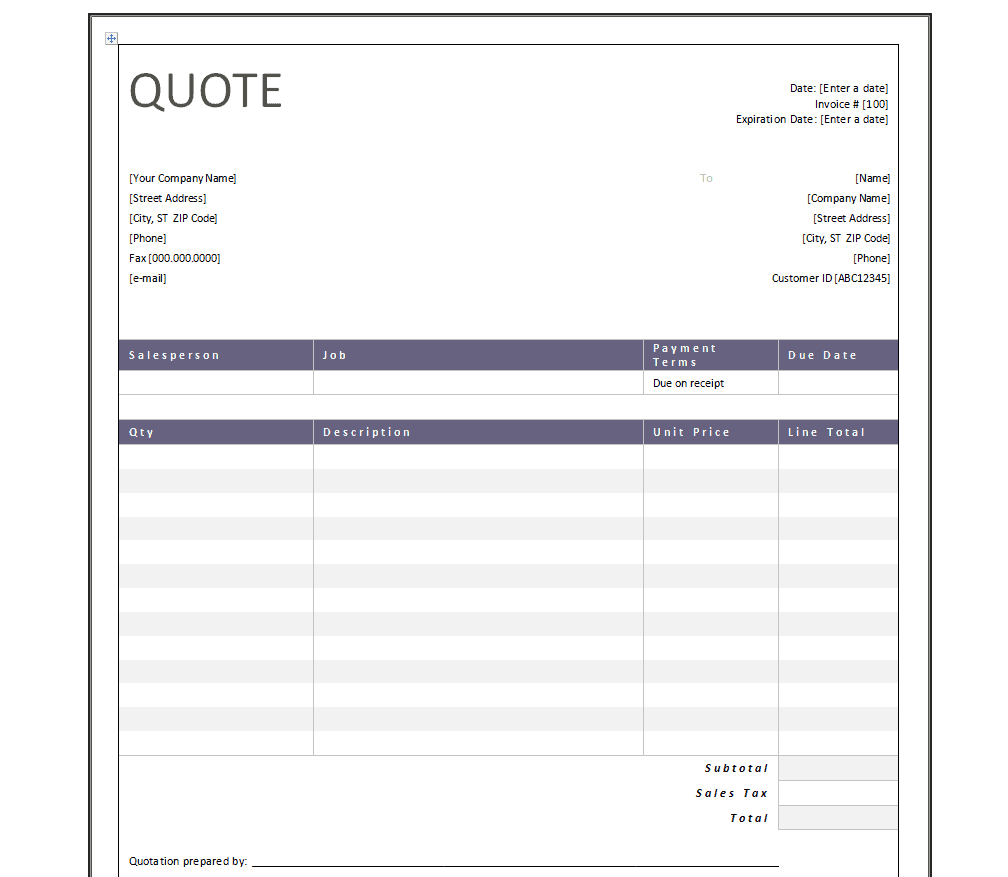
File Size: 30 KB
File Type: WORD
Simple Quotation Format
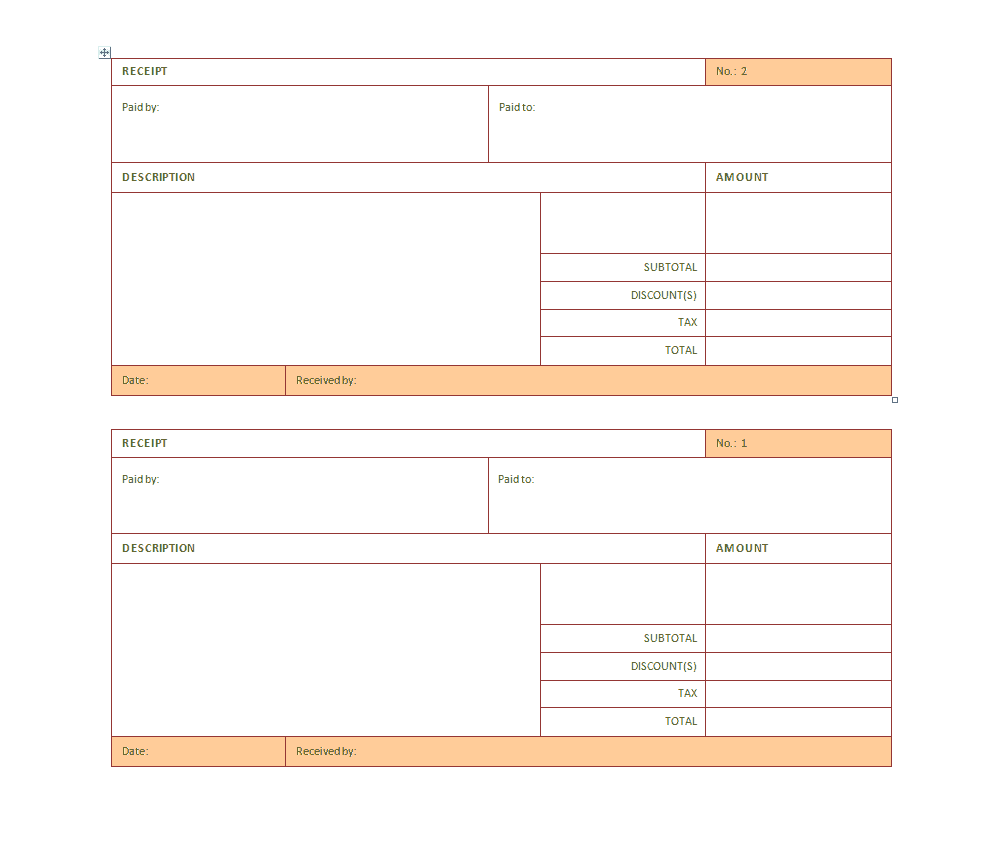
File Size: 17 KB
File Type: WORD
Sales Quotation Template
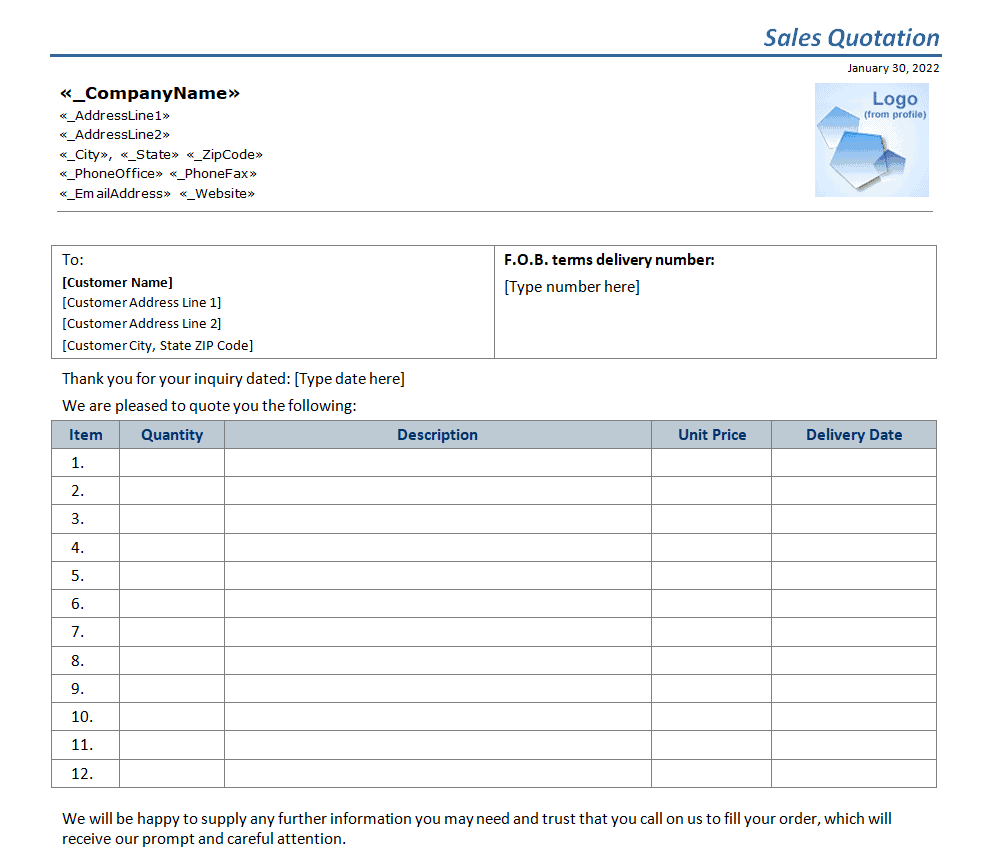
File Size: 24 KB
File Type: WORD
Proper Quotation Format
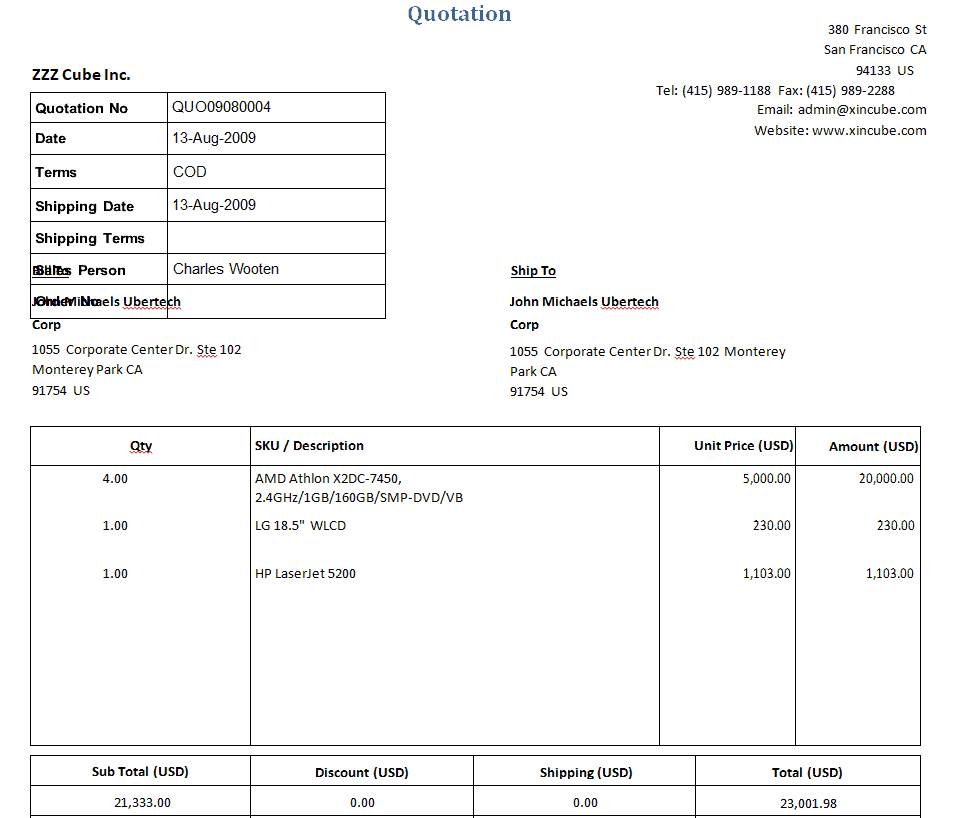
File Size: 34 KB
File Type: WORD
Latest Quotation Template
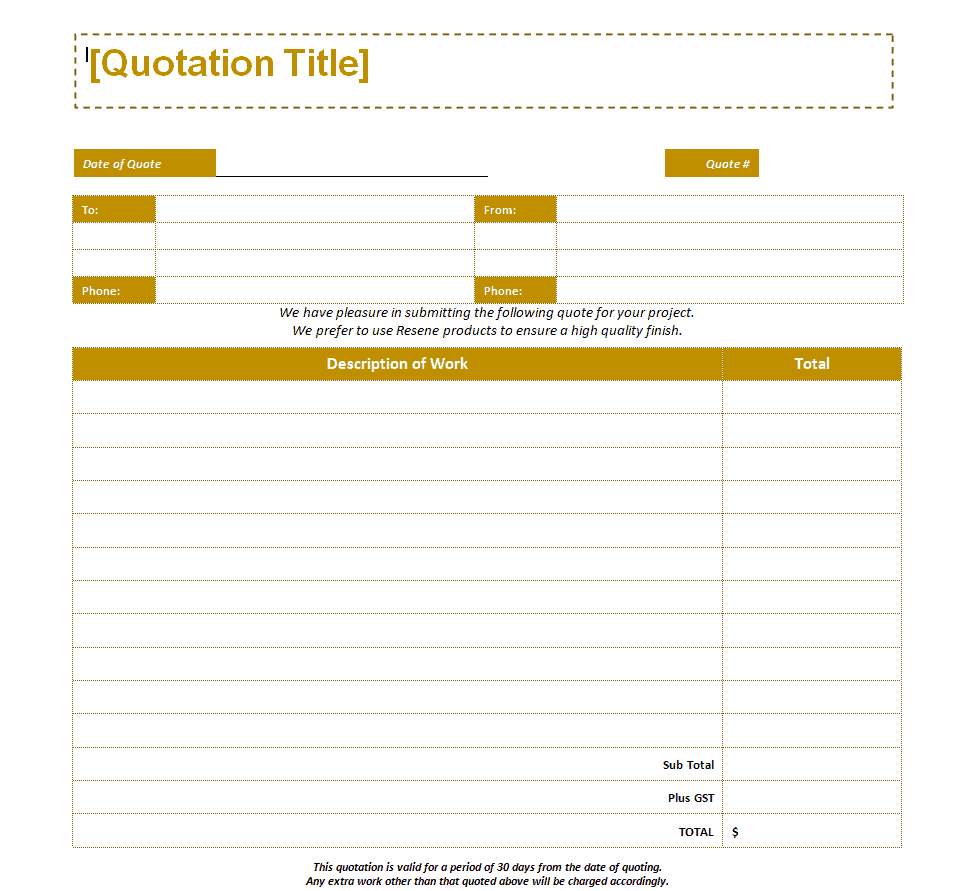
File Size: 10 KB
File Type: WORD
Sample Sales Quotation Example
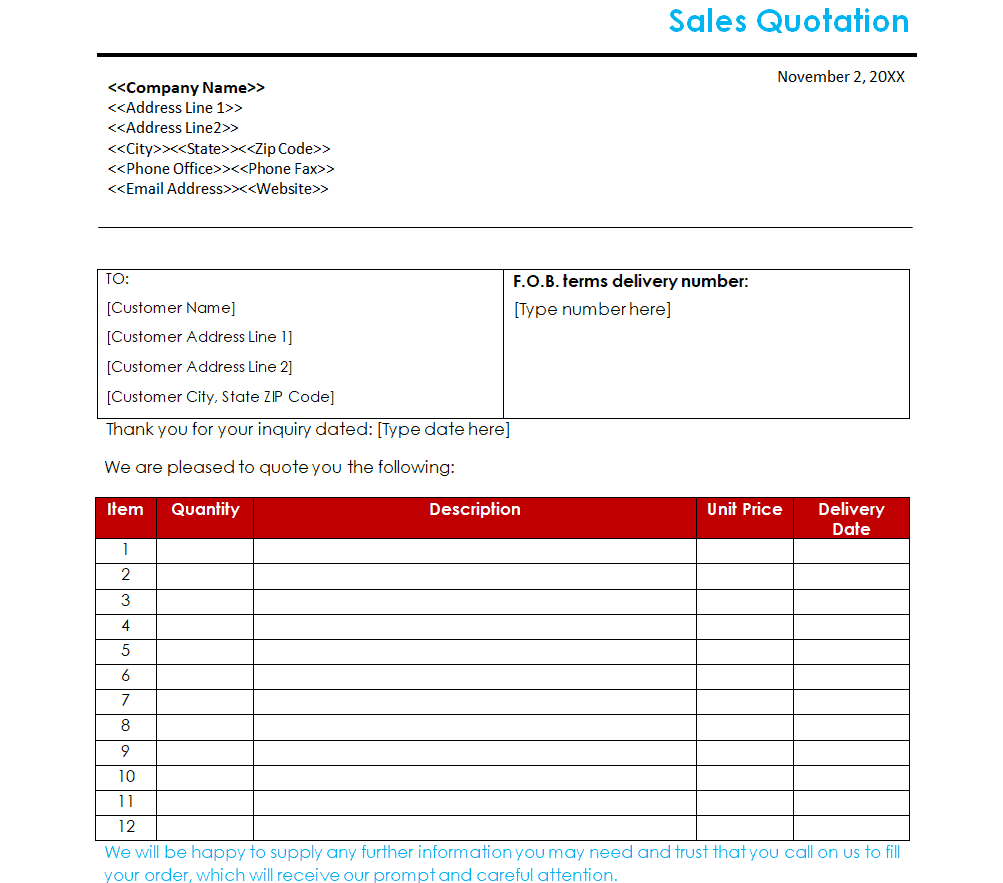
File Size: 32 KB
File Type: WORD
Product Quotation Template
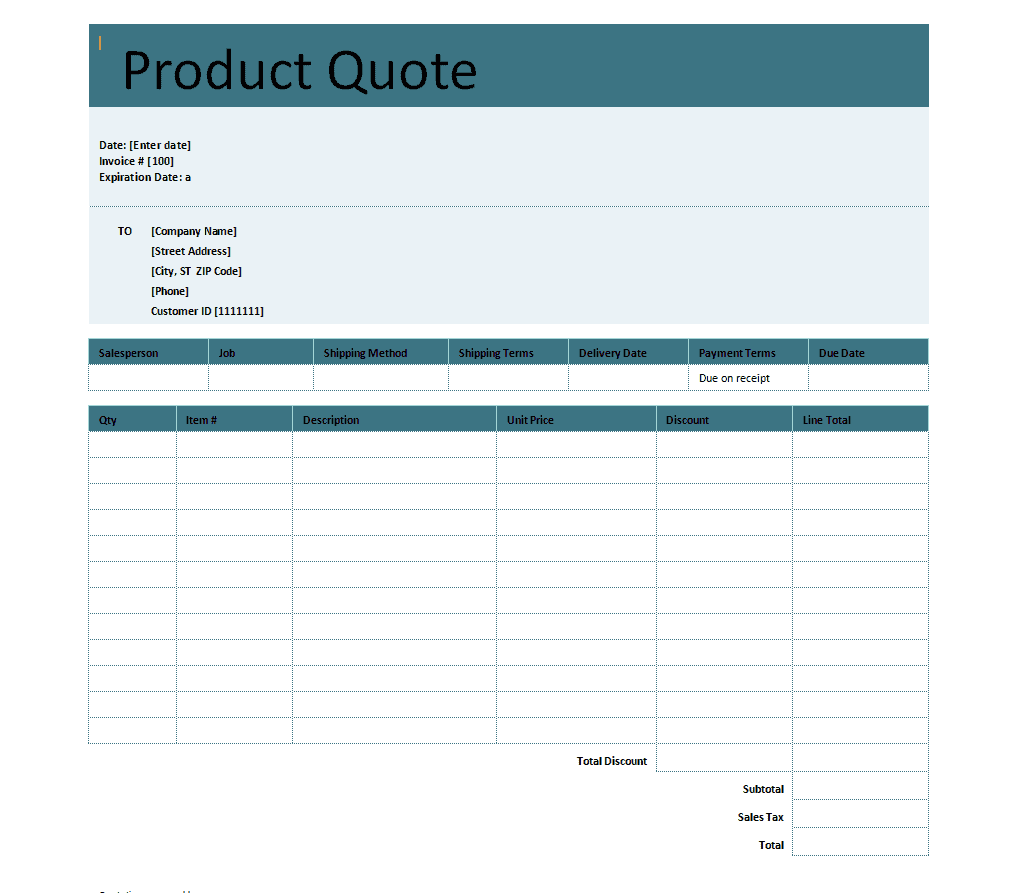
File Size: 29 KB
File Type: WORD
New Price Quote Format
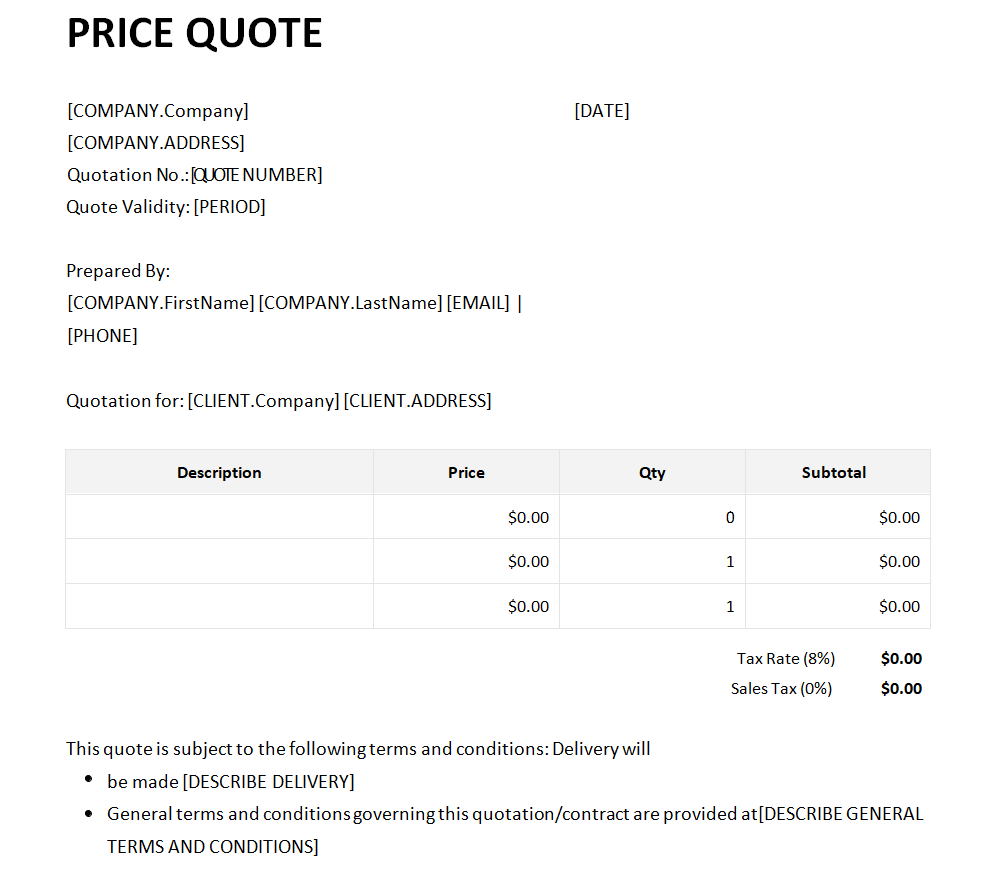
File Size: 25 KB
File Type: WORD
Important Elements of a Quotation Template
Whenever you are required to provide a quotation of your products or services, you have two options. You can make a proper quotation document from scratch which is definitely going to take some time or simply you can use a pre-made quotation template or format and customize it according to your requirement. Doing this will save you a lot of time and effort. Whichever option you choose, make sure to check that your quotation document or quotation template must include the following important elements.
Necessary Details
A price quotation format must include the necessary details of your business like the company’s name, address, and contact details. These details make this document look more professional and official and indicate that the document actually belongs to a proper professional setup. All of these details are enough to prove the validity and legality of a business.
Cost Bifurcation
In a price quotation document, all the elements and their costs must be properly bifurcated and then included in it. It is very important to do that so as to make it easy to understand for the clients or customers. Moreover, it makes the document more concise and clear to the recipient. All of the costs must be properly broken down.
Total Costs or Grand Total Costs
After cost bifurcation, you just add up all the costs and mention the total cost or grand total cost of a certain project or task at the end of the document. Normally, you can simply highlight or mention this grand total by making it a bit bold so as to make it more conspicuous and prominent for the reader. It is important to note that you must mention the grand total with care and it is a good practice to re-check your calculation before finally mentioning this amount.
Terms and Conditions
Some quotation templates and formats also come with a section to mention the terms and conditions of a project. However, it is completely optional to do that. Normally, the terms and conditions are mentioned on the back of the quotation document.
Modes of Payment
On a quotation template or format, it is also important to mention the modes of payment that your business accepts. It is very important to notify the customers or clients in advance so as to make it clear to them how they can make the relevant payments.
Expiration of Quotation
A quotation document is also valid for a certain period of time. It is important that in your quotation document, you must clearly state when the quotation will be expired. Mention the exact expiry date of the quotation.
Signatures
At the end of the quotation, you must provide space for your signatures as well as the signatures of the client or customer. The client or customer’s space for signatures is provided so that if they accept the quotation, they can put their signatures on the document and return it back to the sender. This indicates that the client has accepted the quotation and wants to proceed with the project.
Quotation Templates in Excel
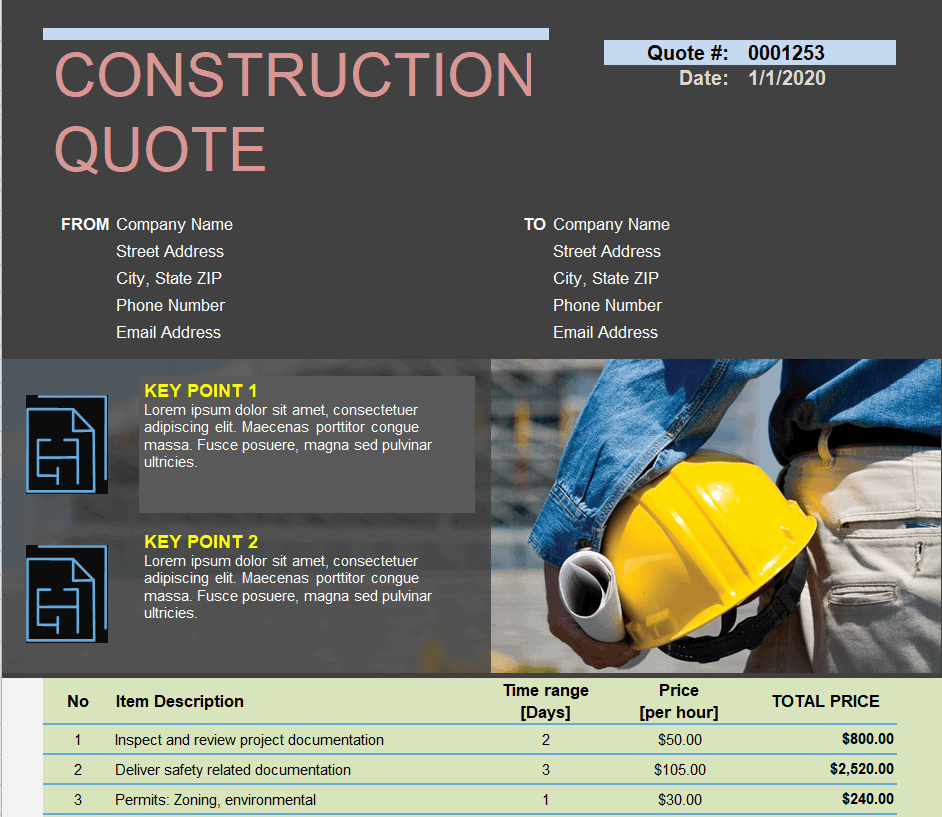
Construction Quote Format
File Size: 343 KB
File Type: EXCEL
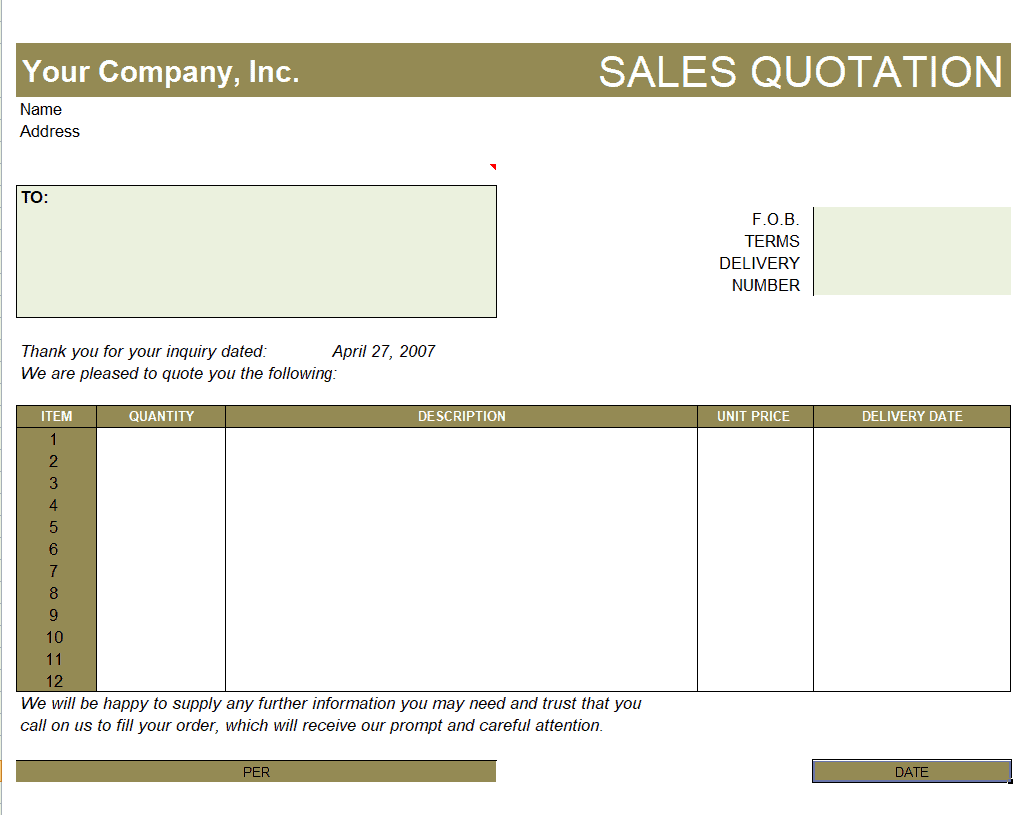
Company’s Sales Quote Format
File Size: 15 KB
File Type: EXCEL
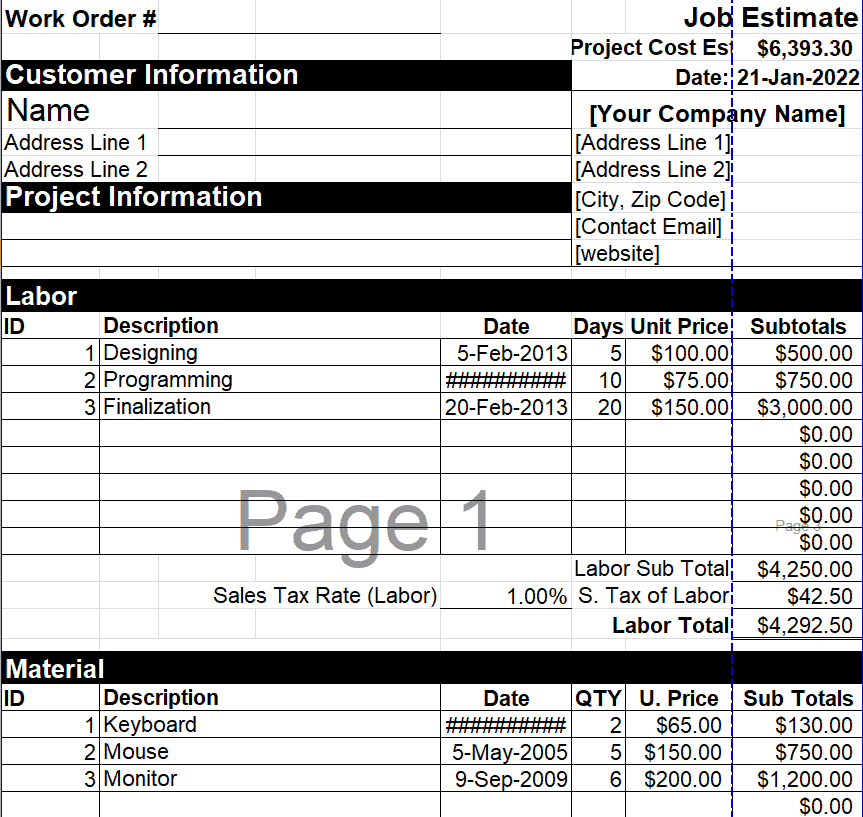
Blank Job Estimate Format
File Size: 11 KB
File Type: EXCEL
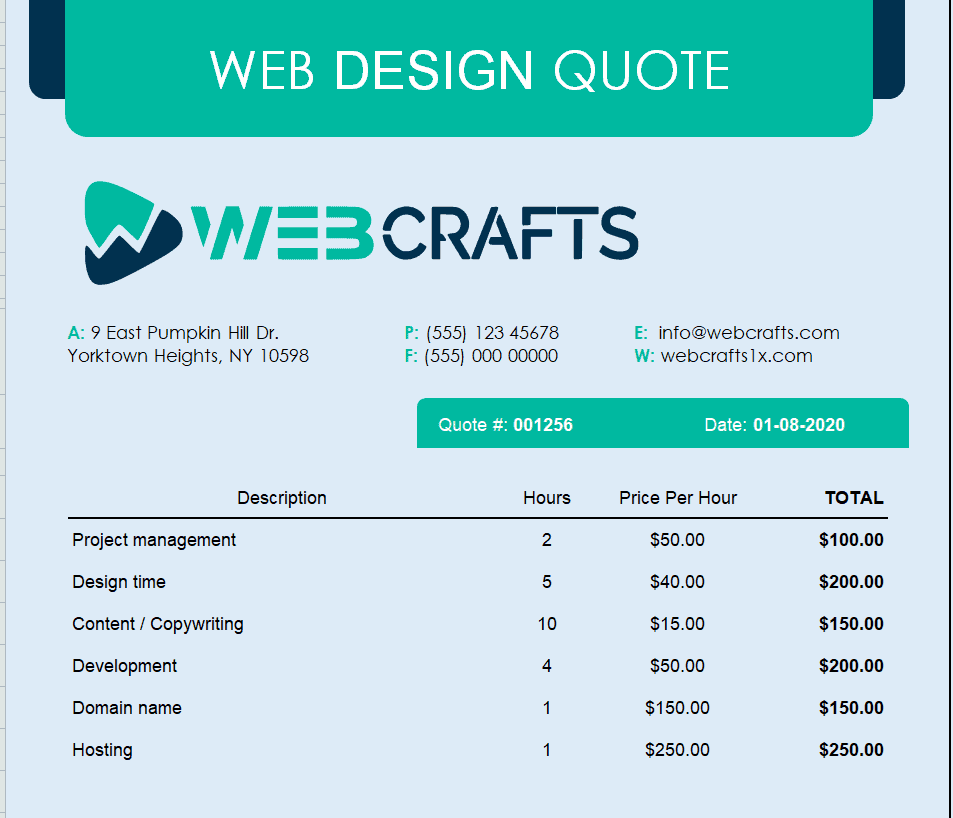
Web Design Quote Template
File Size: 27 KB
File Type: EXCEL
Video Production Company Quote Format
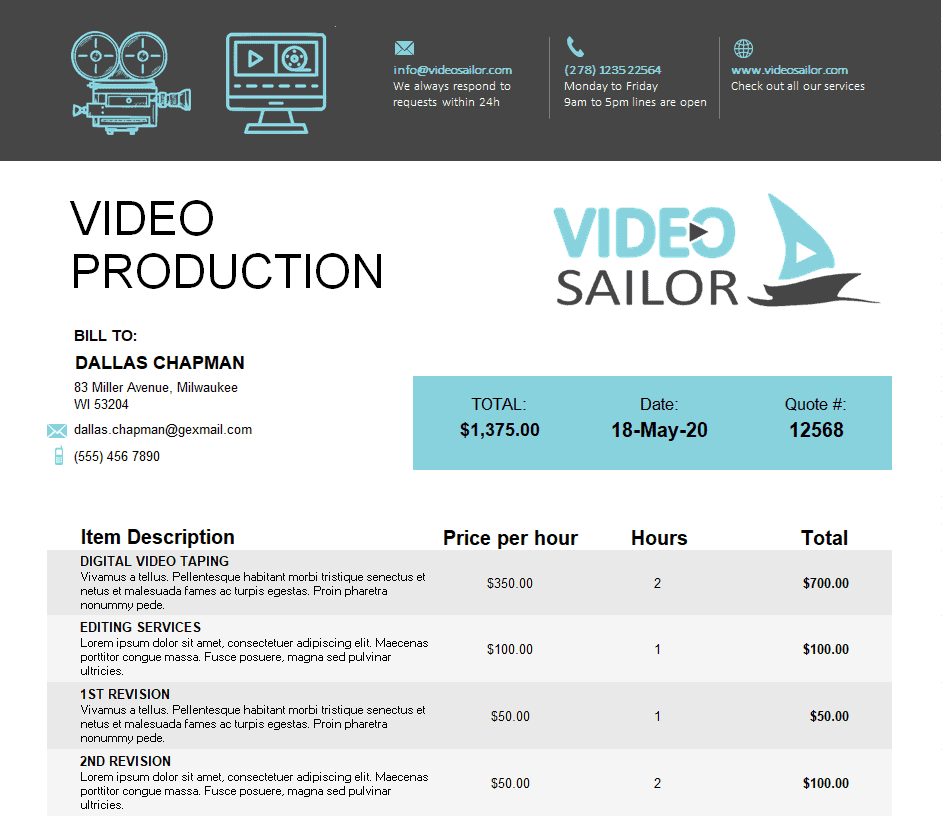
File Size: 27 KB
File Type: EXCEL
Travel Agent Quote Template

File Size: 88 KB
File Type: EXCEL
Sample Roofing Quote Template
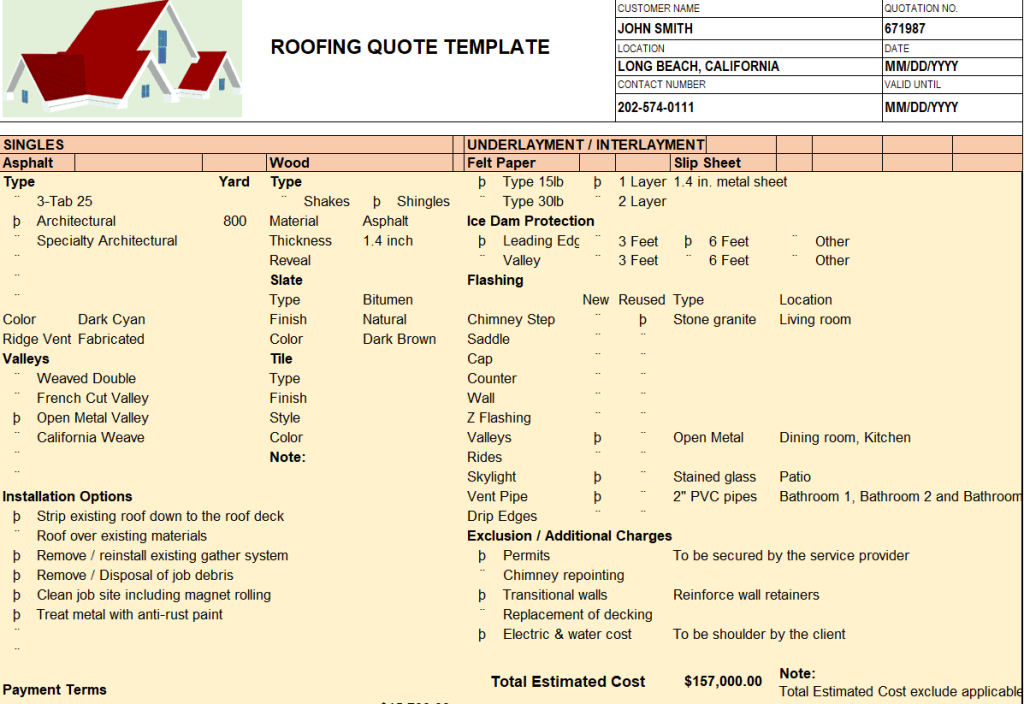
File Size: 47 KB
File Type: EXCEL
Electrical Quote Template
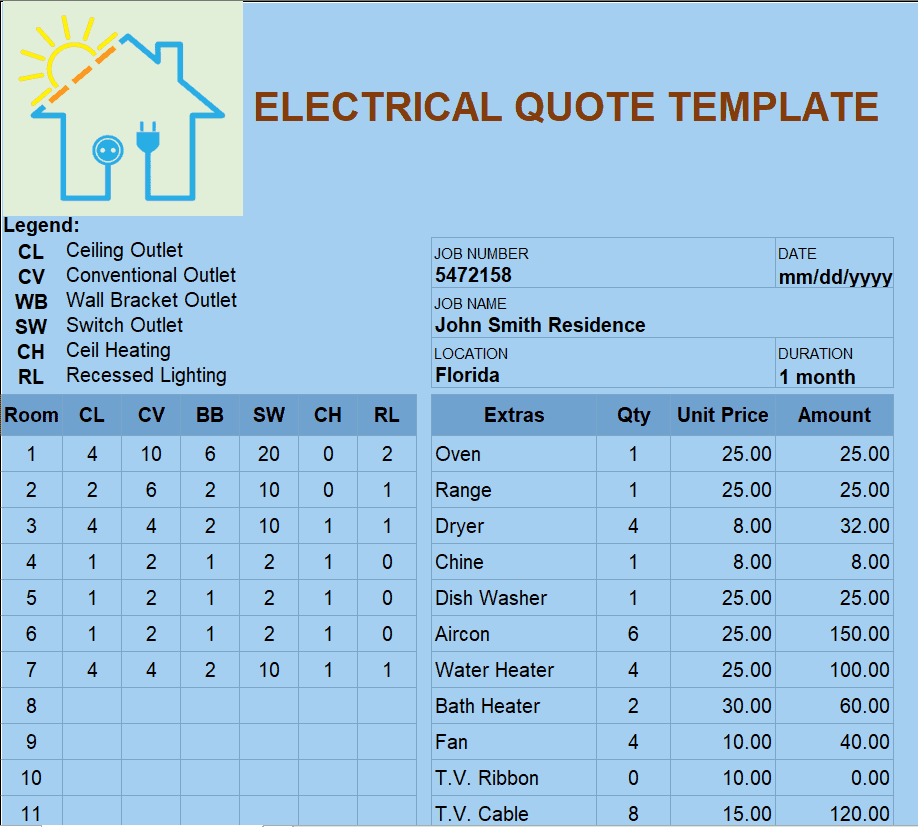
File Size: 63 KB
File Type: EXCEL
Freelance Quote Template

File Size: 45 KB
File Type: EXCEL
Simple Quote Format
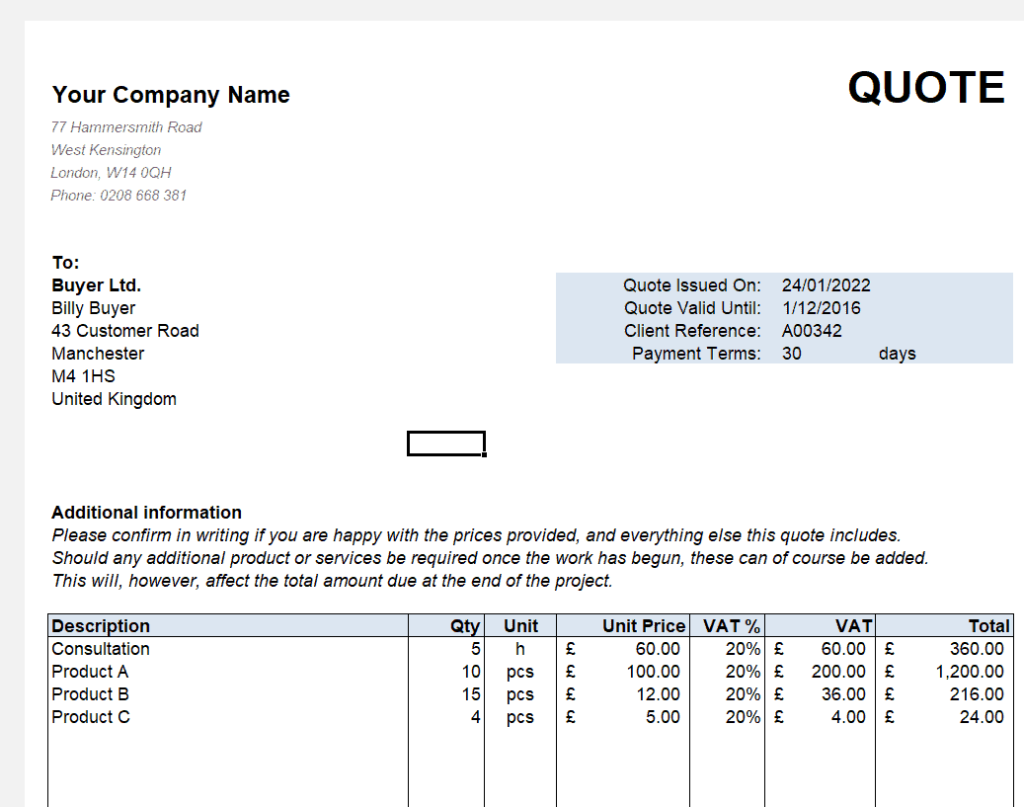
File Size: 15 KB
File Type: EXCEL
Sample Lawn Care Quote Template
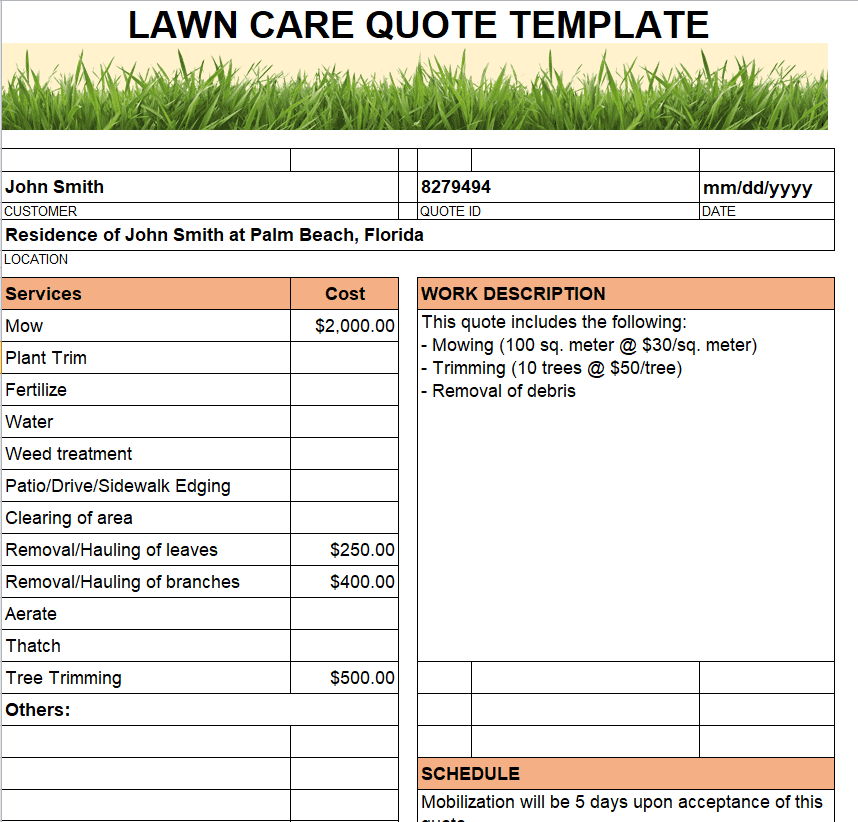
File Size: 221 KB
File Type: EXCEL
Official Maintenance Quote Format
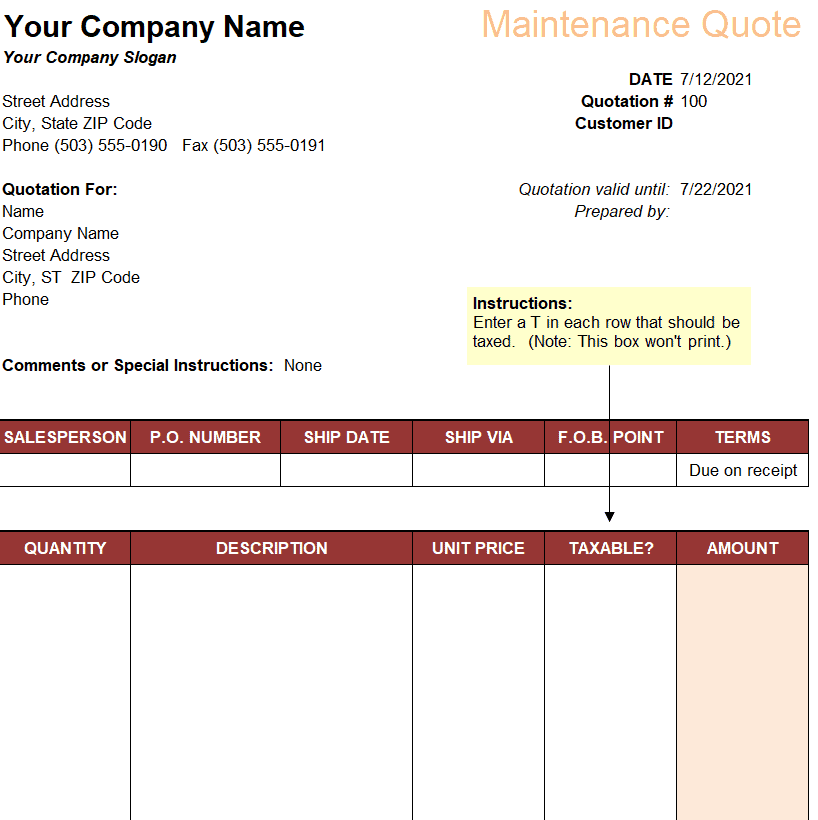
File Size: 12 KB
File Type: EXCEL
Sales Quote Invoice Format
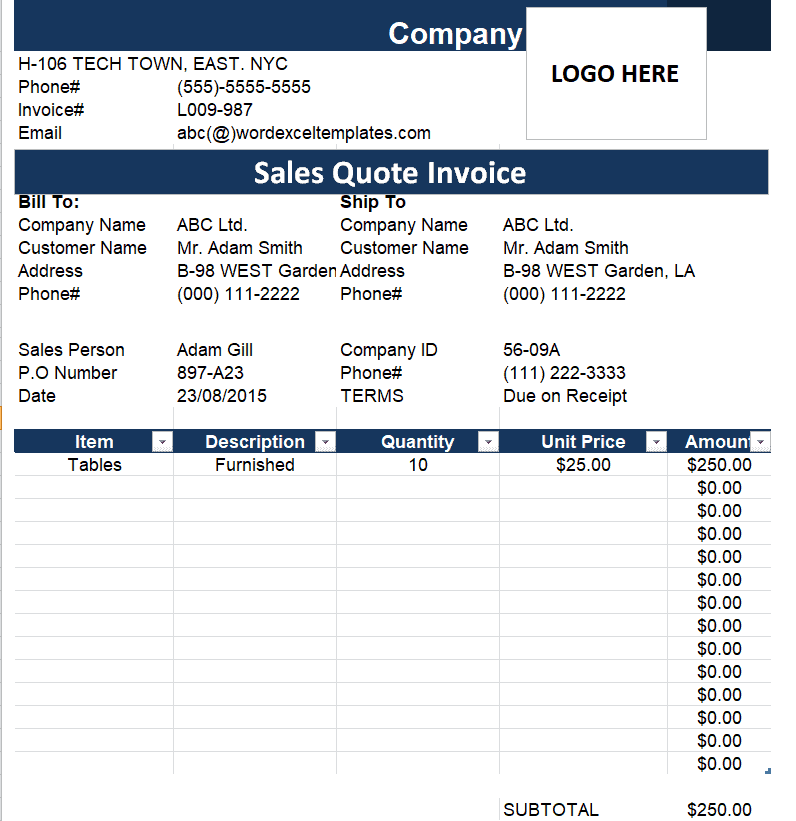
File Size: 17 KB
File Type: EXCEL
Formal Service Quote Format
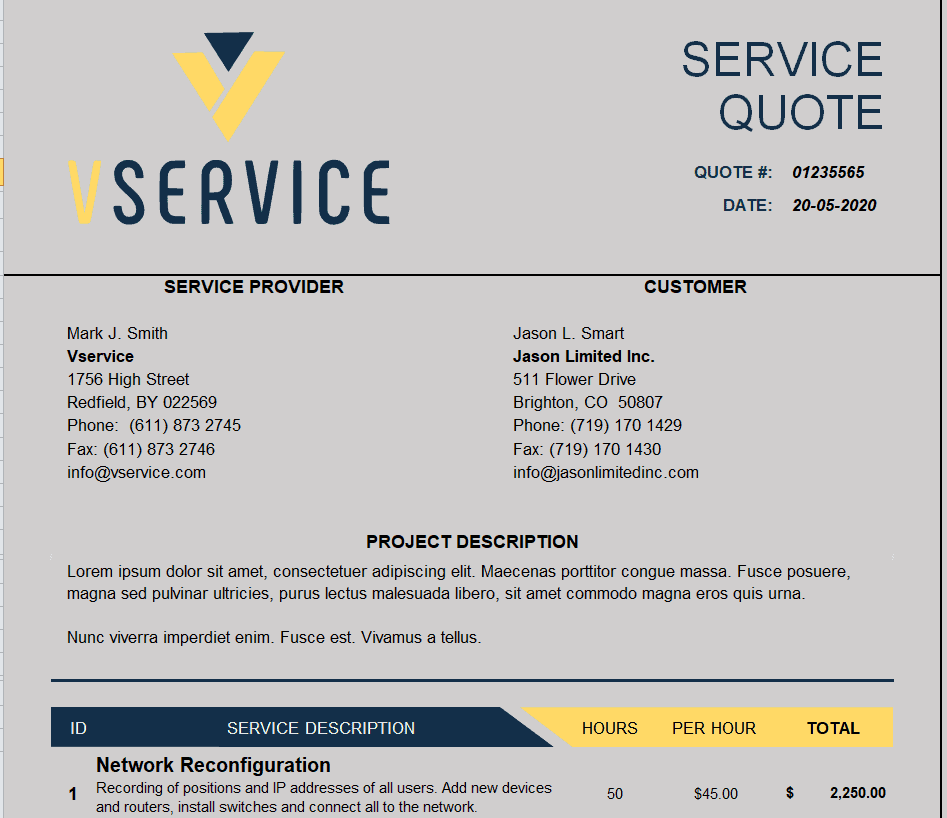
File Size: 28 KB
File Type: EXCEL
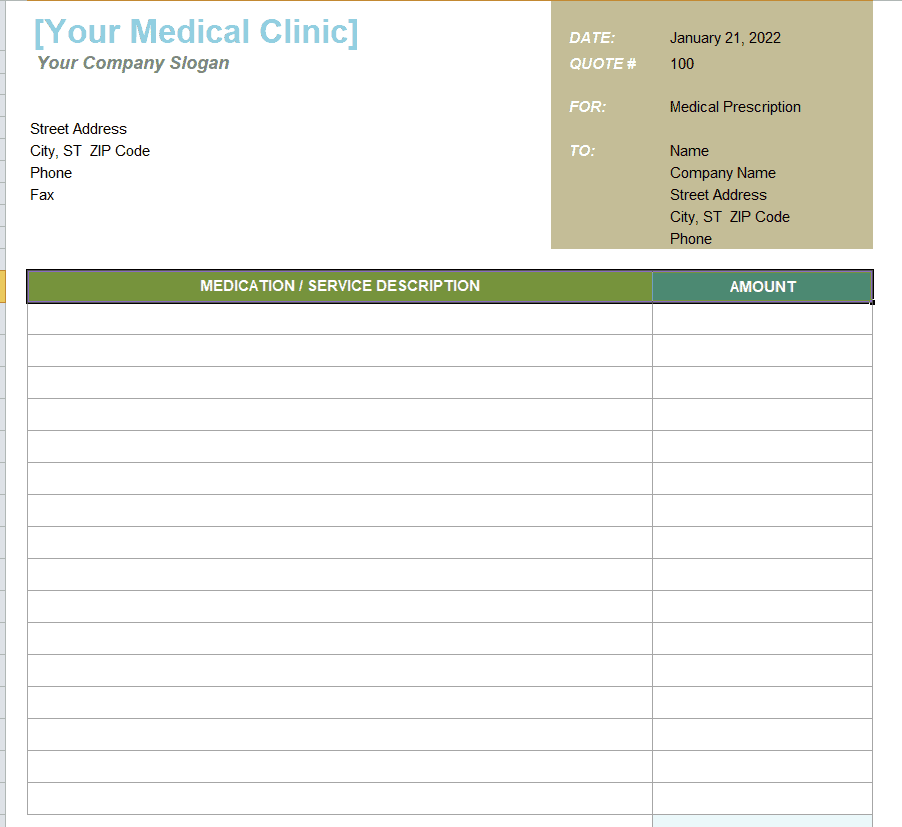
Simple Medical Clinic Quote Format
File Size: 12 KB
File Type: EXCEL
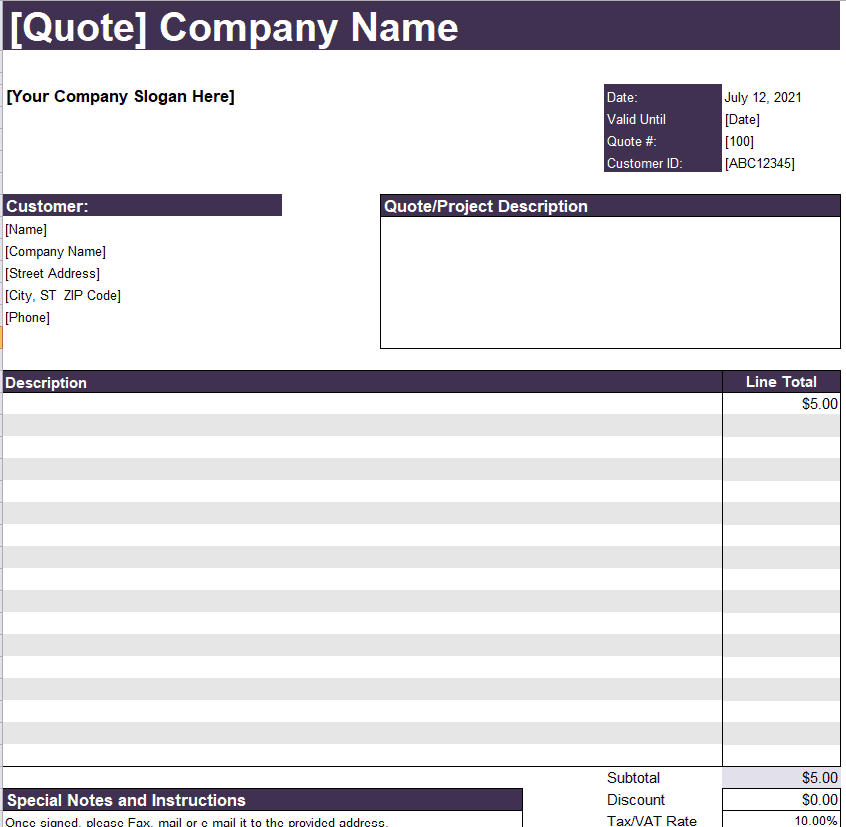
Proper Price Quote Format
File Size: 12 KB
File Type: EXCEL
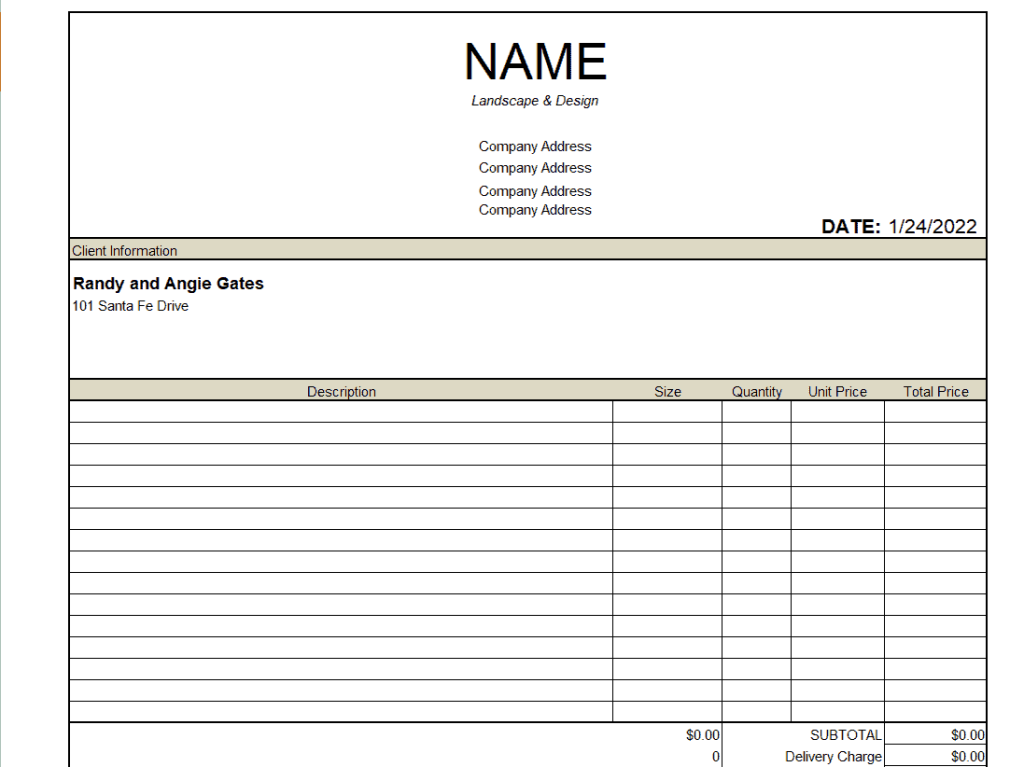
Easy Price Quote Layout Format
File Size: 12 KB
File Type: EXCEL
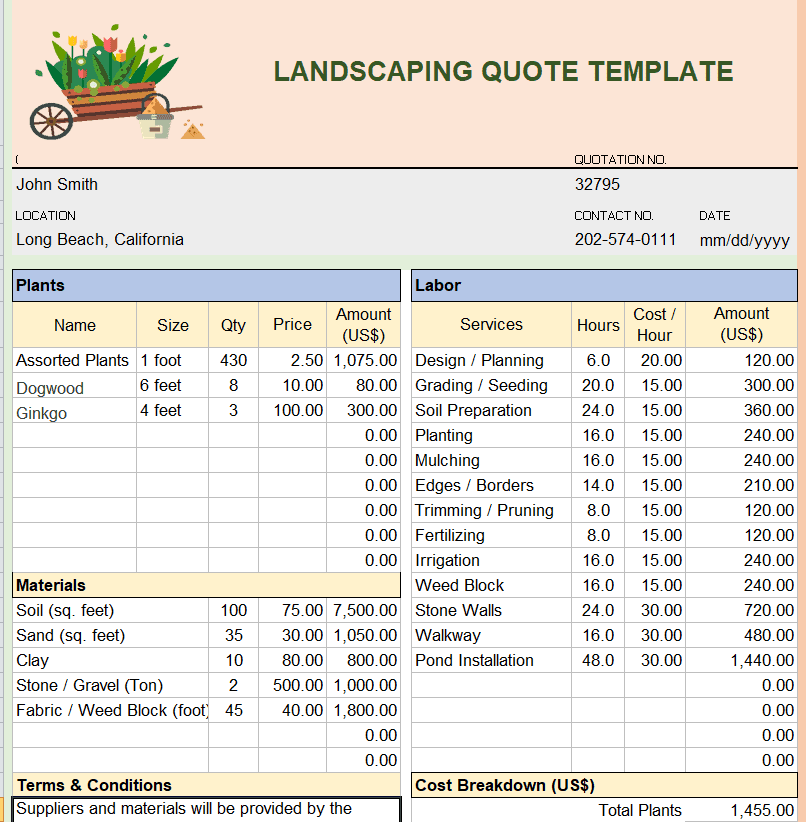
New Landscaping Quote Template
File Size: 44 KB
File Type: EXCEL
Photography Business Quote Format
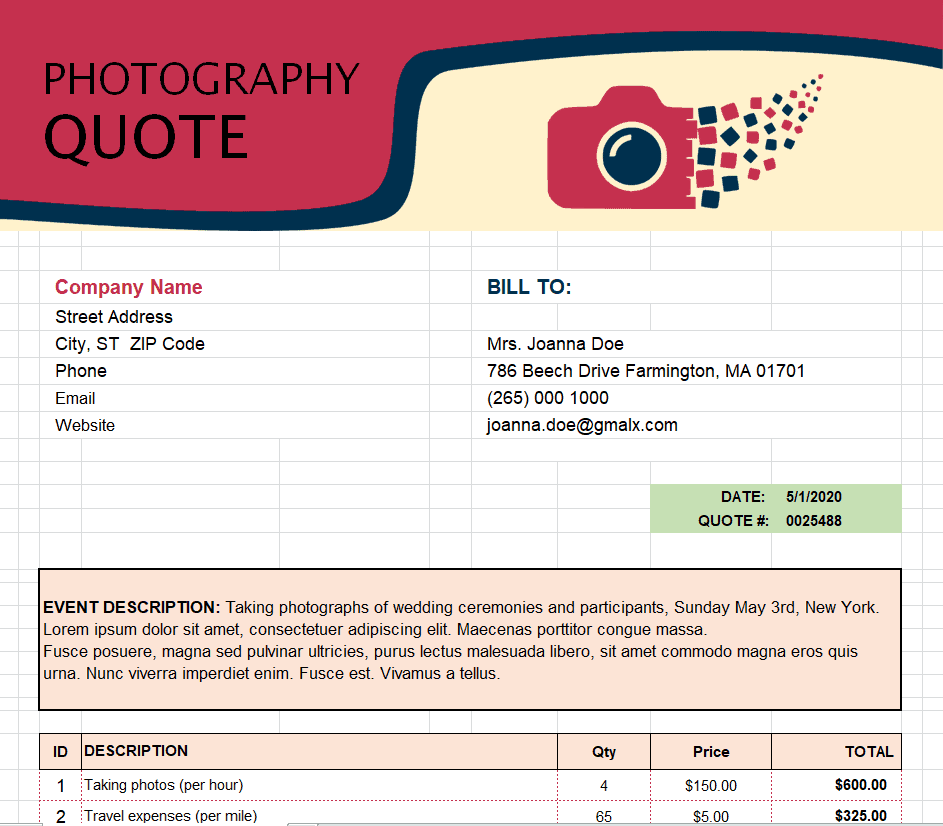
File Size: 83 KB
File Type: EXCEL
Sample Work Estimate Quote Template
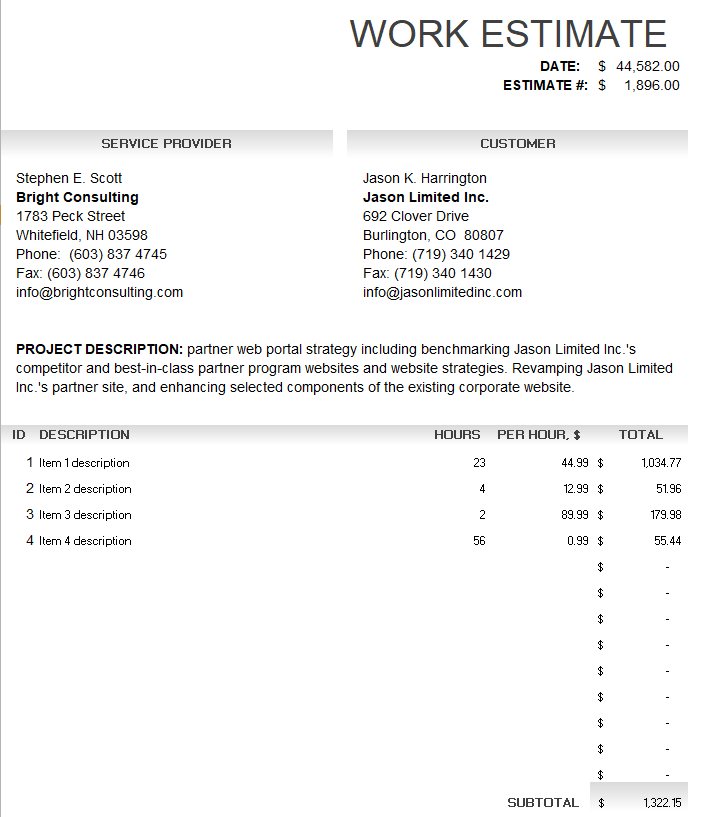
File Size: 11 KB
File Type: EXCEL
Mechanic Quote Template
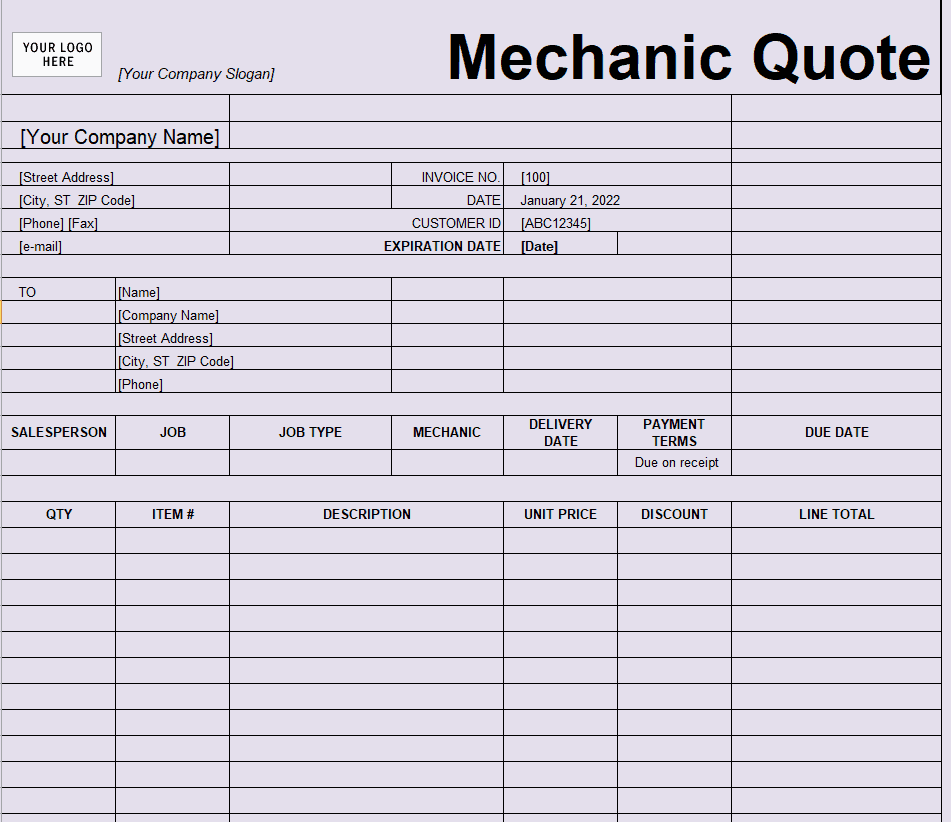
File Size: 15 KB
File Type: EXCEL
Professional Price Quote Format
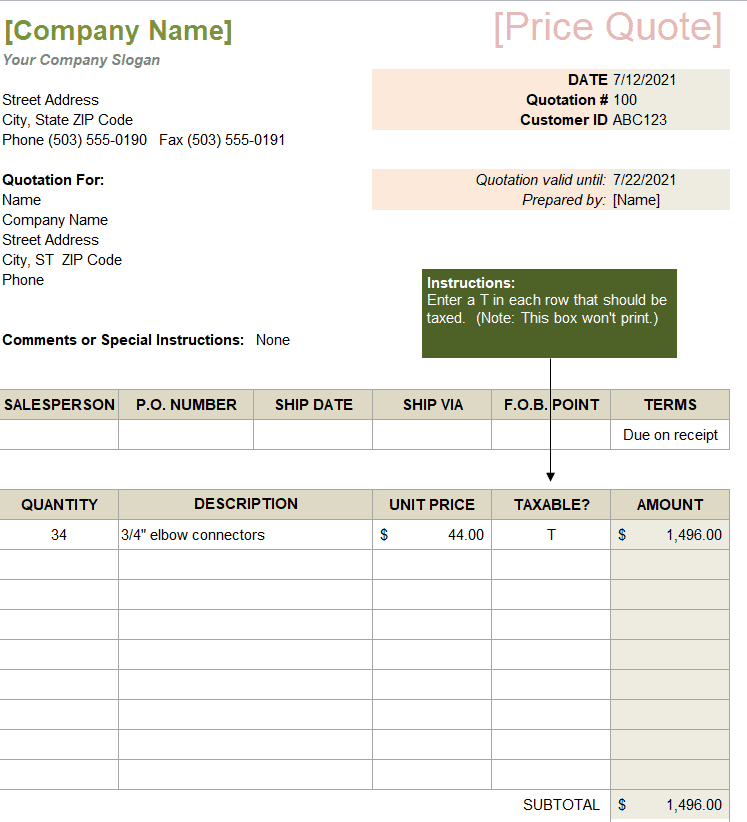
File Size: 14 KB
File Type: EXCEL
Sample Quotation Calculation
Here is how the price section of a simple office-supply quotation (Quote No. QT-2026-0042, valid 30 days) adds up:
| Item | Qty | Unit Price | Amount |
| Office chair | 10 | $85.00 | $850.00 |
| Office desk | 5 | $150.00 | $750.00 |
| Filing cabinet | 4 | $60.00 | $240.00 |
| Subtotal | $1,840.00 | ||
| Discount (5%) | −$92.00 | ||
| Delivery | $50.00 | ||
| Sales tax (8% on $1,748.00) | $139.84 | ||
| Grand Total | $1,937.84 |
Always show how the discount and tax were applied so the client can check every figure. Once the quote is accepted, you can turn it into a purchase invoice, or send a proforma invoice first for overseas buyers. Manufacturers can build their quoted material costs from a bill of materials, and printing the quote on your company letterhead adds a professional finish.
Frequently Asked Questions
What makes a quotation legally binding?
A quotation becomes legally binding when the client accepts its terms in writing—either by signing the document, issuing an official Purchase Order (PO), or returning an explicit email confirmation within the validity period.
Should I include taxes in my quoted prices?
Yes. Clearly state whether your prices are tax-inclusive or tax-exclusive. Listing base amounts and explicit tax lines (GST, VAT, sales tax) prevents misunderstandings during invoice generation.
Can I alter a price quotation after sending it?
If the quote has expired or if the client requests changes to the original scope, you can issue a revised quotation (e.g., Revision 1 or QT-2026-0042-R1). However, if the client has already accepted a valid, unexpired quote, the agreed price remains binding unless both parties agree to a scope change.
What happens after the client accepts a quotation?
The client usually sends a purchase order or signed acceptance. You then deliver the goods or services and issue an invoice that matches the accepted quote. For international orders, a proforma invoice is often sent first so the buyer can arrange payment or import permits.
Final Thoughts
A clear quotation wins trust, avoids billing disputes and protects your margins. Pick a Word template when you need room for written scope, or an Excel template when you want the totals calculated for you, and always include a quote number, validity date and acceptance block.