

Imagine you are a manager who needs to share critical information with the whole organization, or with one department, quickly. Emailing every person individually would take far too much time and effort. In this situation, the right tool is a business memo, also known as a memorandum or interoffice memo.
On this page, you can download 27 free business memo templates in editable MS Word format, including memos to employees, interoffice memos, confidential memos, formal company memos, hospital and university memo samples, and simple blank memorandum formats. Each memo template comes with a preview and a free download button, so you can pick a professional layout, add your company logo and send a clear message to your team in minutes. Below the templates, you will also learn the standard memo format, when to use a memo, and tips for writing one that people actually read.
What is a Business Memo/Business Memorandum?
A business memo is a formal document that is most commonly used to communicate within the organization. It is the best method that is used to internally communicate important information quickly and easily. The information could be anything depending upon the situation like an important announcement or a change in company policies, etc. For this purpose, most companies or organizations also use pre-made business memo templates too.
A business memo, also known as a business memorandum, is basically a brief and concise message that is used to perform efficient internal communication within an organization. It makes the communication quite faster by spreading the important messages that are needed to be delivered quickly. Usually, a business memo sample is directed to a department, a group of individuals, or to the whole organization.
A business memo template makes the communication within the organization very effective and efficient. So, it is very important that you should know how to write a business memo sample. For that purpose, you can check out the given below business memo templates provided for you. You can also download and edit any of the given below templates and use the same for your own purposes.
Business Memo Templates
Sample Business Memo to Employees Template
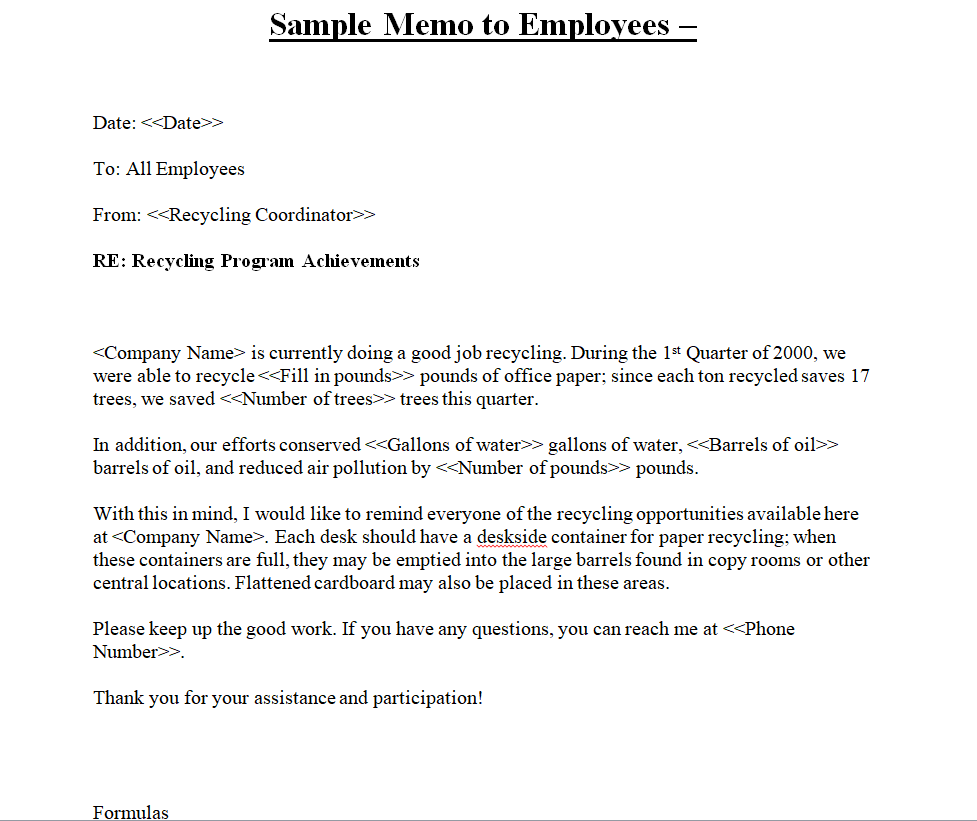
File Size: 12 KB
File Type: MS WORD
Official Business Memo Template
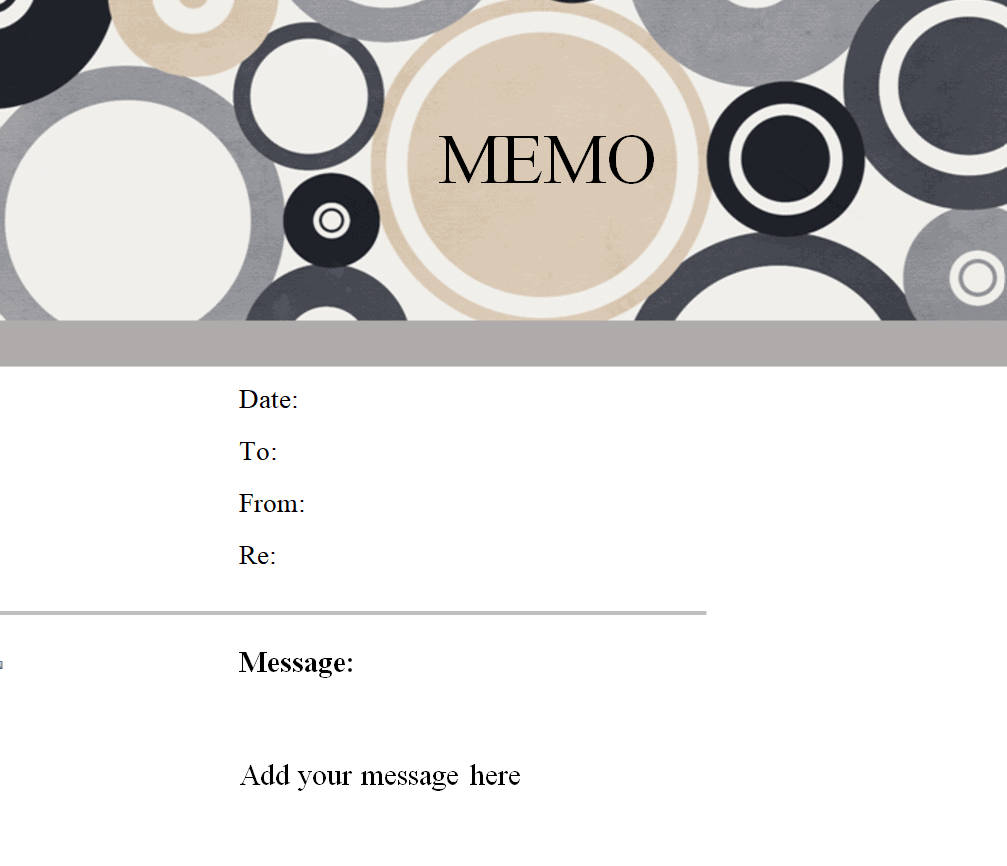
File Size: 382 KB
File Type: MS WORD
Blank Business Memorandum Template
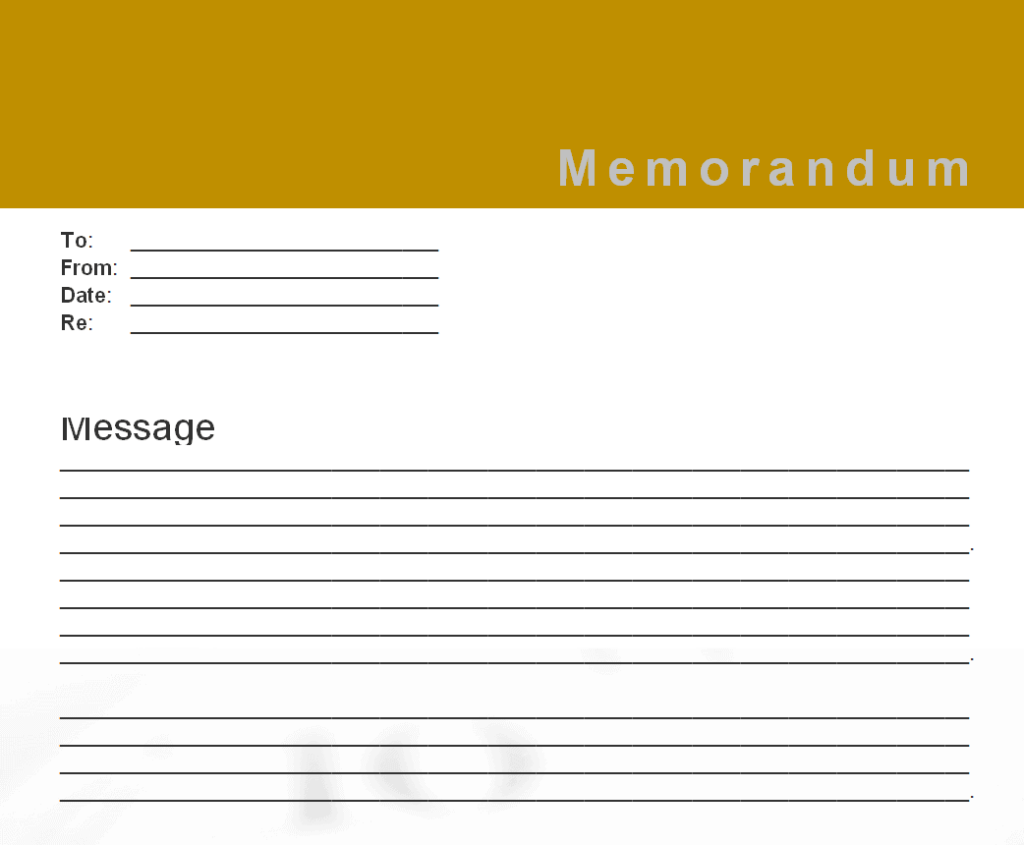
File Size: 282 KB
File Type: MS WORD
Simple Business Memo Template
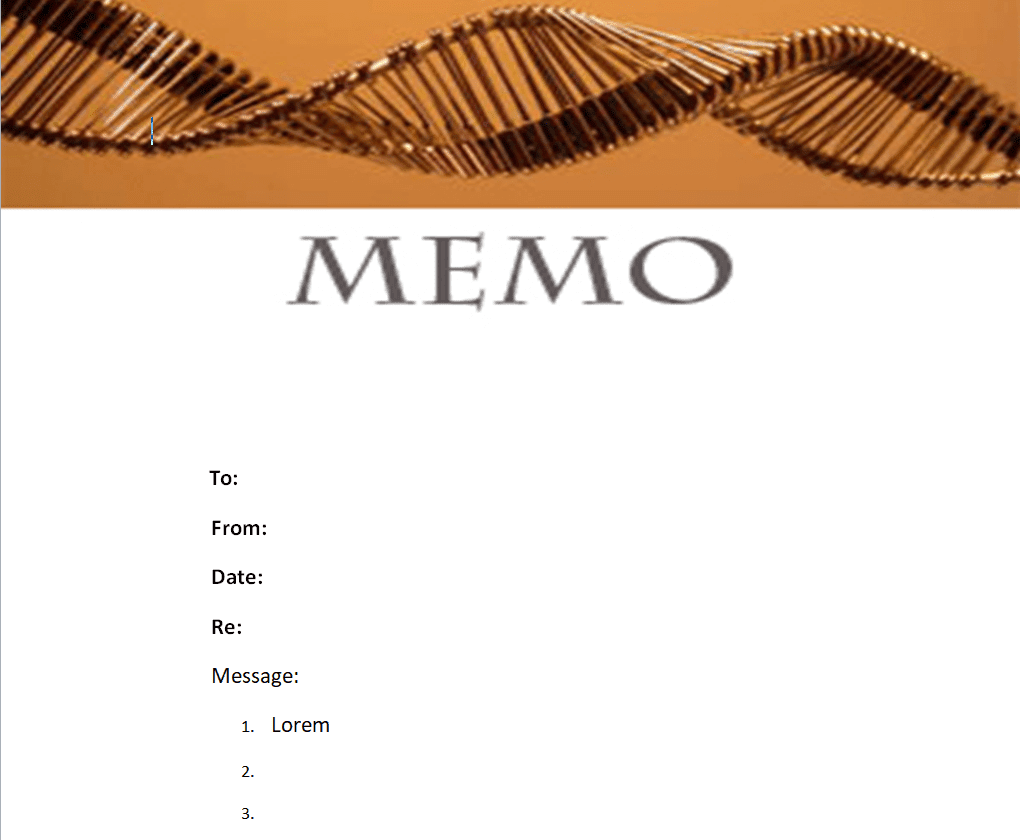
File Size: 60 KB
File Type: MS WORD
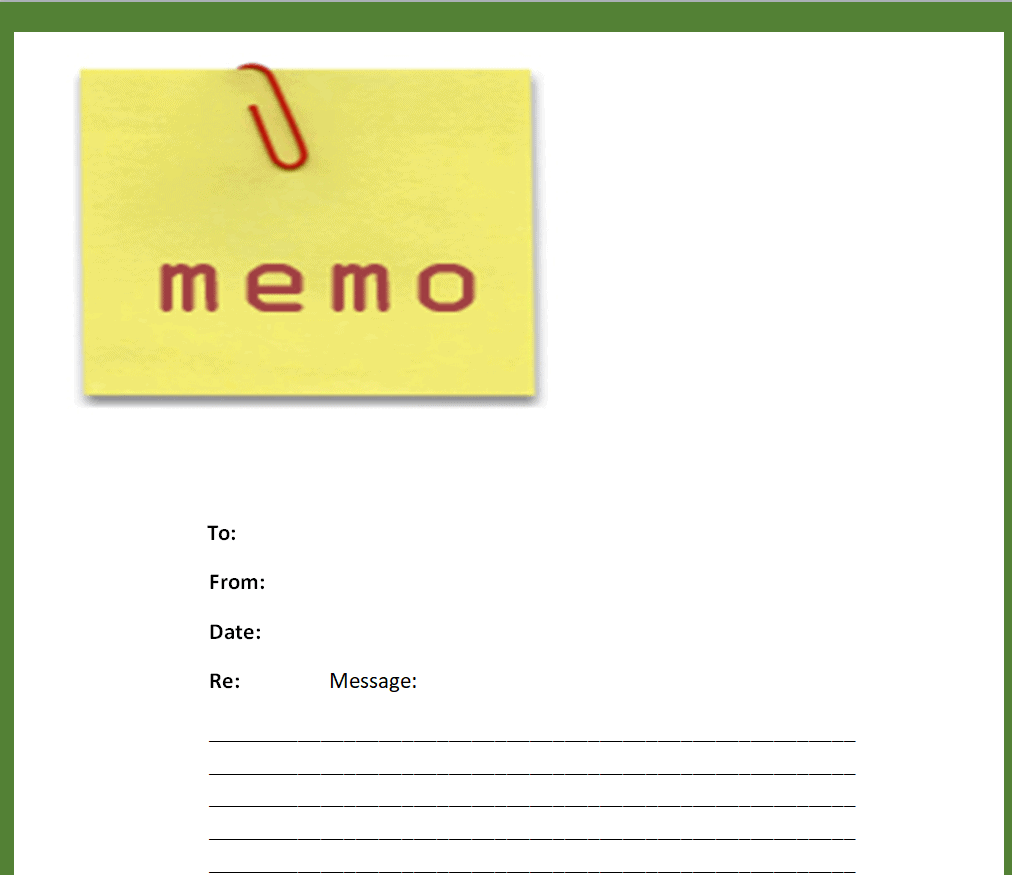
Colored Business Memo Template
File Size: 38 KB
File Type: MS WORD
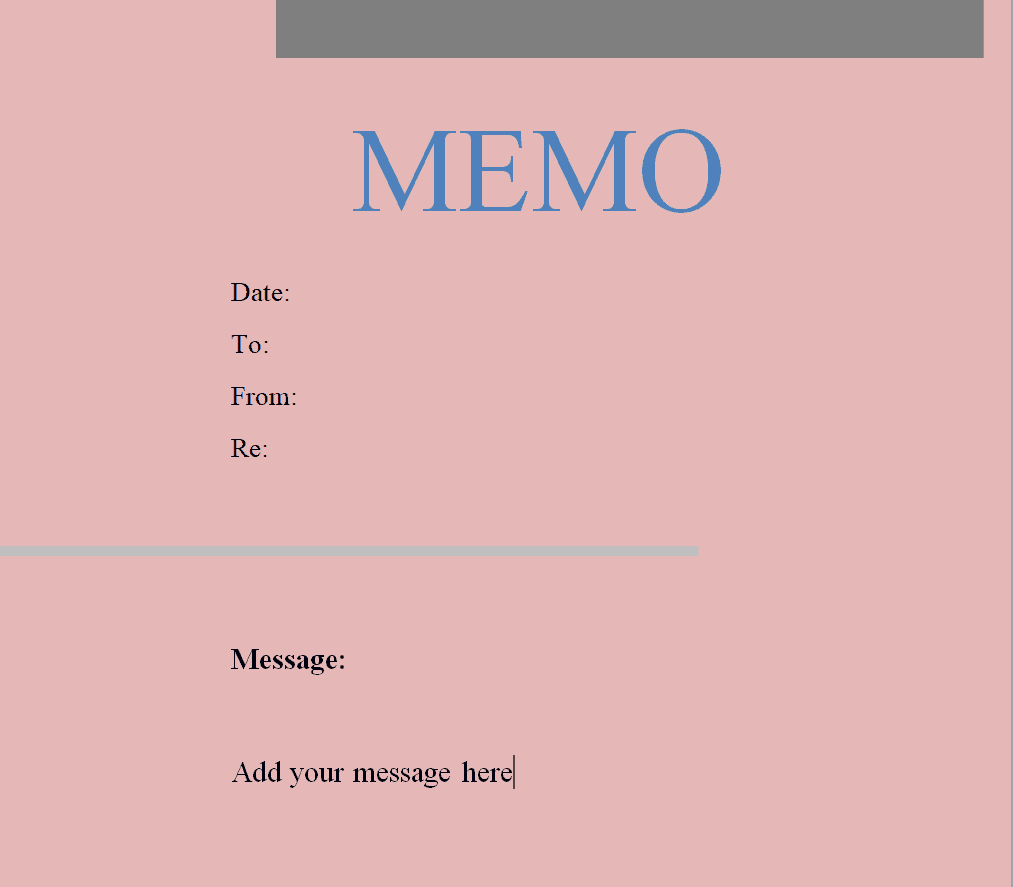
New Business Memo Template
File Size: 14 KB
File Type: MS WORD
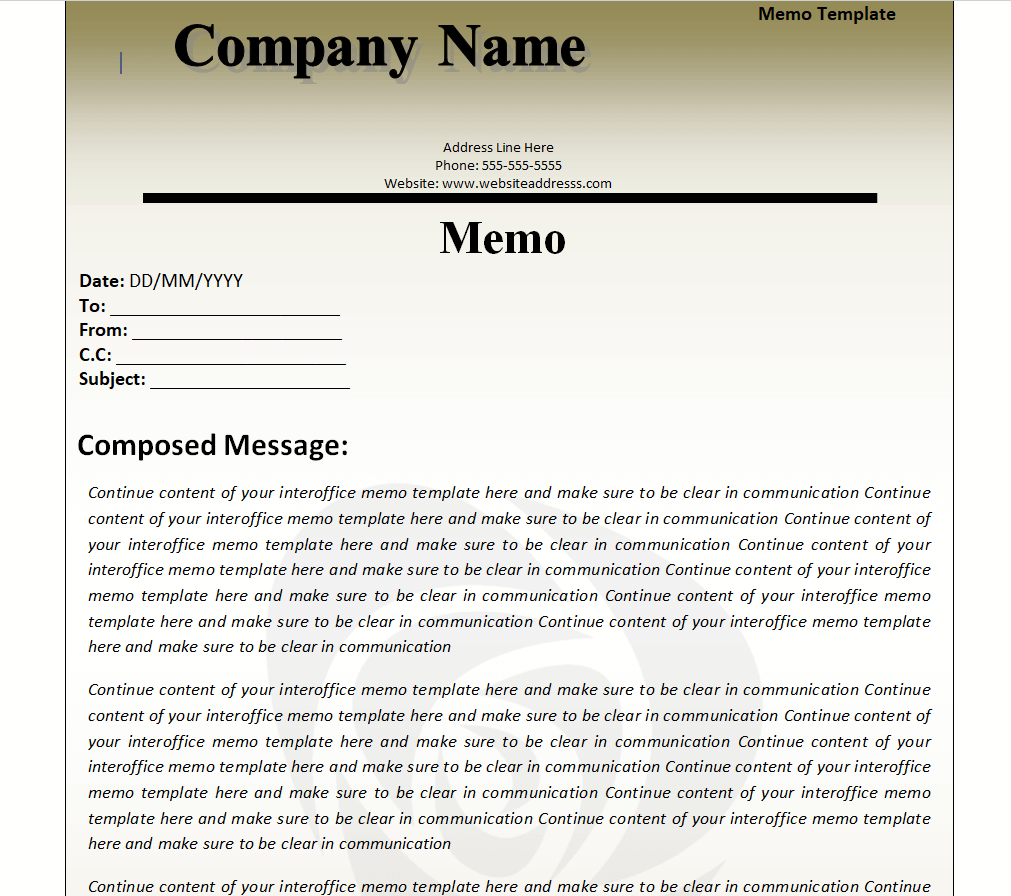
Company’s Business Memo Template
File Size: 57 KB
File Type: MS WORD
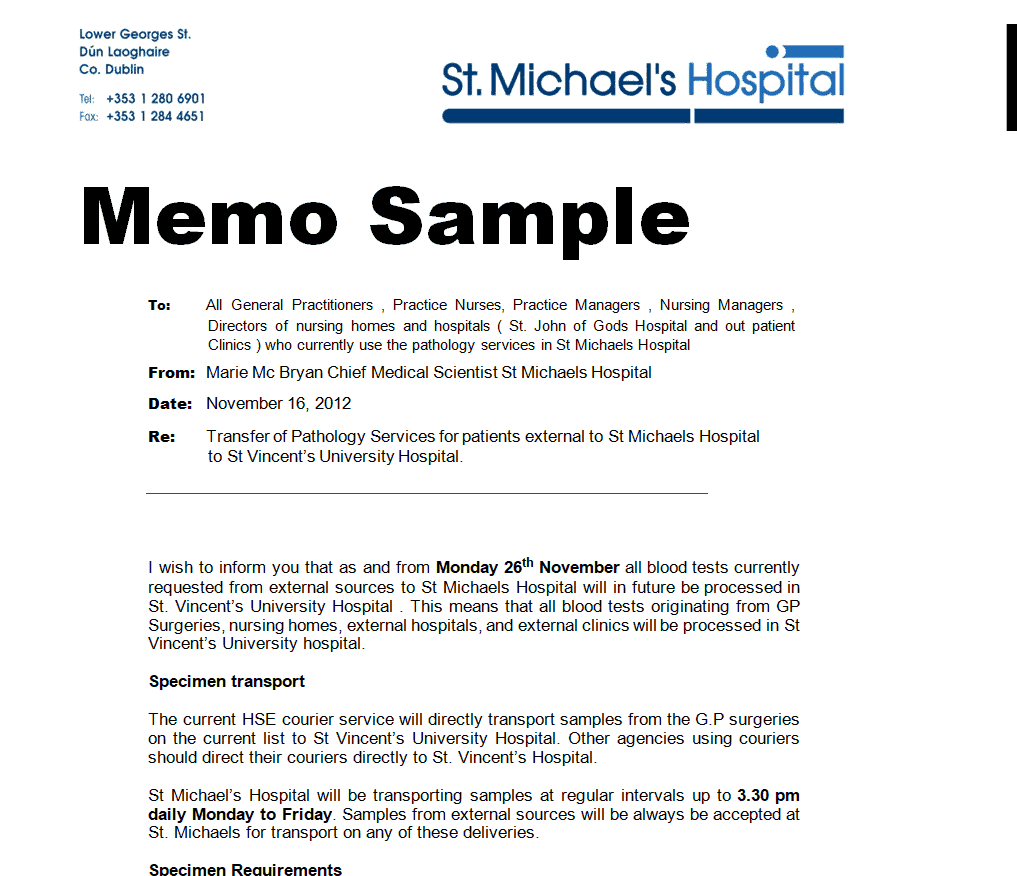
Hospital’s Sample Memo Template
File Size: 36 KB
File Type: MS WORD
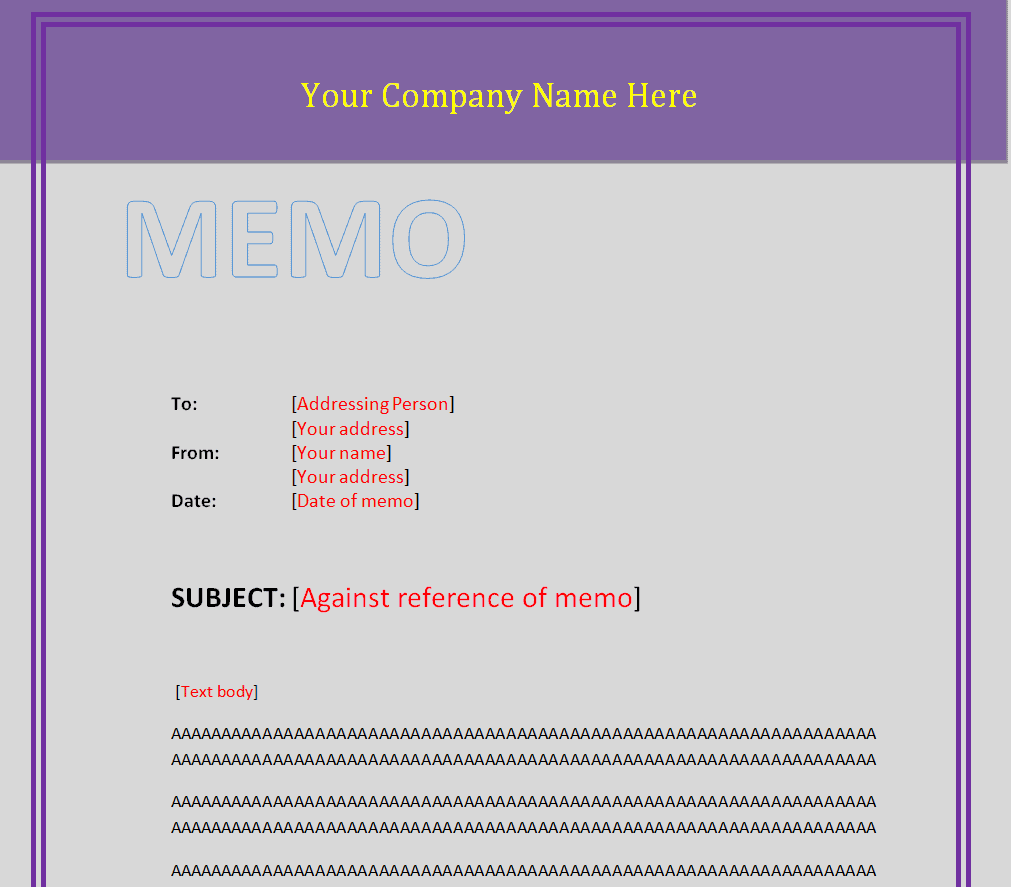
Professional Business Memo Template
File Size: 18 KB
File Type: MS WORD
When to Use or Issue a Business Memo?
As mentioned earlier, a business memo can be issued whenever an important message is required to be delivered to a large group of people within the organization or to the organization as a whole. So it is also important to know about the different situations when a memo is to be used or issued. Most commonly, a business memo sample is used or issued for the following purposes.
To deal with an issue or a problem:All the organizations have to face different types of issues and problems on daily basis. Such issues depend upon the types of operations or activities that the organization carries out. However, there may be some issues that are required to be communicated to a group of individuals. For that purpose, you can use a business memo template so that you can formally communicate the issue or problem to the whole group at once.
To share important news or events:Just like problems or issues, there may be some important news or events that must be communicated to the employees of an organization or a group of employees like employees of the organization from the same department. So memos can be used to communicate any important information, news, or events regarding anything relevant to the company, industry, business, office, etc. For example, announcing the date of an upcoming event or communicating the date of public holidays to the employees, etc.
To communicate changes in company policies:As mentioned above, a business memo template can be used to communicate any change or changes in company policies to all the employees or a specific group of employees, if the changes are only made for that specific group. The companies might have to change their policies depending upon the current situations and whenever they do so, it is the obligation of the management of the company to formally and properly communicate all of these changes to the employees or concerned employees of the company.
To provide feedback to employees:All kinds of feedback within an organization is important as it helps to evaluate a lot of important things. The kind of feedback that can be provided through a business memo template is about the performance of the employees like providing feedback on the performance of the sales department or sales team, etc. In this way, you can provide feedback to the whole group instead of providing feedback individually.
To make official requests:If the management of a company wants to make a request from the employees officially, then they can easily do so by issuing a business memo. In an organizational setting, there can be many different things for which the management may issue a business memo to request something from the employees like a request to cooperate with external or internal auditors, a request to attend an important meeting, or a request to get vaccinated for COVID-19, etc.
To give reminders to employees:A business memo can also be used to give frequent reminders to the employees or concerned employees. It is very important to regularly give reminders to the employees for example, about the deadline of a particular project or task, or a reminder on how the employees must behave within the office, etc.
Business Memo Formats
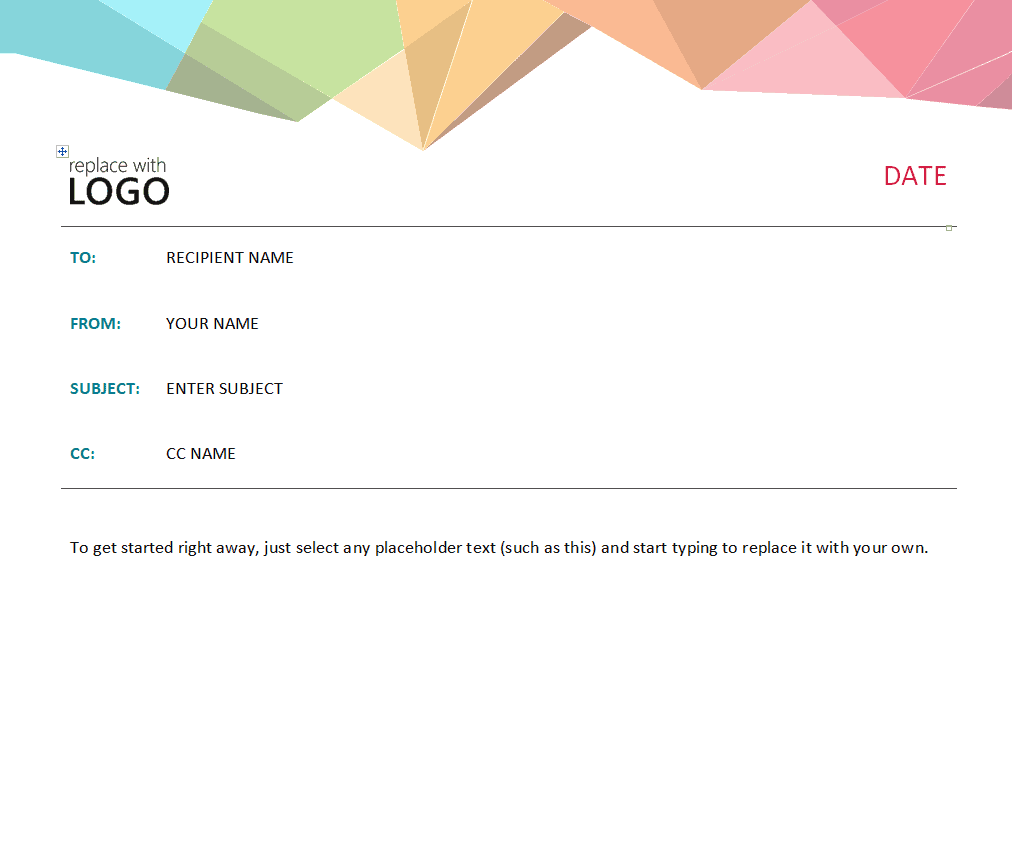
Business Memo Template Prism Design
File Size: 93 KB
File Type: MS WORD
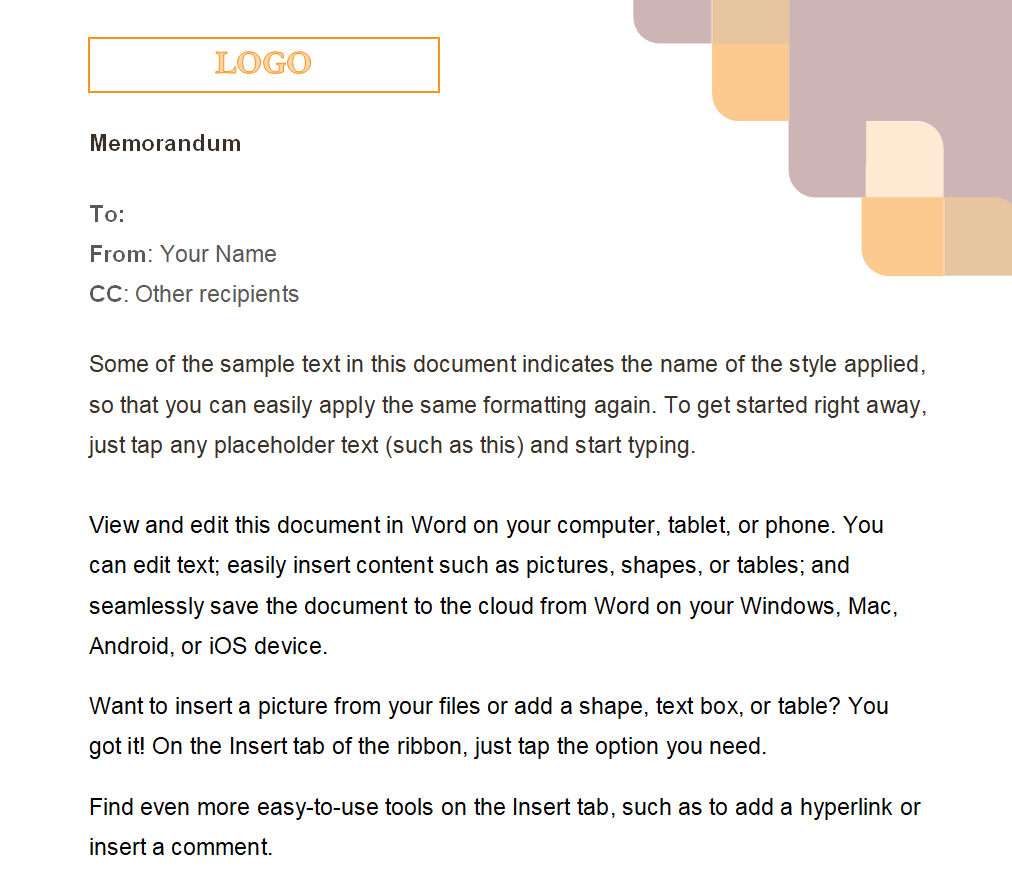
Illustrative Business Memo Template
File Size: 47 KB
File Type: MS WORD
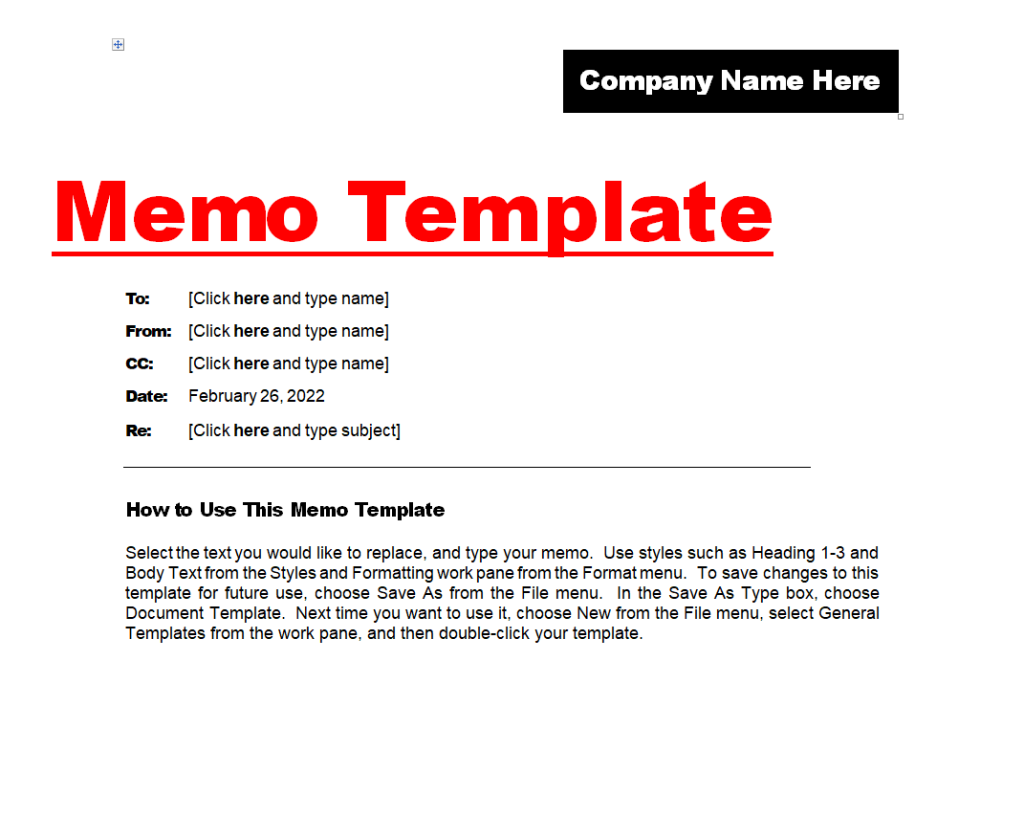
Formal Business Memo Template
File Size: 17 KB
File Type: MS WORD
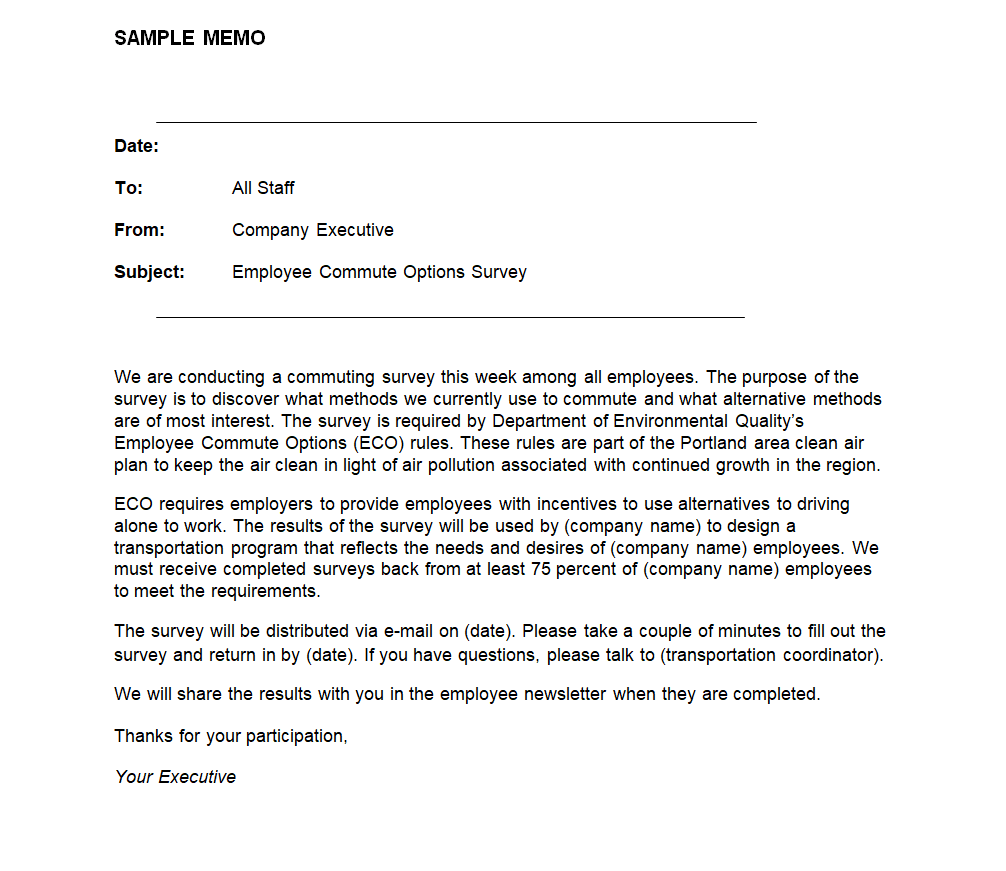
Sample Business Memo Template to Conduct Survey
File Size: 14 KB
File Type: MS WORD
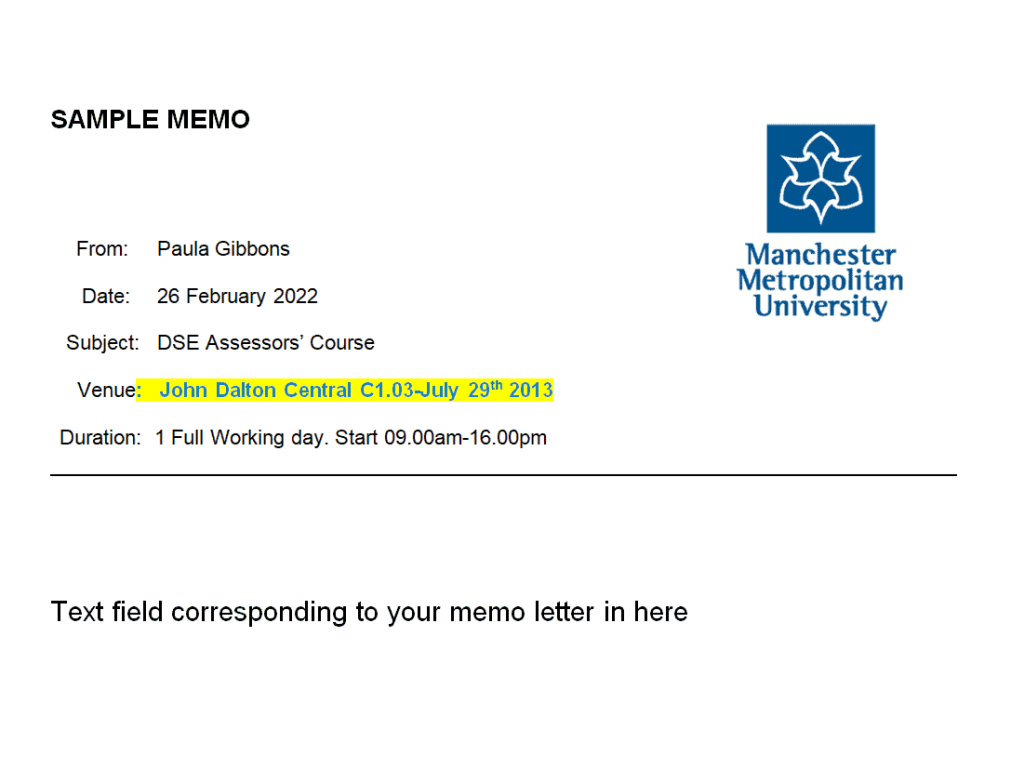
University’s Sample Memo Template
File Size: 33 KB
File Type: MS WORD
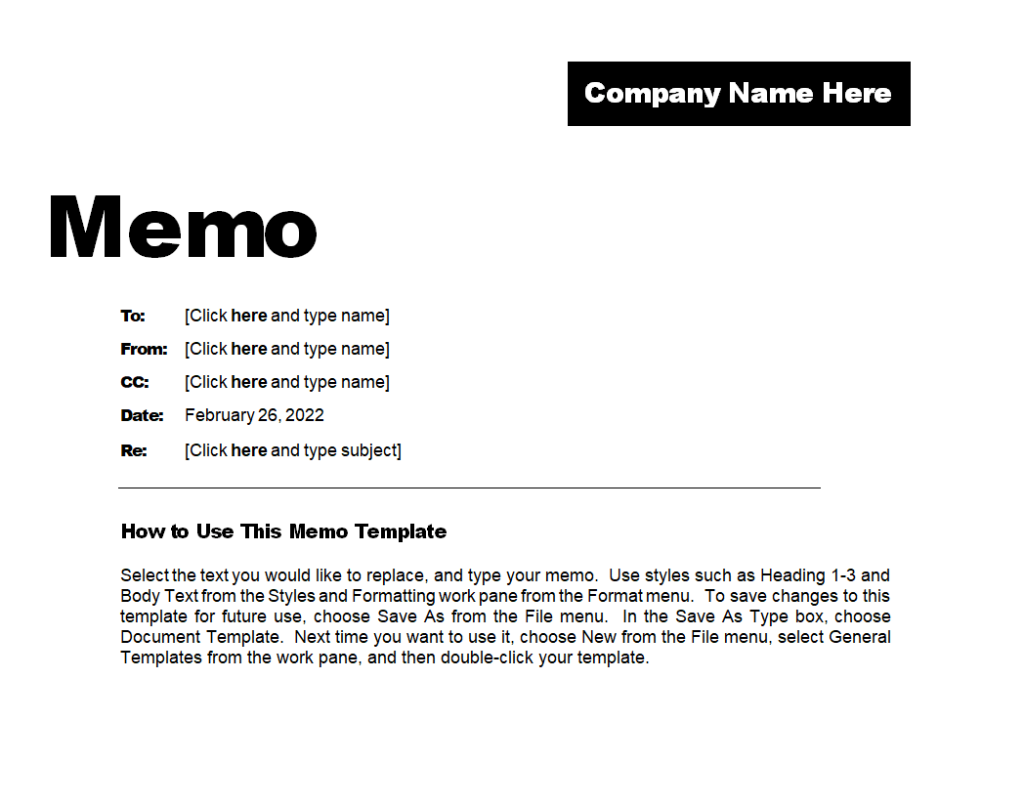
Basic Business Memo Template
File Size: 17 KB
File Type: MS WORD
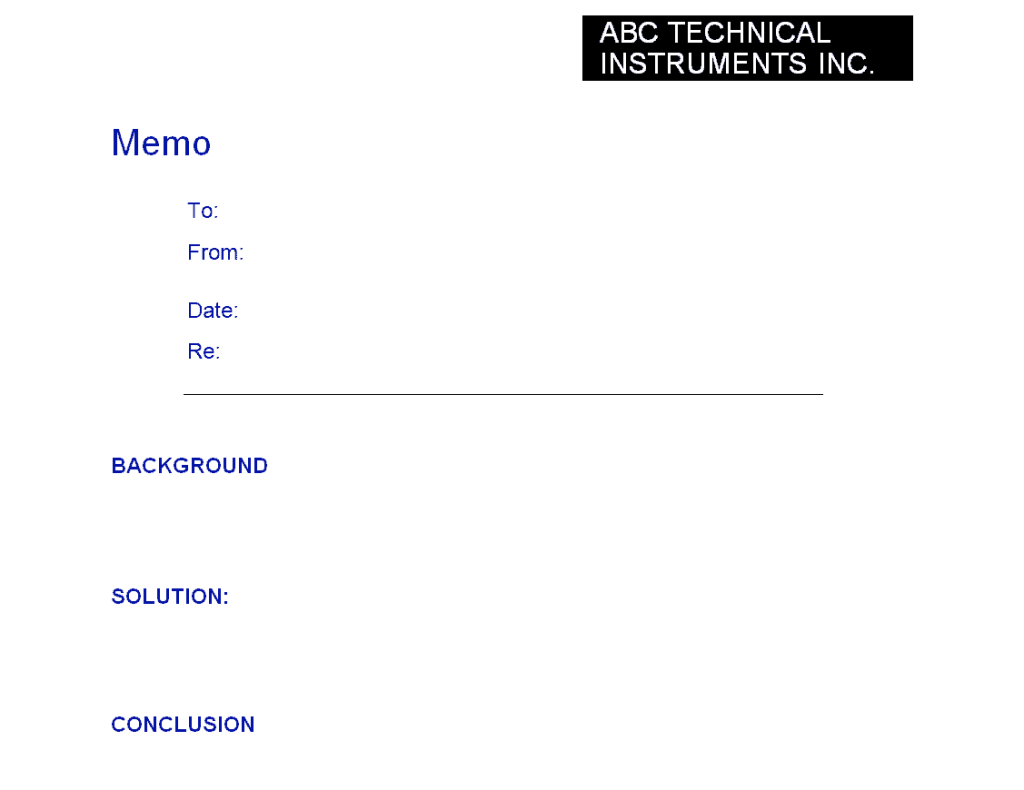
Elemental Business Memo Template
File Size: 7 KB
File Type: MS WORD
Professional Business Memo Template

File Size: 37 KB
File Type: MS WORD
Fillable Business Memo Template
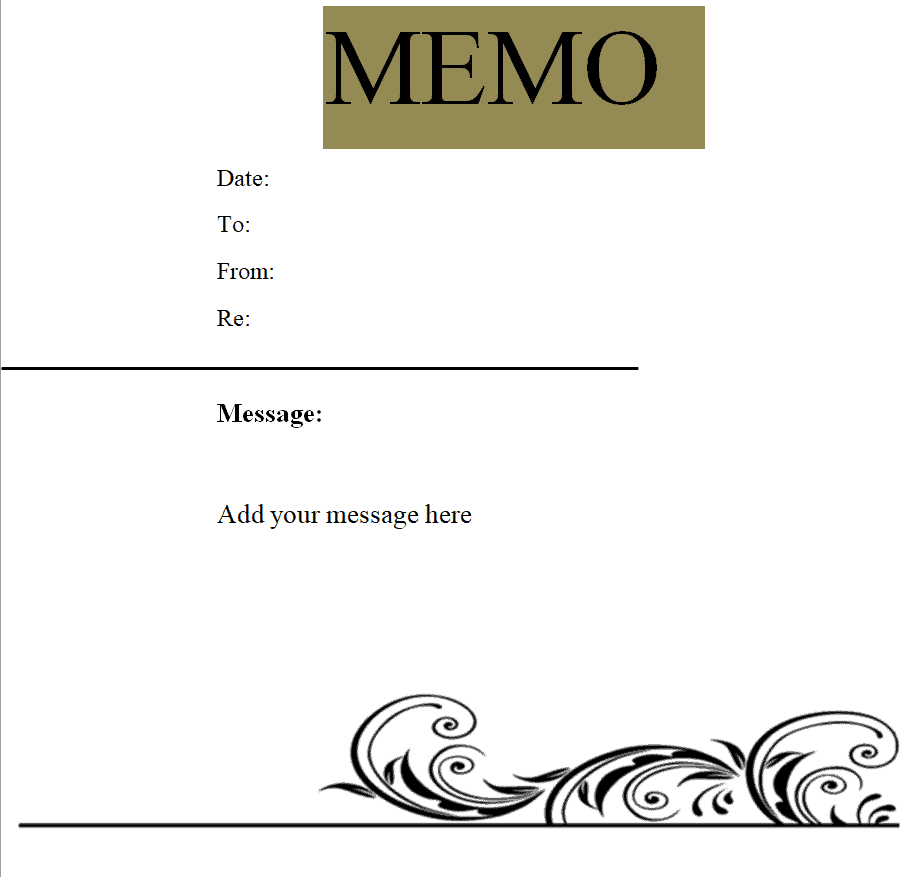
File Size: 51 KB
File Type: MS WORD
Tips to Make a Professional Business Memo/Business Memorandum Template from Scratch
As mentioned earlier, a collection of high-quality practical business memo templates are available on this page for you to download and use. You are welcome to use these templates for your own purposes as per your requirements. However, if you still want to know how to make or draft a business memo template from scratch, then make sure to keep in mind the following important tips:
- First of all, add the title or heading of your business memo template in bold big letters at the top center of the document. You can also use the word ‘memo’ or ‘memorandum’ in the title of your business memo sample.
- Add the date the memo is being issued. The date can be written right below the title and before the “From” line or even at the end of the memo document as well.
- Include your name and job title in “From” line.
- After that, include the name of the recipient(s) properly in “To” line. You can also add the names of other recipient(s) in the CC line. It will make the communication official not just only to the recipeint(s) of the memo but to all the other people who are intended to be informed about the message or announcment of the memo.
- Include the subject line of the business memo template so as to give some idea to the readers to understand what the memo is about.
- After providing the above mentioned details, you can include a line to separate these details from the main body of your business memo sample.
- Use a direct approach to start the memo and state directly what the memo is all about i.e., whether it is an about an announcement or about a request, etc.
- No formal greeting is used in the business memo but make sure to keep your tone and language properly formal as the business memo is a formal document.
- Don’t forget to keep your memo brief, concise and to the point. Don’t inlcude any irrelavant details.
- For longer memos, it is advisable to include bullet points and lists. However, in case of longer memos too, you should try to keep the memo direct and concise.
- End the memo with a positive note and put your signatures.
- Don’t forget to review the document for any grammatical errors or mistakes before finally taking a print out.
More Business Memo Templates
Long-Form Sample Memo Template
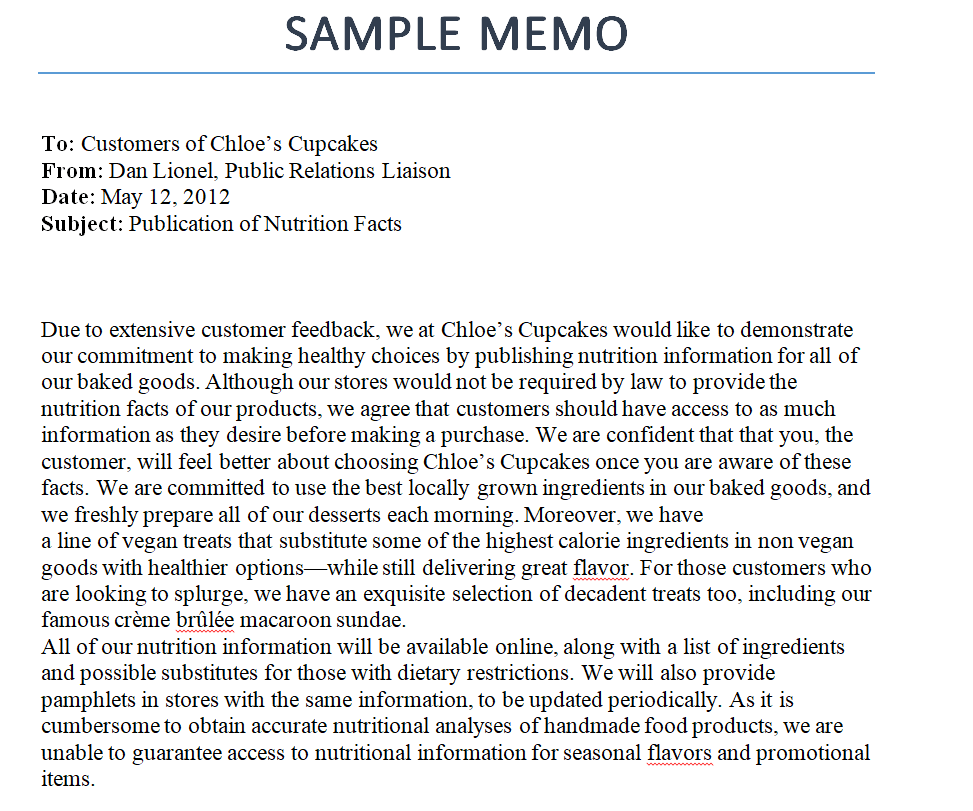
File Size: 12 KB
File Type: MS WORD
Confidential Business Memo Template
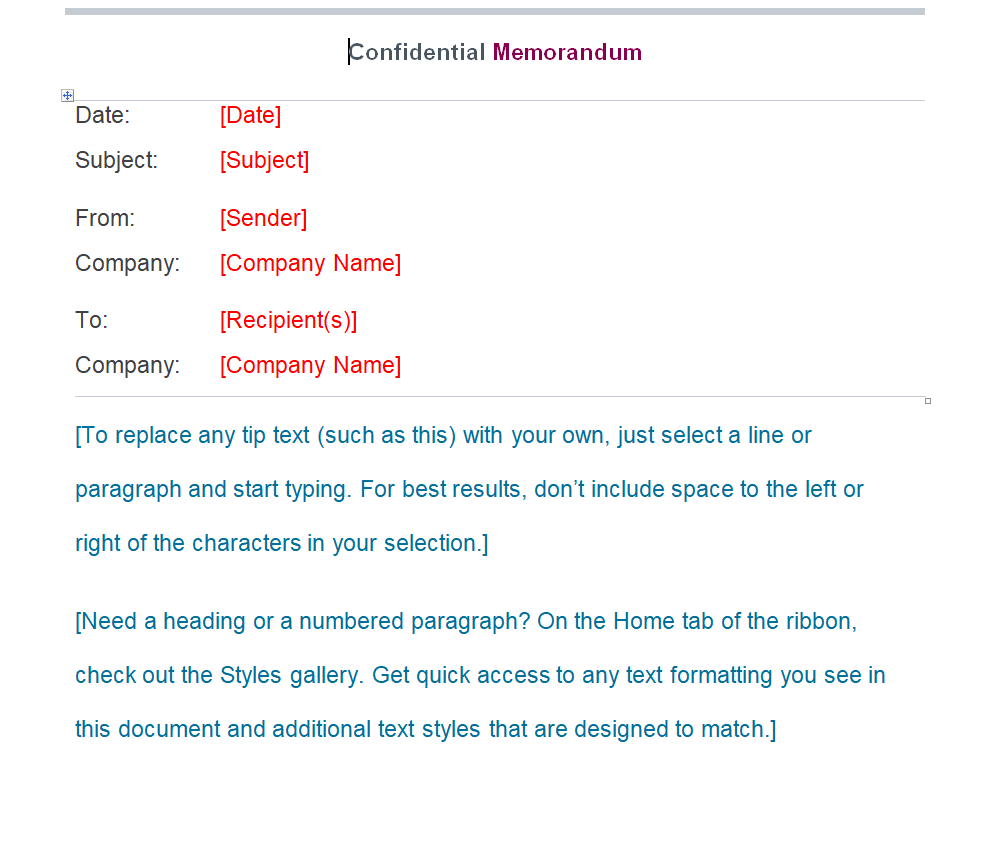
File Size: 39 KB
File Type: MS WORD
Interoffice Academic Memo Template
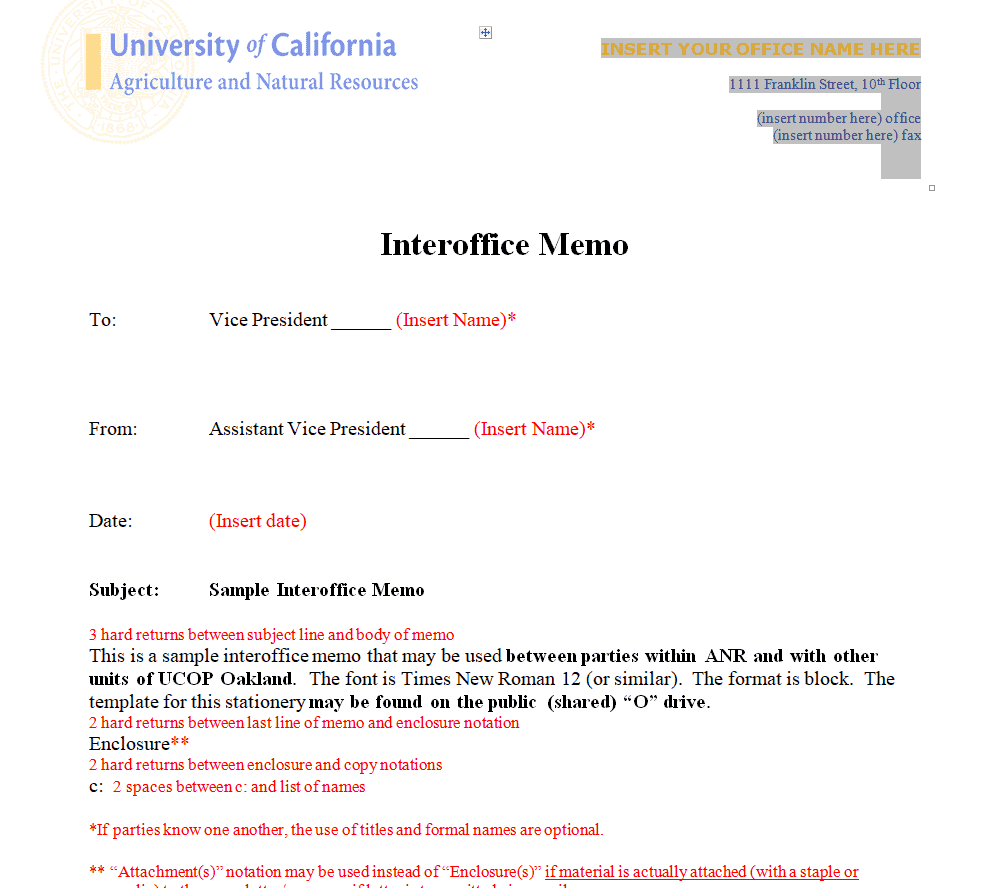
File Size: 208 KB
File Type: MS WORD
Sample Business Memo Format
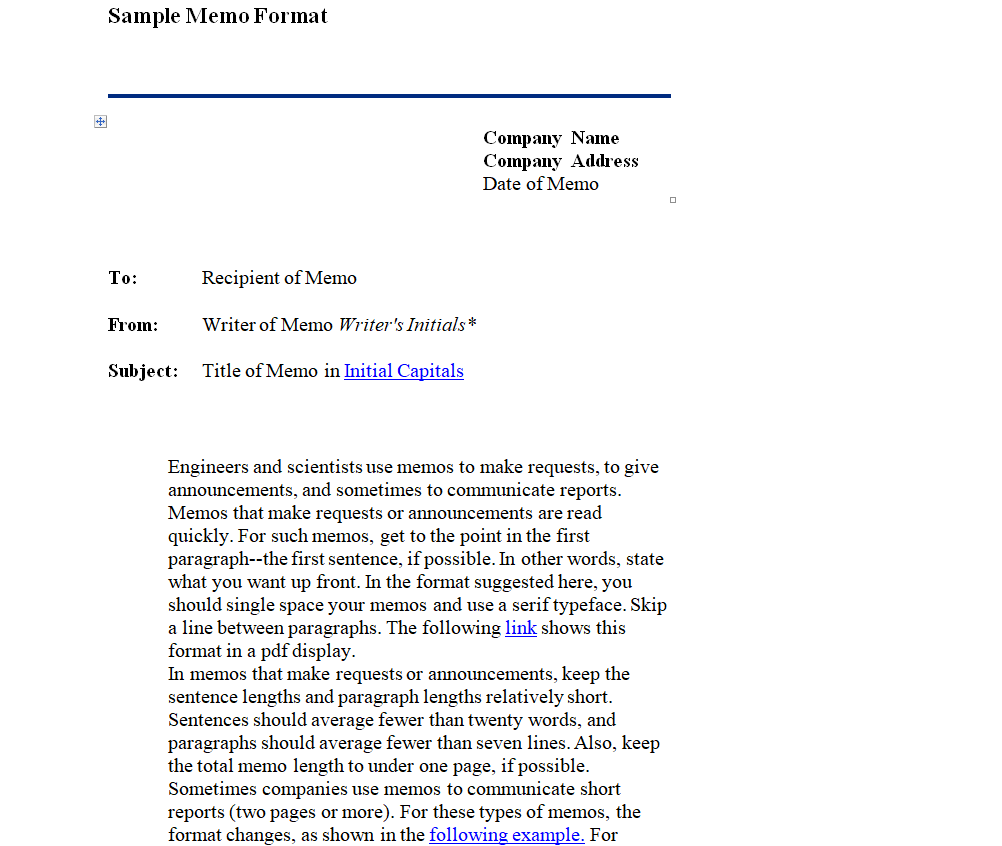
File Size: 13 KB
File Type: MS WORD
Online Business Memo Template
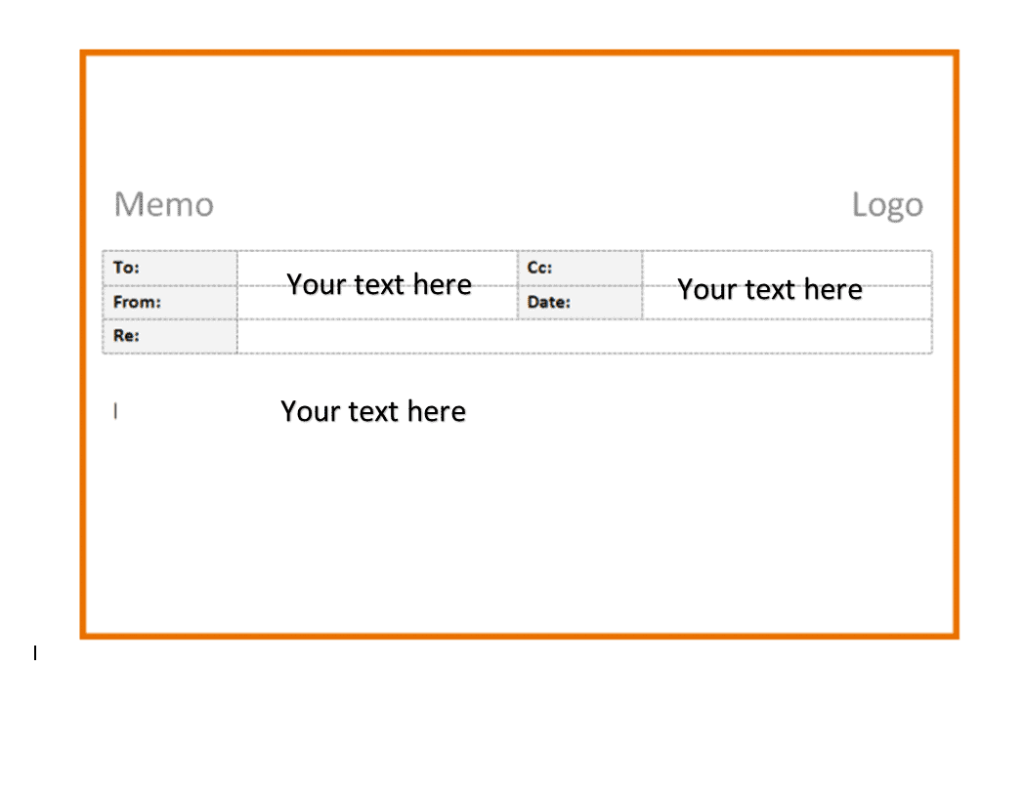
File Size: 105 KB
File Type: MS WORD
Example Business Memo Template
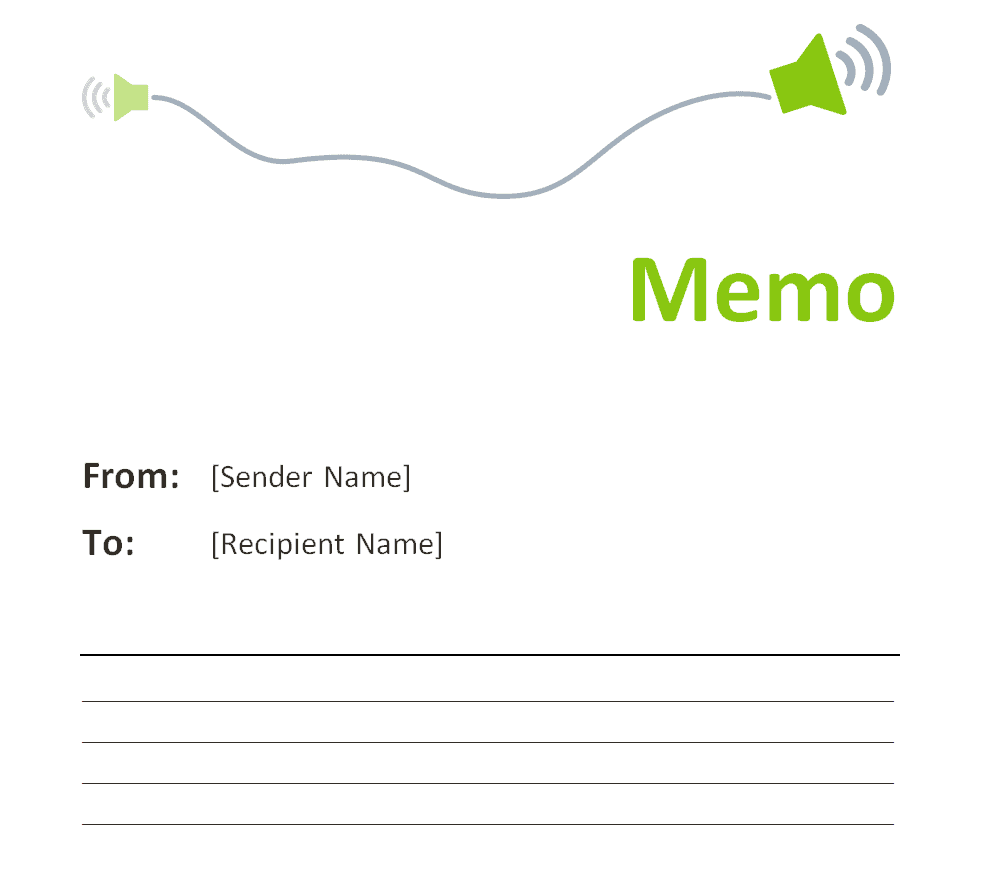
File Size: 43 KB
File Type: MS WORD
Business Memo Outline Template
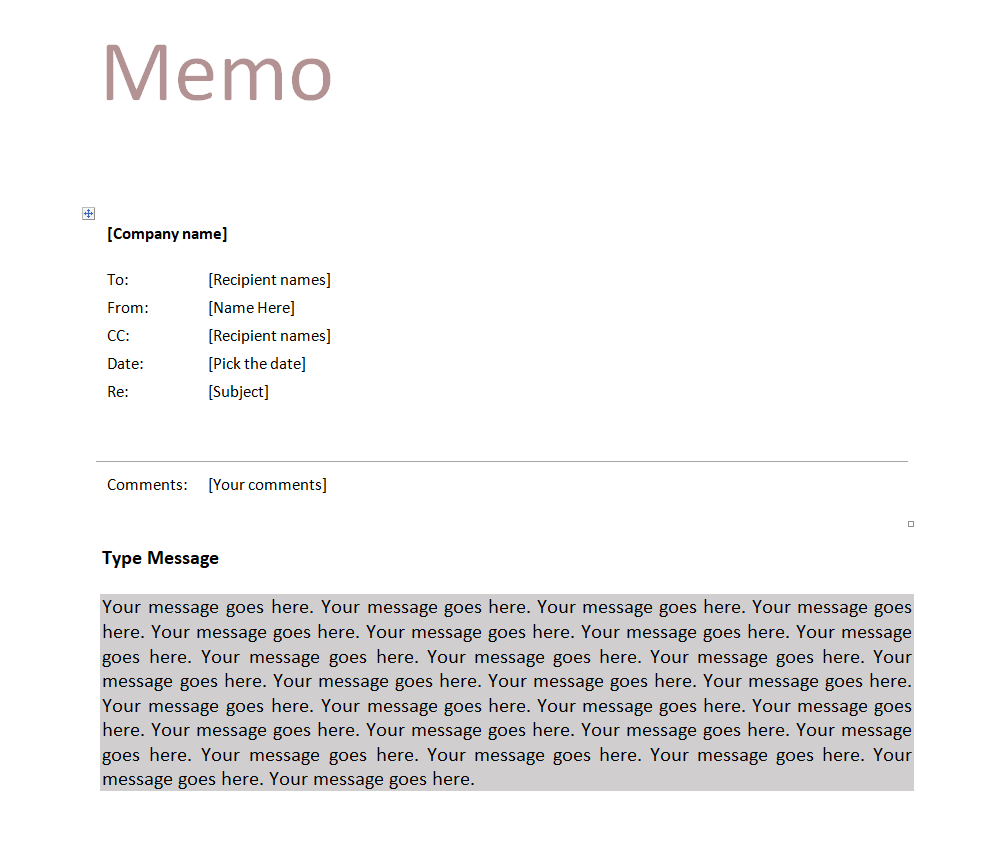
File Size: 19 KB
File Type: MS WORD
Organizational Business Memo Template
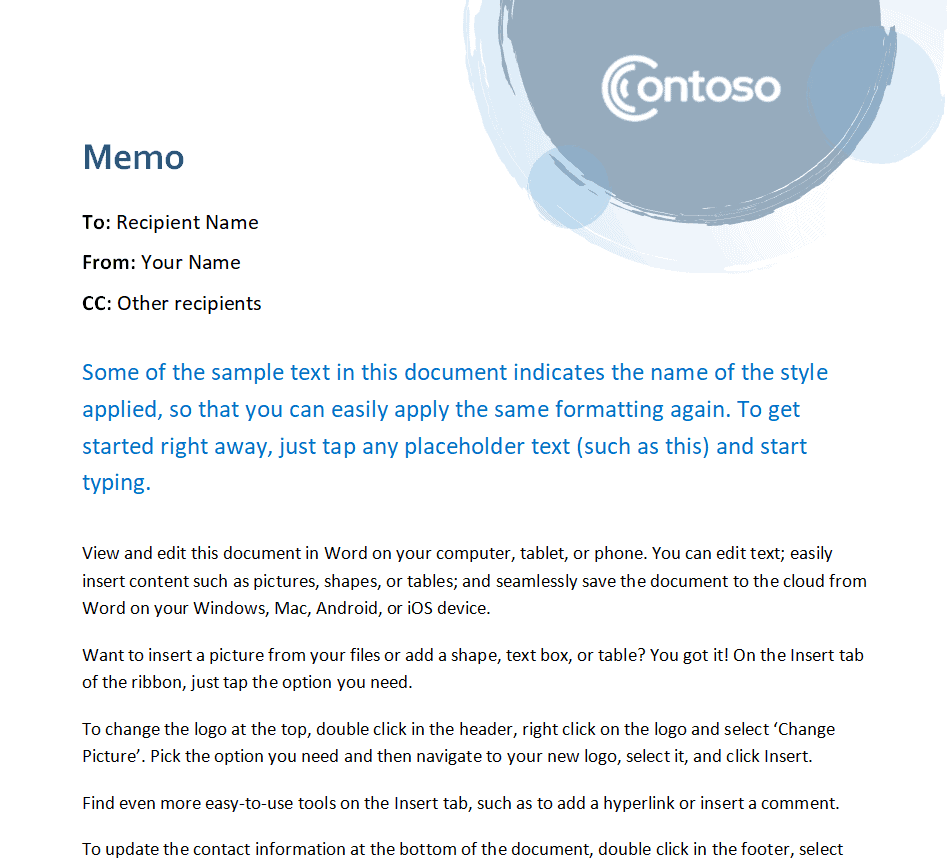
File Size: 1.1 MB
File Type: MS WORD
International Company’s Sample Memo Template

File Size: 34 KB
File Type: MS WORD
Standard Business Memo Format
Most professional memos follow the same simple structure, which is why a memo template is so easy to reuse. A standard memorandum format includes:
Heading: The word “MEMORANDUM” or “MEMO” at the top, often with the company name or logo.
TO, FROM, CC, DATE, and SUBJECT lines: Who the memo is for, who it is from (name and job title), anyone receiving a copy, the date, and a short, specific subject such as “New Remote Work Policy from 1 November”.
Opening paragraph: One or two sentences that state the purpose of the memo straight away.
Body: The key details, background, and any instructions. Use short paragraphs, bullet points, and bold text so busy readers can scan quickly.
Action and closing: What you need readers to do, by when, and who to contact with questions. Attachments, if any, are listed at the end.
Memo vs. Letter vs. Email
A memo is an internal document shared within an organization, usually printed, posted on a notice board, or attached to an email. A business letter is more formal and is normally sent to people outside the company, such as clients or suppliers, often on company letterhead. An email is quicker and less formal and suits day-to-day communication. Choose a memo when the message is official, needs a permanent record, or is going to many employees at once, for example a policy change or an important notification.
Memos often go hand in hand with other workplace documents. After a team meeting, you can send a memo that summarizes decisions recorded in your meeting minutes, or share project updates using a weekly status report.
Frequently Asked Questions (FAQs) About Business Memos
What is a business memo?
A business memo (memorandum) is a short, formal document used to share information, instructions, or announcements with people inside an organization.
What are the main parts of a memo?
A memo has a heading, TO, FROM, CC (optional), DATE, and SUBJECT lines, followed by an opening statement, the body with details, and a closing with any required action.
How long should a business memo be?
Most memos are one page or less. Keep it short and to the point; if you need more space, add an attachment or a separate report.
Does a memo need a signature?
Memos usually do not have a signature block like letters. Instead, the sender often writes their initials next to their name on the FROM line.
Can I send a memo by email?
Yes. Many companies paste the memo into the email body or attach it as a Word or PDF file, which keeps the official format while delivering it instantly.
Are these business memo templates free?
Yes. All 27 memo templates on this page are free to download and edit in Microsoft Word.
Conclusion
A well-formatted business memo helps you share important information quickly, clearly, and professionally. Download any of the 27 free business memo templates above, add your company details, and keep your team informed with clear, consistent internal communication.
