

Want to find the right binder on the shelf in seconds? A clear, well-designed binder spine label is the easiest way to organize office files, school notes, recipes, manuals, and home records. On this page, you can download 27 free binder spine label templates in editable MS Word format, including 1/2 inch, 1 inch, 1.5 inch, 2 inch, and 3 inch binder spine inserts in horizontal, vertical, colorful, and simple designs.
Every binder label template comes with a preview and a free download button. Choose a design, type your title, department, year, or volume number, print it on regular paper or card stock, cut it to size, and slide it into the clear spine pocket of your binder. Below the templates you will also find binder spine sizes, printing tips, and answers to the most common questions.
What is a Binder Spine Label Template?
Mostly in a business or office setting, there are usually many different types of important documents that must be kept and retained carefully. With that, it is also very important to keep any such documents compiled and organized. Mostly, binders are used for that purpose and a label is put inside the empty pocket of the outside spines of a binder. These binder spine labels come in different designs and styles that are used to actually indicate which binder contains what documents.
Binders come with different accessories such as dividers with tabs, photo pages, sheet protectors, etc. All these tools help you to retain your important documents in a proper and organized way. However, the use of binders is not only limited to offices but can also be used to retain personal household documents or by students or teachers.
A binder spine label helps to make the binders more vibrant and organized. When a label is put inside a binder’s spine, it helps to understand the relevancy and importance of documents that are inside that particular binder. So, it is very important that a binder spine label must be written clearly and designed in such a way so that it stands out.
Free Binder Spine Label Templates (MS Word)
Sample Binder Spine Label Template
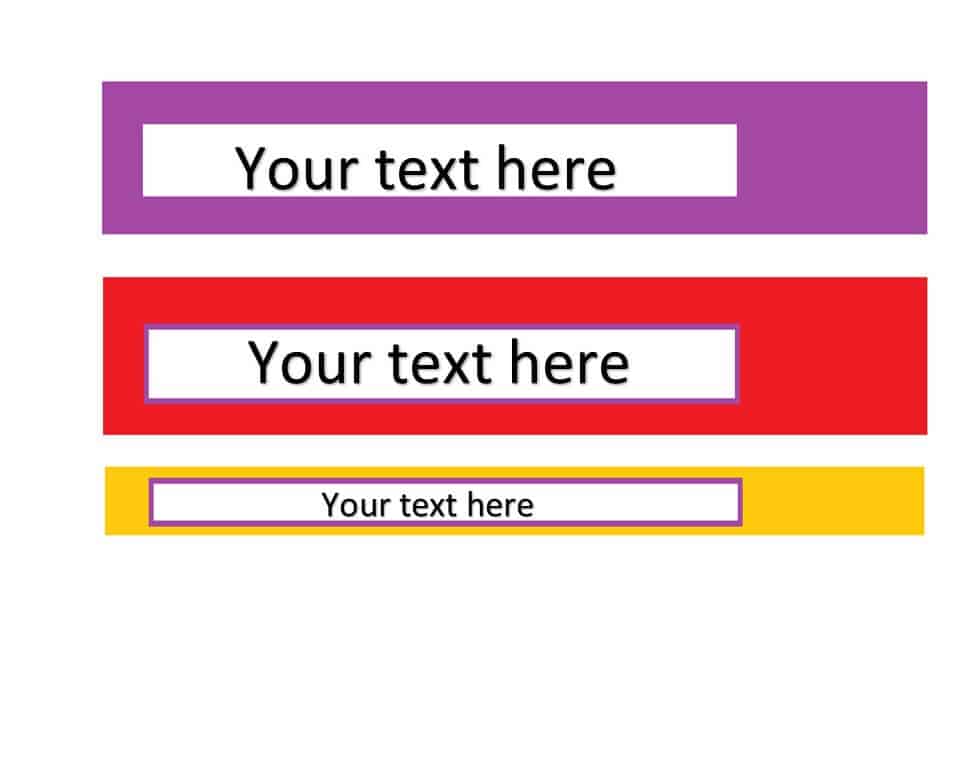
File Size: 16 KB
Horizontal Binder Spine Label Template
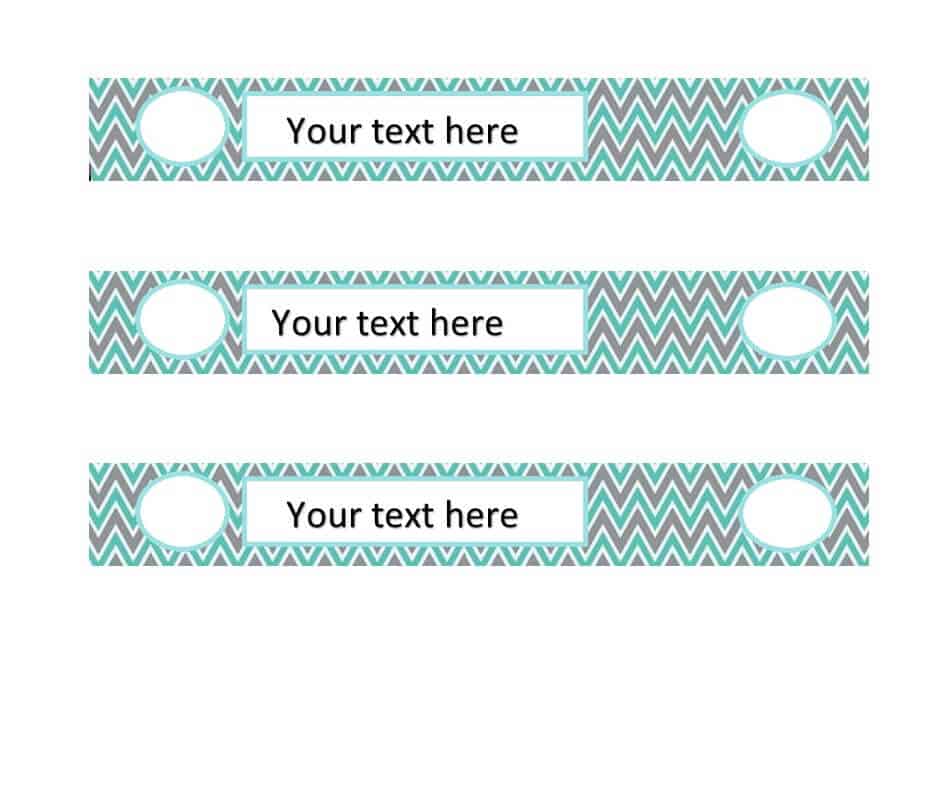
File Size: 88 KB
Example Binder Spine Label Template
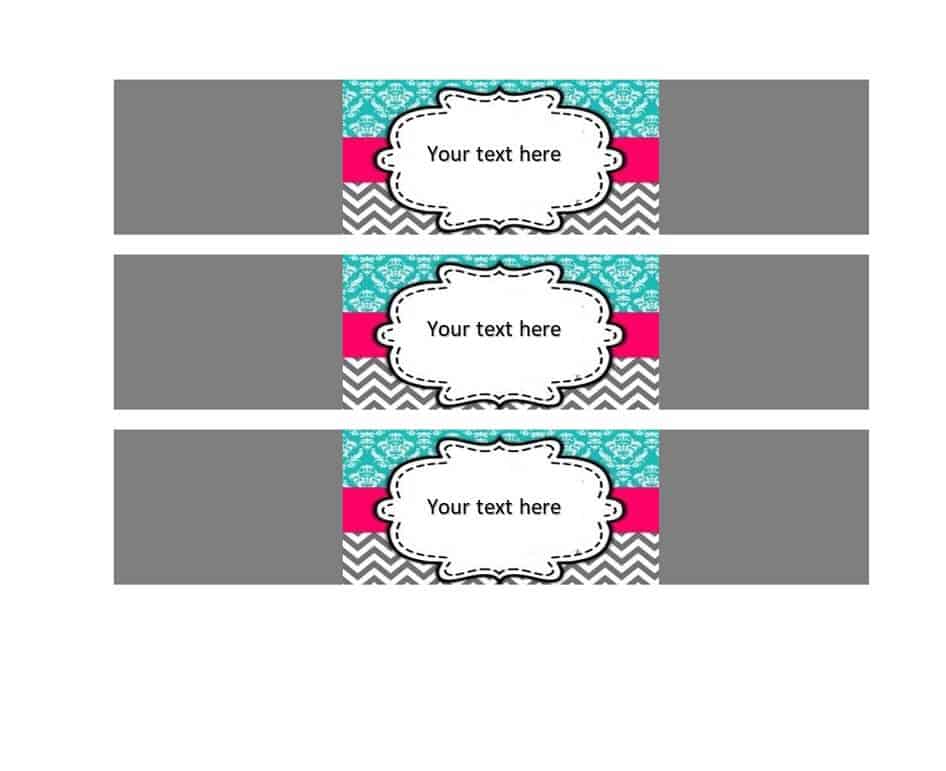
File Size: 76 KB
Binder Spine Label Template 1 Inch

File Size: 32 KB
Binder Spine Label Template FREE
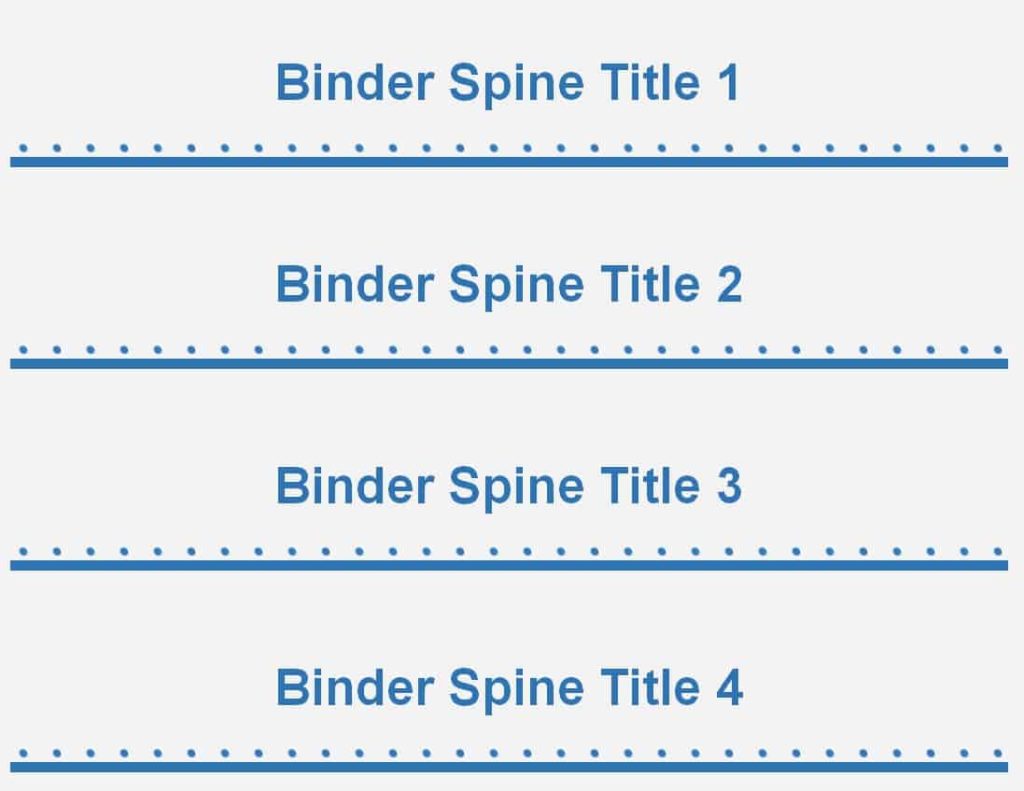
File Size: 80 KB
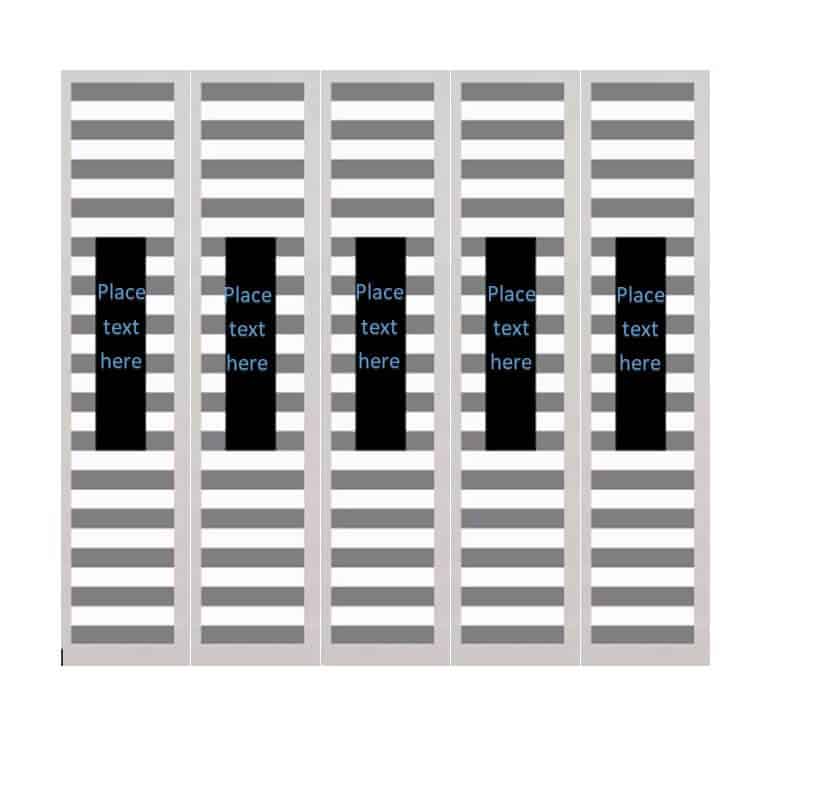
Vertical Binder Spine Label Template
File Size: 31 KB
Sample 1/2 Inch Binder Spine Label Template
File Size: 17 KB
Stylish Blank Binder Spine Label Template

File Size: 43 KB
Common Binder Spine Label Template WORD
File Size: 18 KB
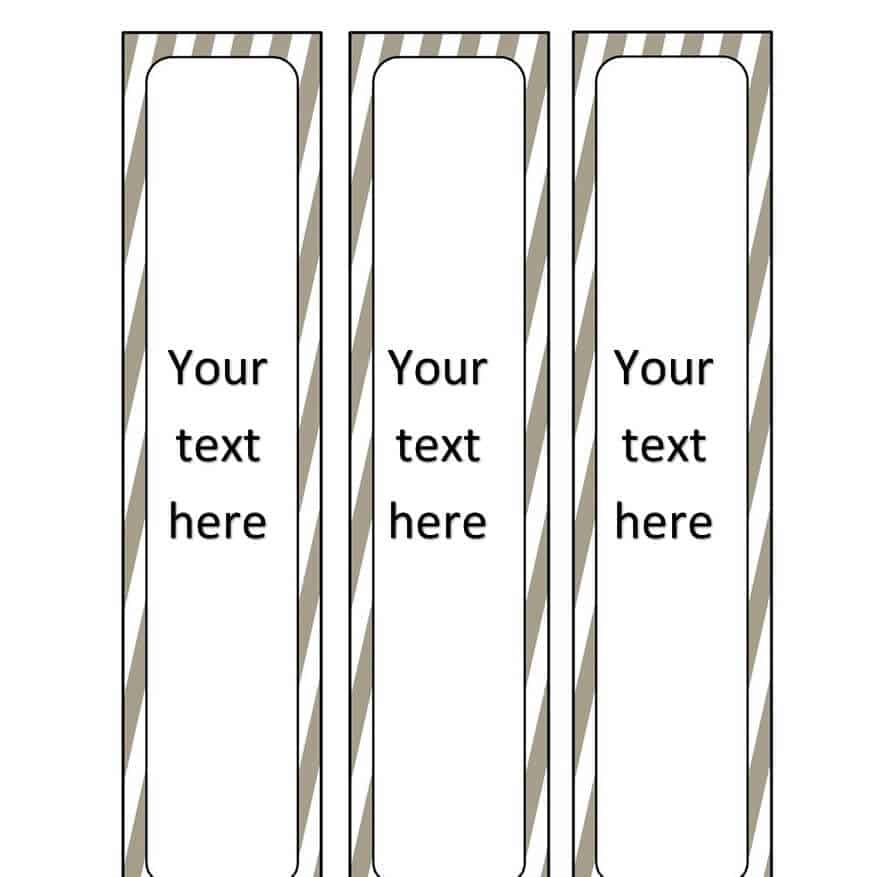
Simple Binder Spine Label Template
File Size: 67 KB
Basic Binder Spine Label Template
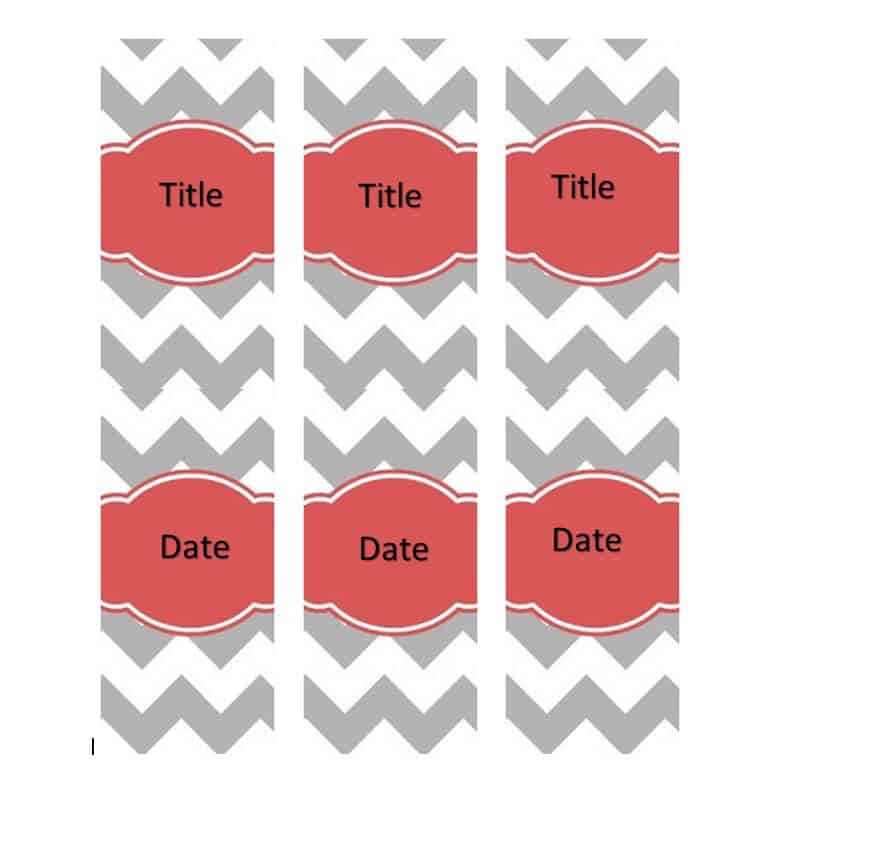
File Size: 75 KB
Elemental Binder Spine Label Template
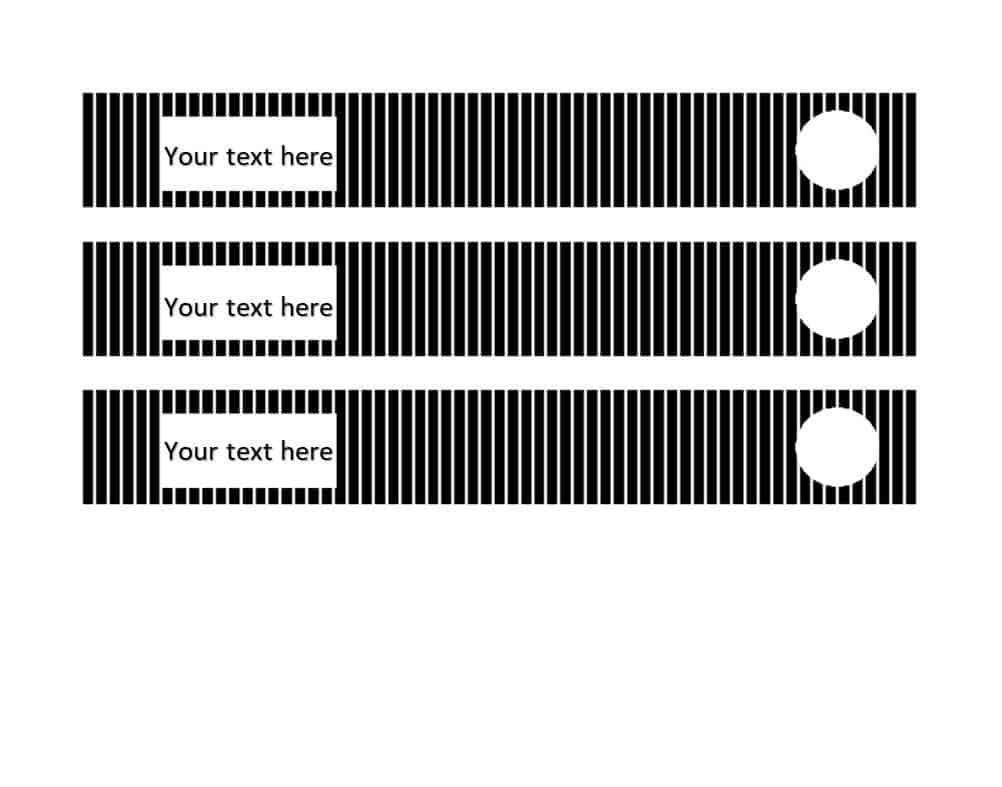
File Size: 17 KB
Colorful Binder Spine Label Template
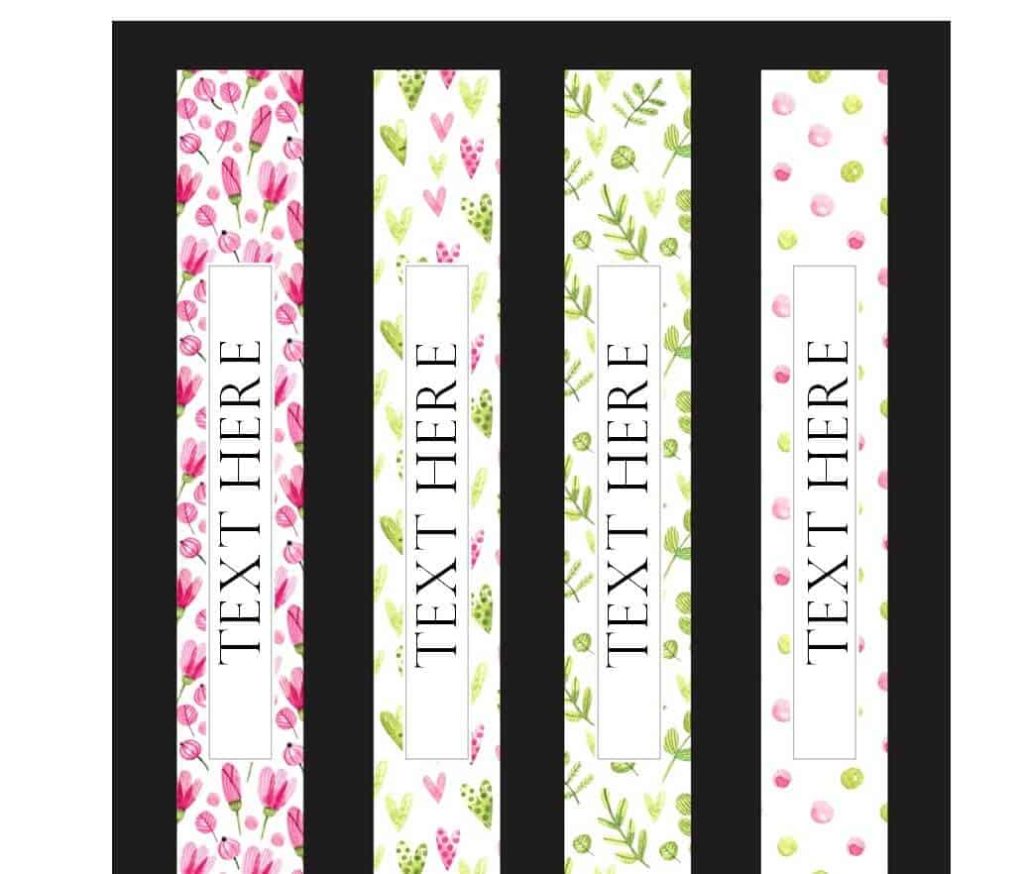
File Size: 268 KB
Official Binder Spine Label Template
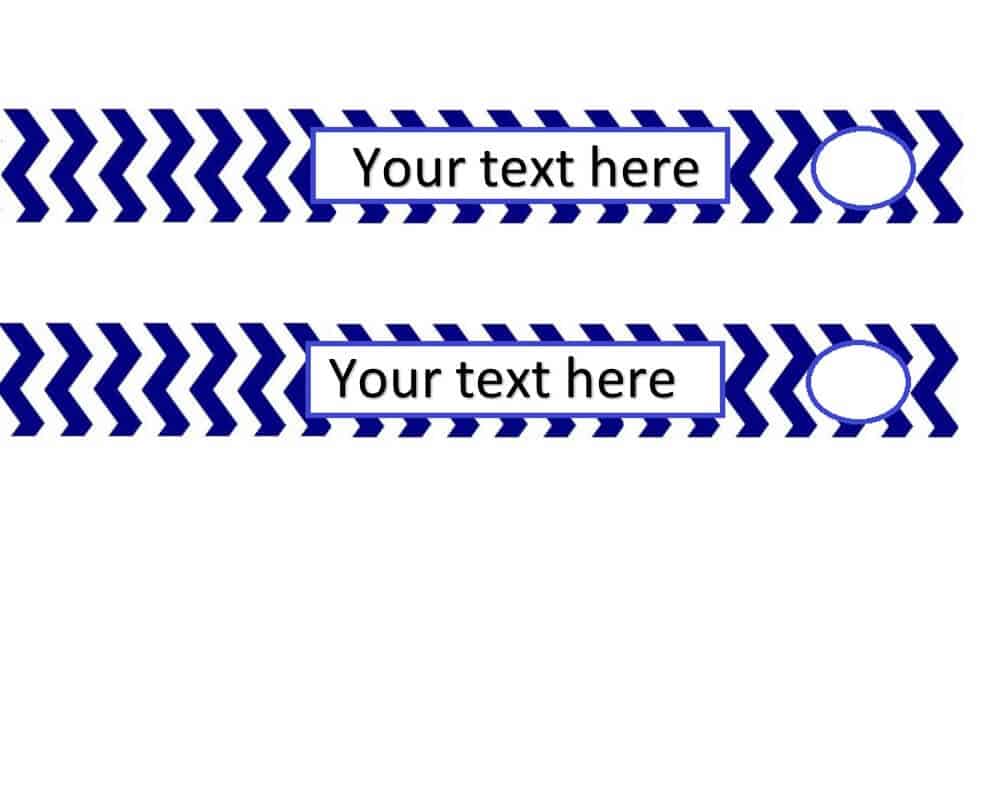
File Size: 142 KB
Kinds and Types of Binders
Now that you know the main purpose of binders and binder spine labels, it is also very important to know about different kinds and types of binders. Different kinds of binders are required to be used by different users for different purposes. Some of the most common types of binders are as follows:
1. Binders with soft covers:Binders with soft covers are usually made up of thin plastic which comes in multicolor. These plastic covers are usually transparent so that the very first page or the very first content of the binder can be seen easily. These binders can only contain a few papers and that is why they are mostly used to keep documents related to presentations or promotional material.
2. Binders with hard covers:As the name suggests, such types of binders come with hardcovers that are made up of hard material like leather or hardbound plastic. Plastic hardcovers are usually available in more designs and colors than leather hardcovers. Such binders are usually used in offices so as to retain a pile of documents with ease. These binders are usually available in different sizes and thicknesses, ranging between a half-inch to three inches of thickness.
3. Binders with arch mechanisms:These are the types of binders that are used to compile and retain loads and loads of documents. These types of binders are designed in such a way that they have straight metal-made sides that are used to keep separate the left and right side documents. Such binders come with rings that stay closed even if the binder is heavily loaded with the documents. Binders with arch mechanisms are usually available both in soft and hardcovers.
4. Ring binders:Ring binders are a type of binders that is most commonly used by students or small businesses. Ring binders usually contain two, three, or four metallic rings that are situated alongside the spine of the bender. These rings open usually by pulling them apart and are closed by snapping the rings shut. Holes have to be made into the papers so as to insert them into the binder.
Other commonly used kinds of binders are:
- Multicolor or colorful binders.
- Special binders for school use.
- Decorative binders.
- Ring binders with side pockets so as to place the papers that are not to be placed inside the binder.
- Special binders of presentations.
- Custom binders such as binders with zipper.
More Binder Spine Label Templates
FREE Sample Binder Spine Label Template
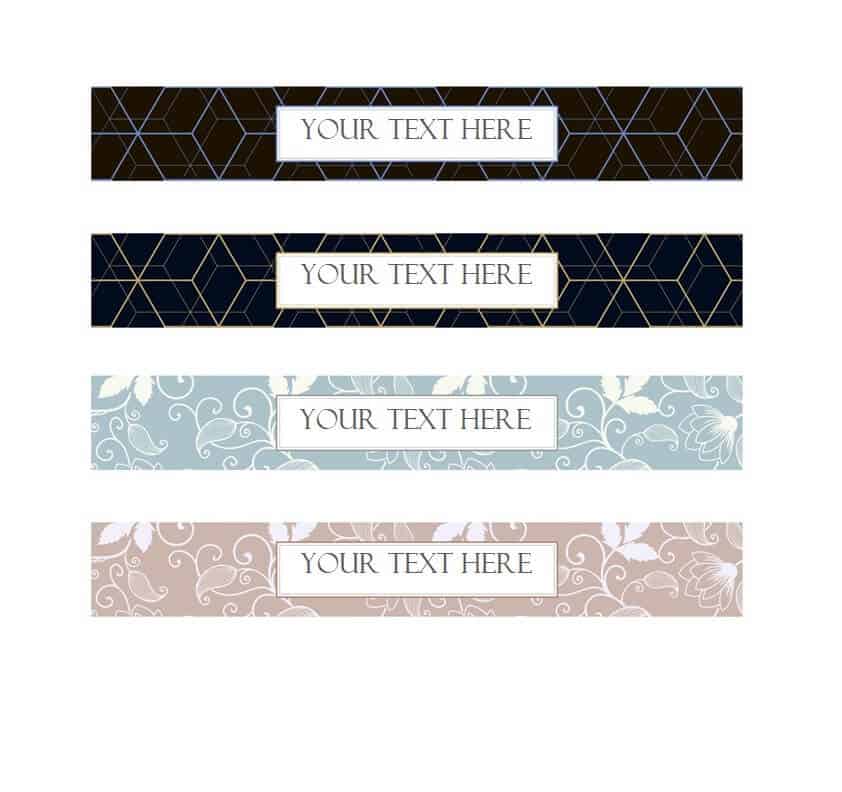
File Size: 275 KB
Special Binder Spine Label Template
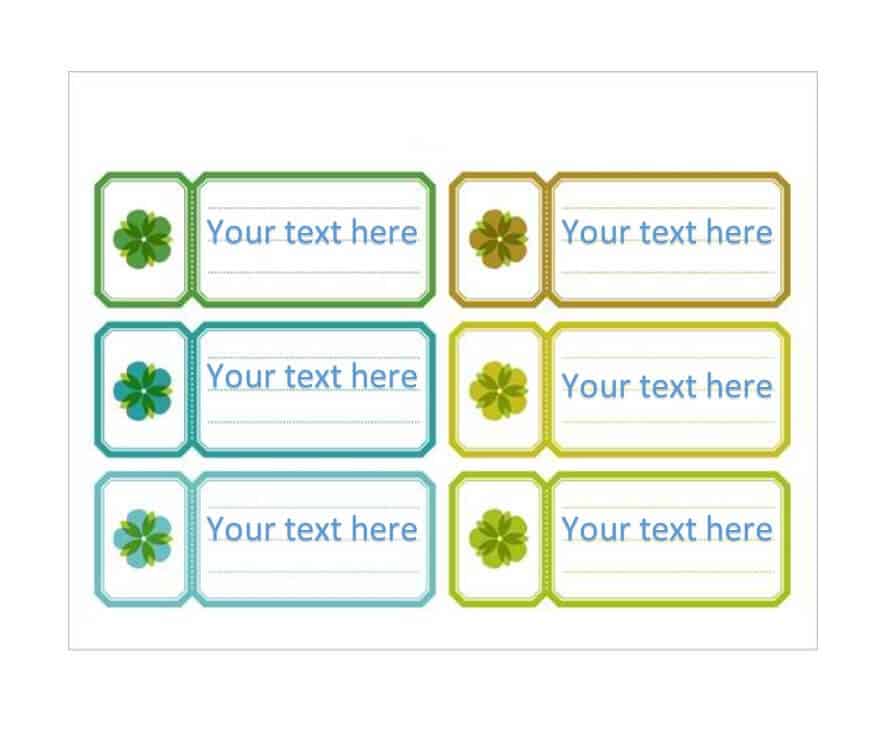
File Size: 161 KB
Simplistic Binder Spine Label Format
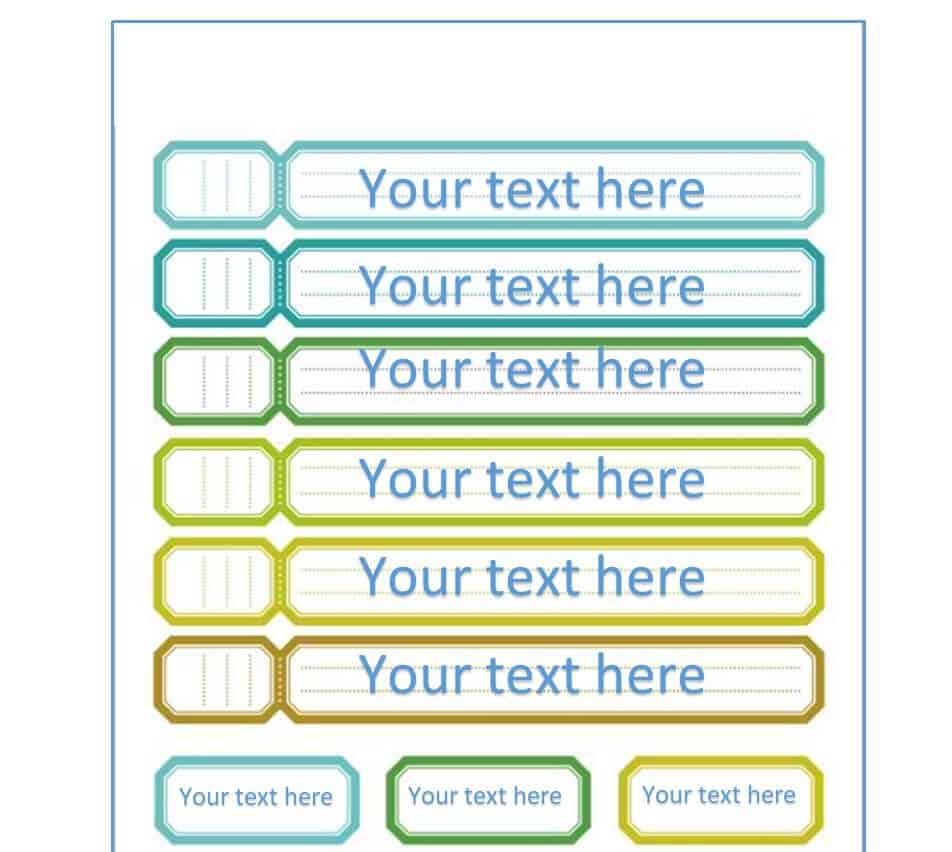
File Size: 217 KB
Standard Binder Spine Label Template
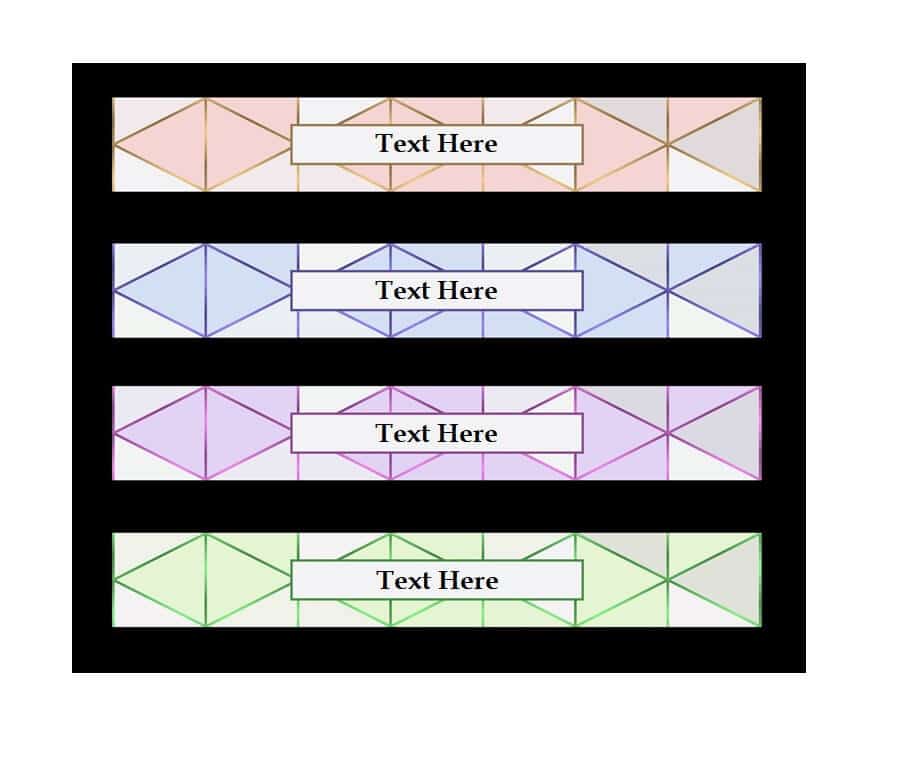
File Size: 192 KB
Binder Vertical Spine Label Template
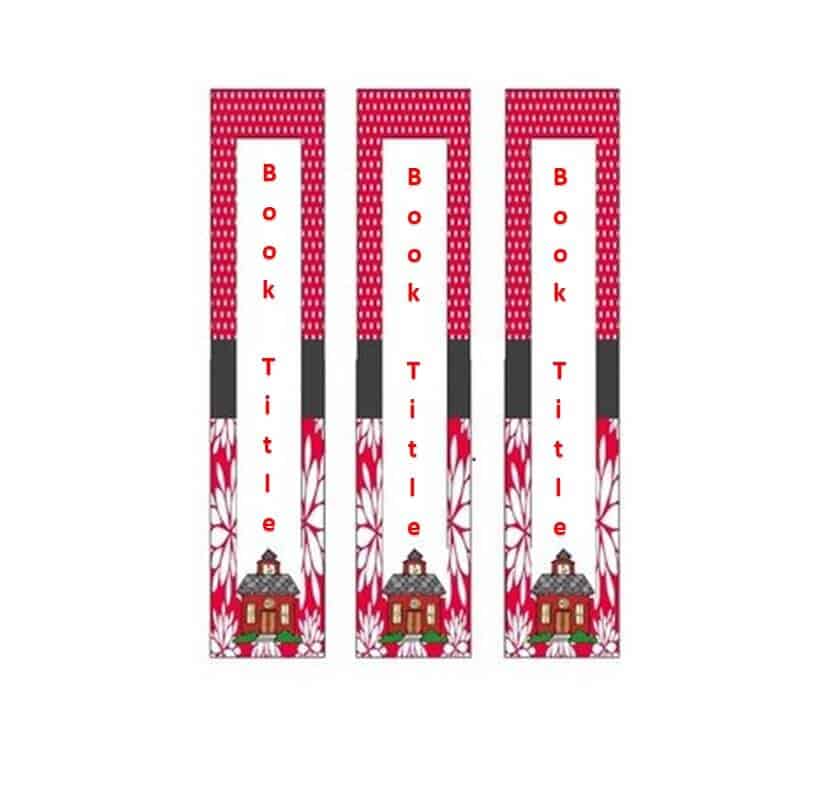
File Size: 147 KB
Simple Binder Label Spine Template
File Size: 10 KB
Printable Binder Cover Spine Label Template
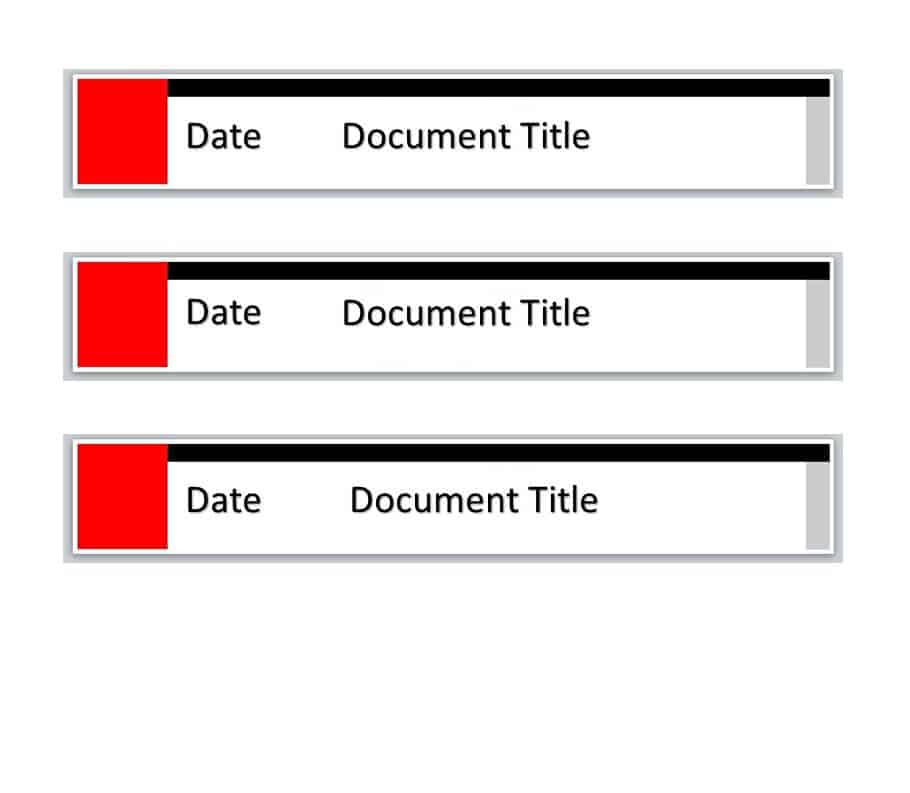
File Size: 25 KB
Special Binder Spine Label Template

File Size: 56 KB
Practical Binder Spine Label Template
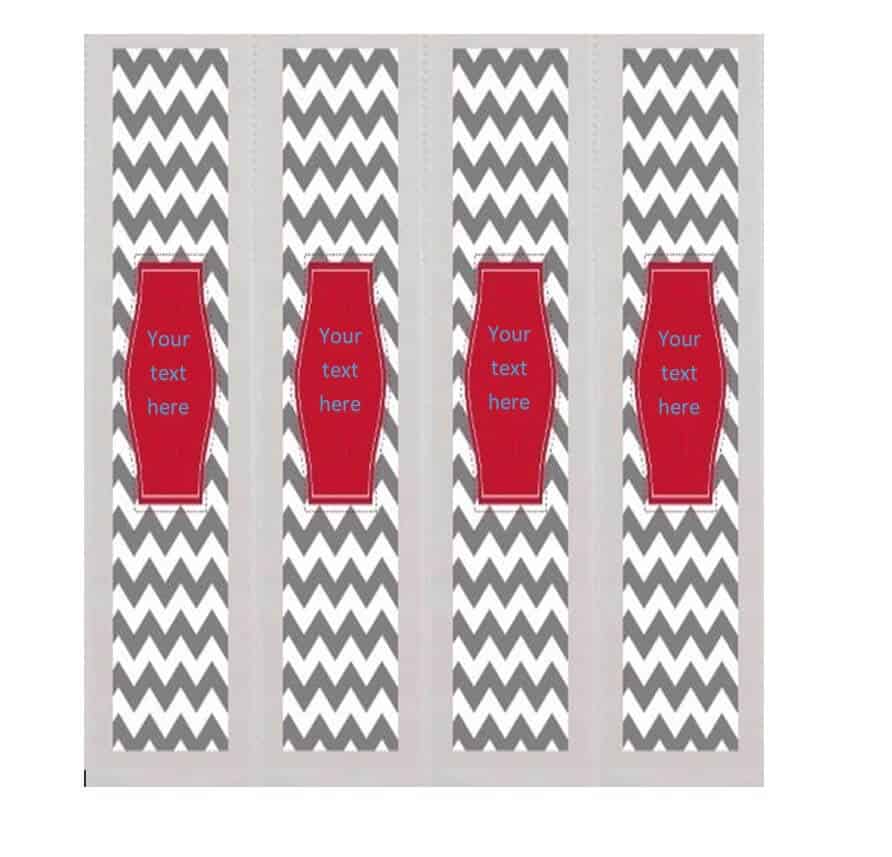
File Size: 71 KB
Binder Spine Label WORD Template
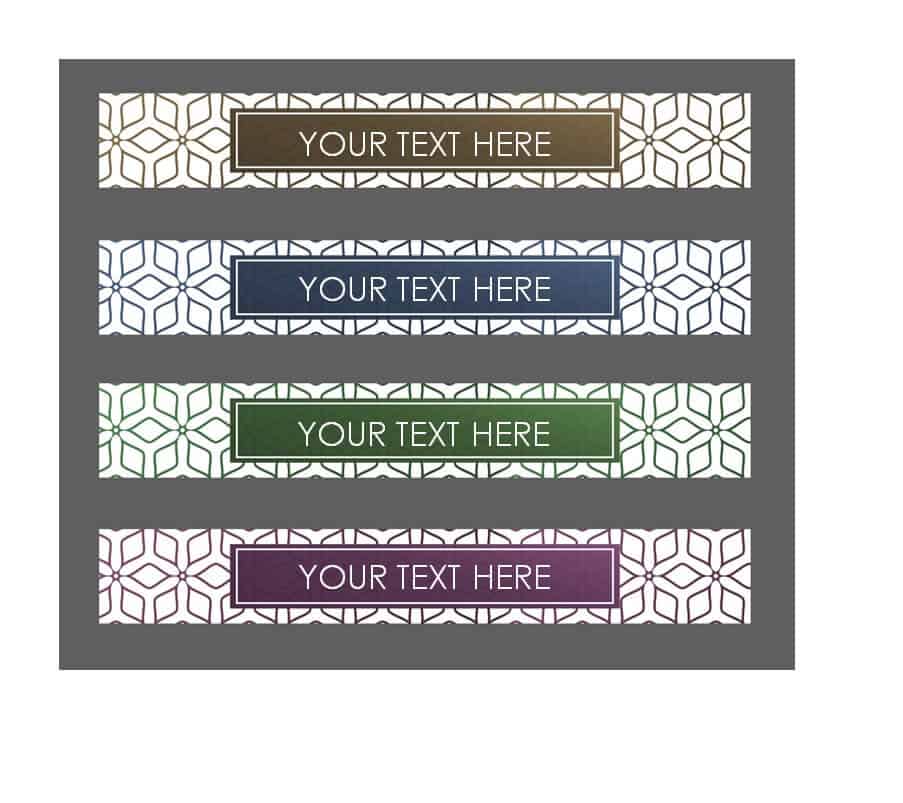
File Size: 386 KB
Easy to Use Binder Spine Label Template

File Size: 332 KB
Beautiful Binder Vertical Spine Label Template
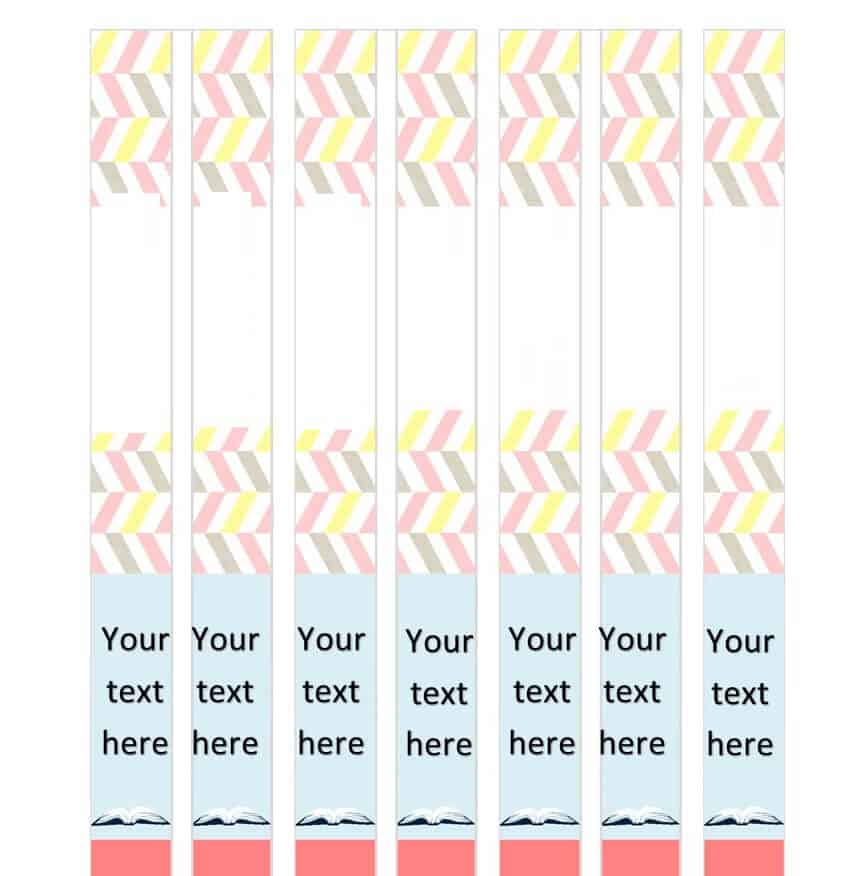
File Size: 824 KB
Attractive Binder Spine Label Template DOC Format
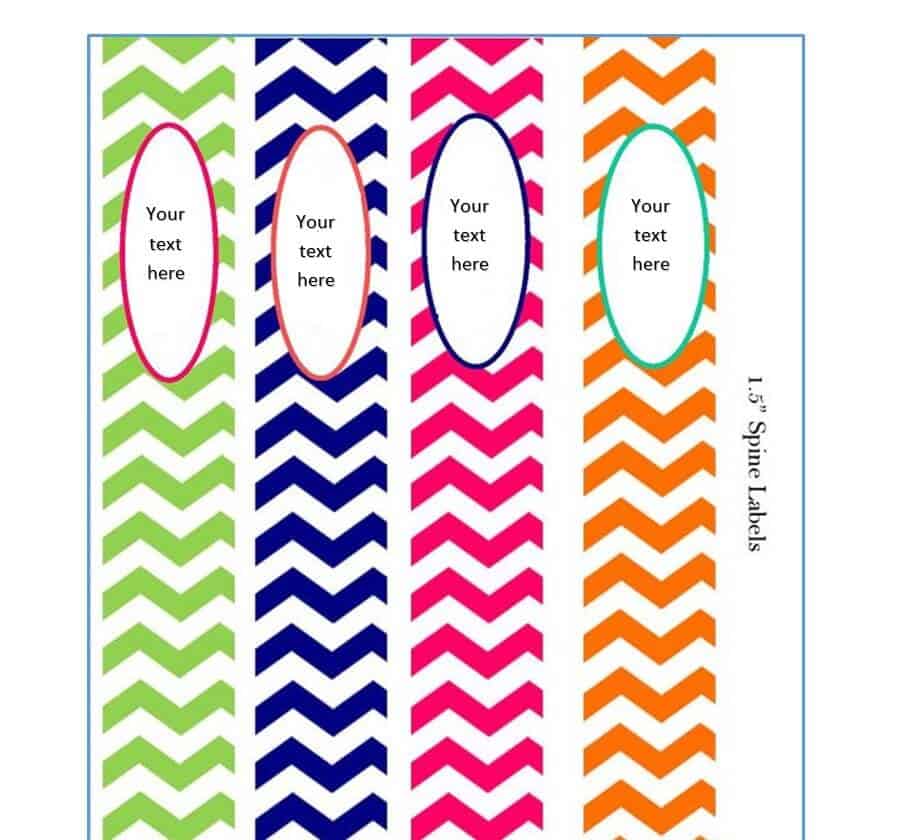
File Size: 621 KB
Binder Spine Label Sizes Guide
Before you print, check the size of your binder. Most binders are measured by the diameter of their rings, and the spine pocket width changes with the ring size. Standard 11-inch tall binders usually have a spine insert of about 11 inches long, with these approximate widths:
1/2 inch binder: spine label about 1 inch wide.
1 inch binder: spine label about 1.5 inches wide.
1.5 inch binder: spine label about 2 inches wide.
2 inch binder: spine label about 2.5 inches wide.
3 inch binder: spine label about 3.5 to 4 inches wide.
Binder brands differ slightly, so measure the clear pocket on your binder’s spine with a ruler and adjust the width of the text box or table cell in the Word template if needed. A label that is a few millimeters narrower than the pocket slides in more easily.
How to Make and Print Binder Spine Labels in Word
1. Download and open the template: Pick a binder spine label template above, unzip the file, and open it in Microsoft Word or a compatible program such as Google Docs or LibreOffice.
2. Type your label text: Add a short title (for example “Invoices 2026”, “HR Policies”, or “Math Notes”), plus details like department, year, volume, or color code. Use large, bold fonts so the title is readable from a distance.
3. Choose vertical or horizontal text: Vertical text reads well on narrow 1/2 inch and 1 inch spines, while horizontal text works better on wider 2 inch and 3 inch binders.
4. Print a test page: Print one page on plain paper and hold it against the binder to check the size before printing the final copy on card stock or label paper.
5. Cut and insert: Cut along the border using scissors or a paper trimmer and slide the label into the spine pocket. For binders without a pocket, print on adhesive label sheets and stick the label directly on the spine.
Tips for Organizing Binders with Spine Labels
Use a color code: Assign a color to each department, subject, or year, such as blue for finance and green for HR. Colorful binder spine label templates make this easy.
Keep a consistent format: Use the same template, font, and layout for all binders on a shelf so the labels line up neatly and look professional.
Add numbers or dates: Volume numbers and date ranges help you find older records quickly and keep files in the correct order.
Match the inside of the binder: Use the same labels on divider tabs and the cover page. Offices often keep policies, standard operating procedures (SOPs), and meeting minutes in labeled binders, while teachers use them for class notes, attendance sheets, and school timetables. For a polished company look, combine your binder labels with branded letterhead templates.
Frequently Asked Questions (FAQs) About Binder Spine Labels
What is a binder spine label?
A binder spine label is a narrow printed insert or sticker placed on the spine of a ring binder that shows its title or contents, so you can identify the binder without pulling it off the shelf.
How do I make a binder spine label in Word?
Download one of the free Word templates above, type your title and details, adjust the width to match your binder, print it, cut it out, and slide it into the spine pocket.
What size is a 1 inch binder spine label?
A 1 inch binder usually takes a spine label about 1.5 inches wide and 11 inches long, but always measure your binder because sizes vary by brand.
What paper should I use for binder spine labels?
Regular printer paper works for clear spine pockets. Card stock is sturdier, and adhesive label paper is best for binders without a pocket.
Can I edit these binder spine templates in Google Docs?
Yes. Upload the Word file to Google Drive and open it with Google Docs. Most layouts will work, although you may need to adjust fonts slightly.
Are these binder spine label templates free?
Yes. All 27 templates on this page are free to download, edit, and print for personal, school, or office use.
Conclusion
Neatly labeled binders save time, reduce clutter, and make any office, classroom, or home look organized. Download any of the 27 free binder spine label templates above, match the size to your binder, add your titles, and give every binder on your shelf a clean, professional label.
