Managing cash transactions requires strict oversight to prevent balance discrepancies, theft and record-keeping errors. A cash sales report template (also called a cash register tally sheet or daily cash reconciliation log) allows retail managers, restaurant supervisors and cashiers to reconcile physical drawer cash against register totals at the end of every shift.
Using standardized cash sales report templates in Excel and Word ensures a reliable paper trail for daily bank deposits, cash drawer floats, and register overages or shortages.
The Cash Reconciliation Cycle
Every cash sales report follows the same four-step cycle, whether you run a single register or several tills across multiple shifts:
- Opening Float: Record the fixed amount of change placed in the drawer before the shift starts.
- Shift Transactions: The register records every cash sale, refund and paid-out during the shift.
- End-of-Day Count: Count the physical notes and coins in the drawer and record them by denomination.
- Deposit & Variance Check: Compare counted cash with the register total, record any overage or shortage, and prepare the bank deposit.
Cash Sales Report Formats: Core Use Cases
| Report Format | Best For | Primary Features | Format |
| Daily Drawer Reconciliation | Retail stores, cafes, and gas stations | Bill/coin denomination counters, opening float subtraction, and automatic variance flags. | Excel |
| Shift Change Cash Log | 24/7 businesses, restaurants, and bars | Cashier sign-offs, mid-day drawer handovers, and drop box tracking. | Word / Excel |
| Petty Cash & Counter Sales | Small offices and trade services | On-the-spot cash receipt tracking, manual voucher logging, and client signatures. | Word |
| Weekly Cash Summary | Store managers and accountants | Aggregated daily cash sales, bank deposit verification, and weekly discrepancy trends. | Excel |
Essential Components of a Cash Sales Sheet
To pass internal accounting audits, your cash report template must contain these core tracking elements:
- Register & Shift Identification: Store location, register terminal number, date, shift timeframe, and cashier name.
- Opening Cash Float: The fixed starting cash amount placed in the till at the start of the shift (e.g., $200).
- Physical Cash Denomination Count: An itemized tally of physical currency remaining in the drawer:
- Paper Currency: $100s, $50s, $20s, $10s, $5s, $1s
- Coins: Quarters, Dimes, Nickels, Pennies, or local currency rolls
- Non-Cash Transaction Summary: Credit/debit card totals, gift certificates, and mobile payments processed through the point-of-sale (POS) terminal.
- Calculated Variance: The mathematical difference between expected cash sales (POS system total) and actual counted physical cash (Actual Cash − Expected Cash).
- Bank Deposit Total: Final net cash removed from the drawer for bank deposit (Total Physical Cash − Starting Float).
Cash Variance Troubleshooting Checklist
When physical cash does not match POS system readings, review these steps before closing out the report:
- Verify the Opening Float: Confirm the standard starting float was not miscounted or added to total sales revenue.
- Re-count Physical Currency: Double-check bill stacks for stuck currency and recount coin rolls.
- Check Paid-Out Vouchers: Verify if petty cash was removed from the till for emergency store expenses (e.g., store supplies or cash refunds) without logging a receipt.
- Audit Non-Cash Receipts: Ensure credit card slips or checks were not mistakenly grouped into the cash tally.
- Document the Discrepancy: If the variance remains, record whether the drawer is “Over” (extra cash) or “Short” (missing cash) and require a supervisor signature.
Best Practices for Excel vs. Word Cash Templates
- Use Microsoft Excel for Auto-Calculating Denominations: Excel templates automatically calculate line-item totals when you input the number of bills or coins (e.g., entering
15in the $20 bill row outputs$300). Excel also flags negative drawer variances using conditional formatting. - Use Microsoft Word for Formal Sign-Off Forms: Word templates work best for printable end-of-shift receipts that cashiers and managers must physically sign and staple to daily bank deposit slips.
Example: End-of-Day Cash Reconciliation
Here is how a completed daily cash sales report looks for a small café register:
| Line | Amount |
| Opening float | 200.00 |
| Cash sales recorded by POS | 1,450.00 |
| Cash refunds / paid-outs | (35.00) |
| Expected cash in drawer | 1,615.00 |
| Actual cash counted | 1,608.00 |
| Variance (short) | (7.00) |
| Bank deposit (counted cash − float) | 1,408.00 |
The manager notes the 7.00 shortage, signs the report with the cashier, and attaches the deposit slip. Tracking small variances like this every day makes patterns easy to spot before they become large losses.
Cash Sales Report Templates in MSWord
Restaurant’s Cash Sales Report Template
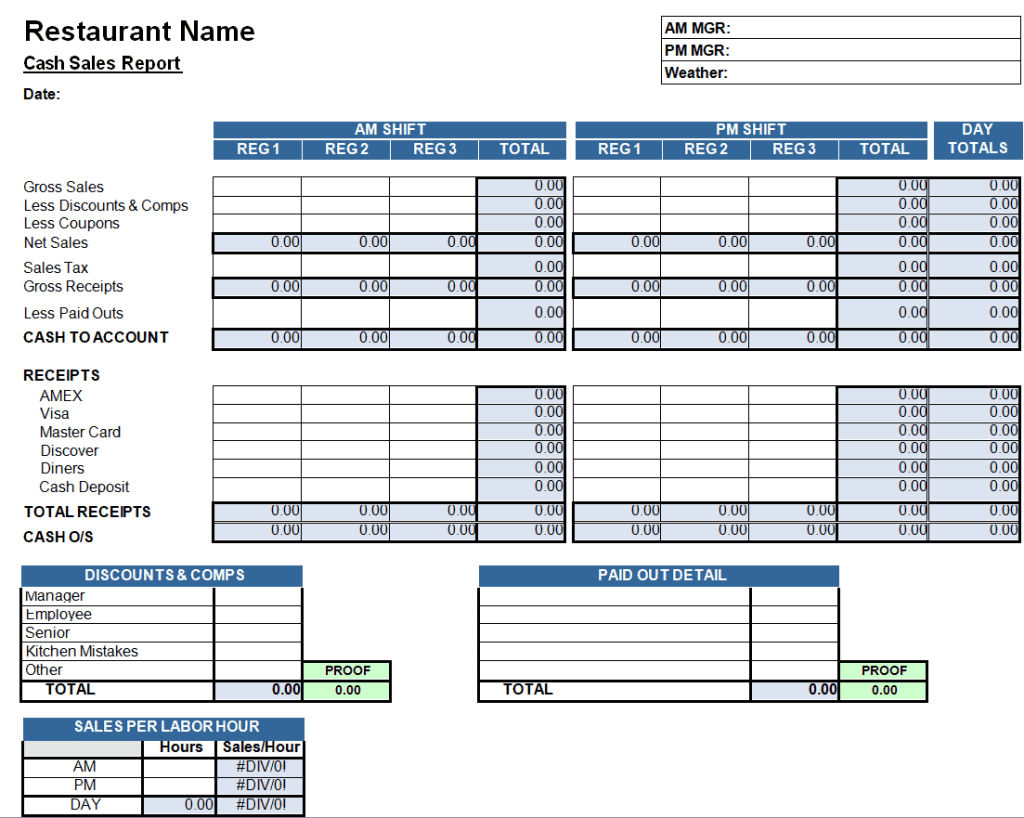
File Size: 19 KB
Daily Cash Sales Report Sheet in Word
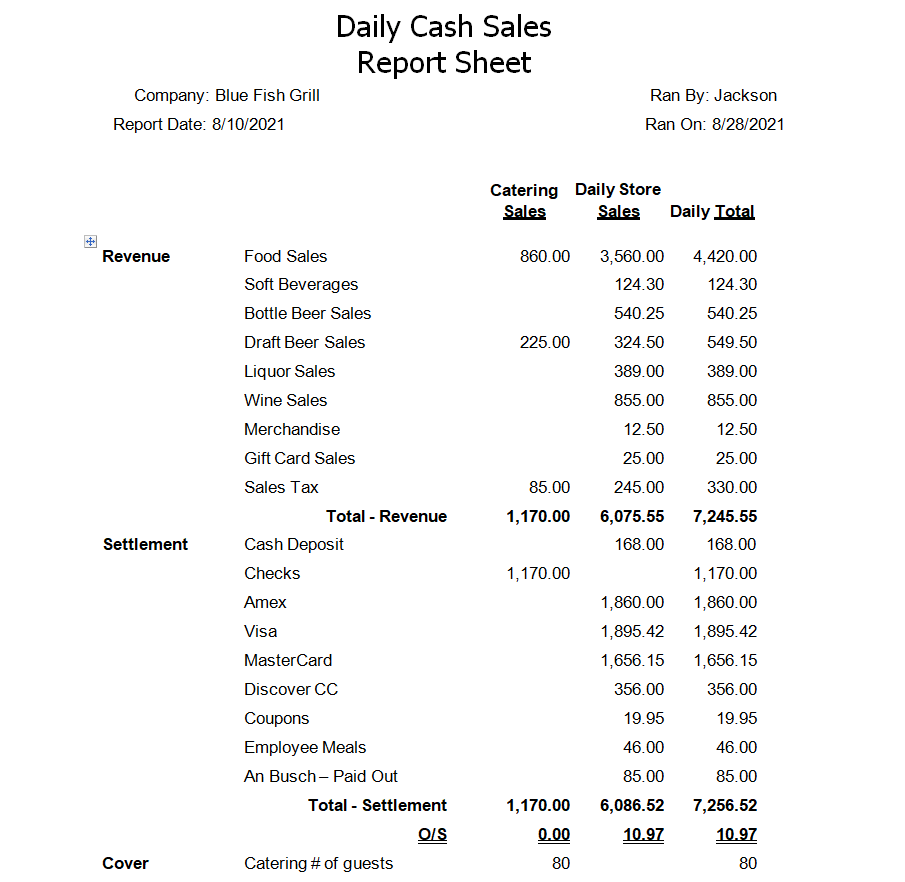
File Size: 14 KB
Daily Cash Sales Report Template for Fishing Business
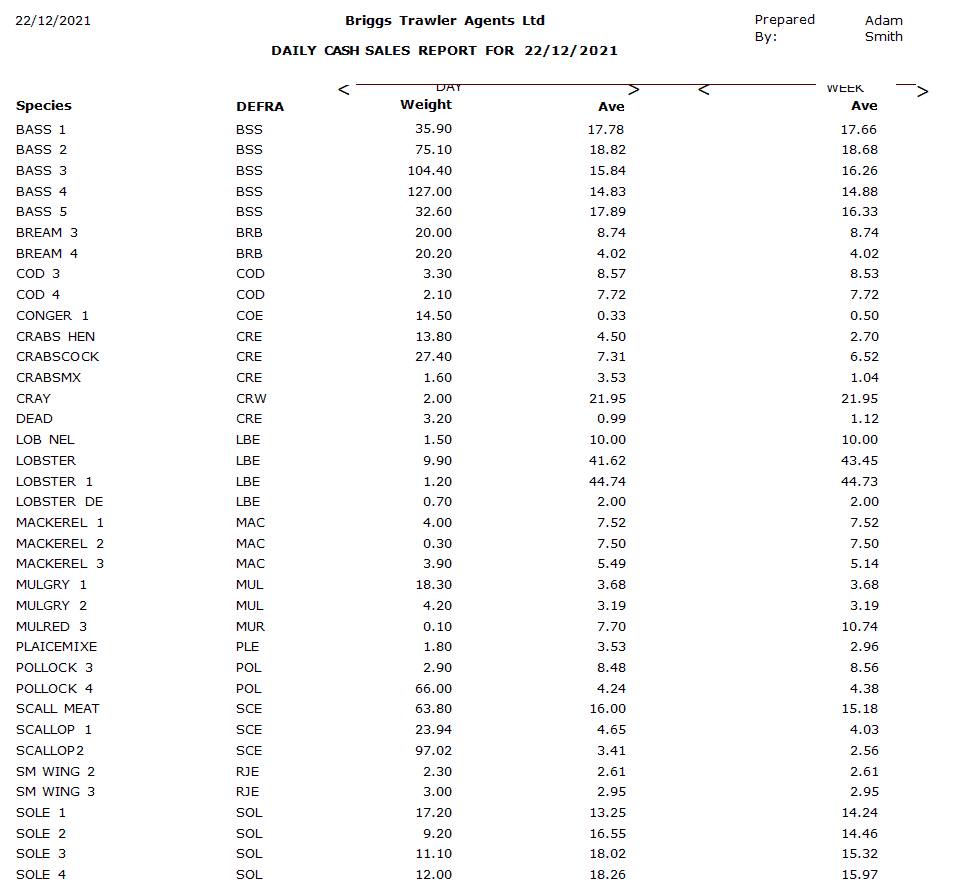
File Size: 17 KB
Sample Daily Cash Sales Report Template for Juice Bar
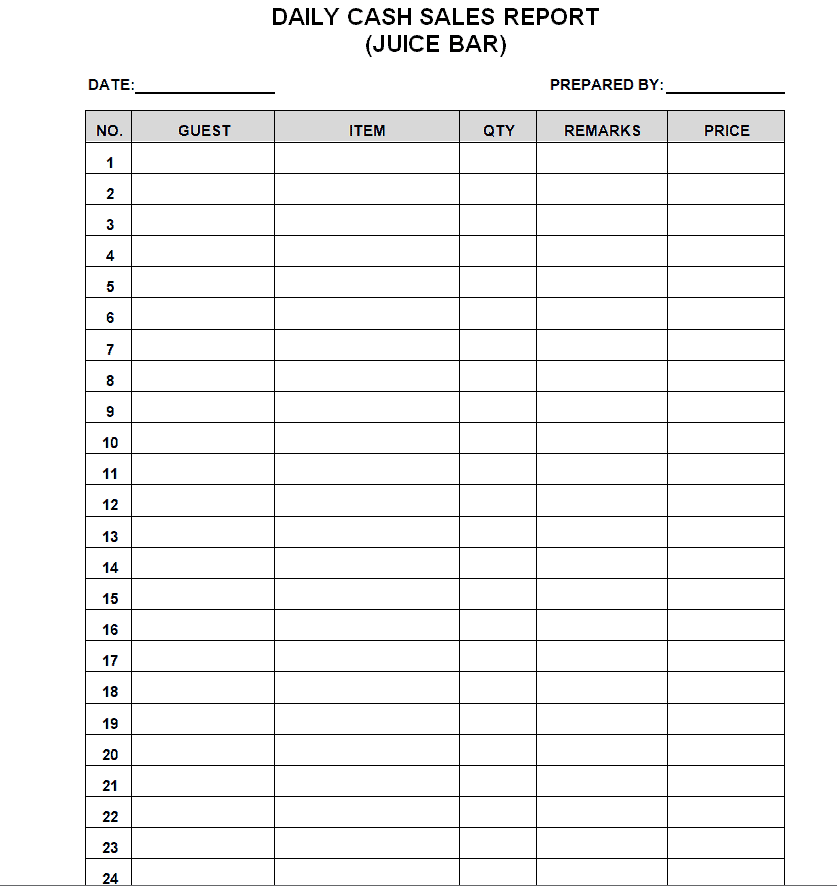
File Size: 12 KB
Daily Cash Sales Report Format
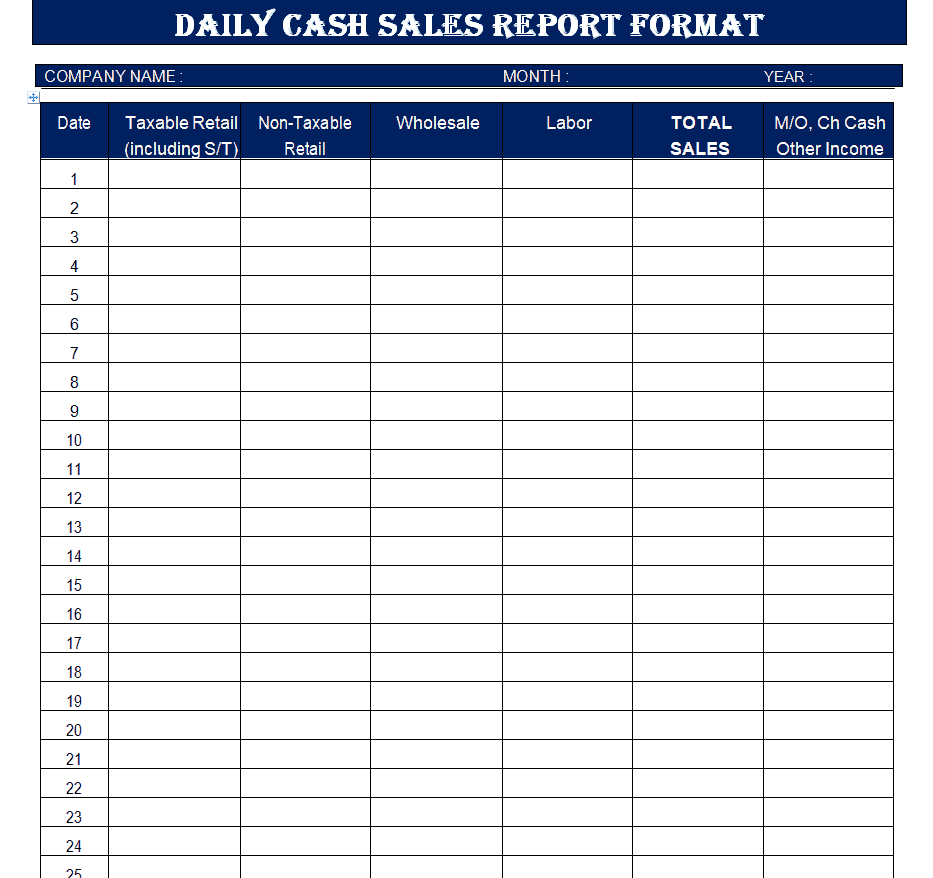
File Size: 08 KB
Cash Sales Report Example DOC
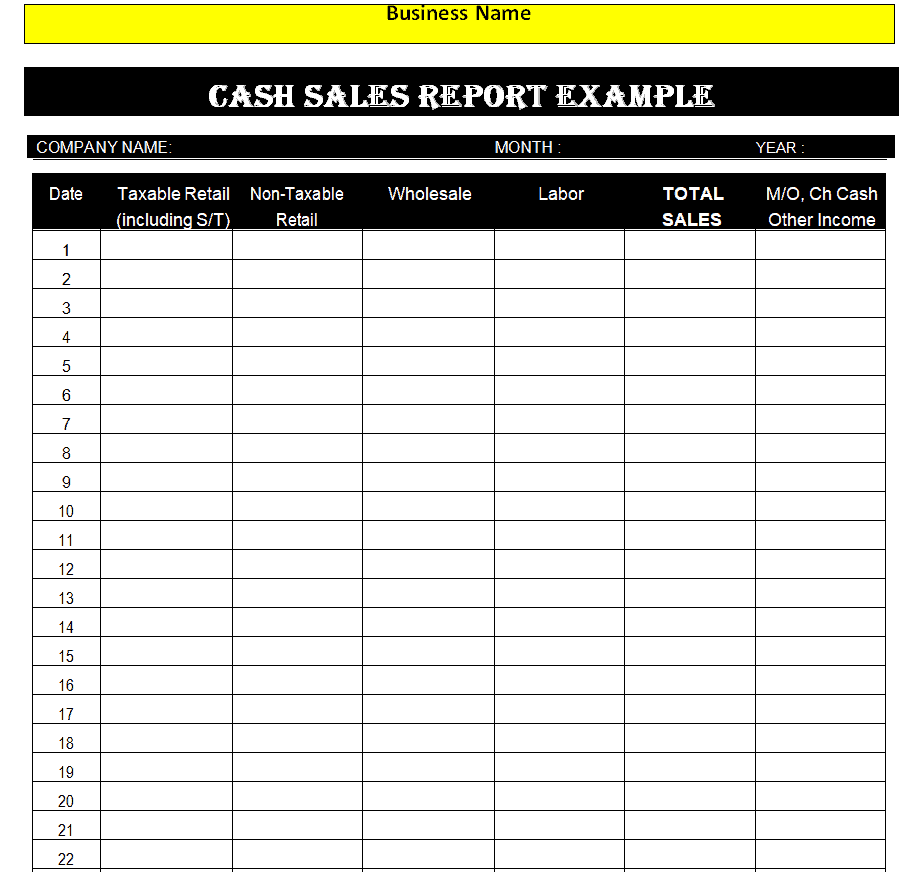
File Size: 08 KB
Simple Cash Sales Report Format
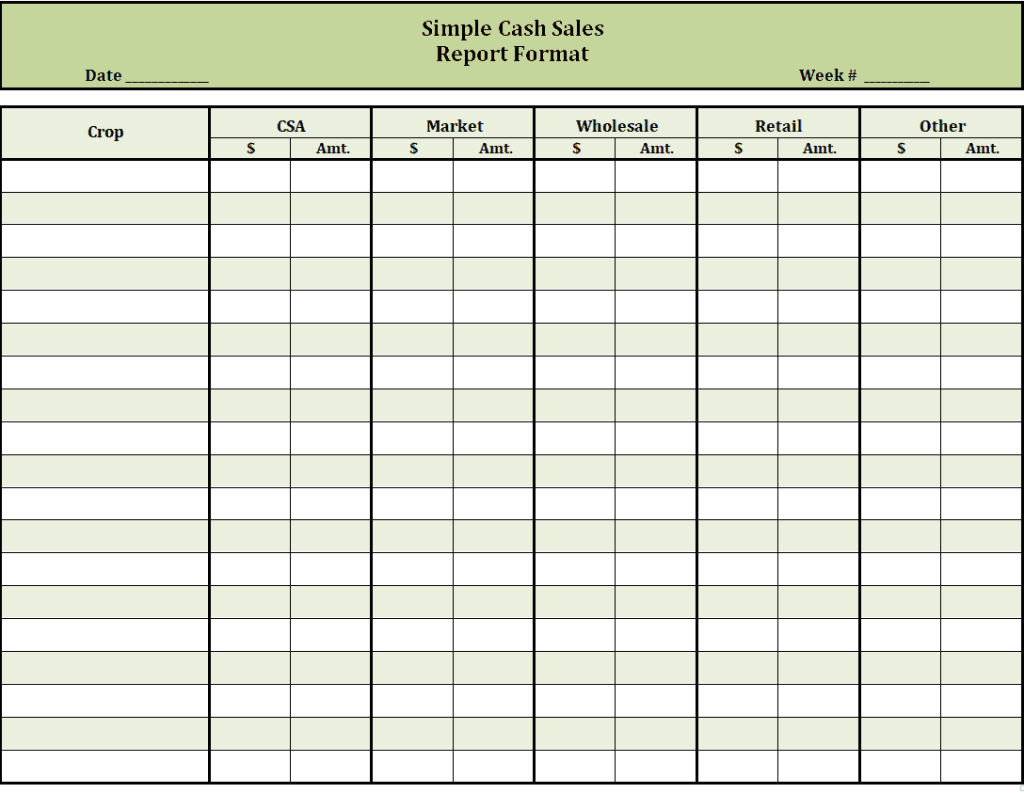
File Size: 14 KB
Blank Weekly Cash Sales Report Example
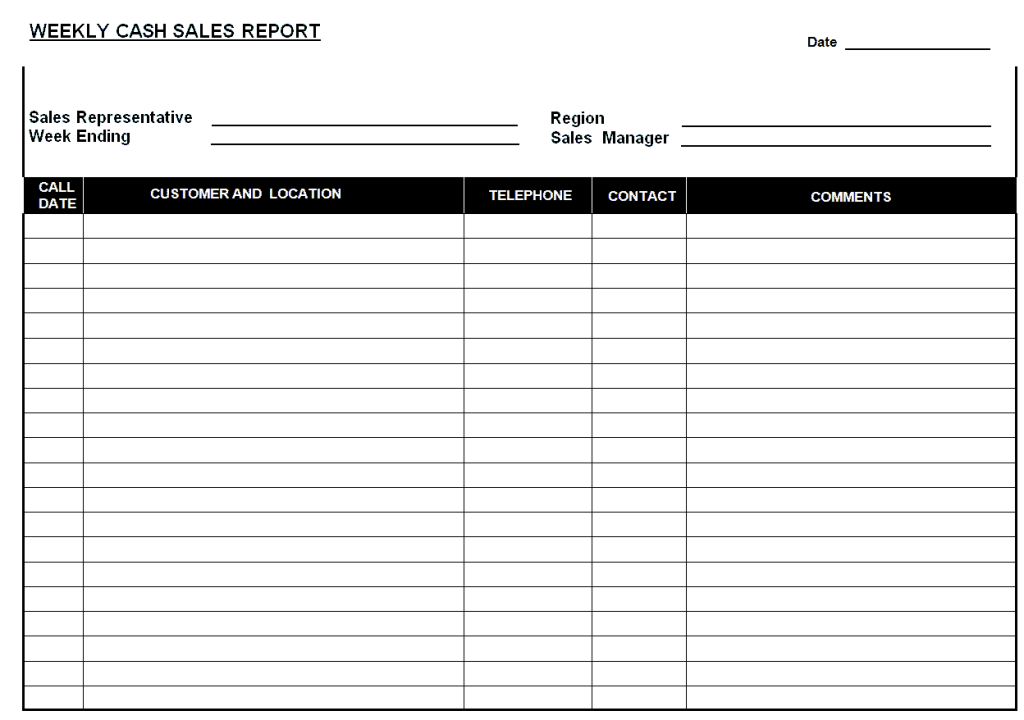
File Size: 15 KB
Business Cash Sales Report Template in MS Word
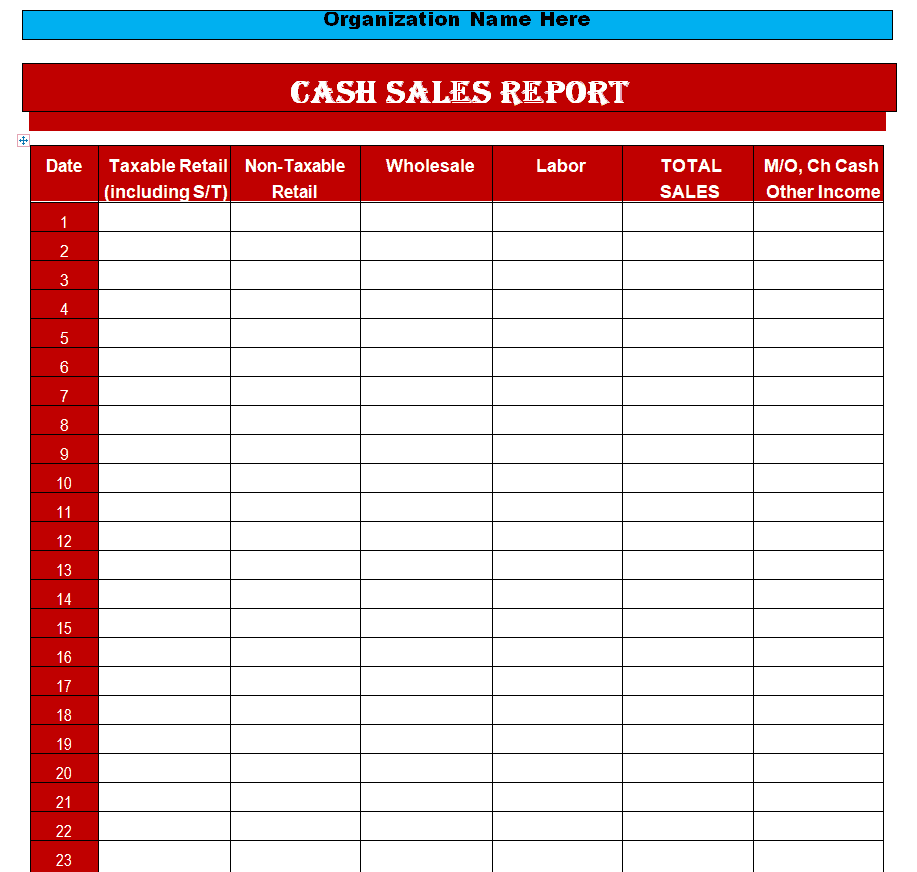
File Size: 08 KB
Cash Sales Summary Report Word Template
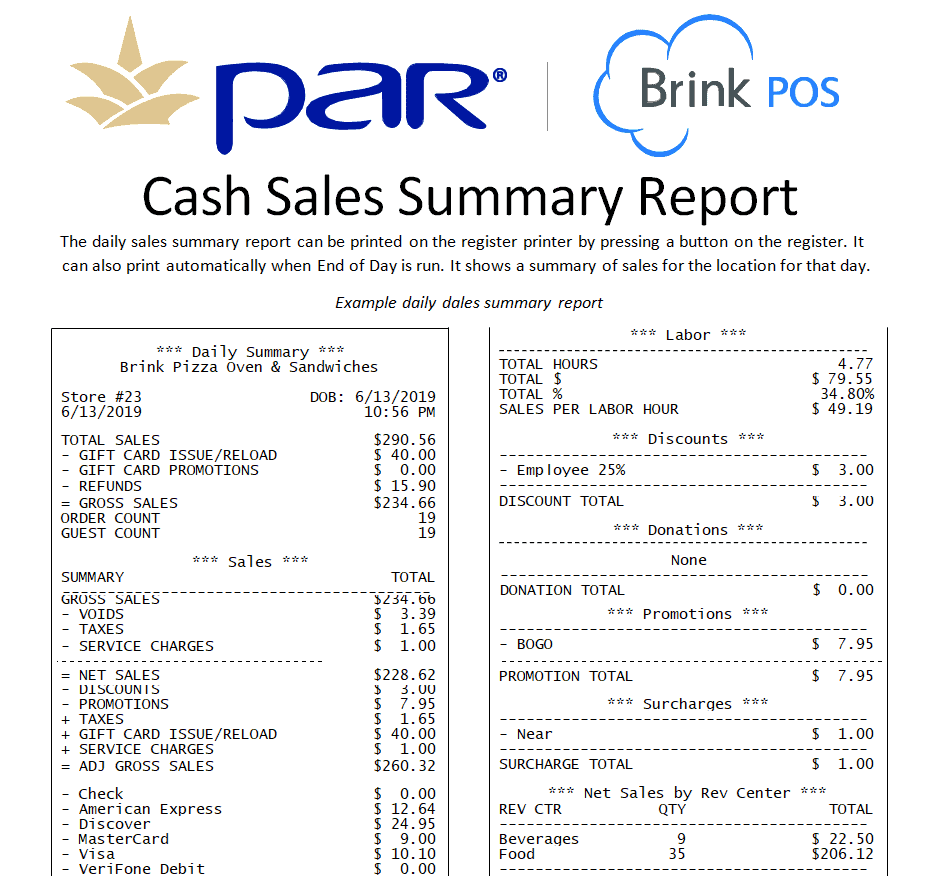
File Size: 92 KB
Printable Daily Cash Sales Report Word Sheet
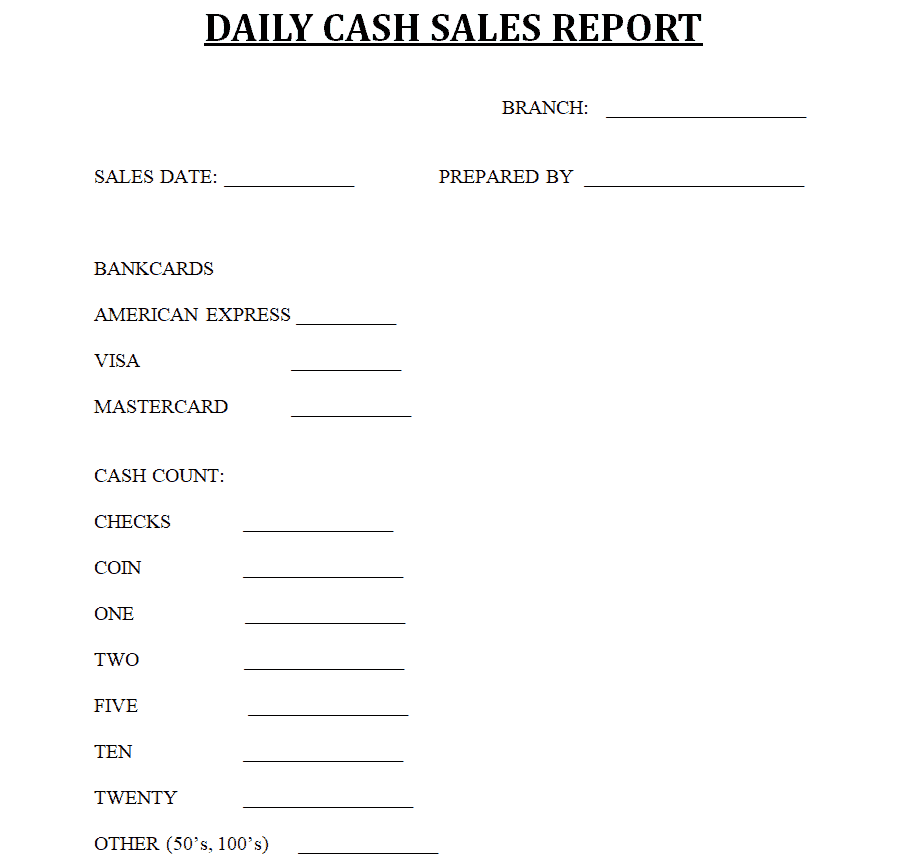
File Size: 06 KB
Weekly Cash Sales Report Template
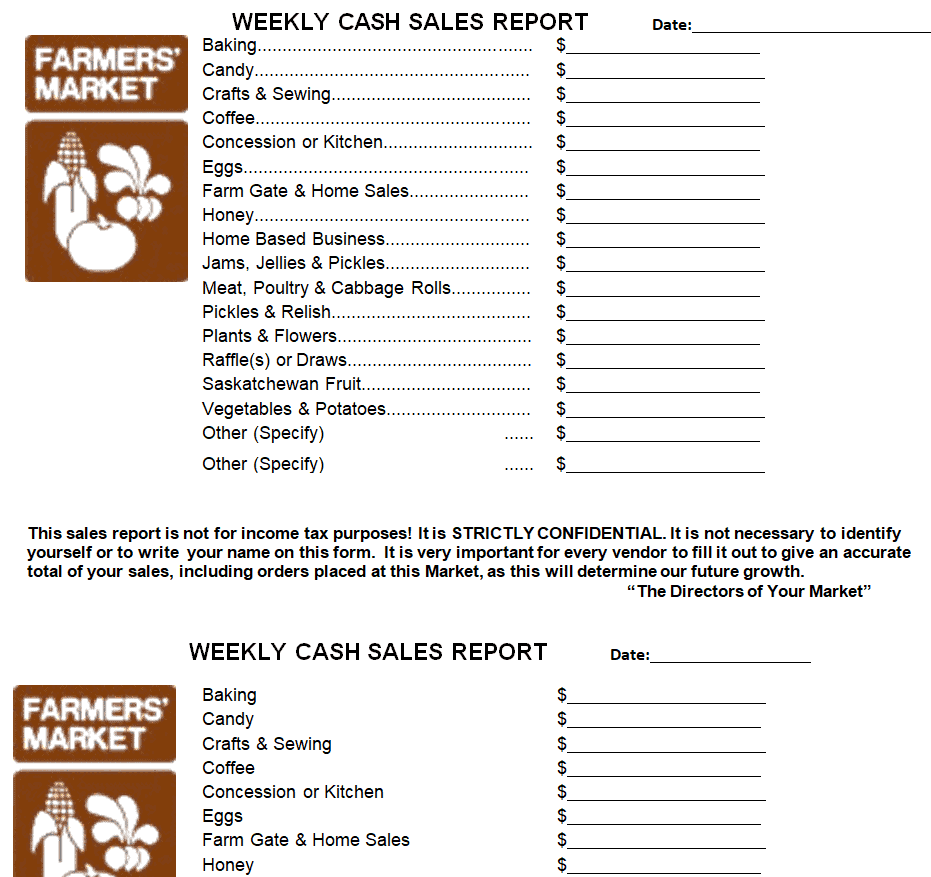
File Size: 24 KB
What is a Cash Sales Report?
A sales report contains the analysis of sales over a particular period. Similarly, a cash sales report consists of only the cash sales of a business over the given period. Such a report highlights the total amount of cash generated as revenue for the given time. It provides you with an overview of how much cash sale is actually generated by the business.
Cash sales reports can be prepared on a daily, weekly, monthly, or quarterly basis. These reports enable the decision makers of a business to analyze the liquidity position of the business. Liquidity in a business is the business’s ability to convert its assets to pay short-term liabilities. For this, a business must have readily convertible liquid assets and the ‘cash in hand’ is considered the most liquid asset among all the assets of a business.
To analyze the liquidity ratios and liquidity position of the business, cash sales reports are prepared. Having cash in hand is quite important anyways. It is used to manage daily basis petty expenses. In some cases, big purchases are also made in cash so a business must have sufficient cash in hand at any time. Cash sales reports enable you to manage your business cash properly. The total amount of cash sales is calculated and then recorded in the financial statements. Cash sales reports are used to verify and cross-check that the correct amount of cash is recorded in the financial statements of the business.
Check out the free cash sales report templates available right here on this page. You can either customize a template in MS Word or MS Excel by downloading the template in any of the respective formats. Using these pre-formatted cash sales report samples will save a lot of your valuable time and effort. So go ahead, download the template of your choice, edit its contents, and use it as per your requirement.
Cash Sales Report Templates in MSExcel
Cash Sales Report Sheet Template in Excel
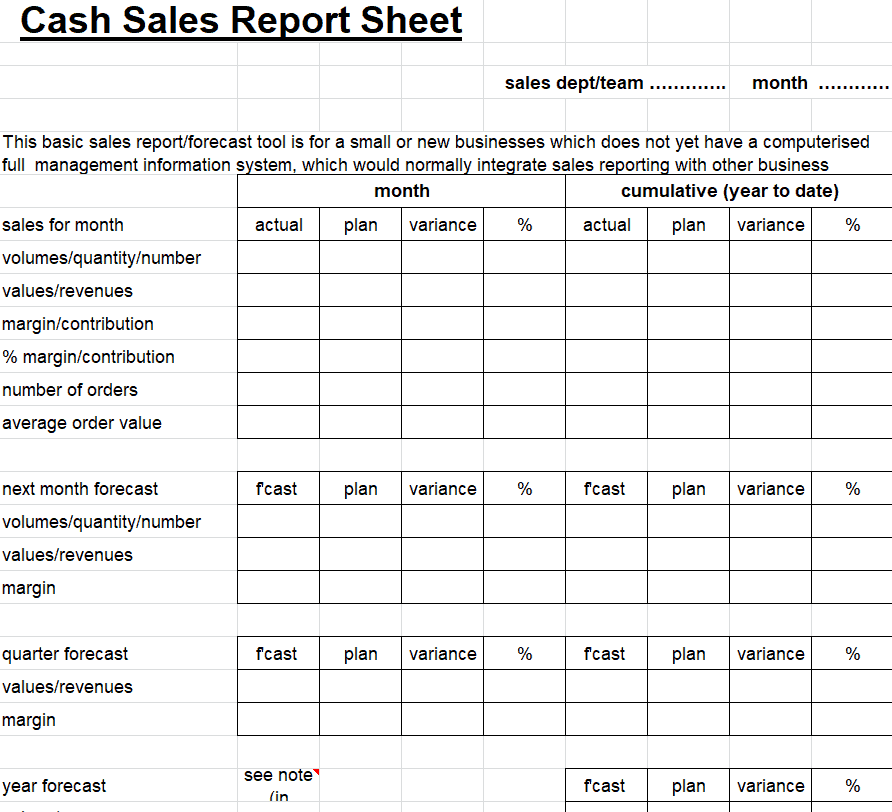
File Size: 10 KB
Restaurant Daily Cash Sales Report Excel Format
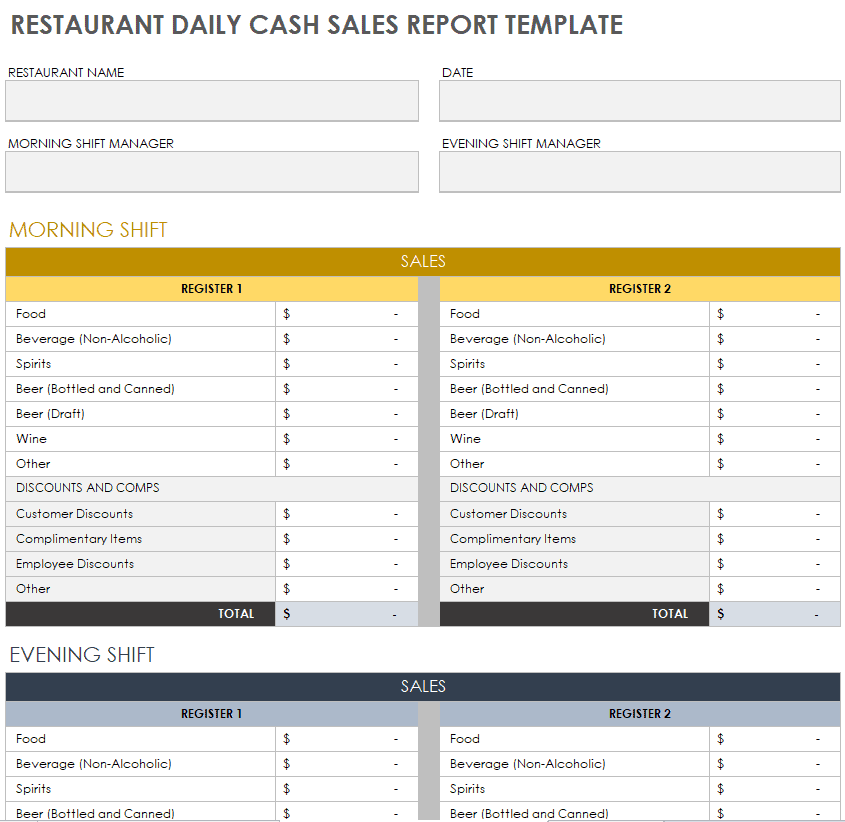
File Size: 310 KB
Daily Cash Sales Register Template
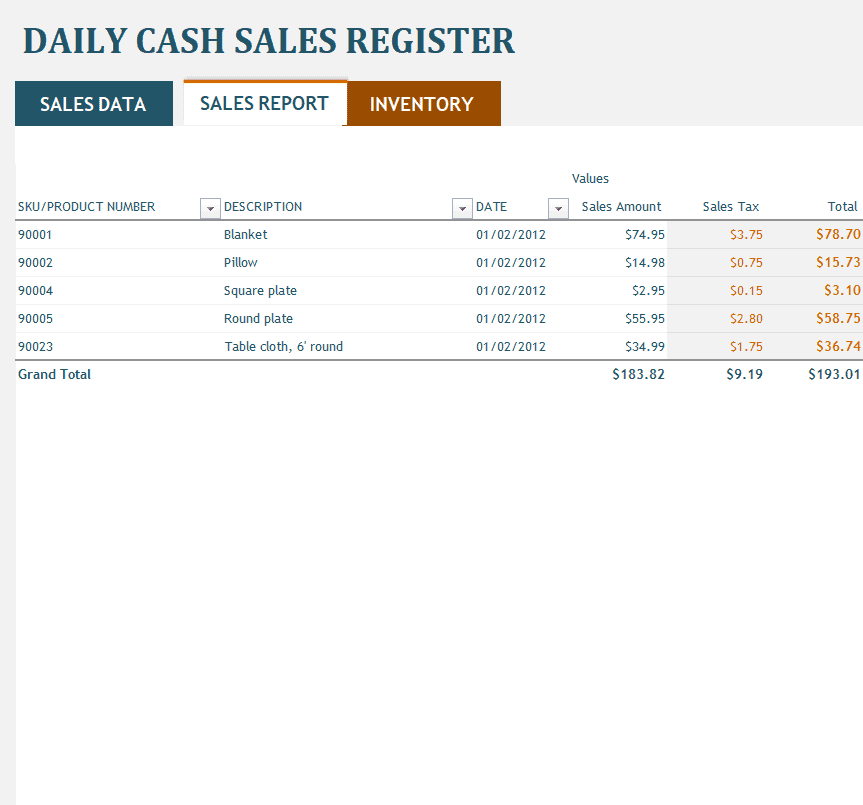
File Size: 33 KB
Weekly Cash Sales Report Sheet in MS Excel

File Size: 18 KB
Simple Cash Sales Report Template
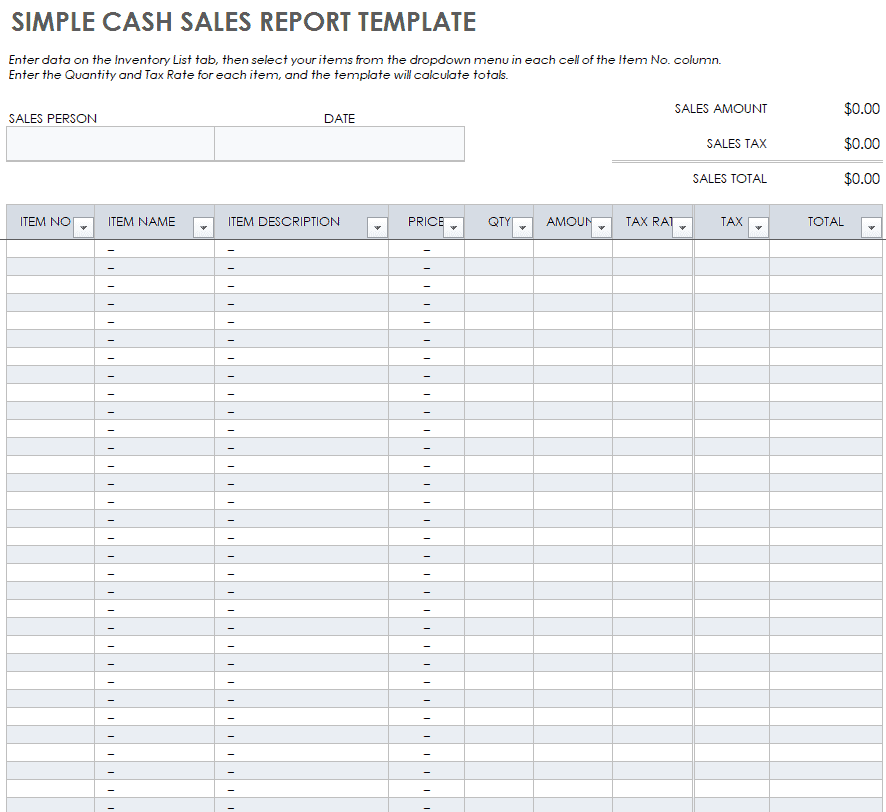
File Size: 309 KB
Editable Cash Sales Report Excel Worksheet
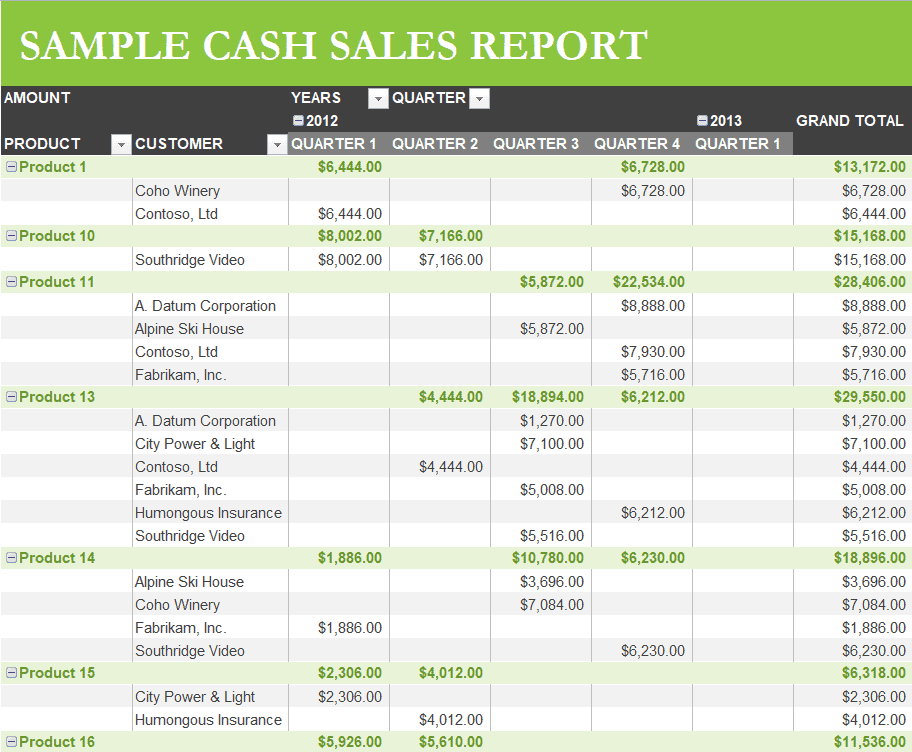
File Size: 31 KB
Small Business Cash Sales Report Template
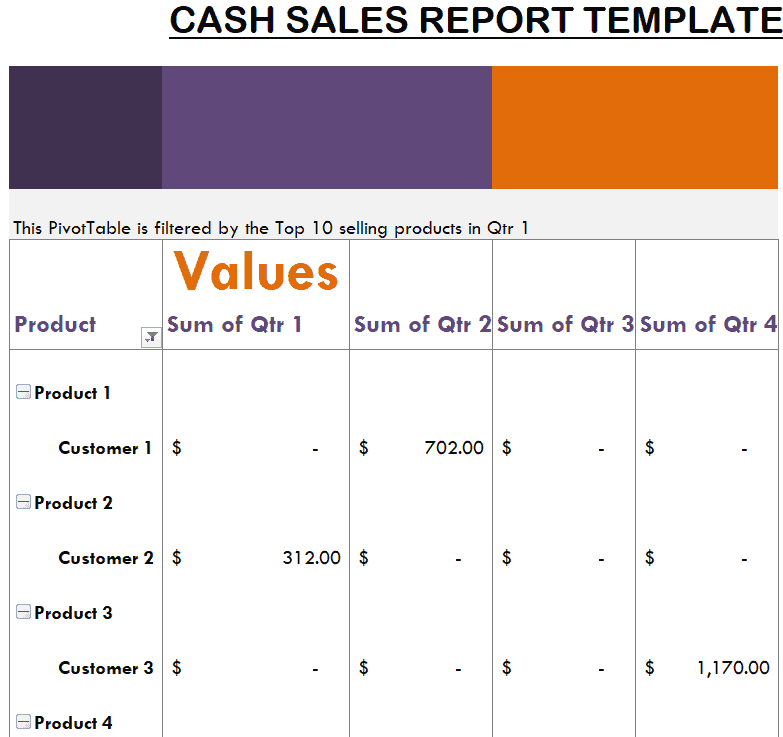
File Size: 31 KB
Company’s Daily Cash Sales Report Template
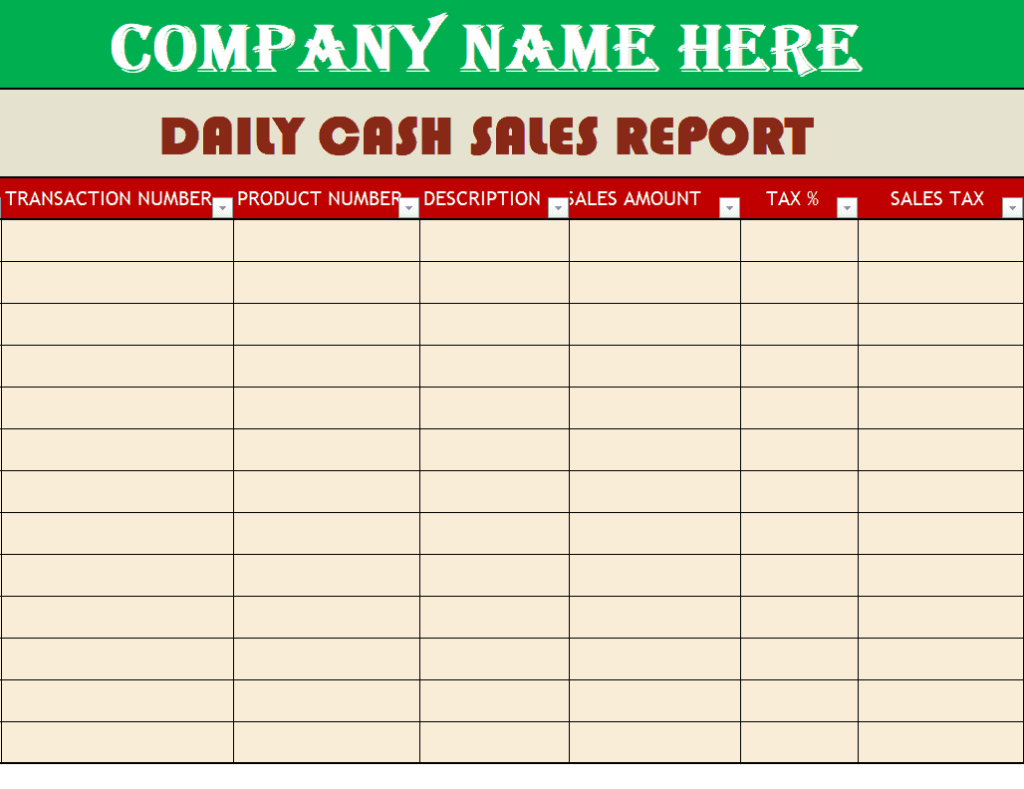
File Size: 09 KB
Daily Cash Sales Report Template in MS Excel
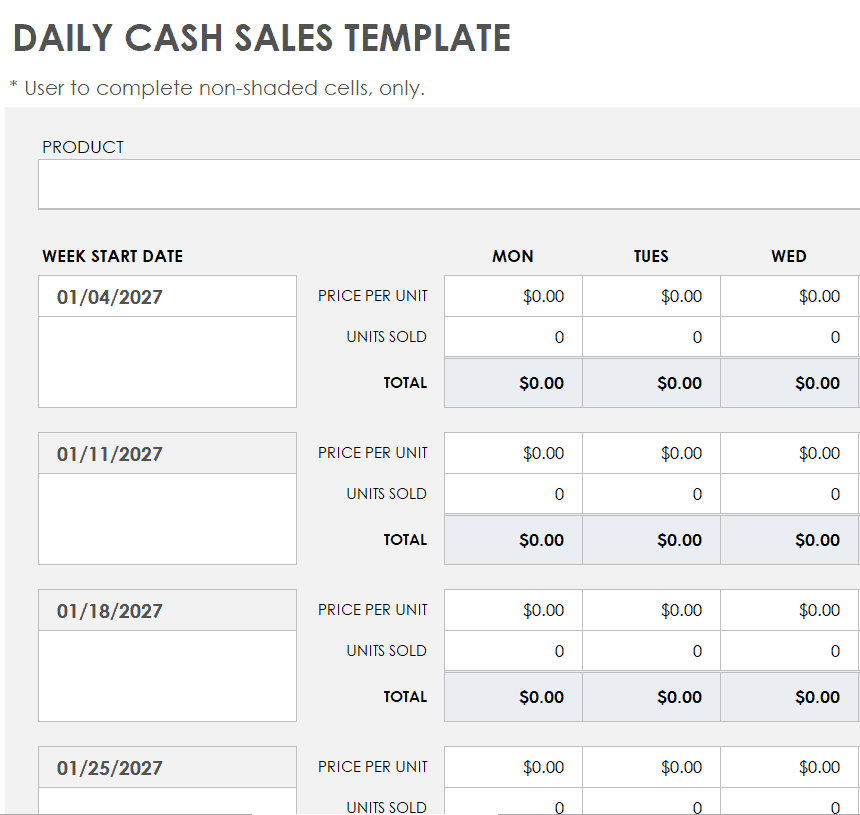
File Size: 299 KB
Business Daily Cash Sales Report Sample
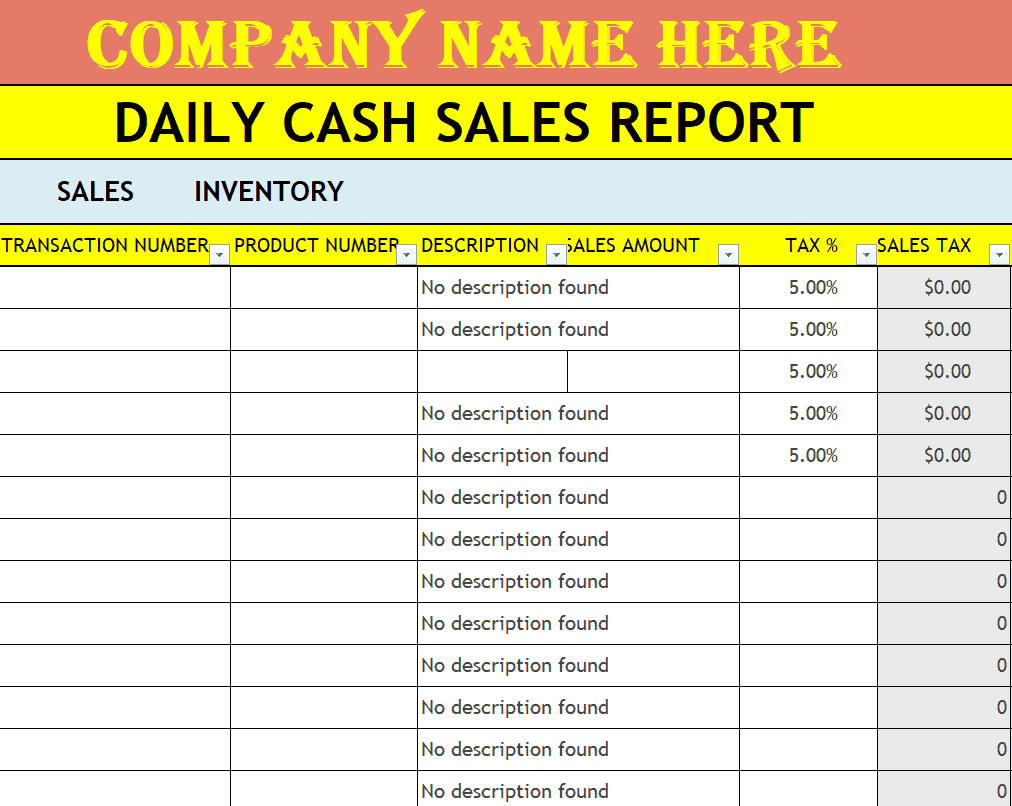
File Size: 17 KB
Tips for Creating a Cash Sales Report
If you want to know how to create a useful cash sales report, include the provided details or information in it and follow the basic tips that are given below:
- You must be clear in your mind about the objective of your report and then design and format it accordingly.
- Mention the name of the person preparing the cash sales report.
- Mention the name of the sales manager to whom such a report will be presented.
- Write the correct date on which you are finalizing the report.
- Mention the duration or period for which such a report is being prepared i.e., whether it be a daily, weekly, monthly, or quarterly report.
- If it is not a daily cash sales report, write the starting and ending date of the period covered by the report.
- Add separate columns for:
- the product name that is sold.
- the product code of the same product.
- the total quantity of each product that is sold.
- per unit price of each product that is sold.
- the total amount of all items that are sold.
- Then add the total amounts of all the items and write down the grand total at the end. This will be the total amount of cash sales generated over the specific period.
- In the end, leave some space for the signatures of the sales manager and the sales representative, who prepared the report.
- It is always good to review and proofread the cash sales report before finalizing and presenting it to the sales manager.
Frequently Asked Questions (FAQ)
What is cash drawer overage and shortage?
A cash overage occurs when physical cash in the drawer is higher than the POS sales report total. A cash shortage occurs when physical cash is lower than reported sales. Both indicate counting errors, unrecorded transactions, or improper change handling.
How do you calculate the final bank deposit from a cash sales report?
Calculate bank deposit cash using this simple formula:
Bank Deposit = Total Physical Cash Counted − Starting Drawer Float
Why is the opening cash float excluded from net daily revenue?
The opening float is company money placed in the till beforehand to make change for customers. Because it is not revenue earned during the shift, it must be subtracted before calculating net sales and bank deposits.
How often should a cash sales report be prepared?
Most retail stores and restaurants complete a cash sales report at the end of every shift or business day. Daily reports are then summarized into weekly and monthly reports for the owner or accountant.
What is an acceptable cash variance?
Many businesses set a small tolerance, such as a few units of currency per shift, to allow for honest counting mistakes. Anything above that limit should be investigated, explained in writing and signed off by a supervisor.
Who should sign the cash sales report?
Ideally two people: the cashier who handled the drawer and a supervisor or manager who verified the count. Dual signatures strengthen internal control and protect staff if questions come up later.
Cash sales are only one part of your records. Give every customer proof of payment with our cash payment receipt templates, record money paid out of the till with these payment voucher templates, and combine cash and card figures into one overview using our sales report templates or monthly sales report templates.
Final Thoughts
A consistent cash sales report is one of the simplest ways to protect your business from cash losses, errors and theft. Download a Word or Excel cash sales report template above, fill it in at the end of every shift, and review variances weekly so your cash records always match your bank deposits.