

In day-to-day business, owners, executives and managers have to make many important decisions, and they cannot afford to make them blindly. One of the most effective methods for making a clear, logical choice is a decision tree.
On this page, you can download 25 free decision tree templates and diagram examples that you can edit for business strategy, project planning, risk assessment, financial decisions, data classification and everyday problem-solving. Each decision tree template comes with a preview and a free download button, so you can pick a layout, replace the sample questions and outcomes with your own, and map out the best course of action in minutes.
A decision tree is a tree-like flowchart that helps you analyze different situations, courses of action and their possible outcomes before you commit. It improves your decision-making process, makes risks visible and helps you avoid undesirable results. All of the decision tree diagram templates below are free to download and easy to customize.
FREE Decision Tree Templates
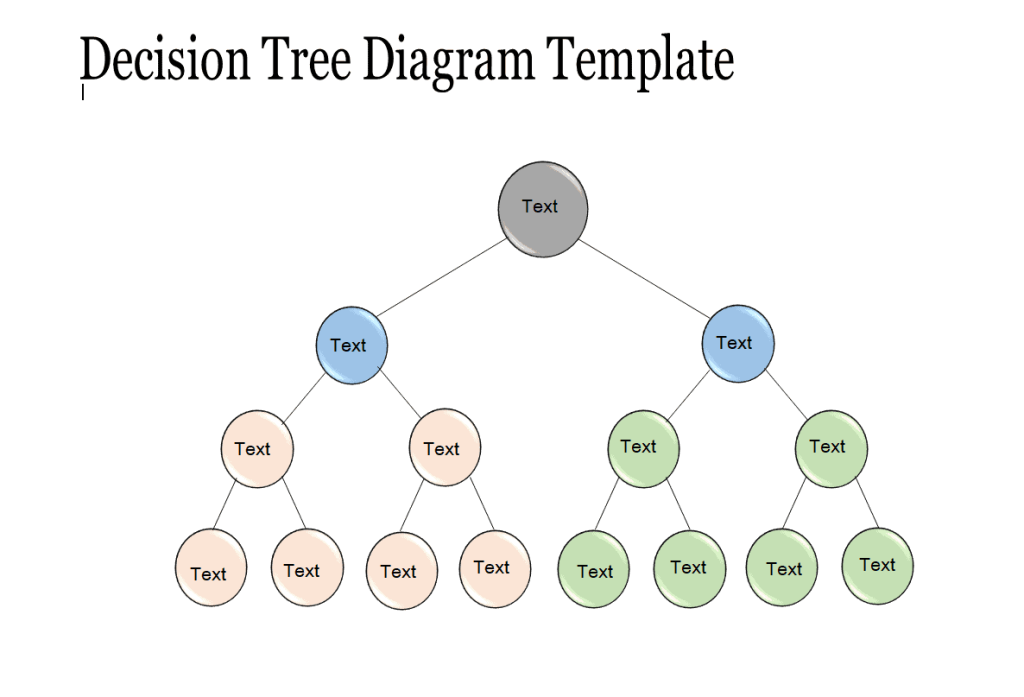
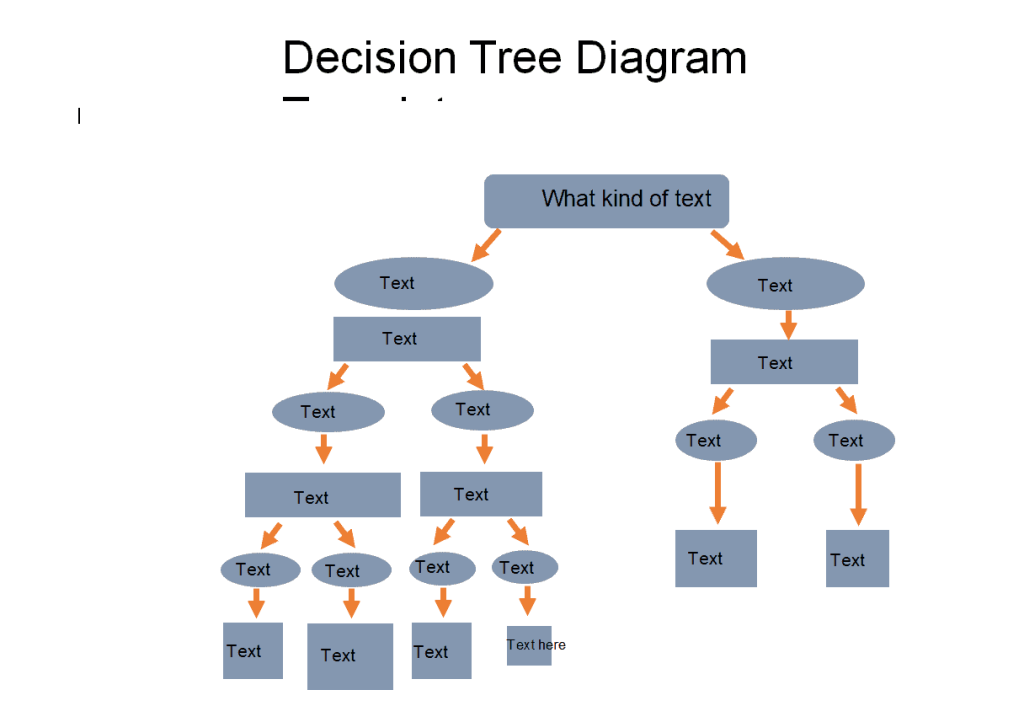
Decision Tree Diagram Template
File Size: 28 KB
File Type: MS WORD
Sample Decision Tree Template
File Size: 59 KB
File Type: MS WORD
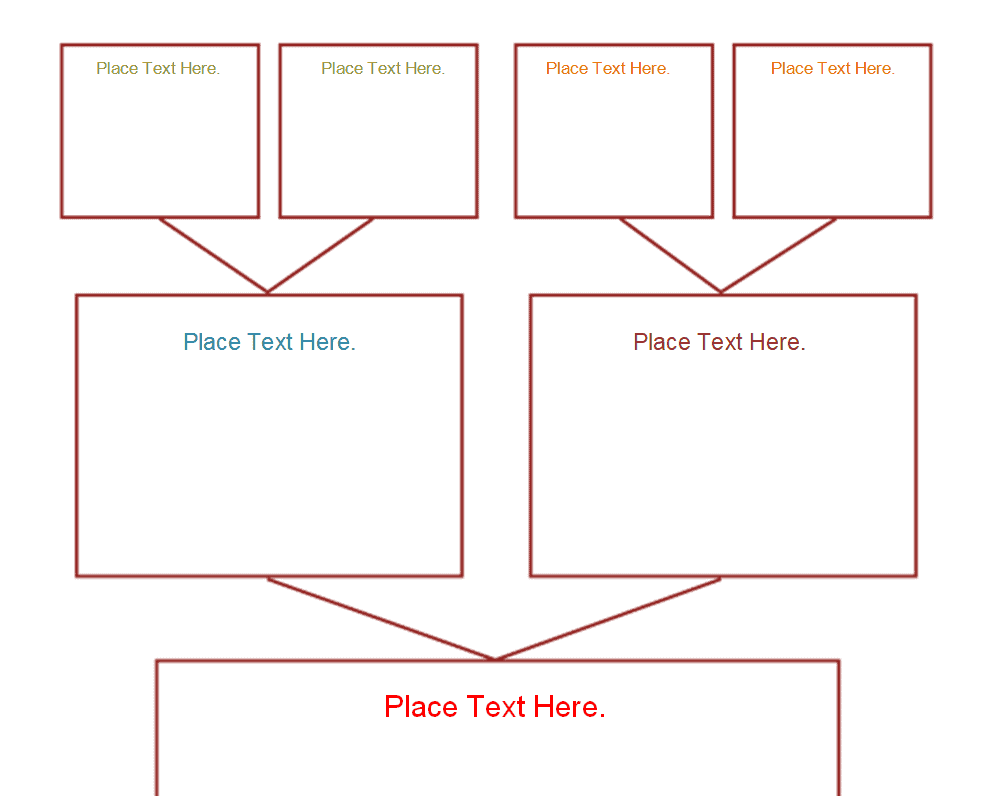
Decision Tree Format Template
File Size: 35 KB
File Type: MS WORD
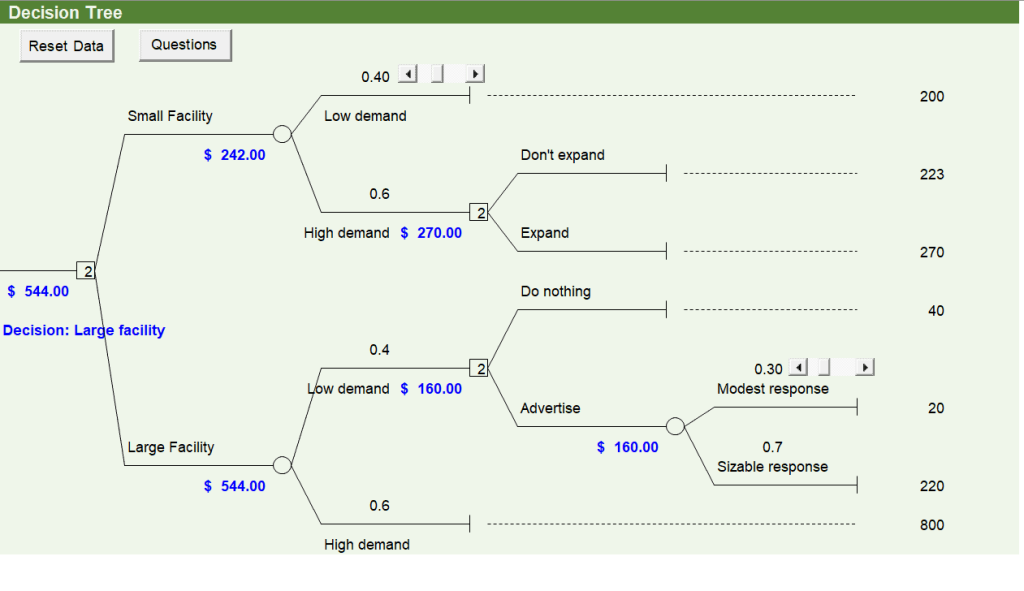
Detailed Decision Tree Template
File Size: 66 KB
File Type: MS EXCEL
Company’s Decision Tree Template
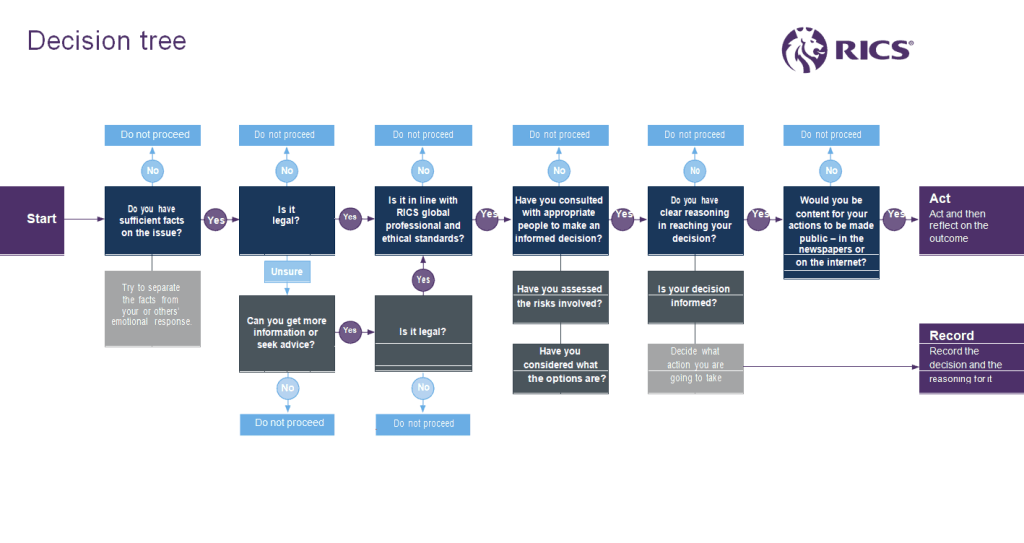
File Size: 37 KB
File Type: MS WORD
Decision Tree Presentation Template
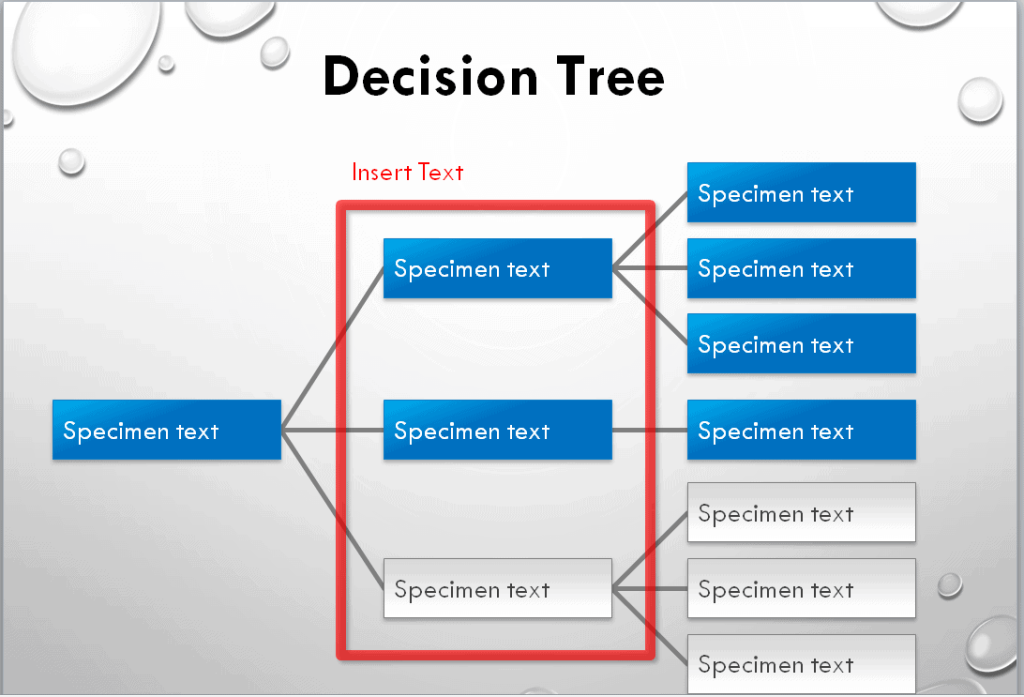
File Size: 540 KB
File Type: POWERPOINT
Example Decision Tree Template
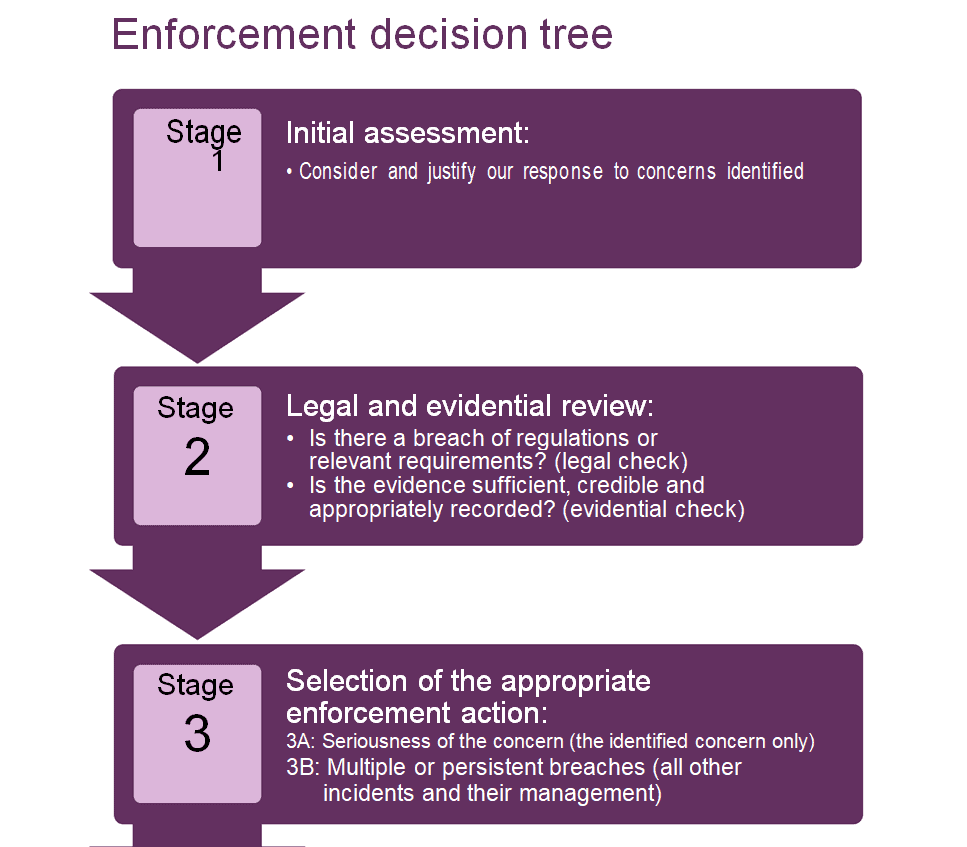
File Size: 131 KB
File Type: MS WORD
Official Decision Tree Template
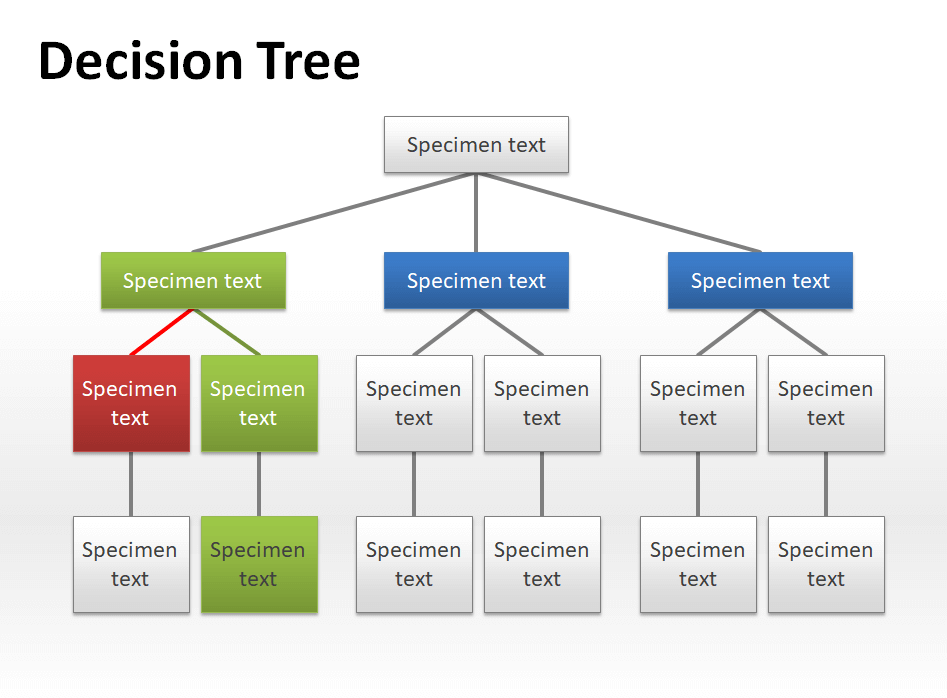
File Size: 84 KB
File Type: POWERPOINT
Simple Decision Tree Template
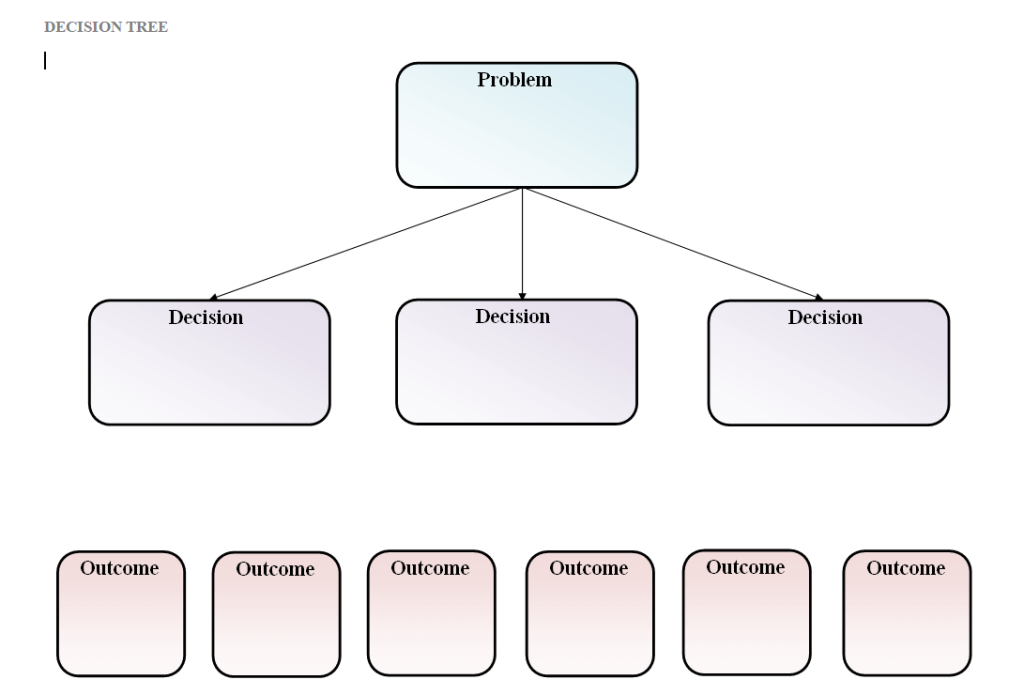
File Size: 10 KB
File Type: MS WORD
Blank Decision Tree Template
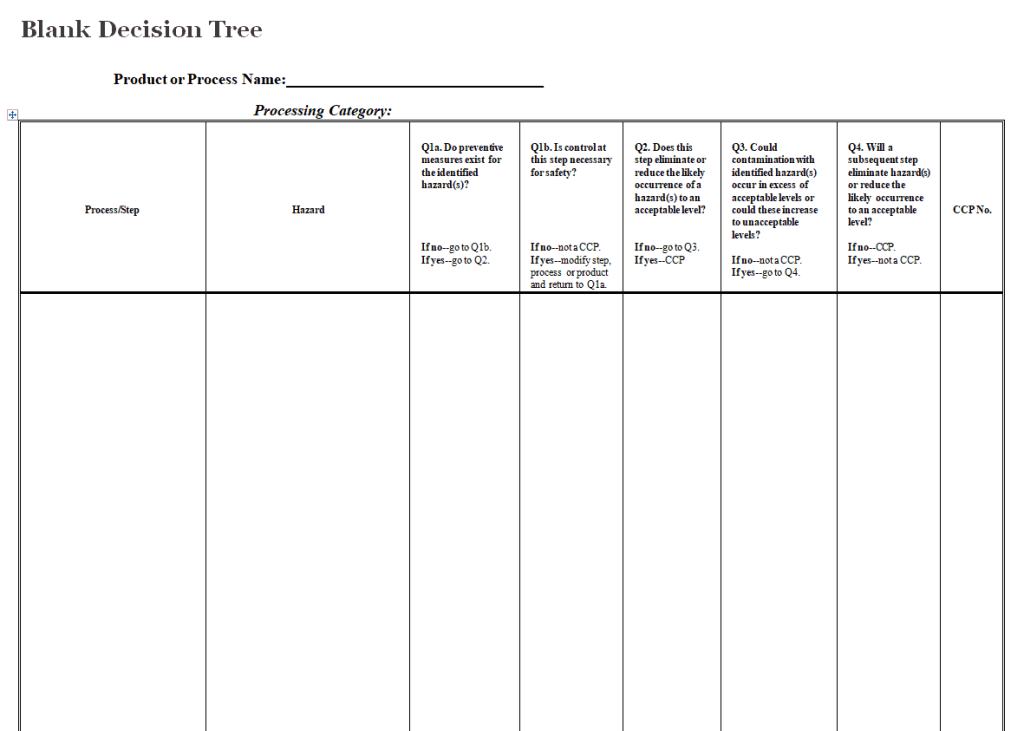
File Size: 4 KB
File Type: MS WORD
Useful Decision Tree Template
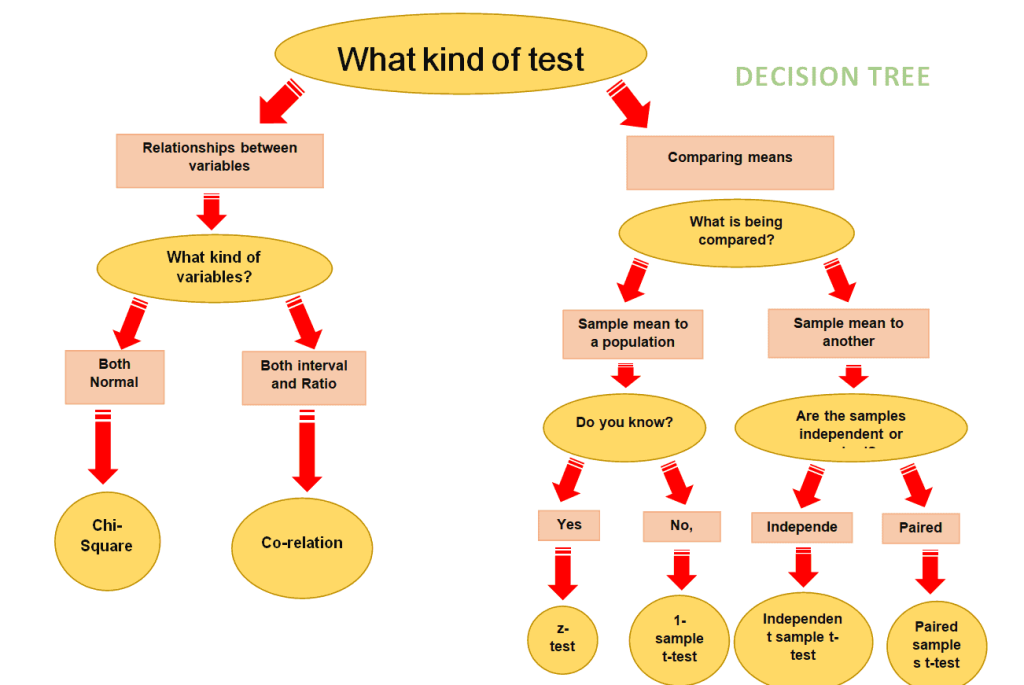
File Size: 59 KB
File Type: MS WORD
Unique Decision Tree Template
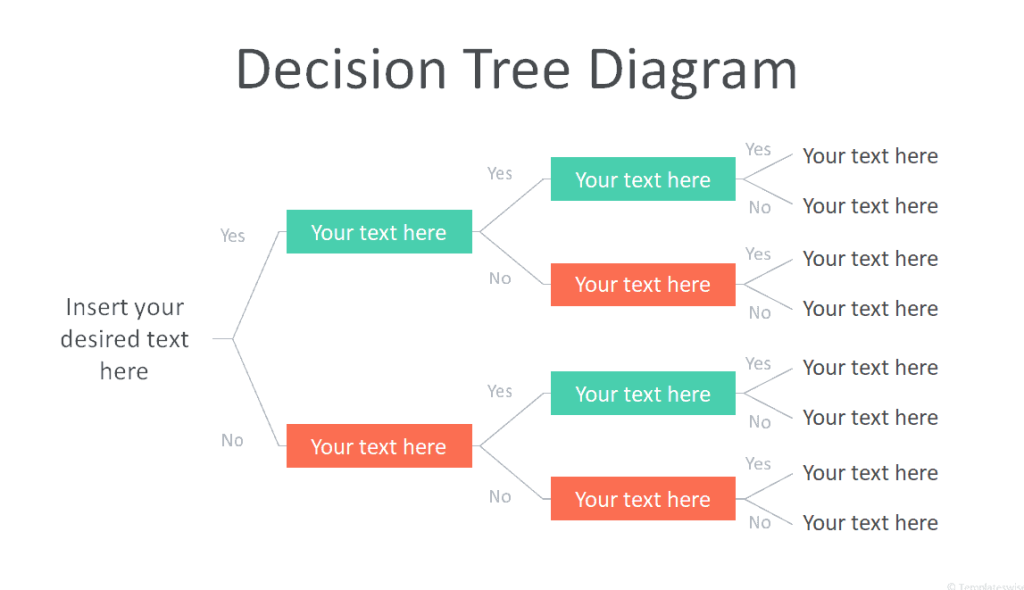
File Size: 732 KB
File Type: POWERPOINT
Financial Decision Tree Template
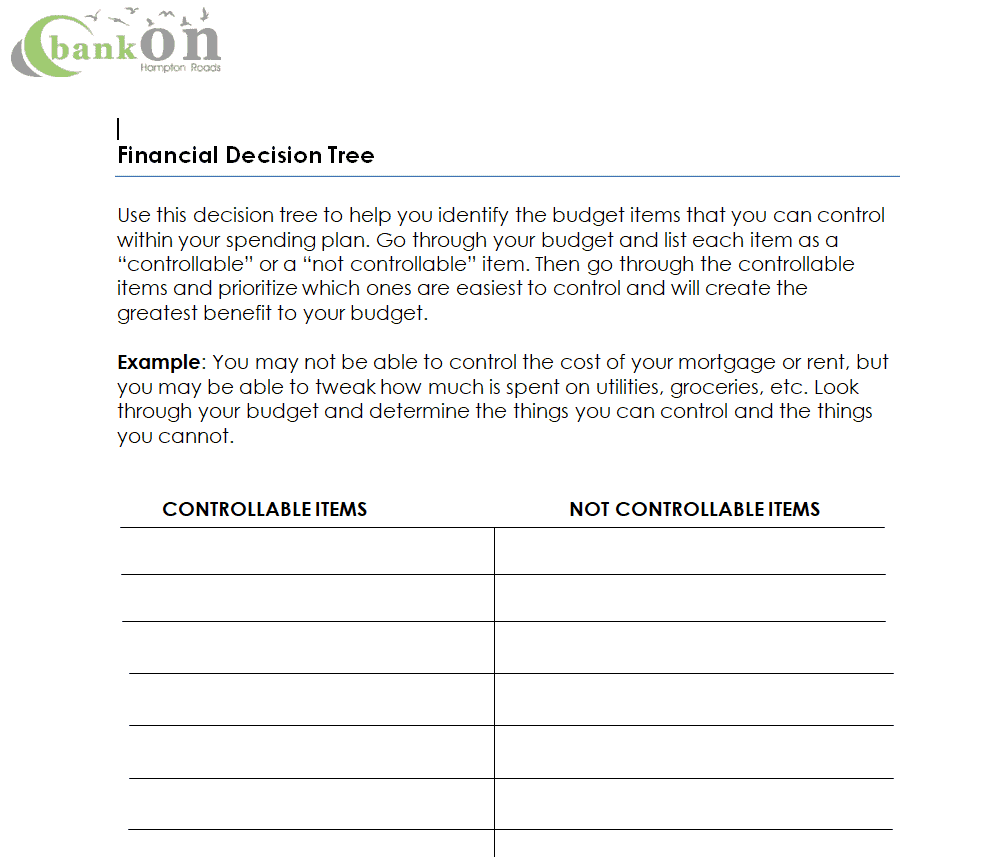
File Size: 10 KB
File Type: MS WORD
Components of a Decision Tree Template
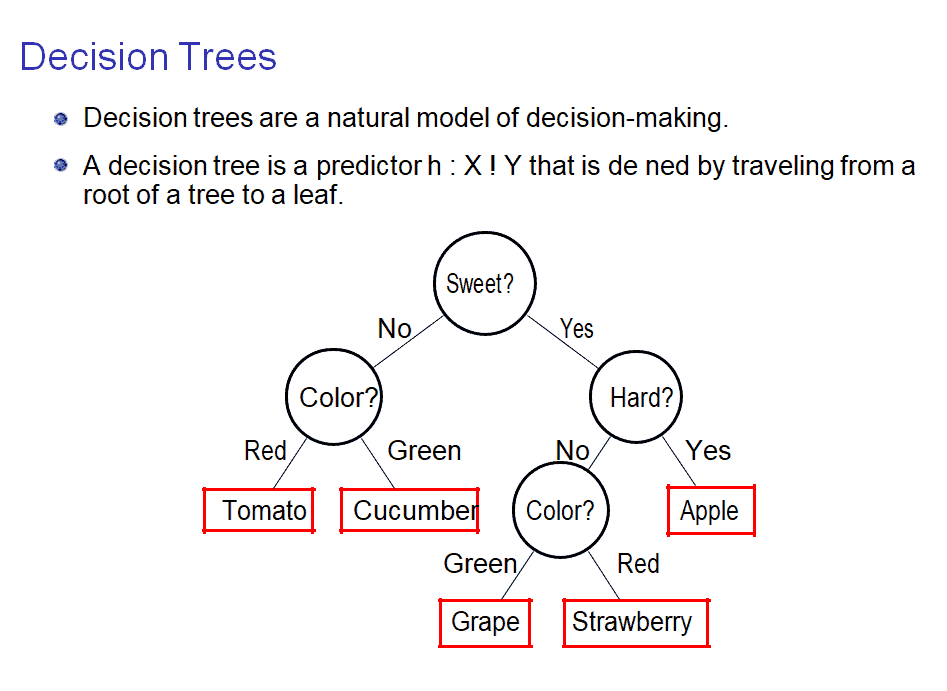
As mentioned before, a decision tree is a tree-like flowchart or diagram. It is because it has different components just like a tree. A typical decision tree template has 3 major components that are explained below:
1. Root (decision node):The root is the topmost part of a decision tree template. It indicates the objective that you desire to achieve or the ultimate decision that you want to make. On a decision tree, the root is placed at the top of the flowchart or diagram. All other elements or possibilities come from the root.
2. Branches (options and chance events):Just like the branches stem out of the root of a tree, in the same way, the branch in a decision tree indicates different possibilities or options that are available so as to make a decision and reach a desirable outcome. The branches are indicated with arrow lines and this section often includes the associated costs of taking a particular action and its possibilities.
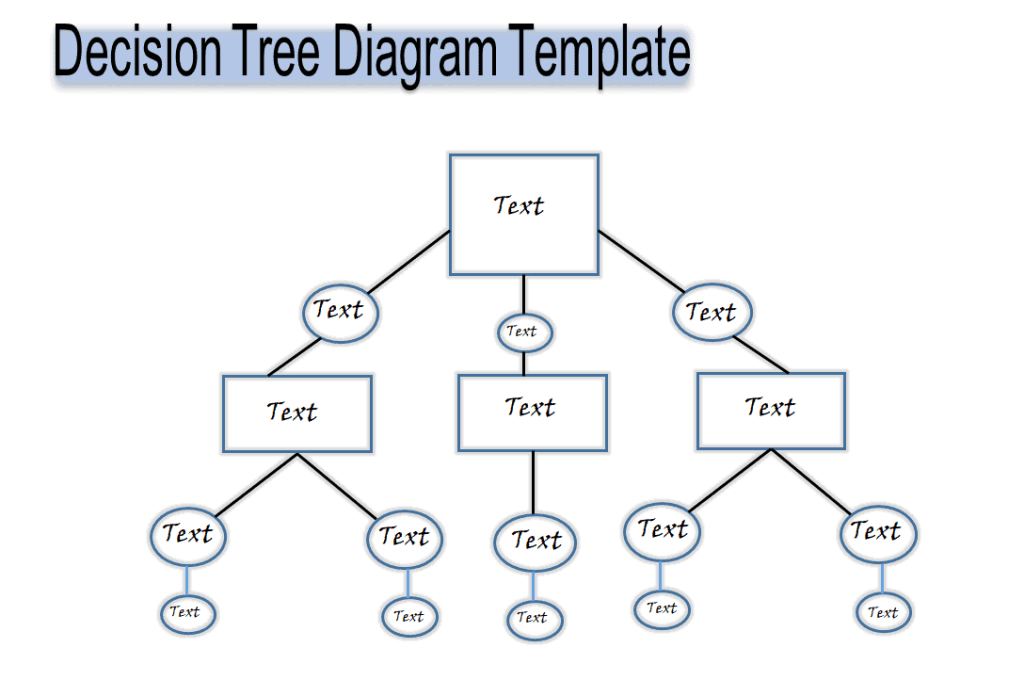
3. Leaves (end nodes or outcomes):As the branches have leaves, a decision tree also contains a leaf section that indicates the actions that you can take in different possibilities or situations, as specified in the branch section. Most commonly, two types of leaves are used, a square and a circle. The square leaf indicates an alternate decision is required to be made whereas a circle leaf indicates uncertain or unknown possibilities or outcomes.
Useful Decision Tree Templates
Sensitive Data Decision Tree Template
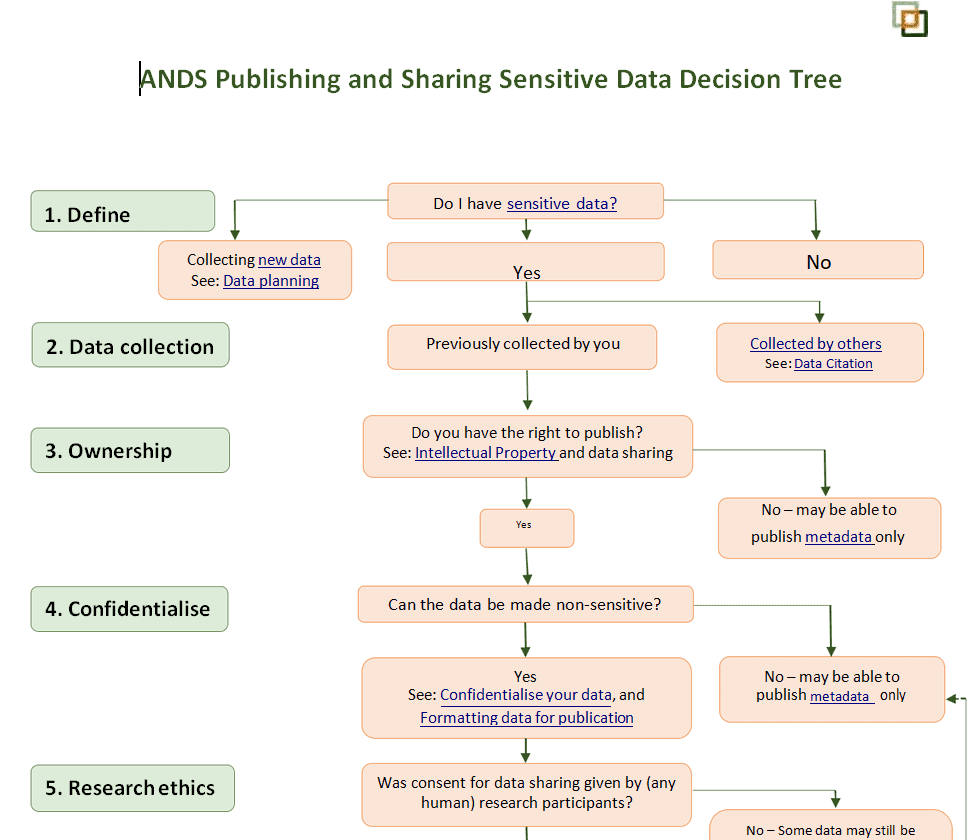
File Size: 49 KB
File Type: MS WORD
Illustrative Decision Tree Template
File Size: 32 KB
File Type: MS WORD
Decision Tree Design Format
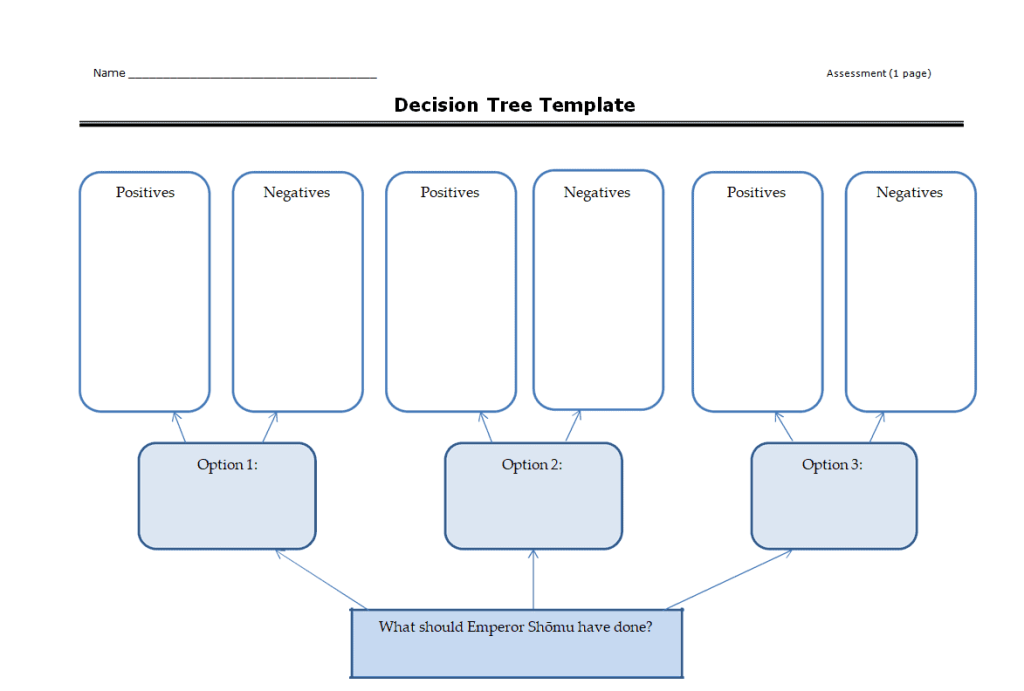
File Size: 35 KB
File Type: MS WORD
Handy Decision Tree Diagram Template
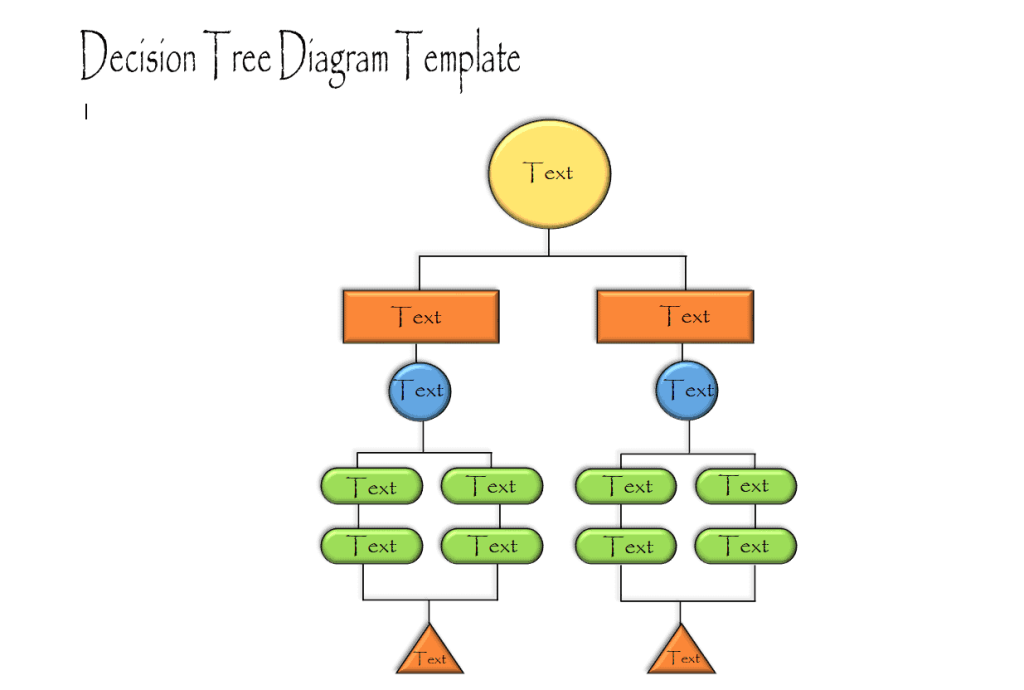
File Size: 41 KB
File Type: MS WORD
Risk Assessment Decision Tree Template
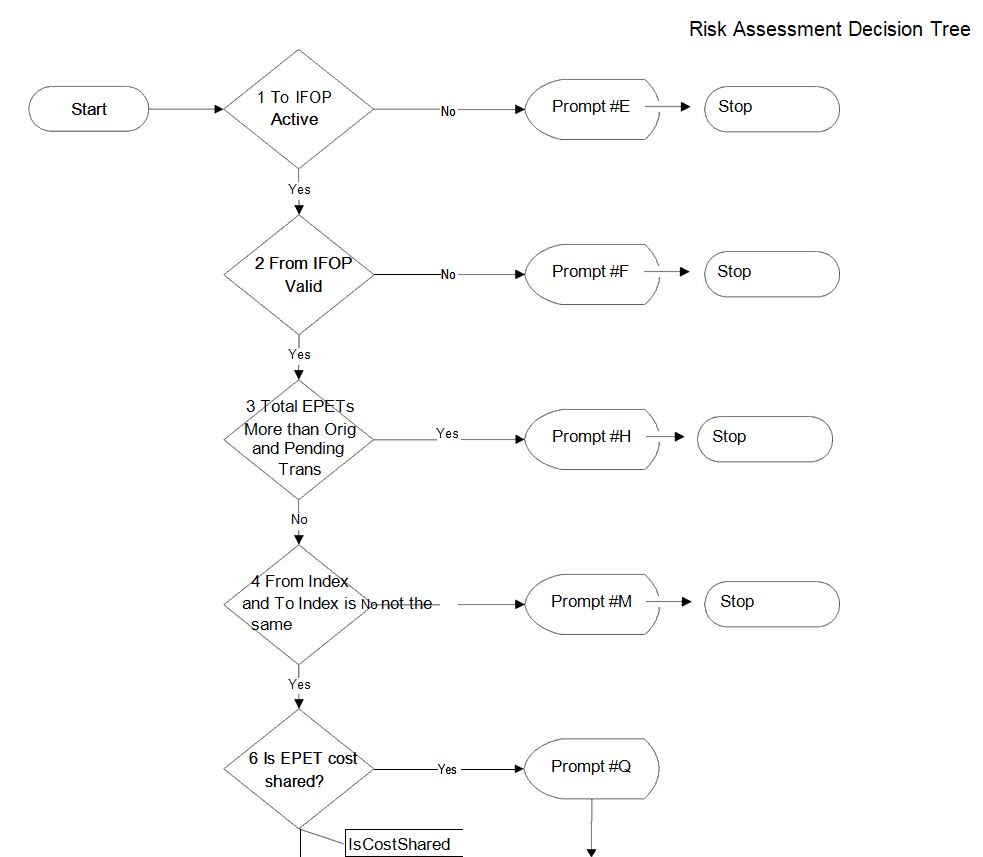
File Size: 364 KB
File Type: MS WORD
Summary Decision Tree Template
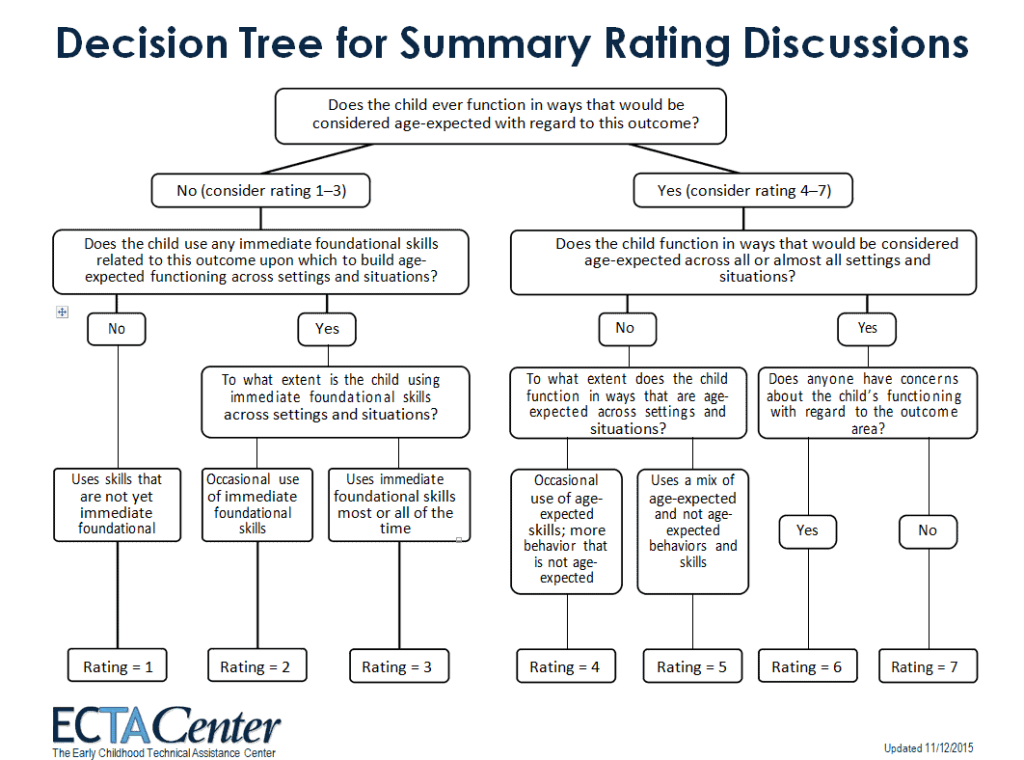
File Size: 44 KB
File Type: MS WORD
Business Associate Decision Tree Template
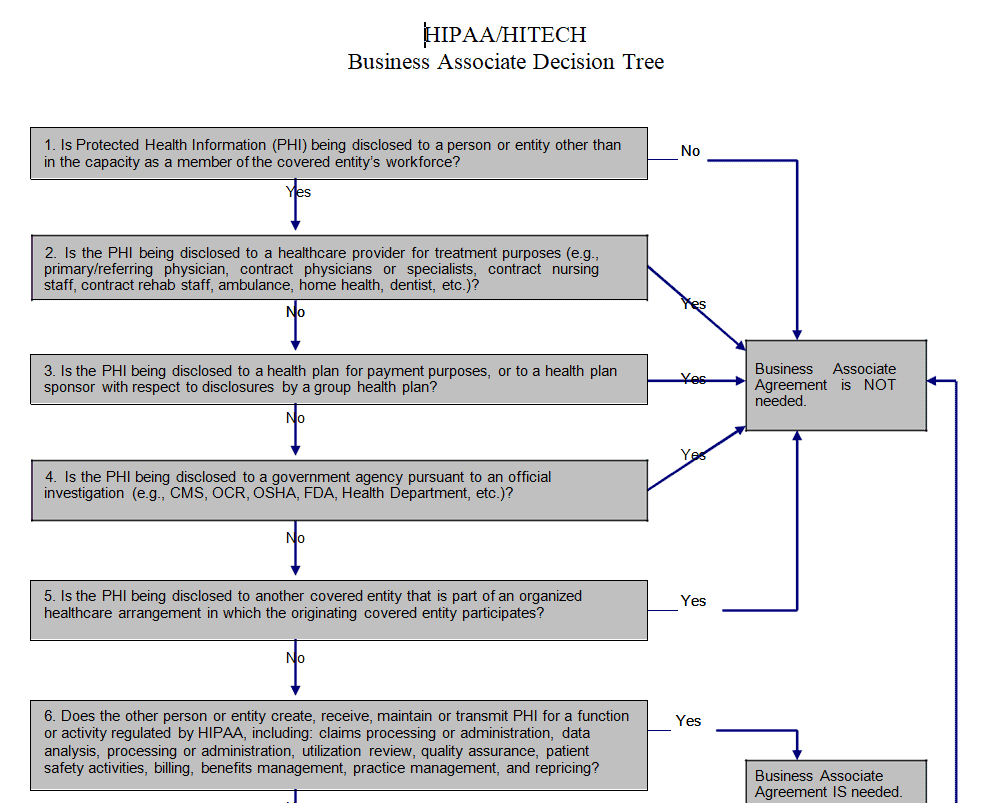
File Size: 21 KB
File Type: MS WORD
Easy Decision Tree Template
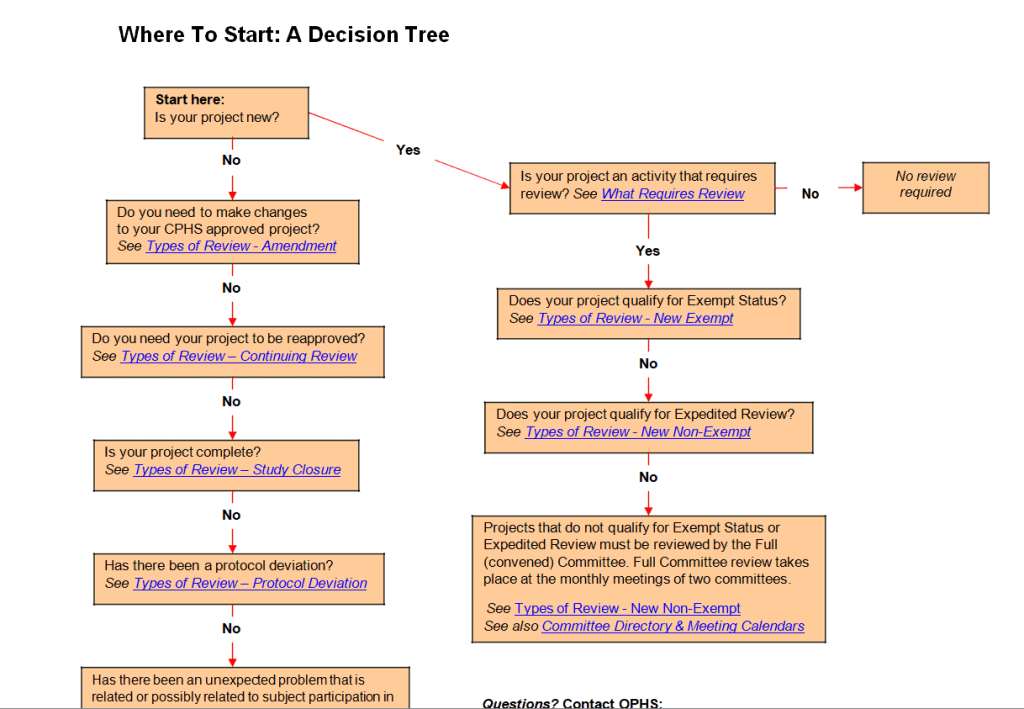
File Size: 12 KB
File Type: MS WORD
Basic Decision Tree Diagram Template
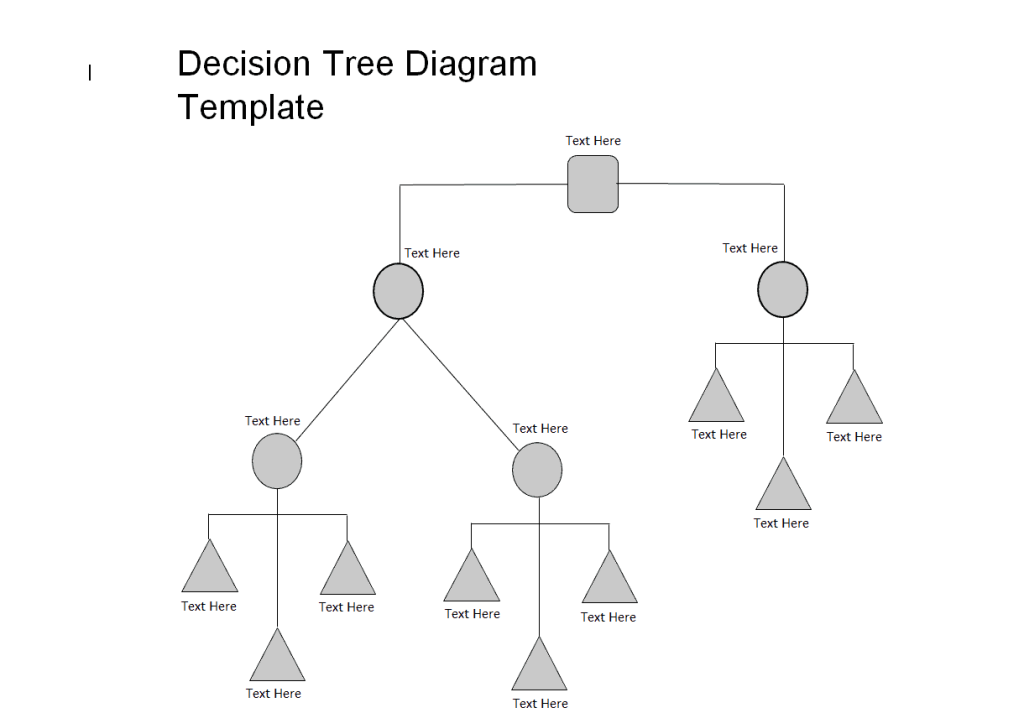
File Size: 32 KB
File Type: MS WORD
Reporting Decision Tree Template
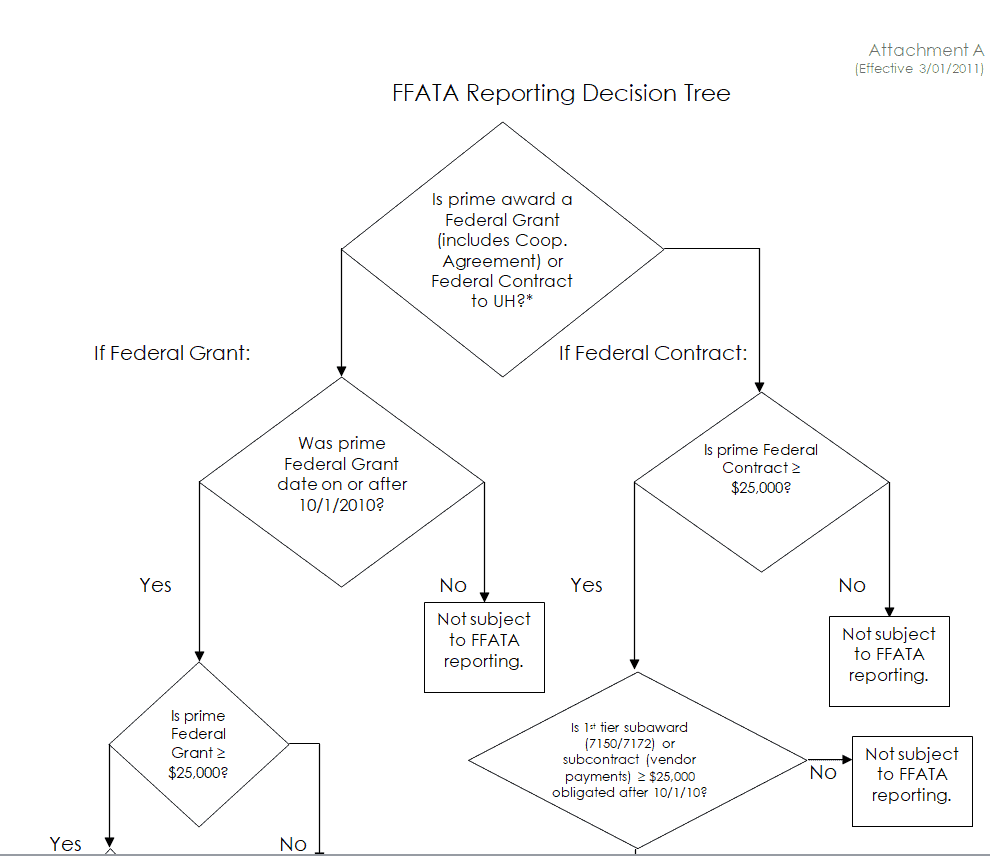
File Size: 10 KB
File Type: MS WORD
Common Decision Tree Template
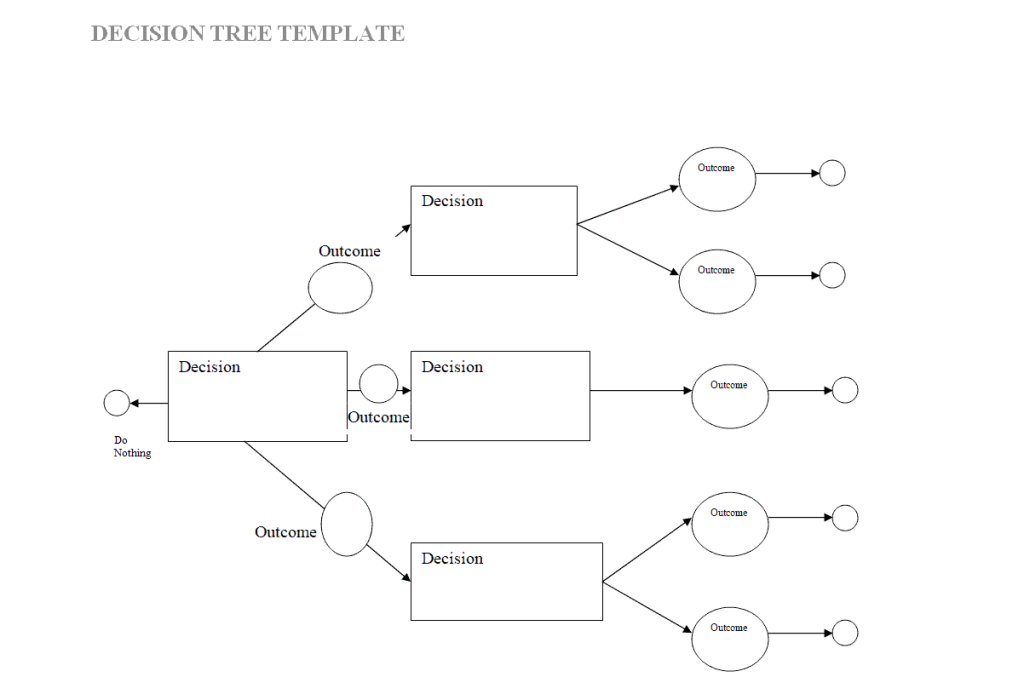
File Size: 8 KB
File Type: MS WORD
Decision Tree Guide Template
File Size: 37 KB
File Type: MS WORD
Importance of a Decision Tree
A decision tree is important for many reasons. It plays a vital role in making important decisions that ultimately lead to the overall growth and development of the business. Some of these reasons for which a decision tree is important are explained below:
1. An effective problem-solving tool:A decision tree is quite an effective tool when it comes to problem-solving. The use of a decision tree enables us to arrive at decisions in an effective manner. It helps in solving problems by taking into account all the possibilities in a given situation. A decision tree provides a detailed overview of all the problems thus making it easy to analyze each and every one of such problems.
2. Affordability:Making a decision tree does not require any fancy equipment or costly resources. Hence a simple diagram or flowchart like a decision tree just requires some planning, assessment, analysis, and some technical skills. Therefore, a decision tree is affordable for all types of businesses irrespective of their size or nature of business.
3. Visual representation of problems:As mentioned before, a decision tree provides a detailed overview of the problems in a given situation. It visually represents the problems of a specific situation so as to make it easy for everyone to understand what actually the problems are and how to deal with them.
4. Flexibility:Flexibility is also one of the most important reasons for using a decision tree so as to take a specific decision. As a decision tree is a non-linear flowchart or diagram, it enables you to do more planning and explore many different possible outcomes or situations, regardless of the fact that they happen or not.
5. Based on actual data and facts:Although consulting and taking opinions is useful, relying too much on those opinions can prove to be risky sometimes. As a decision tree is based and built upon actual data and facts, and not emotions or feelings, it enables the users to calculate and analyze the risks and rewards as a whole.
6. Simple and easy to understand:As the decision tree visually represents each and everything, it makes it quite easy to communicate even very complex processes. It simplifies the complex and complicated process by demonstrating the cause-and-effect relationships. Even if someone is unaware of the situation, he/she can also understand the situation through a decision tree as it is a straightforward and easy-to-understand tool.
7. Makes everything clear:The predictive nature of a decision tree makes everything very clear for the users like choices, risks, objectives, and rewards. Thus it makes you able to analyze and assess the whole situation and safeguards your interests before investing your valuable time and resources.
How to Make a Decision Tree Using a Template
A ready-made decision tree template saves you from drawing shapes and connectors from scratch. Follow these simple steps to build a clear and useful decision tree diagram:
1. Define the main decision: Write the key question or problem in the root node on the left or top of the template, for example “Should we launch the new product this year?” Keep it short and specific.
2. List all possible options: Draw a branch for each alternative you can choose. Most templates use squares for decision nodes, circles for chance nodes (uncertain events), and triangles or end boxes for final outcomes.
3. Add chance events and probabilities: For every option, think about what could happen next, such as high demand or low demand, and estimate the probability of each event. The probabilities on branches leaving one chance node should add up to 100%.
4. Estimate costs and payoffs: Write the cost, profit, or value of each final outcome at the end of the branch. Use real data from past projects, budgets, or market research wherever possible.
5. Calculate the expected value: Multiply each outcome by its probability and add the results for every chance node. Then subtract the cost of each option. The option with the highest expected value is usually the best choice.
6. Review and share the diagram: Check the tree with your team, update any numbers that look unrealistic, and present the final version in a meeting. Record the agreed decision in your meeting minutes so everyone knows the next steps.
Decision Tree Examples and Common Uses
Decision trees are used in almost every field. Here are some popular decision tree examples you can create with the templates above:
Business strategy: Compare options such as expanding to a new market, launching a product, or opening a new branch. A decision tree works well alongside a SWOT analysis that lists strengths, weaknesses, opportunities, and threats.
Project management: Choose between vendors, technologies, or timelines before you finalize your project charter. The tree makes trade-offs between cost, time, and risk easy to see.
Finance and investment: Evaluate whether to buy or lease equipment, approve a loan, or invest in a project by comparing expected returns against costs.
Risk assessment and compliance: Map out what to do when a risk occurs, for example how to classify sensitive data or when a third party counts as a business associate. These trees often become part of a company’s standard operating procedures (SOPs).
Customer support and troubleshooting: Guide support staff through yes/no questions to solve common problems quickly and consistently.
Machine learning and data analysis: In data science, a decision tree is a classification and regression model that splits data into branches based on features. The visual templates here are a great way to explain how such a model makes its predictions.
Personal decisions: Choosing a job offer, a college, or a large purchase becomes easier when you lay out each option and its likely outcome on paper.
Frequently Asked Questions (FAQs) About Decision Trees
What is a decision tree?
A decision tree is a tree-shaped diagram that shows a decision, the possible choices, the chance events that may follow, and the final outcomes of each path. It helps you compare options and pick the one with the best expected result.
What are the main parts of a decision tree?
A decision tree has a root (the main decision), branches (the options and chance events), and leaves (the end outcomes). Decision nodes are usually squares, chance nodes are circles, and end nodes are triangles.
Are these decision tree templates free?
Yes. All 25 decision tree templates on this page are free to download, edit, and use for personal, school, or business purposes.
Can I make a decision tree in Word or PowerPoint?
Yes. Download a template, open it in Microsoft Word or PowerPoint, and edit the text boxes, shapes, and connector lines. You can also use SmartArt or the Shapes menu to add more branches.
How do you calculate expected value in a decision tree?
Multiply the payoff of each outcome by its probability, add these values for each chance node, and subtract the cost of the option. Compare the totals and choose the option with the highest expected value.
What is the difference between a decision tree and a flowchart?
A flowchart shows the steps of a process in order, while a decision tree focuses on choices, uncertain events, and their outcomes, often with probabilities and values attached.
What are the limitations of a decision tree?
Large trees can become complex and hard to read, and results depend on the accuracy of your probability and cost estimates. Keep the tree focused and update it when new data becomes available.
Conclusion
A decision tree turns a confusing choice into a clear visual map of options, risks, and rewards. With these 25 free decision tree templates and diagram examples, you can analyze business, project, financial, or personal decisions in minutes. Download the template that fits your needs, add your own data, and share your findings in a summary report to support confident, fact-based decision-making.
