Maintaining consistency, safety and quality across business operations requires clear, repeatable documentation. A Standard Operating Procedure (SOP) is a step-by-step document that outlines how employees should perform routine tasks, complex operational workflows or compliance procedures.
Using editable SOP templates in Microsoft Word streamlines employee onboarding, reduces human error, supports regulatory compliance (such as ISO, OSHA or GDPR) and preserves institutional knowledge within your organization.
The Standard Operating Procedure Lifecycle
Every SOP goes through the same four-stage cycle:
- Process Mapping & Scope Definition: Observe how the task is done today and decide where the procedure starts and ends.
- Drafting & Step Itemisation: Write each action as a short, numbered step.
- Management Review & Staff Sign-Off: Test the draft with the people who do the work, then get it approved.
- Periodic Review & Version Updates: Review the SOP regularly and publish a new version whenever the process changes.
Core SOP Formats & Structural Levels
| SOP Format Level | Primary Use Case | Best Suited Layout | Format |
| Simple Step-by-Step | Routine, linear tasks with minimal decision-making (e.g., daily store opening/closing). | Numbered bullet points with clear visual screenshots. | Word |
| Hierarchical Steps | Complex operations with multi-tier sub-tasks (e.g., equipment calibration or server deployment). | Main headers with nested sub-steps and safety warnings. | Word |
| Flowchart & Matrix SOP | Workflows with multiple conditional decision branches (e.g., customer return processing). | Visual decision trees paired with responsibility tables. | Word / Excel |
| Audit & Quality Checklist | High-compliance environments requiring sign-off logs (e.g., facility maintenance or safety inspections). | Grid tables with pass/fail tick boxes and signature rows. | Excel |
Essential Components of an Auditable SOP Template
To ensure compliance during internal audits or ISO certifications, every SOP document must contain these mandatory elements:
- Document Control Header: Official SOP title, unique Document ID, revision number, creation date, and effective date.
- Governance Details: Author name, reviewer title, approving manager signature, and assigned department.
- Purpose & Scope: Clear definition of what the procedure achieves and who must follow it (along with explicitly stated exclusions).
- Definitions & Acronyms: Clarification of technical terms, software names, or industry jargon used in the document.
- Required Tools & Resources: List of necessary equipment, safety gear (PPE), software access rights, or inputs required before starting.
- Step-by-Step Instructions: Chronological, action-oriented directives written in clear imperative language (e.g., “Press button A,” “Verify log B”).
- Revision History Table: A dedicated log at the end of the document detailing what changed, who updated it, and why.
Best Practices for Writing Effective SOPs
Enforce Version Control: Always archive older document versions when publishing updates to prevent staff from using outdated guidelines.
Use Direct, Action-Oriented Language: Begin each procedural step with an active verb (e.g., Inspect, Calculate, Submit, Verify) rather than passive descriptions.
Keep Steps Concise: Limit each numbered step to a single specific action to prevent confusion on the shop floor or in office settings.
Incorporate Visual Aid Screenshots: Add annotated diagrams or photos directly into Microsoft Word templates to illustrate complex steps.
SOP Templates in MS Word
Company SOP Template
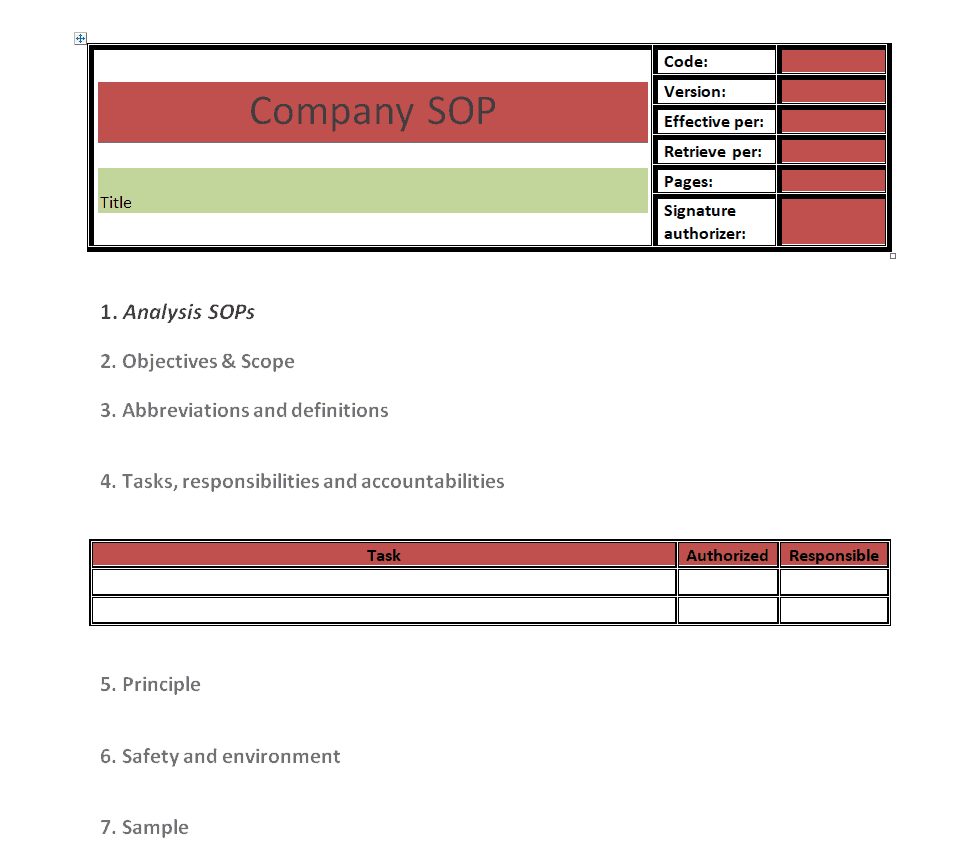
File Size: 8 KB
File Type: MS WORD
Research Site SOP Template
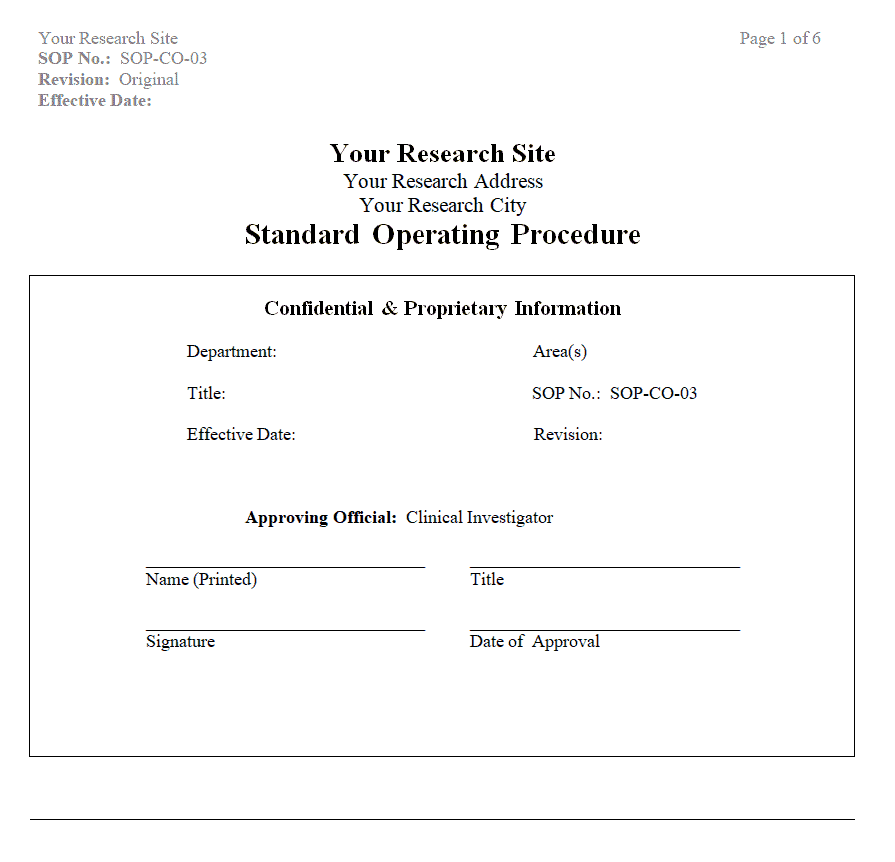
File Size: 15 KB
File Type: MS WORD
Research Laboratory’s SOP Template
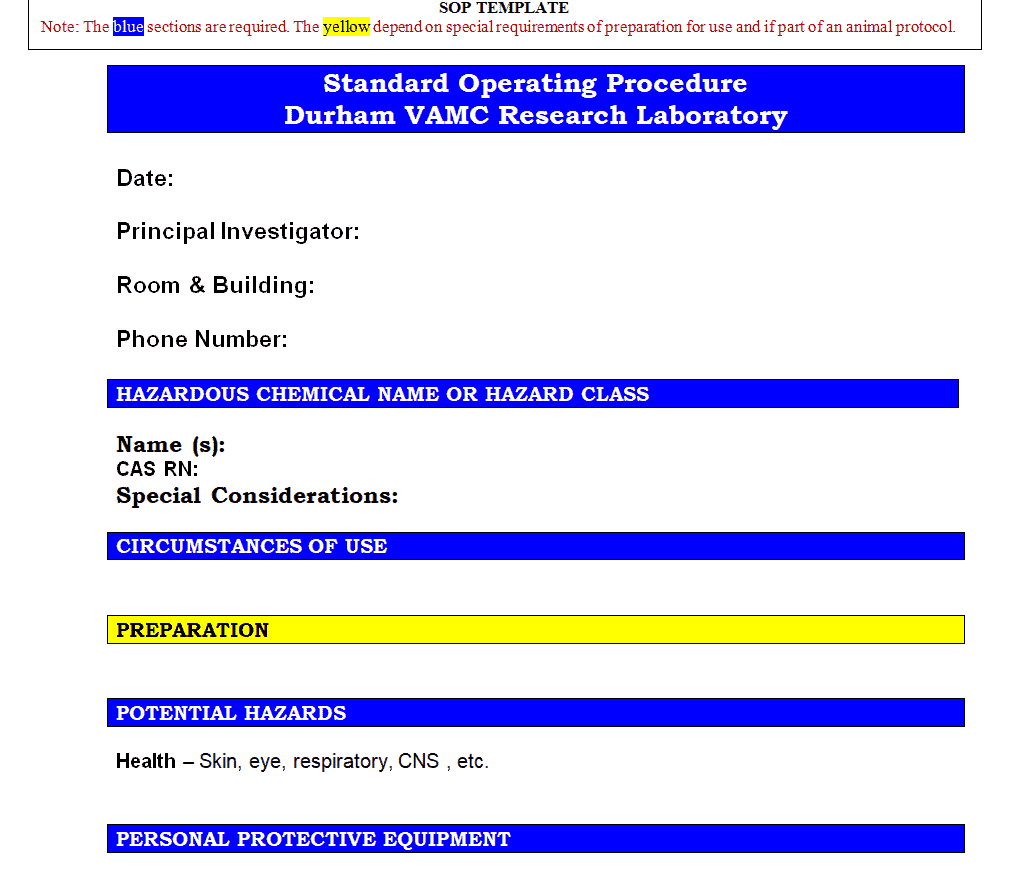
File Size: 12 KB
File Type: MS WORD
Organization’s SOP Template
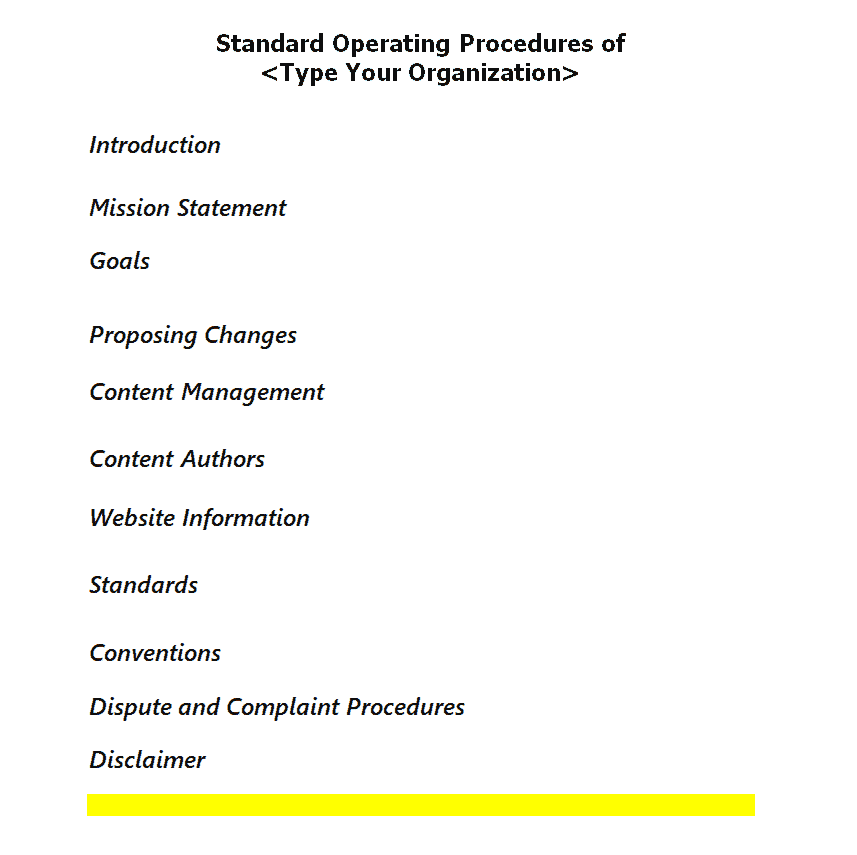
File Size: 10 KB
File Type: MS WORD
Blank SOP Template
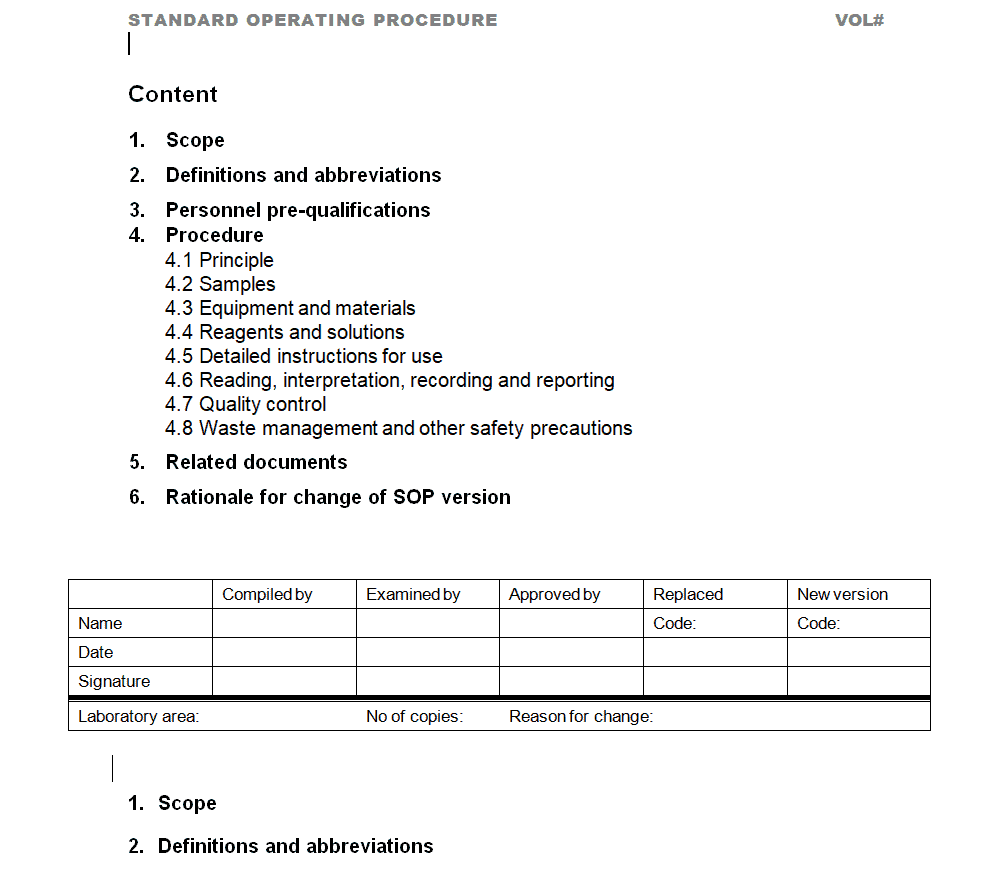
File Size: 11 KB
File Type: MS WORD
Office SOP Template
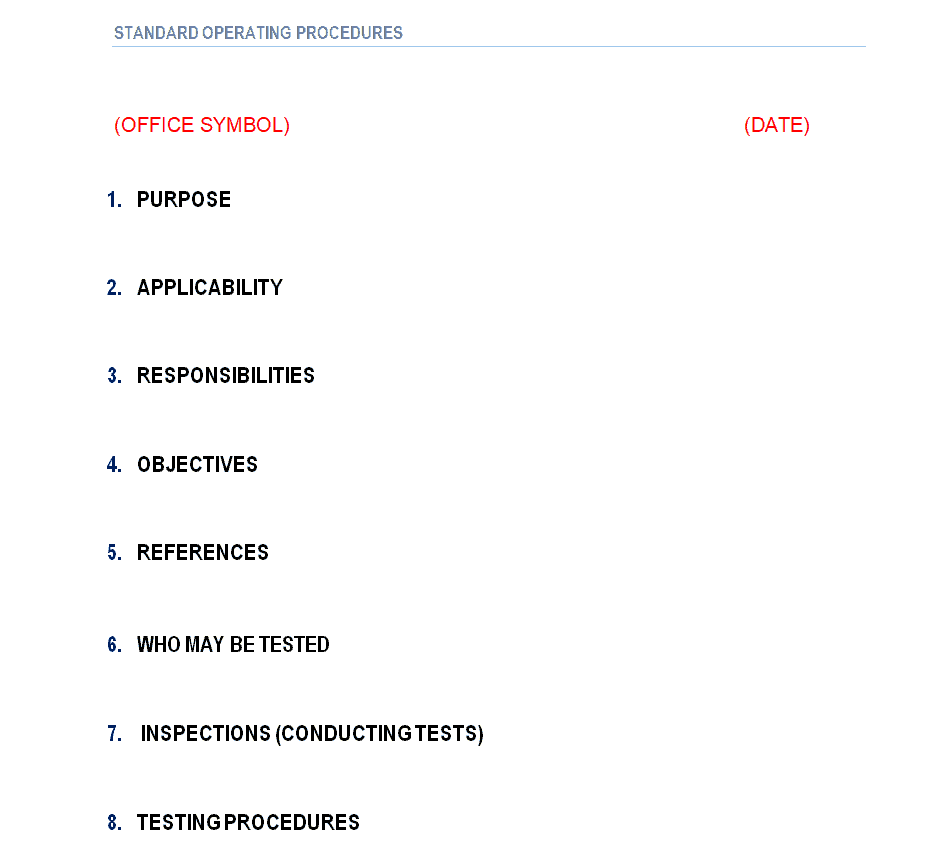
File Size: 14 KB
File Type: MS WORD
Example SOP Template
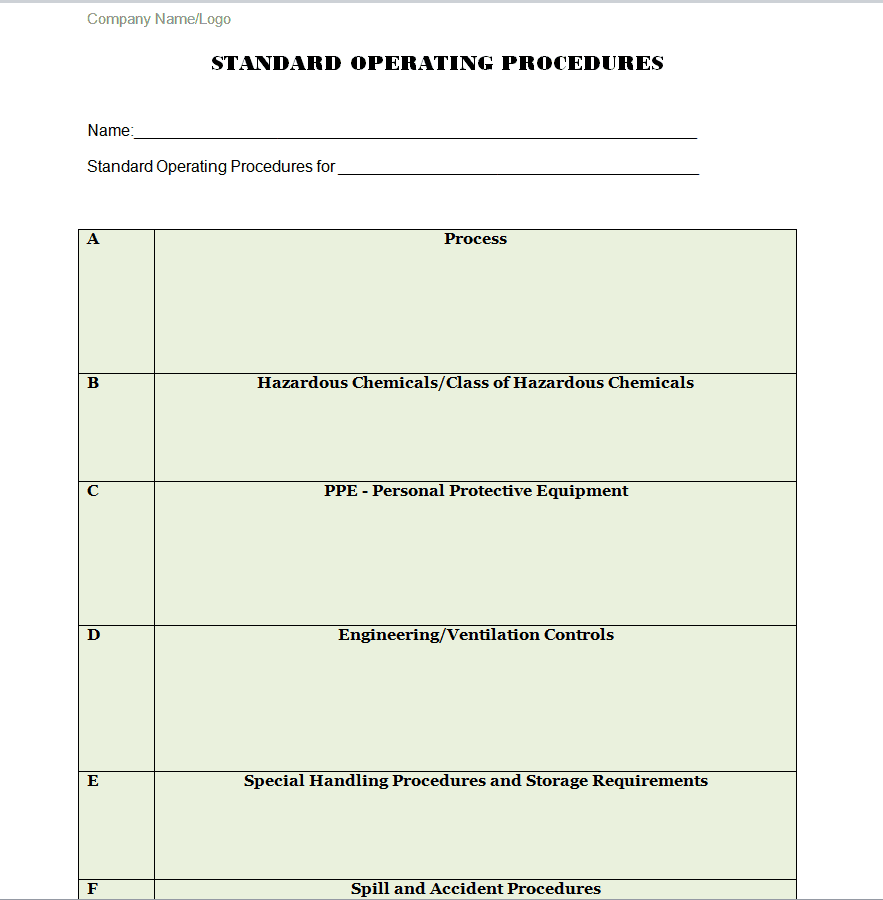
File Size: 7 KB
File Type: MS WORD
Help Desk SOP Template
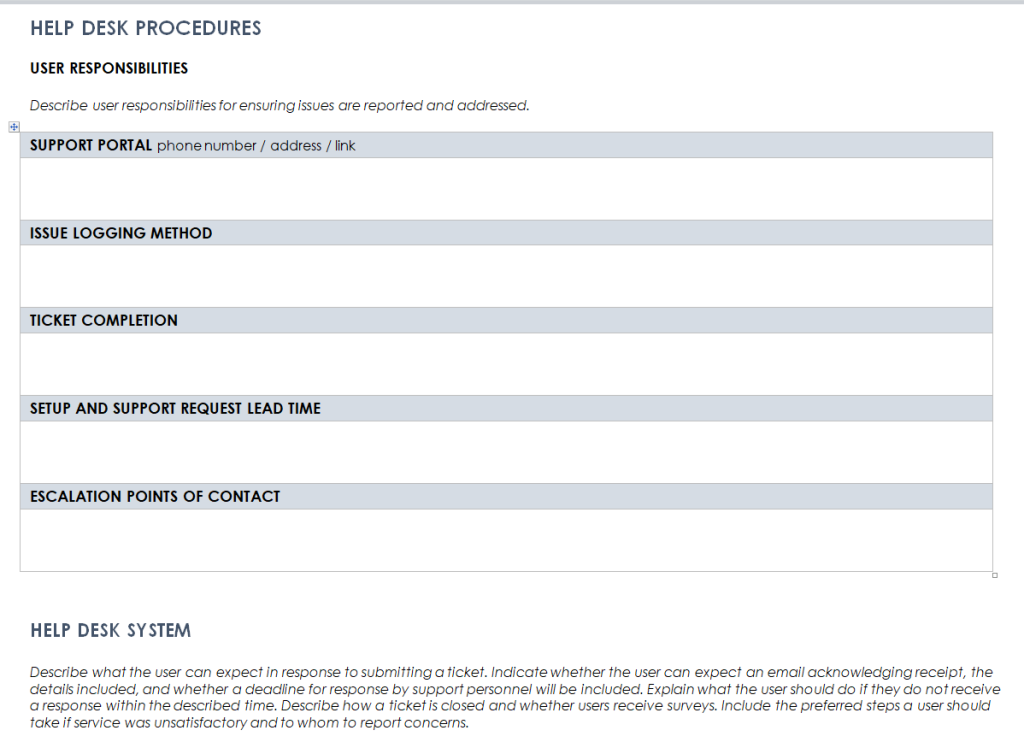
File Size: 107 KB
File Type: MS WORD
Fillable SOP Template Word
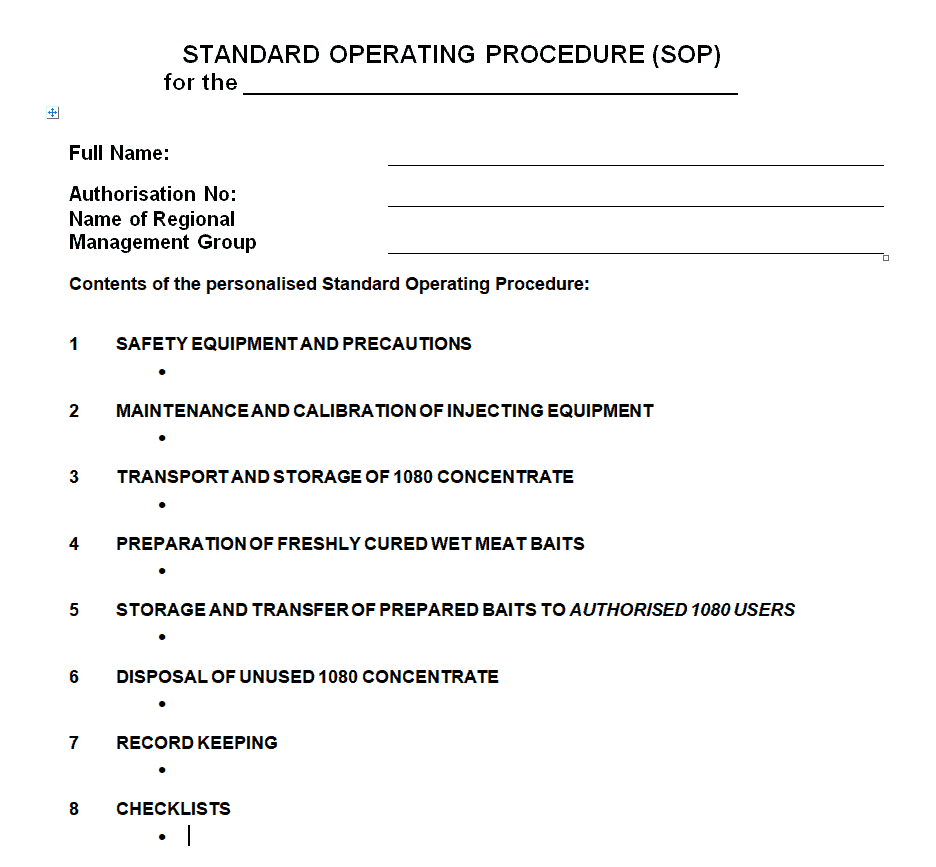
File Size: 14 KB
File Type: MS WORD
COVID-19 Response SOP Template
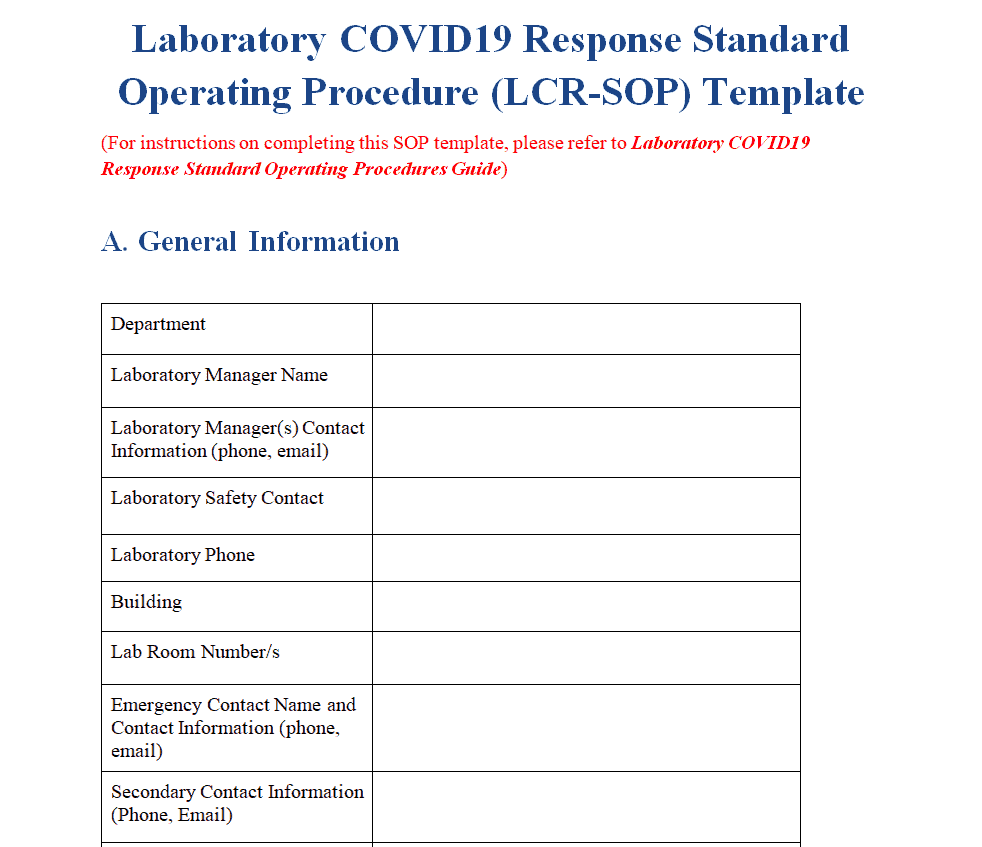
File Size: 18 KB
File Type: MS WORD
Hospital’s SOP Template

File Size: 68 KB
File Type: MS WORD
Restaurant SOP Template

File Size: 60 KB
File Type: MS WORD
Simple SOP Template
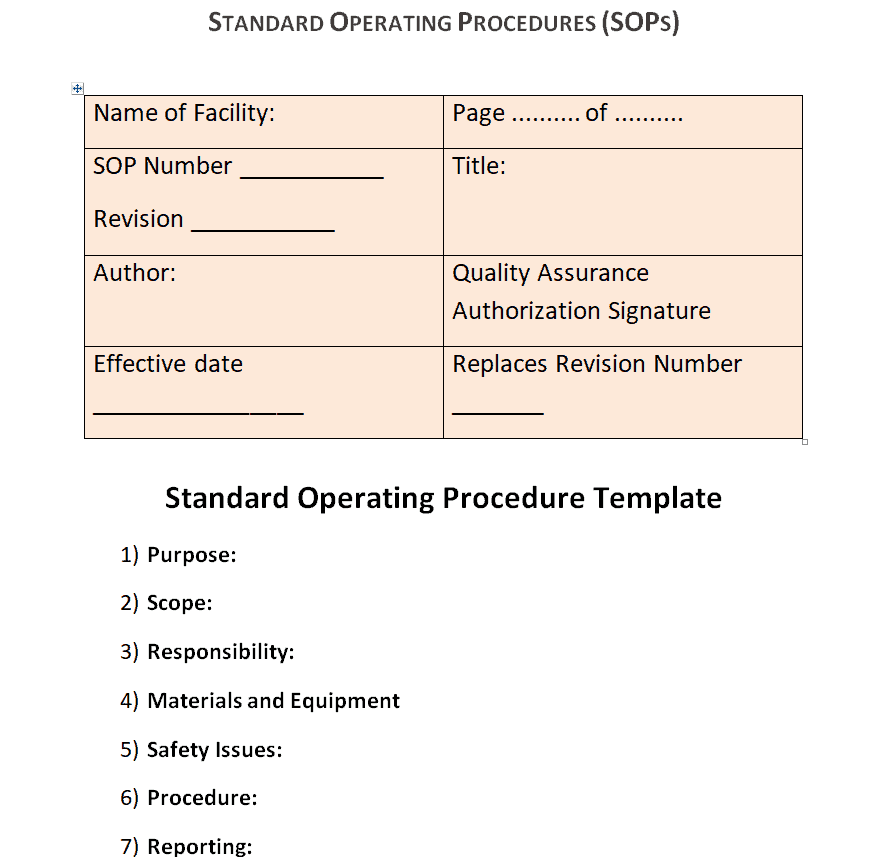
File Size: 7 KB
File Type: MS WORD
Editable SOP Maker Template
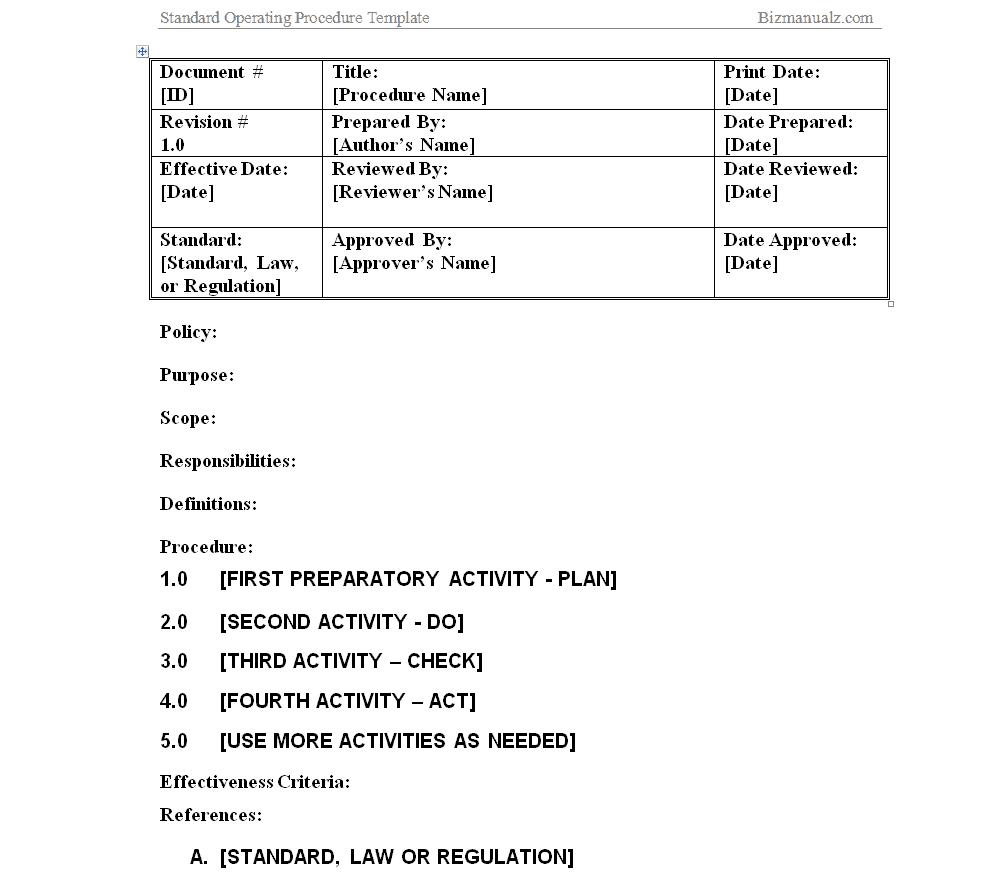
File Size: 15 KB
File Type: MS WORD
How to Write a Standard Operating Procedure (SOP)
Although the editable SOP templates provided on this page will reduce a lot of your time and effort in creating an SOP template or sample from scratch but if you still want to know how to write a perfect Standard Operating Procedure or SOP, make sure to follow the given below steps.
- Choose an industry or department specific format to create an SOP template from scratch.
- Add the title of the SOP in big bold letters at the top centre of the document.
- Mention the name of department for which the SOP is being defined or written.
- Mention the number or code of the Standard Operating Procedure.
- While writing an SOP, it is important to keep the audience in mind i.e., the people for which you are writing or defining the SOP.
- Consider and include customer feedback and the user experience of the people affected by the process.
- Clearly define the scope of the document, i.e., which department or individuals it applies to.
- Define the beginning and ending of the procedure so as to avoid any confusion or misunderstanding.
- Consider and explain the risks involved so as to encourage the personnel safety.
- Verify the set procedures so as to clearly determine whether or not the procedures are actually correct.
- Use appropriate language and tone for your audience so that there remains no ambiguity in understanding the procedure or procedures.
- Before finalizing the SOP, make sure to review it yourself and get it reviewed by a senior individual like a manager, and a group of individuals for whom the SOP is written.
More SOP Templates
Official SOP Template
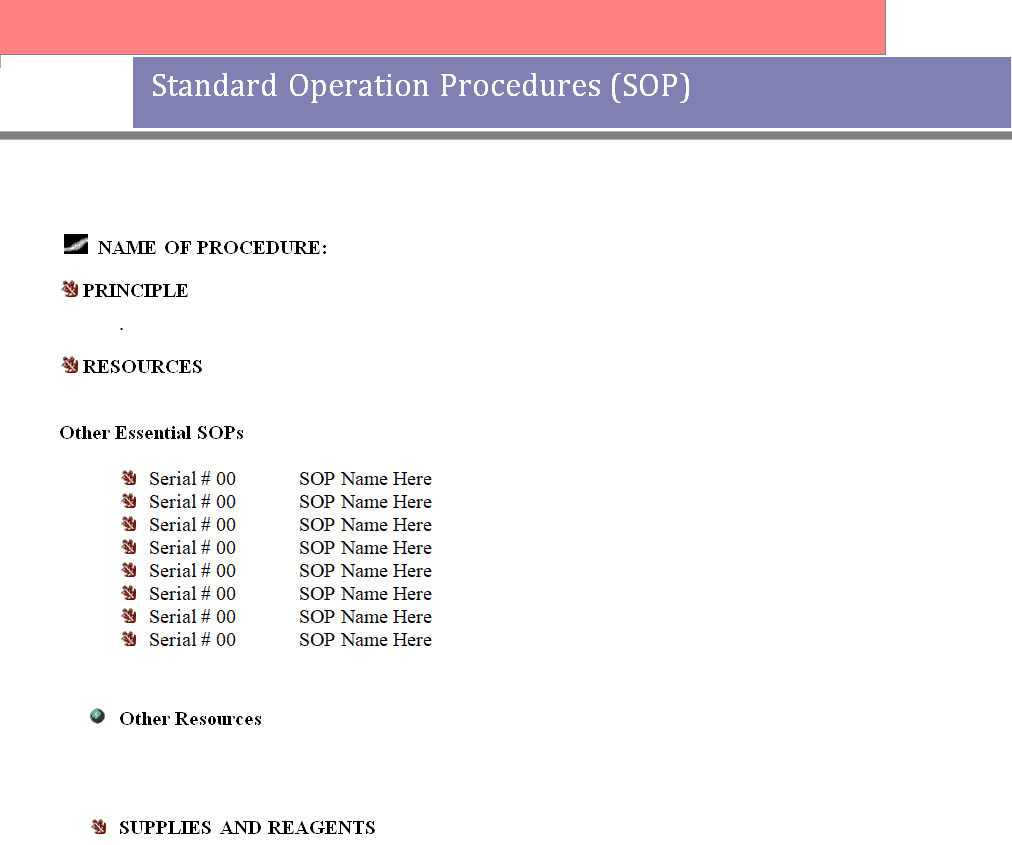
File Size: 11 KB
File Type: MS WORD
Warehouse SOP Template
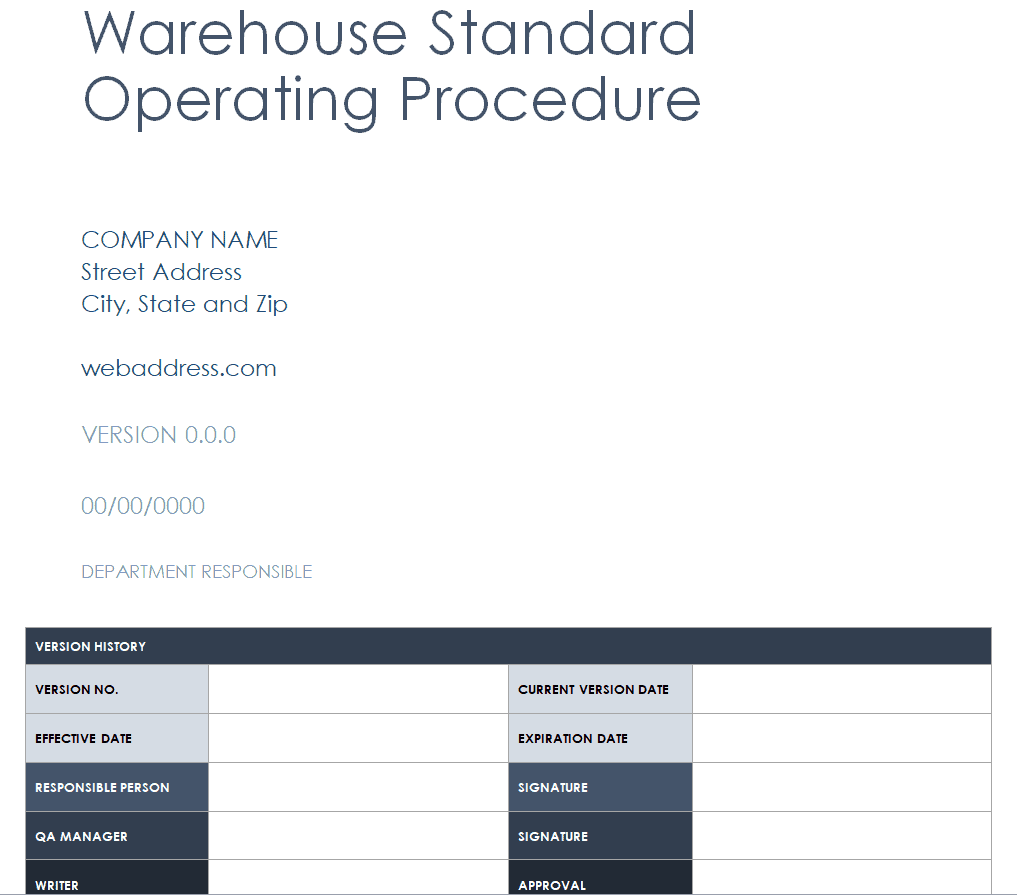
File Size: 58 KB
File Type: MS WORD
Online SOP Maker Template
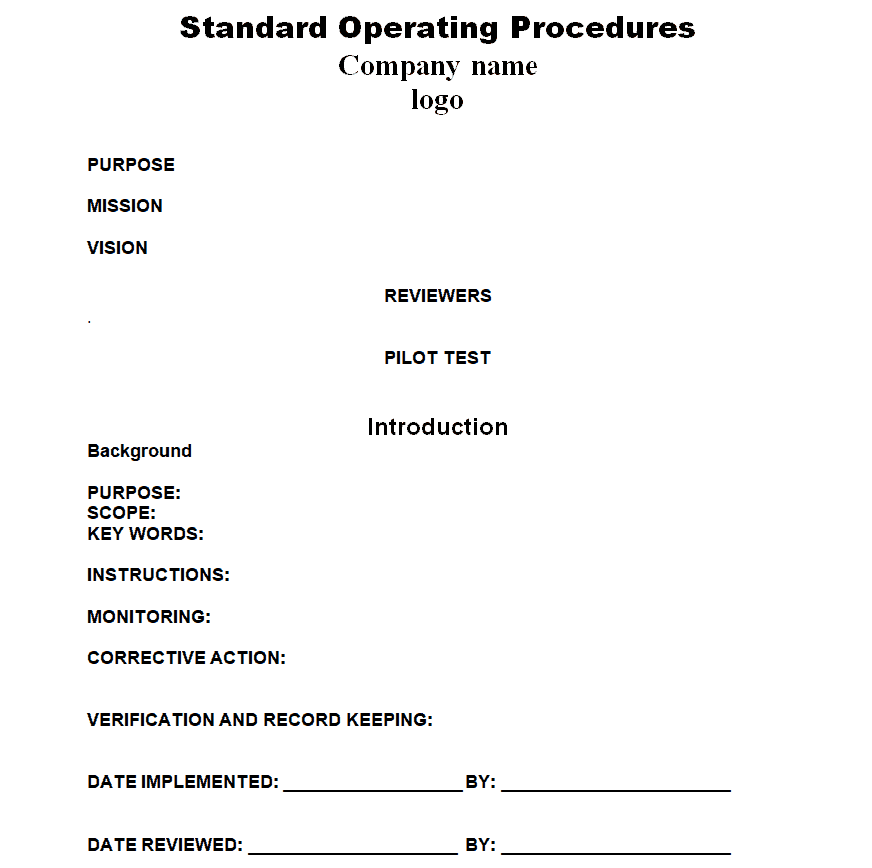
File Size: 8 KB
File Type: MS WORD
Routine SOP Word Template
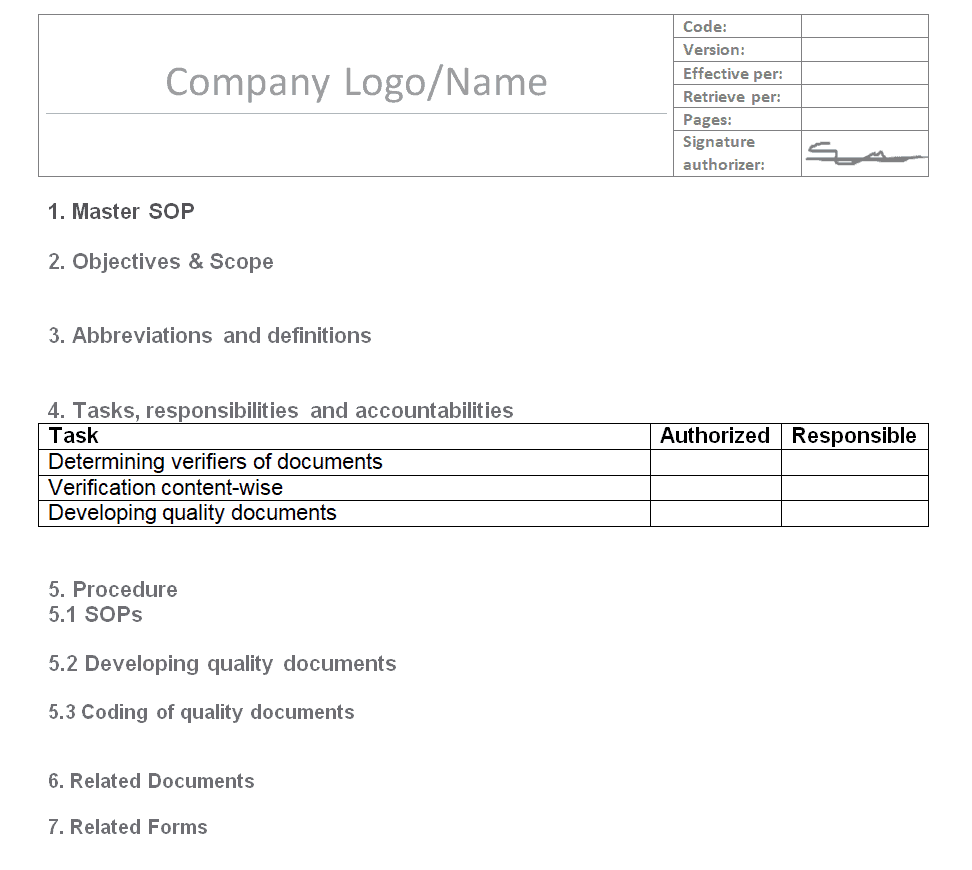
File Size: 16 KB
File Type: MS WORD
University’s SOP Template

File Size: 51 KB
File Type: MS WORD
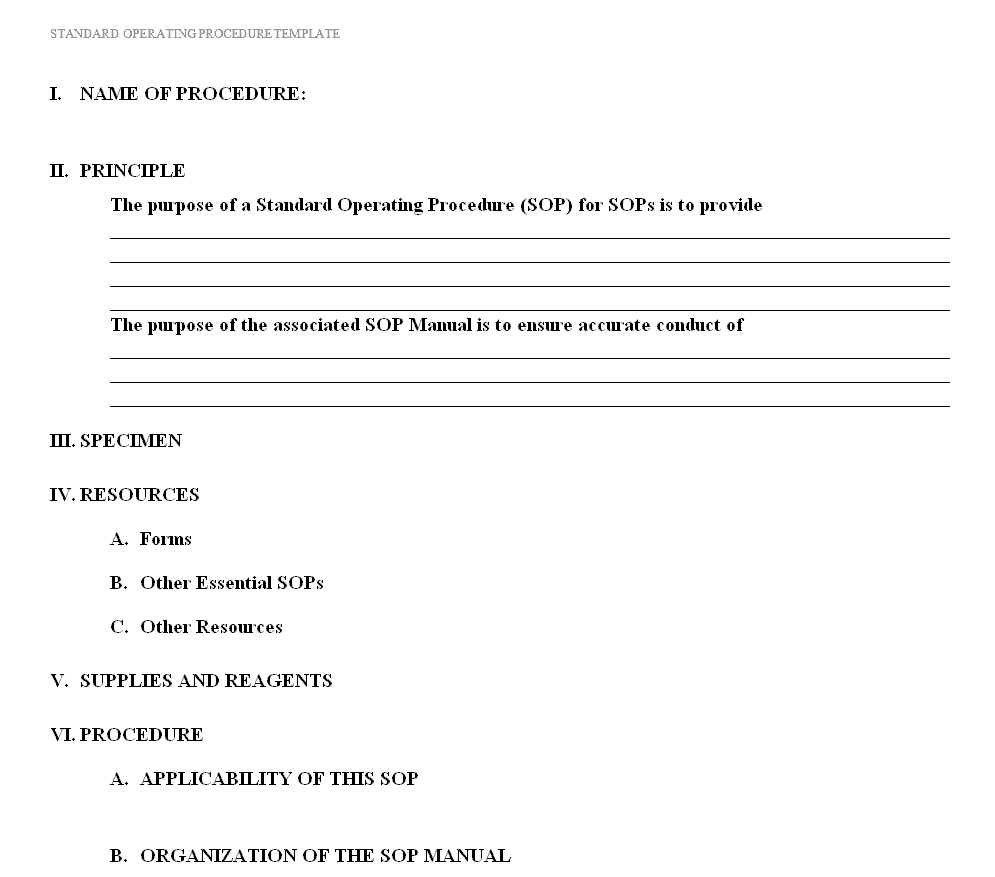
Defined SOP Format Template
File Size: 11 KB
File Type: MS WORD
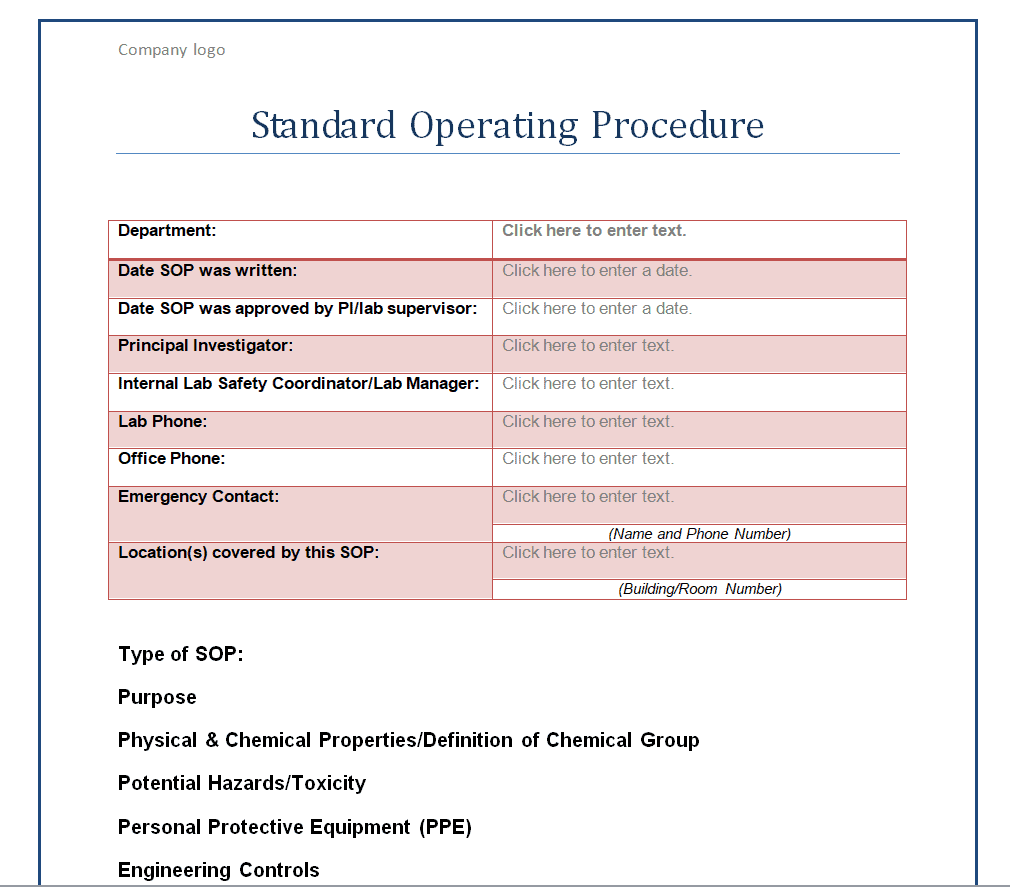
Departmental SOP Template
File Size: 13 KB
File Type: MS WORD
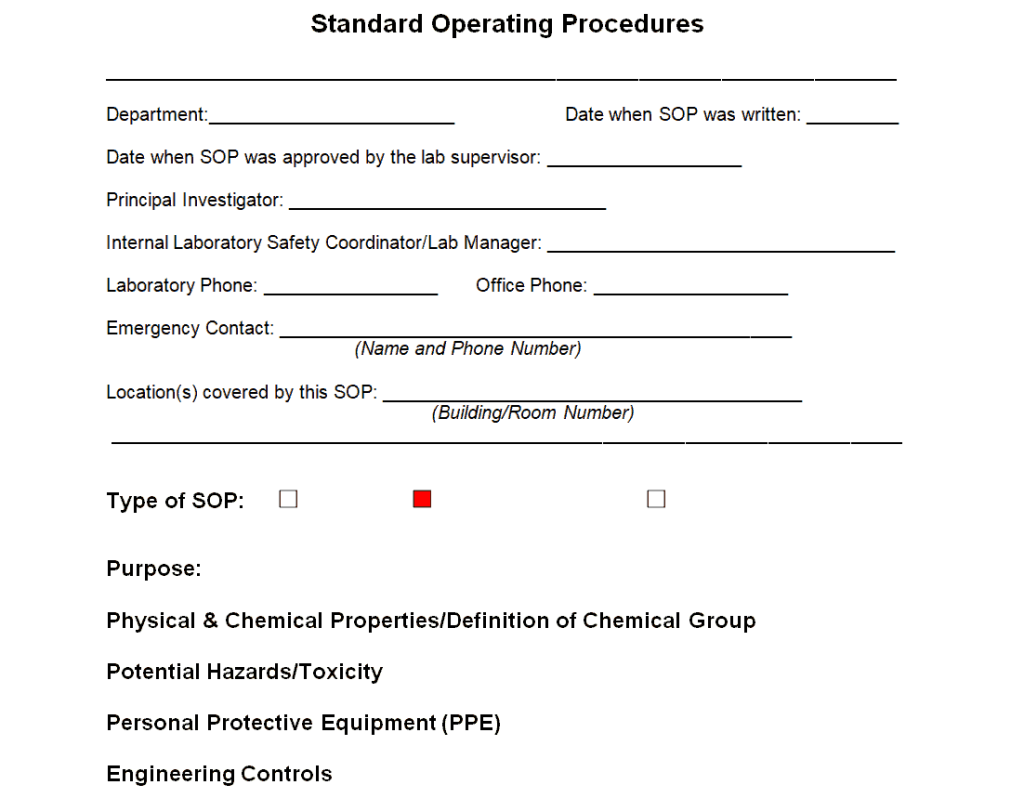
Common SOP Template
File Size: 8 KB
File Type: MS WORD
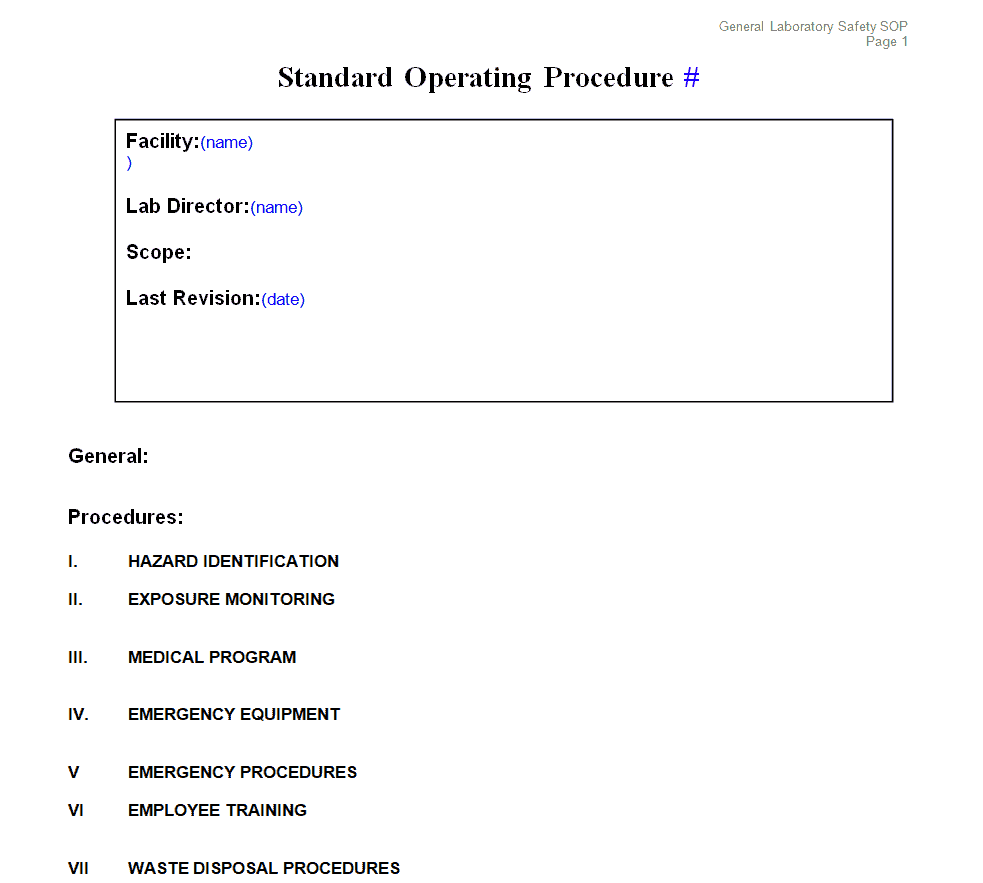
SOP Illustration Template
File Size: 7 KB
File Type: MS WORD
Sample Laboratory SOP Template
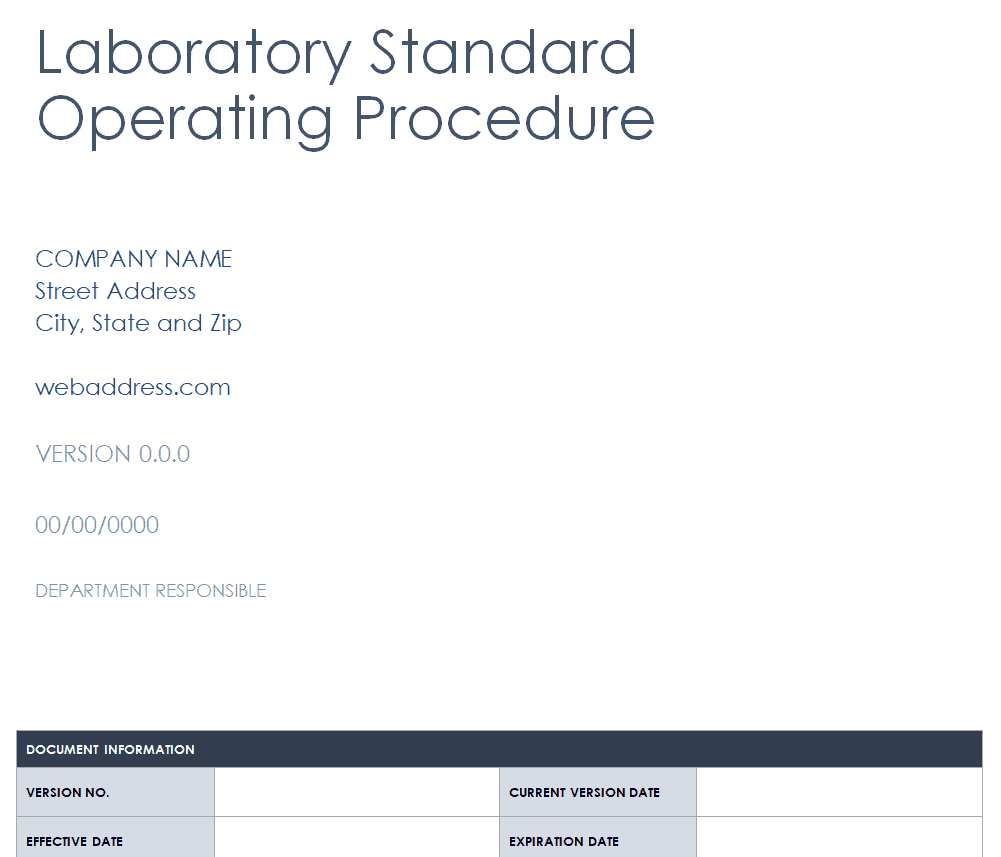
File Size: 61 KB
File Type: MS WORD
New SOP Template Example
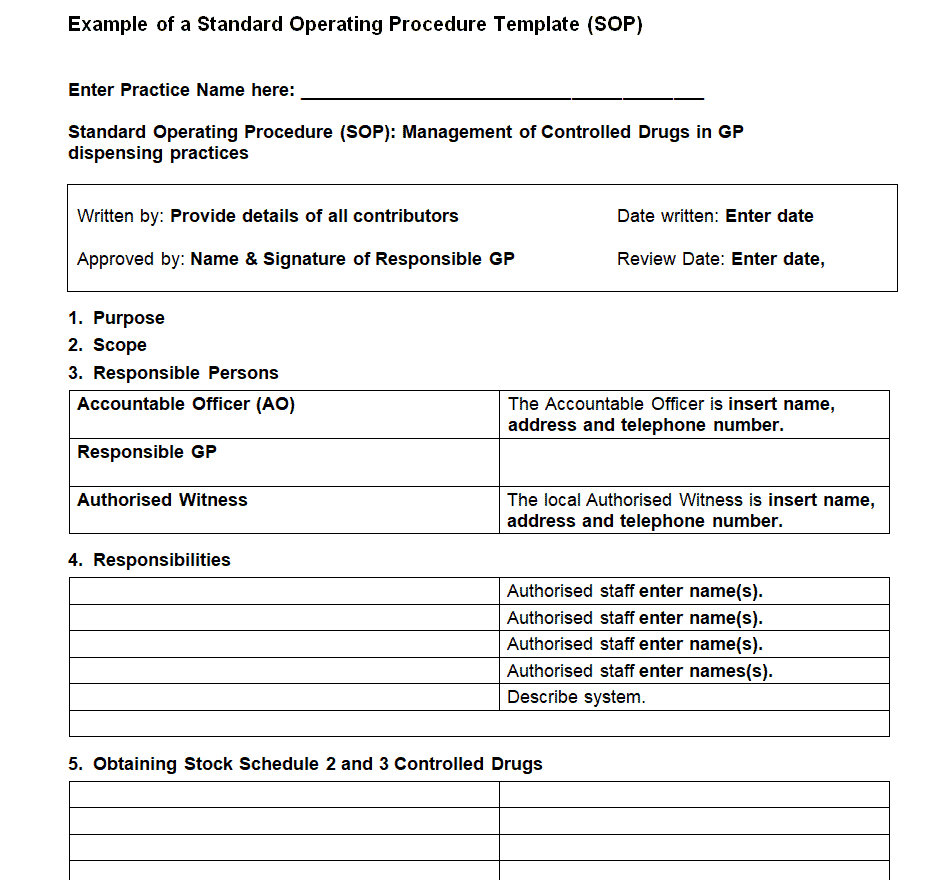
File Size: 10 KB
File Type: MS WORD
Sample SOP Outline Template
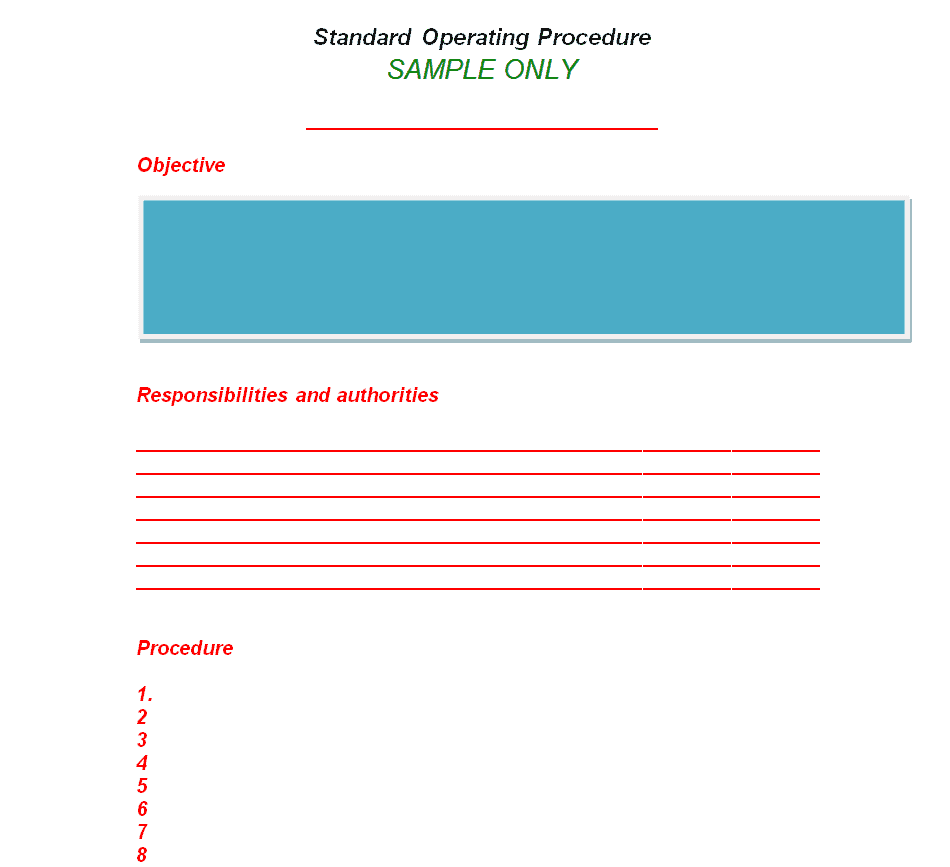
File Size: 8 KB
File Type: MS WORD
Formal SOP Template
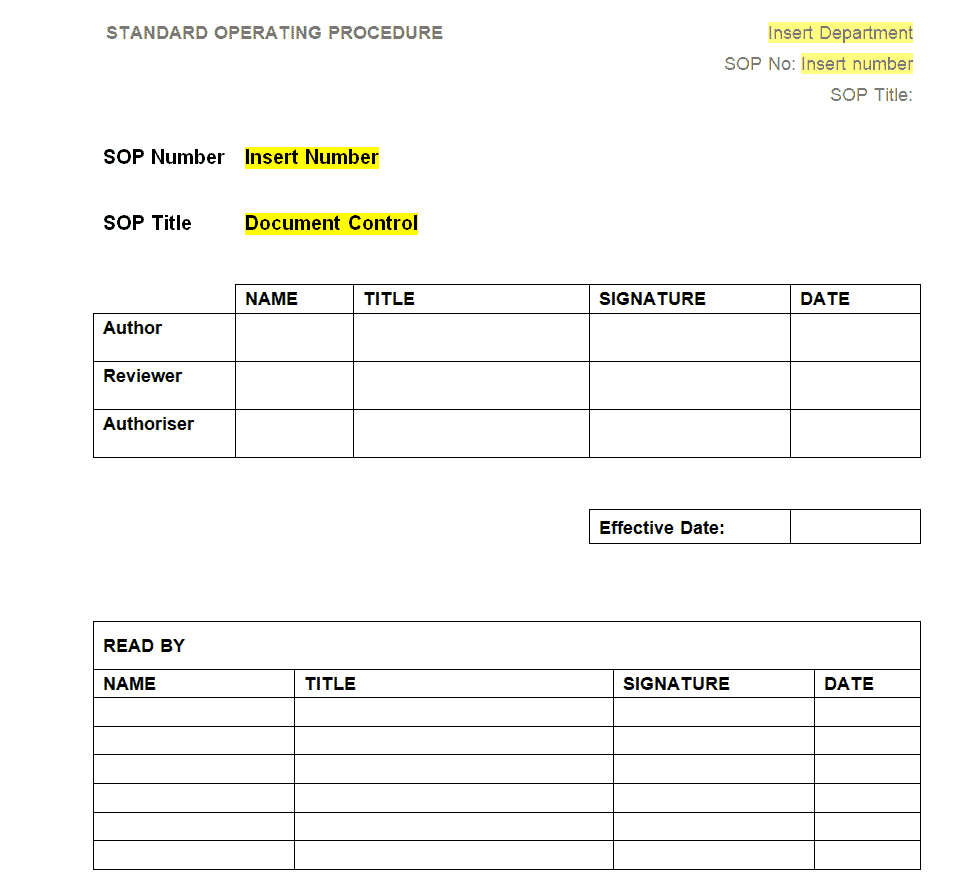
File Size: 10 KB
File Type: MS WORD
Sample SOP Step Format
| Step | Action | Responsible | Notes / Safety |
| 1 | Switch off and unplug the coffee machine. | Closing barista | Wait 10 minutes for it to cool. |
| 2 | Remove and rinse the drip tray and portafilters. | Closing barista | Use warm water only. |
| 3 | Run the cleaning cycle with approved detergent. | Closing barista | Wear gloves. |
| 4 | Record completion on the daily cleaning checklist. | Shift supervisor | Sign and date the log. |
Frequently Asked Questions (FAQ)
What is the main purpose of a Standard Operating Procedure (SOP)?
The main purpose of an SOP is to ensure uniformity, quality, and safety across operational processes. It provides clear guidelines so that any trained employee can perform a task consistently without requiring constant supervision.
Should I write SOPs in Microsoft Word or Excel?
Use Microsoft Word for narrative-heavy procedures, policy documents, and step-by-step training guides. Use Microsoft Excel when creating process checklists, audit inspection logs, or matrix schedules that require status tracking and sign-off columns.
How often should SOP documents be reviewed and updated?
SOPs should be formally reviewed at least once per year. However, immediate updates are required whenever operational software changes, new safety regulations take effect, or process improvements are implemented.
Who can benefit from SOP templates?
Any organization that repeats tasks can benefit, from small shops and restaurants to hospitals, laboratories, warehouses, schools and IT help desks. SOPs are especially valuable wherever safety, compliance or consistent customer service matters.
How do SOPs improve employee training?
New employees can follow the same written steps as experienced staff, which shortens onboarding, reduces mistakes and means the business no longer depends on one person remembering how a task is done.
SOPs work best alongside other operational documents. Turn each procedure into a quick tick-off sheet with our daily use checklist templates, record SOP approvals and changes in team meetings using these meeting minutes templates, and define the goals and scope of larger process changes with a project charter template. To report how new procedures are being rolled out, use our weekly status report templates.
Final Thoughts
Well-written SOPs keep quality consistent, make training faster and protect your business during audits. Download any of the free Word SOP templates above, write each step as one clear action, have the people who do the work test it, and review the document at least once a year.