

Timelines are used in many fields to show events in the order they happened. Students use them to record historical events for assignments, while businesses use them to present company history, project milestones and product roadmaps.
Most people know the horizontal timeline, but a vertical timeline is just as effective and often more convenient, especially for long lists of events, mobile screens and printed handouts. Instead of building one from scratch, most people use pre-formatted, editable vertical timeline templates. On this page you can download 23 free vertical timeline templates in Word and PowerPoint, each with a preview and a free download button.
What is a Vertical Timeline?
A timeline is basically a list of events in the order or sequence in which they happened. A vertical timeline is the presentation of such events in an organized order or sequence using a vertical layout or format. In a vertical timeline, the events are described or listed down from top to bottom, and chronologically.
Each event is described using text or is highlighted using visuals, and this is done by adding the horizontal lines in front of each and every event. Almost all organizations make use of timelines for different purposes whether it be a school, a company, a non-profit organization, etc.
A vertical timeline can be used to record or document any type of development or past events and provides an easily understandable graphical visualization and explanation for any such development or historical events. This way, it makes it very easy for the users to learn about the past as well as the ongoing trends.
In this article, we have provided 23 free vertical timeline templates in Word and PowerPoint for you. These templates will help you better understand the importance of the document and you are free to use any of the given-below vertical timeline templates. Also, some of these templates are available in the editable Microsoft Word program and some are available in the PowerPoint program so that you can easily edit the contents of any of the given vertical timeline samples and use it as per your requirement.
The collection includes simple and blank vertical timelines, yearly and history timelines, company history and business growth timelines, construction project schedules, and infographic-style PowerPoint timelines. Whether you need a timeline for a school project, a business presentation, a project roadmap, or a personal milestone chart, you will find a printable vertical timeline template below that you can download and edit for free.
Sample Vertical Timeline Templates
Special Vertical Timeline Template
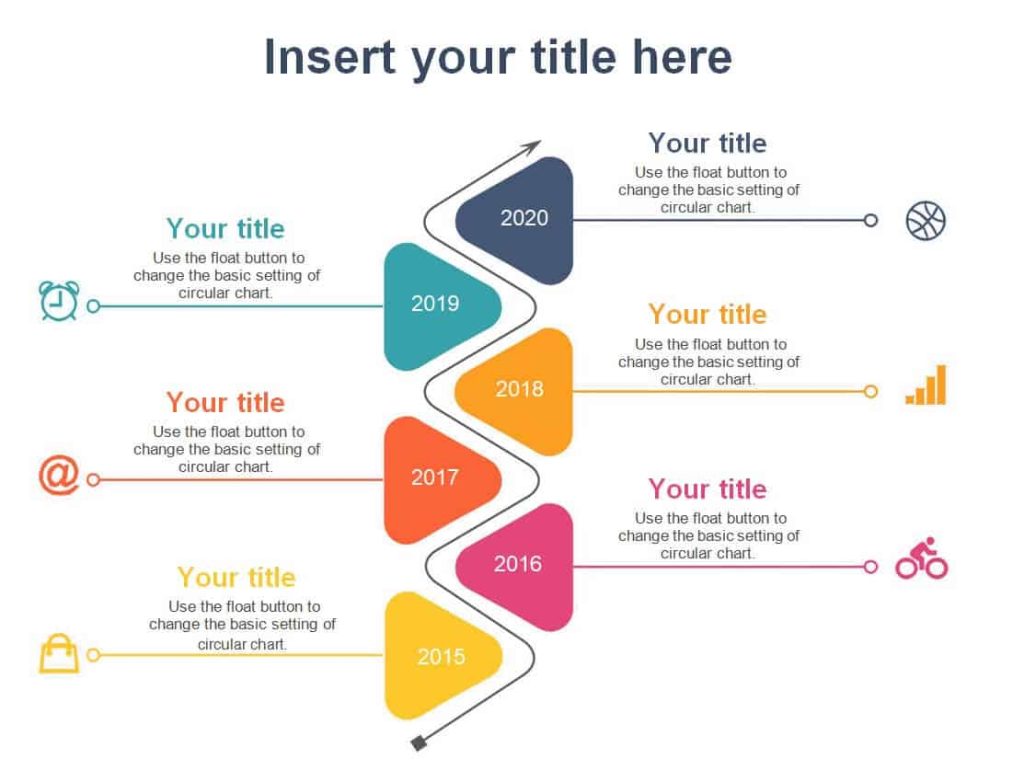
File Size: 52 KB
File Type: MS WORD
Simple Vertical Timeline Template
File Size: 106 KB
File Type: MS WORD
Construction Vertical Timeline Template
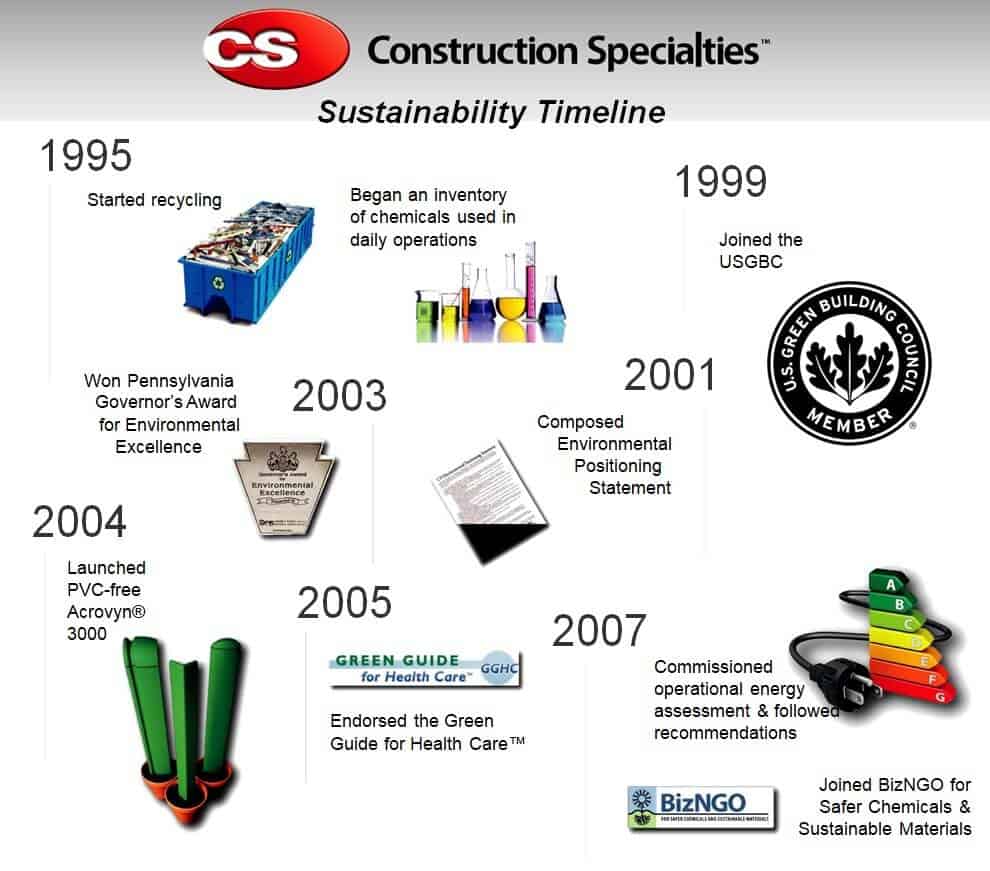
File Size: 370 KB
File Type: MS WORD
Online Vertical Timeline Template in PowerPoint Format
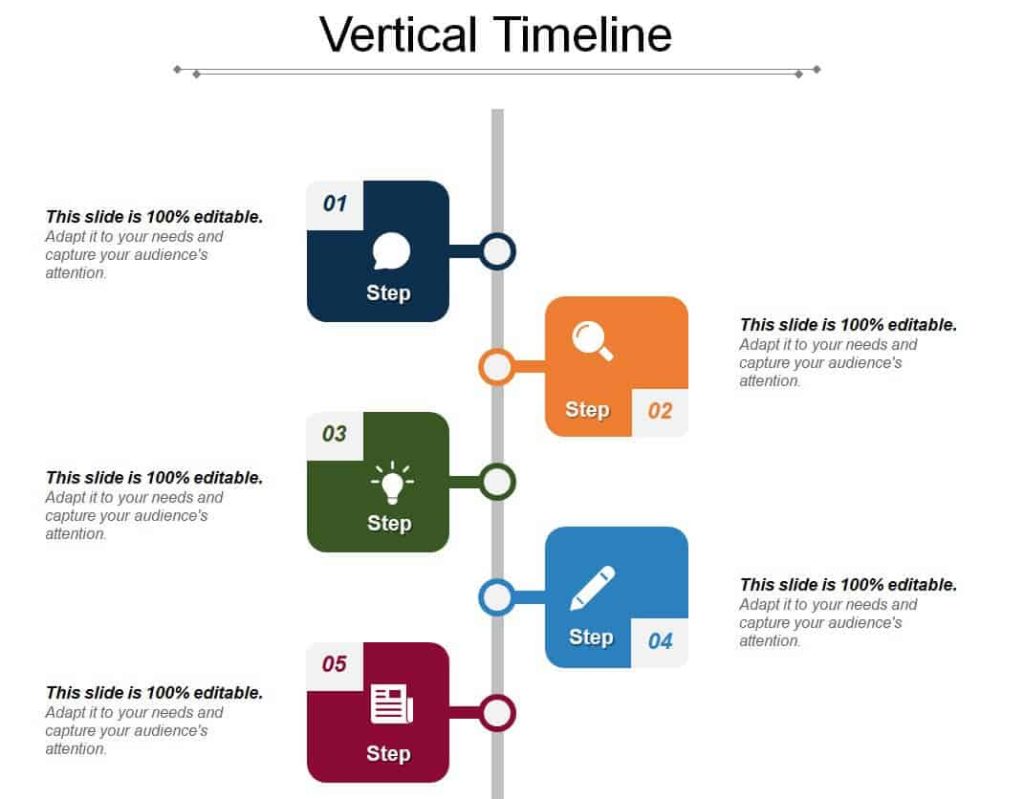
File Size: 1 MB
File Type: PowerPoint
Yearly Vertical Timeline Template
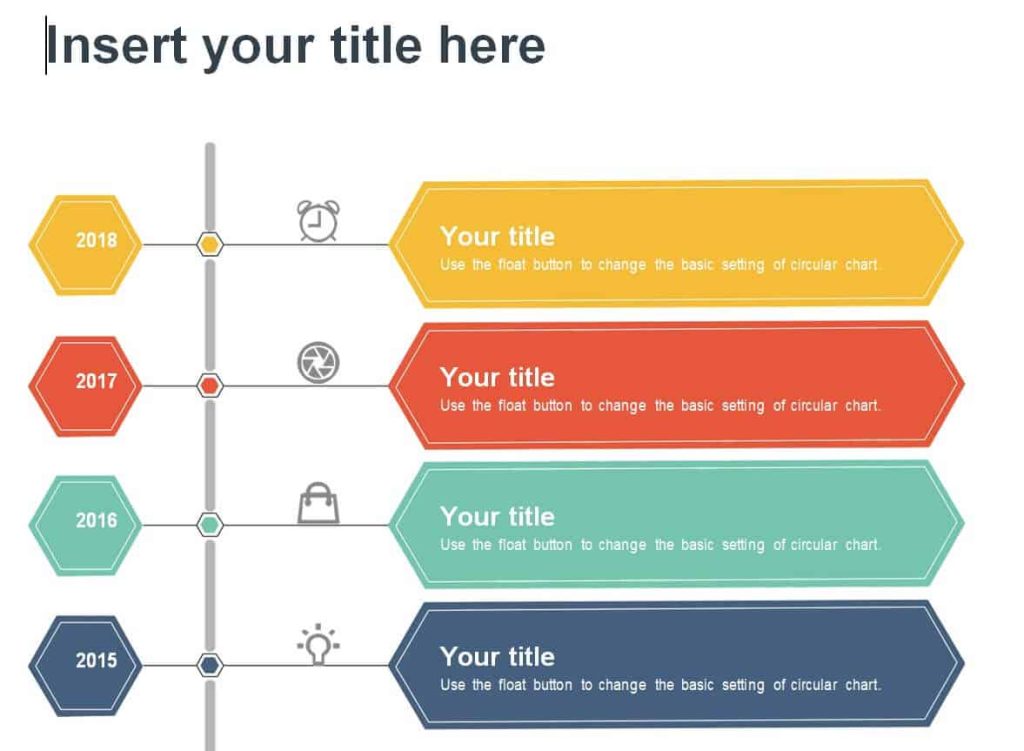
File Size: 85 KB
File Type: MS WORD
Free Printable Vertical Timeline Template Word
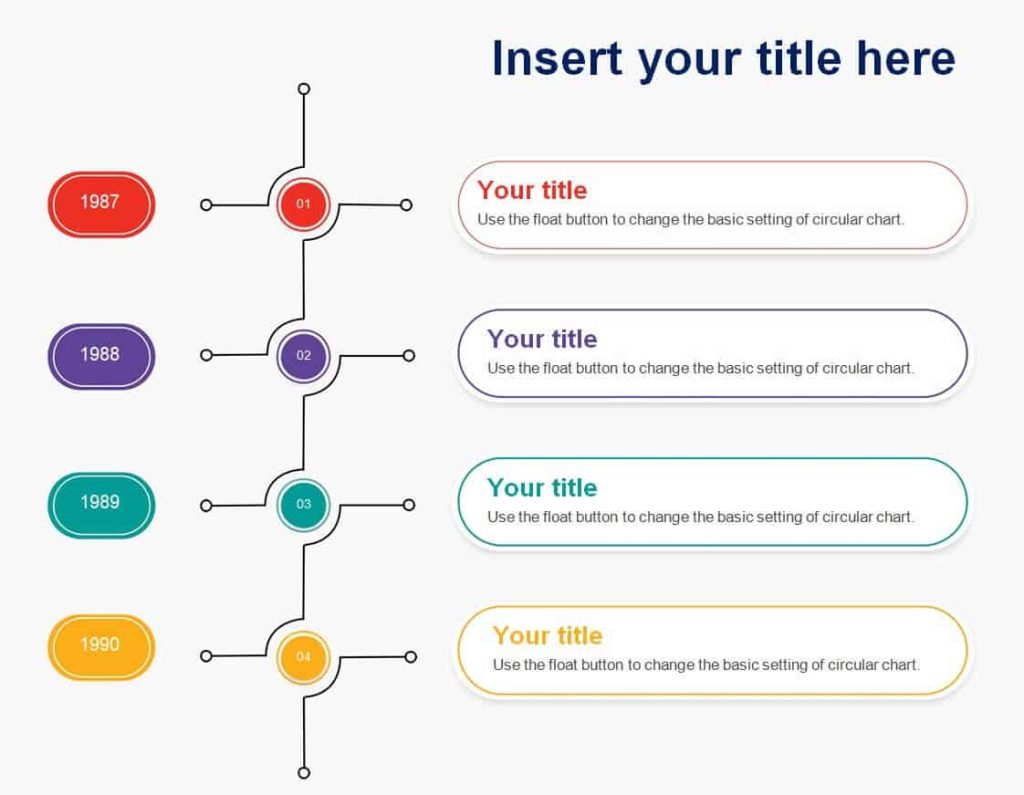
File Size: 66 KB
File Type: MS WORD
Detailed Vertical Timeline Template
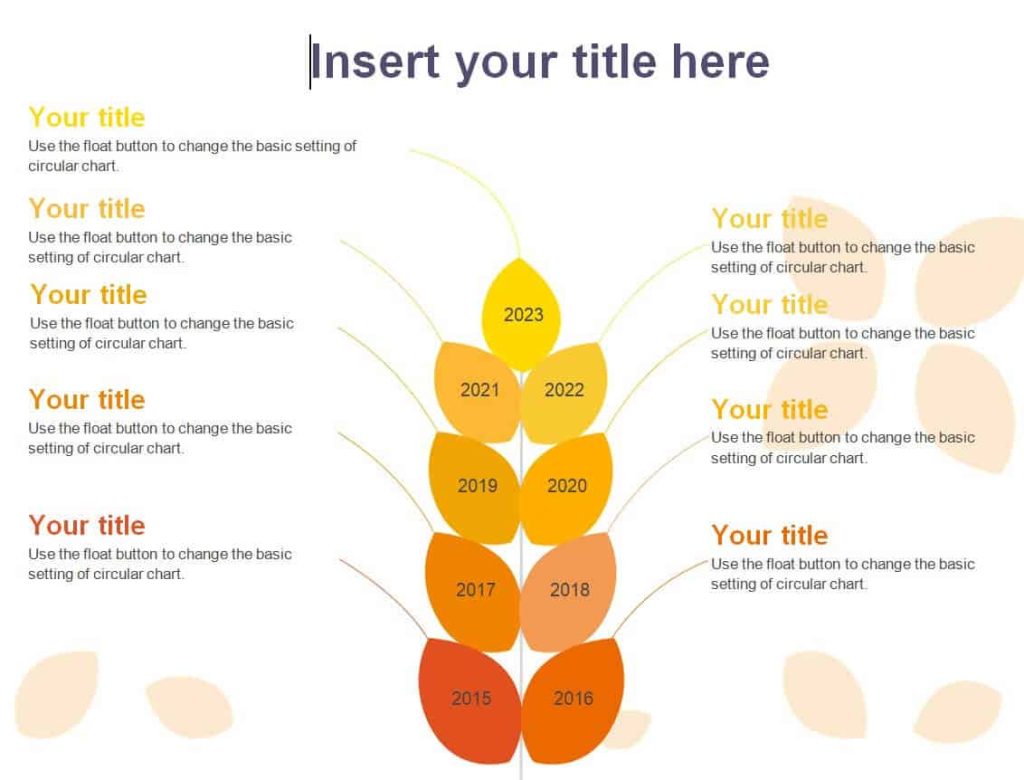
File Size: 48 KB
File Type: MS WORD
Drive Study Vertical Timeline Template DOC Format
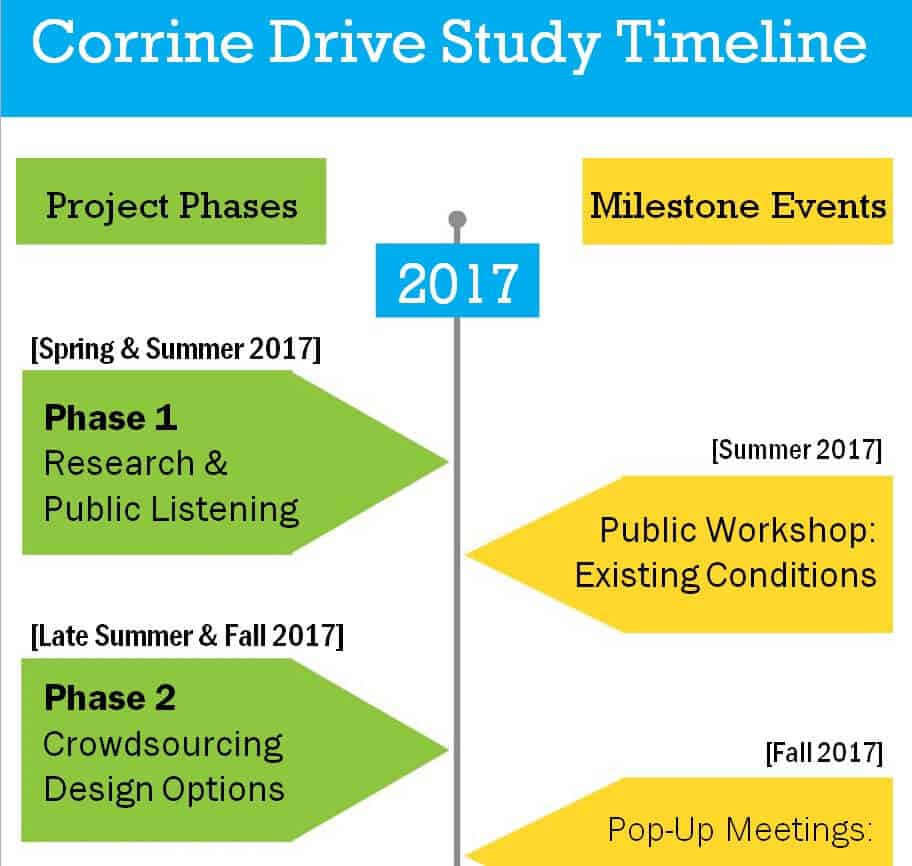
File Size: 20 KB
File Type: MS WORD
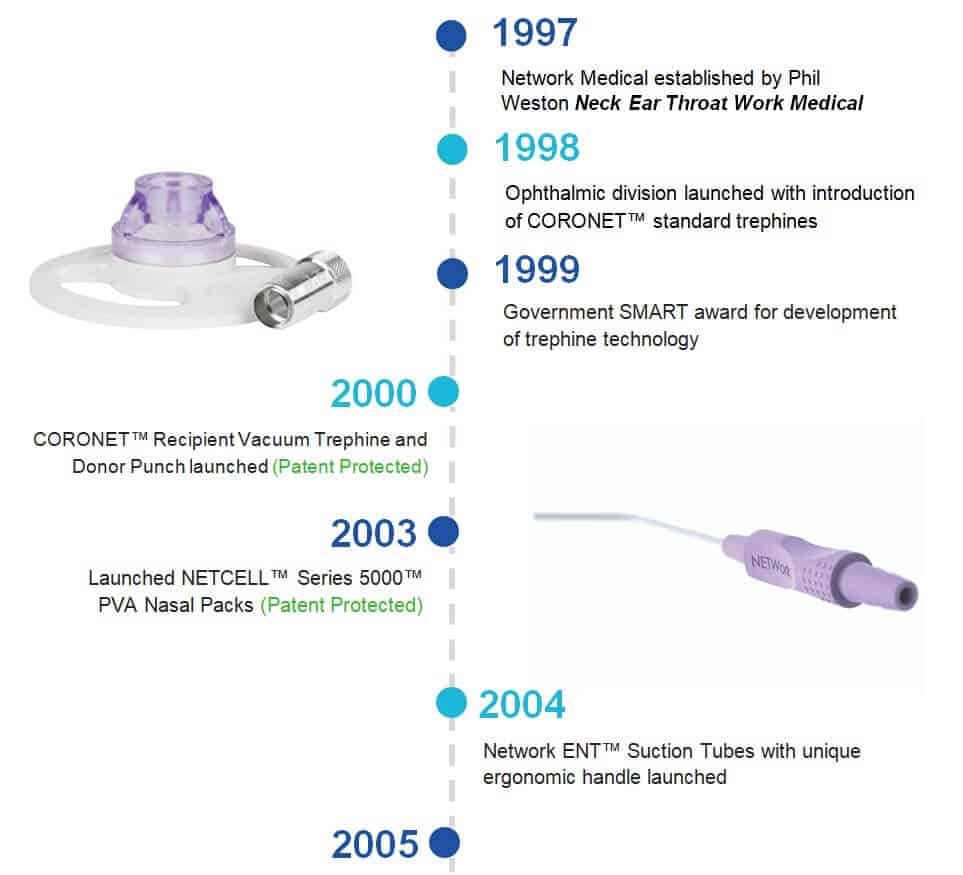
Company’s History Vertical Timeline Template
File Size: 165 KB
File Type: MS WORD
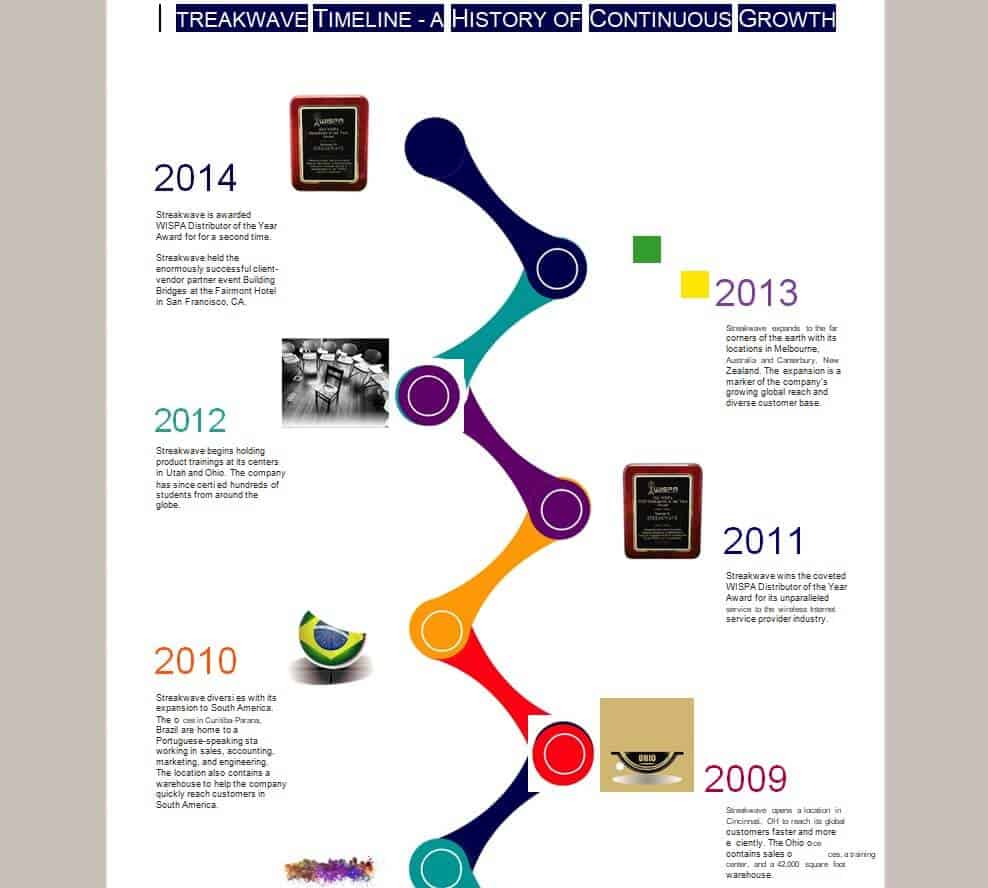
Business Growth Vertical Timeline Template
File Size: 150 KB
File Type: MS WORD
Simple Vertical Timeline Template
File Size: 14 KB
File Type: MS WORD
Special Vertical Timeline Template with Infographics
File Size: 142 KB
File Type: PowerPoint
How to Create a Vertical Timeline in Word?
If you want to know how to create a vertical timeline in a word processing software like Microsoft Word, then make sure to follow the given below very simple and easy steps. By following these steps, you will get a clear idea of how to create a perfect vertical timeline template in any word processing software or even manually.
- First thing first, make an outline for your vertical timeline. Just like the outlines are required for plans, an outline is also required for the vertical timeline. The outline usually includes the descriptions that you will include in the vertical timeline and the visuals or elements that you plan to use for each description.
- After that, create the framework of your vertical timeline template. Start by drawing the vertical lines either at the center or on the left side of the page. Make some necessary adjustments and leave some space at the top of the page for the title.
- Add decorative elements at the end of each line so as to make your timeline more attractive and catchy. You can use circles, arrows, and or perpendicular lines so as to make the whole layout of the timeline easily understandable.
- Where some description or anything is required to be added, do so by adding the horizontal lines.
- You can further customize your vertical timeline by using different formatting options available in the word processing software that you use.
- Add information to your vertical timeline by using the relevant images and visuals. Choose the images and visuals carefully as such visuals are an integral part of the vertical timeline template.
- Drag the visuals to their appropriate positions and adjust their sizes, colors, and format them as per your requirements.
- Use the outline of your vertical timeline as a reference and add header and subheader boxes from the toolbar menu, and insert them in your vertical timeline.
- Add the descriptions or other information in the relevant text header or subheader boxes.
- You can make your vertical timeline much more attractive and perfect by adding different background and foreground colors, elements, fonts, or by applying different other types of formatting to your timeline template.
More Vertical Timeline Templates
Blank Vertical Timeline Template
File Size: 5 KB
File Type: MS WORD
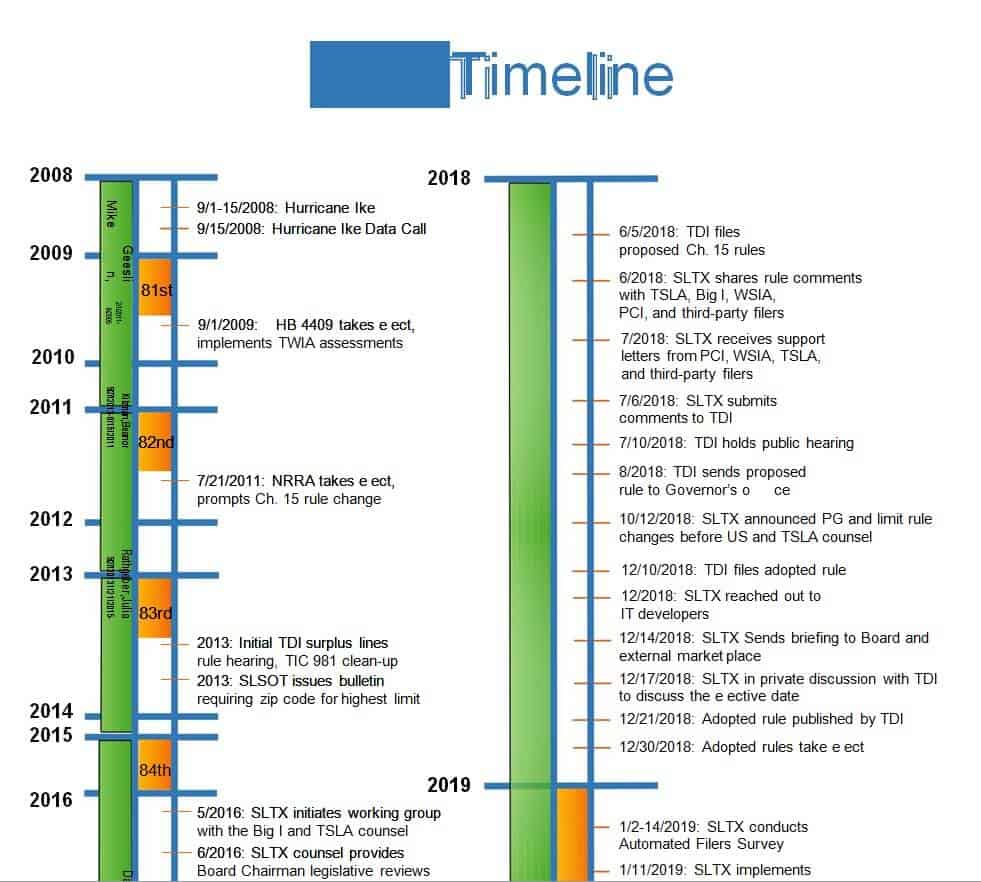
Editable Vertical Timeline Template
File Size: 68 KB
File Type: MS WORD
Official Vertical Timeline Template
File Size: 57 KB
File Type: MS WORD
Sample History Vertical Timeline Template PPT Format
File Size: 81 KB
File Type: PowerPoint
Sample Vertical Timeline WORD Template
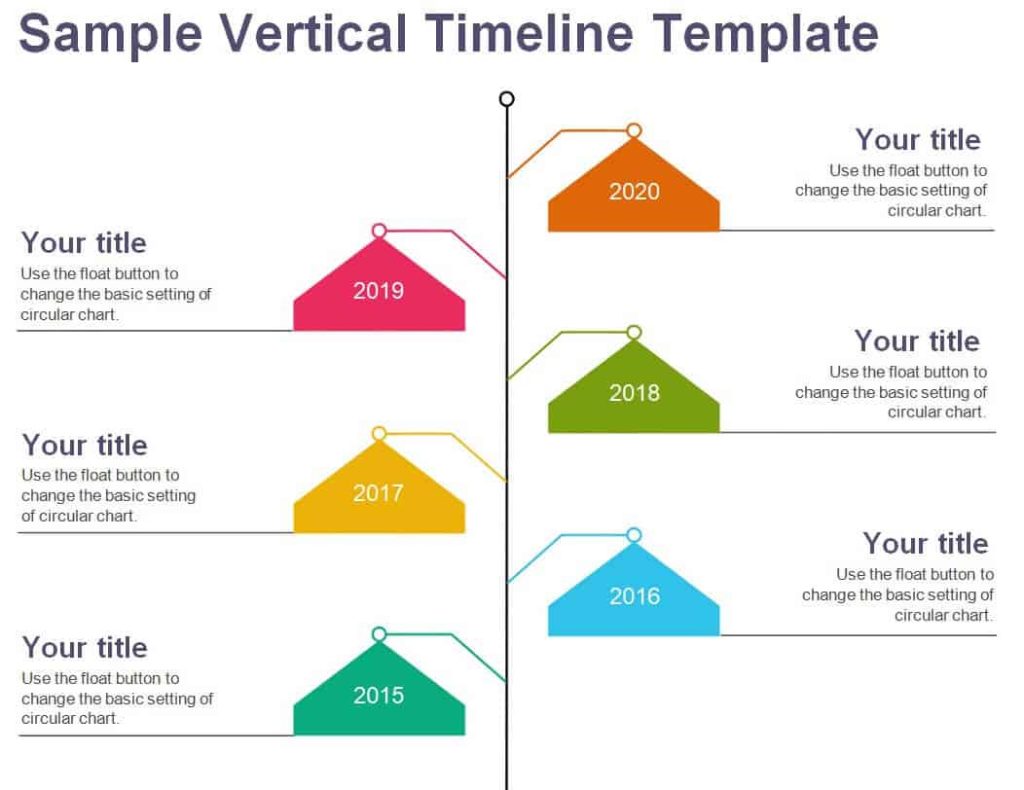
File Size: 50 KB
File Type: MS WORD
Model Vertical Timeline Template
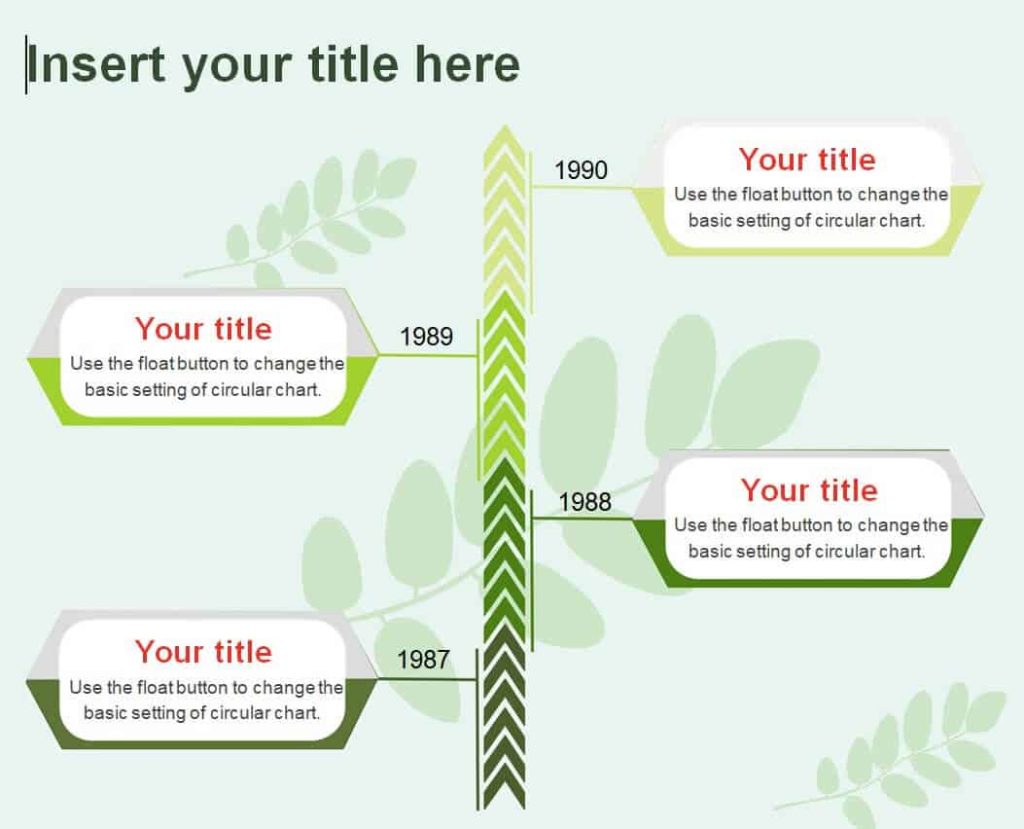
File Size: 68 KB
File Type: MS WORD
Editable Cafe Business Vertical Timeline Template
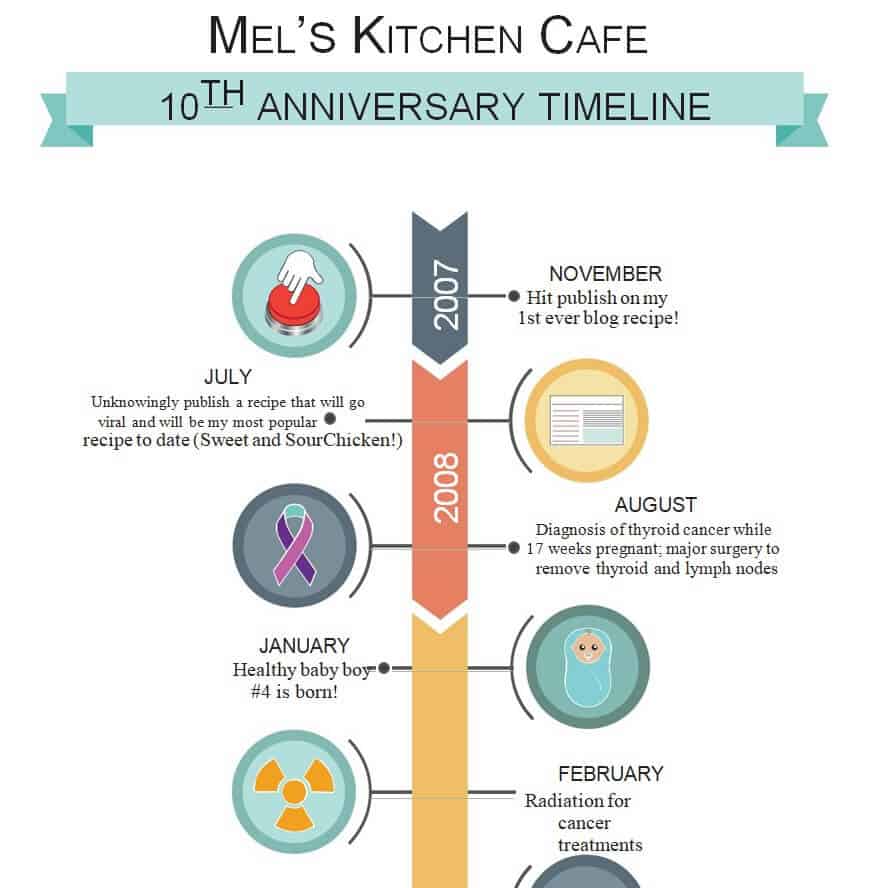
File Size: 144 KB
File Type: MS WORD
Elemental Vertical Timeline Template PowerPoint
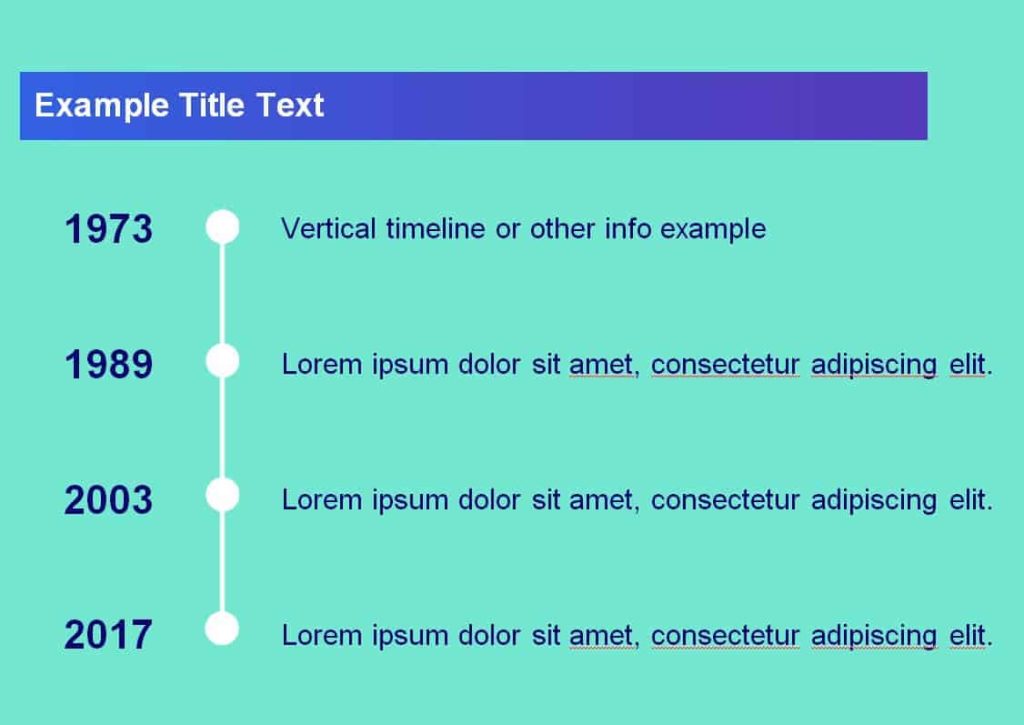
File Size: 13 MB
File Type: PowerPoint
Scientific Awards Vertical Timeline Template

File Size: 320 KB
File Type: MS WORD
Organization’s Vertical Timeline Template
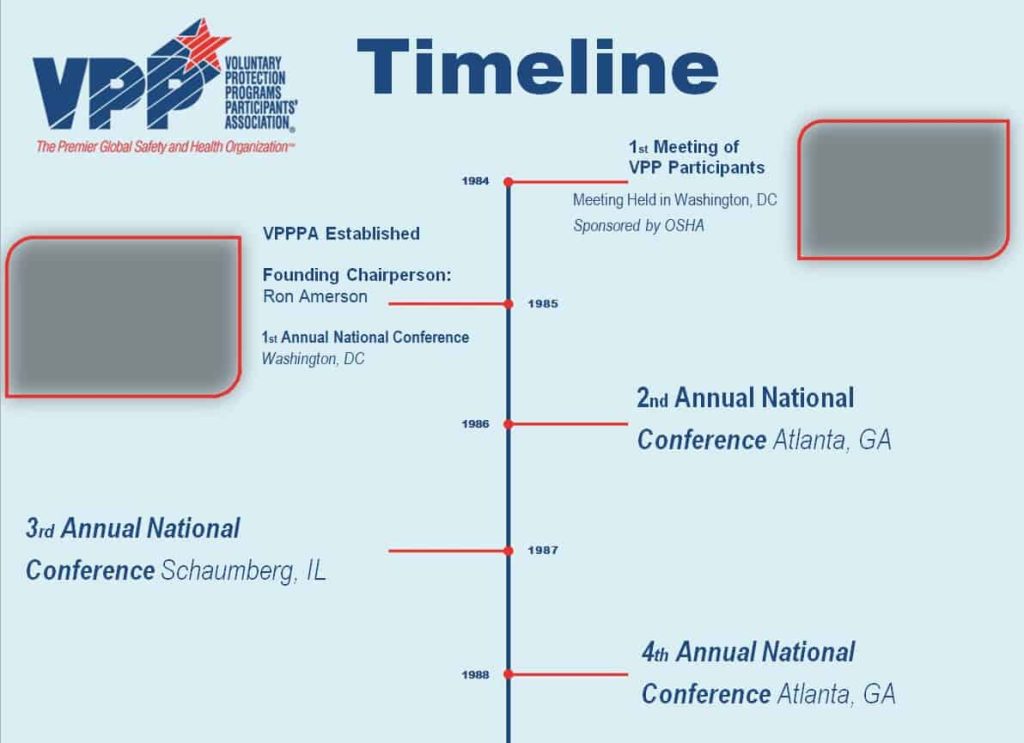
File Size: 200 KB
File Type: MS WORD
Example Vertical Timeline Template
File Size: 60 KB
File Type: MS WORD
Vertical vs Horizontal Timeline: Which One Should You Use?
Both formats show events in chronological order, but each works best in different situations. Choosing the right layout makes your timeline easier to read and more effective.
Use a vertical timeline when: you have many events or long descriptions, you want the timeline to fit a standard portrait page in Word, or readers will scroll through it on a phone or website. Vertical timelines are ideal for company histories, biographies, resumes, school history projects, and step-by-step project roadmaps.
Use a horizontal timeline when: you have fewer events, short labels, and a wide landscape slide or poster. Horizontal timelines work well for Gantt-style project schedules and quick overviews in presentations.
Popular Uses of Vertical Timeline Templates
Project planning and roadmaps: Show project phases, milestones, deadlines, and deliverables from top to bottom. A timeline is a great visual companion to a project charter and regular weekly status reports.
Company history and business growth: Highlight the year your business was founded, product launches, new branches, awards, and other achievements. These timelines are often used on “About Us” pages, in annual reports, and in investor presentations.
School and history assignments: Students can use a vertical timeline to record historical events, the life of a famous person, or the steps of a scientific discovery. Teachers can pair it with a school timetable to plan lessons across a term.
Construction and event planning: List each stage of a construction project, wedding, conference, or product launch in order, so every team member knows what happens next and when.
Personal goals and daily routines: Map out personal milestones, a study plan, or career goals. For a more detailed hour-by-hour plan, you can also use our daily schedule templates.
Tips for Designing an Effective Vertical Timeline
Keep the text short: Use a clear date and a short title for each event, followed by one or two lines of description. Too much text makes a timeline hard to scan.
Use consistent spacing and colors: Space events evenly and use one color per category or phase. Icons and small images help readers remember key milestones.
Highlight the most important milestones: Make major events stand out with bold text, larger markers, or a different color.
Check dates and order: Double-check every date and make sure events run in the correct chronological order, from oldest to newest or from start to finish.
Frequently Asked Questions (FAQs) About Vertical Timelines
What is a vertical timeline?
A vertical timeline is a chart that lists events in chronological order from top to bottom along a vertical line, with dates and short descriptions placed beside each point.
How do I make a vertical timeline in Microsoft Word?
Insert a vertical line using Insert > Shapes, add circles or markers for each event, and place text boxes with dates and descriptions beside them. You can also use SmartArt (Process or List layouts) or simply download one of the free Word templates above and replace the text.
Can I make a vertical timeline in PowerPoint?
Yes. Several templates on this page are in PowerPoint format. Open the file, edit the dates and text, and change colors or icons to match your presentation.
Are these vertical timeline templates free?
Yes. All 23 vertical timeline templates are free to download, edit, and print for personal, school, or business use.
What should a vertical timeline include?
A good timeline includes a title, a clear start and end point, the date of each event, a short event title, a brief description, and optional icons or images for key milestones.
Is a vertical timeline better than a horizontal one?
A vertical timeline is better for many events and longer descriptions, especially in documents and on mobile screens, while a horizontal timeline suits short overviews on wide slides.
Conclusion
A vertical timeline is a simple yet powerful way to present history, project milestones, and business growth in a clear chronological order. With these 23 free vertical timeline templates in Word and PowerPoint, you can create a professional timeline in minutes for school, work, or personal planning. Download your favorite design, add your own events and dates, and share it with your audience. If you need to summarize the results of a project afterward, our summary report templates are a helpful next step.
