In a manufacturing facility, controlling and monitoring production is key to success. A production schedule is one of the most important documents used by production managers and planners, and one of the most useful spreadsheets in production planning and supply chain management.
On this page, you can download 15 free production schedule templates in Excel and Word, including daily, weekly and shift-wise production schedules, master production schedule (MPS) templates, department and client-wise schedules, and blank or fillable production planning sheets. Each template comes with a preview and a free download button, so production managers, planners and small manufacturers can plan orders, machines, labor and delivery dates in one clear spreadsheet.
A production schedule template brings together different orders that need the same resources. Because many orders for different products run at the same time, the schedule lets you monitor and control every production order, analyze available capacity and meet delivery dates. All of the production planning templates below are free to download and fully editable to suit your requirements.
How to use these templates: Download a schedule, list your orders, products, machines and shifts, then assign start and finish dates. Update it daily as work progresses so planners can spot delays early.
FREE Production Schedule Templates
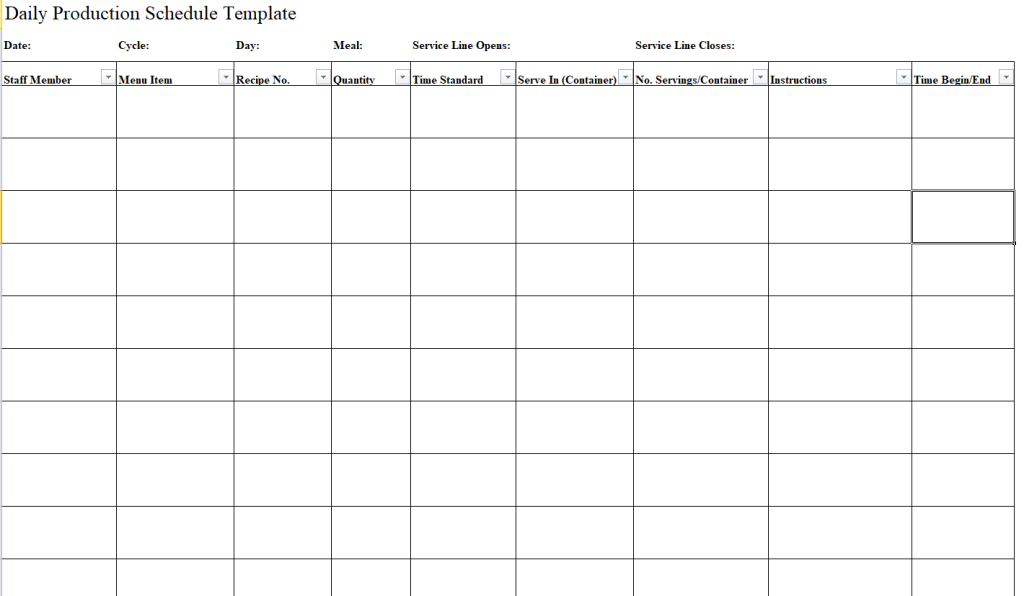
Simple Daily Production Schedule Template
File Size: 17 KB
File Type: EXCEL
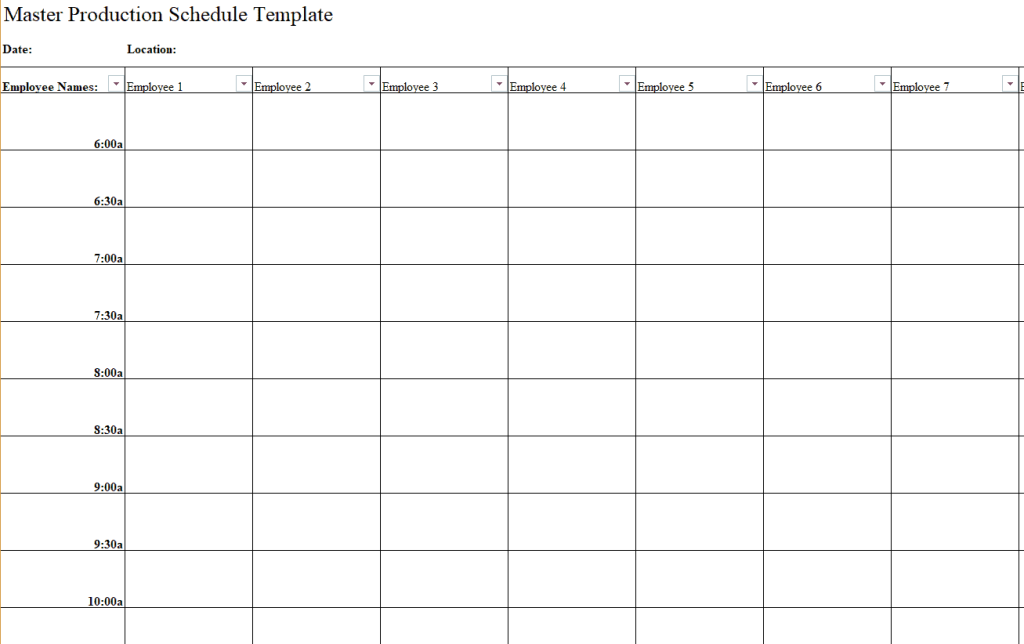
Basic Master Production Schedule Template
File Size: 16 KB
File Type: EXCEL
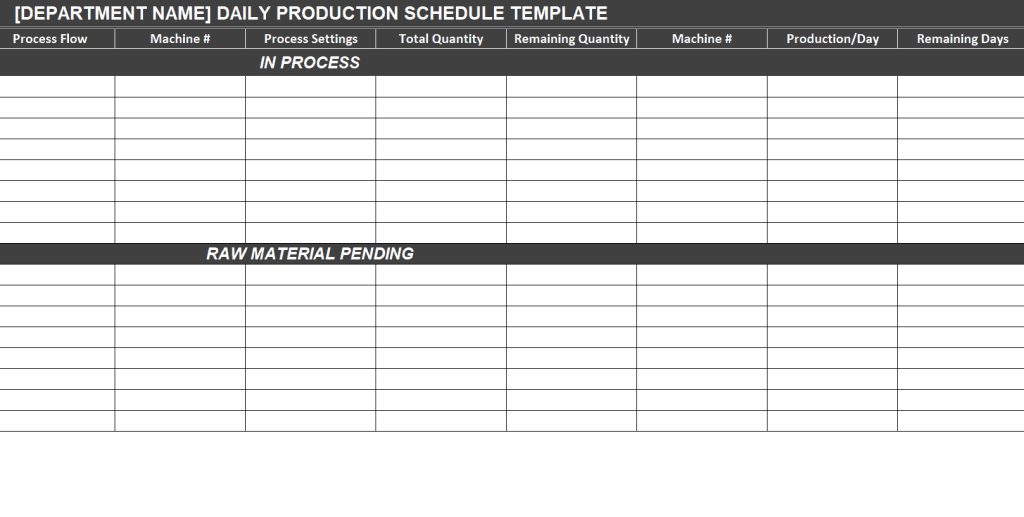
Department’s Daily Production Schedule Template
File Size: 9 KB
File Type: EXCEL
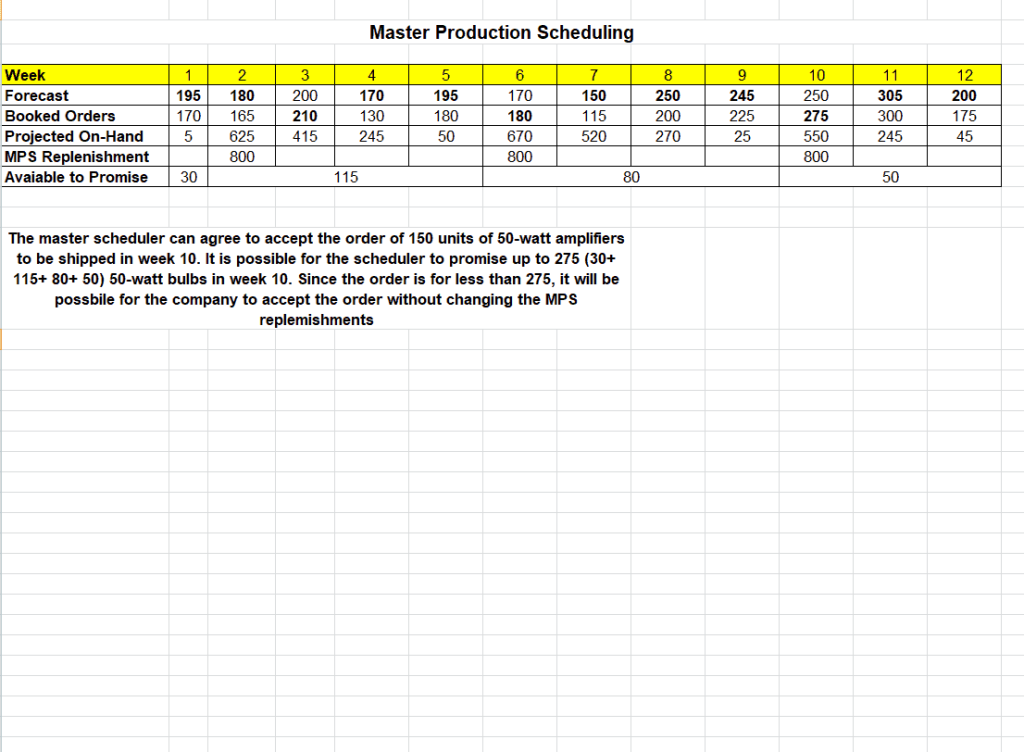
Sample Master Production Schedule Template
File Size: 8 KB
File Type: EXCEL
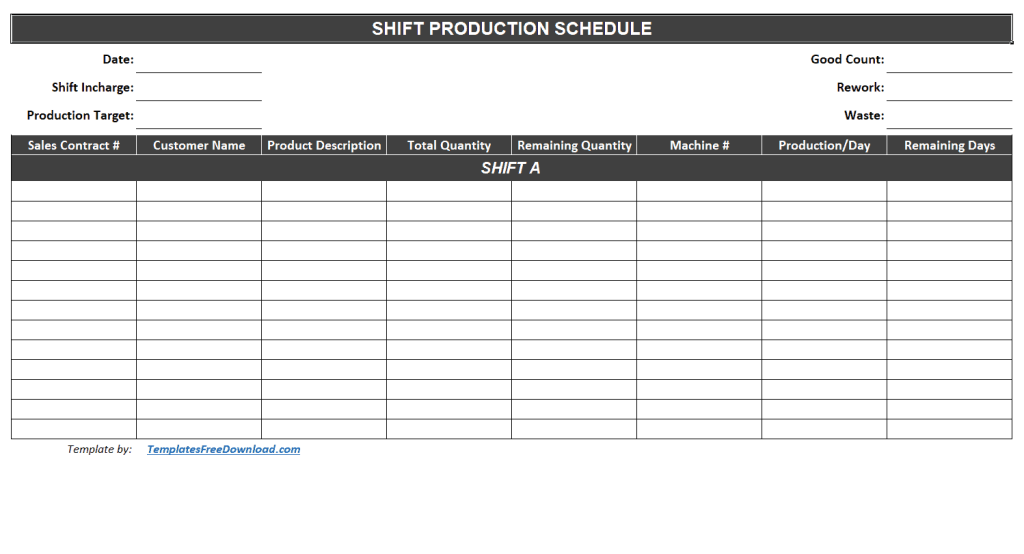
Shift Wise Production Schedule Template
File Size: 9 KB
File Type: EXCEL
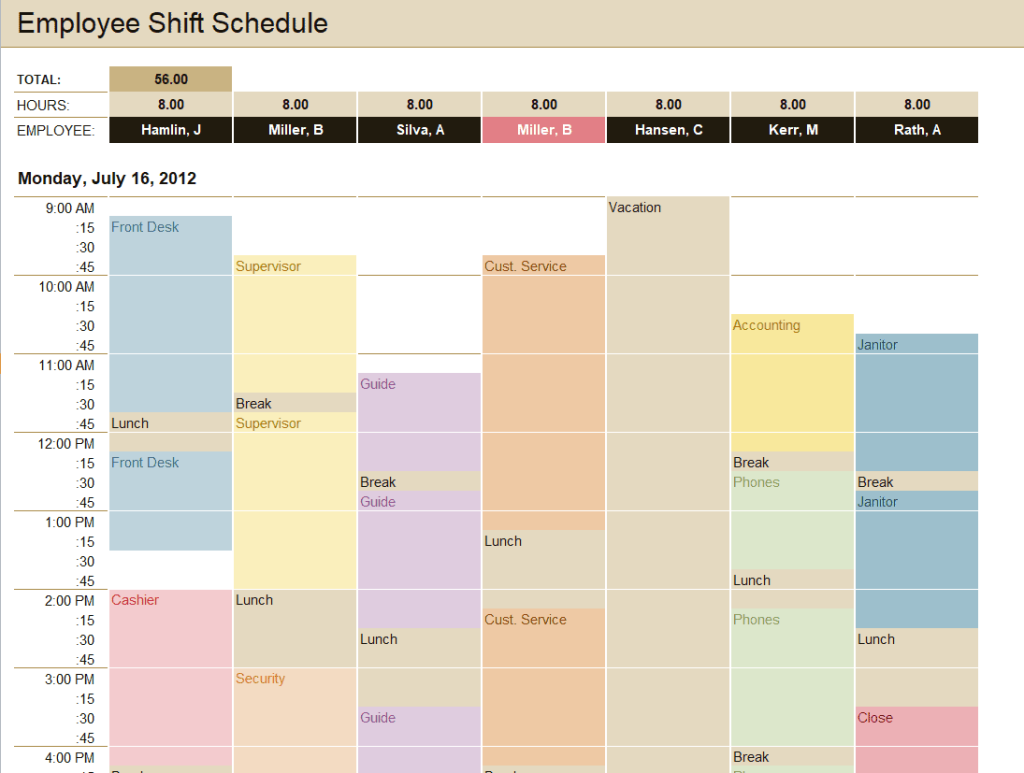
Employee Shift Production Schedule Template
File Size: 59 KB
File Type: EXCEL
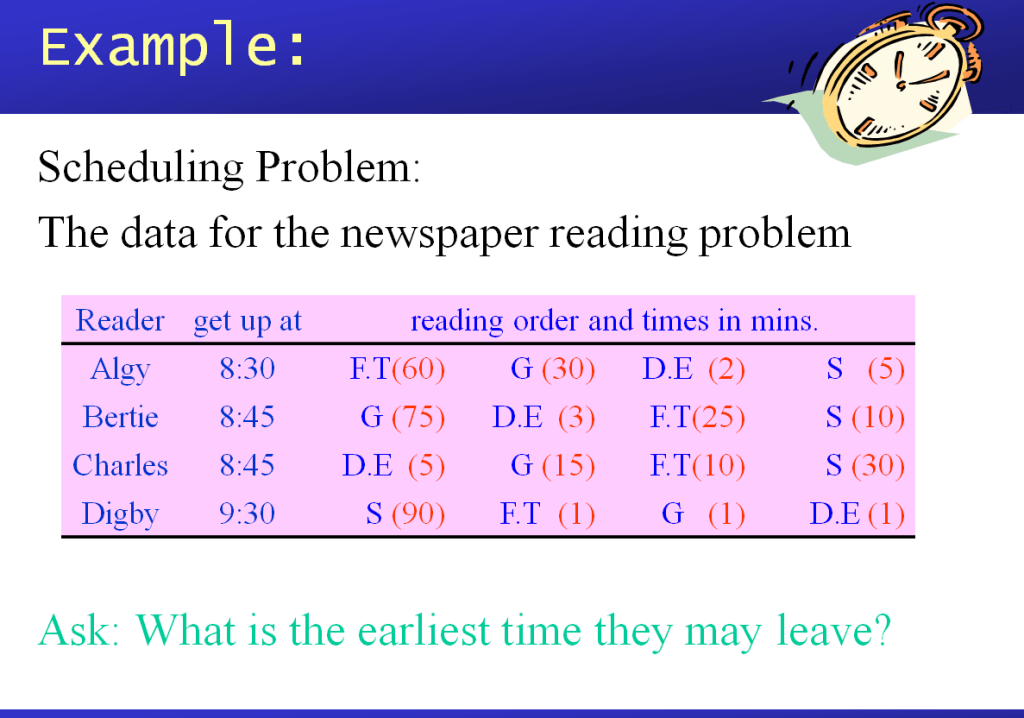
Example Production Schedule Template
File Size: 178 KB
File Type: POWERPOINT
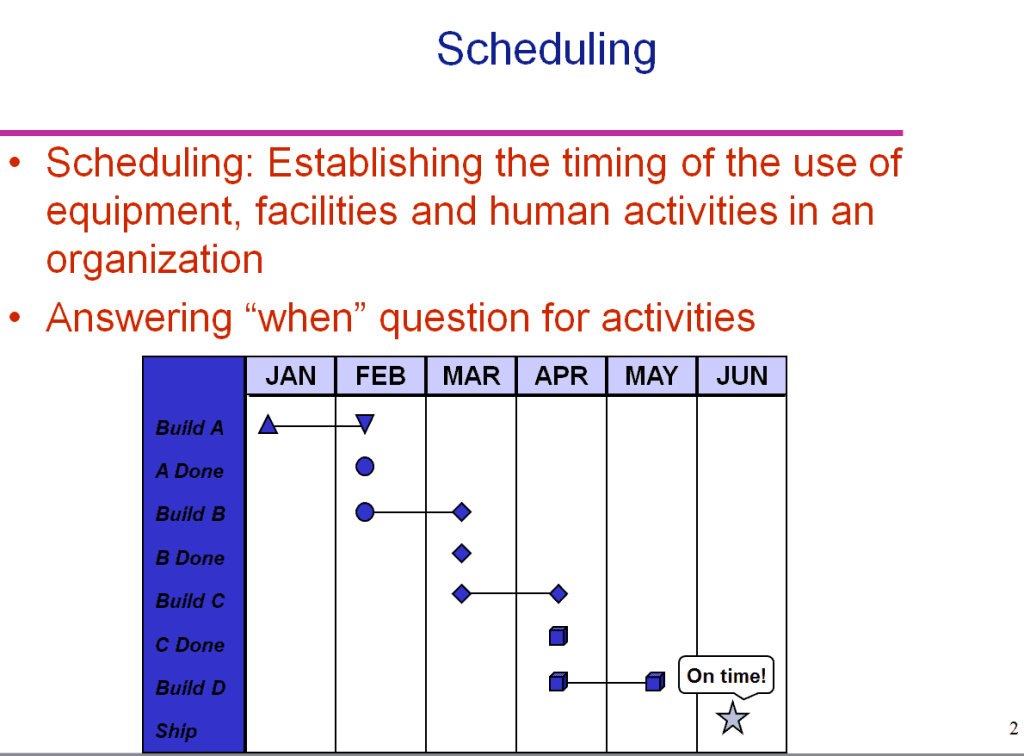
Production Schedule Template
File Size: 48 KB
File Type: POWERPOINT
Important Elements of a Production Schedule Template
As mentioned earlier, there are several different types of production schedule templates that an entity use or can use. The entities use different production schedule samples according to their requirements and the goals that they desire to achieve. Whatever type of production schedule is used, the basic elements of the document remain the same.
The basic important elements that almost all of the production schedule spreadsheet templates have are as follows:
- Sales order number.
- Client or customer name.
- A brief description of the product, its quantity and delivery schedule.
- The production capacity and production plan.
- Start date.
- End date
- Delivery date.
- Remaining quantity.
- Number of machines at place.
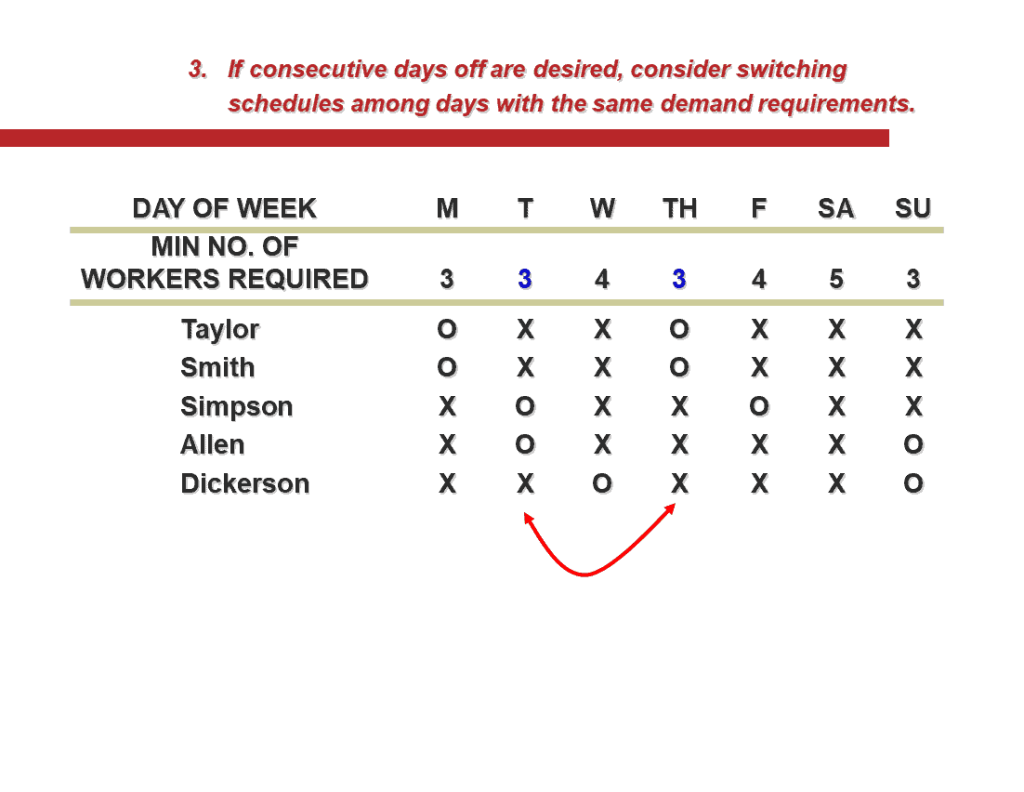
Simple Production Schedule Template
File Size: 347 KB
File Type: POWERPOINT
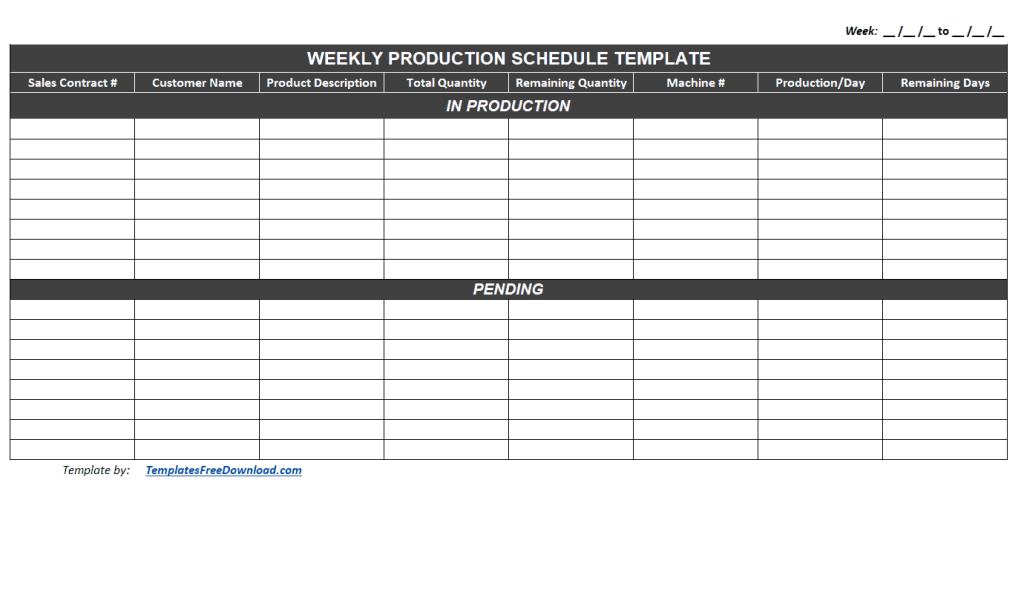
Fillable Weekly Production Schedule Template
File Size: 9 KB
File Type: EXCEL
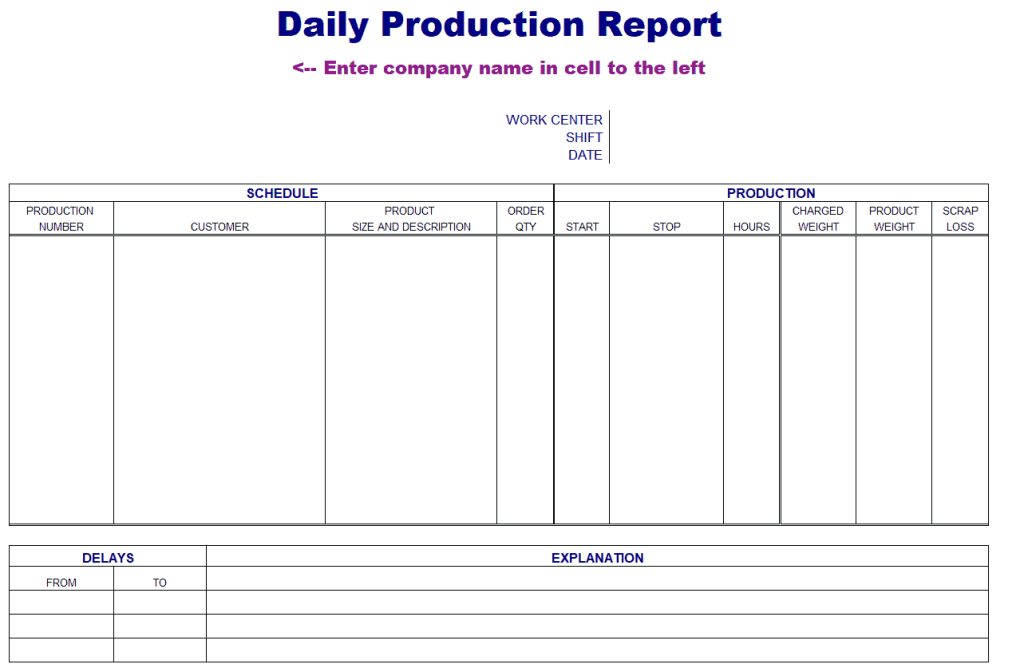
Daily Production Schedule Template
File Size: 11 KB
File Type: EXCEL
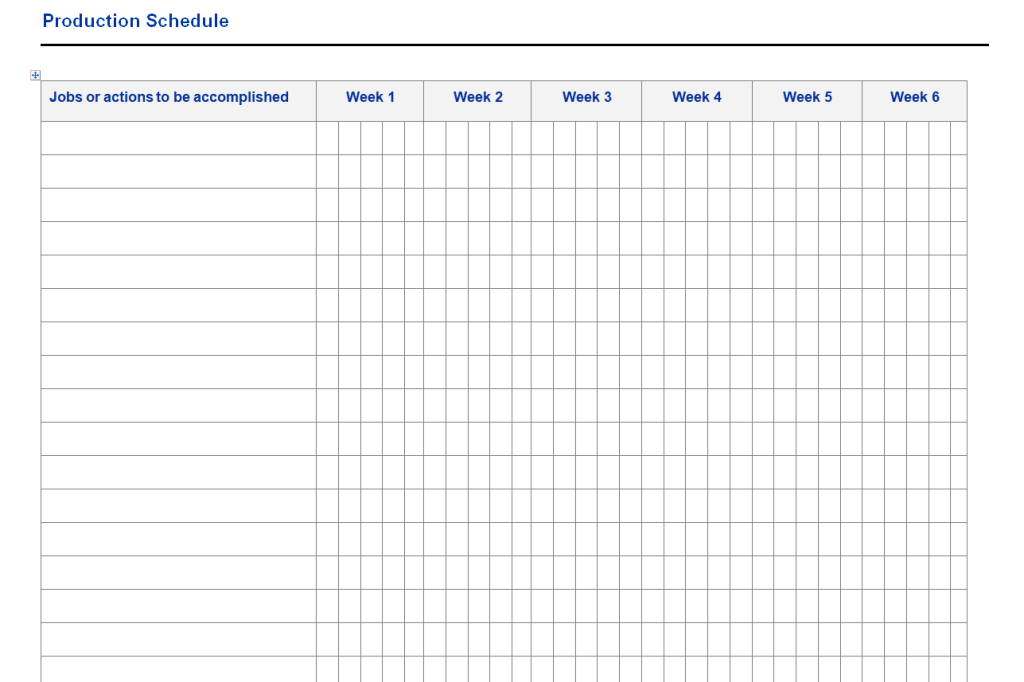
Weekly Production Schedule Template
File Size: 20 KB
File Type: MS WORD
Sample Production Schedule Template
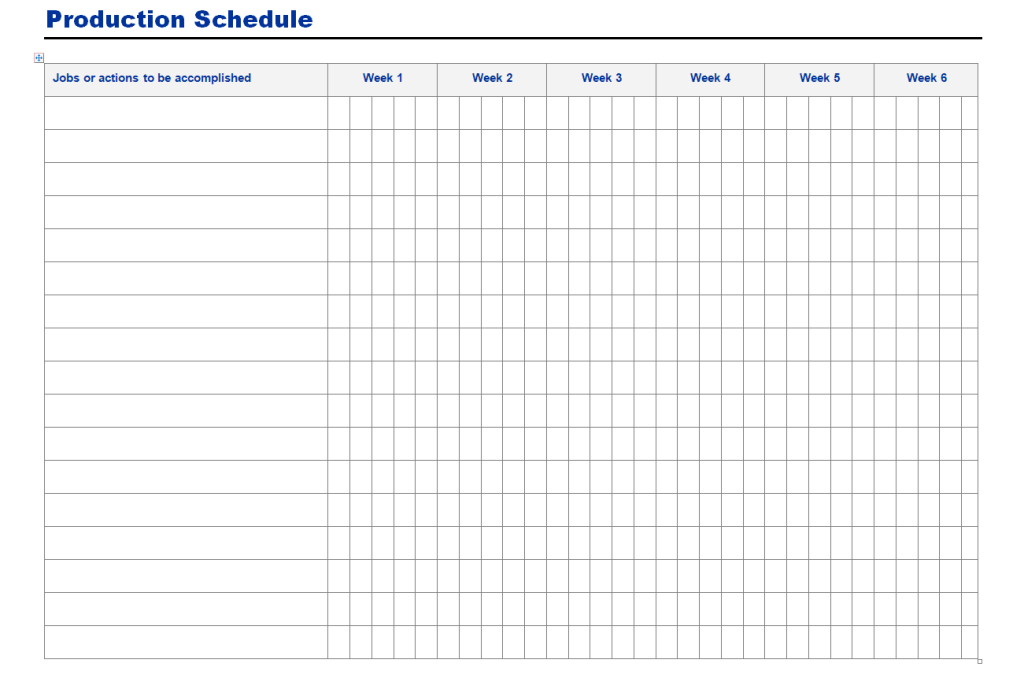
File Size: 11 KB
File Type: MS WORD
Blank Production Schedule Template
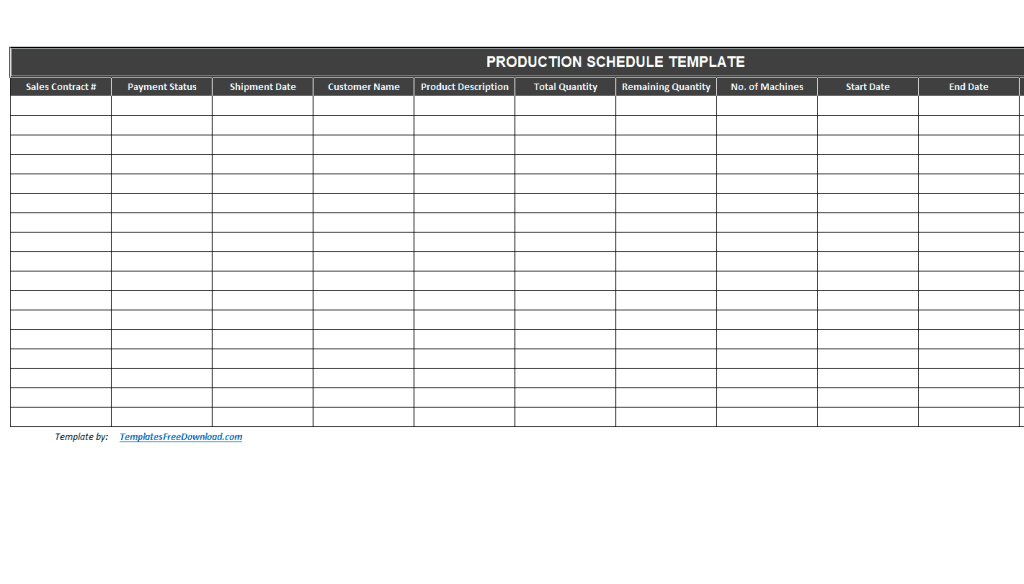
File Size: 9 KB
File Type: EXCEL
Client Wise Production Schedule Template
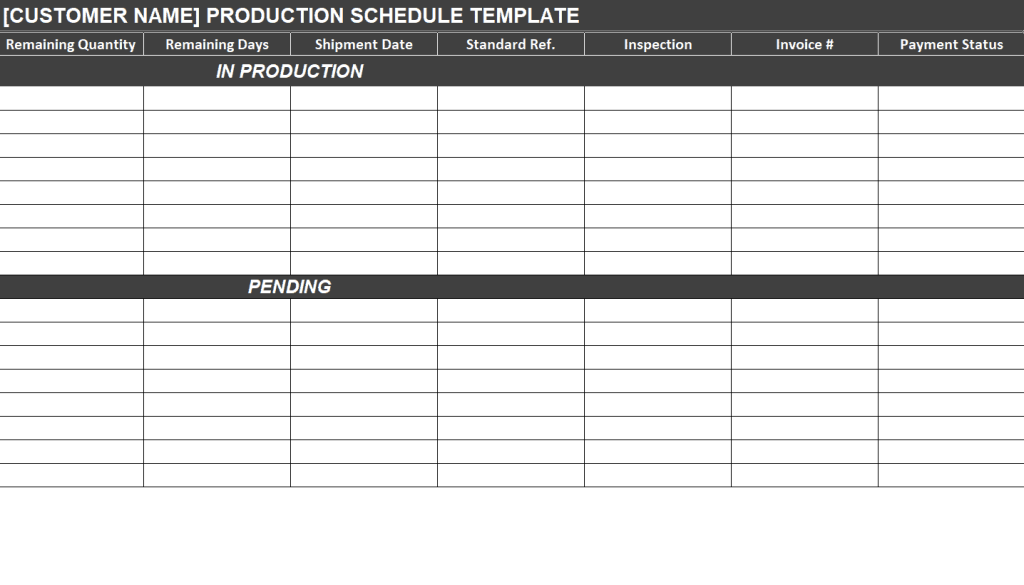
File Size: 9 KB
File Type: EXCEL
What is a Production Schedule?
A production schedule is a plan that shows what will be produced, in what quantity, on which machines or lines, by whom, and when. It turns customer orders and sales forecasts into a day-by-day or week-by-week manufacturing plan. A good production schedule balances three things: customer delivery dates, available capacity (machines, labor, and shifts), and the availability of raw materials. When these are in balance, a factory can meet deadlines without overtime, idle machines, or excess inventory.
Types of Production Schedules
Master production schedule (MPS): A high-level plan that lists which finished products will be made in each week or month, based on forecasts and confirmed orders. It drives material requirements planning (MRP) and purchasing.
Daily production schedule: A detailed plan for a single day that shows each job, machine, operator, start time, and target output. It is used on the shop floor by supervisors and team leaders.
Weekly production schedule: Breaks the master schedule into weekly targets for each line or department and helps plan labor and maintenance.
Shift-wise schedule: Assigns jobs and employees to morning, evening, and night shifts in factories that run around the clock.
Client-wise or order-wise schedule: Tracks each customer order from start to delivery, which is useful for job shops and contract manufacturers that produce to order.
How to Create a Production Schedule
1. Collect demand: List confirmed sales orders and forecasted demand for each product, with quantities and required delivery dates.
2. Check materials: Use your bill of materials (BOM) to calculate the raw materials and components required, then compare them with current stock. Our stock report templates help you track inventory levels.
3. Review capacity: Note the number of machines, their output per hour, available shifts, and planned maintenance or holidays.
4. Sequence the jobs: Prioritize orders by due date, customer importance, or setup time. Group similar products together to reduce changeovers.
5. Assign resources and dates: Enter the start date, end date, machine, operator, and target quantity for each job in your production schedule template.
6. Monitor and update daily: Compare actual output with the plan, record downtime and rejects, and adjust the schedule when orders change or machines break down. Many supervisors report results using our daily report templates.
Benefits of Using a Production Schedule Template
On-time delivery: Planning each order against real capacity helps you give customers realistic delivery dates and keep your promises.
Better use of machines and labor: A clear schedule reduces idle time, avoids bottlenecks, and cuts unnecessary overtime.
Lower inventory costs: Producing only what is needed, when it is needed, keeps raw material and finished goods stock under control.
Clear communication: Sales, purchasing, warehouse, and production teams all work from the same plan, so fewer orders are forgotten or delayed.
Faster problem solving: Comparing planned and actual output each day shows delays immediately, so managers can react before customers are affected.
Tip: Keep your production schedule simple and visible. Print the daily plan for the shop floor, share the weekly schedule in your production meeting, and record decisions in your meeting minutes so everyone knows the priorities.
Common Production Scheduling Mistakes to Avoid
Ignoring real capacity: Planning more output than machines and workers can actually deliver leads to missed deadlines and overtime. Base your schedule on realistic hourly output, not ideal speeds, and allow time for setups, breaks, and maintenance.
Forgetting material lead times: A perfect schedule fails if raw materials arrive late. Check supplier lead times and stock levels before confirming start dates.
Not updating the plan: Breakdowns, rush orders, and absences happen every week. A schedule that is not updated quickly becomes useless, so review it at least daily.
Poor communication: If sales promises dates without checking the schedule, or the shop floor does not see changes, confusion follows. Share one version of the schedule with every team.
No buffer for urgent orders: Leave a small amount of spare capacity each week so you can accept urgent or high-value orders without disrupting existing commitments.
Not measuring results: Track key production KPIs such as on-time delivery rate, schedule adherence, machine utilization, and output per shift. Reviewing these numbers every week shows whether your production planning is improving and where bottlenecks are slowing the factory down.
Frequently Asked Questions (FAQs) About Production Schedules
What is a production schedule?
A production schedule is a manufacturing plan that shows which products will be made, in what quantity, on which machines, by which workers, and on what dates, so that customer orders are completed on time.
What is the difference between a master production schedule and a production schedule?
A master production schedule (MPS) is a high-level weekly or monthly plan of finished products, while a detailed production schedule breaks that plan into daily jobs, machines, and shifts on the shop floor.
What should a production schedule include?
It should include the order number, customer, product description, quantity, start and end dates, delivery date, machine or line, assigned operators, production capacity, and remaining quantity.
How do I make a production schedule in Excel?
Create columns for order details, quantities, machines, and dates, enter each job on its own row, add formulas to calculate remaining quantities and total hours, and use conditional formatting or a Gantt-style bar to show progress. You can also download one of the free Excel templates above.
How often should a production schedule be updated?
Detailed schedules are usually updated daily or at every shift change, while master production schedules are reviewed weekly or monthly.
Are these production schedule templates free?
Yes. All 15 production schedule templates on this page are free to download and edit in Excel or Word.
Conclusion
A well-planned production schedule is the backbone of an efficient manufacturing operation. It helps you meet delivery dates, use machines and workers wisely, and keep inventory under control. With these 15 free production schedule templates in Excel and Word, you can quickly set up daily, weekly, shift-wise, or master production schedules for your factory or workshop. Download the template that fits your process, enter your orders and capacity, and update it regularly to keep production on track.