A change order template helps contractors, project managers and clients record every approved change to the scope, cost or schedule of a project. On this page you can download 11 free change order templates and forms in Word, Excel and PDF, including a construction change order request form, an engineering change order example, a subcontractor change order template, a change work order form, a contract summary change order sheet and a change order log in Excel. Use them to document change requests clearly, get signatures before extra work starts and avoid payment disputes later.
Change Order Basics
A change order is a written document that records work added to or removed from an ongoing project after the original contract has been signed. It describes the change, explains why it is needed, and shows the effect on the contract price and completion date. Changes in project scope, cost, timeframe and client requirements are the most common reasons to issue one.
Why change order management matters: Clients often request unplanned changes while work is in progress. A clear change order process lets the project manager capture every request, plan how to apply it without disrupting other activities, and keep the project on track and on budget.
Where change orders are used: They are most common in construction projects, but they are equally useful for engineering, manufacturing, IT, design and service contracts whenever the agreed scope needs to change.
Why use a template: A professionally made change order form makes it easy to explain the requested change, the reason, the cost and the schedule impact, so the contractor and client can approve it quickly. Most of these templates are editable in MS Word or Excel, so you can add your company details, number each change order and keep a complete record for the life of the project.
How to use these templates: Download a change order form, add your company and project details, and give each change order a unique number. Describe the requested change, list the added or removed costs and the new completion date, then have the client and contractor sign before the extra work begins. Record every approved change in the change order log so you always know the current contract value.
Download Change Order Templates:



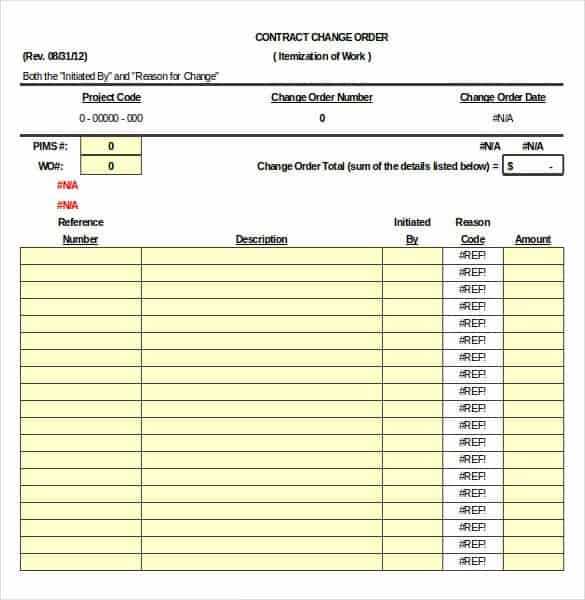
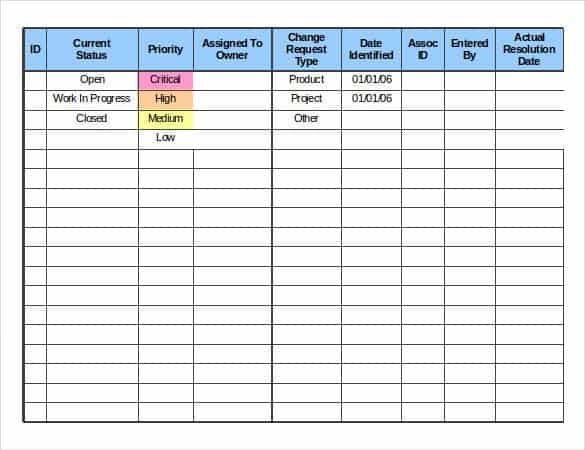
What Is a Change Order?
A change order is a written document that modifies the original contract between a client and a contractor. It describes the additional work, deleted work or changed specifications, explains how the change affects the contract price and completion date, and records the approval of both parties. Change orders are most common in construction, engineering, manufacturing and IT projects, where clients often request new features, different materials or design changes after work has already started.
Without a signed change order, extra work can quickly lead to disputes about who asked for what and how much it should cost. A simple change order form keeps the project on track, protects the contractor’s right to be paid for extra work and gives the client a clear record of every approved change.
Key Elements of a Change Order Form
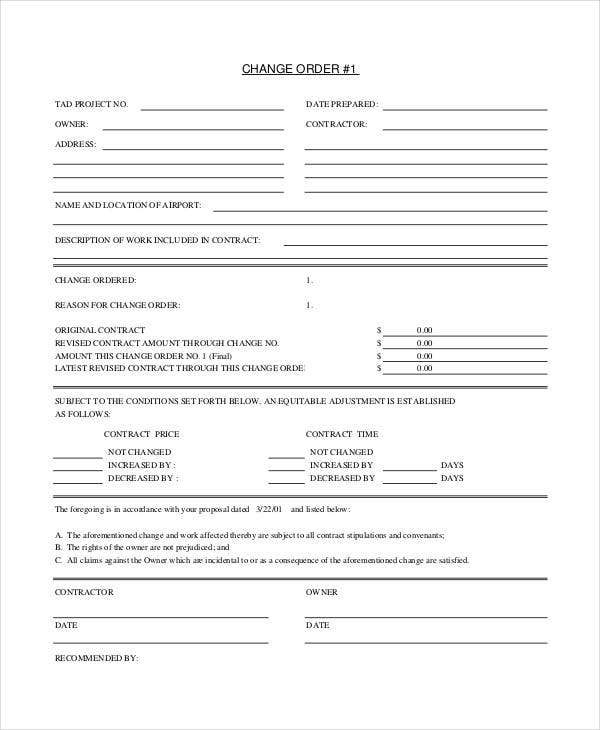
Project information: Project name, job site address, original contract number and date, client name and contractor name.
Change order number and date: Number every change order in sequence (CO-001, CO-002 and so on) so they can be tracked in a change order log.
Description of the change: A clear explanation of the work being added, removed or modified, including drawings, specifications or reference documents where needed.
Reason for the change: Note whether the change was requested by the owner, required by unforeseen site conditions, caused by a design error or needed to meet a code requirement.
Cost impact: Itemized labor, materials, equipment, subcontractor costs, overhead and profit, plus the original contract sum, previous change orders and the new contract total. Linking to an updated bill of materials or material list makes material costs easy to verify.
Schedule impact: The number of days added to or removed from the contract time and the revised completion date.
Approval signatures: Signatures and dates from the owner or client, the contractor and, where required, the architect or engineer. Work should not start until the change order is signed.
Types of Change Order Templates on This Page
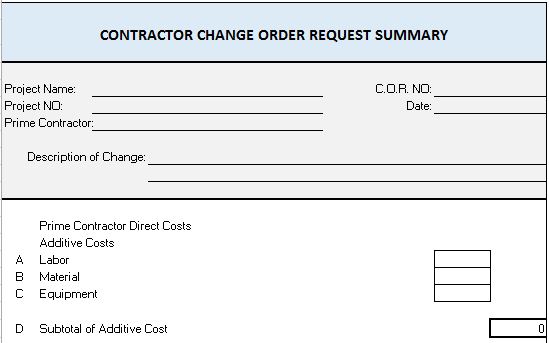
Change order request summary: An Excel sheet that summarizes pending and approved change requests with their values.
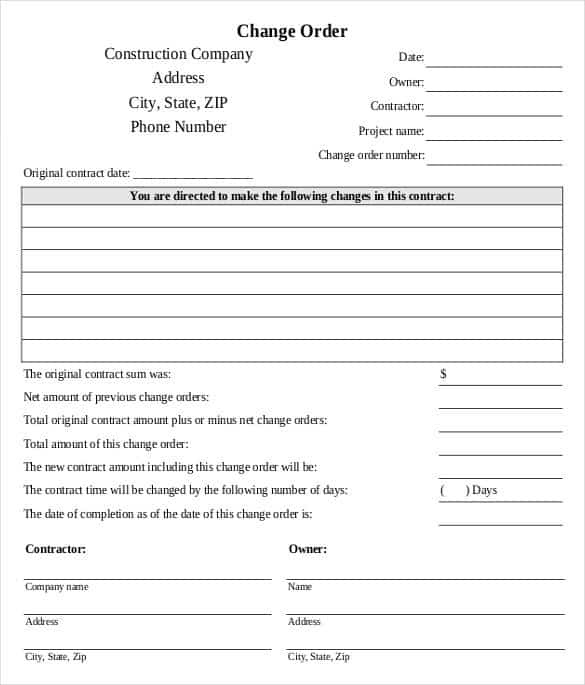
Construction change order request form: A formal request form used by contractors to ask for approval of extra work on a construction project.
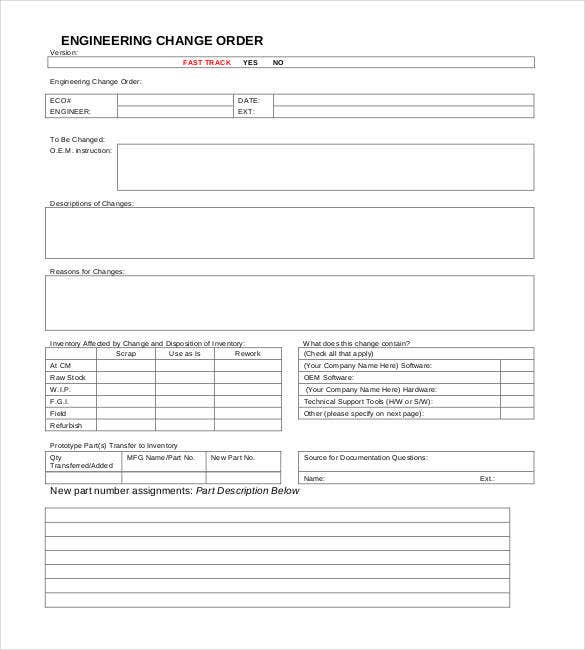
Engineering change order example: Used in engineering and manufacturing to document design changes to parts, drawings or products.
Printable blank change order form: A simple form you can print and fill in by hand on site.
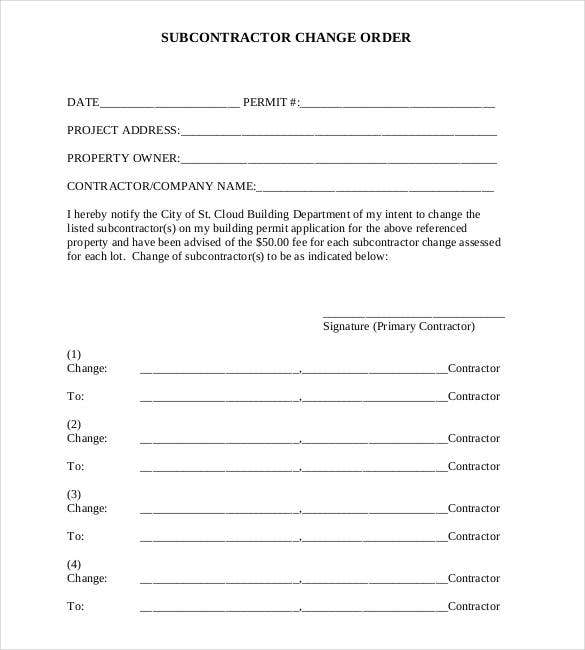
Subcontractor change order template: Helps a general contractor issue changes to subcontractors or lets subcontractors request them.
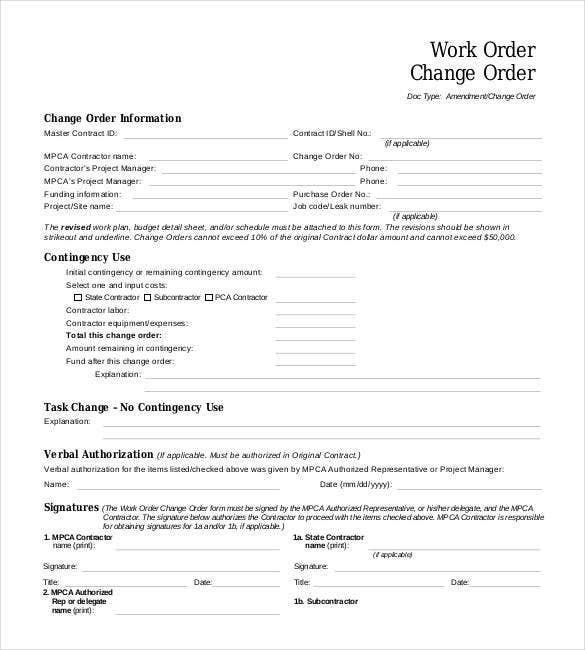
Change work order form: Records changes to an existing work order for maintenance and service jobs.
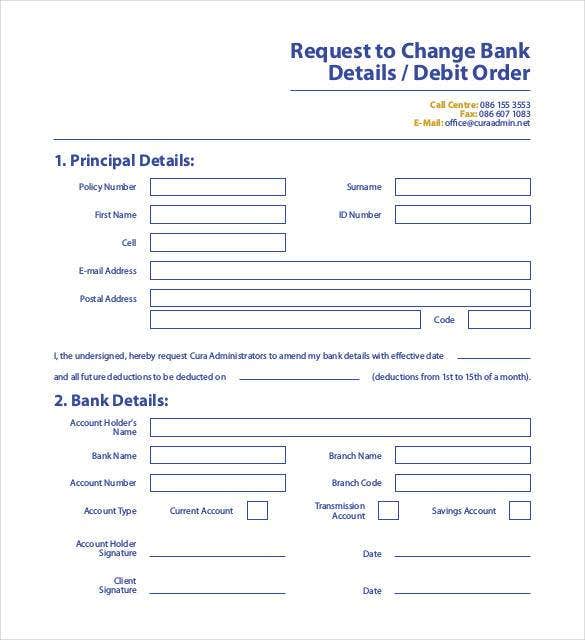
Request to change bank details or debit order: A form for customers who need to update their banking or debit order instructions.
Contract summary change order sheet and change order log: Excel templates that track every change order, its status and its effect on the total contract value.
How to Manage Change Orders Effectively
Agree on the change order process in the original contract, including who can request changes, who can approve them and how pricing will be calculated. When a change is requested, document it immediately, prepare a price using your standard quotation format, and send it to the client for approval before starting work. Record every change in a change order log and report the status of pending changes in your weekly status report. For larger projects, review the impact of changes against the scope and budget defined in the project charter. Finally, include approved change orders as separate lines on your invoices so payments match the signed documents.
Common Change Order Mistakes to Avoid
Starting work on verbal approval: A quick conversation on site is easy to forget or dispute later. Always confirm the change in writing, even if it is just an email, and follow it with a signed change order form.
Vague descriptions: Phrases such as “extra electrical work” invite arguments. Describe the exact scope, quantities, locations and materials, and attach drawings or photos where possible.
Forgetting the time impact: Many contractors price the extra work but forget to request more time. If a change delays completion, state the number of extra days clearly so you are not penalized for late delivery.
Not tracking cumulative changes: Several small change orders can add up to a large increase in the contract value. Keep a running change order log so both parties always know the revised contract sum.
Missing signatures: A change order is only effective when the people authorized in the contract have signed it. Check the signature block before work starts.
Ignoring subcontractor impacts: When a client changes the scope, subcontractors and suppliers may be affected too. Issue matching subcontractor change orders so pricing and schedules stay aligned across the whole project.
Following these simple rules turns change orders from a source of conflict into a routine part of good project management. Clients appreciate transparent pricing, contractors protect their margins and everyone has a clear audit trail when the project is closed out and the final account is agreed.
Frequently Asked Questions
What is a change order in construction?
A change order is a written amendment to a construction contract that changes the scope of work, contract price or completion time and is signed by the owner and contractor.
Who prepares a change order?
Usually the contractor prepares the change order, often after the owner or architect requests a change, and the owner approves it by signing.
What is the difference between a change order and a change request?
A change request asks for a change and is still pending approval. A change order is the approved, signed document that officially modifies the contract.
Can work start before a change order is signed?
It is best to wait for a signed change order. If urgent work must start, get written approval by email and formalize the change order as soon as possible.
What is a change order log?
A change order log is a spreadsheet that lists every change order with its number, description, value, status and approval date.
Are these change order templates free?
Yes. All 11 change order templates on this page are free to download and edit in Word, Excel and PDF.
Tip: Store every signed change order with the original contract, drawings and correspondence in one project folder. When the project is finished, the complete set of change orders makes it easy to agree the final account, prepare the last invoice and answer any warranty questions from the client.
Conclusion
Changes are part of almost every project, but disputes do not have to be. Download a change order template from this page, document every change clearly, get it signed before work begins and keep your project, budget and client relationship on track.