Evaluating revenue performance, tracking pipeline velocity, and monitoring individual sales representative productivity are fundamental to sustaining business growth. A structured Sales Report Template enables executives, regional directors, and sales managers to translate raw transaction figures into actionable commercial intelligence.
Whether you need a quick end-of-day revenue snapshot or a comprehensive quarterly forecast analysis, using standardized Microsoft Word and Excel templates ensures consistent reporting across your entire sales operations framework.
What is a Sales Report and Why is It Critical?
A Sales Report is a strategic document that details sales activities, gross revenue generated, deal conversion ratios, and representative performance metrics over a designated time period. Beyond serving as a historical ledger, a well-implemented sales reporting system provides executive management with the visibility required to refine pricing strategies, reallocate territory resources, and project cash flow accurately.
Key strategic advantages of standardized sales reporting include:
- Performance Accountability: Identifies top-performing reps while highlighting team members requiring targeted sales coaching.
- Accurate Revenue Forecasting: Evaluates active pipeline deals against historical conversion rates to project upcoming quarterly performance.
- Market Trend Identification: Tracks product line sales velocity to identify shifting buyer behaviors and emerging seasonal demand patterns.
- Customer Acquisition Cost (CAC) Tracking: Measures marketing lead efficiency against finalized conversion metrics.
Essential Types of Sales Reports
Selecting the optimal report frequency depends directly on your audience and decision-making cycle.
                      ┌─────────────────────────────────┐
                      │    Sales Reporting Hierarchy    │
                      └────────────────┬────────────────┘
                                       │
        ┌──────────────────────────────┼──────────────────────────────┐
        ▼                              ▼                              ▼
┌───────────────┐              ┌───────────────┐              ┌───────────────┐
│ Operational   │              │ Performance   │              │ Strategic     │
│ (Daily Snapshot)             │ (Weekly Progress)            │ (Monthly/Qtr) │
└───────────────┘              └───────────────┘              └───────────────┘
1. Daily Sales Reports (Operational Level)
Designed for store managers, sales leads, and e-commerce supervisors. A daily sales report monitors immediate revenue flow, unit volume, daily targets, and transaction logs. It helps management identify operational bottlenecks, stock inventory shortages, or sudden dips in foot traffic immediately.
2. Weekly Sales Activity Reports (Tactical Level)
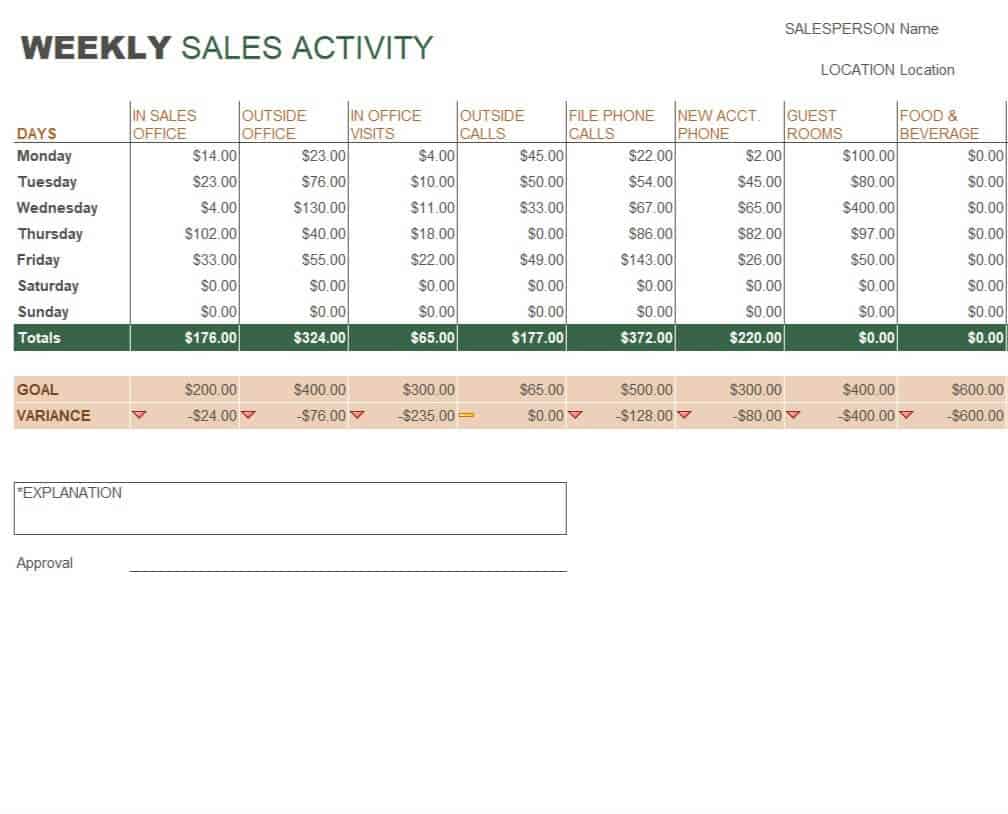
Targeted toward field reps and sales managers. Weekly reports track mid-level metrics such as total sales calls made, product demos delivered, outbound proposals sent, and high-value qualified leads created.
3. Monthly & Quarterly Executive Reports (Strategic Level)
Tailored for C-suite executives, VP of Sales, and board members. Monthly reports synthesize broader financial trends, including overall profit margins, territory breakdown, quarterly quota attainment percentage, churn rates, and Customer Lifetime Value (LTV).
Core Key Performance Indicators (KPIs) to Include
To maximize the commercial utility of your Excel or Word sales reporting sheets, ensure your spreadsheets incorporate the following key metrics:
| Key Performance Indicator (KPI) | Formula / Calculation | Primary Management Use |
| Gross Revenue | $\text{Total Units Sold} \times \text{Unit Price}$ | Evaluates top-line sales growth across specific timeframes. |
| Quota Attainment Rate | $(\text{Actual Revenue} \div \text{Target Quota}) \times 100$ | Measures individual representative performance against assigned targets. |
| Average Deal Size | $\text{Total Revenue} \div \text{Total Closed Deals}$ | Identifies shifting customer profiles and deal economics. |
| Lead-to-Close Win Rate | $(\text{Closed Deals} \div \text{Total Qualified Leads}) \times 100$ | Evaluates sales pipeline conversion efficiency and pitch effectiveness. |
| Customer Acquisition Cost | $\text{Total Sales \& Marketing Expenses} \div \text{New Customers Acquired}$ | Tracks overall acquisition efficiency and profitability margins. |
Best Practices for Building Custom Sales Reports in Excel & Word
When building or editing custom sales templates, adhere to these structural design guidelines to maintain reporting accuracy:
Schedule Consistent Reporting Windows: Define precise cut-off deadlines for daily log submissions (e.g., 5:00 PM daily) to preserve data integrity across multi-regional sales channels.
Segment Quantitative vs. Qualitative Data: Use Microsoft Excel for formula-automated transaction tracking and revenue calculations. Reserve Microsoft Word templates for contextual narrative summaries, qualitative market feedback, and executive meeting presentation slides.
Implement Automated Formulas: Set up built-in formulas for sum totals (SUM), average deal sizing (AVERAGE), and conditional formatting highlights (e.g., flagging representatives falling below 80% quota attainment in red).
Standardize Date and Category Formatting: Establish unified naming conventions across sales territories, representative IDs, and product categories to keep historical pivot tables clean.
Sales Report Templates WORD
Monthly Sales Report Template
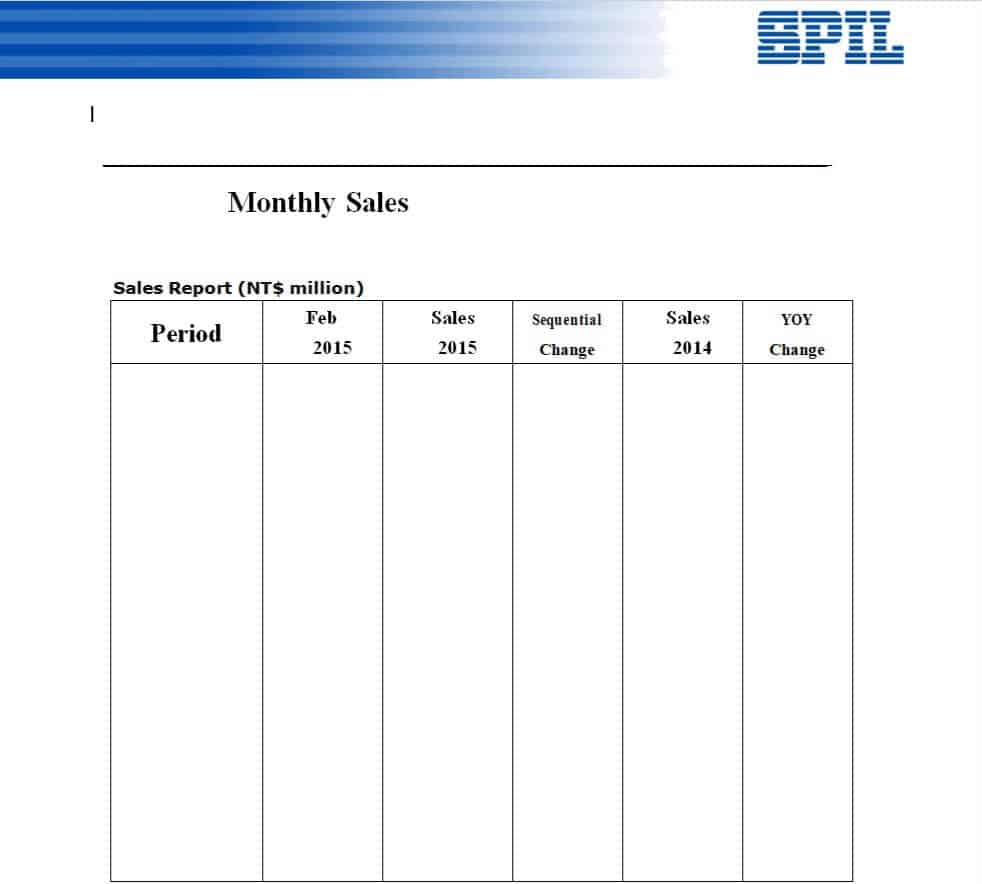
File Size: 24 KB
Daily Sales Report Template of a Gas Station
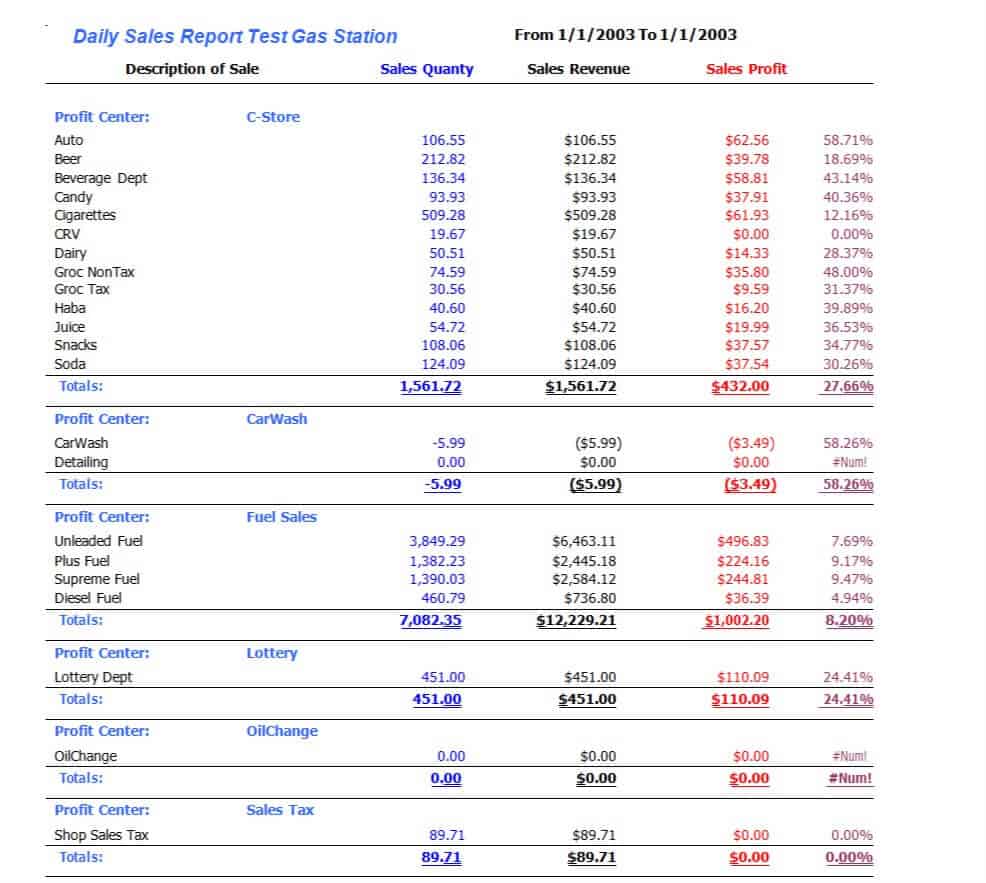
File Size: 15 KB
Blank Daily Sales Report Template Word
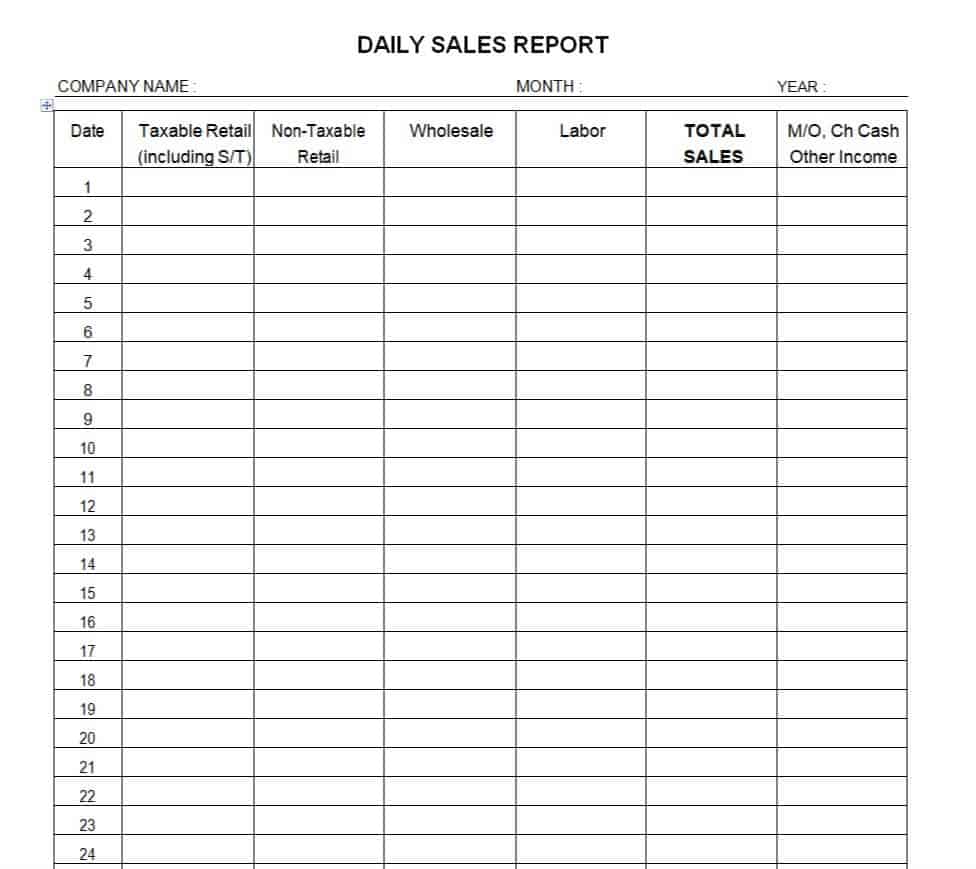
File Size: 5 KB
Sales Reporting Format Template
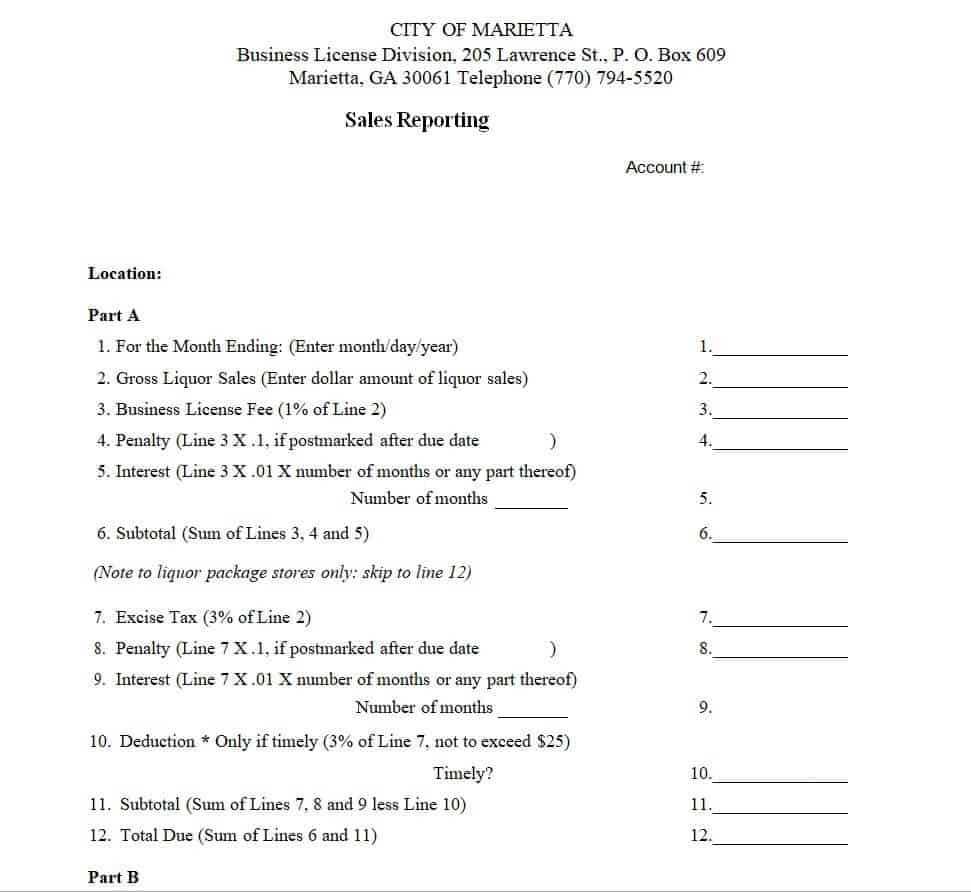
File Size: 9 KB
Weekly Sales Activity Report Template
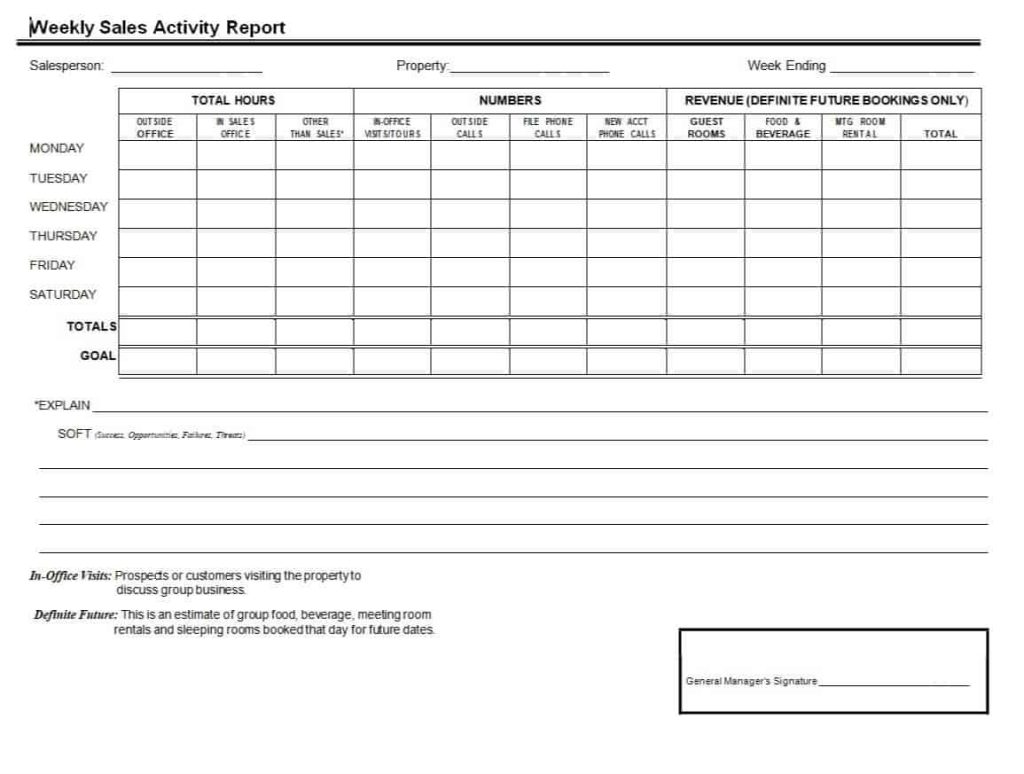
File Size: 8 KB
Company’s Monthly Sales Report Word Template
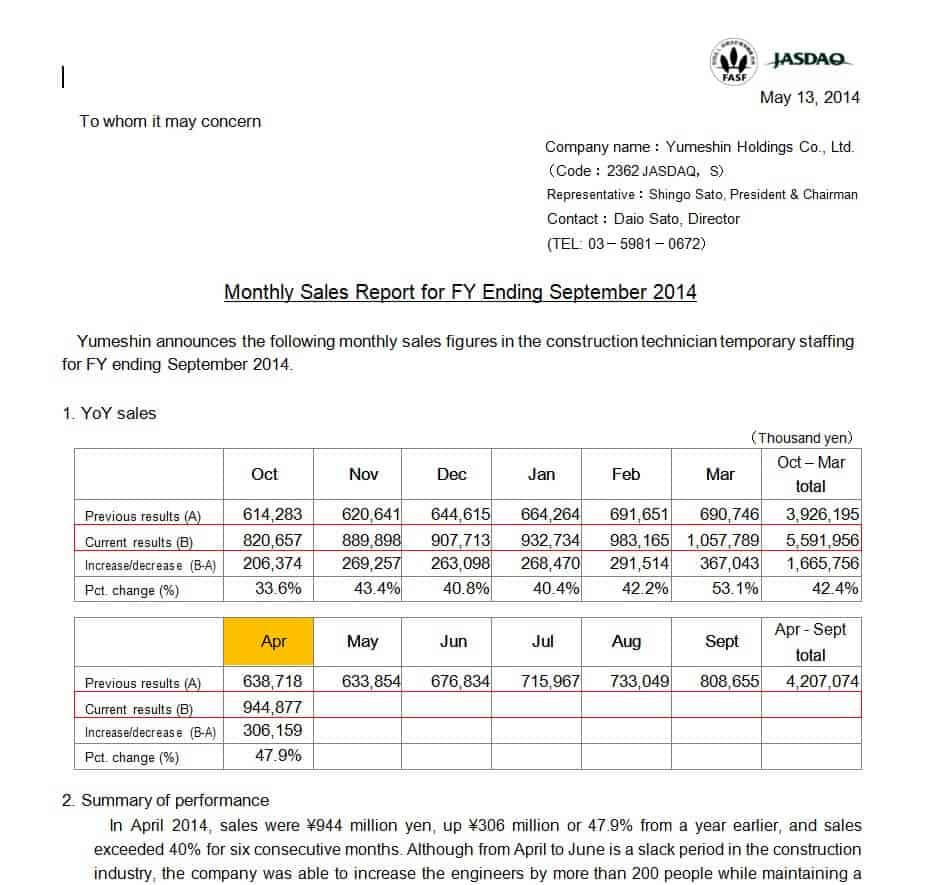
File Size: 40 KB
Editable Weekly Sales Report Template
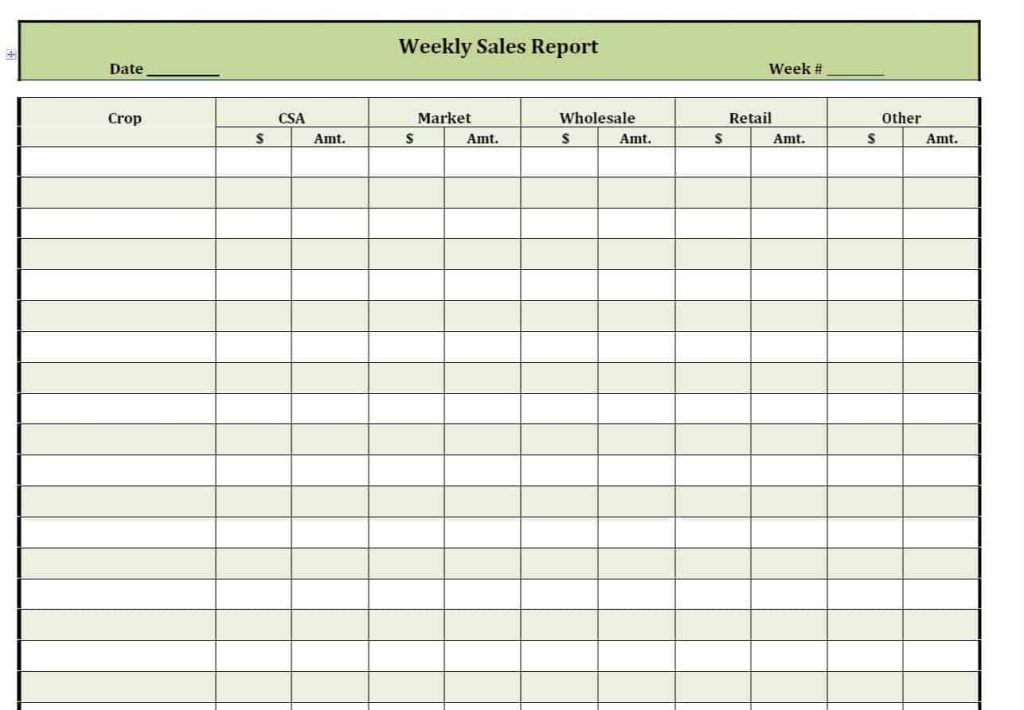
File Size: 7 KB
Detailed Sales Report Template
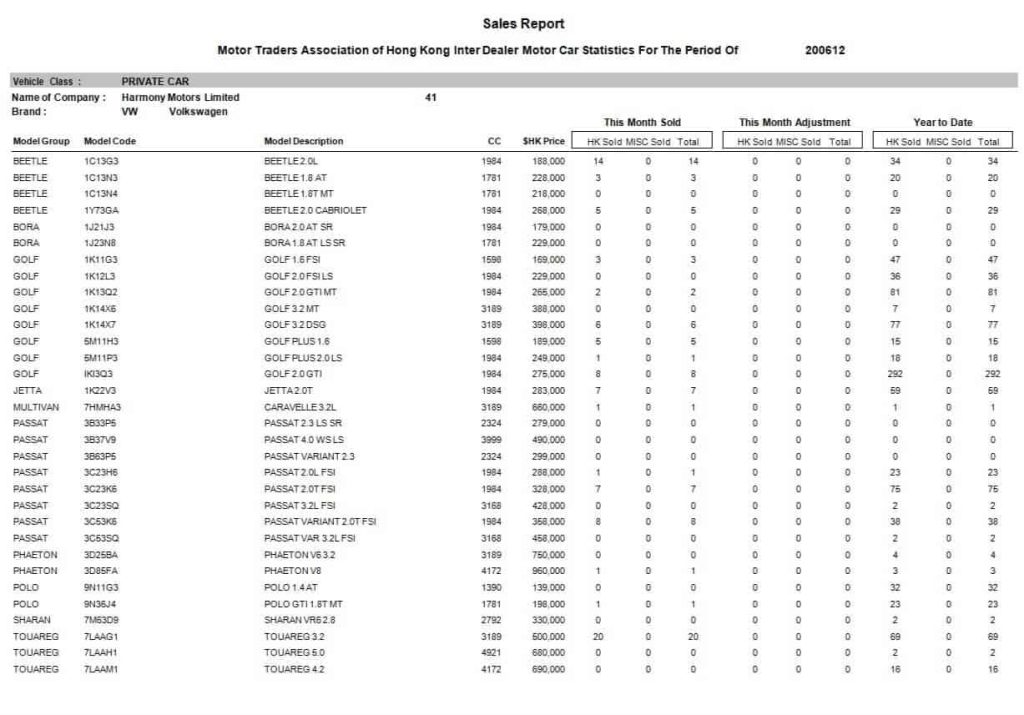
File Size: 15 KB
Standard Sales Report Template
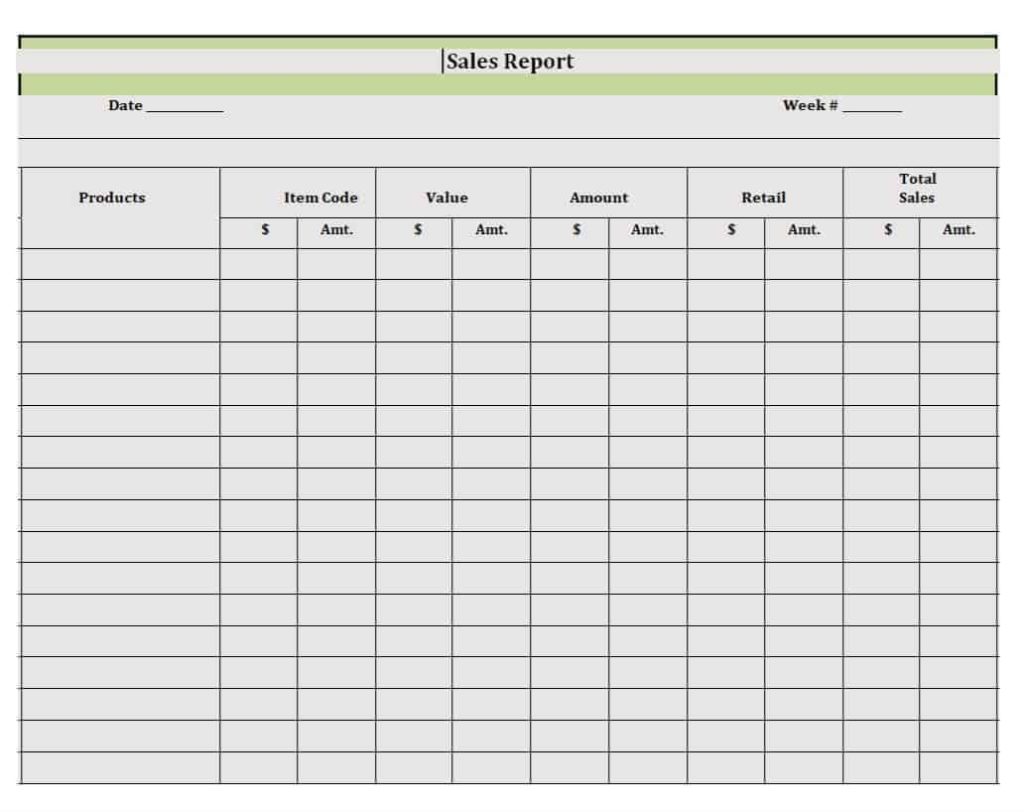
File Size: 14 KB
Quarterly Sales Report Template MS WORD
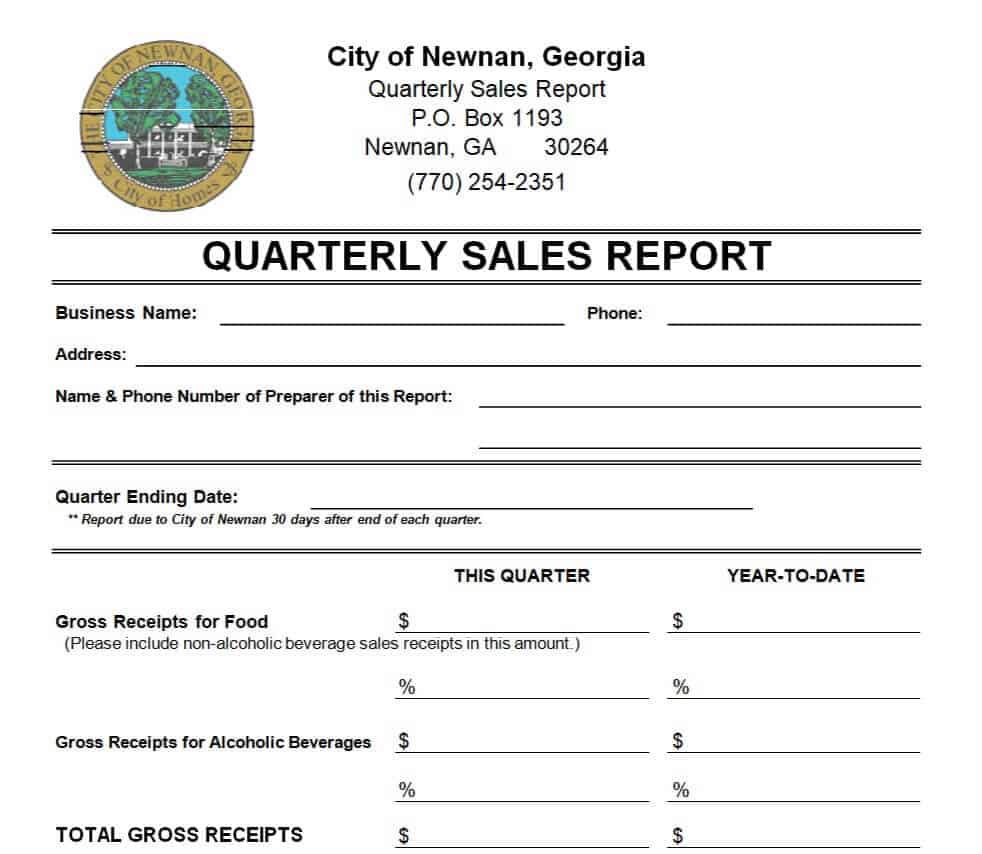
File Size: 32 KB
Quarterly Sunday Sales Report Template
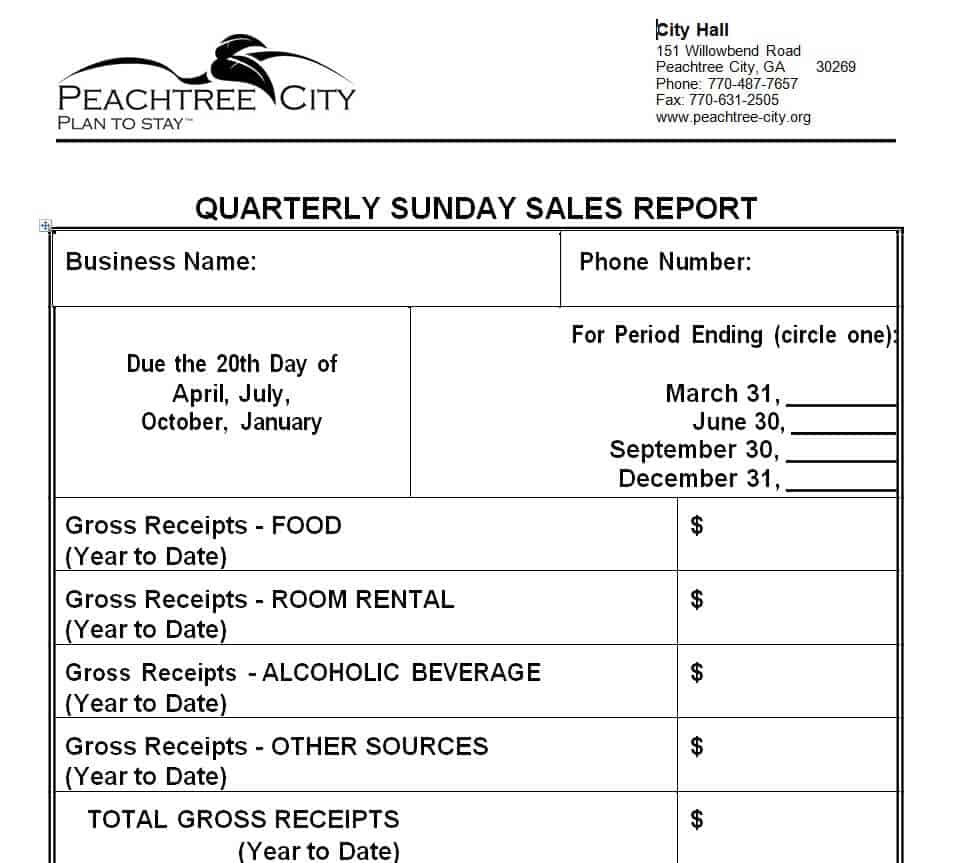
File Size: 22 KB
Mart Monthly Sales Report Template
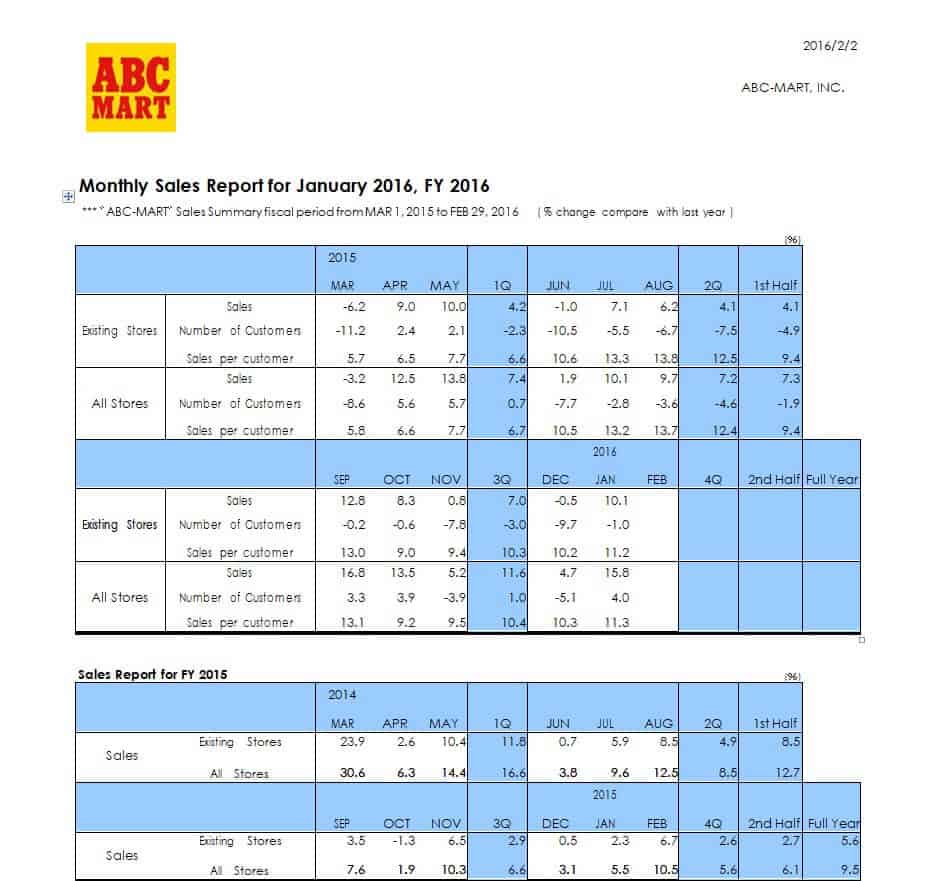
File Size: 13 KB
How to Make a Sales Report – Some Useful Tips
The editable sales report templates provided for you in this article can easily help you understand the significance and importance of this document. As mentioned earlier, one can easily download and use any of the given sales report templates for personal purposes. Using these pre-made templates can save a lot of your time and effort. However, if you still want to know how to make a sales report and want to make a sales report template of your own, from scratch, then make sure to follow the given-below useful tips:
- Audience: Before writing or drafting a sales report, you should clearly know about your audience i.e., who will read or use the sales report. Defining your audience is very important as the format or layout of a sales report for a specific audience may vary from writing it for a general audience.
- Scope: As with any other formal report, the scope of the sales report must be clearly defined. To put it simply, the sales report must answer the basic questions of why, what, who, etc.
- Time Period: A sales report must clearly indicate or define the time period for which it is being made or drafted i.e., whether it is a daily, weekly, or monthly sales report.
- Objectives: Make sure to define what objectives you actually want to achieve by making a sales report. For example, whether you are just drafting a monthly sales report to analyze the performance of your sales team and analyze the monthly sales objectives or you are making a sales report so as to share the monthly sales progress and sales development with the executive management. So it is very important that you should be clear in your mind about what goals or objectives you actually want to achieve via a sales report.
- Data Collection: The effectiveness of a sales report depends a lot on the data that is used or being used in preparing the sales report. Make sure to collect the right data for making a sales report as collecting and using the wrong data will definitely have worse impacts on the sales performance.
- Providing the Context or Background: It is very important to keep in mind that while making a sales report, only including the numerical data, figures or statistics is not enough. You also have to explain or provide some context or background of the whole situation for example, if the actual monthly sales for a specific month are significantly less than the sales forecast or previous month’s sales, then you should write about why it actually happened or what factors were involved, etc.
- Communicating the Results or Findings: Another important part of a sales report is that once you have analyzed and extracted the results from the available information or data, then you have to flawlessly communicate your findings to your audience. You must be able to convey this information in an effective way. For this purpose, make sure to make your sales report catchy and attractive for the readers or stakeholders.
- Cross Verification of Data: Before finalizing your sales report, it is good to cross-verify or cross-check the data or information once again, that you are using in your sales report.
Sales Report Templates Excel
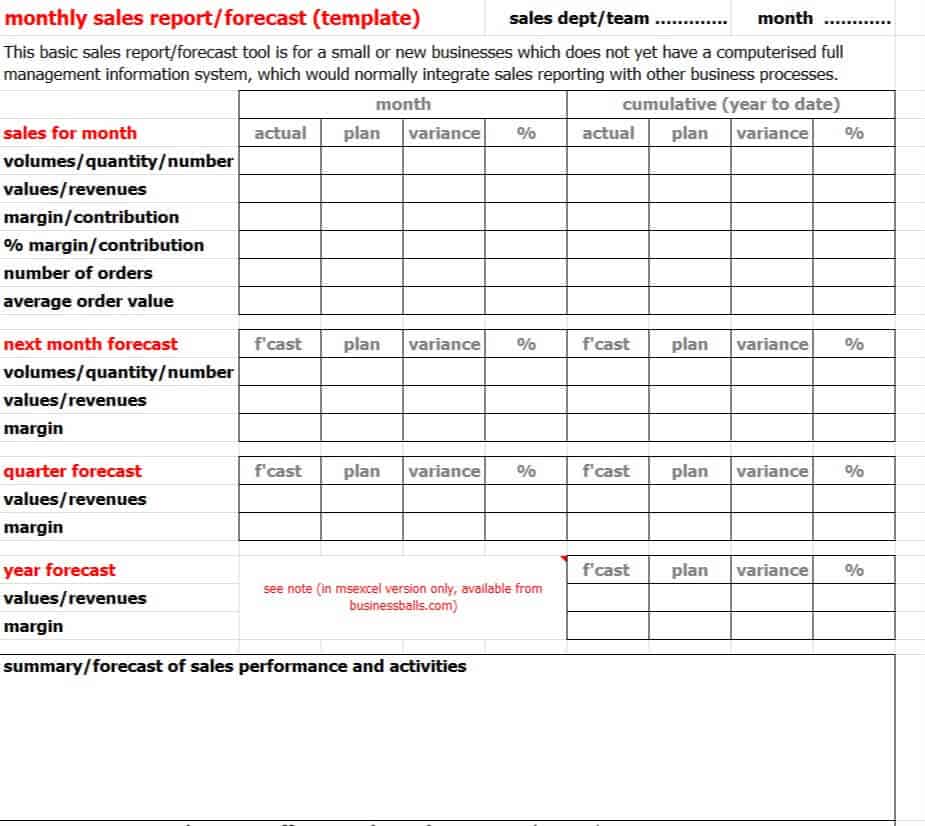
Monthly Sales Report/Forecast Template
File Size: 5 KB
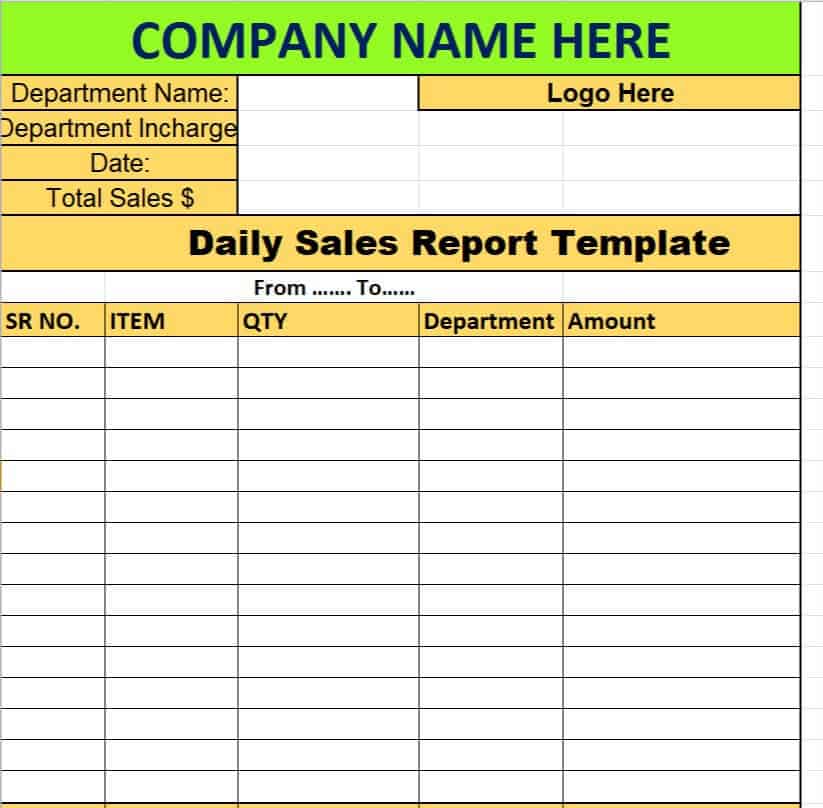
Offical Daily Sales Report Template
File Size: 8 KB
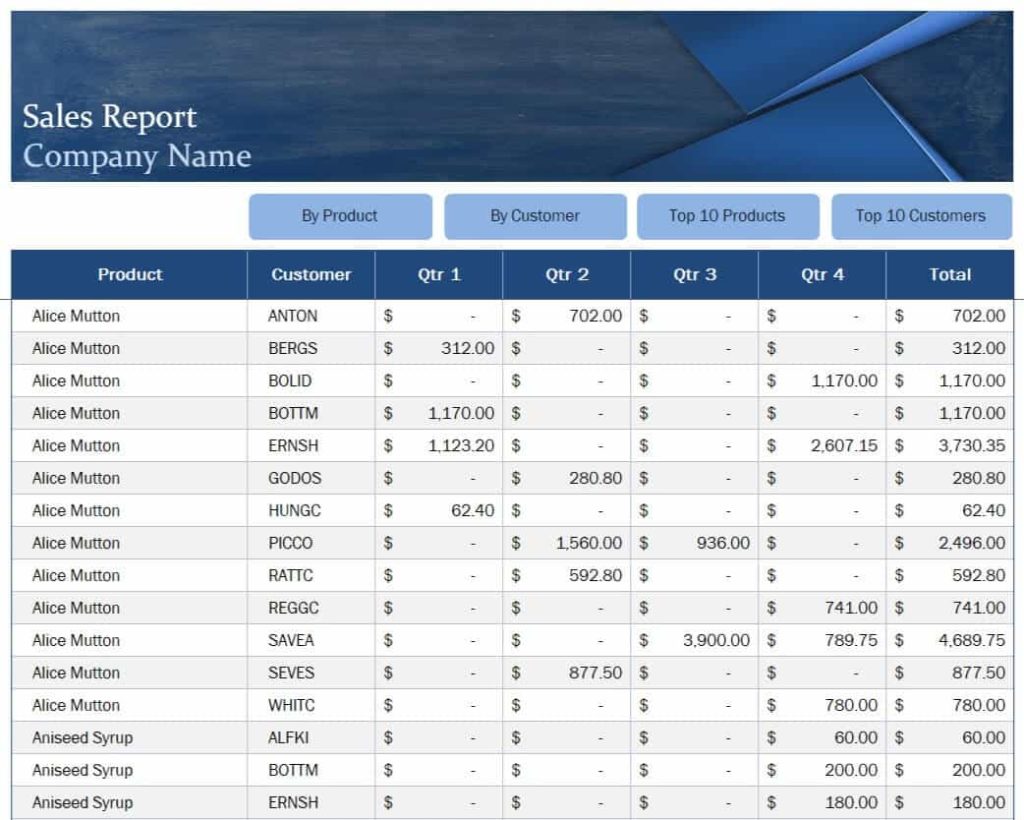
Company’s Professional Sales Report Template
File Size: 206 KB
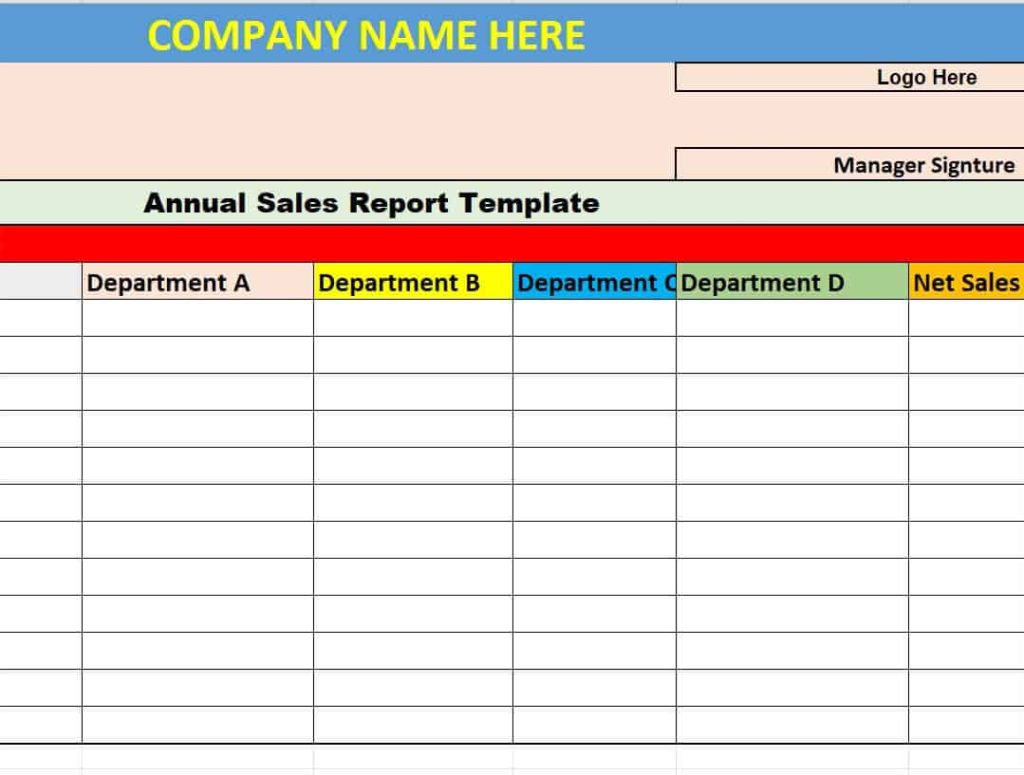
Annual Sales Report Template Excel
File Size: 8 KB
Organization’s Weekly Sales Report Template
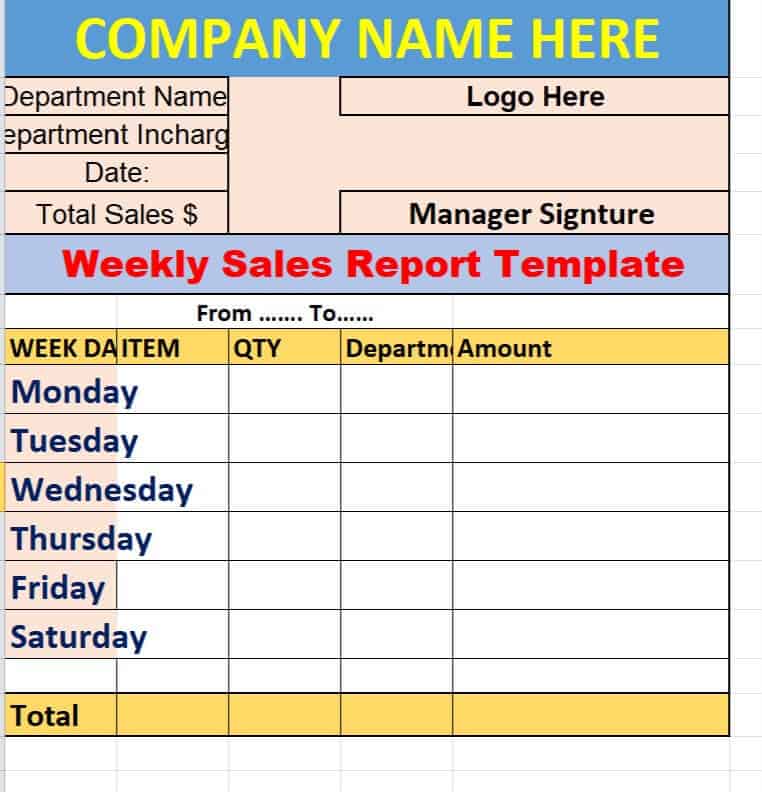
File Size: 7 KB
Online Sales Report Maker Template
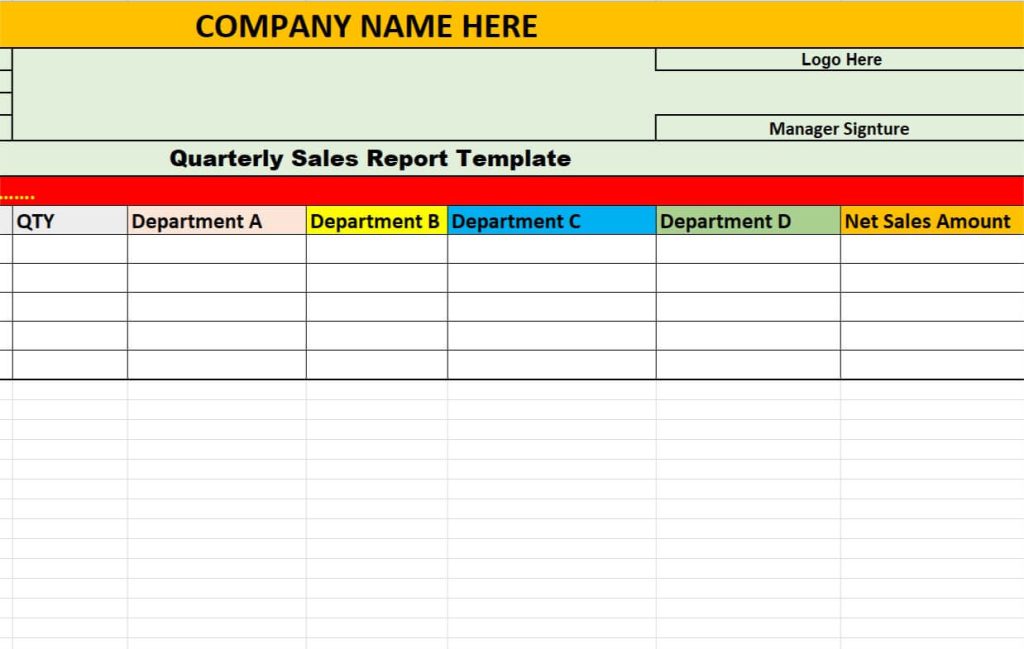
File Size: 7 KB
Firm’s Annual Sales Report Excel Template

File Size: 8 KB
Executive Sales Report Template
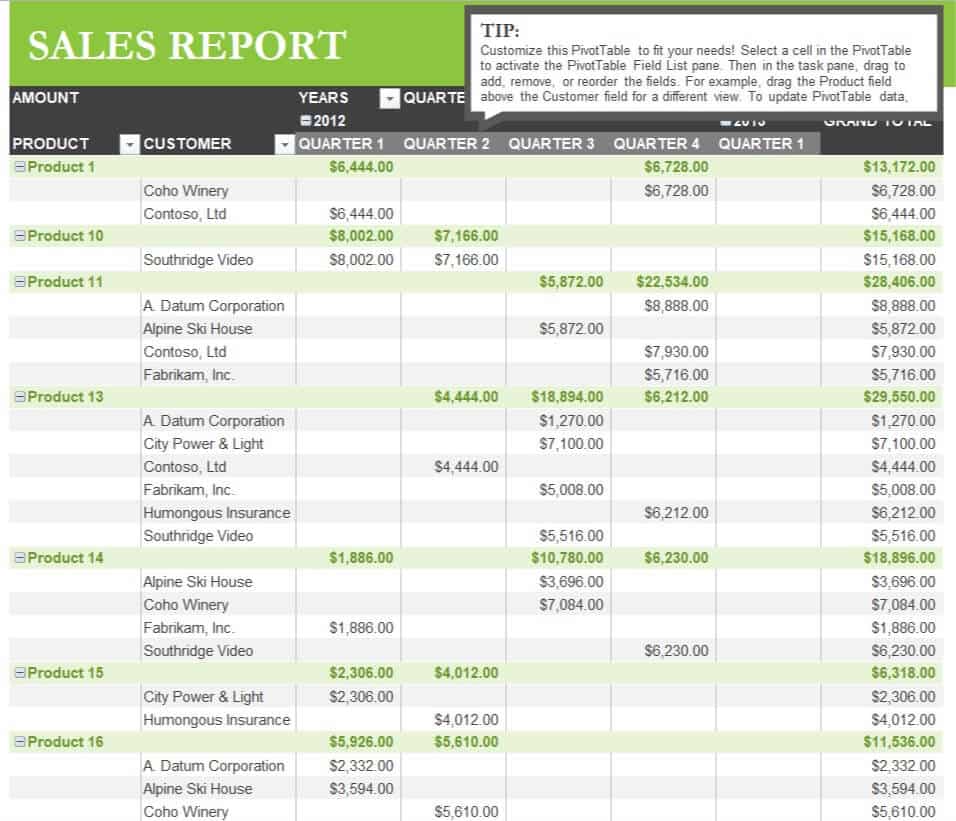
File Size: 33 KB
Example Weekly Sales Report Template
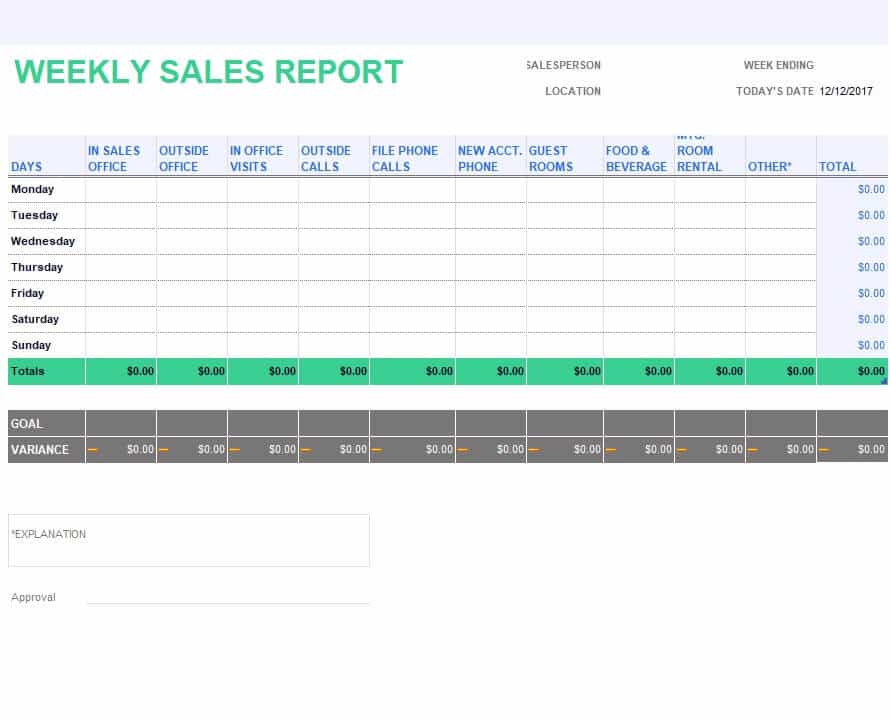
File Size: 30 KB
Sample Weekly Sales Activity Template
File Size: 19 KB
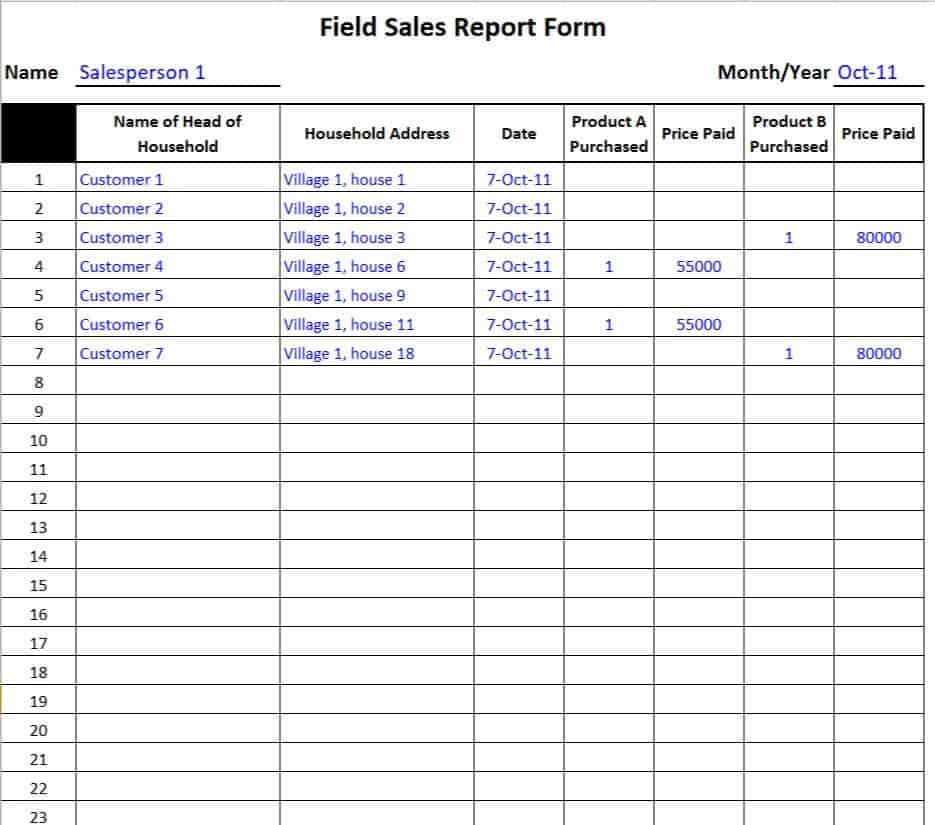
Sales Report Template
File Size: 26 KB
Frequently Asked Questions (FAQ)
What is the ideal format for a daily sales report?
A Microsoft Excel spreadsheet is the ideal format for a daily sales report. Excel allows for quick input of raw numbers, automated summation formulas, itemized product categorization, and instant comparison between daily target numbers and actual sales totals achieved.
How do I choose between Microsoft Word and Excel for sales reporting?
Use Microsoft Excel when your focus is numerical data, transaction logging, formula calculations, and visual charts/graphs. Use Microsoft Word when creating narrative-driven executive reports, pitch updates for investors, or qualitative summaries that explain why sales figures met or missed their monthly targets.
What should be included in a weekly sales activity report?
A comprehensive weekly sales activity report should detail total outbound prospecting activities (calls, emails, meetings booked), proposals submitted, active pipeline value, new closed-won deals, lost deal reasonings, and individual progress toward monthly sales targets.