Managing accurate payroll records is critical for businesses of all sizes. A payslip template (also known as a salary slip, pay stub or pay advice) is an official document issued by an employer to an employee, detailing total earnings, tax withholdings, statutory deductions and final net take-home pay for a specific pay period.
Using standardized payslip formats in Word and Excel ensures transparent compensation practices, maintains regulatory compliance and gives employees verifiable proof of income for banking and tax purposes.
What is a Payslip and Why is It Essential?
A payslip is a formal financial statement that itemizes an employee’s compensation package during a designated pay cycle (weekly, bi-weekly, or monthly). Beyond serving as a receipt of payment, structured payroll slips play a key role in human resource management and operational administration:
- Legal & Tax Compliance: Serves as tangible proof of tax withholdings, statutory contributions, and labor law compliance.
- Financial Verification for Employees: Enables workers to verify compensation details and present official proof of income when applying for mortgages, personal loans, or visas.
- Audit Trail Maintenance: Keeps a clean history of payroll expenses, making annual financial audits and corporate tax filings straightforward.
- Dispute Resolution: Minimizes misunderstandings regarding overtime calculation, accrued leave payouts, or bonus distribution.
- Avoiding Penalties: Issuing proper payslips helps the employer avoid penalties or lawsuits under wage documentation rules.
- Contribution Checks: Lets employees cross-check their provident fund and pension contributions each pay period.
Types of Salary Slip Formats
Different employment structures—such as hourly shift workers, salaried corporate employees, or independent contractors—require tailored pay stub layouts.
1. Salaried Employee Payslip (Corporate Format)
Designed for full-time staff receiving fixed monthly compensation. This format features comprehensive sections detailing basic salary, house rent allowances (HRA), medical coverage, conveyance, performance bonuses, and itemized tax deductions.
2. Hourly & Overtime Pay Stub
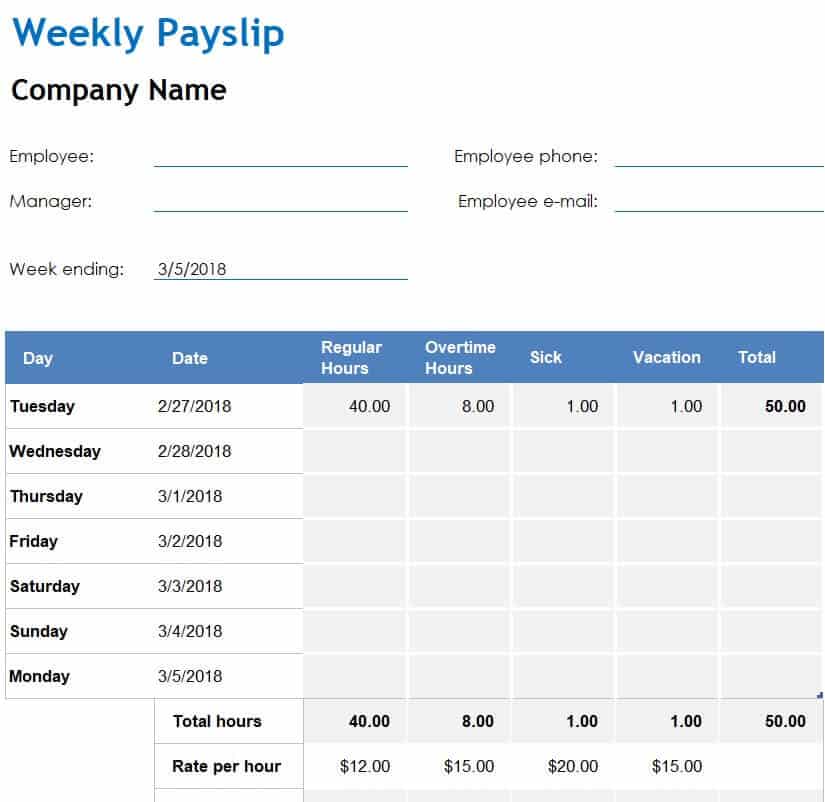
Ideal for manufacturing, retail, and hospitality sectors. It tracks total regular hours worked, hourly pay rates, overtime multiplier rates (e.g., 1.5x), shift differential pay, and gross earnings prior to standard withholdings.
3. Small Business / Minimalist Salary Slip
A concise, streamlined format designed for small business owners and startups. It focuses on core financial figures—gross pay, total deductions, net salary payable, and payment method details (direct deposit or bank transfer).
Essential Components of an Industry-Standard Payslip
To ensure completeness and maintain validity during financial audits, every salary slip template should incorporate the following mandatory fields:
| Category | Required Field | Purpose |
| Company Header | Organization Name, Logo & Address | Establishes the legal entity issuing the payment document. |
| Employee Details | Full Name, Employee ID, Designation, Department | Uniquely identifies the recipient and organizational role. |
| Pay Period Data | Pay Date, Pay Cycle (e.g., Aug 1–Aug 31), Payment Method | Specifies the exact financial timeframe covered. |
| Earnings Breakdown | Basic Salary, Allowances (HRA, Transport, Special) | Lists all gross compensation components prior to deductions. |
| Deductions Log | Income Tax, Health Insurance, Retirement/Pension Fund | Details all statutory withholdings and voluntary deductions. |
| Net Payable | Gross Earnings − Total Deductions | Clearly highlights the final amount transferred to the employee. |
Best Practices for Customizing Word & Excel Payslip Templates
When selecting between Microsoft Excel and Word formats for your company’s payroll system, apply these operational guidelines:
Maintain Confidentiality: Store digital payslip files in password-protected, encrypted directories to comply with employee personal data privacy standards.
Leverage Excel for Automated Calculations: Use Microsoft Excel spreadsheets when processing multiple employee records. Automated cell formulas (=SUM(), =IF()) calculate tax percentages, total deductions, and net salary automatically, drastically reducing manual entry errors.
Use Word for Individual Clean Formatting: Choose Microsoft Word templates when creating standardized, mail-merged individual salary receipts or formal PDF pay advice notes that require strict typography alignment.
Lock Formula Cells: Protect cells containing mathematical formulas in Excel sheets to prevent unintentional modifications by payroll staff.
Sample Payslip Calculation
Here is a simple example of how a monthly salary slip adds up. Use it to check that the totals in your template are calculating correctly.
| Item | Amount |
| Basic Salary | 3,000.00 |
| House Rent Allowance | 600.00 |
| Transport Allowance | 150.00 |
| Overtime (10 hours) | 250.00 |
| Gross Earnings | 4,000.00 |
| Income Tax | (400.00) |
| Pension / Provident Fund | (200.00) |
| Health Insurance | (100.00) |
| Total Deductions | (700.00) |
| Net Pay | 3,300.00 |
Figures are for illustration only. Tax rates, allowances and statutory contributions depend on your country, local labor laws and company policy.
Payslip Record-Keeping Tips for Employers
- Issue payslips on every pay date: Many countries legally require employers to provide a payslip each time wages are paid.
- Use a consistent numbering system: Give each payslip a reference number, such as employee ID plus pay month, so records are easy to find.
- Keep copies for the required period: Payroll records are often needed for tax audits and employee disputes years later, so store copies securely.
- Show year-to-date totals: Adding YTD earnings and tax helps employees with annual tax returns and reduces payroll questions.
- Double-check before sending: Verify hours, rates and deductions; correcting a payslip after payment creates extra work and confusion.
Payslip Templates & Salary Slip Formats in MSWord
Employee Payslip Template
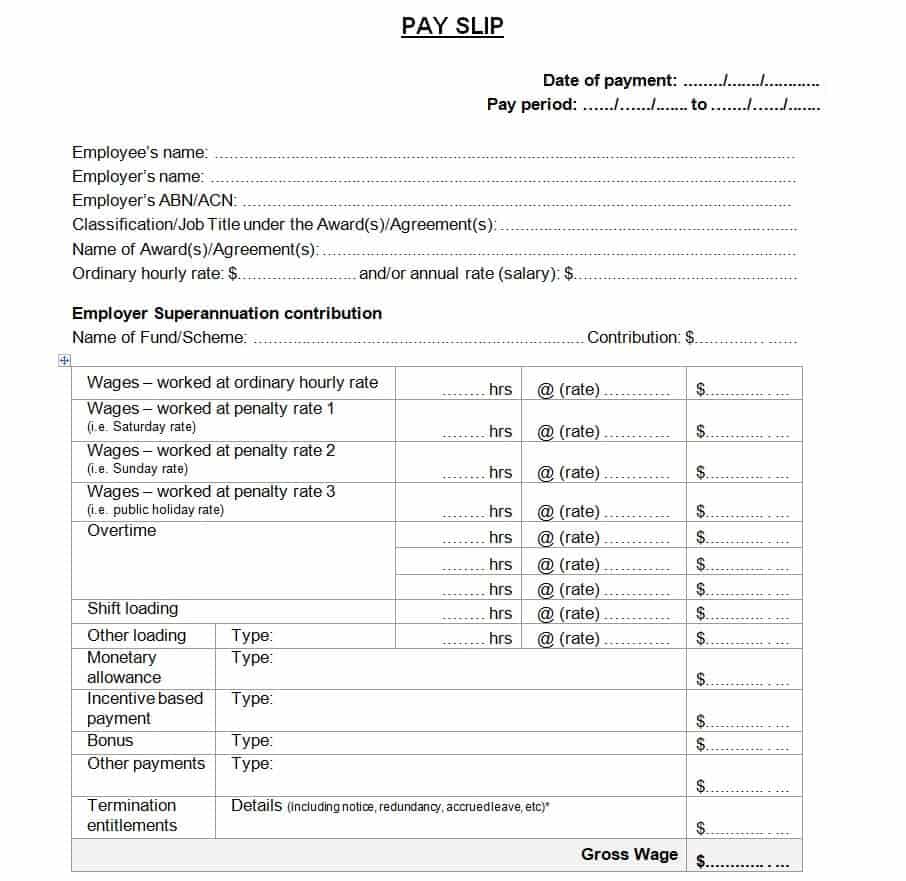
File Size: 13 KB
Professional Payslip Format

File Size: 15 KB
Sample Payslip Template
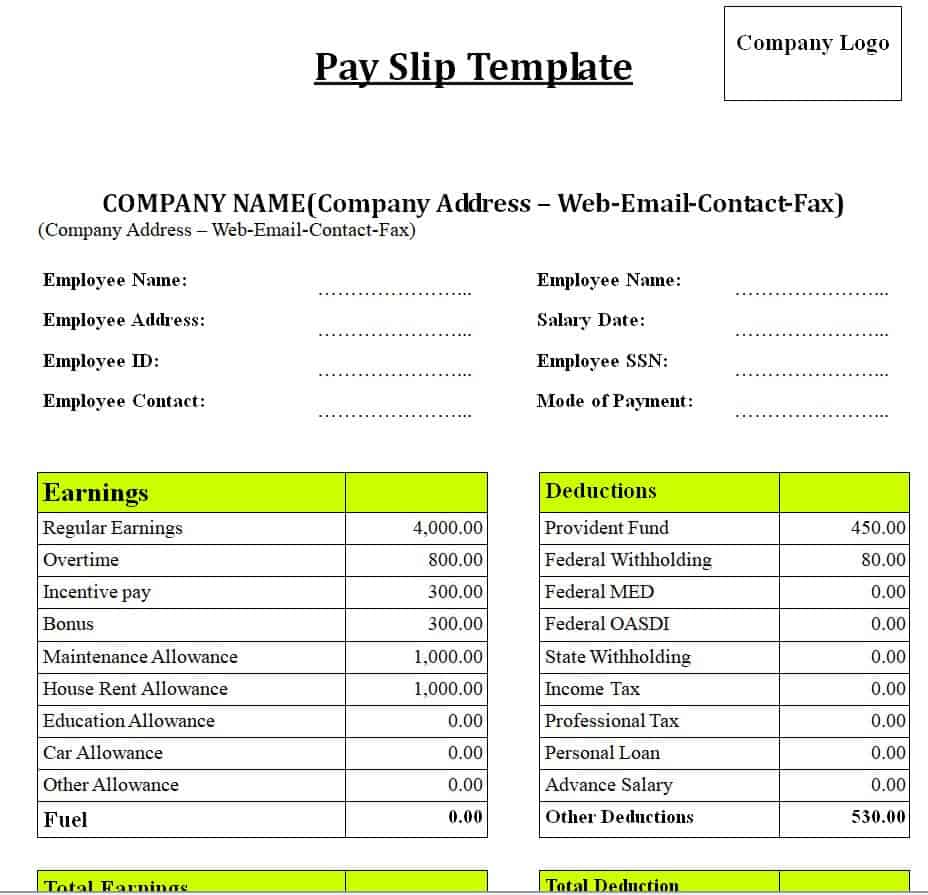
File Size: 09 KB
Fillable Salary Slip Example
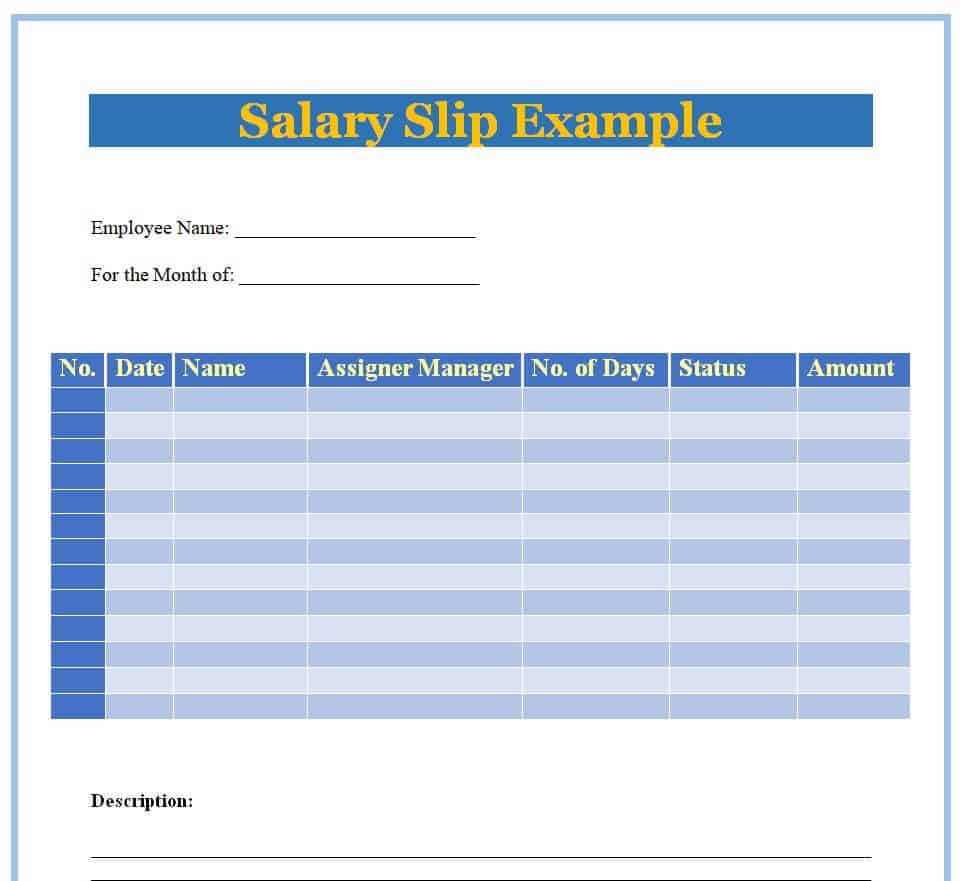
File Size: 15 KB
Company’s Payslip Template Word
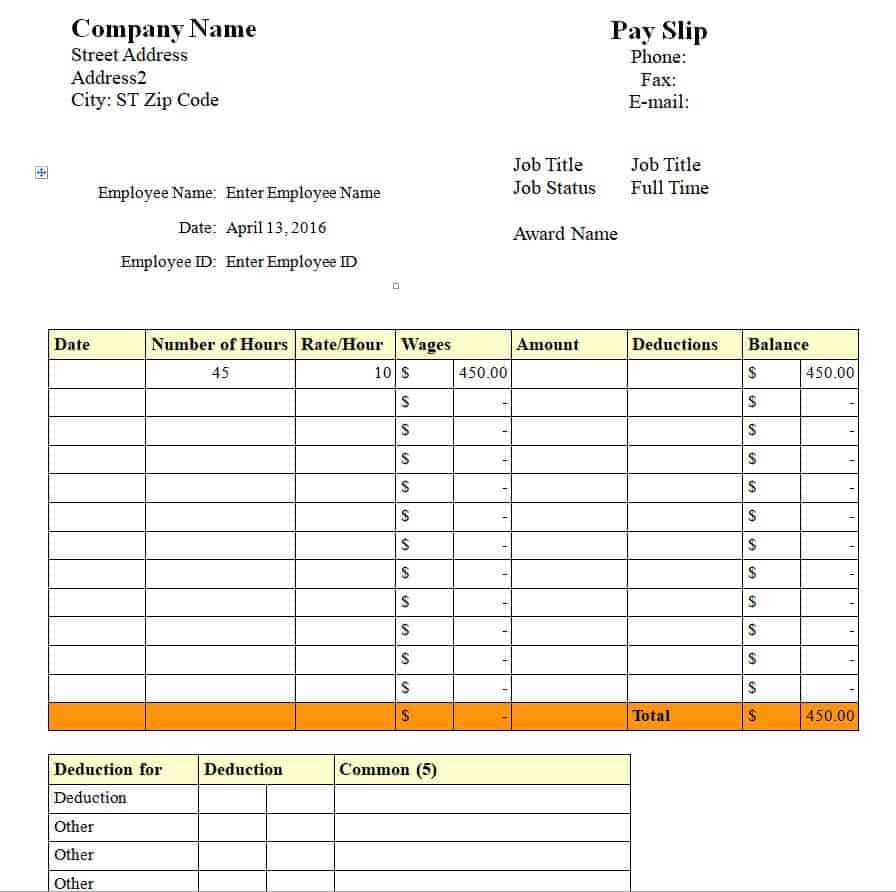
File Size: 10 KB
Monthly Salary Slip Statement Template

File Size: 35 KB
Official Payslip Template in MS Word
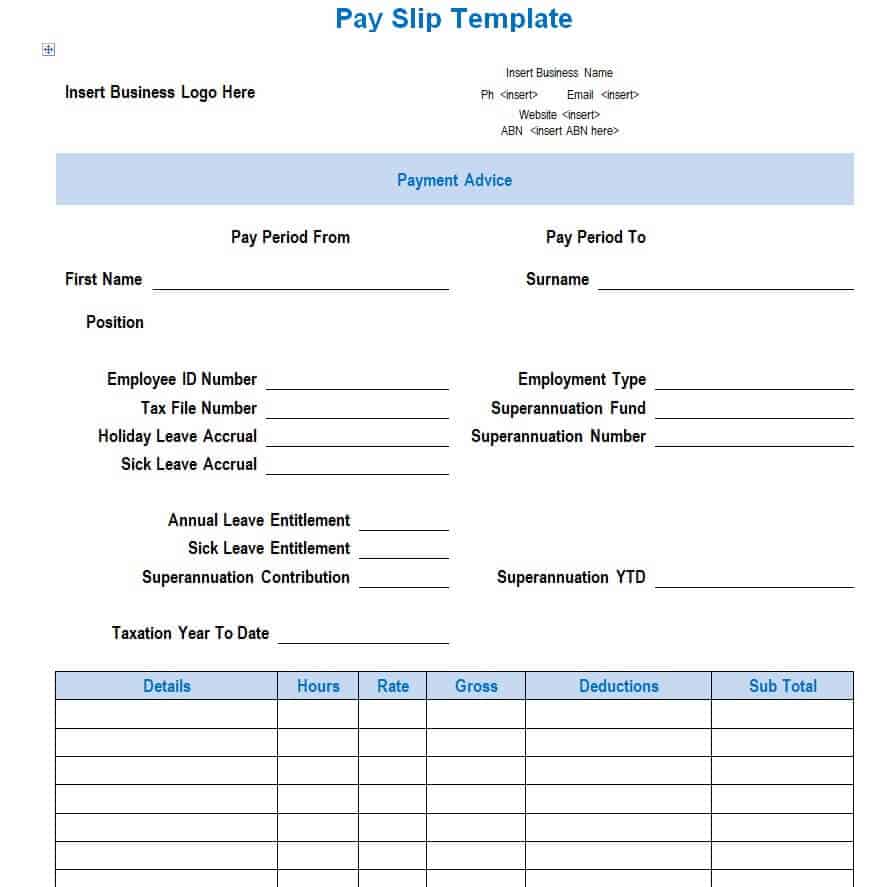
File Size: 53 KB
Simple Business Payslip Template
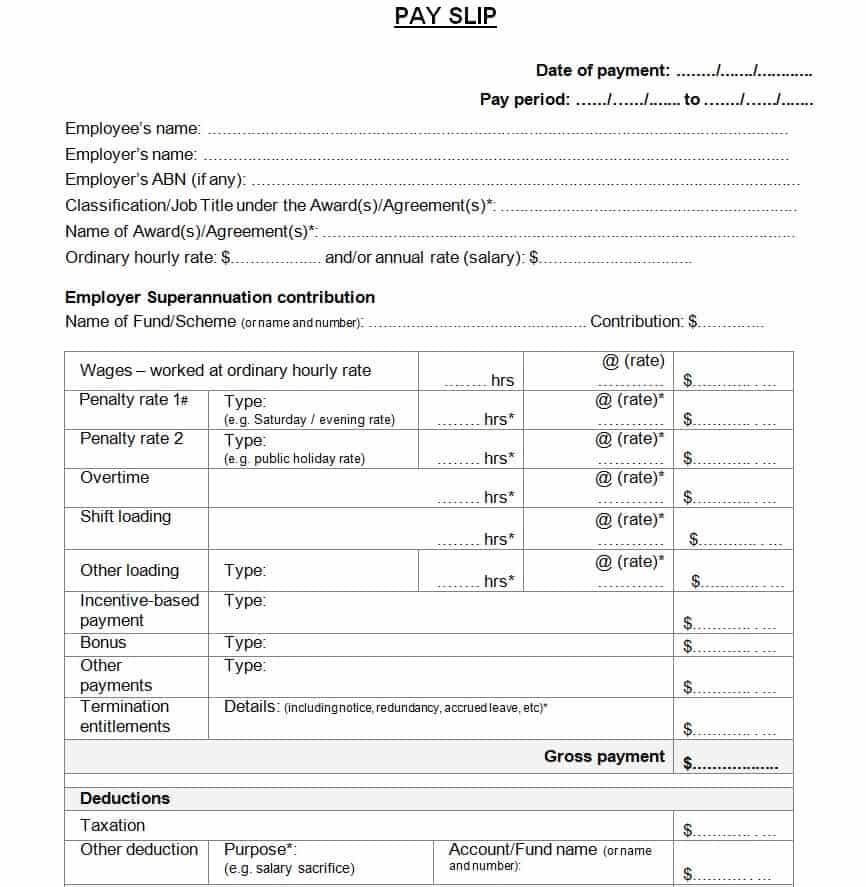
File Size: 12 KB
Formal Salary Slip Doc Format
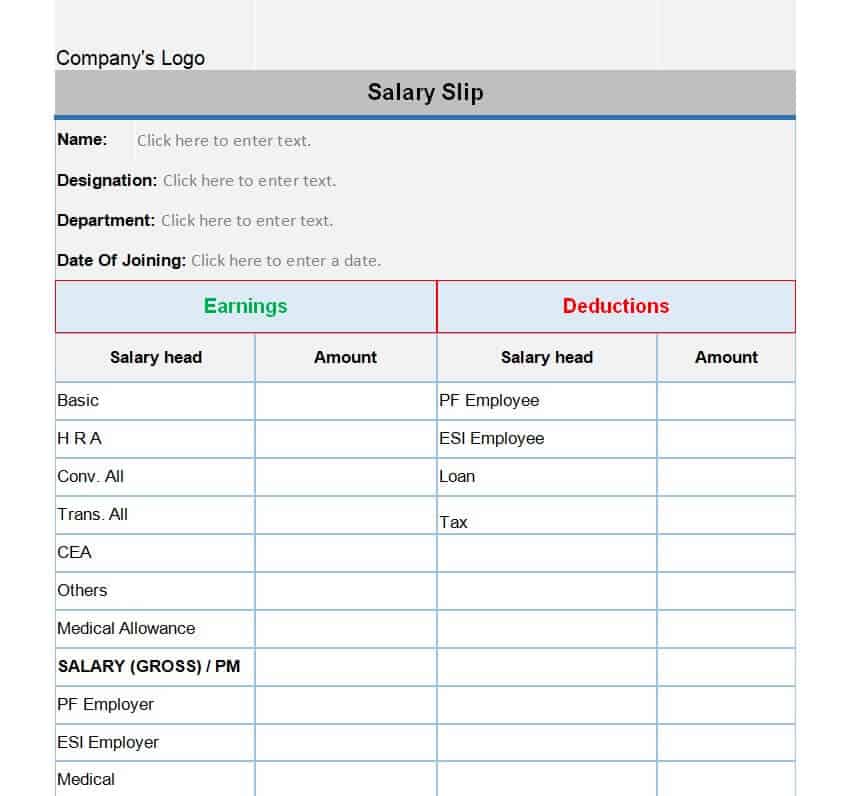
File Size: 22 KB
Company’s Monthly Payslip Template
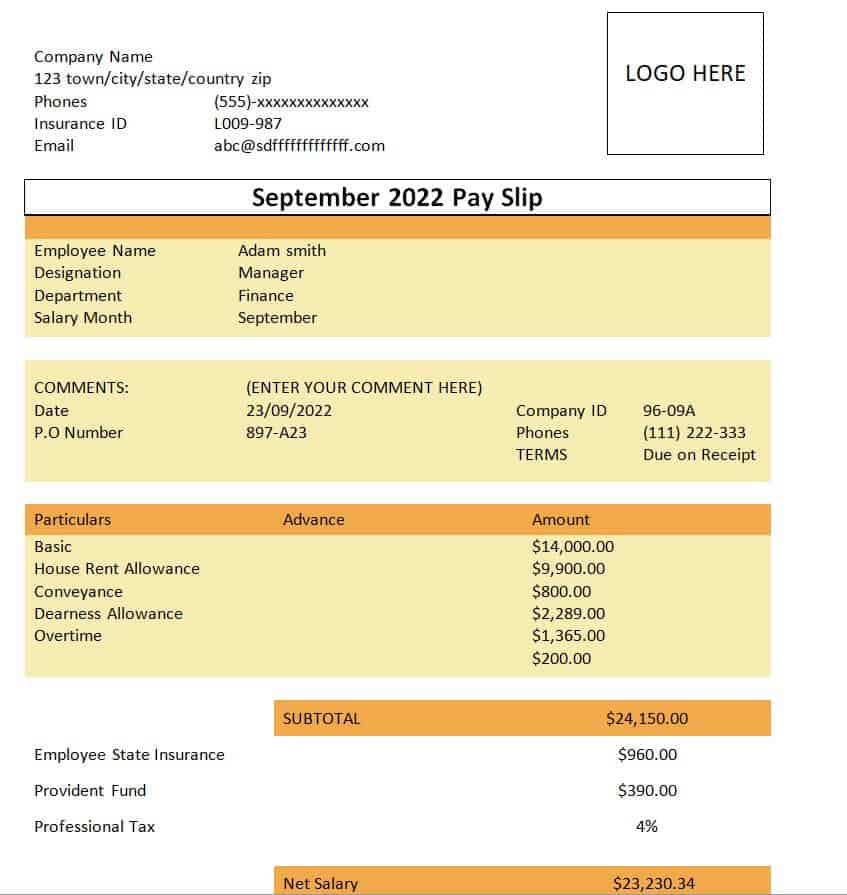
File Size: 08 KB
Editable Payslip Template
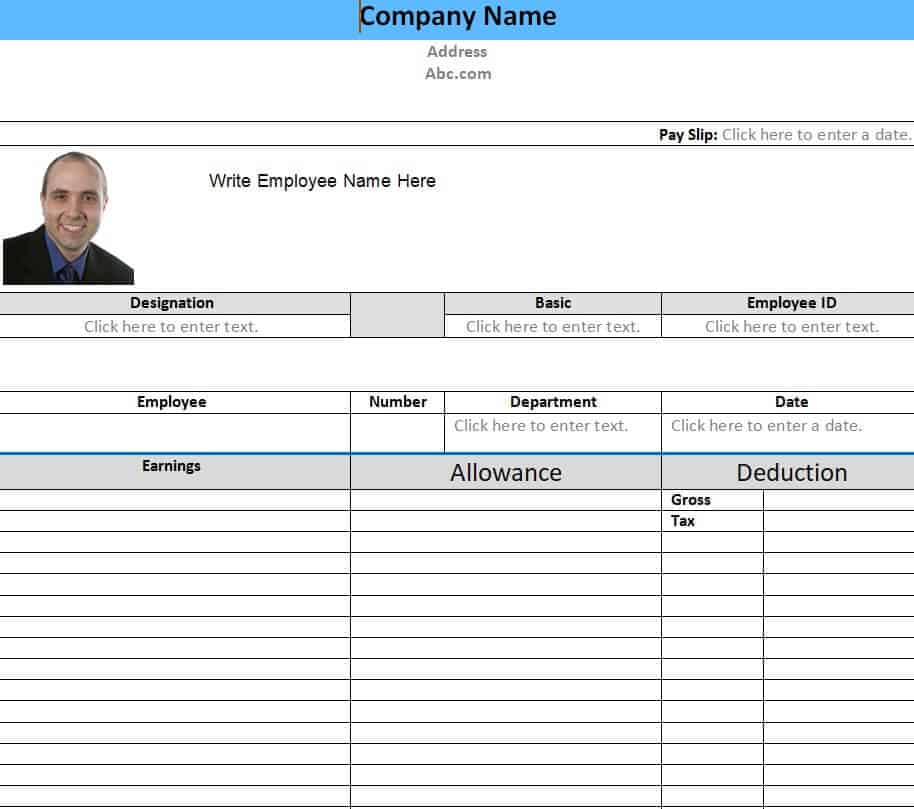
File Size: 73 KB
Company’s Sample Salary Slip Example
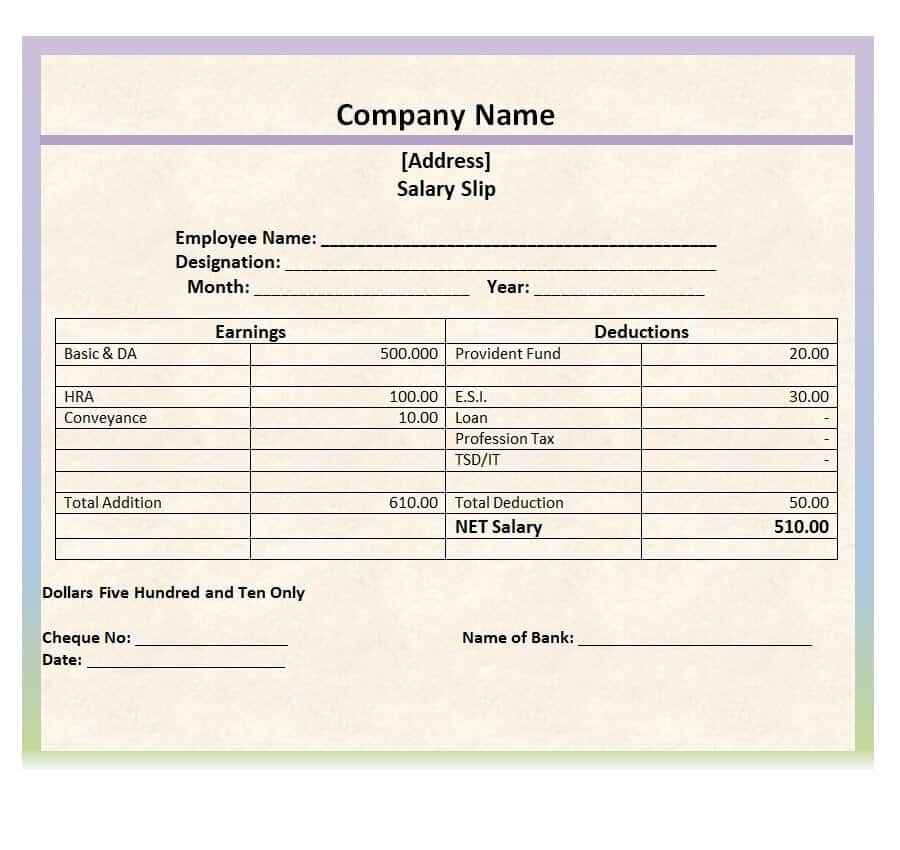
File Size: 27 KB
Formal Pay Slip Template
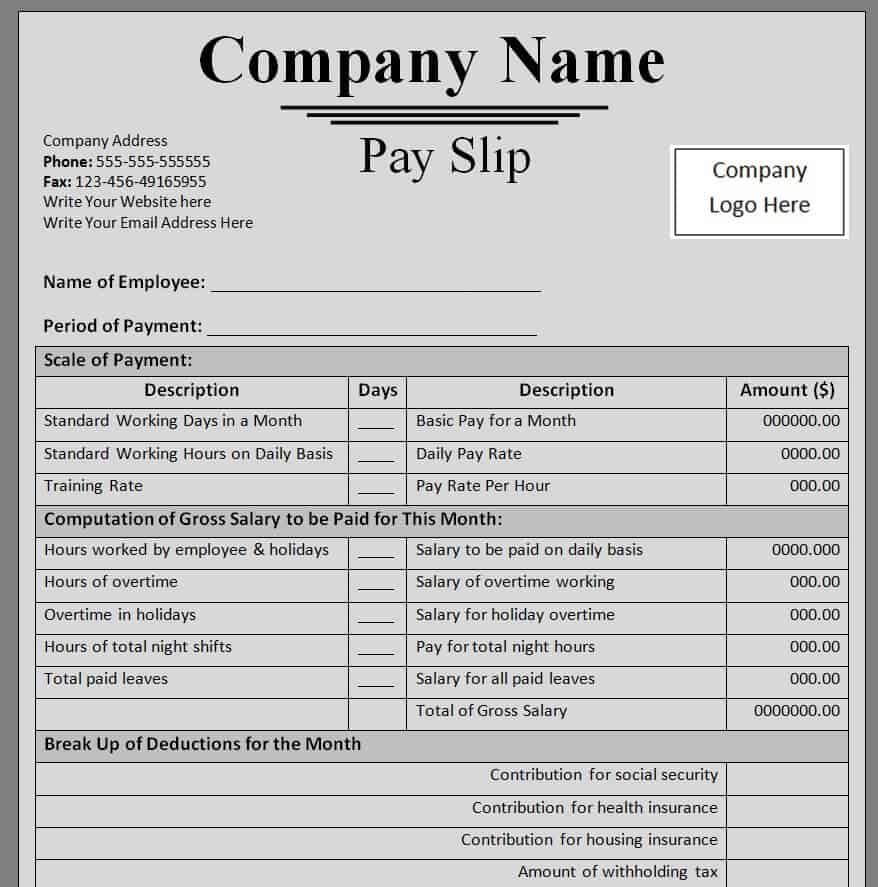
File Size: 16 KB
Fillable Payslip Format Word
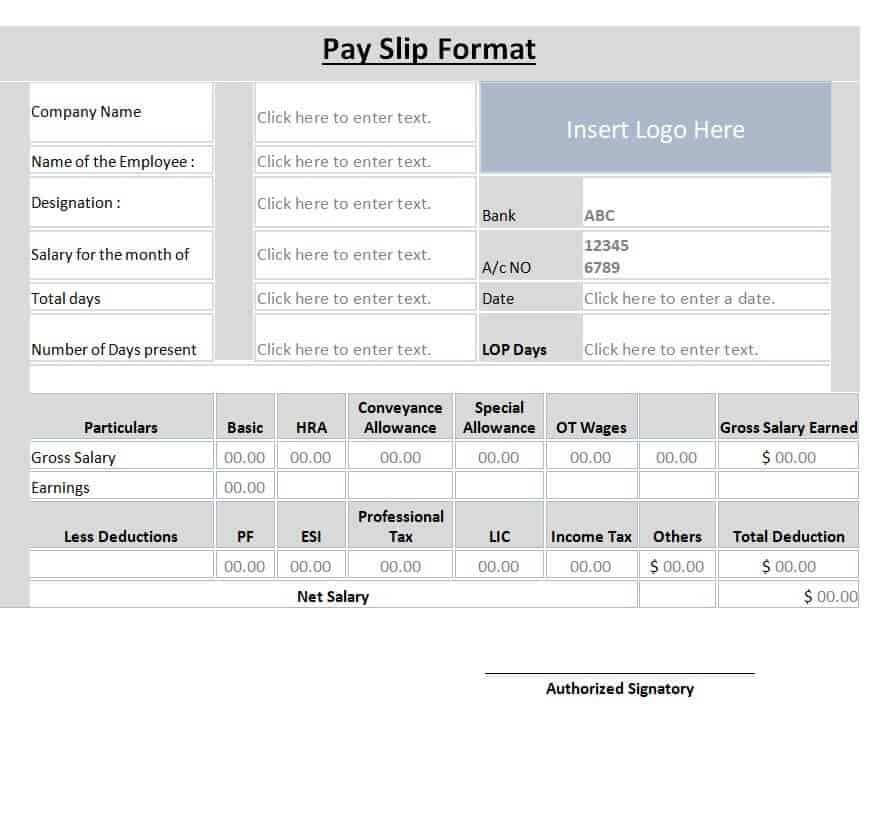
File Size: 40 KB
Payslip Templates & Salary Slip Formats in MSExcel
Small Business Payslip Template
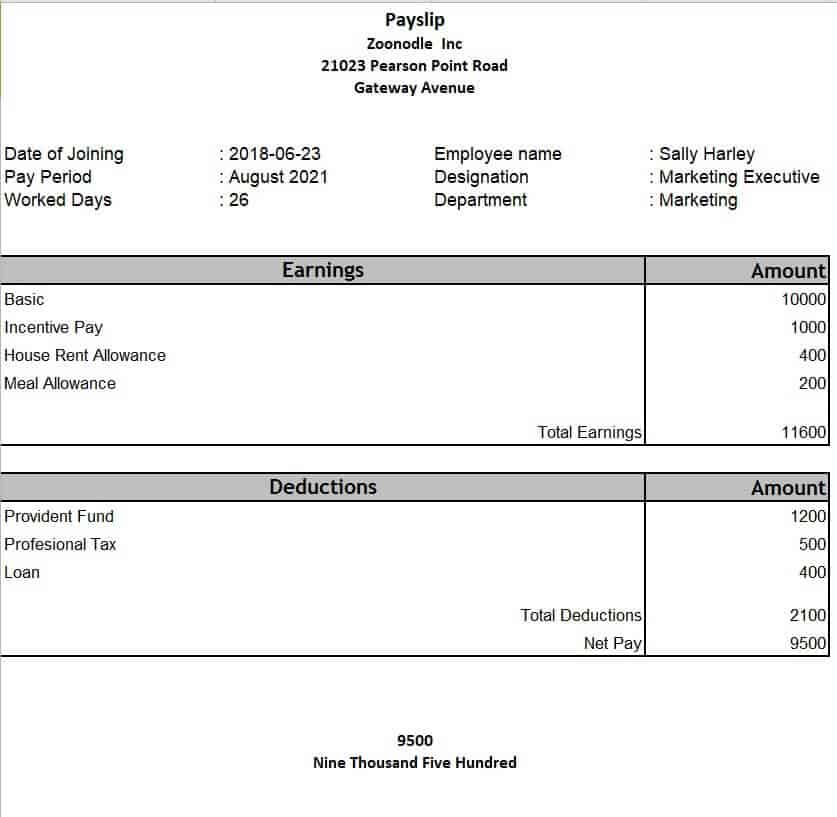
File Size: 11 KB
Sample Payslip Template in MS Excel
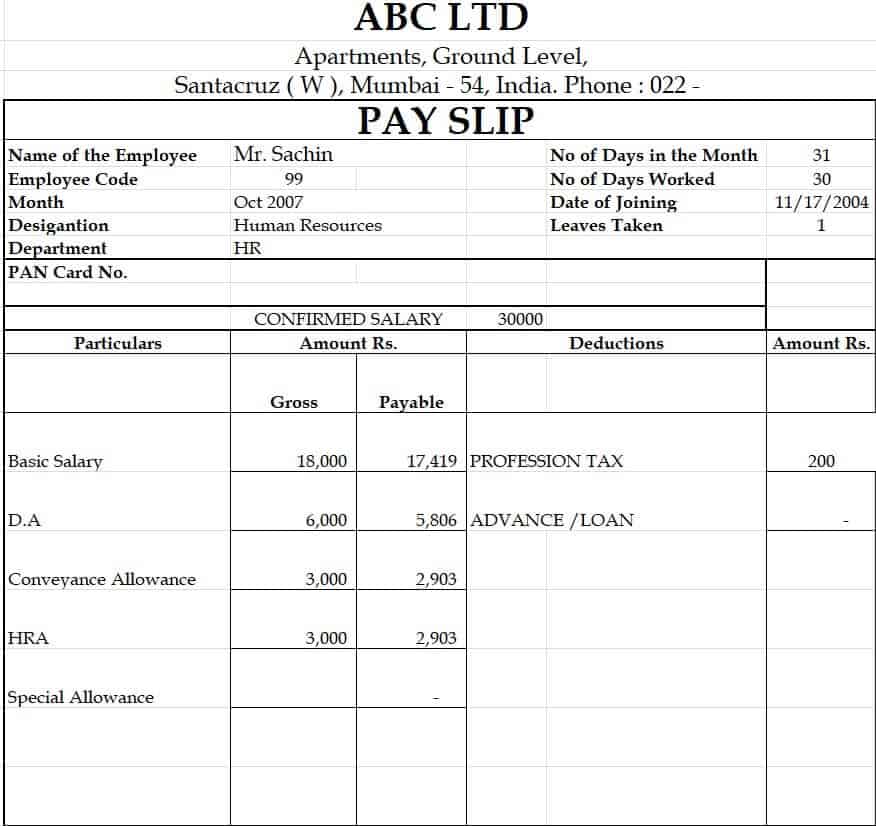
File Size: 20 KB
Company’s Biweekly Payslip Template
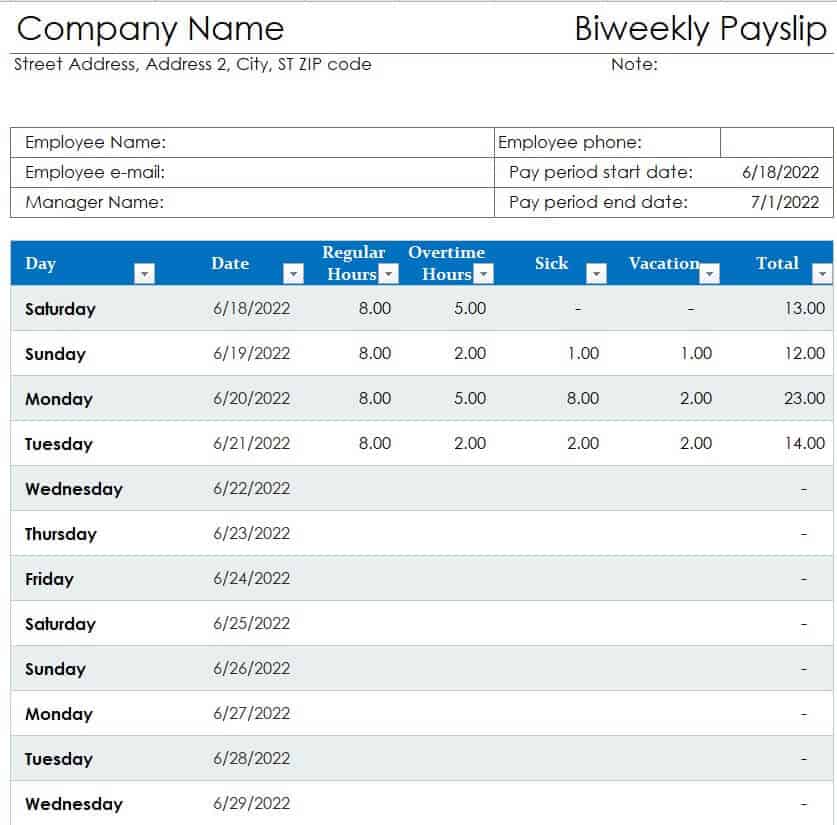
File Size: 14 KB
Professional Salary Slip Template
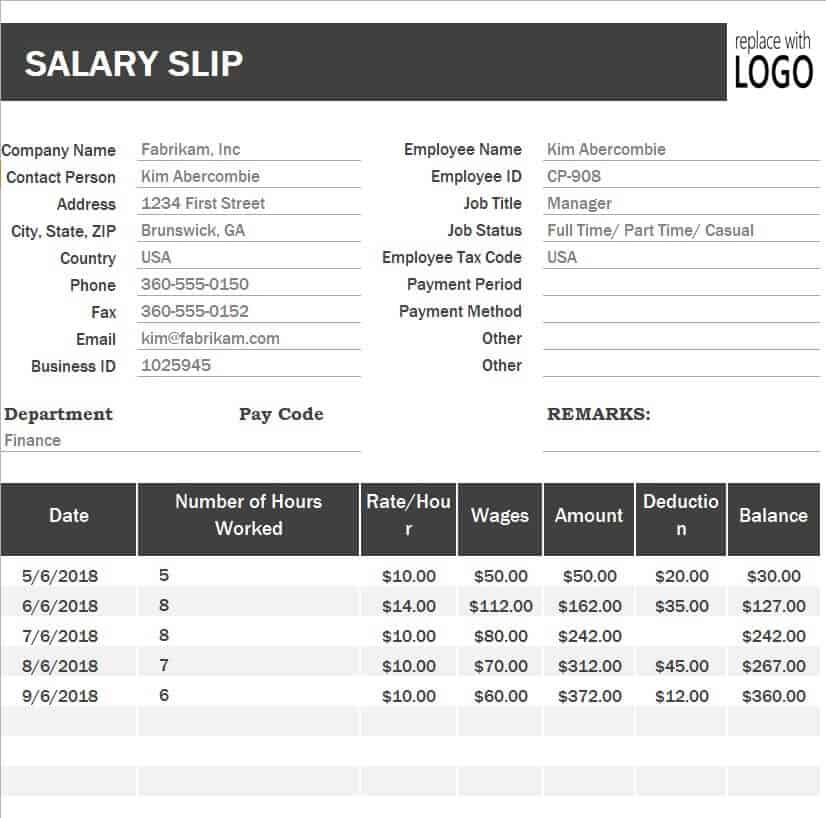
File Size: 18 KB
Customizable Weekly Payslip Template
File Size: 16 KB
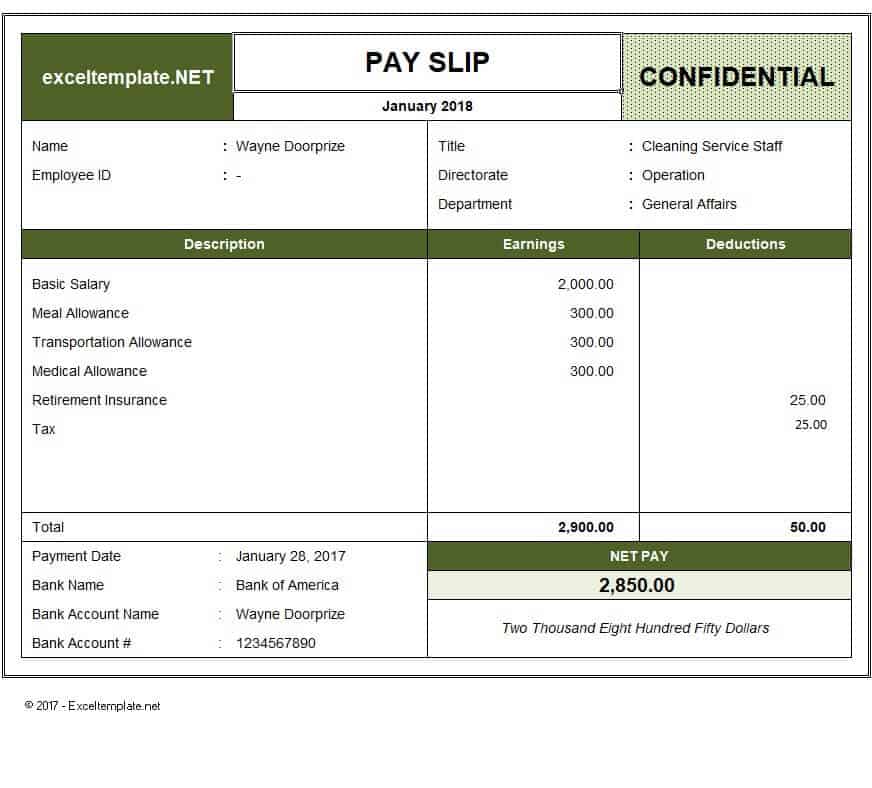
Special Payslip Format Template
File Size: 466 KB
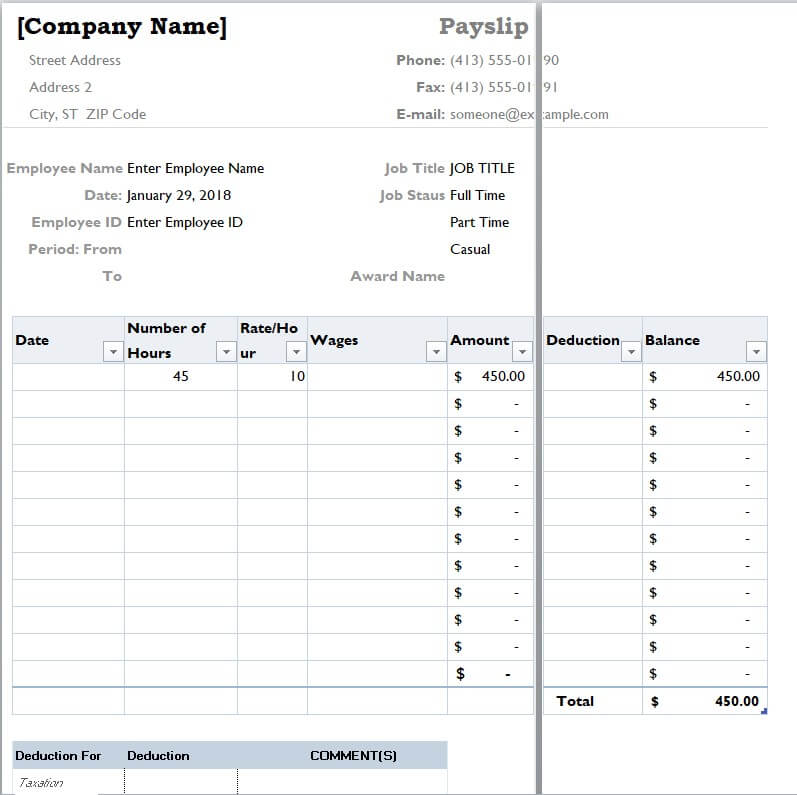
Simple Corporate Payslip Excel Template
File Size: 18 KB
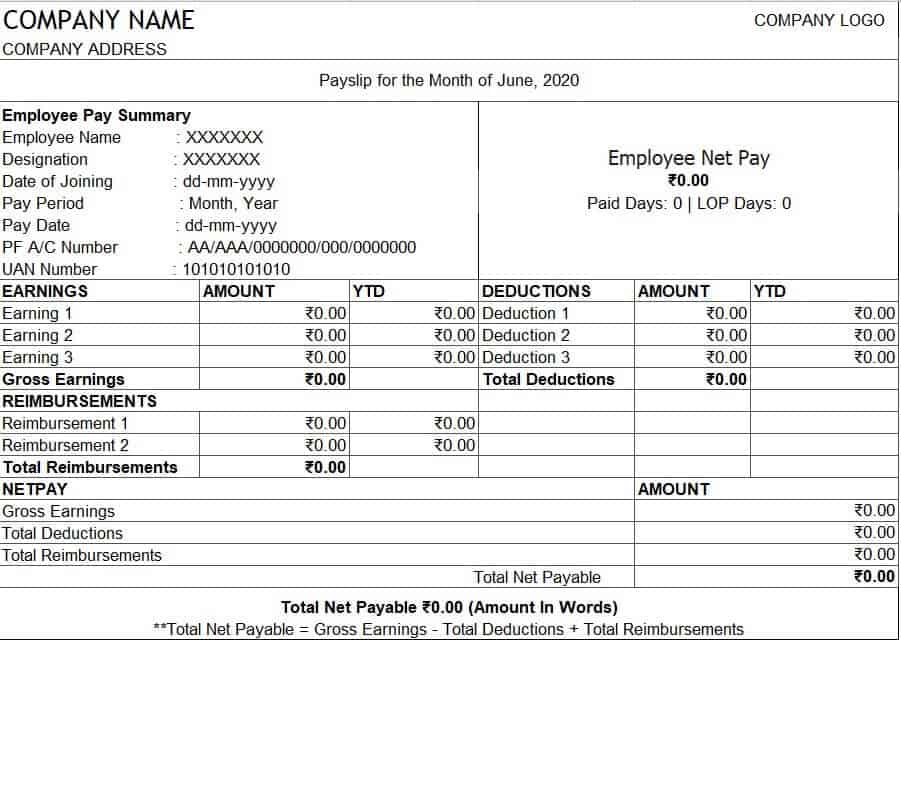
Editable Detailed Payslip Template Excel
File Size: 3 KB
Elegant Style Payslip Template
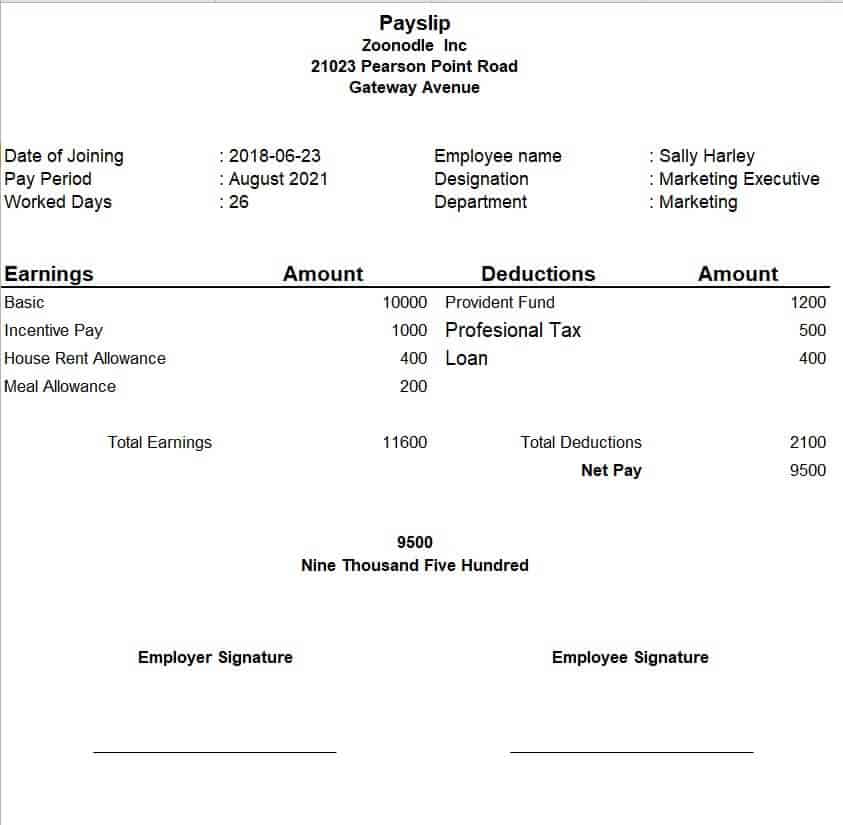
File Size: 10 KB
Example Payslip Template XLSX Format

File Size: 09 KB
How to Create a Payslip from Scratch
If you intend to create a payslip or salary slip from scratch, then you must keep in mind to use the correct format. Make sure to create one in the Microsoft Word or Excel program. Don’t forget to include all the relevant details in your payslip format. Following are some useful details that you should consider including in your sample payslip document:
- Organization details like name, address, and logo. This is important so as to make the payslip official and professional.
- Mention the period for which the payslip is actually prepared. Write the start and ending date.
- Details of the employee to whom the payslip is being presented. Details like:
- employee’s name,
- designation,
- residential address,
- contact details,
- employee code, etc.
- Mention the basic amount of the salary.
- Write down the other amounts that are added to the salary like:
- bonuses,
- overtime,
- commissions and incentives, etc.
- Include the details of the allowances if any. These details will include the type or nature of the allowance and the amount of that allowance.
- After that, include the details of the insurance of the employee, if there are any.
- The above-mentioned details (basic salary, other amounts, allowances, and insurance) will make up the gross salary. So, mention the amount of gross salary.
- Then include the details of deductions like:
- income tax,
- amount of contribution to the employee’s provident fund, and
- contribution to the employee’s pension fund, etc.
- After that mention the net amount of salary both in numbers and words. The net salary will be written by deducting the amount of the above-mentioned deductions from the gross amount of salary.
- Include the details or particulars of the employer or any other person in charge of the creation and presentation of the payslips. These details will include the person’s name and designation.
- In the end, leave some space for the signatures of the employer or any other person in charge of the creation and presentation of the payslips, and the employee.
Frequently Asked Questions (FAQ)
What is the main difference between Gross Pay and Net Pay on a payslip?
Gross Pay is the total compensation earned by an employee before any deductions, taxes, or contributions are subtracted. Net Pay (often called take-home pay) is the final amount the employee actually receives in their bank account after all taxes, pension contributions, and insurance deductions have been withheld.
Should I use Microsoft Word or Excel to create company payslips?
Use Microsoft Excel if you want automated mathematical calculations for tax withholdings, overtime hours, and net salary. Use Microsoft Word if you prefer a pre-designed layout for individual distribution or want to perform a mail merge using employee records from a master database.
Is a digital PDF payslip legally valid?
Yes, digitally generated payslips exported in PDF format are legally valid in most jurisdictions, provided they contain full company details, accurate earnings/deductions breakdowns, and proper identification numbers for both the employer and employee.
Is a payslip the same as a pay stub or salary slip?
Yes. Payslip, salary slip, pay stub and pay advice are different names for the same document. The term used usually depends on the country, but the contents (earnings, deductions and net pay) are the same.
How long should employers keep payslip records?
Retention periods differ by country, but many tax authorities require payroll records to be kept for several years. Check your local tax and labor regulations and keep both digital and backup copies.
Can I email payslips to employees?
Yes, as long as the employee agrees and the file is protected. Export the payslip to PDF and protect it with a password, such as the employee ID or date of birth, before sending.
Running payroll for a whole team? Prepare the full monthly payroll with our salary sheet templates, confirm worked days and overtime using these attendance sheet templates, browse more designs in our pack of 28 salary slip templates, and issue an official salary certificate when an employee needs proof of income for a bank or visa.
Final Thoughts
Clear, accurate payslips build trust with employees and keep your payroll records audit-ready. Whether you prefer an automatic Excel salary slip or a print-ready Word payslip format, the free templates above give you a professional starting point. Download the one that fits your business, add your company details, and issue consistent payslips every pay period.