In fast-paced business environments, executives, project stakeholders, and department heads rarely have the time to read through lengthy 50-page documents. A well-crafted summary report condenses complex data, key performance indicators (KPIs), project milestones, and analytical findings into a concise, easily digestible executive brief.
Our collection of free editable summary report templates is available in Microsoft Word (.DOCX), Microsoft Excel (.XLSX), and Adobe PDF formats. Whether you need a one-page executive summary, an Agile project status report, a financial tax summary sheet, or a post-event briefing document, you can download and customize these templates to save time and communicate key insights effectively.
What is a Summary Report and Why is it Essential?
A summary report (often referred to as an executive summary brief or overview report) is an abridged, high-level document that synthesizes the core findings, objectives, methodology, and recommendations of a comprehensive source report.
Unlike long-form operational reports, a summary report focuses strictly on actionable insights and high-priority data points. Implementing standardized summary report templates across your organization offers several advantages:
- Accelerates Executive Decision-Making: Delivers critical information upfront so decision-makers can act without reading hundreds of pages.
- Enhances Cross-Department Communication: Translates complex technical or financial data into clear, accessible language for non-technical stakeholders.
- Standardizes Performance Tracking: Establishes uniform reporting structures across project teams, sales departments, and external contractors.
- Saves Time and Operational Costs: Eliminates redundant formatting work by providing pre-built tables, headers, and visual summary sections.
Core Elements of a Professional Summary Report
To ensure your executive brief captures all essential data without clutter, every professional summary report should include the following core sections:
| Summary Report Section | Purpose & Description | Key Elements to Include |
| Title & Administrative Header | Identifies the project name, author, department, and reporting timeframe. | Report Date, Author Name, Target Audience, Version Number. |
| Executive Overview / Objective | A concise 2-3 sentence statement explaining the report’s purpose and scope. | Core Objective, Primary Goals, Background Context. |
| Key Findings & Metrics | A high-level overview of essential project milestones, KPIs, or financial data. | Metrics Table, Variances, Status Indicators (Red/Amber/Green). |
| Challenges & Risks | Highlights major operational bottlenecks, budget deviations, or project risks. | Risk Level, Root Cause Analysis, Mitigation Strategies. |
| Strategic Recommendations | Clear, actionable steps based on data findings and technical evaluations. | Action Items, Assigned Owners, Next Milestone Deadlines. |
Types of Summary Report Templates Available for Download
1. Project Management & Executive Summary Templates (Word & PDF)
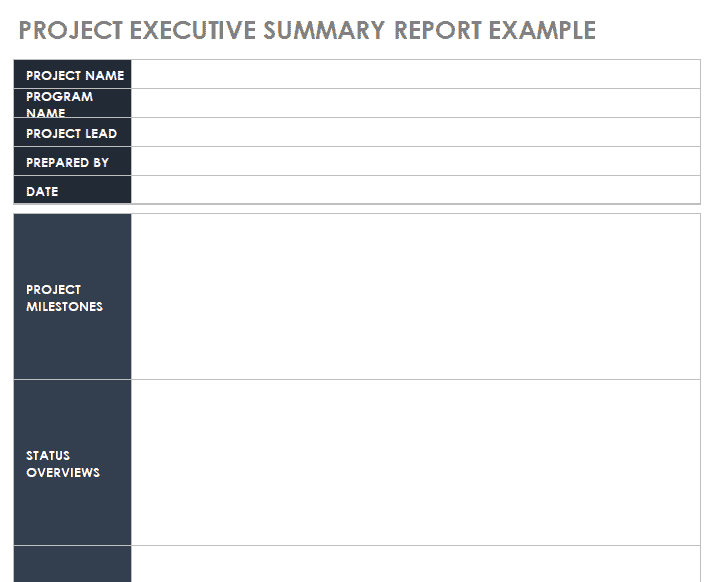
Designed for project managers and consultants, these templates condense project scope, deliverables, timeline progress, and budget allocation into clean one-page or two-page executive overviews.
2. Financial & Tax Summary Spreadsheets (Excel)
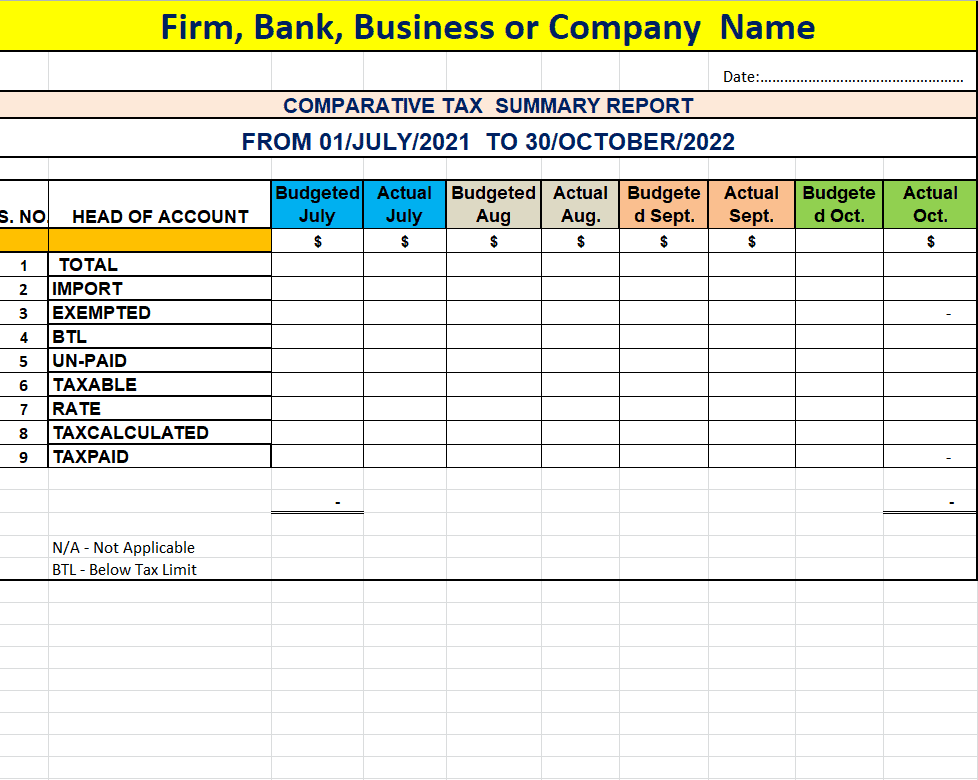
Includes automated tables for tax summaries, revenue breakdowns, and quarterly payroll rollups. Perfect for accountants, small business owners, and finance teams looking to aggregate raw financial data.
3. Inventory & Stock Summary Reports (Excel)
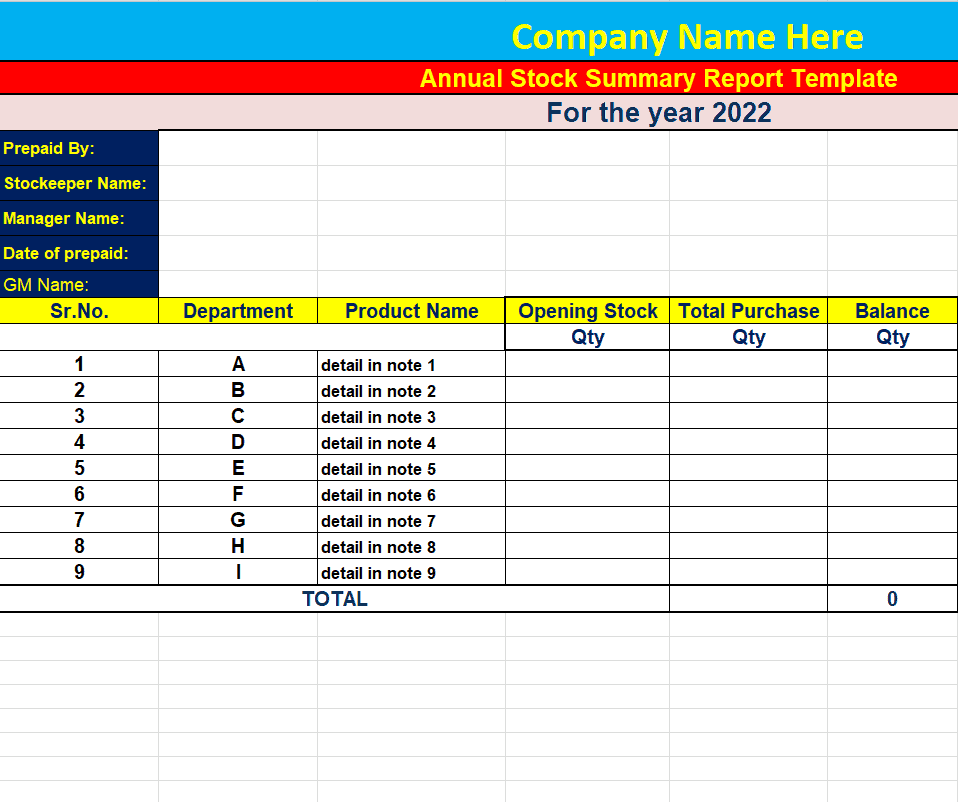
Features pre-calculated dynamic formulas for tracking opening balances, total purchases, stock usage, and closing stock valuation across retail or warehouse locations.
4. Training Session & HR Summary Reports (Word & PDF)
Ideal for HR departments and corporate trainers. Captures attendee participation, session evaluation scores, key learning outcomes, and post-training feedback.
5. Construction & Engineering Status Reports (PDF & Word)
Tailored for field managers and site engineers to report on daily safety metrics, contractor progress, material deliveries, and project completion estimates.
How to Write an Effective Summary Report: Step-by-Step
Writing a professional summary report requires distilling large volumes of information into concise, impactful insights. Follow this four-step drafting framework:
- Thoroughly Review the Source Material: Read through the complete underlying report, technical study, or dataset. Highlight critical metrics, trends, and conclusions.
- Define the Purpose and Audience: Identify who will read the document. C-suite executives require strategic KPIs and financial impacts, whereas operational team leads need task statuses and immediate action items.
- Use Visual Structuring: Organize information with bold section headings, bulleted lists, and structured summary tables to make the document easily scannable.
- Focus on Actionable Recommendations: Conclude the brief with clear, time-bound next steps so stakeholders know exactly what actions are required.
Summary Report Templates in Excel
Comparative Tax Summary Report Template
File Size: 10 KB
Project Executive Summary Report Example
File Size: 250 KB
Company’s Annual Stock Summary Report Template in Excel
File Size: 09 KB
One Page Project Summary Report Template
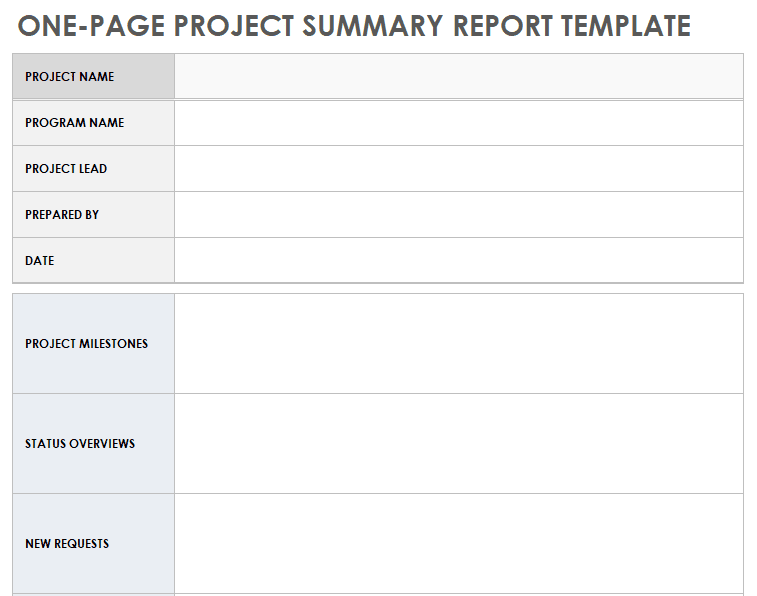
File Size: 291 KB
Editable Agile Project Summary Report Template
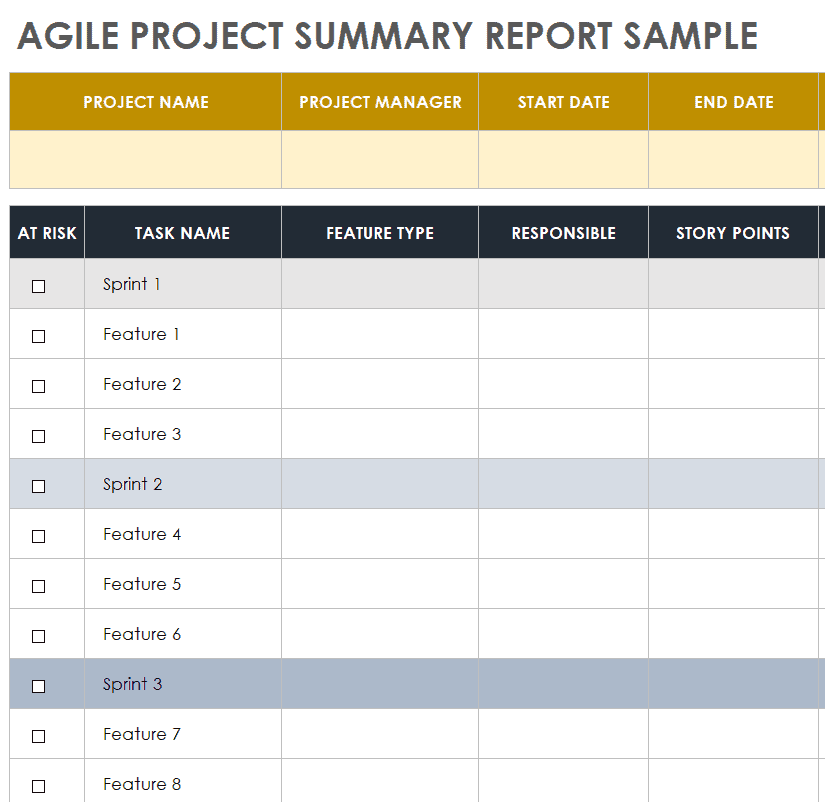
File Size: 461 KB
Construction Project Executive Summary Report Template
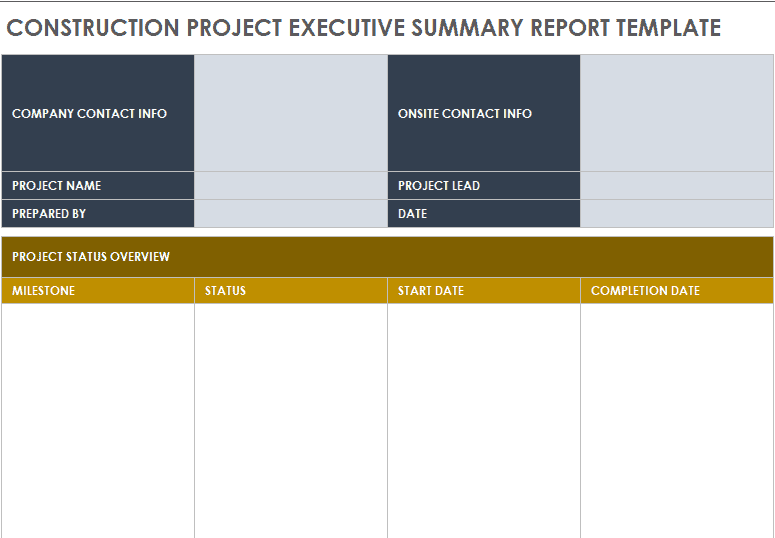
File Size: 292 KB
Company’s Weekly Stock Summary Report Template
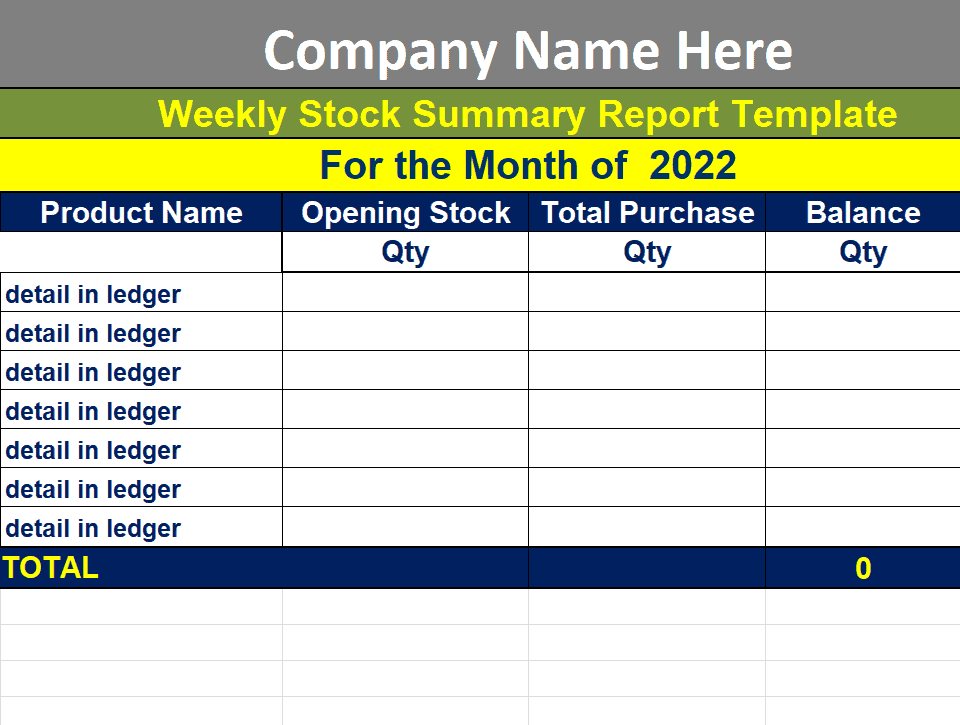
File Size: 09 KB
Tax Summary Report Template in XLSX Format

File Size: 09 KB
End of Project Summary Report Template
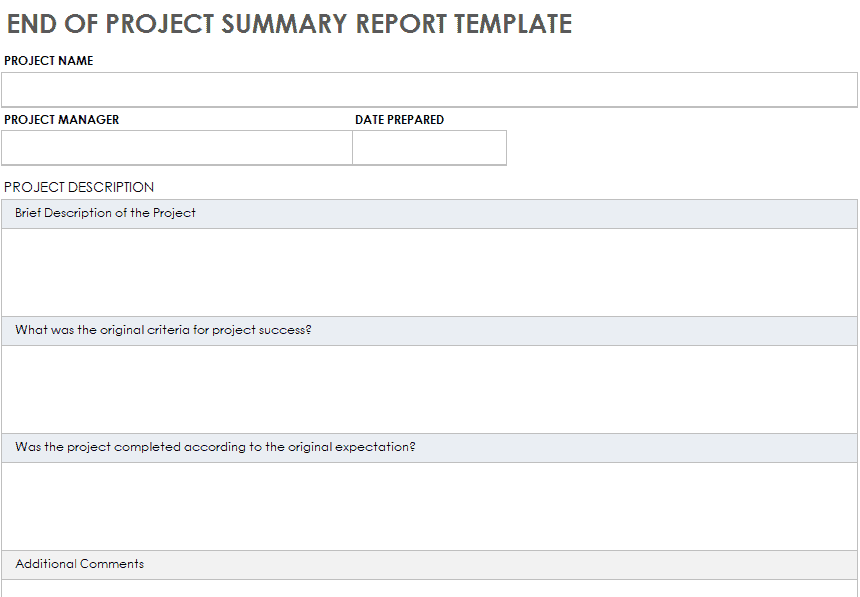
File Size: 304 KB
Sample IT Project Summary Report Template
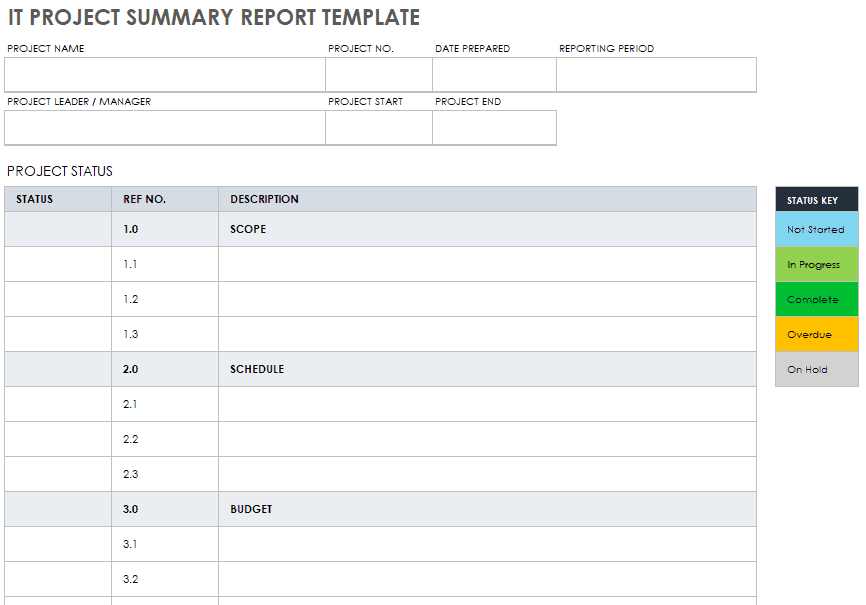
File Size: 469 KB
Summary Report Templates in Word
Training Session Summary Report Template
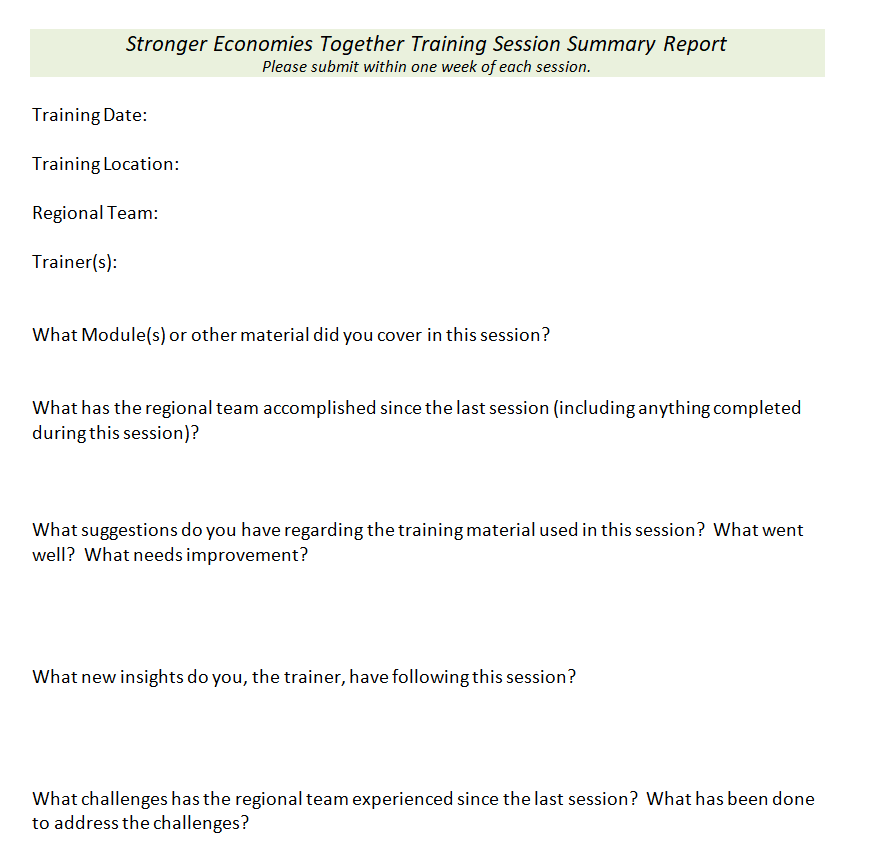
File Size: 07 KB
Organization’s Summary Report Blank Format

File Size: 24 KB
Customizable Project Test Summary Report Template
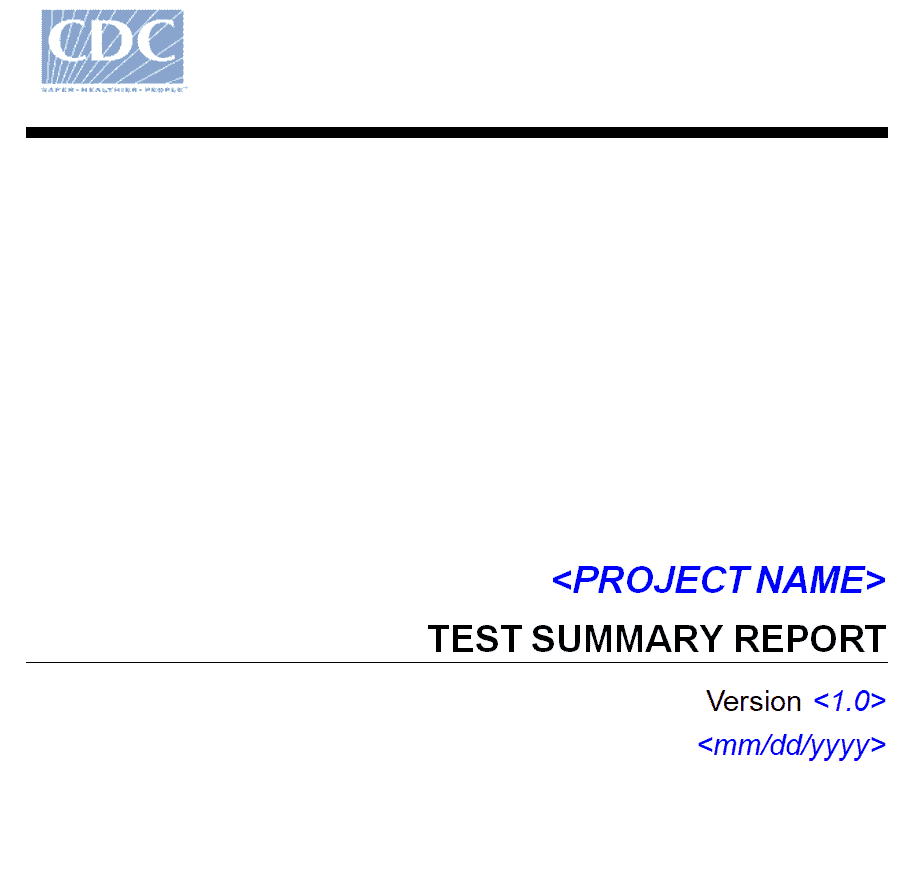
File Size: 30 KB
Summary Progress Report Template in DOC Format
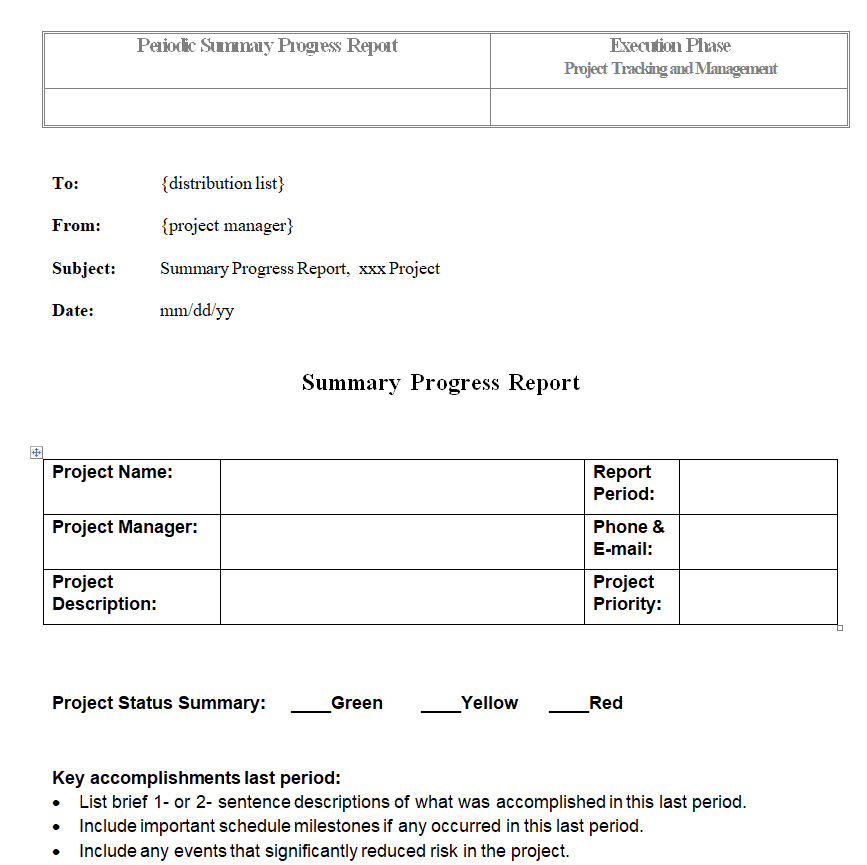
File Size: 07 KB
Project Summary Report Template in MS Word
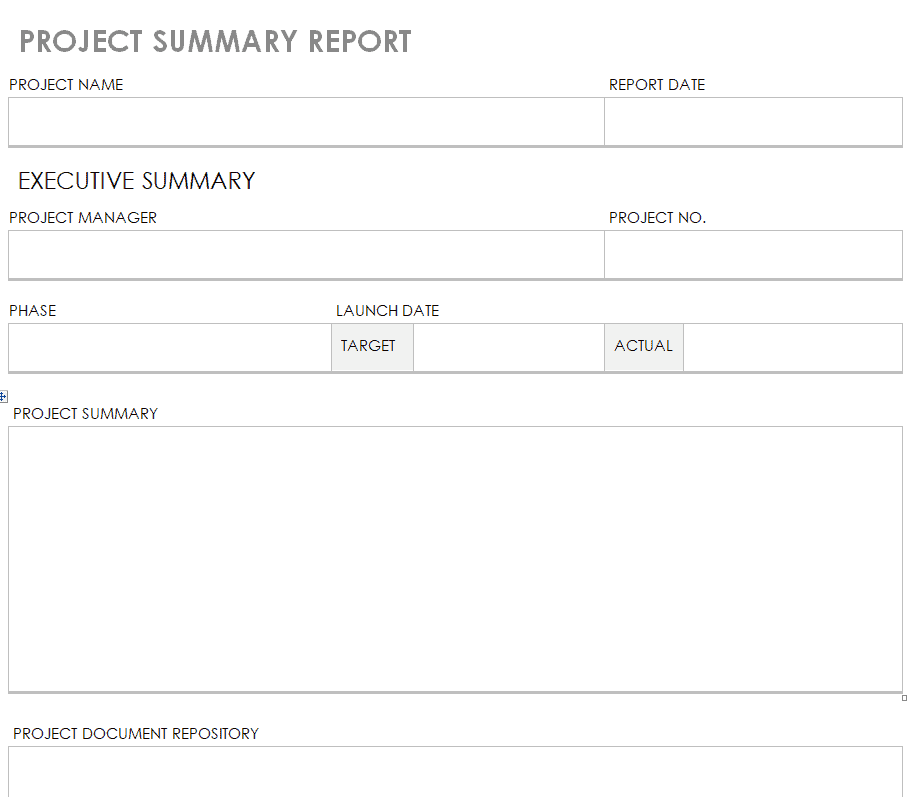
File Size: 633 KB
Basic Project Summary Report Sample
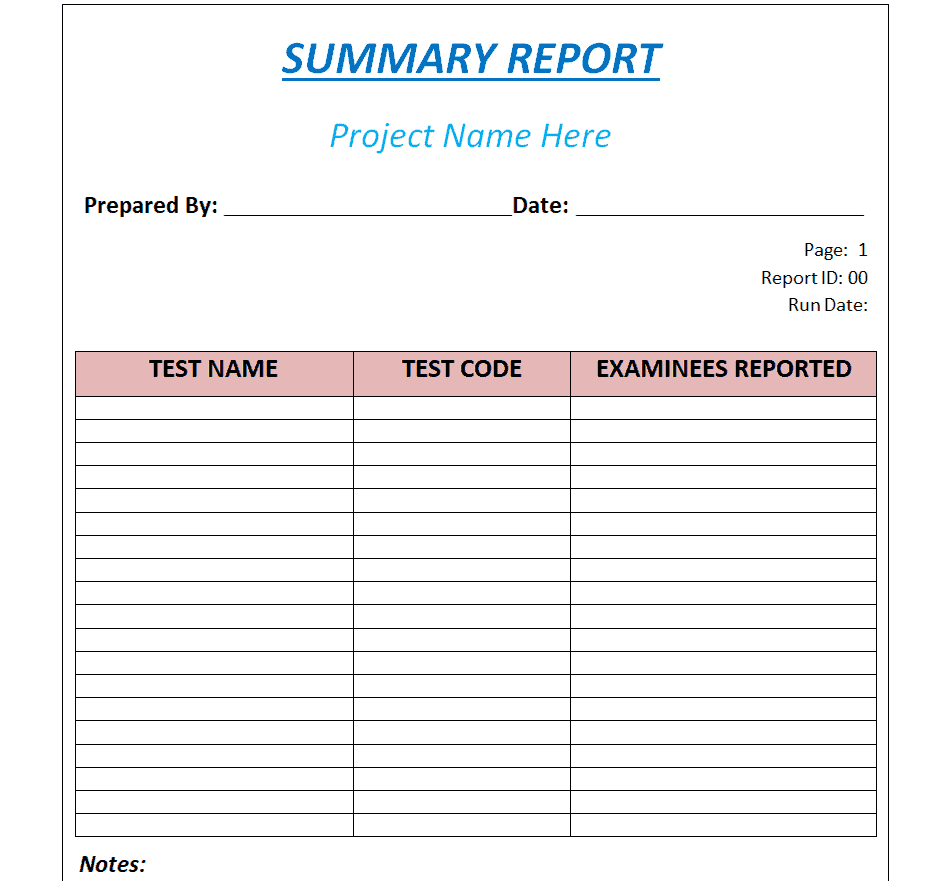
File Size: 22 KB
Tips for Making a Perfect Summary Report
Whether you are a student, business personnel, a project leader, a team leader, head of a department, or anyone in a managerial or leadership position, you must know how to make a summary report. Your summary report must be professional and easily understandable. Making a short form of a report and highlighting only the main points of a report might sound like an easy thing to do. However, it will only be easy and effective if you yourself actually know the original document and know how to write such a summarized report. You can also take help from the given summary report templates in this regard. However, if you want to create a professional-looking summary report from scratch, make sure to consider the given below important things:
Create a Draft or an Outline:
Before you begin making your summary report, create an outline of your report. This way, it will get easy for you to understand how to format your report and how to present the key information in it.
Purpose or Objectives:
You must be clear in your mind about the purpose of writing the summary report or the objectives which you want to achieve through such a report.
Audience:
It is important to consider your audience while preparing the summary report. This way, you will easily be able to resonate with the recipients of the report. Moreover, it will make your summary report more effective.
Include Main Points Only:
As mentioned earlier, only include the key points of the main document in your summary report. For this, you must not only read the original document but also understand each and every part of it. Only then will you be able to extract the key points from the original document and present them in the summary report.
Be Direct and To the Point:
Make sure to write your summary report in a direct and concise manner. An official summary report should not be long; two or three pages are usually more than enough.
Listings and Graphical Elements:
You can also make use of listings, bullet points, and graphical elements wherever appropriate.
Format and Structure:
Keep a simple yet professional format of the summary report. Keep the structure of the report easily understandable.
Proofread:
As is the case with any other official document, make sure to proofread your summary report before finalizing it.
Summary Report Templates in PDF
Printable Training Session Summary Report Template
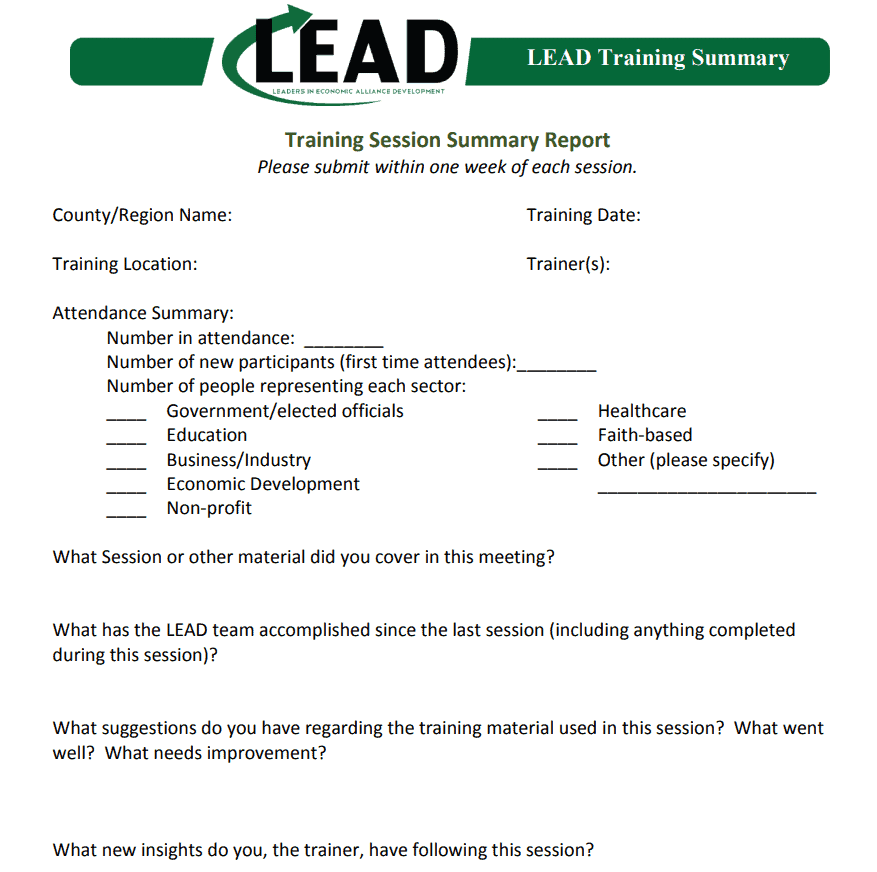
File Size: 267 KB
Consultant’s Executive Summary Report Example
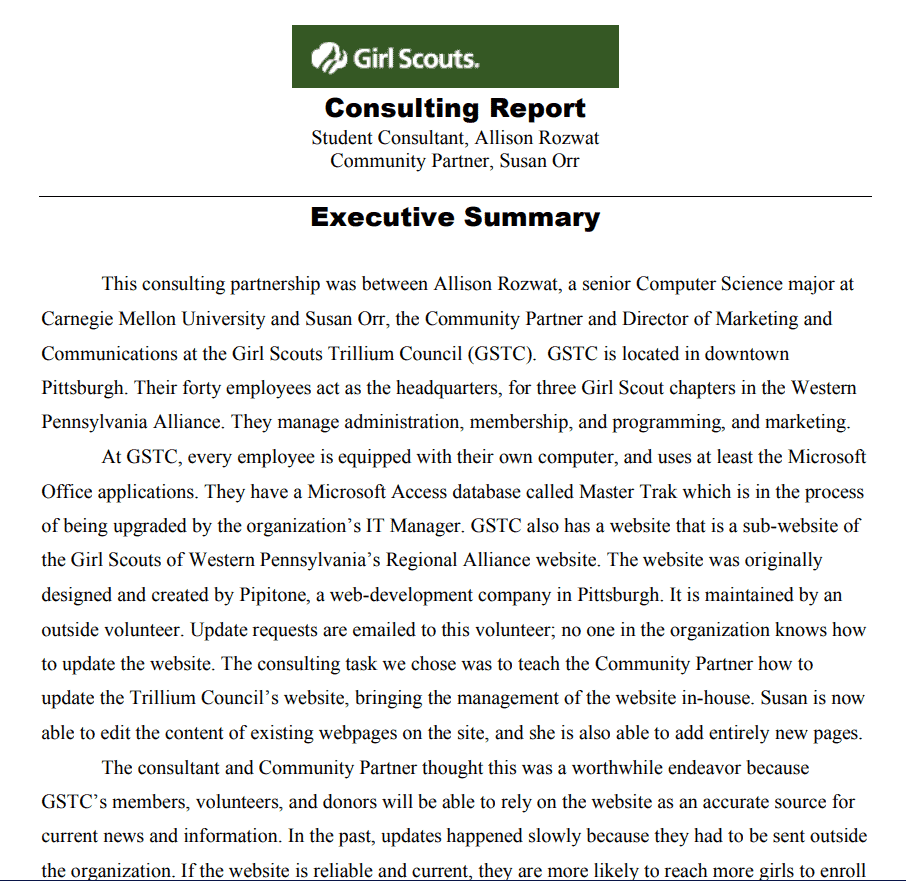
File Size: 409 KB
National Training Summary Report Template
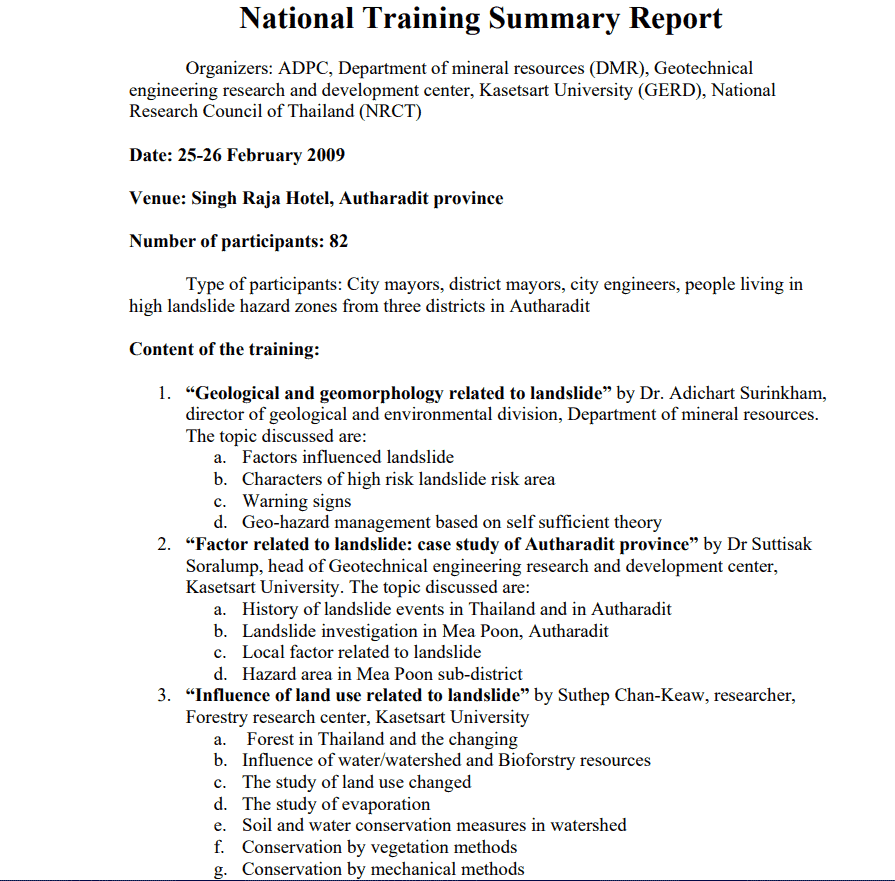
File Size: 01 MB
Construction Summary Report Example

File Size: 04 MB
Sample Post Event Summary Report PDF
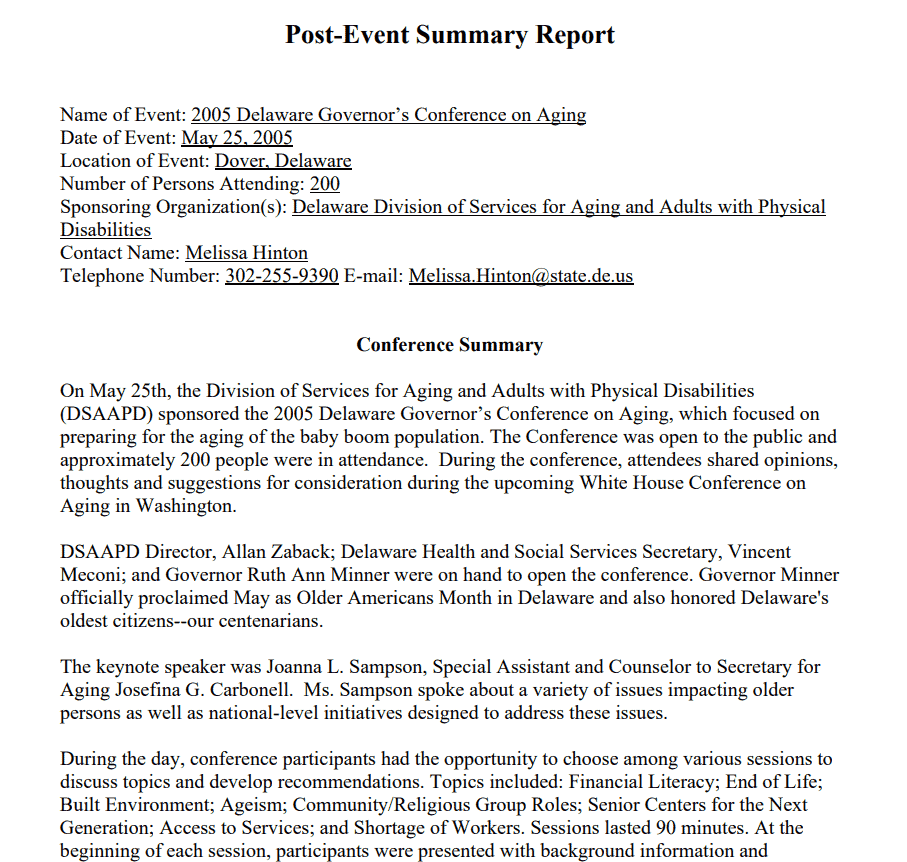
File Size: 62 KB
Payroll Summary Report Template Printable
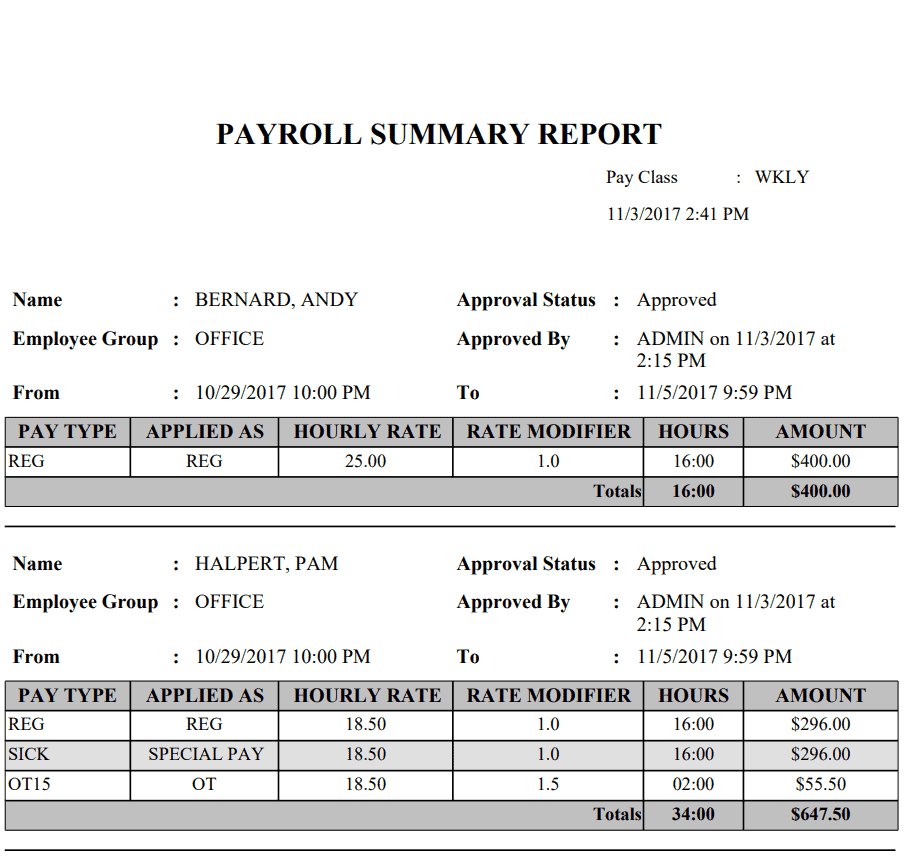
File Size: 10 KB
Sample Executive Summary for Interim Report

File Size: 03 MB
Gaming Account Summary Report Form Template
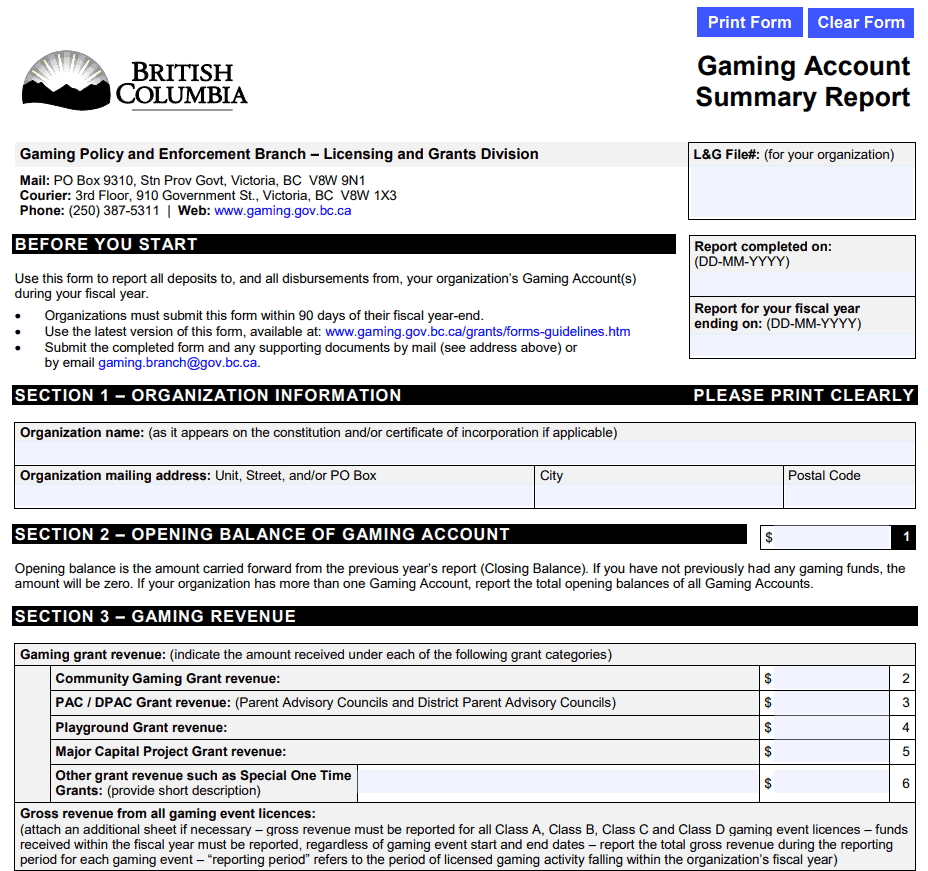
File Size: 209 KB
Professional Summary Report Template
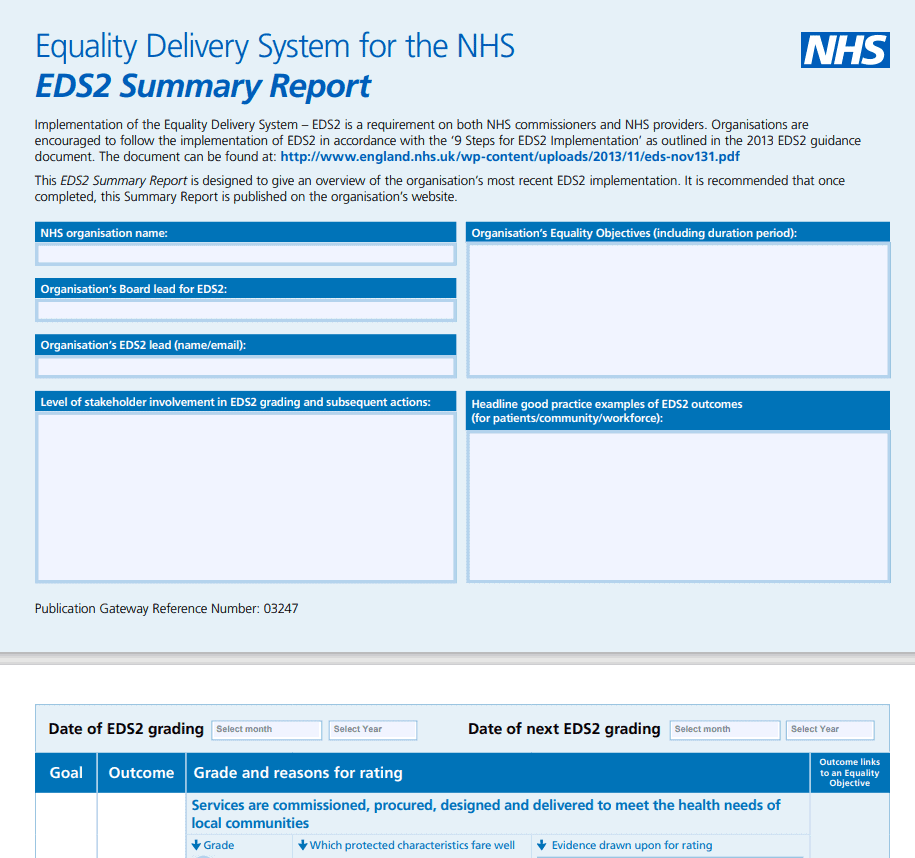
File Size: 467 KB
Online Project Summary Report in PDF

File Size: 184 KB
Police Complaint Summary Report Template
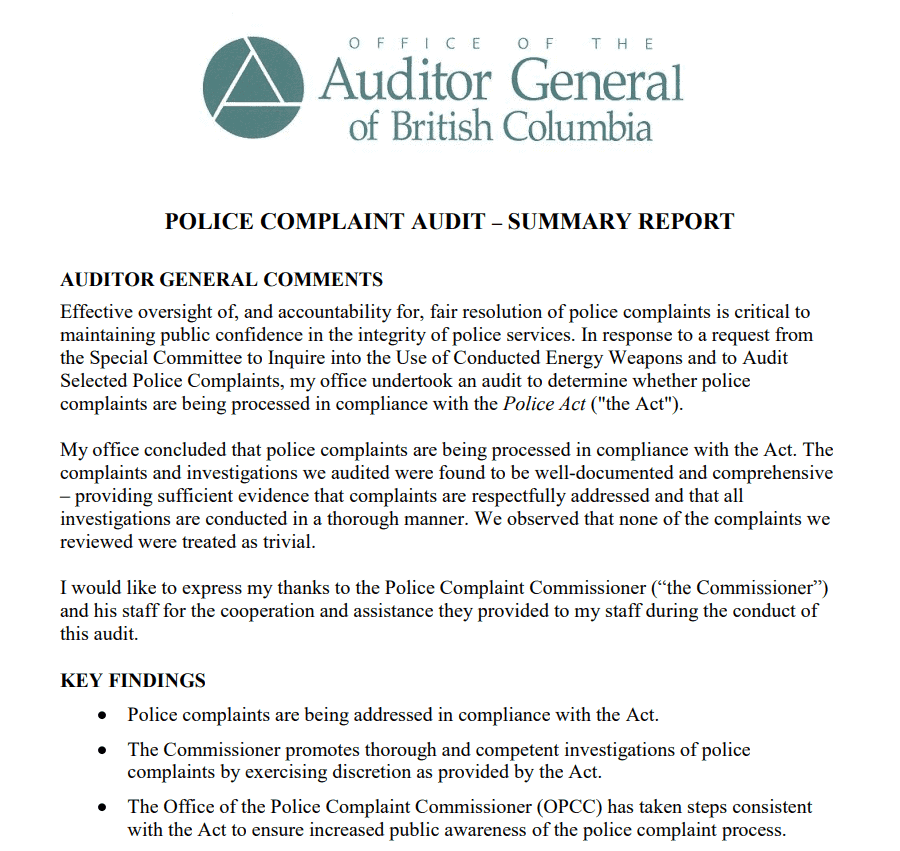
File Size: 185 KB
Product Test Summary Report Template
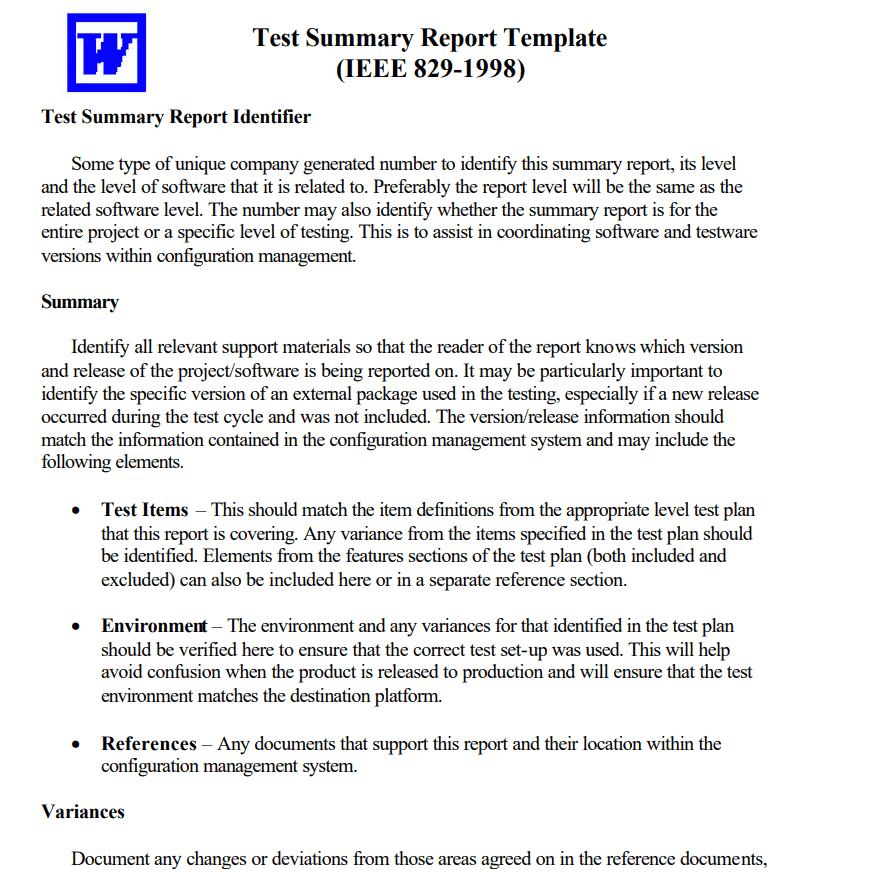
File Size: 89 KB
Pediatric Discharge Summary Report Template
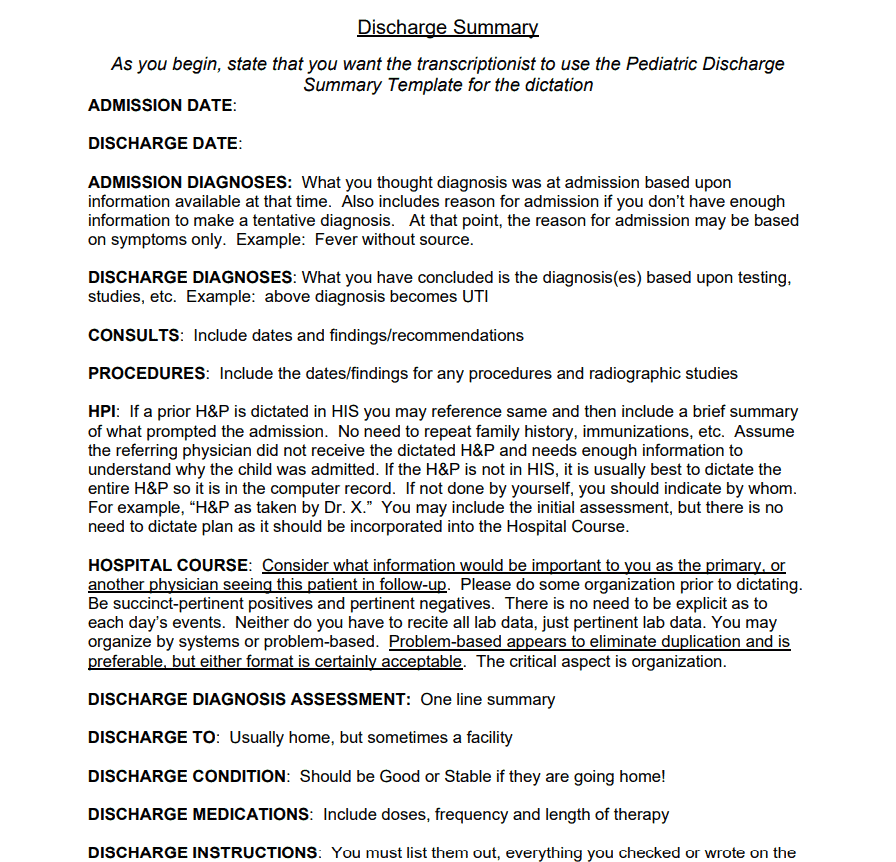
File Size: 23 KB
Example: A Filled-In Project Summary Report
Here is how the key metrics section of a one-page monthly summary report might look for a website redesign project. The table compares what was planned with what actually happened, so readers can see at a glance where the project stands.
| Metric (September) | Planned | Actual | Variance |
| Budget spent | $40,000 | $42,500 | +$2,500 (6.25% over budget) |
| Milestones completed | 5 | 4 | 1 behind |
| Tasks completed | 30 | 27 | 3 behind |
| Open defects at month end | 10 or fewer | 6 | Within target |
| Overall status | Amber: slightly over budget and one milestone late; recovery plan agreed for October | ||
Below the table, add two or three short bullet points explaining the variances (for example, extra design revisions requested by the client) and the next actions with owners and dates. That is usually all a busy reader needs.
Frequently Asked Questions
What is the ideal length for a summary report?
A standard summary report should be concise—typically between 1 and 3 pages, depending on the complexity of the original source document. For executive briefings, a single-page overview is ideal.
How does a summary report differ from an executive summary?
An executive summary is a short section placed at the beginning of a larger comprehensive document (like a business plan). A summary report is a standalone, abridged document created to replace the full report for readers who only need core insights.
Can I convert these Word and PDF summary templates to Google Docs?
Yes. You can upload any .docx template to Google Drive and open it in Google Docs; basic formatting, tables, and fonts usually carry over well. PDF files can also be opened in Google Docs, but complex layouts may need some tidying after conversion.
What formats are best for data-heavy summary reports?
For numerical, financial, or inventory metrics, Microsoft Excel (.XLSX) is recommended due to its formula capabilities and dynamic charts. For narrative, policy, or project update briefs, Microsoft Word (.DOCX) or PDF formats are preferred.
How often should a summary report be prepared?
It depends on what you are reporting. Project teams often send a weekly or monthly summary, finance and stock summaries are usually prepared at month end or quarter end, and event or training summaries are written once, shortly after the event while details are still fresh.
If you need other reporting formats, you may also find our weekly status report templates, monthly report templates, daily report templates, and stock report templates useful for building the detailed reports that your summaries draw from.
Final Thoughts
A good summary report saves your readers time by putting the most important facts, figures, and next steps on one or two pages. Pick the Excel, Word, or PDF template above that best fits your project, fill in the key metrics, and keep the language short and clear so decision-makers can act quickly.