Managing inventory accurately is the backbone of any successful retail, manufacturing or distribution business. Without a clear tracking system, businesses face stockouts, overstocking, phantom inventory and lost revenue. A stock report template gives you a ready-made format to record opening stock, purchases, sales and closing balances for every item.
This page offers 29 free, editable stock report templates, most of them Excel inventory workbooks with automated formulas, and a few suitable for Word. Whether you need a simple daily stock status sheet, a warehouse inventory audit log or a comprehensive monthly stock summary, download the template you need, add your item details and adapt it to your business.
What is a Stock Report and Why is it Essential?
A stock report (also known as an inventory status report or stock movement sheet) is an operational document that details the exact quantity, condition, and total monetary value of goods held by an organization at a specific point in time. It tracks raw materials, work-in-progress (WIP) items, and finished goods stored across physical warehouses, retail shelves, or fulfillment centers.
Implementing a structured inventory reporting system helps businesses maintain financial compliance, prepare accurate balance sheets (specifically calculating closing stock), and optimize cash flow. Key benefits include:
- Eliminating Discrepancies: Simplifies reconciliation between physical stock counts and recorded ledger balances.
- Automating Reorder Points: Prevents supply chain bottlenecks by identifying low-stock levels before items run out.
- Reducing Holding Costs: Highlights slow-moving, aged, or obsolete inventory so you can clear dead stock.
- Improving Financial Reporting: Provides exact closing inventory values required for cost of goods sold (COGS) accounting.
Key Components of an Effective Excel Stock Report
To ensure your inventory tracking remains accurate and actionable, a professionally designed stock summary sheet must contain the following core data fields:
| Data Field | Description & Purpose | Formula / Function |
| SKU / Item Code | Unique alphanumeric identifier assigned to each product unit. | Manual Input |
| Item Description | Detailed product name, brand, specifications, or size variants. | Manual Input |
| Opening Stock | The balance of stock units available at the start of the period. | Previous Period Closing |
| Stock In (Purchases) | Total units received from suppliers or production during the period. | =SUM() or Manual Input |
| Stock Out (Sales/Usage) | Total units sold, dispatched, or transferred out of inventory. | =SUM() or Manual Input |
| Closing Stock | The remaining inventory balance at the end of the reporting cycle. | =(Opening + Stock In) - Stock Out |
| Unit Cost & Total Value | Per-unit purchase price and total monetary value of current stock. | =Closing Stock * Unit Cost |
| Reorder Level | Minimum unit threshold that automatically triggers a reorder. | Conditional Formatting |
Types of Stock Report Templates Available for Download
1. Daily Stock Movement Report
Ideal for fast-moving retail stores, bakeries, and restaurants. It records daily opening balances, sales receipts, incoming deliveries, and daily closing counts to ensure zero inventory leakage.
2. Monthly & Annual Stock Summary Reports
Designed for accounting teams and business managers. These templates aggregate high-level inventory metrics, overall inventory valuation, and stock rotation rates for quarterly and annual financial statements.
3. Warehouse Inventory Audit & Discrepancy Log
A specialized sheet for warehouse managers conducting physical cycle counts. It features built-in variance columns to highlight discrepancies between physical stock counts and system log numbers.
4. Stock Damage & Expiry Tracking Template
Essential for perishable goods, food distribution, and fragile items. Tracks damaged goods, write-offs, and batch expiration dates to minimize unexpected inventory losses.
5. Stock Aging & Turnover Analysis Spreadsheet
Categorizes stock based on how long it has been sitting in storage (e.g., 0-30 days, 31-60 days, 90+ days). Helps businesses identify slow-moving products and liquidation opportunities.
How to Use Our Excel Inventory Templates Effectively
To maximize efficiency when using our free inventory control sheets, follow this operational workflow:
1. Download & Customize: Choose the stock sheet template that matches your business model (e.g., retail, manufacturing, or food service) and download the .xlsx file.
2. Input Master Data: Set up your SKU list, product descriptions, unit costs, and warehouse locations before you start recording movements.
3. Define Reorder Levels: Set realistic minimum threshold limits for each SKU based on supplier lead times and customer demand.
4. Conduct Regular Audits: Perform physical cycle counts weekly or monthly to verify that actual shelf quantities match your recorded closing stock.
Official Stock Report Templates
Printable Stock Report Template
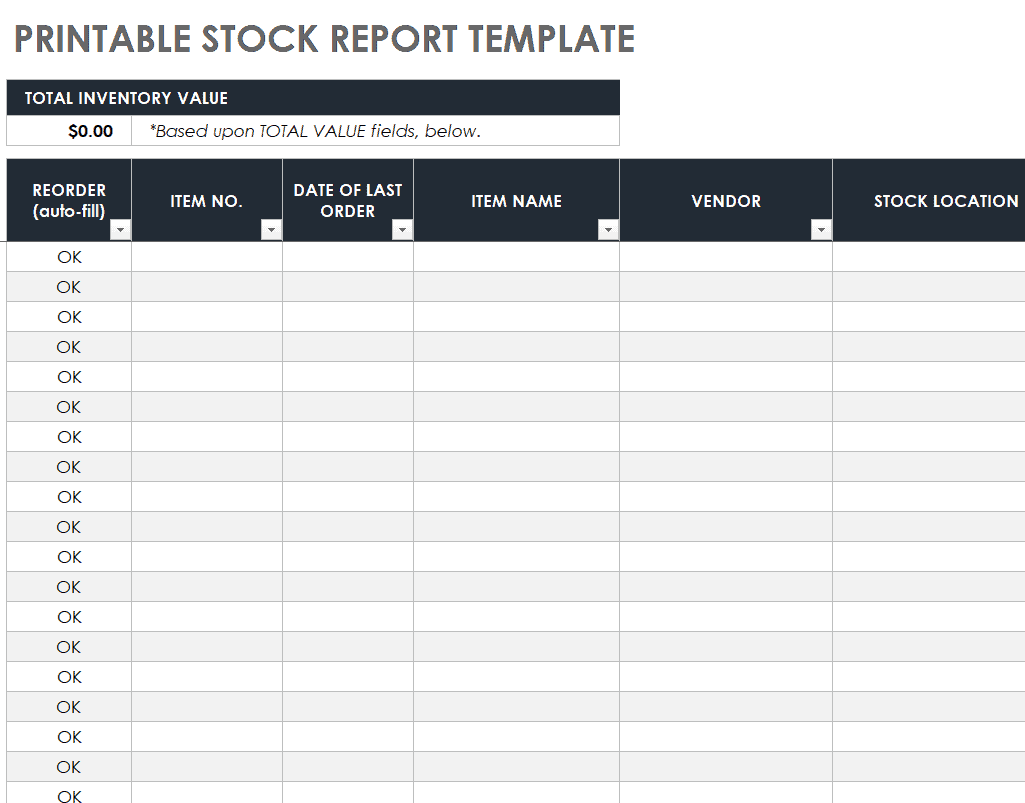
File Size: 349 KB
Inventory Audit Report Template
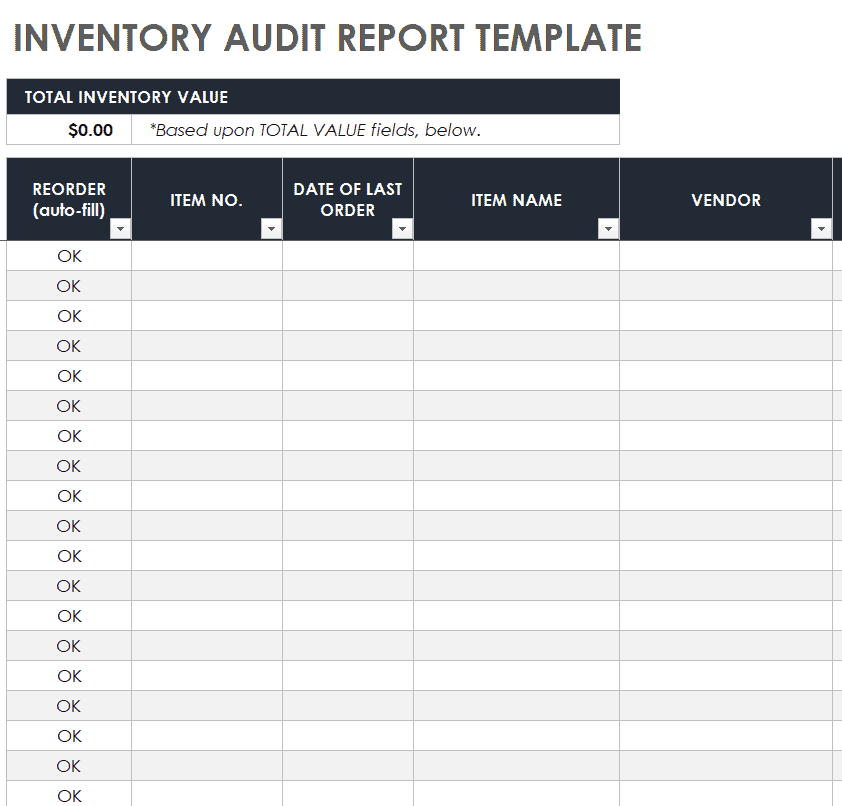
File Size: 350 KB
Daily Stock Report Template
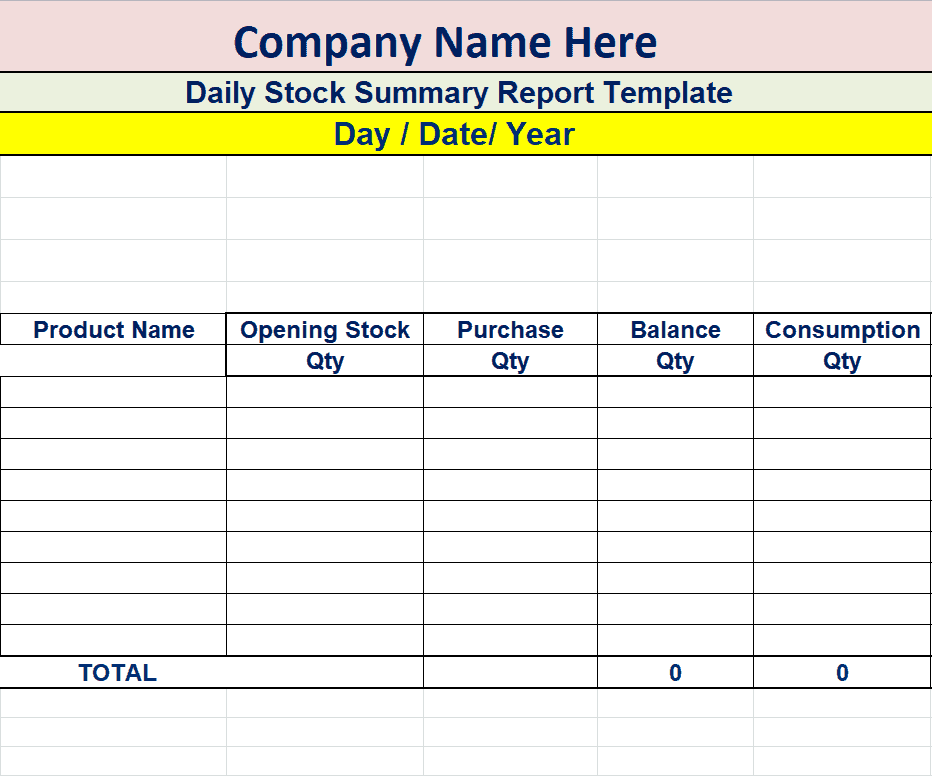
File Size: 09 KB
Sample Stock Report Template
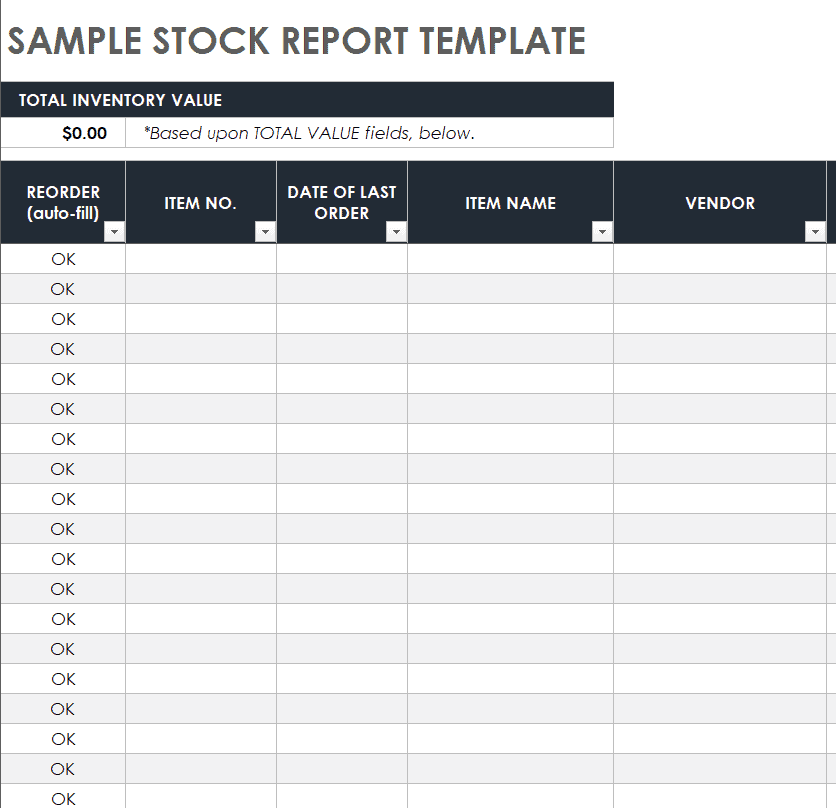
File Size: 348 KB
Stock Damage Report Template
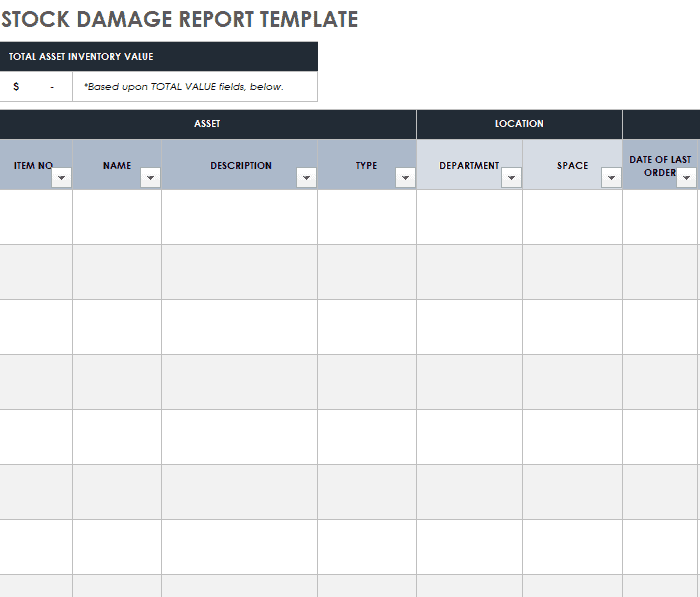
File Size: 335 KB
Daily Stock Report Format
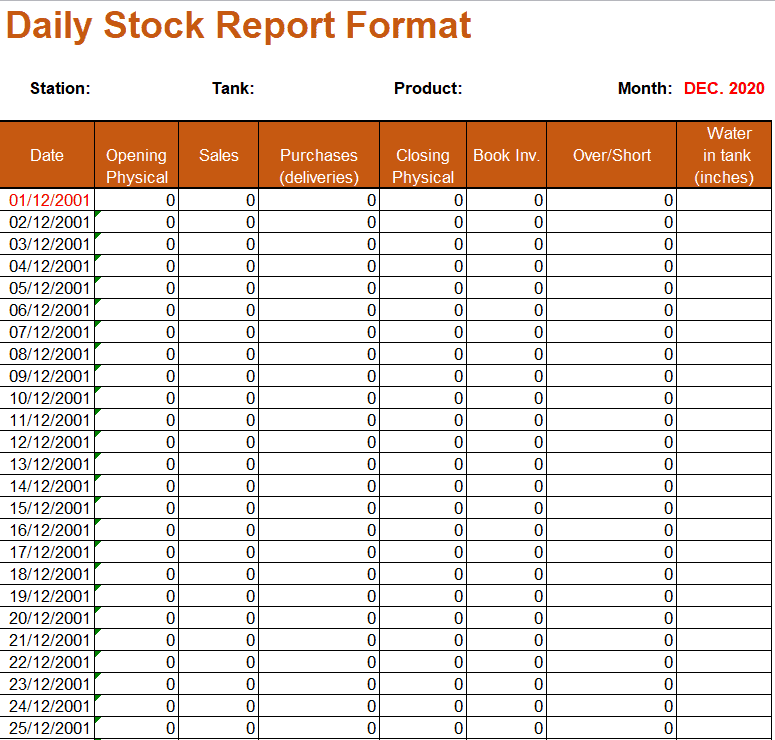
File Size: 13 KB
Sample Stock Report Excel Template
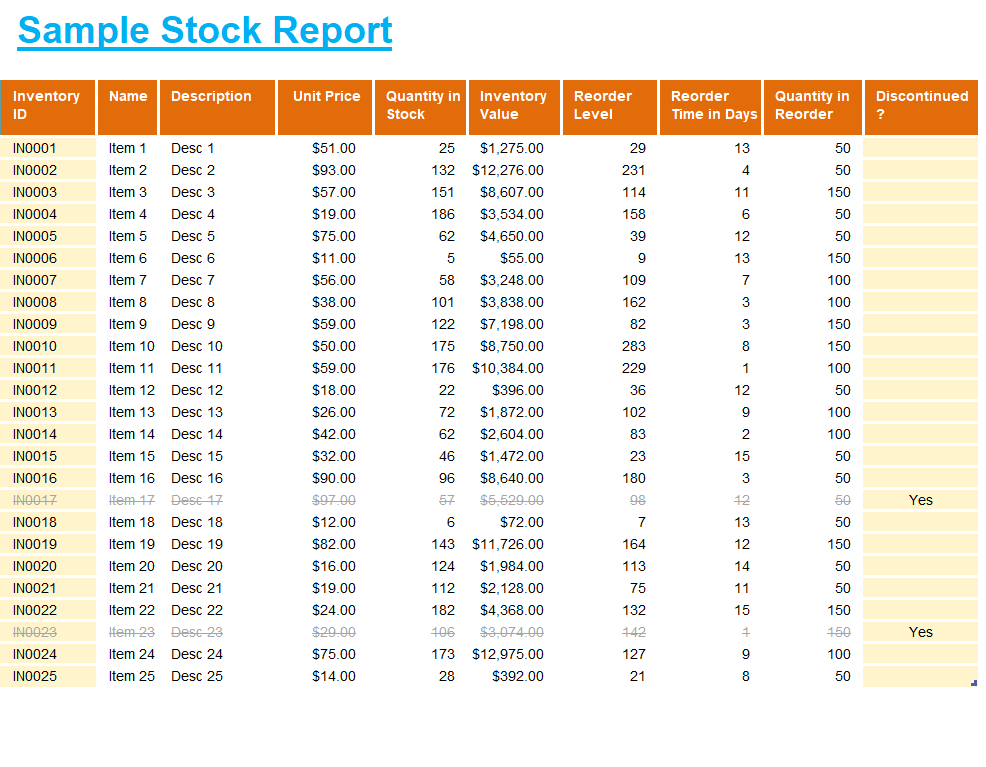
File Size: 14 KB
Company’s Stock Report Sheet Sample
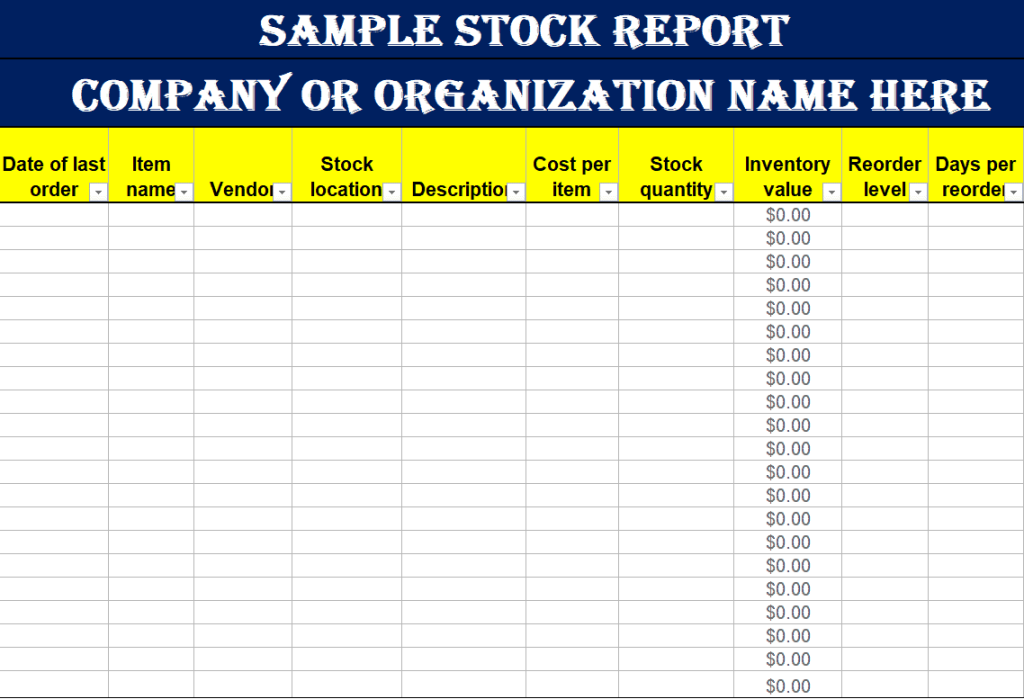
File Size: 08 KB
Manufacturers’ Simple Stock Report Template in MS Word
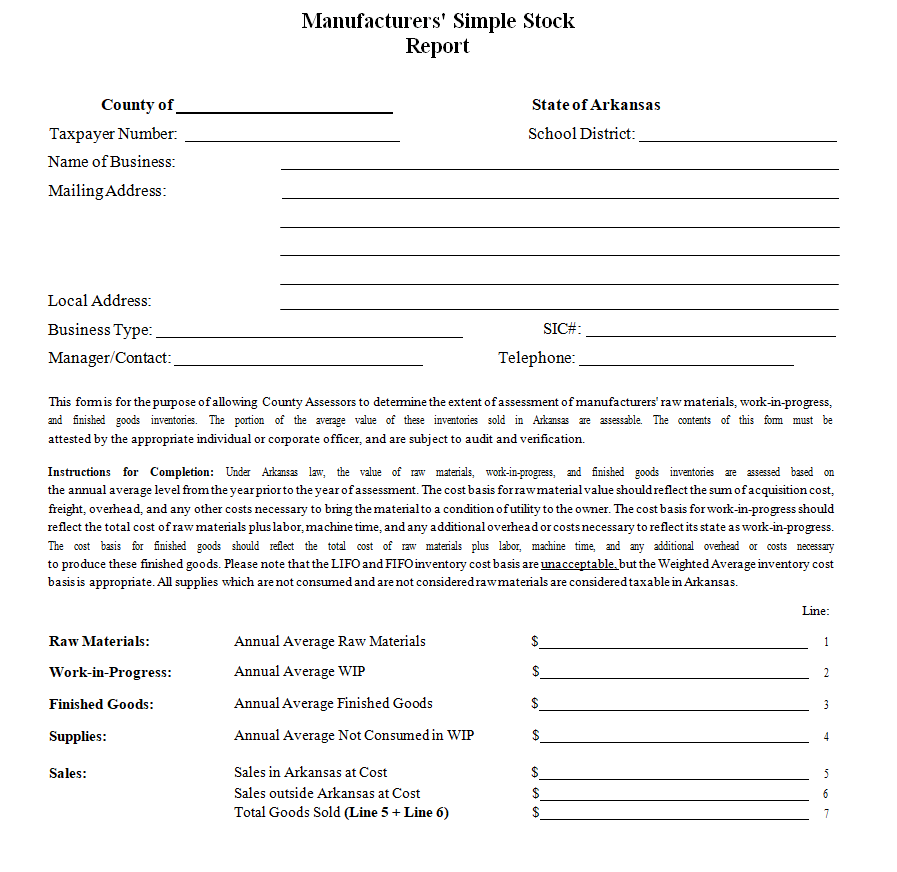
File Size: 18 KB
Food Stock Report Template Online

File Size: 329 KB
Printable Annual Stock Report Template
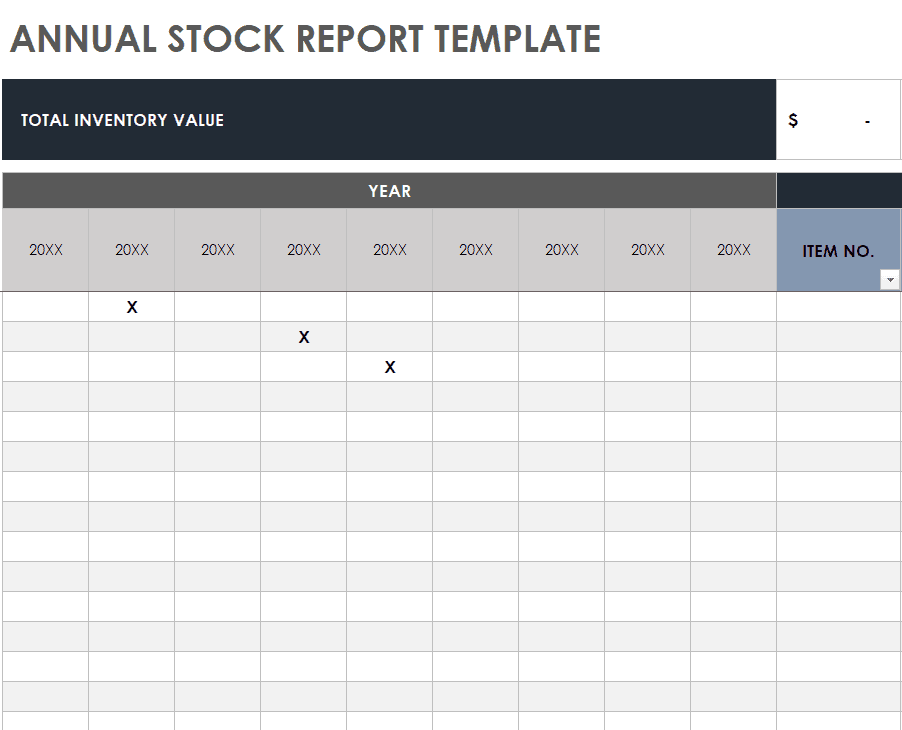
File Size: 342 KB
Excel Weekly Stock Report Template

File Size: 350 KB
Restaurant Daily Food Stock Workbook

File Size: 15 KB
Simple Food Stock Report Template

File Size: 12 KB
Stock Discrepancy Report Template
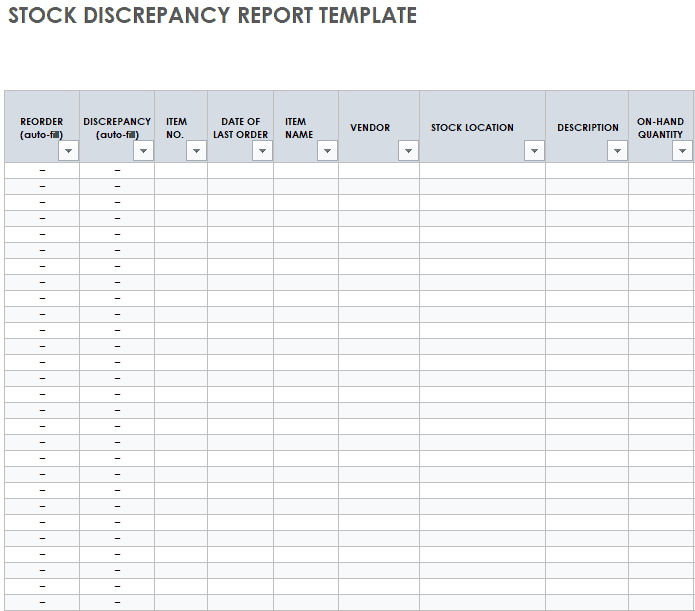
File Size: 304 KB
Basic Contents of a Stock Report
A stock report is prepared for almost all types of businesses. Not only is it prepared for a manufacturing business, but it can also be prepared for many other businesses like the restaurant business. Almost every business has some kind of stock or inventory so a stock report is prepared depending on the type of business and nature of its operations. Whatever the case might be, if you are in a position where you have to prepare a stock report, make sure to know some basic contents of a stock report mentioned below:
- Item Name: The name of the stock or inventory item.
- Item Code Number: This is the distinct code number of each inventory item.
- Unit of Measure: The unit in which each item is counted, such as pieces, boxes, kilograms, or litres, so that quantities are recorded consistently.
- Description: A brief description of every item of the stock.
- Opening stock: The number of units of each item that were previously held.
- Date of Last Order: The date when the last orders for each item were placed.
- Per Unit Price: This is the cost price for each unit of an inventory item.
- Units Sold: The number of units of an inventory item that were sold during the period of the stock report.
- Units Purchased: The number of units of an inventory item that were purchased during the period of the stock report.
- Closing Stock: The remaining number of units of each inventory item held by the organization at the end of the period of the stock report.
- Value of each item: This is the value of each item of the stock that can be calculated by multiplying the per unit price with the number of units of each inventory item. This way the amount of closing inventory for each stock item can be calculated.
- Reorder Point: Also referred to as the ‘Reorder Level’, it is the point or level in numbers where you automatically reorder the inventory item. To put it simply, a point in number is set for each inventory item that when reached, the order for that inventory item is placed automatically.
- Reorder Quantity: This is the quantity of each inventory item that is to be reordered.
- Location: The specific physical location of each inventory item where it is placed i.e., the area, department, floor, room, shelf, etc.
- Manufacturer: Name of the manufacturers of each stock item.
- Condition: The condition refers to the wear and tear of an item or the remaining period of its service.
- Total Value of Inventory: This value is calculated by adding up the value of all the stock items.
- Period: Mention the period and dates for which such a stock report is prepared. If a daily stock report is prepared, mention the day and date. If the stock report is weekly, monthly, or quarterly, mention the start and end dates.
- Signatures: The person who prepares the stock report and the one to whom such a report is presented to shall sign the report.
More Stock Report Templates
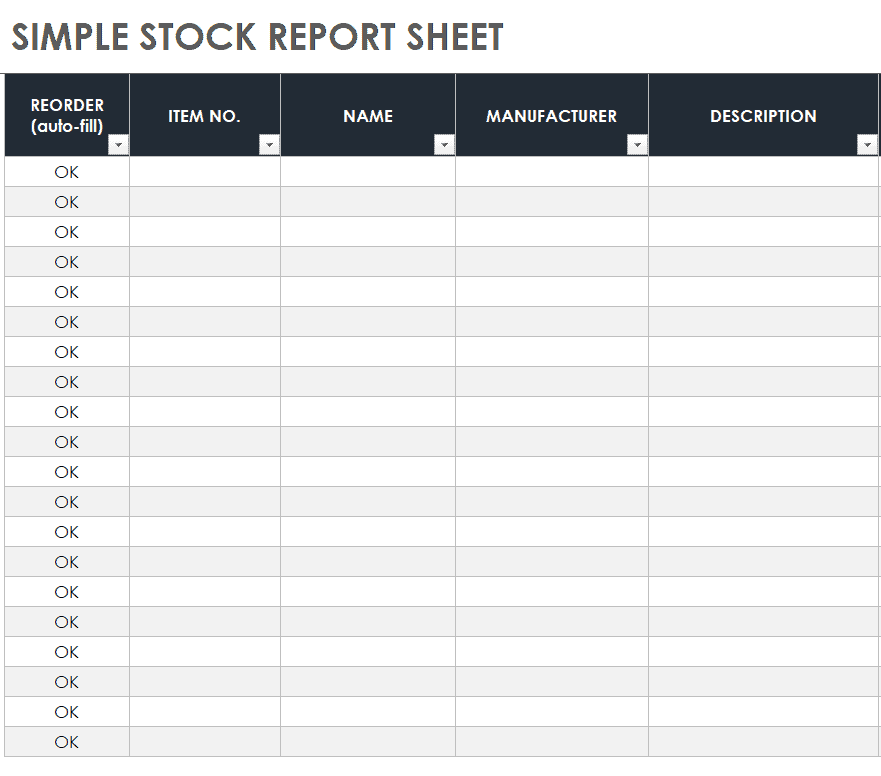
Simple Stock Report Sheet Example
File Size: 338 KB
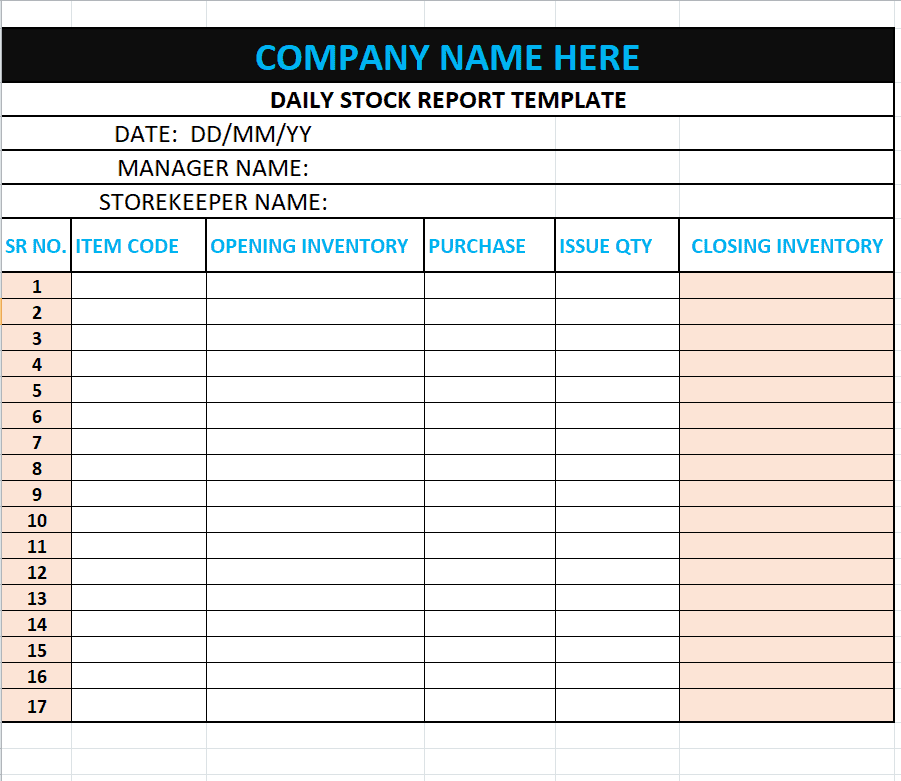
Company’s Daily Stock Report Template
File Size: 08 KB
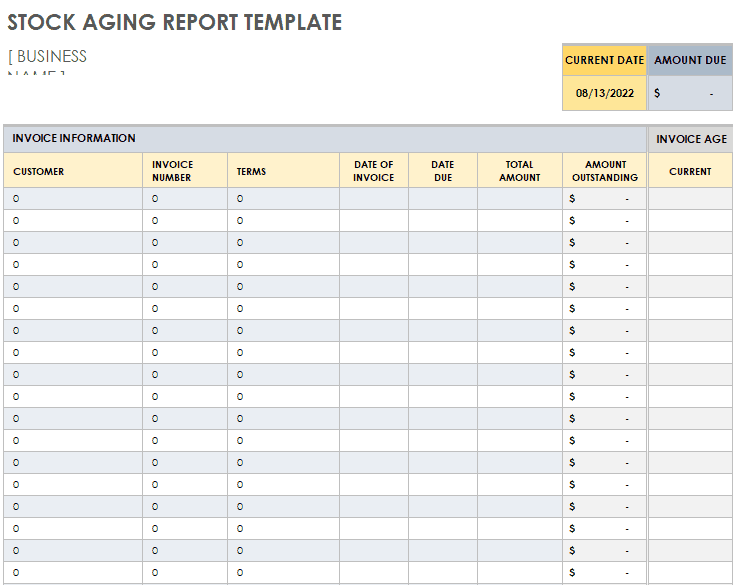
Sample Stock Aging Report Template
File Size: 340KB
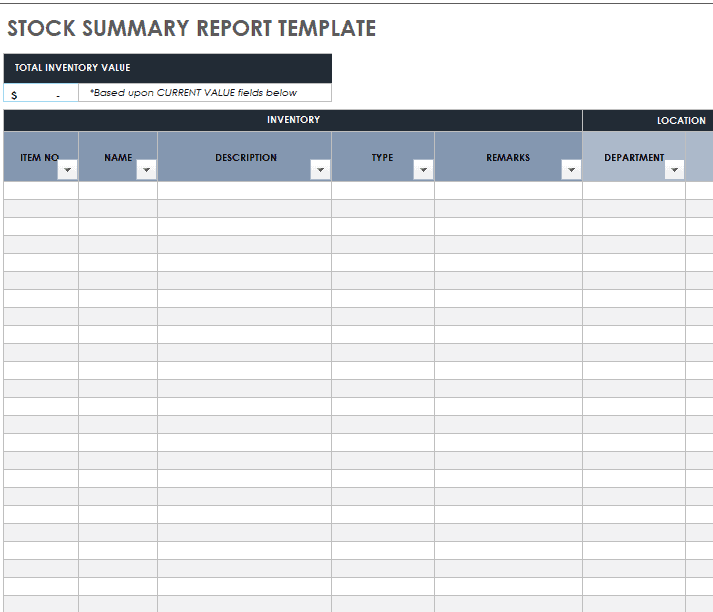
Stock Summary Report Template in XLSX Format
File Size: 332 KB
Equipment Stock List Template
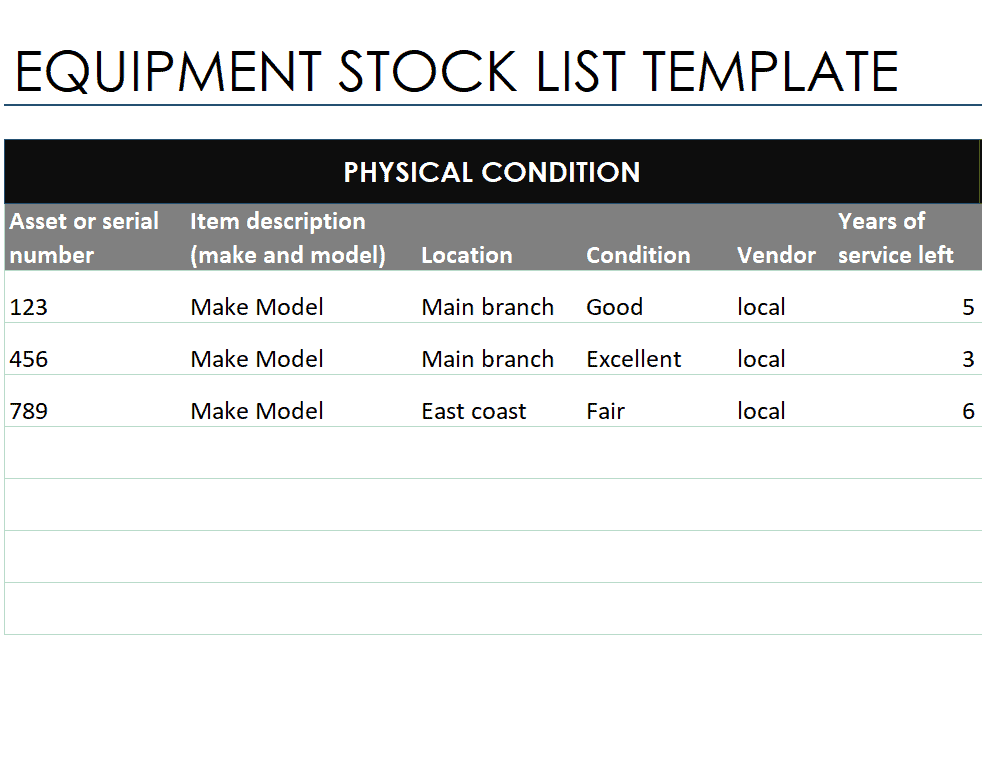
File Size: 12 KB
Organization’s Monthly Stock Report Template
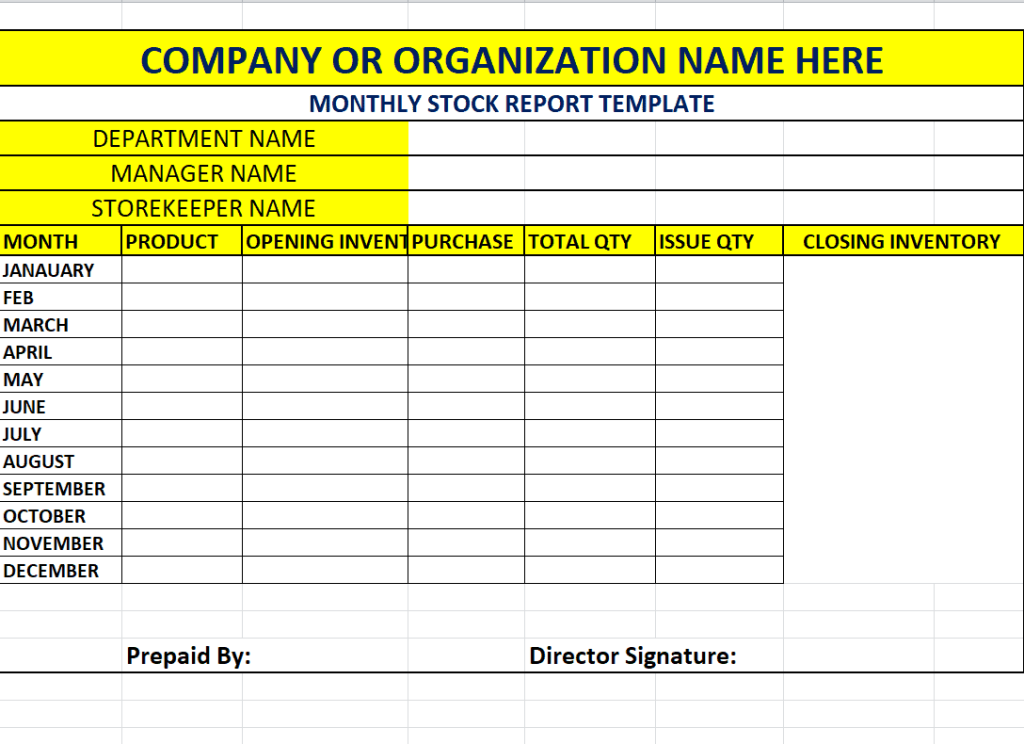
File Size: 08 KB
Product Stock Usage Report Template

File Size: 304 KB
Official Annual Stock Summary Report Template
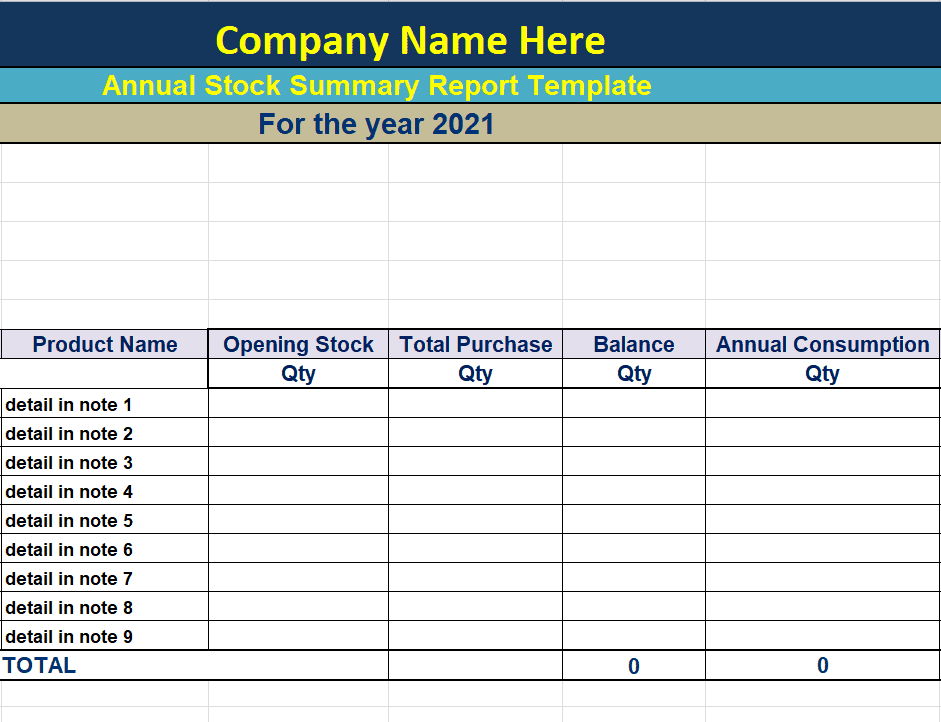
File Size: 09 KB
Blank Stock Report Template of a Company
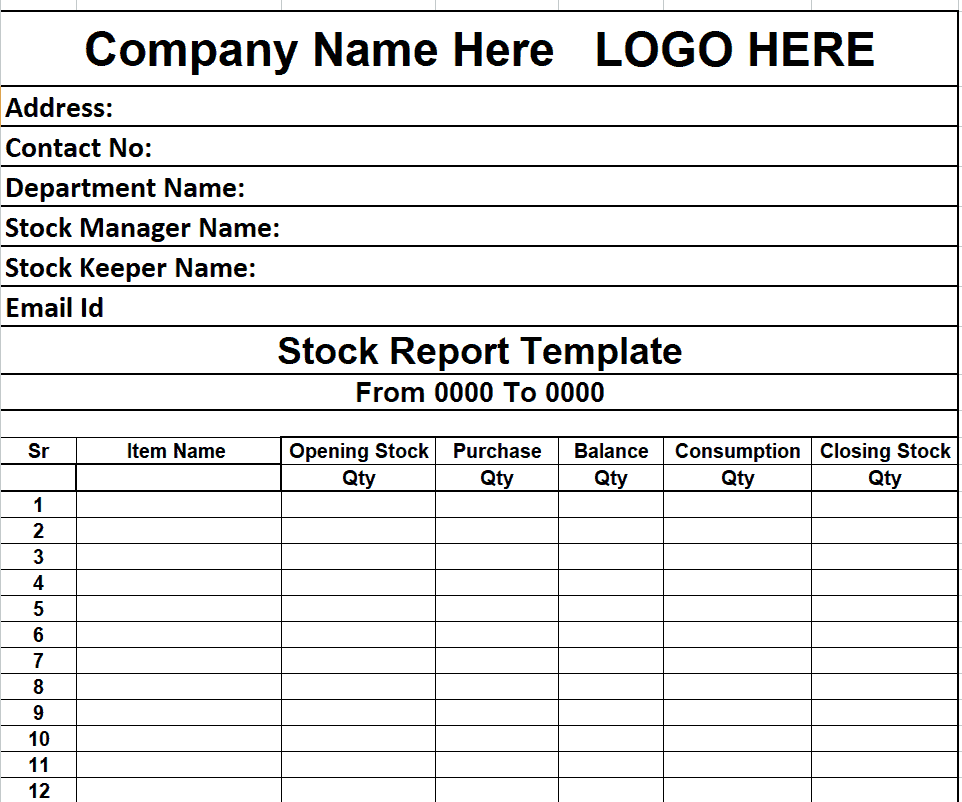
File Size: 10 KB
Business Weekly Stock Summary Report Template
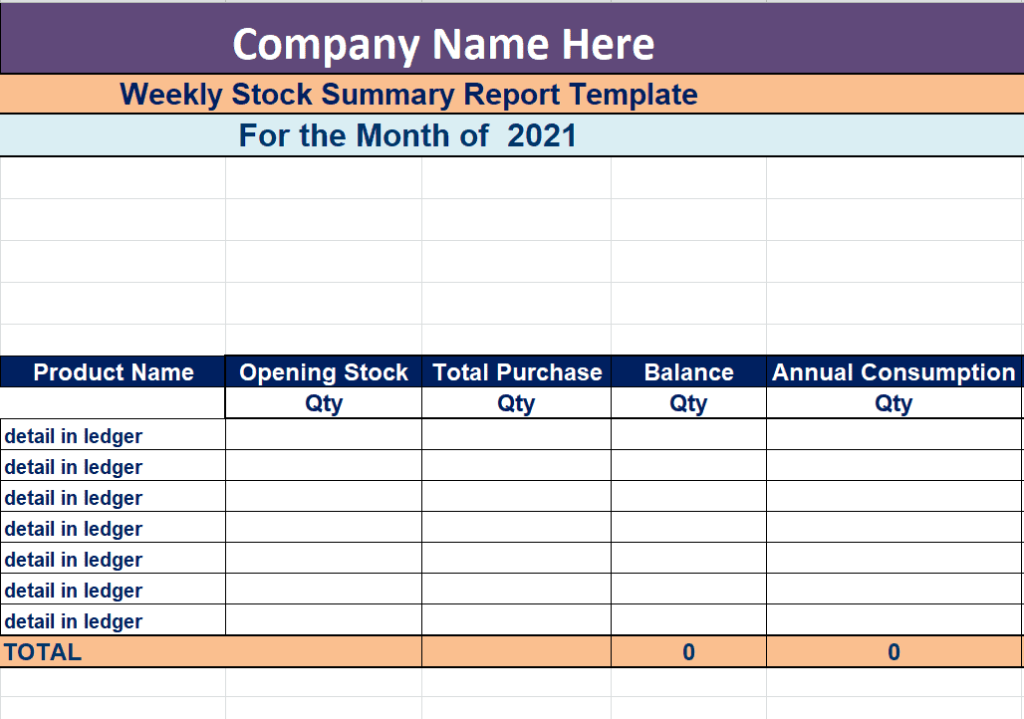
File Size: 08 KB
Customizable Stock Summary Report Template
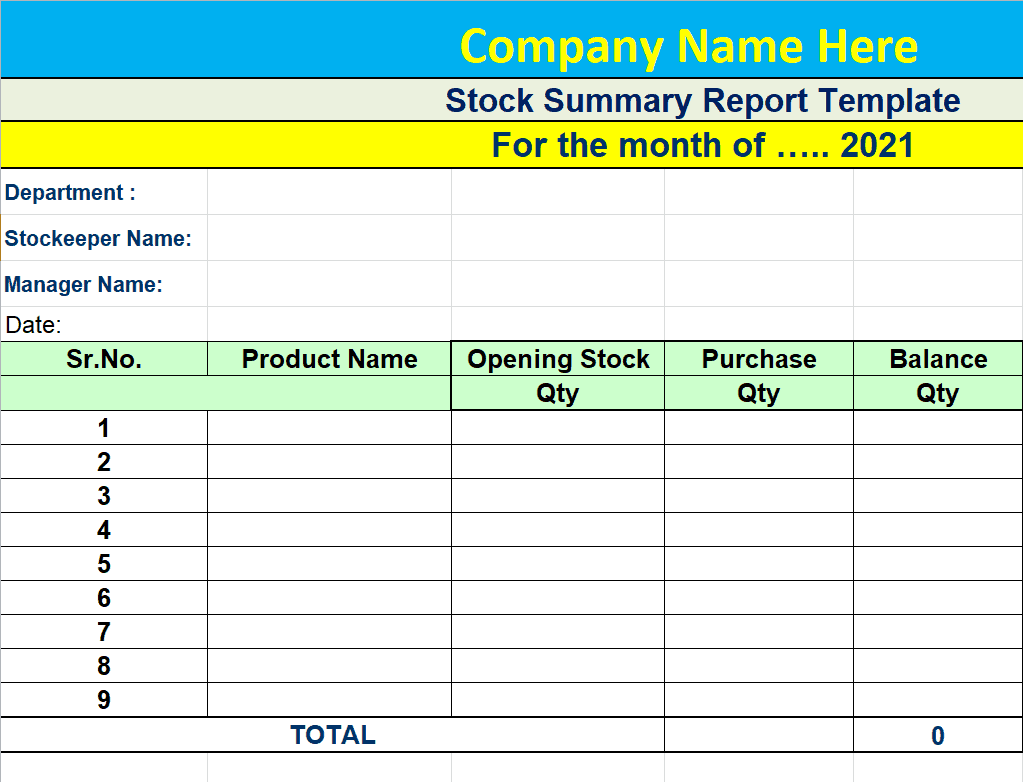
File Size: 10 KB
Stock Control Report Template in MS Excel
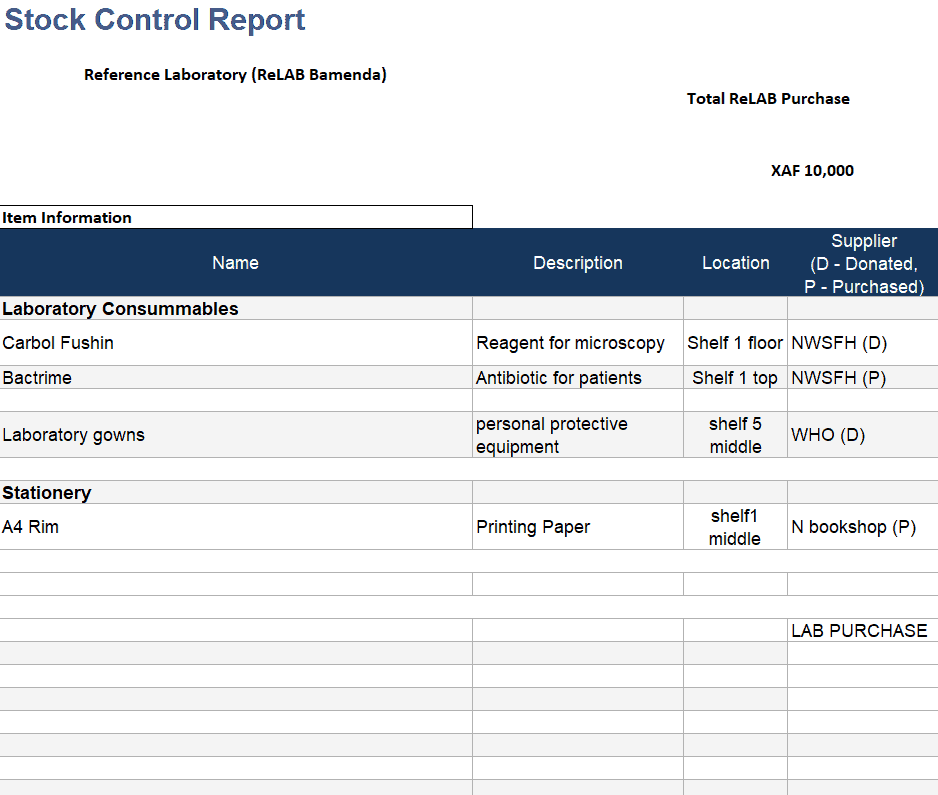
File Size: 14 KB
Detailed Stock Report Sheet Example
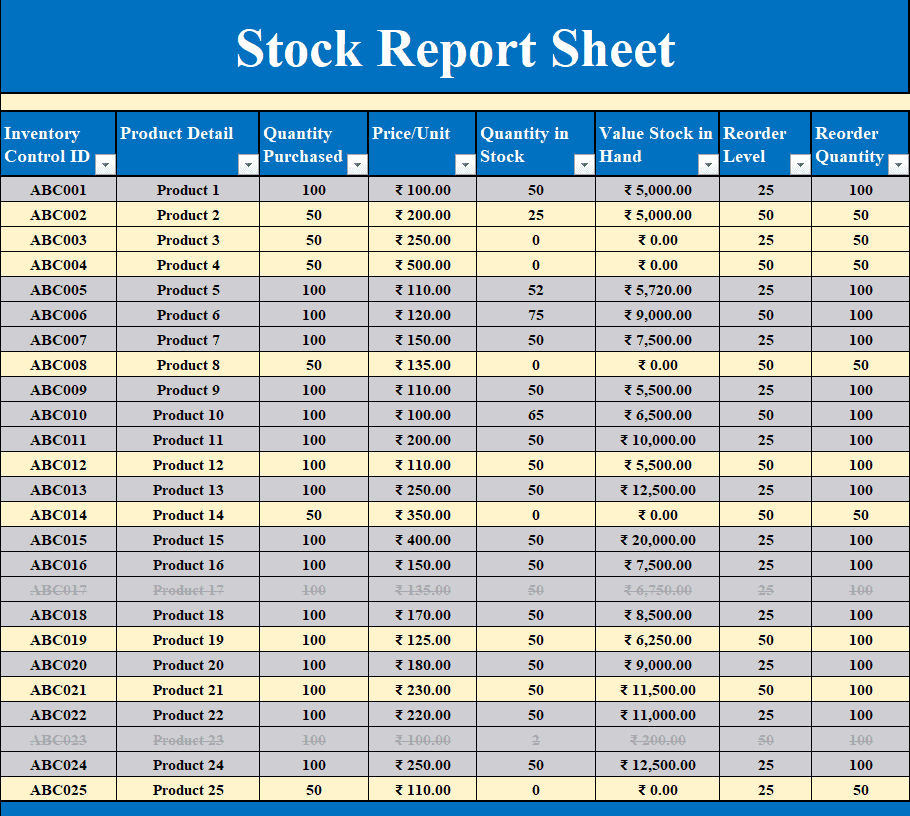
File Size: 17 KB
Corporate Stock Report Template in Excel
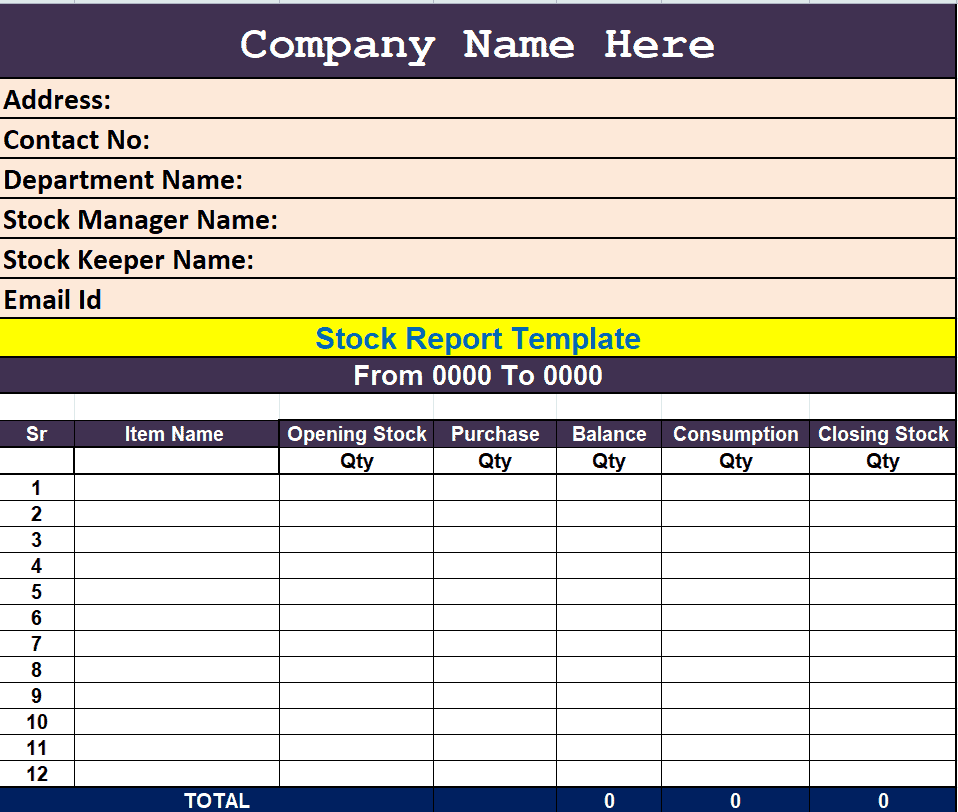
File Size: 08 KB
Example: A Filled-In Weekly Stock Report
The table below shows how a small shop might fill in a weekly stock report. Closing stock is worked out as opening stock plus stock in minus stock out, and the stock value is closing stock multiplied by the unit cost.
| Item | Opening Stock | Stock In | Stock Out | Closing Stock | Unit Cost | Stock Value | Reorder Level | Reorder? |
| A4 Paper (ream) | 120 | 80 | 150 | 50 | $4.00 | $200.00 | 60 | Yes |
| Printer Ink (cartridge) | 45 | 0 | 20 | 25 | $12.50 | $312.50 | 20 | No |
| Ballpoint Pens (box) | 200 | 150 | 210 | 140 | $1.20 | $168.00 | 100 | No |
| Total | $680.50 |
In this example, A4 paper has fallen below its reorder level of 60 reams, so it is flagged for reordering, while the other two items still have enough stock on hand.
Frequently Asked Questions
What is the difference between a stock report and an inventory report?
In practice, the terms are used interchangeably. However, a stock report usually focuses on physical finished products ready for sale, whereas an inventory report encompasses all physical assets, including raw materials, spare parts, packaging, and work-in-progress inventory.
Can I use these stock templates in Google Sheets?
Yes. The Excel templates can be uploaded to Google Drive and opened in Google Sheets. Basic formatting and common formulas such as SUM usually carry over without problems, but it is worth checking the totals once after conversion.
How do I calculate Closing Stock in Excel?
Closing Stock is calculated using the standard formula:
Closing Stock = Opening Stock + Stock Received (Purchases) - Stock Dispatched (Sales/Usage)
How often should a business run a stock report?
Frequency depends on your inventory turnover rate. High-volume businesses (grocery stores, restaurants) should maintain daily stock logs, while low-volume or higher-value businesses (furniture, electronics) can run weekly or monthly stock reports alongside periodic physical cycle counts.
What is the difference between a reorder level and a reorder quantity?
The reorder level is the stock count at which you place a new order, while the reorder quantity is how many units you order each time. For example, you might reorder printer ink when stock drops to 20 cartridges and order 50 cartridges each time.
To manage the rest of your paperwork, you can also use our material list templates, bill of materials templates, sales report templates, and summary report templates alongside your stock reports.
Final Thoughts
A clear stock report helps you avoid running out of popular items, spot slow-moving goods, and know the value of your inventory at any time. Download one of the free Excel templates above, enter your opening balances, and update it regularly so your records always match what is on the shelves.