Maintaining structured, up-to-date staff records is essential for smooth human resource management, compliant payroll processing, and effective workplace communications. An employee information form (also known as a staff record sheet, new hire data form, or HR personnel sheet) serves as the primary intake document whenever an organization brings on new talent.
Whether you run a small business, a growing corporate office, or an educational institution, using standardized MS Word employee information templates and fillable PDF record sheets ensures your HR department captures critical legal, personal, and financial data accurately from day one.
Below, you can review best practices for structuring personnel data collection, regulatory considerations, and access over 30 free, fully editable templates designed for seamless employee onboarding.
Why Every Business Needs Standardized Employee Data Forms
Collecting worker details systematically is more than just an administrative routine—it forms the backbone of your workforce operations. Here is why implementing a formal employee information collection process is vital:
- Efficient Payroll Setup: Accurately collecting banking coordinates, tax identification details, and compensation agreements prevents payroll delays and payment errors.
- Emergency Preparedness: Having immediate access to updated emergency contacts ensures your management team can act swiftly during medical or workplace incidents.
- Compliance & Audit Readiness: Maintaining documented employee profiles helps businesses comply with labor standards, employment tax verification requirements (such as Form W-4 or I-9), and local labor laws.
- Centralized Personnel Records: Storing standardized data sheets makes it easy for HR managers to access essential qualifications, role histories, and departmental allocations.
What Should Be Included in an Employee Information Form?
To build an all-inclusive personnel intake document, your form should organize information into logical, easy-to-read sections. Here is a breakdown of the mandatory fields every HR information sheet must contain:
1. Personal & Identity Details
This section establishes the employee’s legal identity within your organization’s records:
- Full Legal Name: First name, middle name, and family surname.
- Date of Birth & Gender: Used for age verification, health insurance enrollments, and internal celebrations.
- Tax Identification Number: Social Security Number (SSN), National ID, or Tax File Number required for government tax reporting.
- Residential Address: Permanent street address, apartment unit, city, state, and postal code.
2. Contact Information
Ensure multiple points of contact for routine communication:
- Mobile phone number and primary personal email address
- Home phone number (if applicable)
- Preferred communication tools or virtual meeting IDs (e.g., Slack, Zoom, or Teams)
3. Emergency Contact Details
In case of a medical crisis or sudden workplace occurrence, immediate family contact info is critical:
- Primary contact person’s full name and relationship to the employee (spouse, parent, sibling)
- Direct phone numbers (mobile and work numbers)
- Alternative secondary emergency contact details
4. Job Role & Employment Details
Documenting position specifics clarifies internal accountability:
- Official job title and assigned department
- Employment classification (Full-time, Part-time, Contract, or Temporary)
- Start date / Official date of hire
- Reporting manager or direct supervisor name
- Direct work extension and corporate email handle
5. Compensation & Financial Coordinates
Ensure smooth salary distribution through clear financial recording:
- Agreed base salary or hourly pay rate
- Bank name, routing number, account title, and account number
- Direct deposit authorization consent
6. Educational Background & Professional Credentials
Maintain record of verified employee qualifications:
- Highest degree obtained and graduating institution
- Relevant industry licenses, specialized certifications, and skill accreditations
Word vs. PDF: Choosing the Best Format for Your Workflow
Depending on how your human resources department conducts new hire intake, different file formats offer distinct operational benefits:
MS Word Employee Information Forms (.docx)
- Best for: Customizing fields to match specific company policies, adding corporate headers/logos, and digital completion on desktop computers.
- Advantage: Highly flexible layout, easily adaptable as your hiring requirements evolve over time.
Printable & Fillable PDF Staff Forms (.pdf)
- Best for: In-person job orientation sessions, physical filing cabinets, or digital fill-in using tablet PDF editors.
- Advantage: Preserves exact document formatting across all hardware platforms and operating systems, preventing accidental layout shifts.
Best Practices for Managing Employee Personal Data
Because employee information forms contain sensitive personal details (such as tax numbers, home addresses, and financial coordinates), keeping this information secure is both an operational requirement and a legal necessity:
Adhere to Data Protection Laws: Ensure your data retention practices comply with regional regulations like GDPR, CCPA, or local labor laws regarding personal record retention limits.
Implement Role-Based Access Control: Restrict physical and digital access solely to authorized HR personnel and direct department leads.
Secure Digital Records: Store completed electronic sheets in encrypted cloud storage or password-protected HR management software.
Encourage Periodic Updates: Ask employees to review and update their contact details and emergency contacts at least once a year.
Employee Information Form Templates WORD
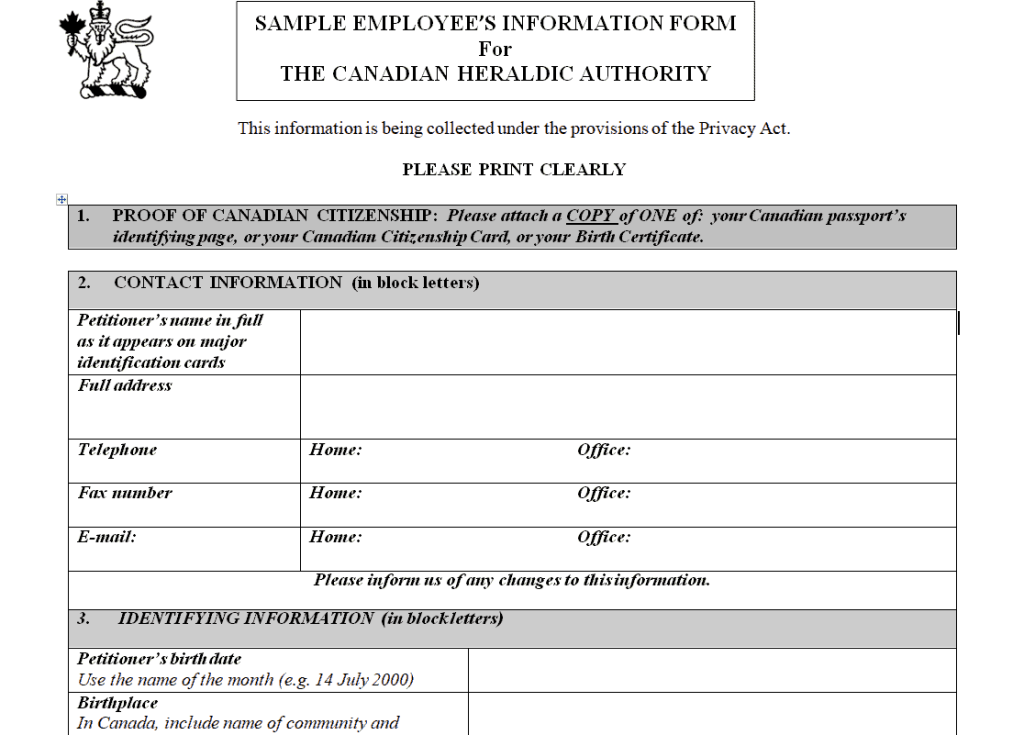
Sample Employee Information Form Template
File Size: 28 KB
File Type: MS WORD
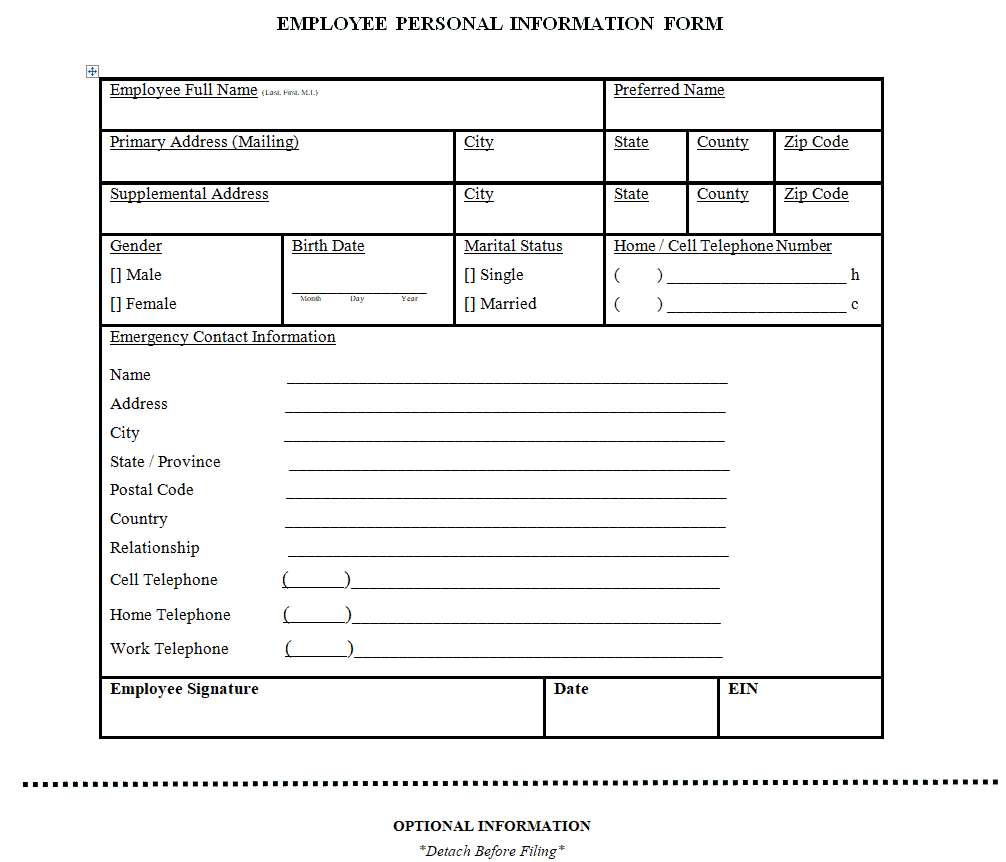
Employee Personal Information Form Template
File Size: 7 KB
File Type: MS WORD
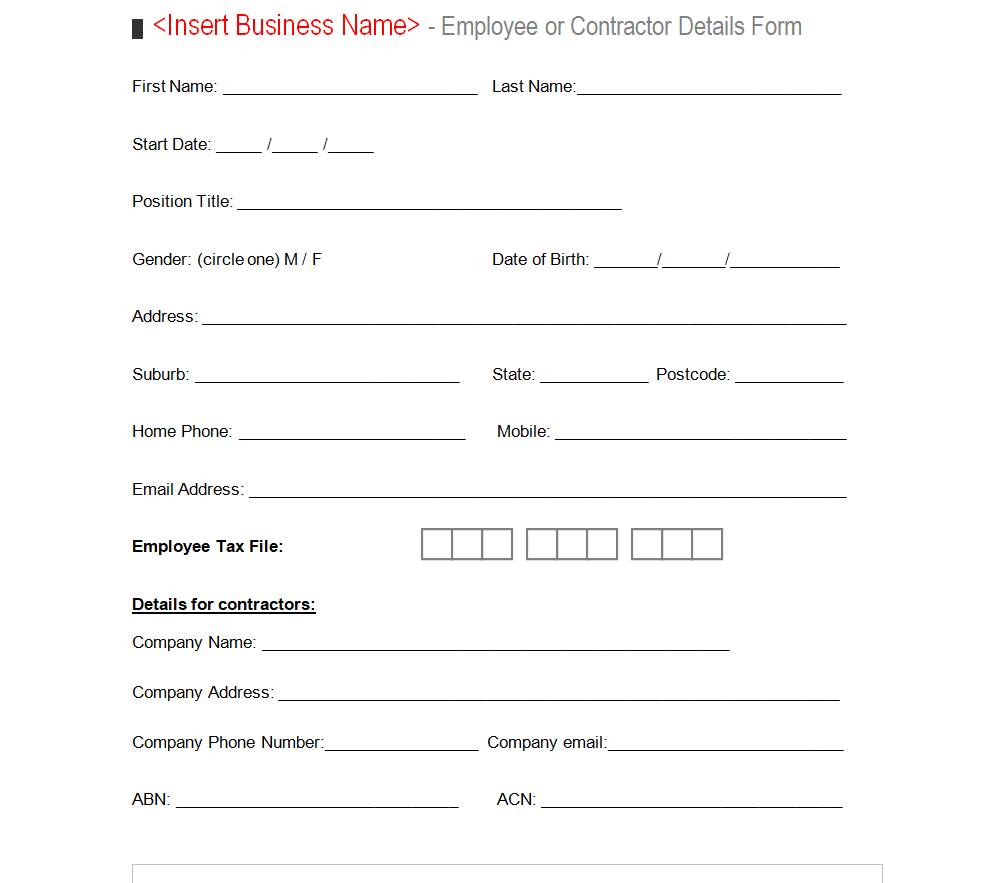
Organization’s Employee Details Form Template
File Size: 10 KB
File Type: MS WORD
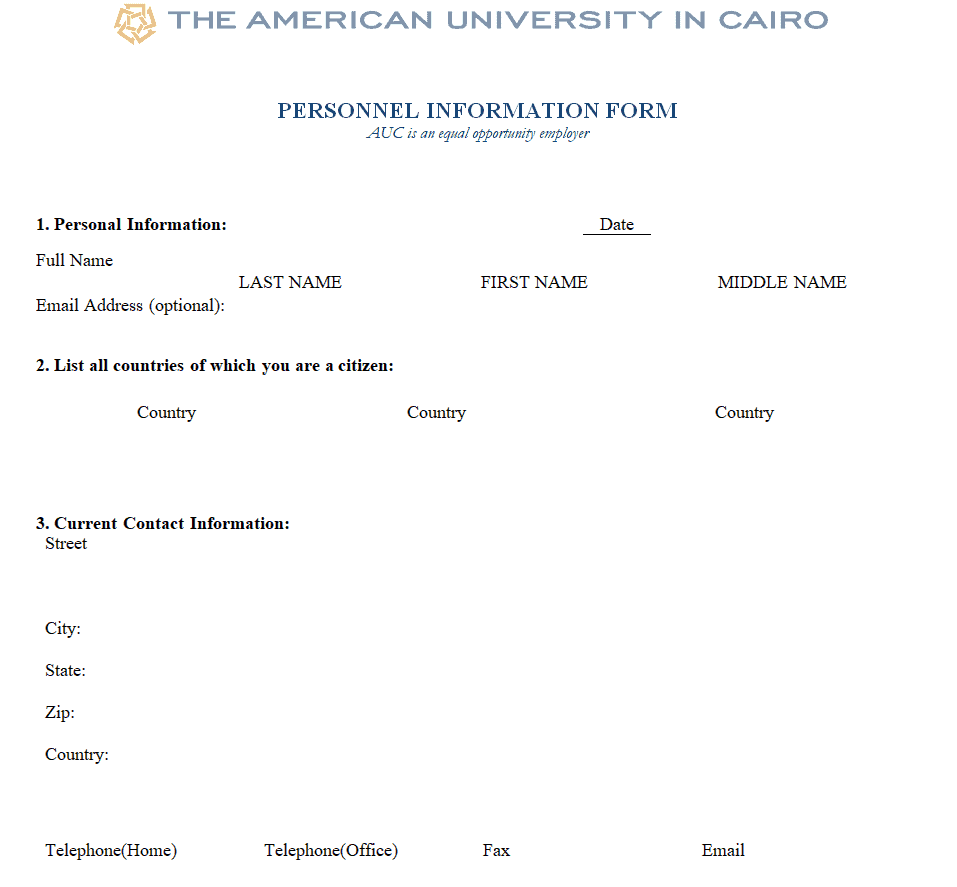
University Personnel Information Form Template
File Size: 121 KB
File Type: MS WORD
Institute’s Employee Personal Information Form Template
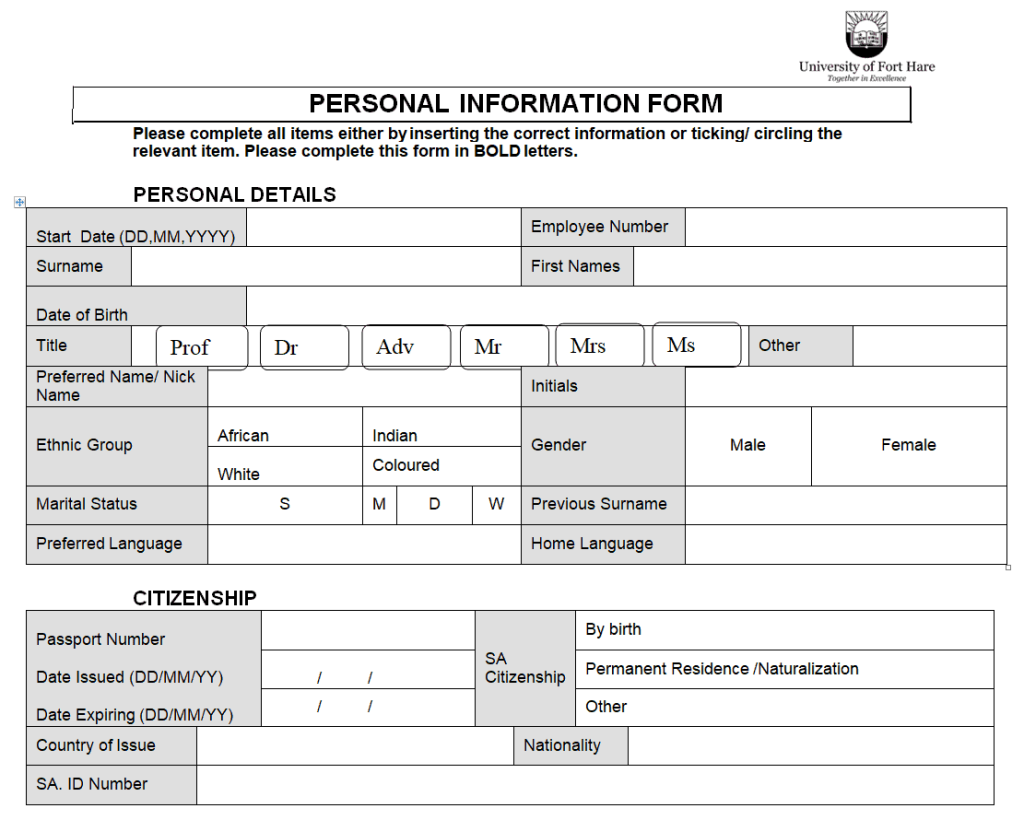
File Size: 24 KB
File Type: MS WORD
Employement Record Details Form Template
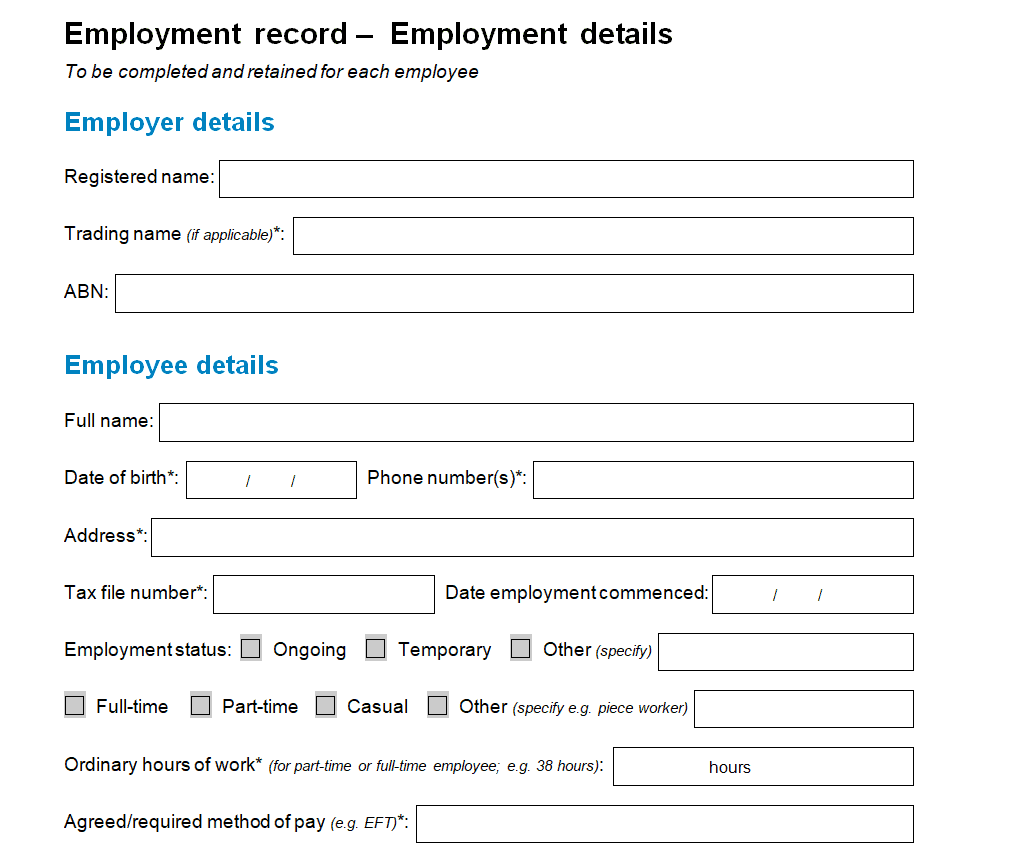
File Size: 22 KB
File Type: MS WORD
Editable Employee Information Form Template
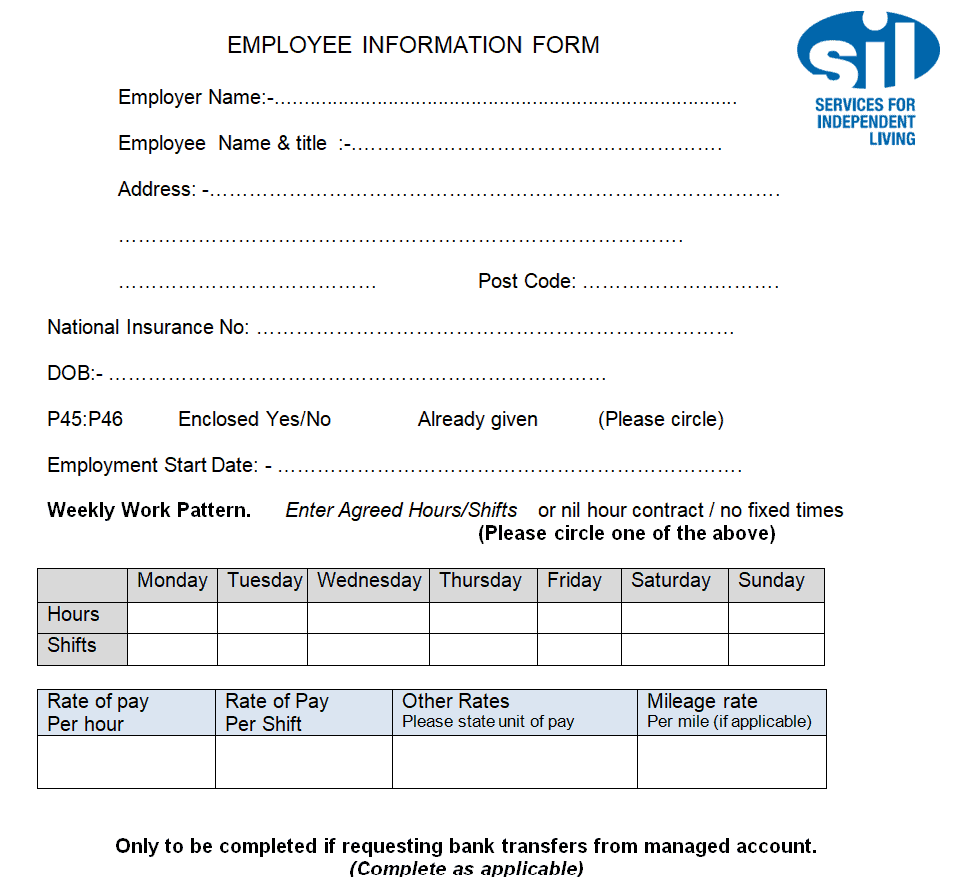
File Size: 20 KB
File Type: MS WORD
Human Resources Employee Information Form Template
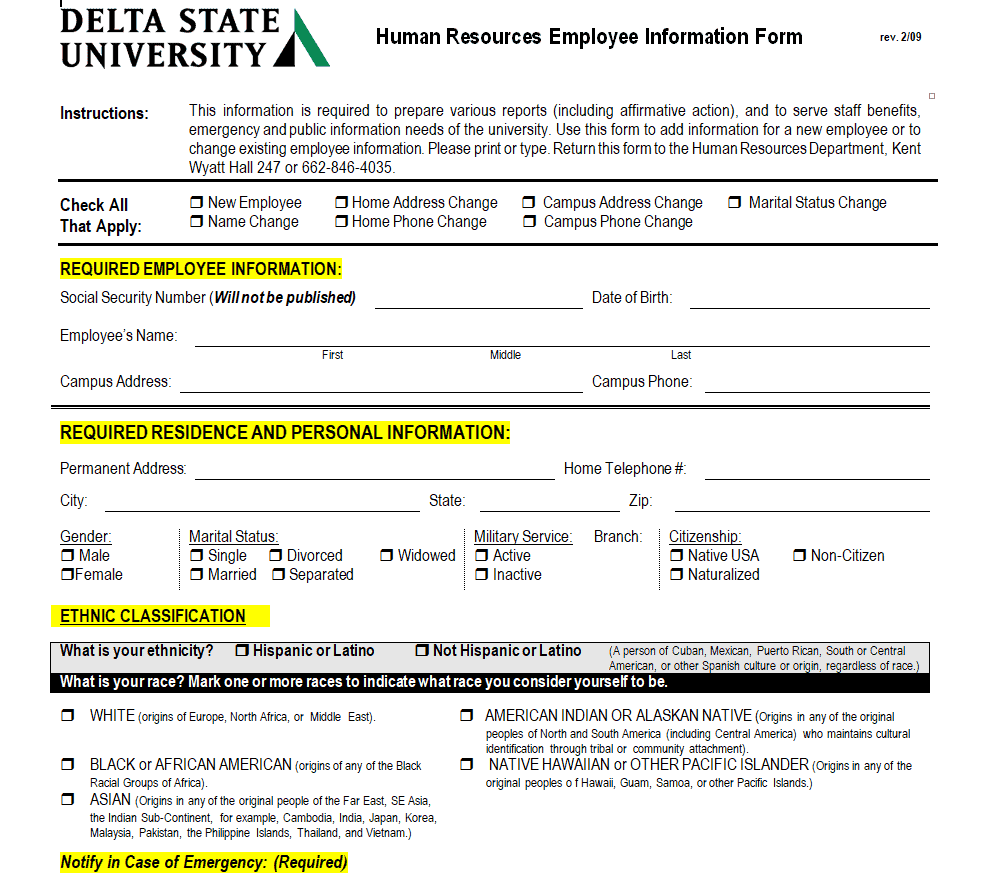
File Size: 17 KB
File Type: MS WORD
Online Blank Employee Data Sheet Template
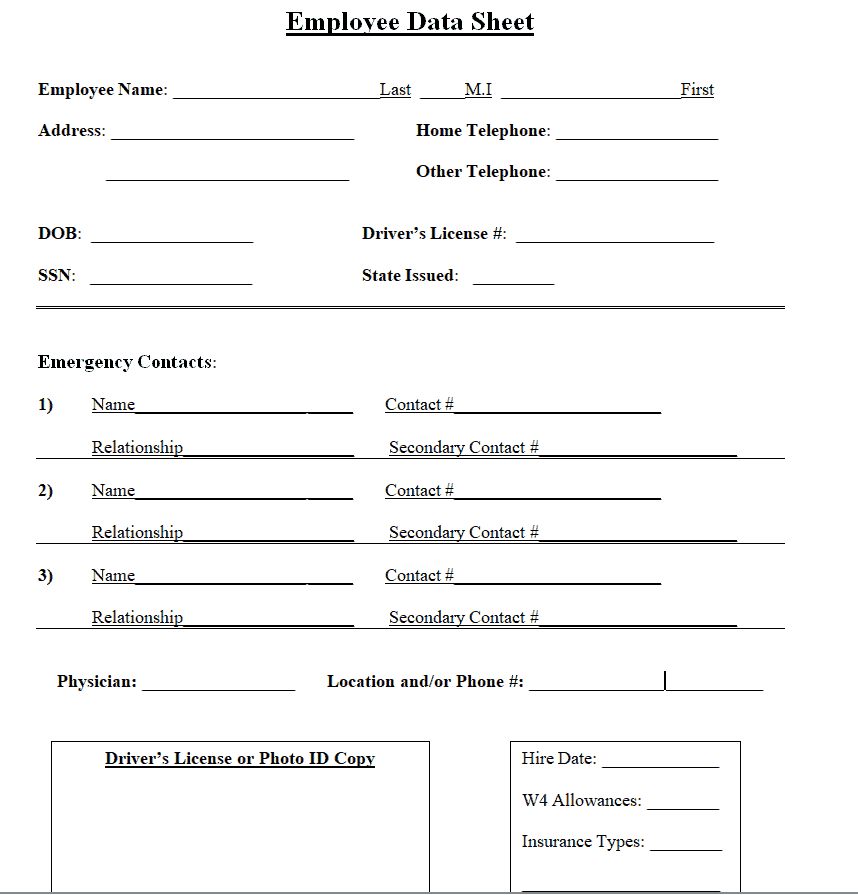
File Size: 7 KB
File Type: MS WORD
Company Employee Information Form Template
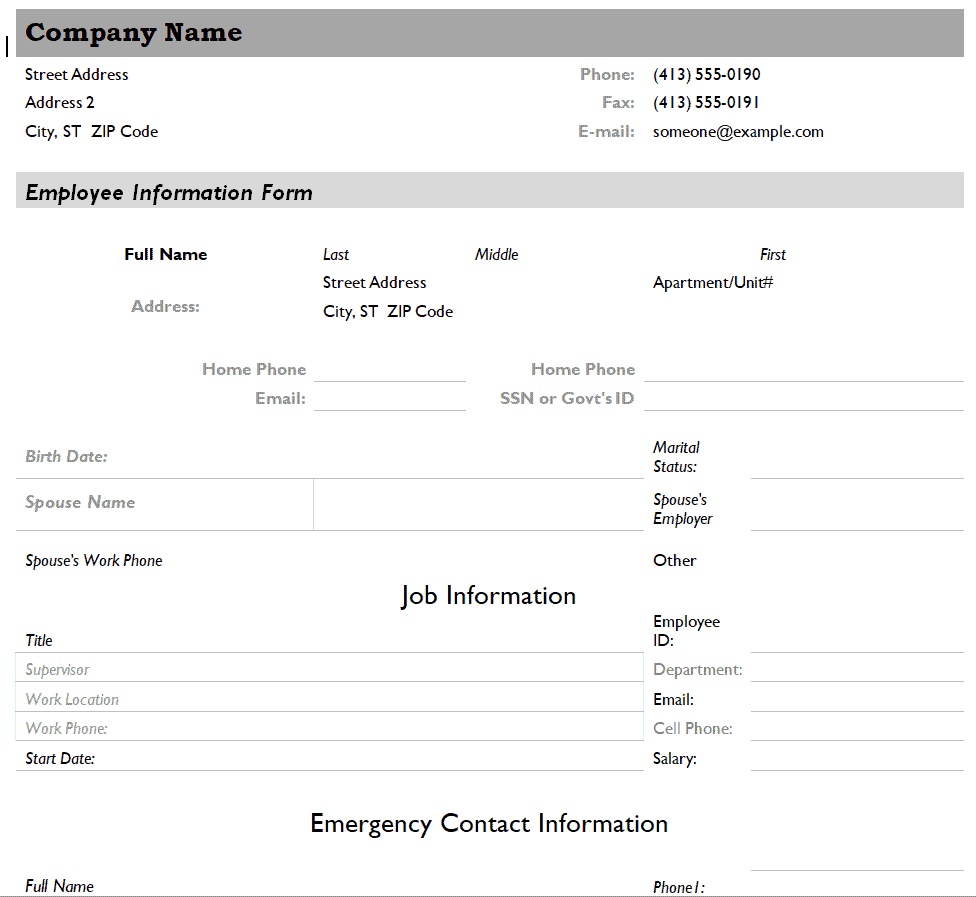
File Size: 34 KB
File Type: MS WORD
Simple Employee Information Form Template
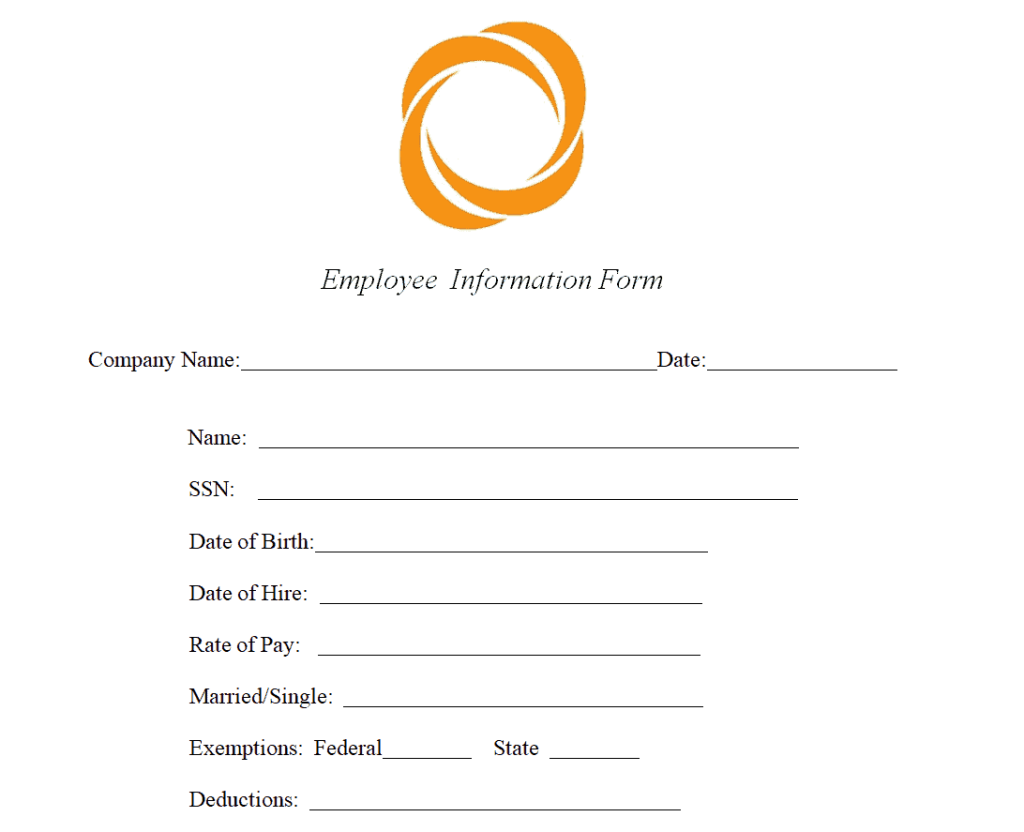
File Size: 18 KB
File Type: MS WORD
Fillable Employee Information Form Template
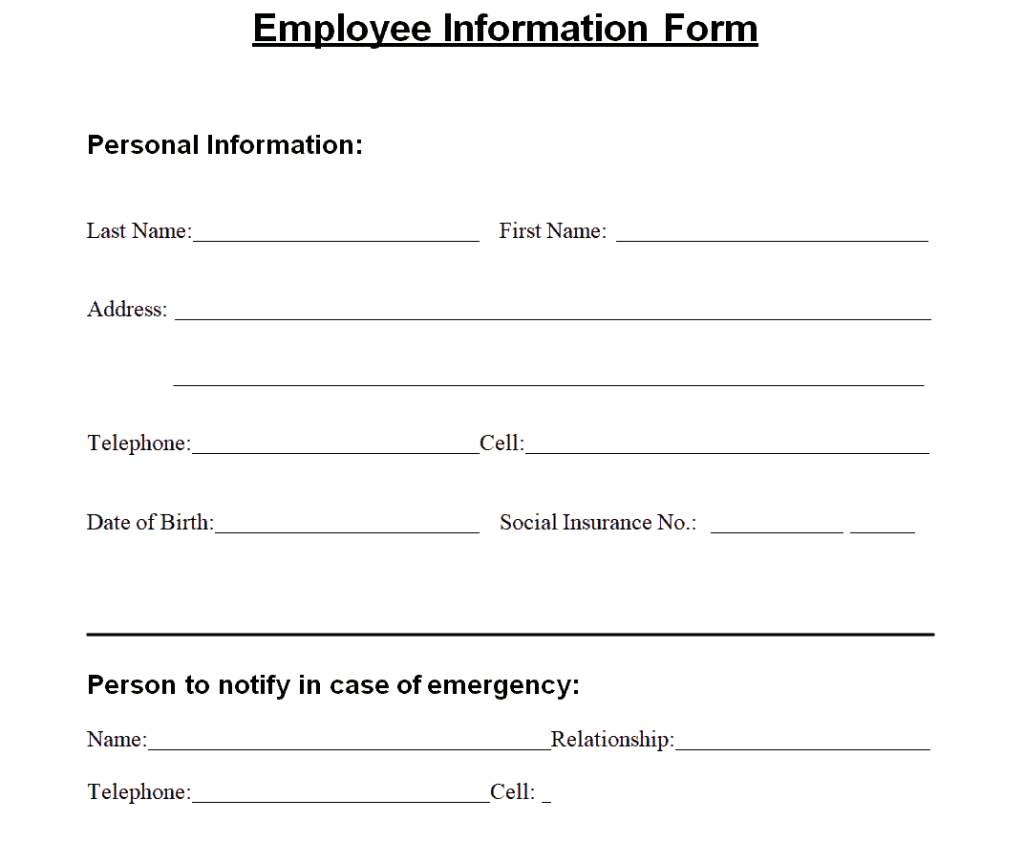
File Size: 8 KB
File Type: MS WORD
Basic Employment Information Sheet Template
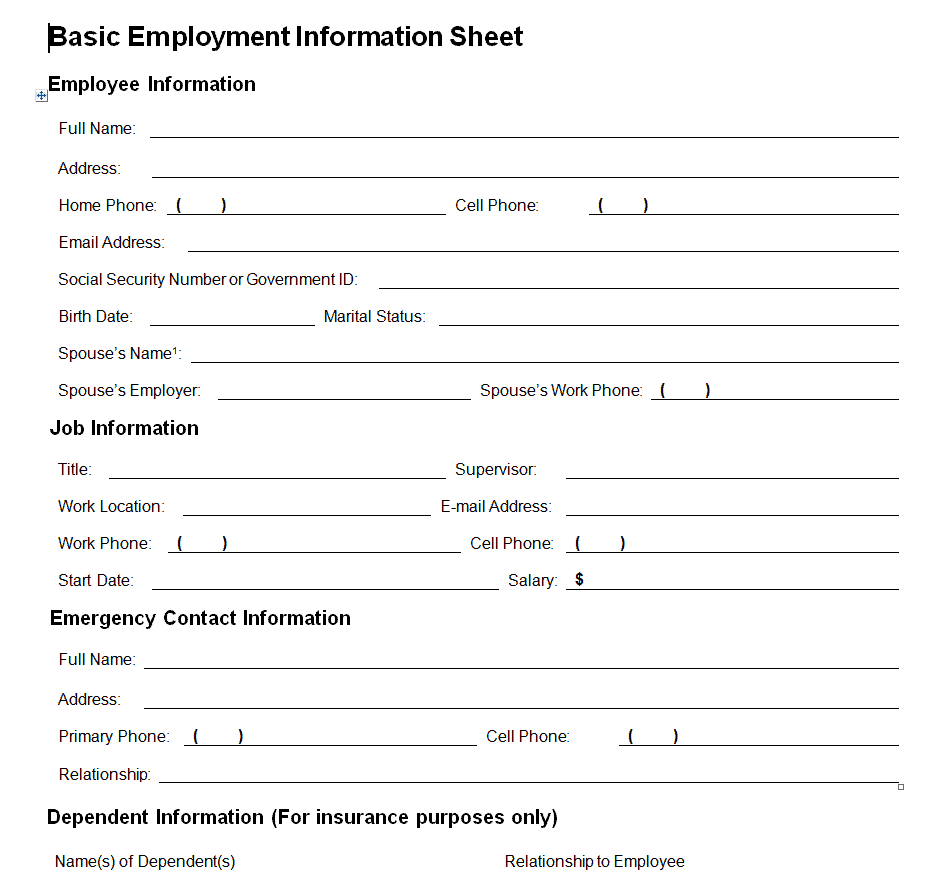
File Size: 13 KB
File Type: MS WORD
Employee Information Form Template
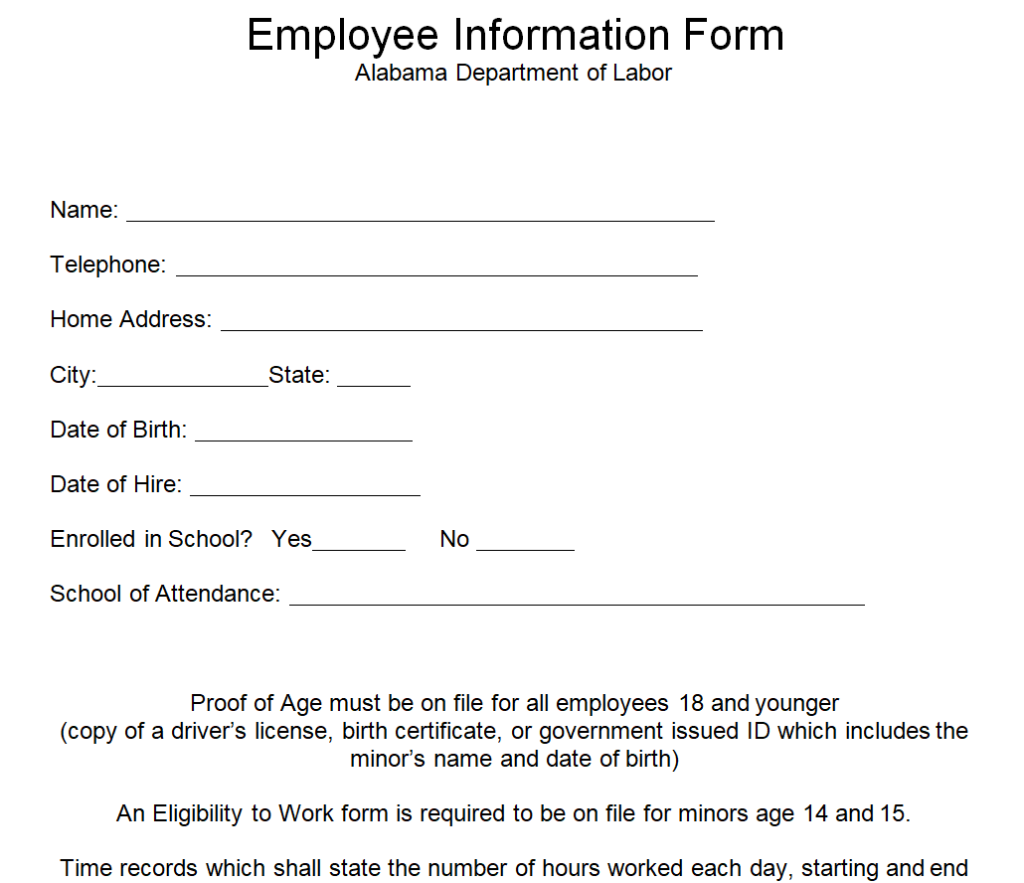
File Size: 8 KB
File Type: MS WORD
Employee Personal Information Form WORD Template
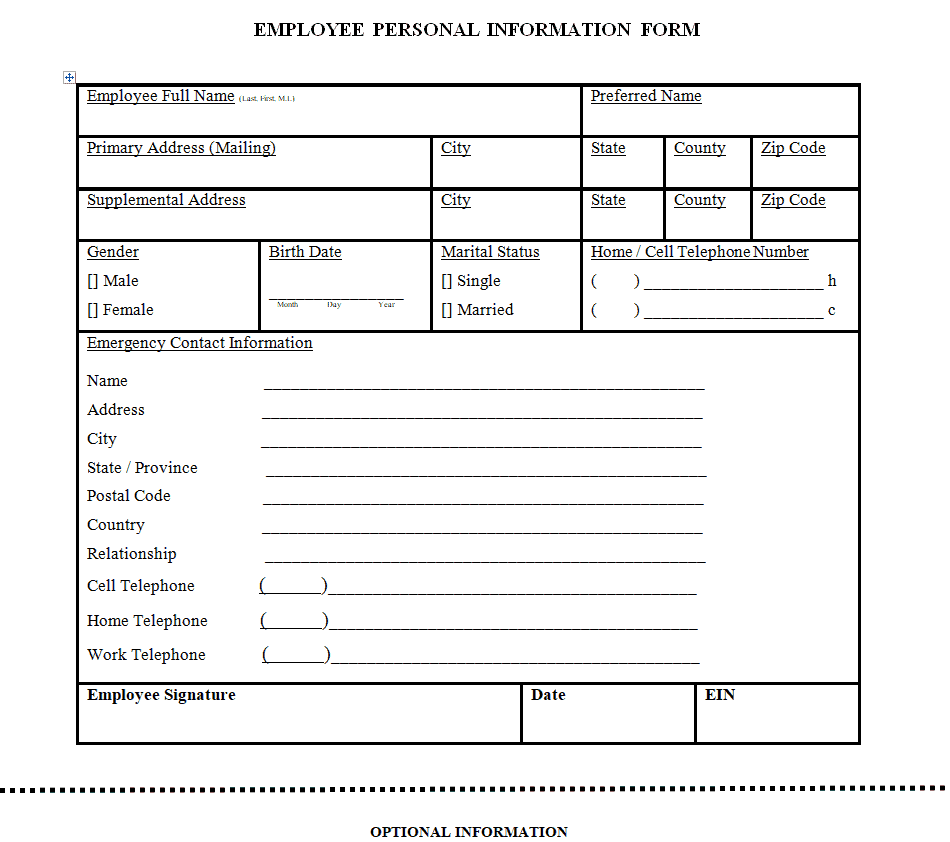
File Size: 6 KB
File Type: MS WORD
Sample Blank Employee Information Form Template
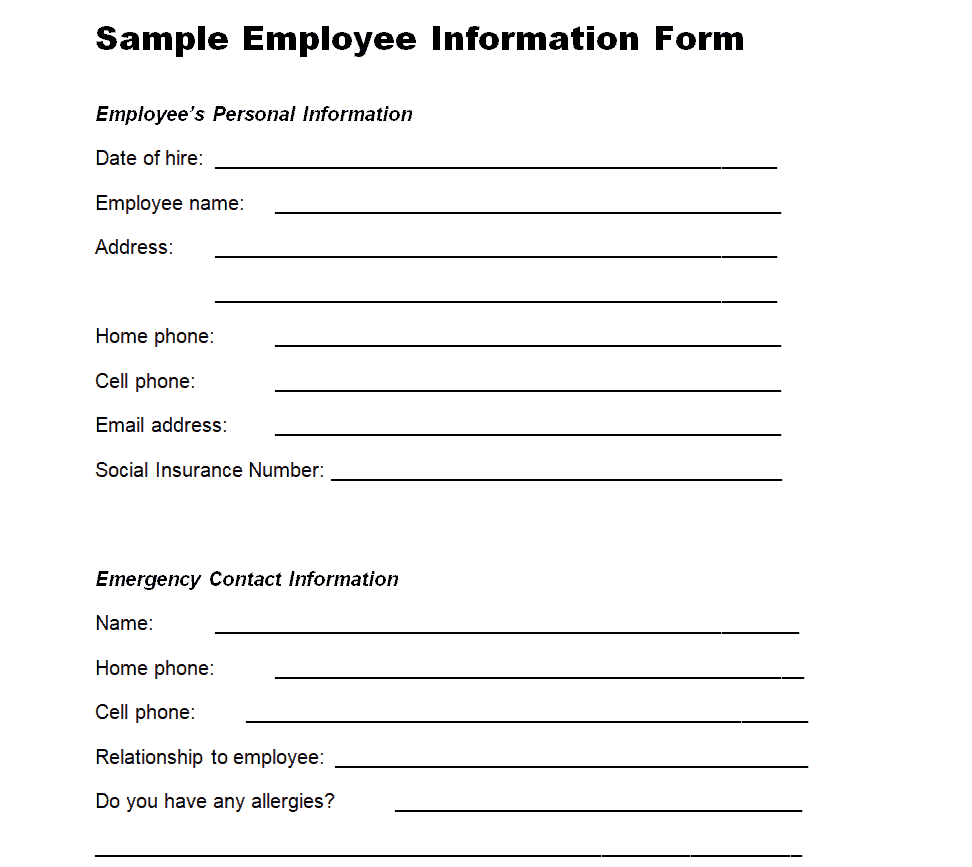
File Size: 3 KB
File Type: MS WORD
Details to Include in an Employee Information Form Template
An employee information form template is filled with details that the employee must provide to the employer so that the employer can easily keep track of all the details of each and every employee. The details on an employee information form play a vital role in keeping all the information related to an employee intact. On the employer’s part, it is their duty to get all the necessary information from the employee and make sure not to miss any important detail or information in this regard.
For your convenience and understanding, it is very important that you should know what type of information and details an employee information form must have. Make sure to note the following key details that should be asked from the employee and must be included in an employee information form template.
- Full name of the employee. By full name, it means that the employer should ask the employee to provide his/her first, middle, and last name.
- Gender of the employee and his/her marital status. Marital stauts is important to provide so as to give the name of a benefactor for insurance policy and in most cases, the employees usually name their spouses as their benefactors. If that’s the case, the basic information of spouse like his/her name, age, date of birth, etc. are requried.
- Age and exact date of birth of the employee so that the company can celebrate or atleast acknowledge an employee’s birthday to make him/her feel better on his/her special day.
- Social security number of the employee so that the employer can verify the employee’s identity.
- Street address in full, where the employee currently lives. It is important in case if the company wants to send anything physically to the employee like a gift or a letter, etc.
- Detailed contact information of the employee like his/her mobile phone number, home phone number, email address, personal fax number, Skype or Zoom ID’s (for virtual meetings), etc.
- Type of citizenship the employee holds i.e., whether the employee is a temporary or permanent citizen of the country in which the company is operating.
- Academic and educational background and details of the employee.
- Details of any special and relevant certifications that the employee holds.
- Details of work experience of the employee.
- Current job title or position in the company.
- Employee’s salary details.
- Employee’s tax details such as Form W-4 and Form I-9, etc.
- Banking details and information of the employee like bank name, bank account type, bank account title and number.
- Hiring or start date of employment.
- Emergency contact information i.e., the contact details of the person to be contacted in case of an emergency or mishap at the workplace. These details include the name, address, and cell phone number of the person to be contacted in case of emergency. The employee should provide these details of the person related to him/her like parents, spouse, or siblings, etc. or otherwise close to him/her such as a close friend.
- Date of submitting the employee information form.
- Signatures of the employee.
Employee Information Form Templates PDF
Office Employee Information Form Template
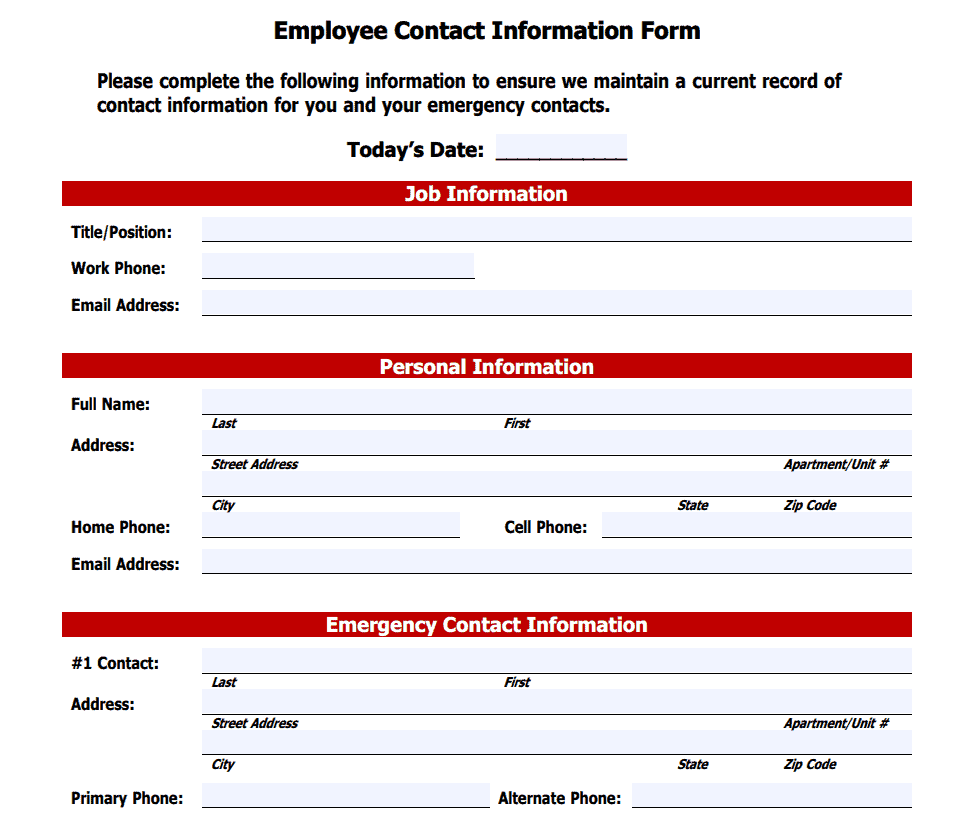
File Size: 23 KB
File Type: PDF
University Staff Information Form Template
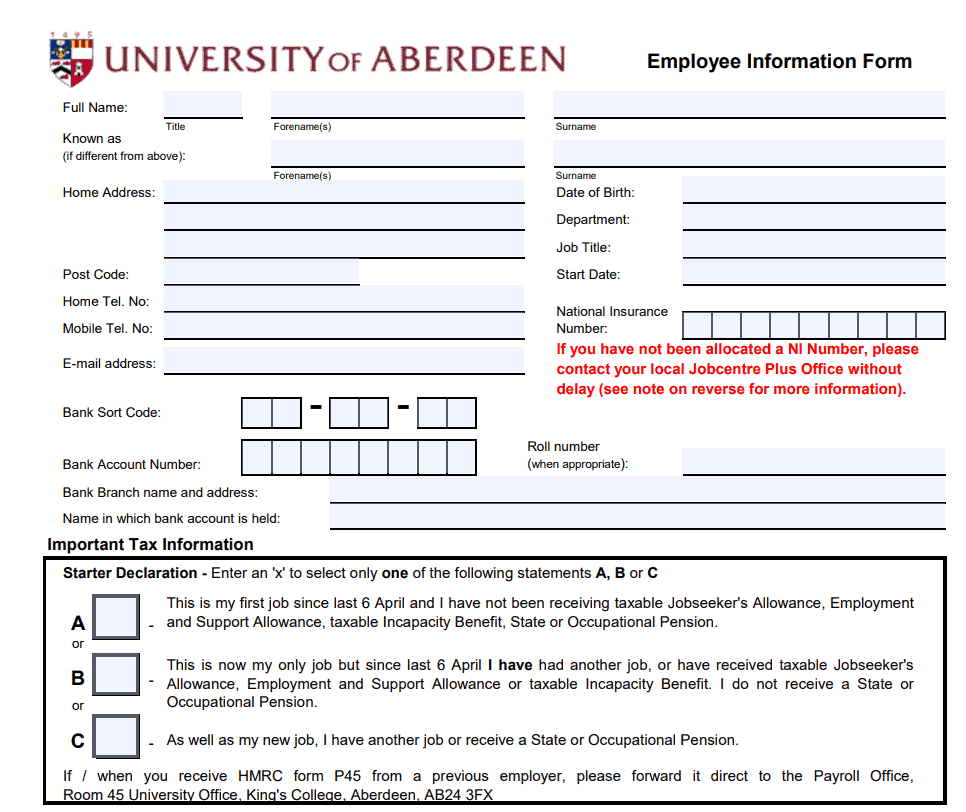
File Size: 90 KB
File Type: PDF
Detailed Employee Information Form Template
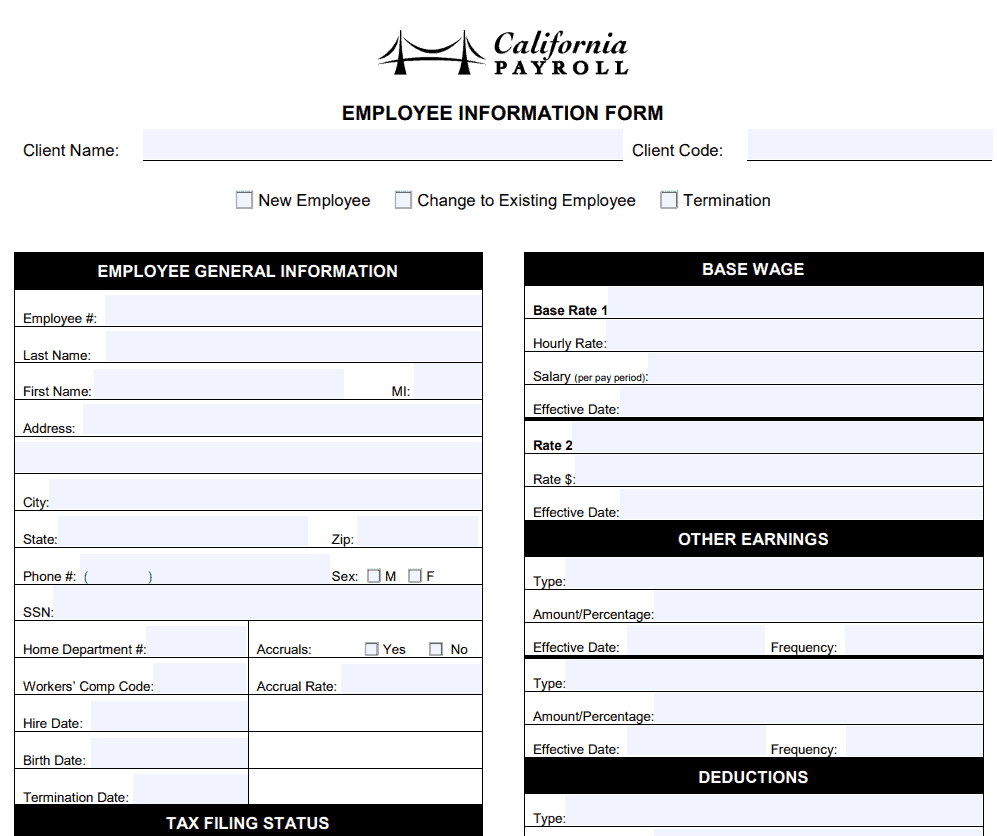
File Size: 35 KB
File Type: PDF
Basic Employment Information Sheet Template
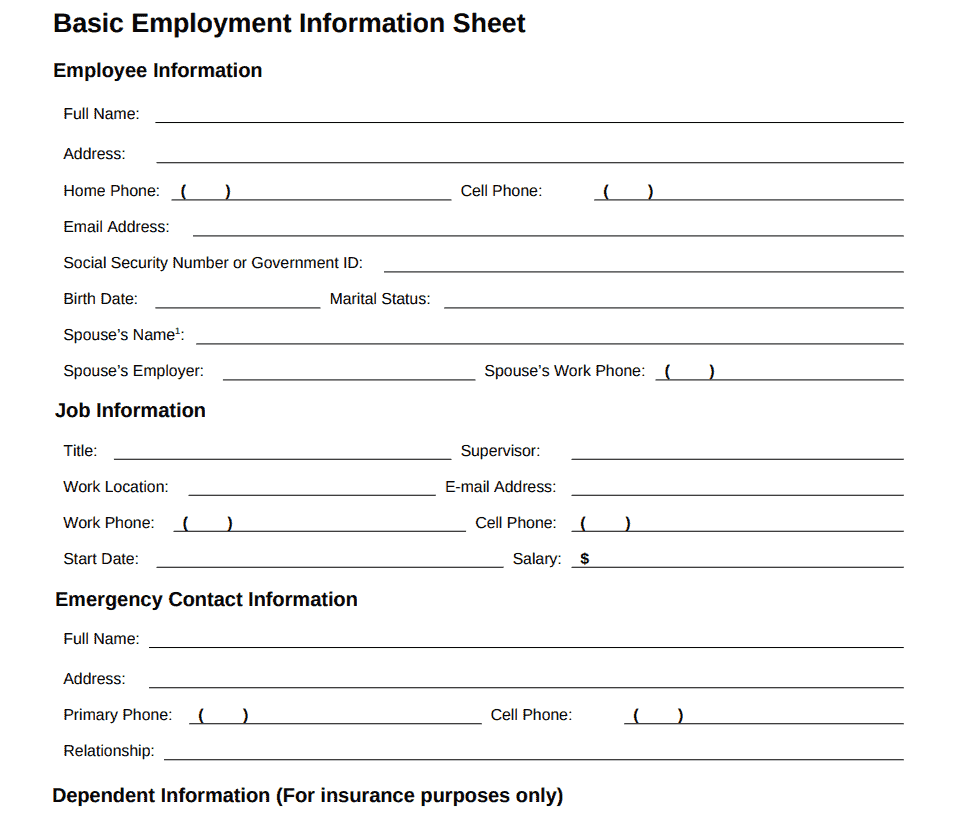
File Size: 25 KB
File Type: PDF
Example Employee Information Form Template
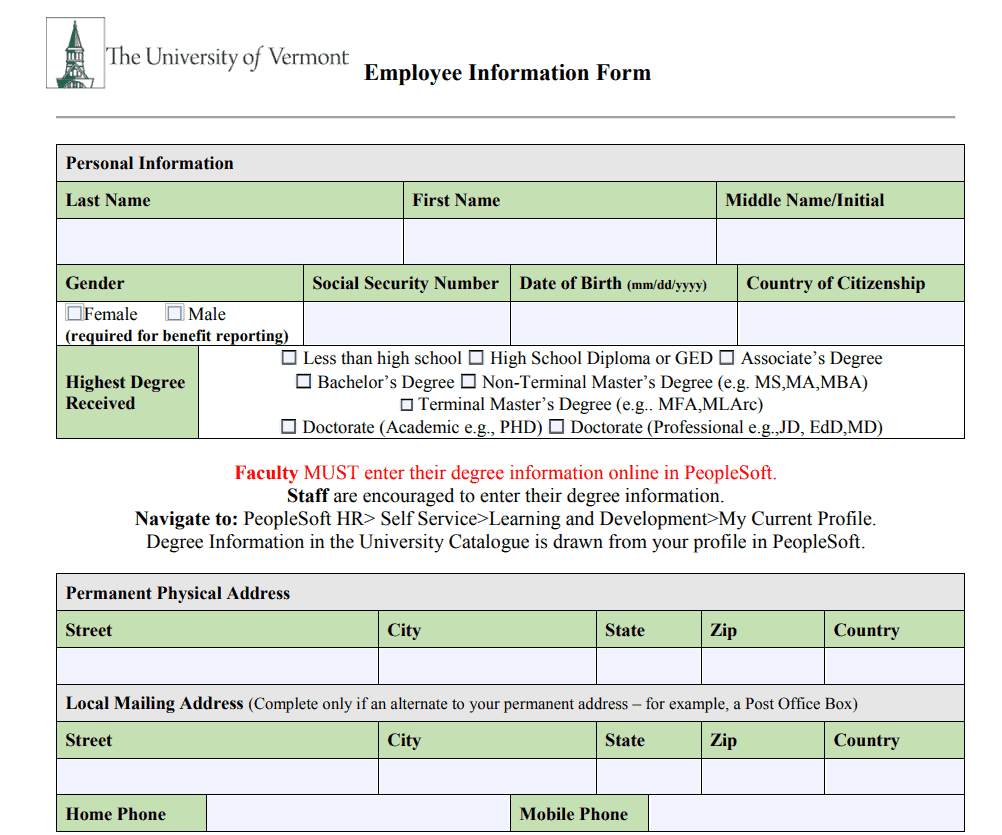
File Size: 365 KB
File Type: PDF
Practical Employee Information Form Template
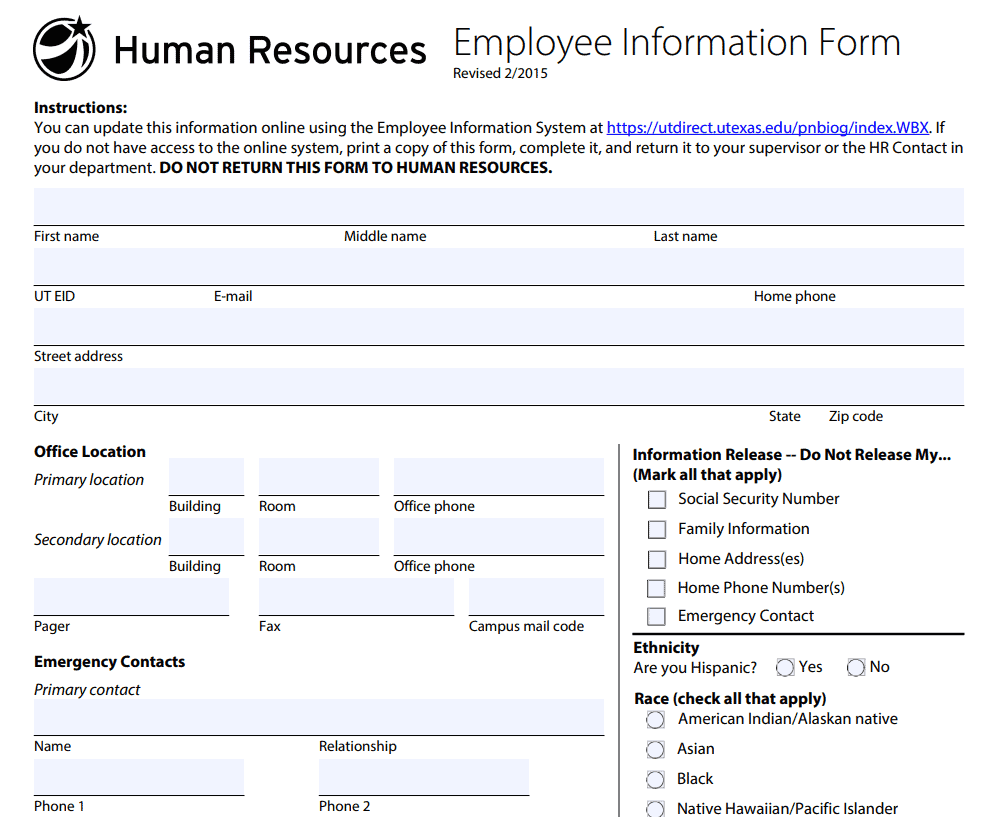
File Size: 146 KB
File Type: PDF
Free Employee Information Form Template
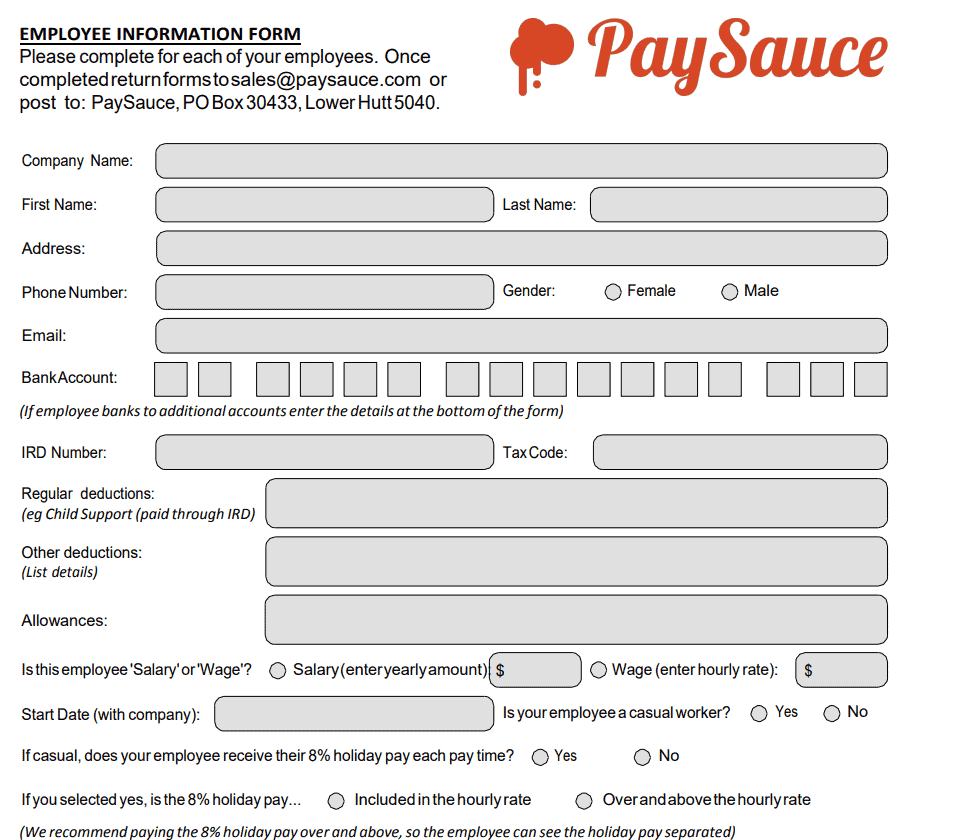
File Size: 207 KB
File Type: PDF
New Hire Personal Information Form Template
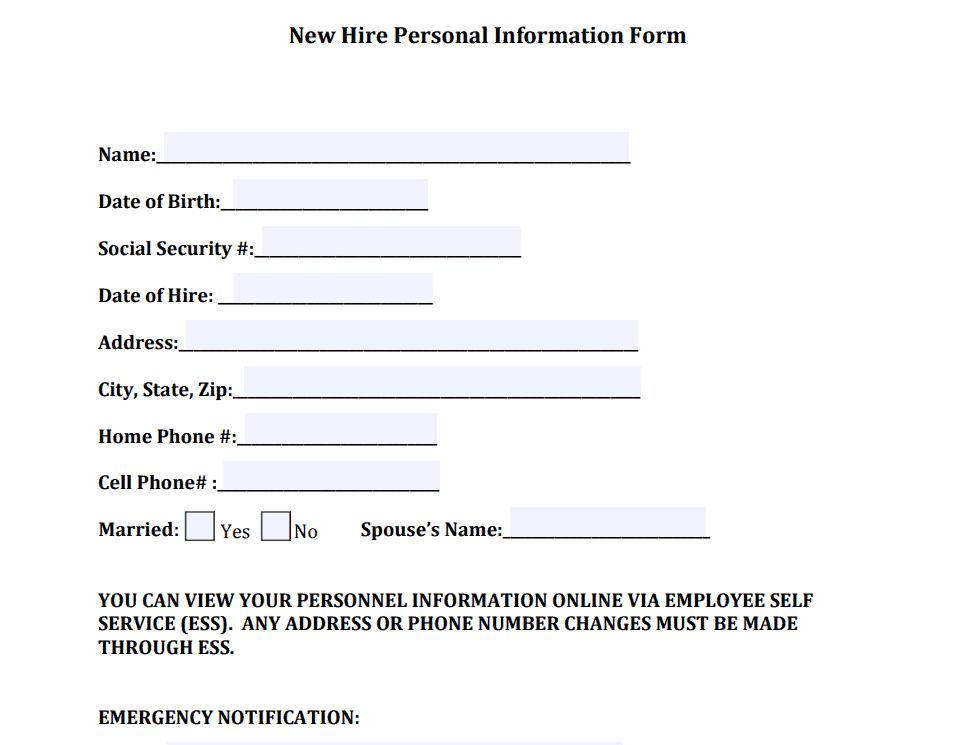
File Size: 150 KB
File Type: PDF
Contractor and Employee Information Form Template
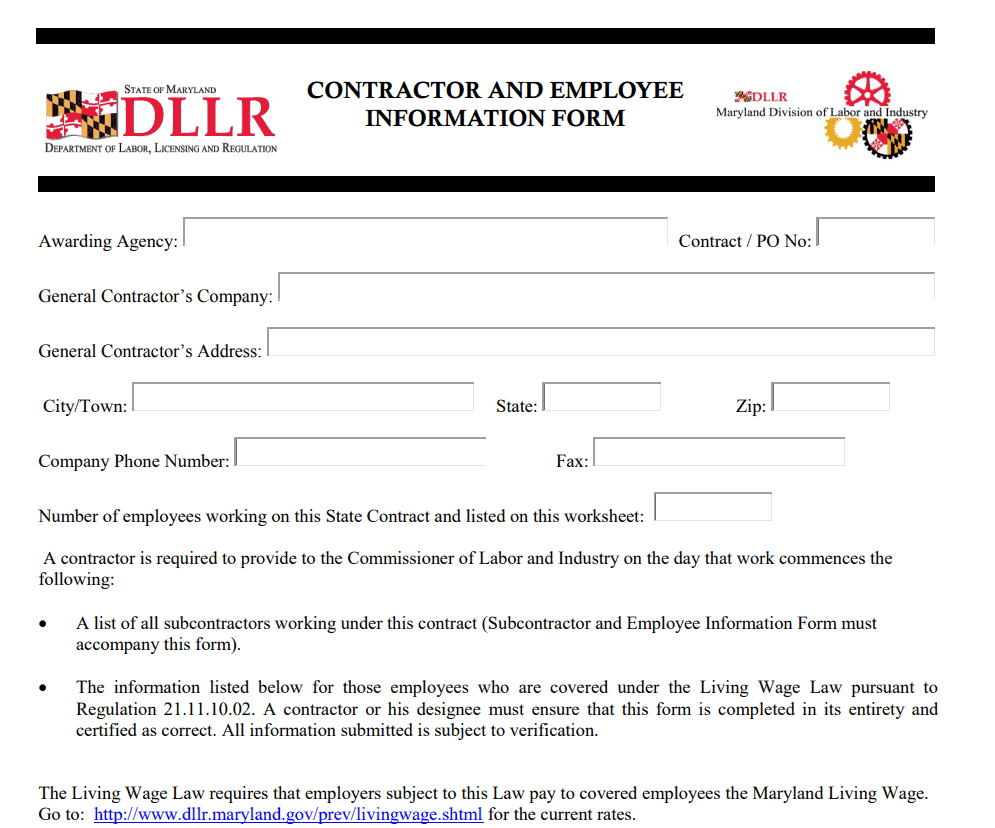
File Size: 148 KB
File Type: PDF
Payroll Services Employee Information Form Template
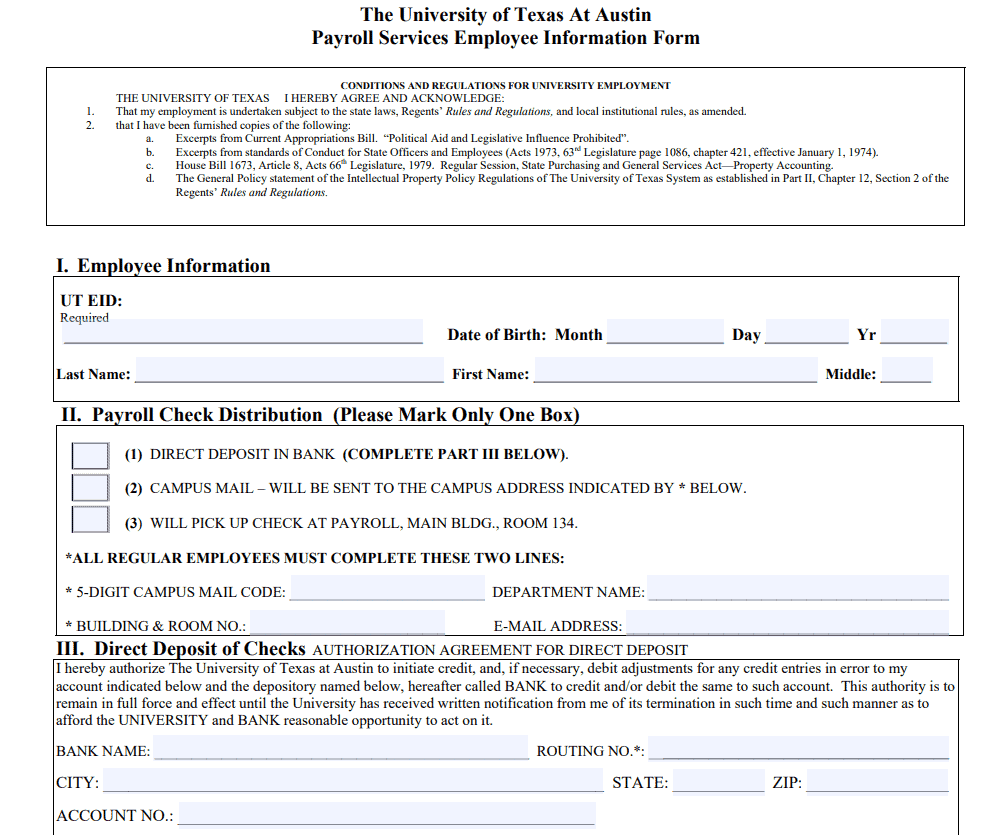
File Size: 120 KB
File Type: PDF
Bank Employee Information Form Template
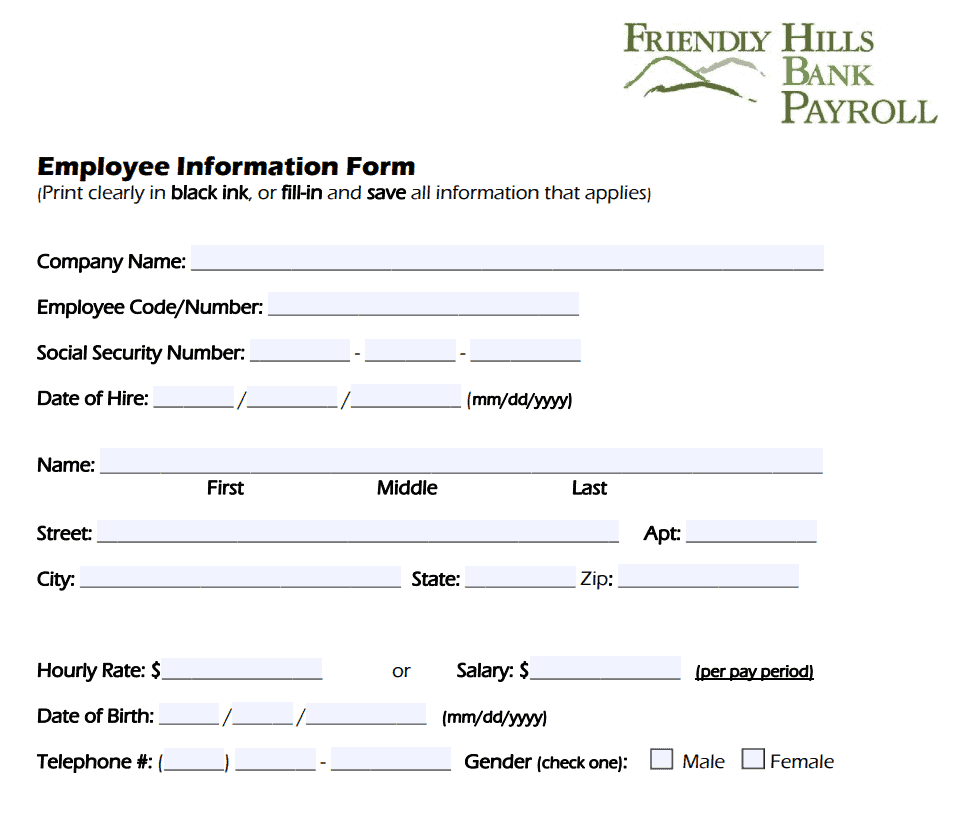
File Size: 45 KB
File Type: PDF
Printable Employee Information Form Template
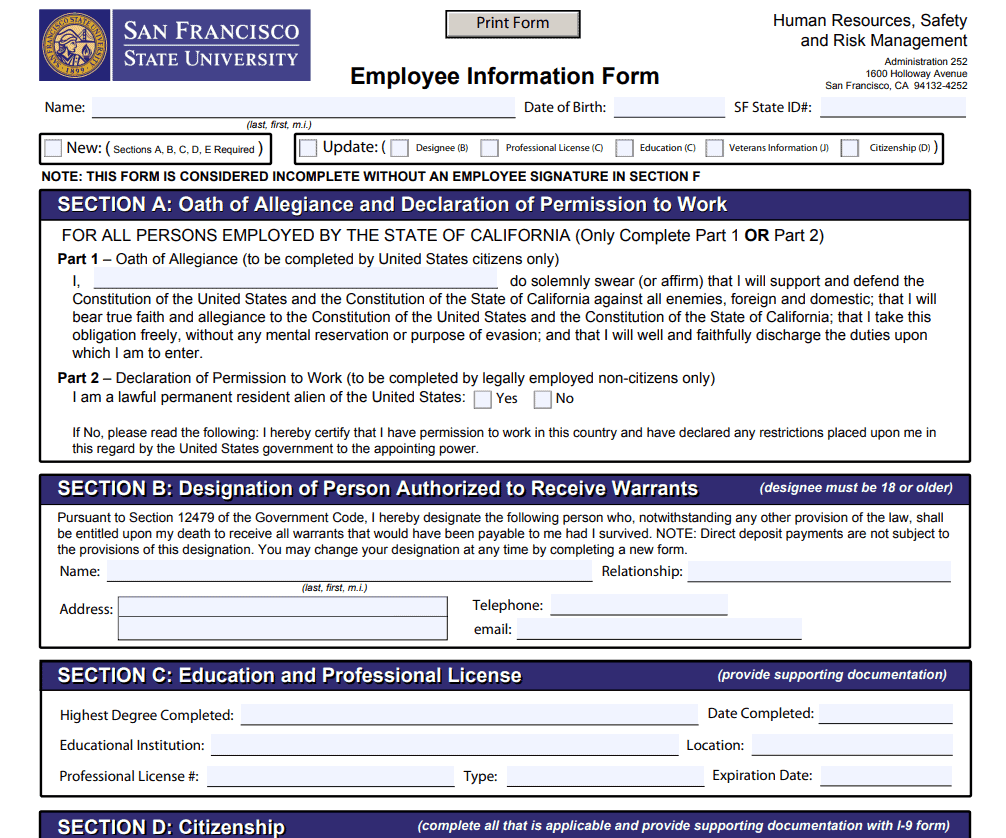
File Size: 666 KB
File Type: PDF
Professional Employee Information Form Template
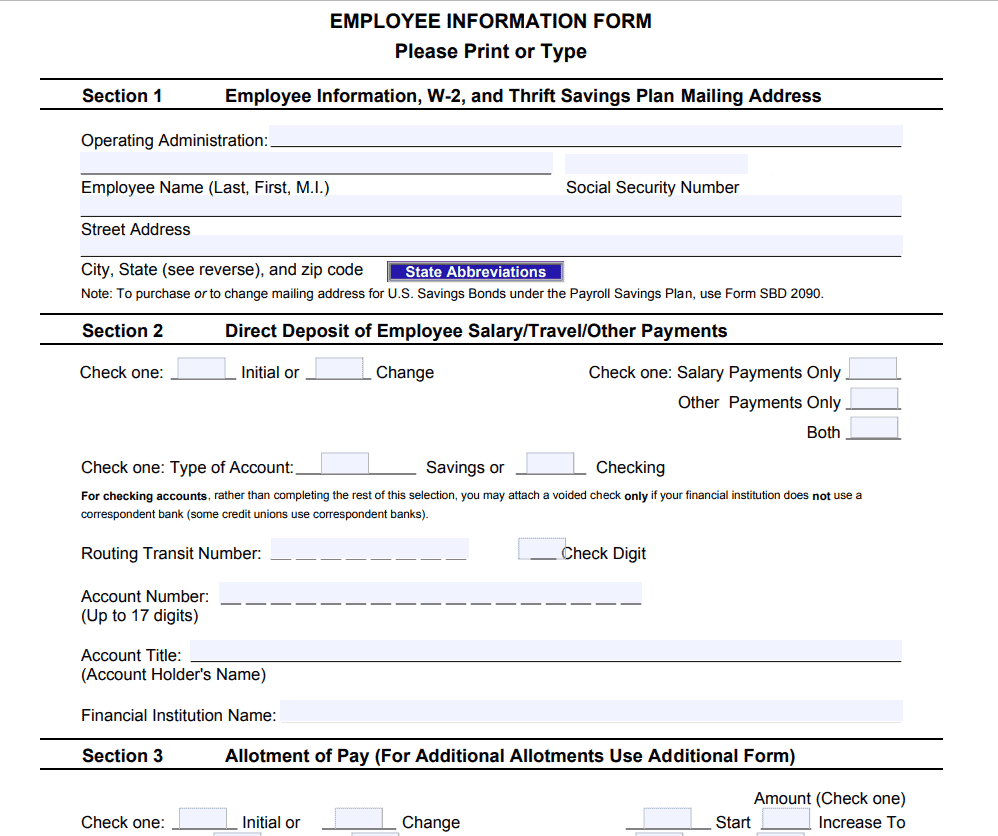
File Size: 124 KB
File Type: PDF
Employee Information Form PDF Sample
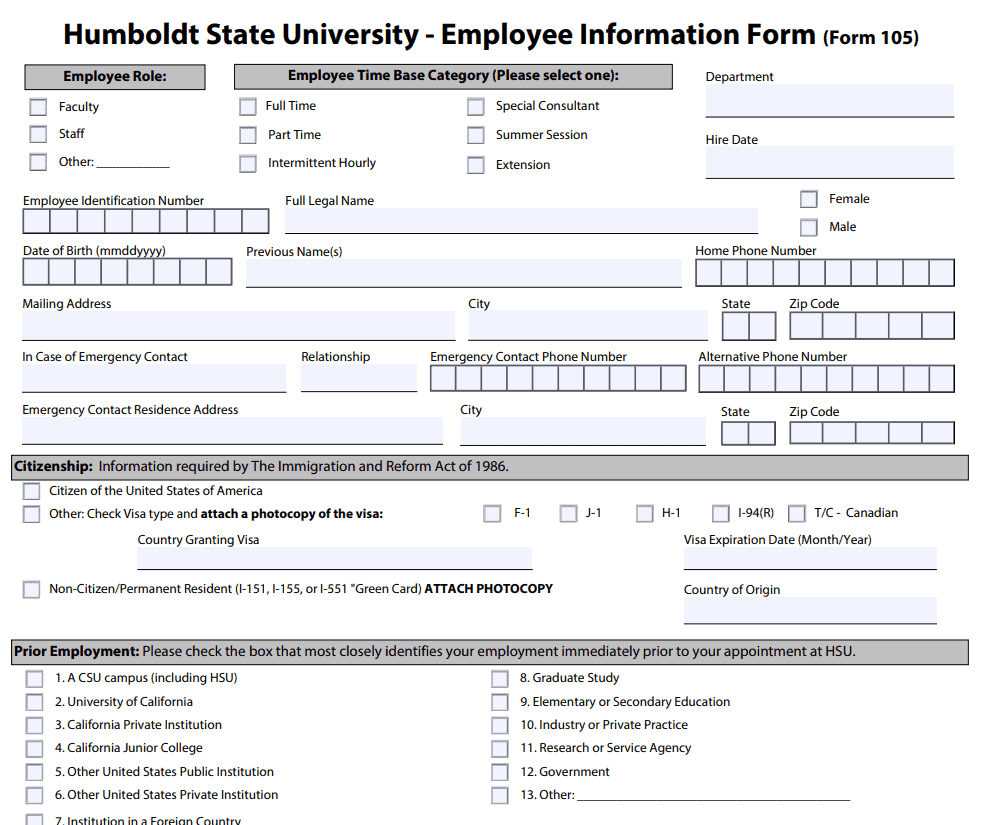
File Size: 210 KB
File Type: PDF
Part Time Employee Information Form Template
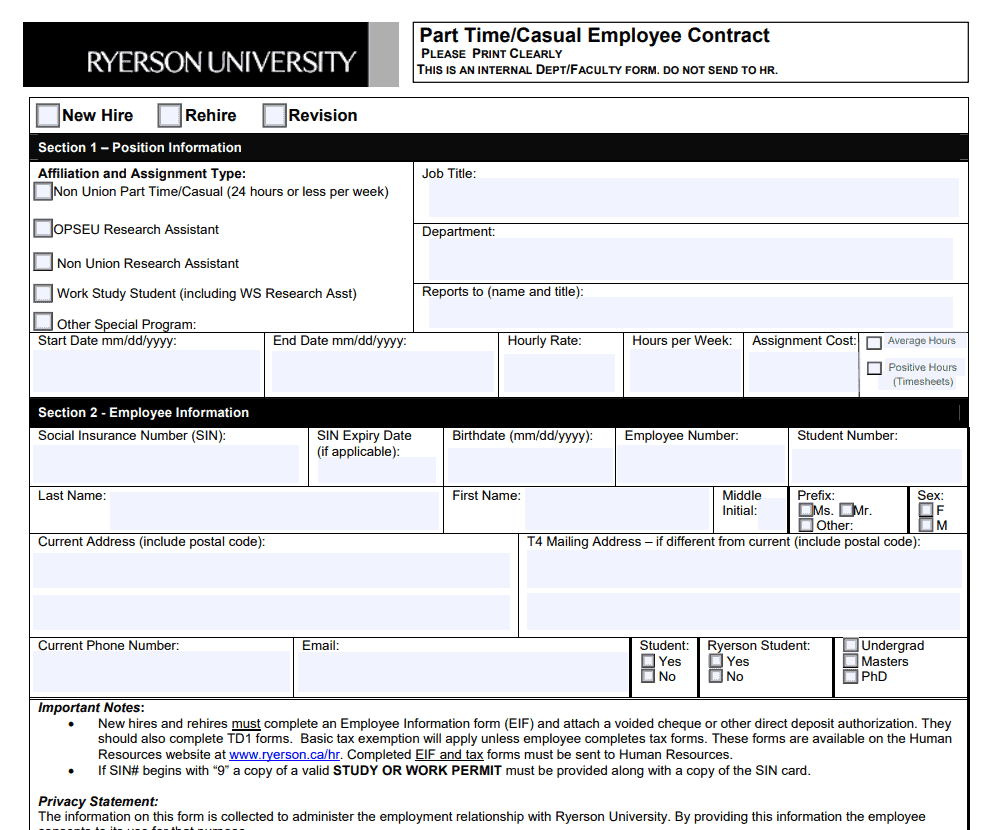
File Size: 36 KB
File Type: PDF
New Employee Information Sheet Template
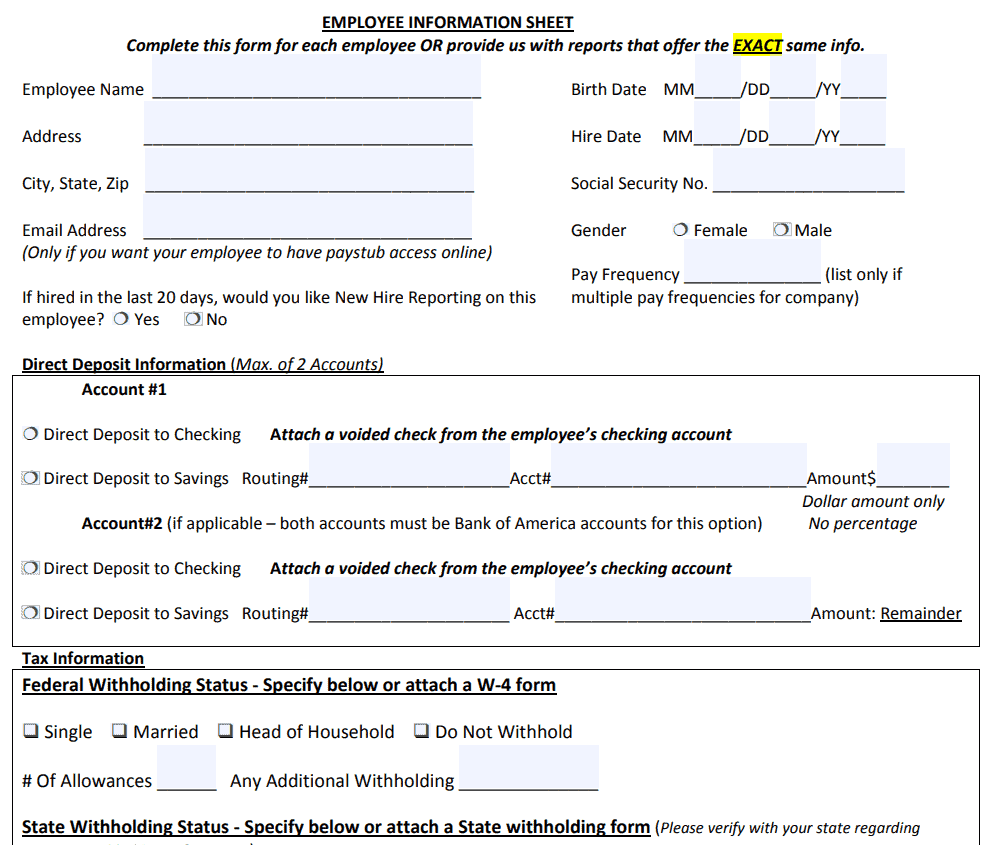
File Size: 152 KB
File Type: PDF
Frequently Asked Questions
What is the primary difference between a job application and an employee information form?
A job application is used during the recruitment stage to evaluate candidate suitability. An employee information form is completed after an applicant is hired to record formal administrative, tax, payroll, and emergency contact details.
How long should an employer retain an employee information sheet?
Retention periods vary depending on regional employment legislation. Generally, HR departments retain personnel records throughout the employee’s tenure and for 3 to 7 years post-employment to satisfy tax and labor audit requirements.
Can an employee decline to provide emergency contact details?
While providing emergency contacts is strongly recommended for workplace safety, employers should handle missing information sensitively by explaining that the data is strictly reserved for urgent medical or health-related emergencies.