Every successful organization relies on consistent feedback loops to monitor growth, evaluate operational efficiency, and make data-driven decisions. Whether you manage a small local business, lead a corporate division, or oversee complex client projects, tracking monthly milestones is essential. Utilizing a structured monthly report bridges the gap between daily operations and long-term strategic goals.
This comprehensive guide breaks down everything you need to know about monthly reporting—from core benefits and crucial components to step-by-step creation tips—and introduces 30 fully customizable monthly report templates in Microsoft Word and Excel designed to save you time and elevate your reporting standards.
What is a Monthly Report?
A monthly report is a foundational business document that summarizes performance, activities, financial status, and project progress over a thirty-day cycle. It transforms raw operational data into actionable intelligence for executives, project managers, department heads, and team members.
Depending on your industry and specific role, monthly reports can take several forms, including:
- Monthly Progress Reports: Tracking specific milestones and deliverables against pre-established deadlines.
- Monthly Sales & Revenue Reports: Analyzing key metrics such as total sales revenue, customer acquisition, conversion rates, and pipeline health.
- Monthly Financial & Expense Summaries: Auditing balance sheets, operational costs, payroll summaries, and profit/loss dynamics.
- Monthly Activity & Status Reports: Detailing team tasks, operational challenges, completed jobs, and upcoming objectives.
Core Objectives & Strategic Value of Monthly Reports
Implementing a disciplined monthly reporting process delivers distinct advantages across all levels of an organization:
- Data-Driven Decision Making: Raw figures turn into clear patterns. Reviewing monthly trends empowers leadership to pivot strategies quickly, allocate resources efficiently, and capitalize on new opportunities.
- Accountability & Goal Alignment: Regular reporting keeps team members accountable for their Key Performance Indicators (KPIs). It ensures everyone remains aligned with overall organizational objectives.
- Early Risk Identification: By reviewing monthly activity and roadblocks, managers can spot bottlenecks, budget overruns, or declining metrics before minor issues escalate into major crises.
- Enhanced Stakeholder Transparency: Clear summaries offer board members, clients, and investors transparent insights into operational health without cluttering their schedules with daily micro-updates.
- Budget Control: Monthly expense and payroll summaries help accounting departments monitor burn rates and maintain fiscal discipline across quarters.
Essential Components of an Effective Monthly Report
While layout and focus shift across departments, every high-impact monthly report should incorporate these key structural elements:
| Key Section | Description & Importance |
| Document Header | Clearly states the report title (e.g., Monthly Sales Summary), reporting period (month/year), author name/title, and date of submission. |
| Executive Summary | A concise, high-level overview highlighting the month’s biggest wins, key metrics, and primary challenges for quick executive reading. |
| Goals & Target Comparison | A direct contrast showing planned goals versus actual accomplishments during the 30-day window. |
| Key Performance Indicators (KPIs) | Visual data, table summaries, or charts detailing core metrics (e.g., total sales volume, lead conversions, project hours logged). |
| Roadblocks & Challenges | An honest review of operational hurdles faced during the month, along with immediate countermeasures taken or required support. |
| Action Items for Next Month | Specific, measurable goals set for the upcoming month to maintain continuous momentum. |
| Sign-off Block | Dedicated space for supervisor, project manager, or team leader signatures to officially validate and archive the document. |
How to Write a High-Impact Monthly Report: Step-by-Step
Creating a polished, easy-to-read report doesn’t have to be time-consuming. Follow these best practices to write reports that communicate value effectively:
1. Know Your Audience
Tailor the tone, depth, and terminology to your reader. Executives generally prefer concise summaries and key financial takeaways, whereas project leads need granular data regarding workflow bottlenecks and resource allocation.
2. Standardize Your Format with Ready-Made Templates
Instead of designing a new layout from scratch every month, download and adapt pre-formatted Word or Excel templates. Consistent formatting saves hours of administrative overhead and ensures uniformity across all organizational departments.
3. Use Visual Data (Charts & Tables)
Long paragraphs of text can obscure critical information. Whenever possible, present financial data, sales growth, or project progress percentages in clear tables, bar charts, or pie graphs.
4. Keep the Tone Objective and Concise
Focus on factual data rather than narrative speculation. Use bullet points for readability, avoid overly dense technical jargon, and clearly link results back to business goals.
5. Always Review and Verify Before Archiving
Double-check all calculations, formulas, and metric comparisons. Confirm that date ranges are correct and that all relevant departmental inputs have been incorporated prior to final submission.
Overview of the 30 Customizable Monthly Report Templates
Below is the complete collection of free downloadable monthly report formats available in Microsoft Word (.doc/.docx) and Microsoft Excel (.xls/.xlsx).
Microsoft Word Monthly Report Templates (Ideal for Written Summaries & Status Reports)
Word documents offer flexible layouts best suited for narrative explanations, project updates, and formal management summaries:
- Monthly Progress Report Template: Standard layout designed for tracking ongoing project phases, task status, and milestone delivery dates.
- Monthly Sales Report Doc Template: Structured document for sales reps and account managers to detail client activity and deal velocity.
- Club’s Monthly Report Template: Tailored format for community clubs, non-profits, and associations to track membership numbers, meetings, and events.
- Simple Monthly Sales Report Word Template: Clean, straightforward layout optimized for quick daily and weekly sales rollups at month’s end.
- Official Monthly Sales Report Template: Formal corporate template designed for presenting quarterly and annual progress directly to board members.
- Environmental Monthly Report Sample Word: Detailed format ideal for compliance officers monitoring site sustainability, waste management, and safety records.
- Monthly Payroll Summary Report Template: Formatted template for HR and accounting teams to summarize monthly salary disbursements, tax deductions, and overtime.
- Monthly Report Format in MS Word: A versatile, all-purpose layout suitable for general departmental updates across any industry.
- Consultant’s Monthly Report Sample: Specialized report designed for independent contractors to detail billable hours, project milestones, and client deliverables.
- Monthly Project Status Report Template in MS Word: Comprehensive layout focusing on project health indicators, schedule variance, and resource usage.
- Monthly Foods Distribution Report Example: Operational report built for logistics teams, food banks, and supply chains tracking inventory distribution.
- Formal Monthly Report Template: Elegant design with cover page styling, tailored for official executive presentations and client reporting.
- Manufacturer’s Monthly Report Format WORD: Industrial report template designed to capture production line yield, material utilization, and downtime metrics.
Microsoft Excel Monthly Report Templates (Ideal for Numerical Analysis & Financial Tracking)
Excel spreadsheets leverage automated calculations and tabular structures perfect for tracking budgets, sales metrics, and complex numeric data:
Professional Monthly Sales Activity Report Template: Comprehensive template featuring automated sum formulas, comparative monthly growth metrics, and clean data presentation.
Monthly Store Report Sample Excel Sheet: Retail-focused tracker monitoring store foot traffic, daily registers, and monthly closing balances.
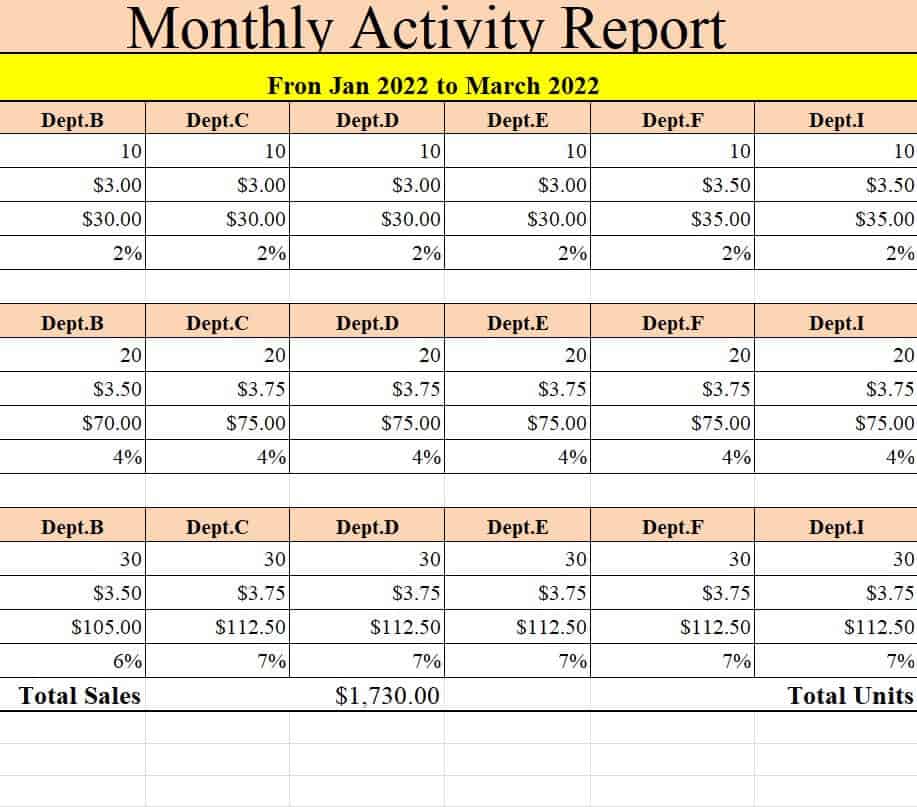
Monthly Activity Report Template: Flexible log spreadsheet tracking daily operational activities and task completion rates across teams.
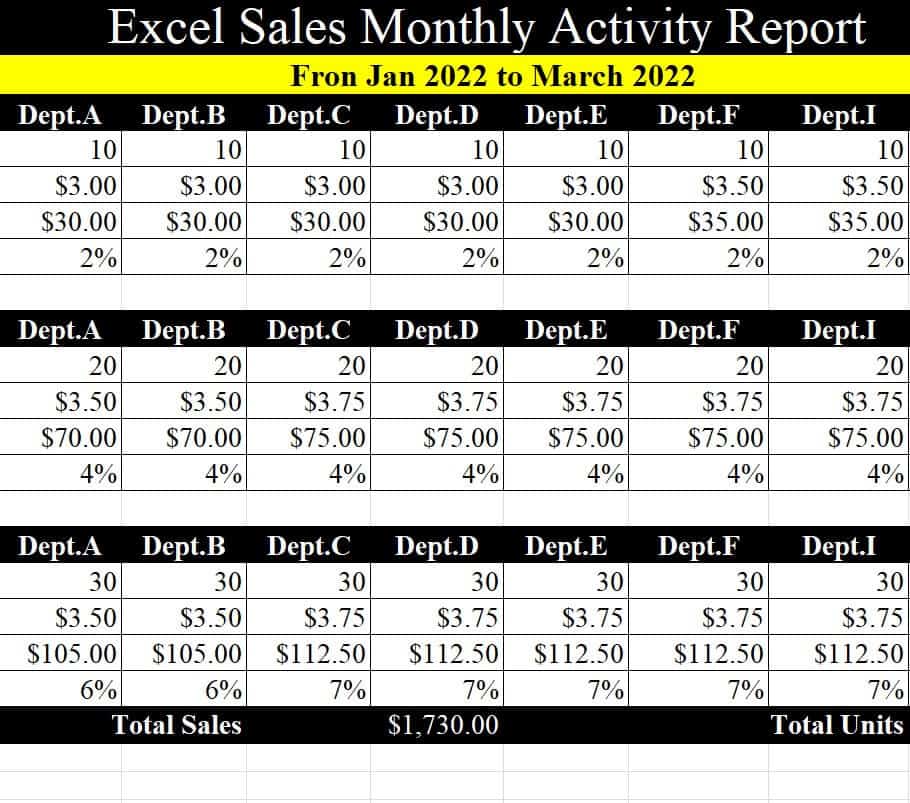
Monthly Sales Activity Report Template in Excel: Built for tracking outbound calls, prospect meetings, closed-won deals, and rep performance.
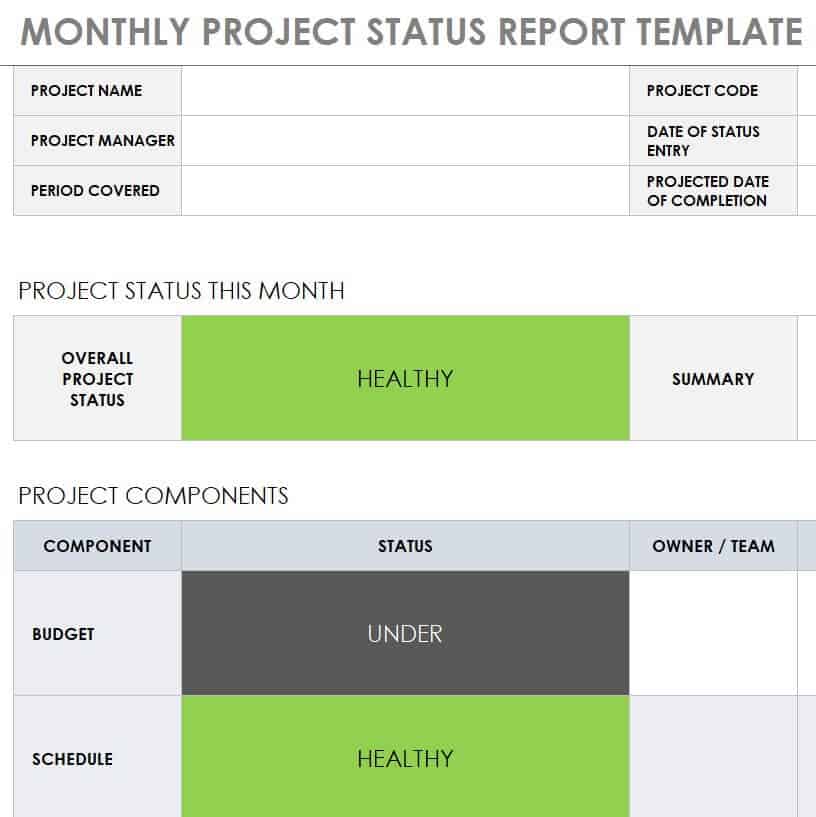
Monthly Project Status Report Template in XLSX Format: Dynamic project dashboard measuring planned vs. actual budget burn rates and timeline tracking.
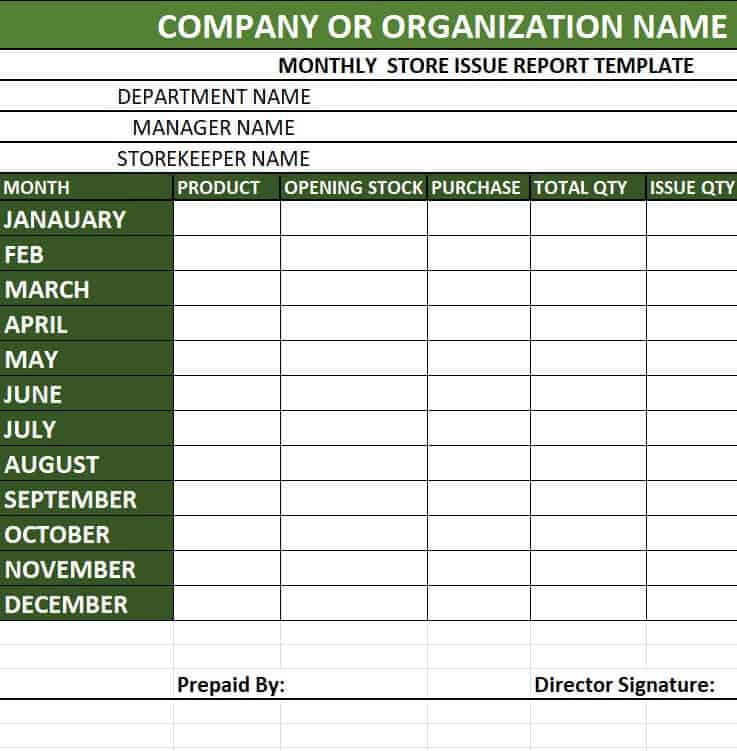
Monthly Store Issue Report Template: Log sheet for inventory managers to track damaged goods, stock adjustments, and returned merchandise.
Free Editable Monthly Sales Report Template: Customizable spreadsheet equipped with pre-built summary formulas for instant revenue calculations.
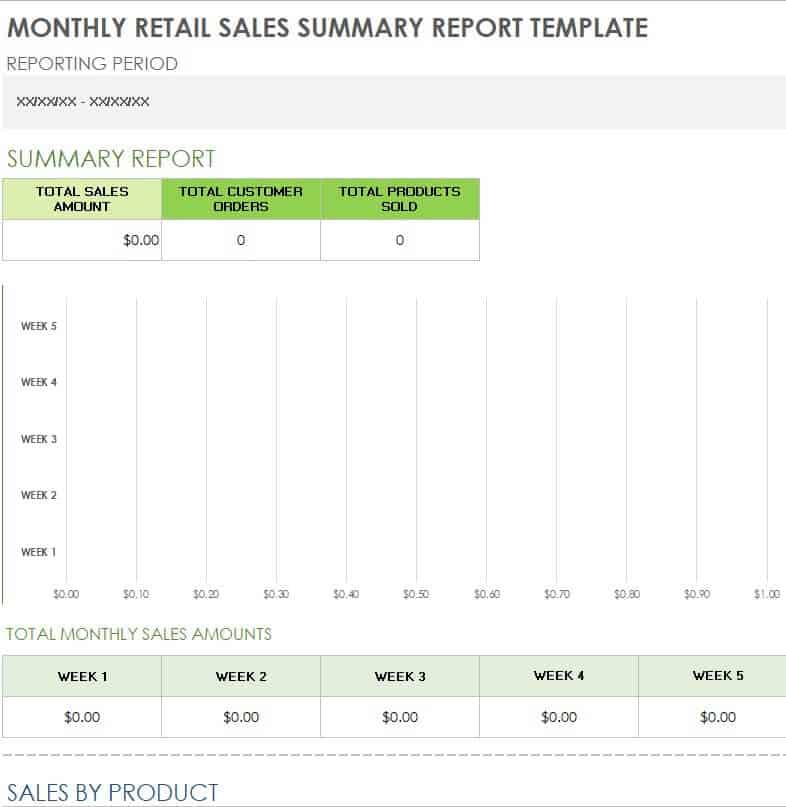
Monthly Retail Sales Summary Report Excel Template: High-capacity template built for multi-product retail outlets analyzing category-by-category performance.
Blank Monthly Sales Activity Report Template: Clean canvas template allowing custom KPI column additions for specialized sales teams.
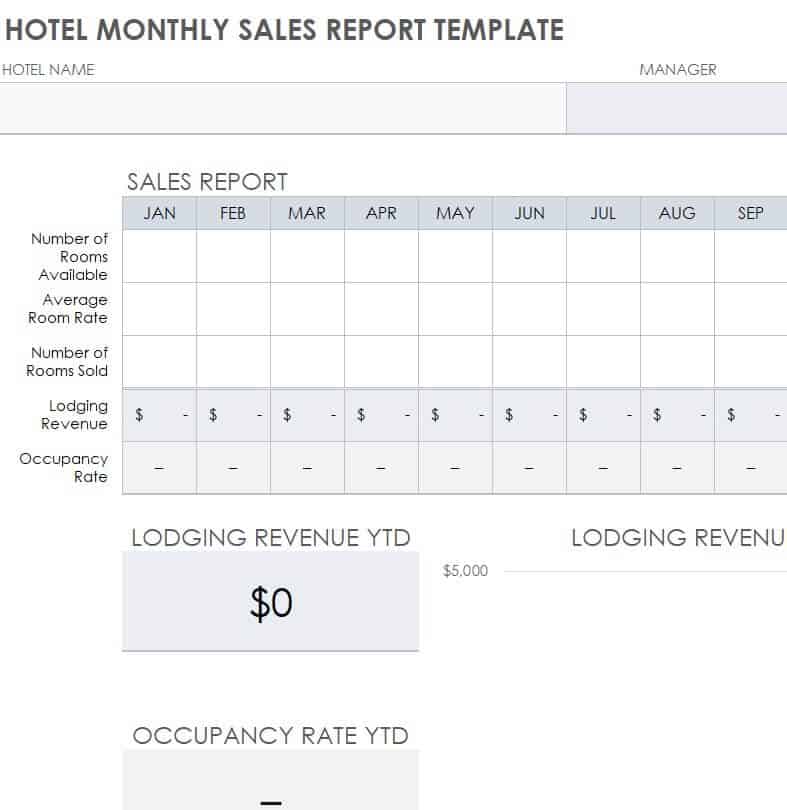
Hotel Monthly Sales Report Template Excel Sheet: Hospitality management template tracking room occupancy rates, RevPAR, food/beverage sales, and bookings.
Small Business Monthly Sales Forecast Report Template: Financial modeling sheet helping small business owners project future sales trends based on historical monthly data.
Business Monthly Sales Report Template in XLSX Format: Professional corporate finance sheet breaking down channel sales, profit margins, and discounts.
Hospital’s Monthly Income and Expenditure Report Example: Healthcare administration ledger for tracking departmental expenses, patient fees, and facility costs.
Basic Monthly Income and Expense Report Excel Template: Essential bookkeeping spreadsheet for freelancers and small businesses tracking cash inflows and outflows.
Bank’s Month Wise Expense Report Template: Detailed financial ledger for corporate banking and accounting departments tracking operational overhead month-by-month.
Restaurant’s Monthly Sales Report Template: Food service tracker for analyzing daily cover counts, average check sizes, food vs. beverage margins, and labor cost ratios.
Monthly Sales Analysis Report Example: Data-driven spreadsheet featuring visual charts and breakdown tables for detailed market trend analysis.
Monthly Report Templates in Word
Monthly Progress Report Template
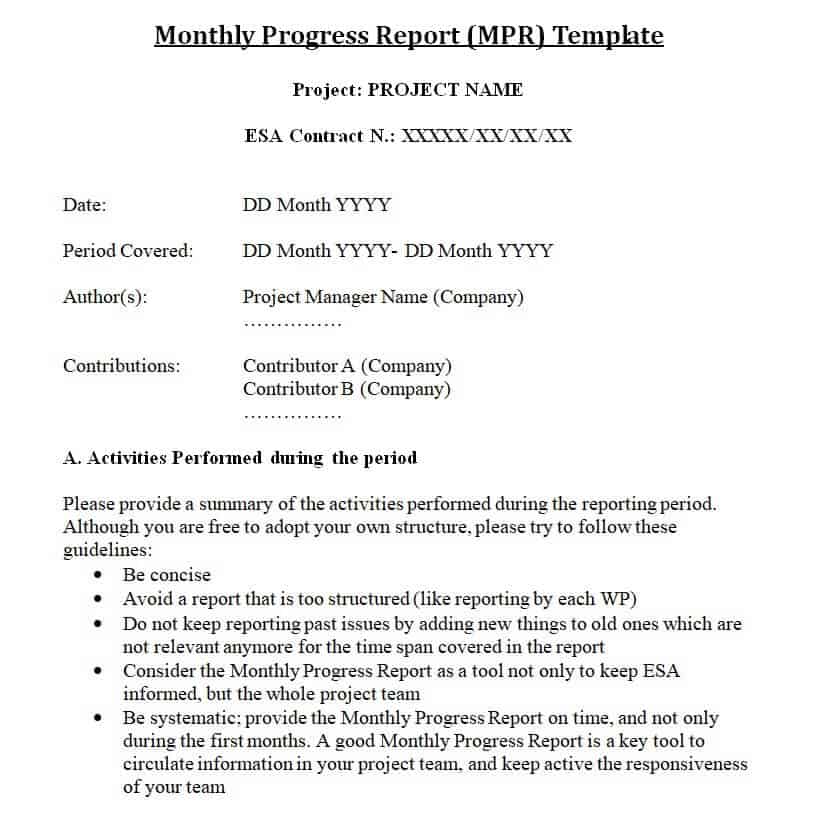
File Size: 10 KB
Monthly Sales Report Doc Template

File Size: 12 KB
Club’s Monthly Report Template
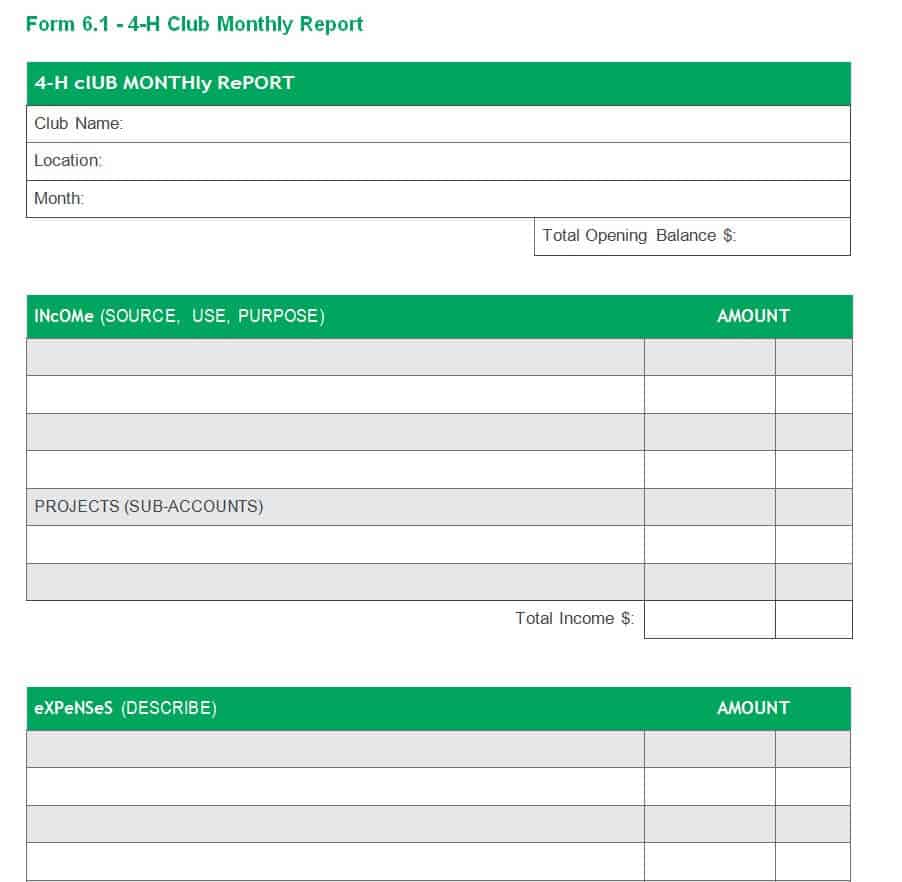
File Size: 13 KB
Simple Monthly Sales Report Word Template
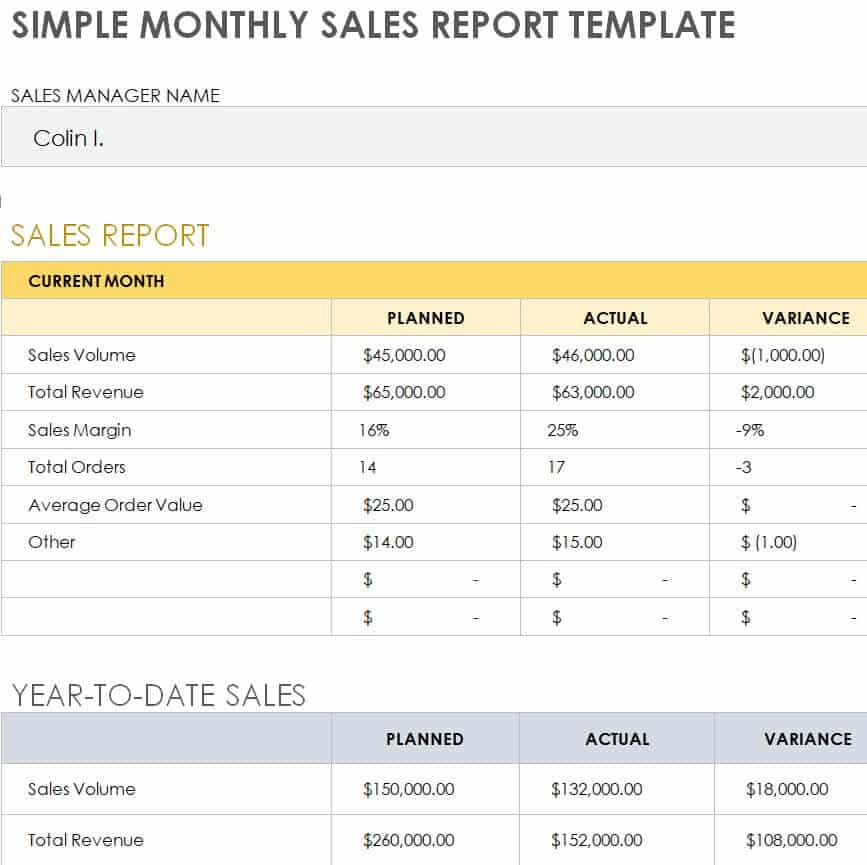
File Size: 28 KB
Official Monthly Sales Report Template
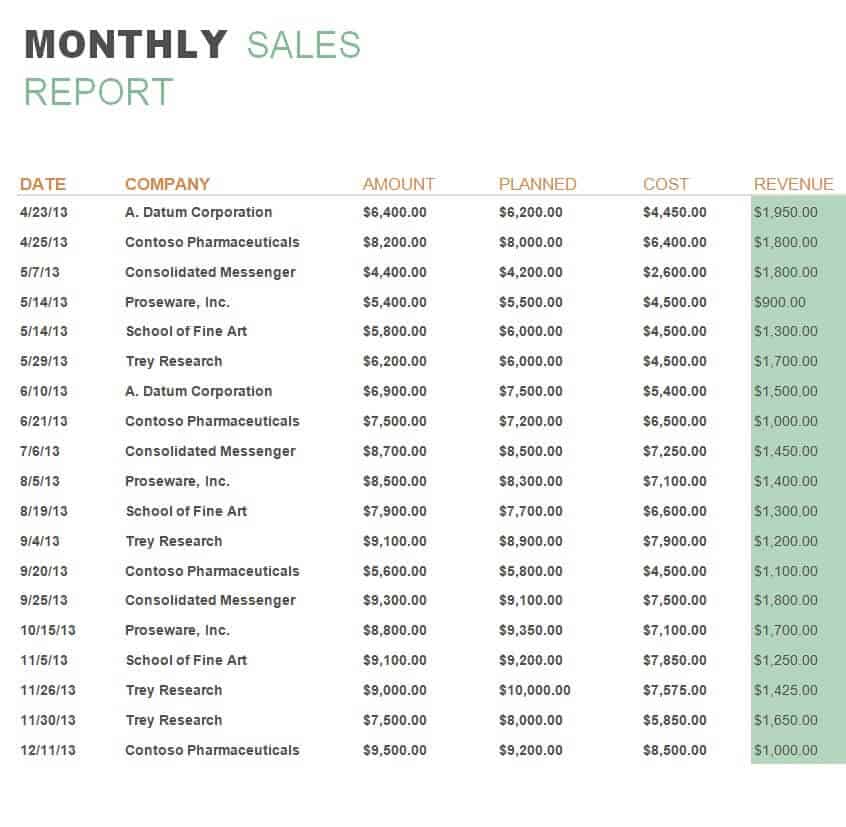
File Size: 52 KB
Environmental Monthly Report Sample Word
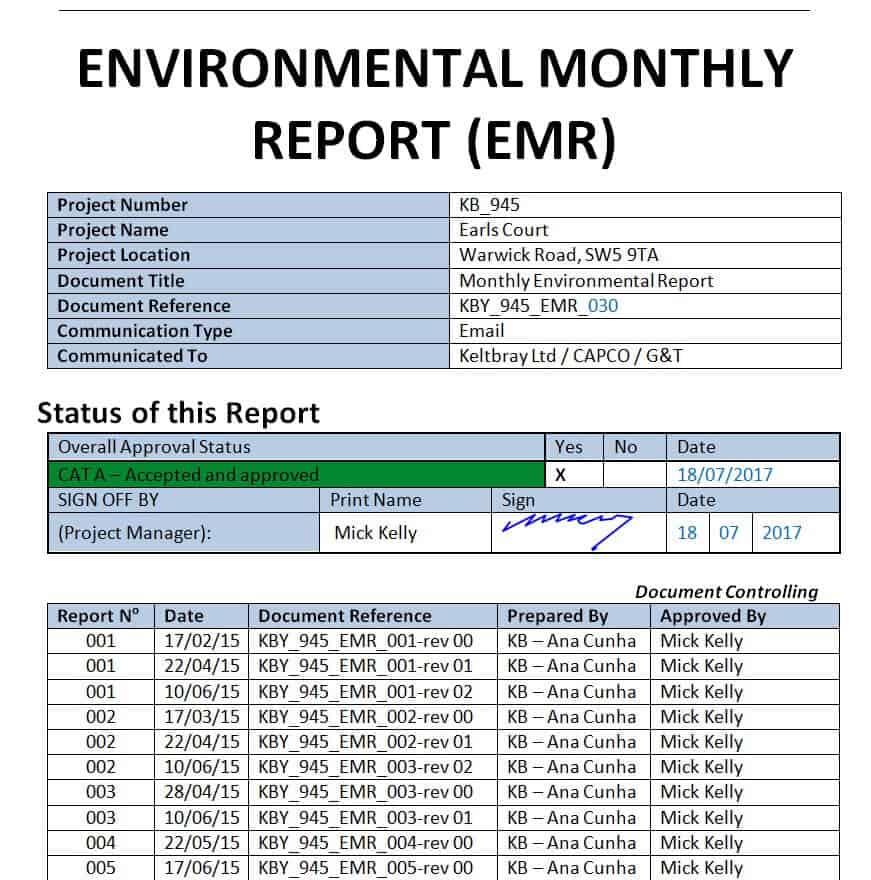
File Size: 02 MB
Monthly Payroll Summary Report Template
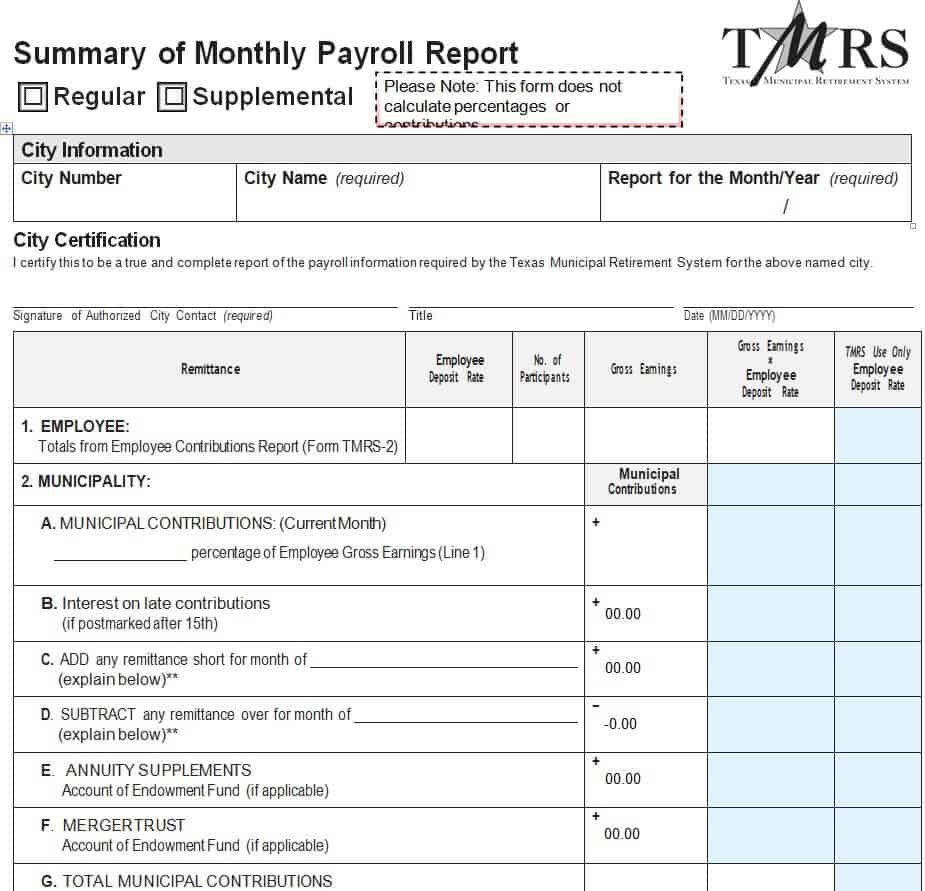
File Size: 40 KB
Monthly Report Format in MS Word

File Size: 877 KB
Consultant’s Monthly Report Sample
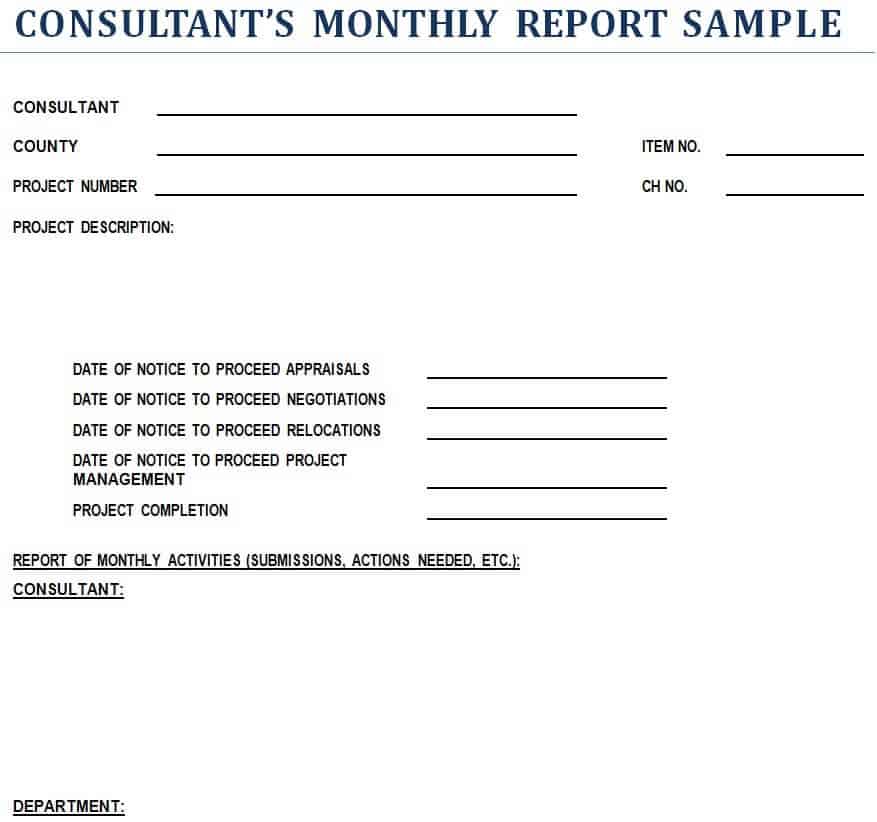
File Size: 15 KB
Monthly Project Status Report Template in MS Word
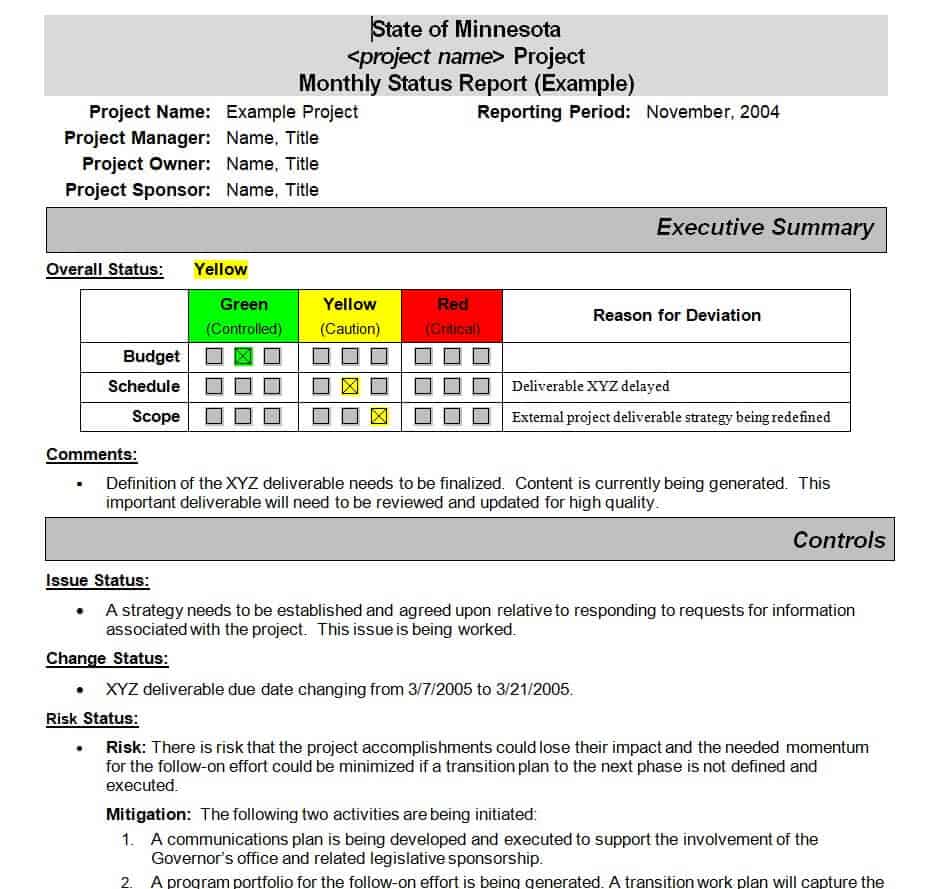
File Size: 34 KB
Monthly Foods Distribution Report Example
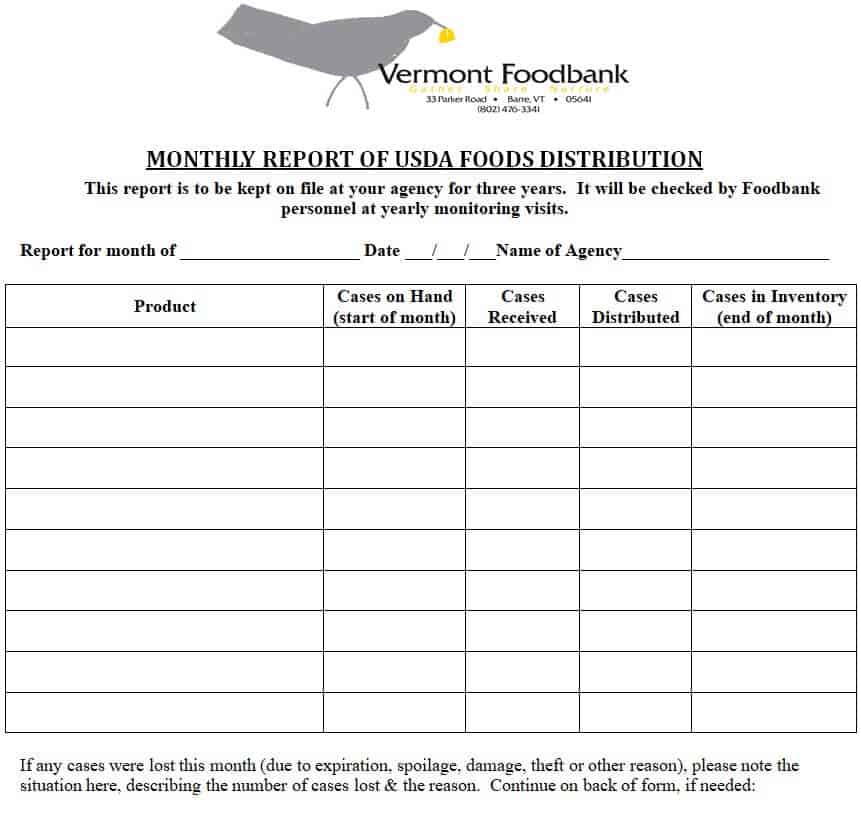
File Size: 142 KB
Formal Monthly Report Template
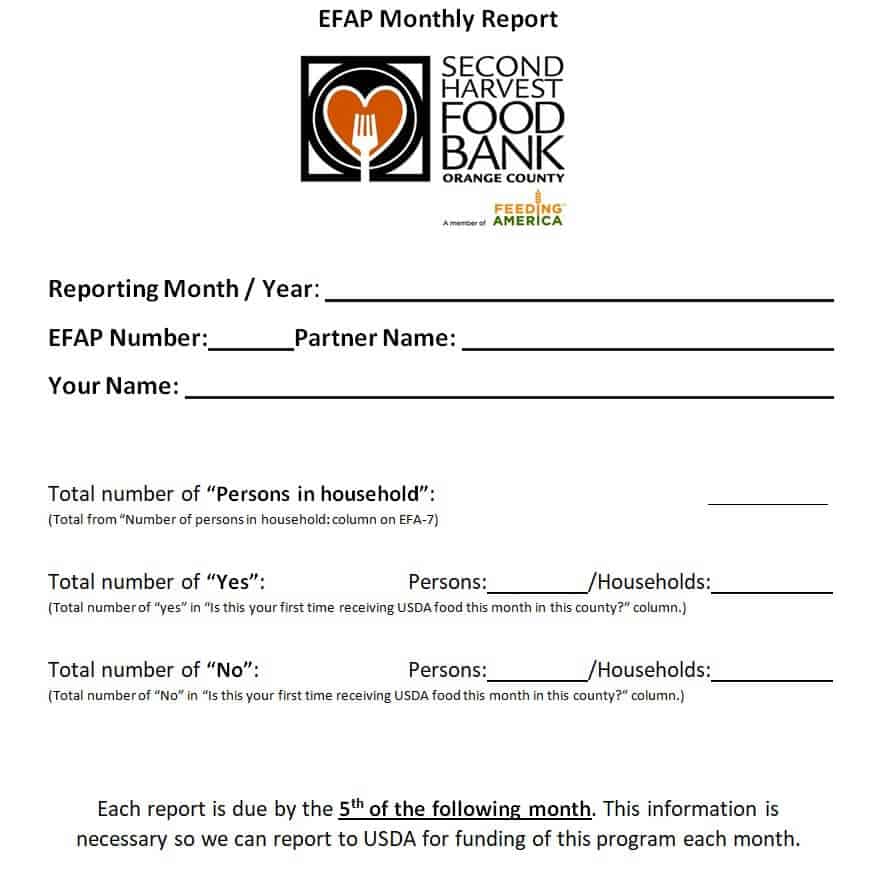
File Size: 42 KB
Manufacturer’s Monthly Report Format for Word

File Size: 27 KB
Quick Checklist for Making a Monthly Report
A monthly report is something that every organization can use. Some organizations like manufacturing facilities rely a lot on the monthly report. On the other hand, a monthly report can also be used for an individual’s progress like an employee’s monthly report or a student’s monthly progress report.
Using a monthly report for any situation is always suitable and beneficial. For preparing a monthly report, using a pre-formatted monthly report template saves a lot of your time and effort. However, if you still want to know how to write or make a monthly report, keep in mind the simple tips below:
- A monthly report must be prepared by keeping in mind all the relevant stakeholders.
- Add the title of the monthly report like “Monthly Sales Report” or a “Monthly Project Progress Report”. This will indicate the type and nature of the report.
- Write down the date on which you’re actually finalizing your monthly report. Also, mention the name of the month and the year for which you are preparing your monthly report.
- Briefly write the project or performance goal for your monthly report.
- Include the brief details of the last month’s activities.
- List down the achievements or accomplishments for the month.
- Mention the tasks or jobs that are completed as well as the ongoing or in-process tasks or jobs.
- Mention the plans or targets set for the next month.
- Write down the issues or challenges faced by the team during the whole month while performing their work.
- Make sure to keep the report simple and concise. Avoid making use of too many technical terms and jargon.
- A monthly report must be objective in nature.
- It is good to use charts or graphs to explain different analytics in a monthly report.
- Always prepare a monthly report in a format that is simple and easy to understand.
- At the end of the document, leave some space for the signature of the supervisor or any other person who prepared a monthly report, and the signature of the project manager or team leader. This is important so as to make the document official.
- Before finalizing your monthly report, it is always good to review it to check if any important details or information are left to be included in it.
Monthly Report Templates in Excel
Monthly Store Report Sample Excel Sheet
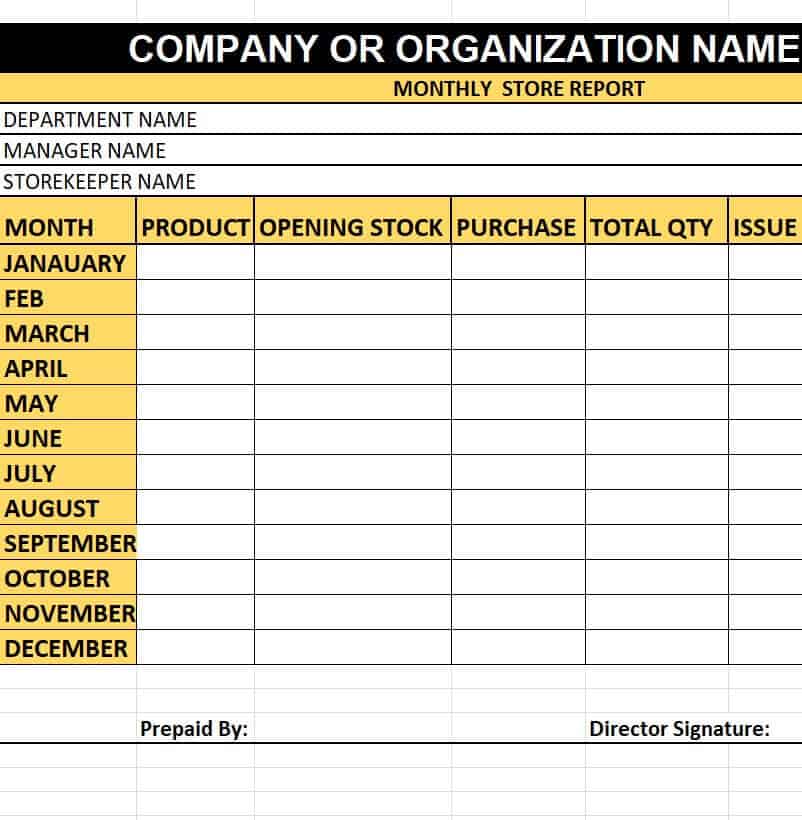
File Size: 08 KB
Monthly Activity Report Template
File Size: 06 KB
Monthly Sales Activity Report Template in Excel
File Size: 06 KB
Monthly Project Status Report Template in XLSX Format
File Size: 19 KB
Monthly Store Issue Report Template
File Size: 08 KB
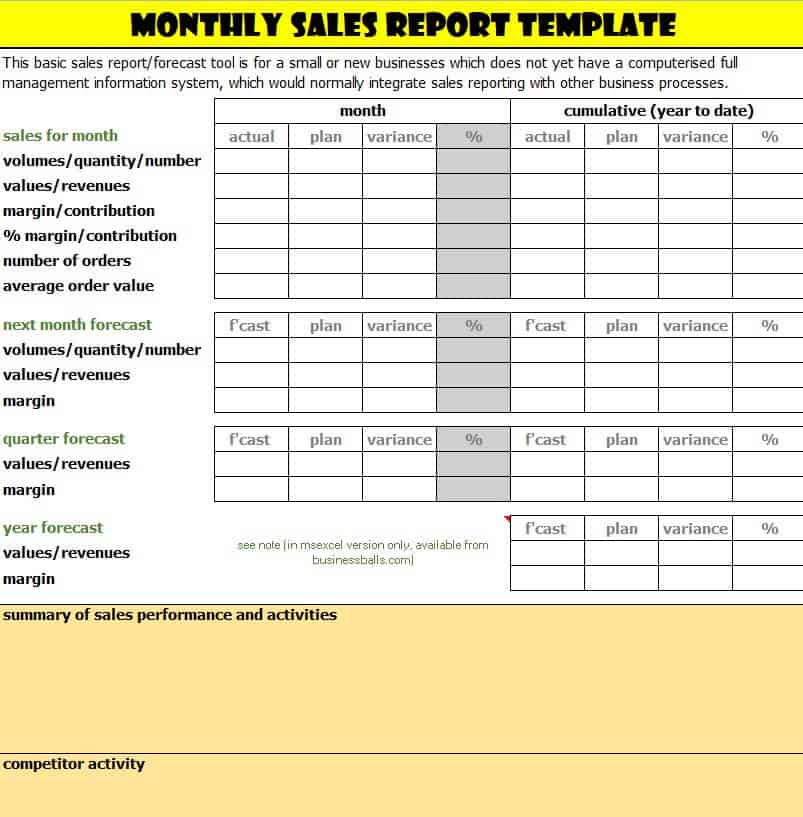
Editable Monthly Sales Report Template
File Size: 11 KB
Monthly Retail Sales Summary Report Excel Template
File Size: 311 KB
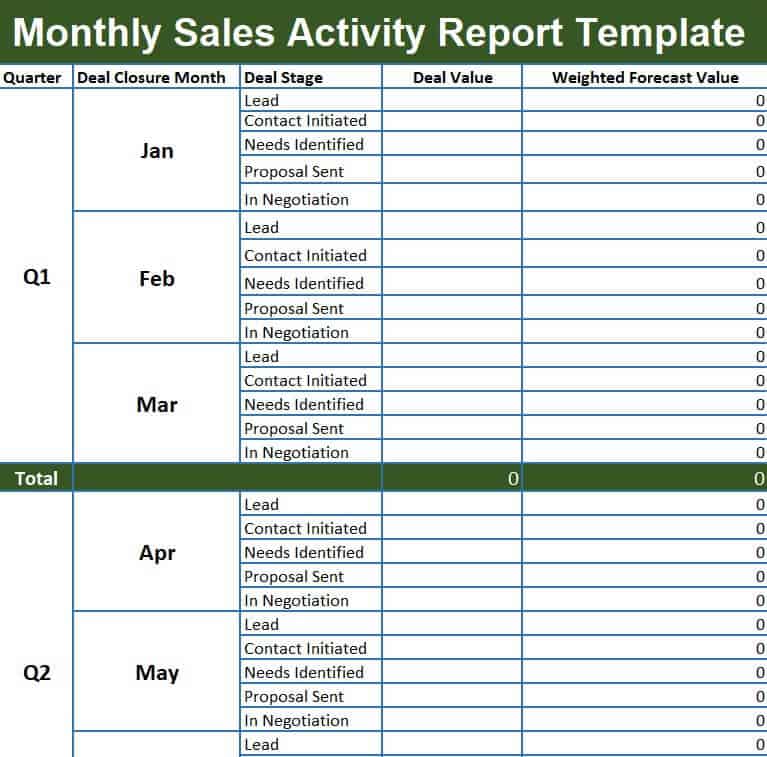
Blank Monthly Sales Activity Report Template
File Size: 10 KB
Hotel Monthly Sales Report Template Excel Sheet
File Size: 335 KB
Small Business Monthly Sales Forecast Report Template
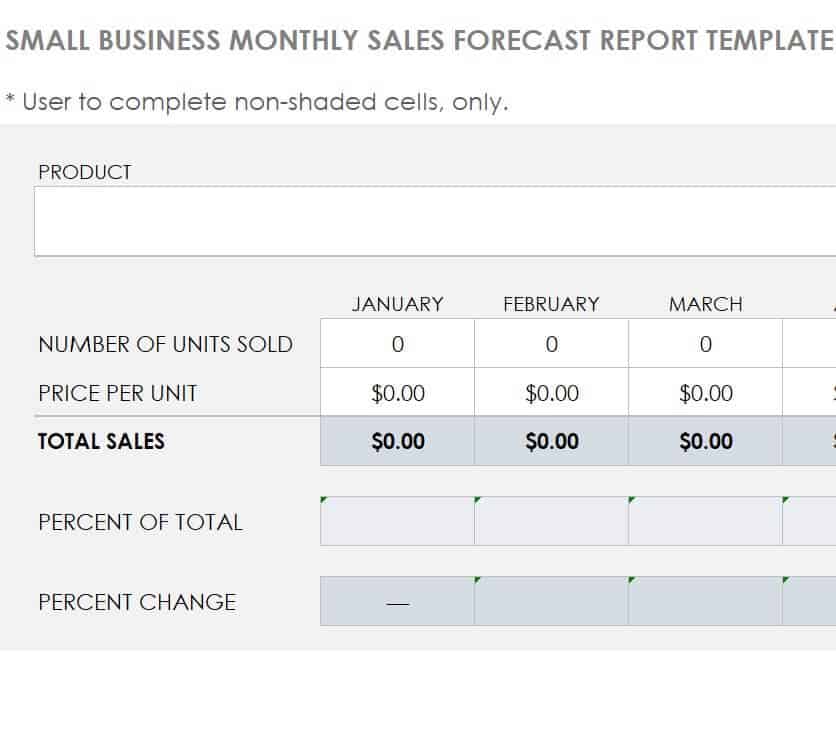
File Size: 402 KB
Business Monthly Sales Report Template in XLSX Format
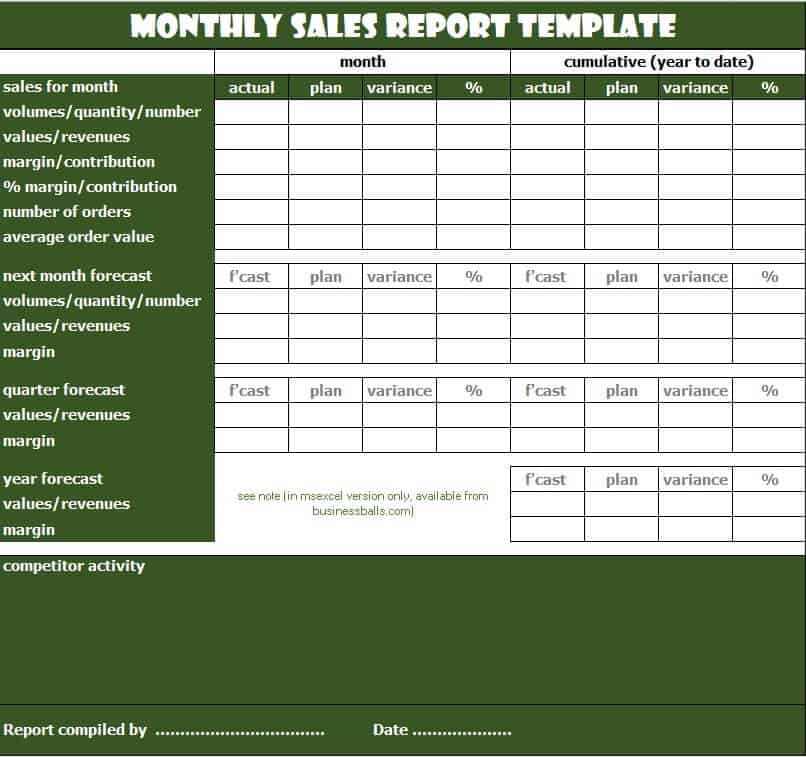
File Size: 10 KB
Hospital’s Monthly Income and Expenditure Report Example

File Size: 07 KB
Basic Monthly Income and Expense Report Excel Template
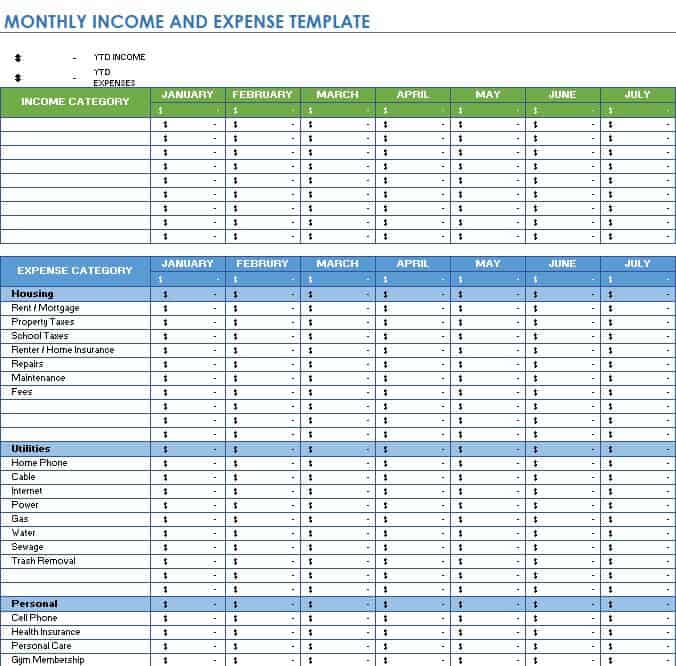
File Size: 464 KB
Bank’s Month Wise Expense Report Template
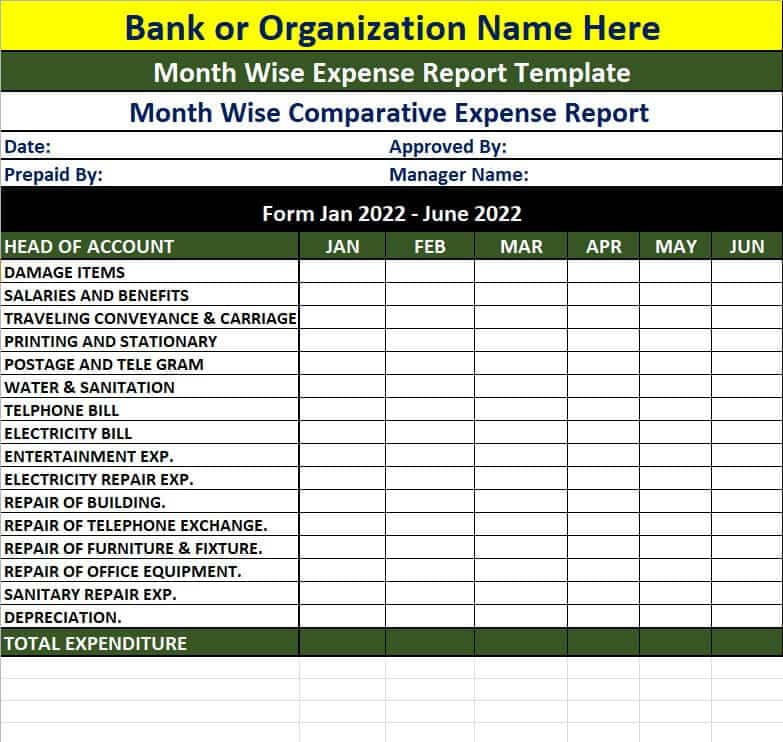
File Size: 09 KB
Restaurant’s Monthly Sales Report Template

File Size: 331 KB
Monthly Sales Analysis Report Example
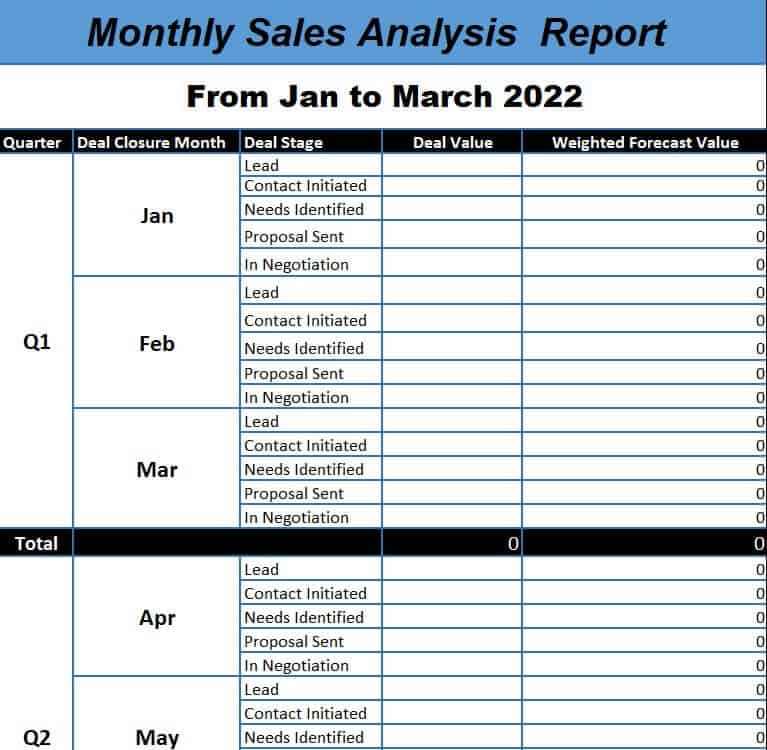
File Size: 10 KB
Professional Monthly Sales Activity Report Template
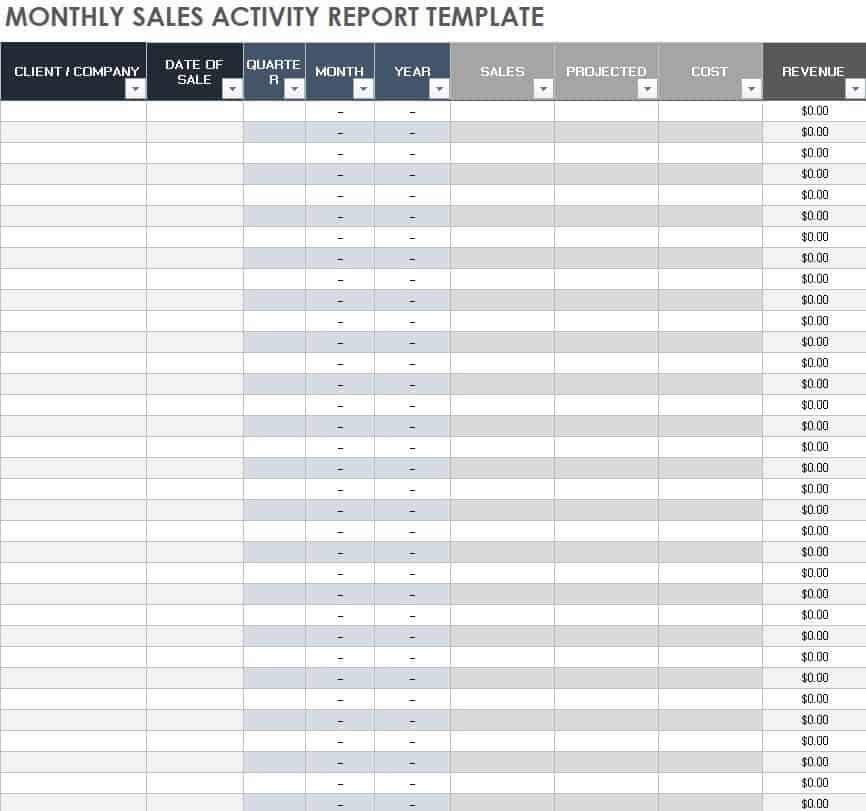
File Size: 359 KB
Sample Monthly Sales Report Summary
Here is an example of the key performance section of a completed monthly report, comparing targets with actual results for March:
| Metric | Target | Actual | Achievement |
|---|---|---|---|
| Sales revenue | $50,000 | $46,500 | 93% |
| Number of orders | 300 | 310 | 103% |
| Average order value | $166.67 | $150.00 | 90% |
| New customers | 40 | 44 | 110% |
Reading the table, order volume and new customers beat their targets, but a lower average order value ($46,500 ÷ 310 orders = $150) kept revenue 7% below plan. That is exactly the kind of insight a monthly report should highlight, along with an action item for next month.
Frequently Asked Questions
What is the primary difference between Word and Excel monthly report templates?
Microsoft Word templates are ideal for qualitative reporting—where you need to explain narratives, write detailed project updates, and list achievements. Microsoft Excel templates are designed for quantitative analysis, financial calculations, budgeting, and numerical data visual analysis.
Can I customize these monthly report templates for my specific industry?
Yes. All 30 templates in Word and Excel are 100% editable. You can easily adjust table structures, change color schemes, incorporate company logos, modify formulas, or add customized KPI fields.
Who should ideally prepare and submit the monthly report?
Monthly reports are typically compiled by department managers, team supervisors, project leads, or dedicated administrative officers. Once compiled, these reports are submitted to upper management, directors, or external clients for review.
How detailed should a monthly progress report be?
A monthly report should balance depth with brevity. Strive to present comprehensive metrics using concise language, bullet points, and visual tables. Focus primarily on key accomplishments, quantitative targets met, critical roadblocks, and strategic next steps.
When should a monthly report be submitted?
Most organizations ask for monthly reports within the first few working days of the following month, once the month’s figures are final. Agree on a fixed due date with your manager so that reports arrive on time and can be compared month to month.
For other reporting formats, see our weekly status report templates, daily report templates, monthly sales report templates, and summary report templates.
Final Thoughts
A good monthly report turns a month of activity into a short, clear picture of progress, problems and next steps. Pick one of the 13 Word or 17 Excel templates above, keep the same format every month, and always compare actual results with your targets.