A well-designed letterhead is one of the simplest ways to make your business communication look polished, trustworthy and official. Whether you’re a startup founder, a freelance consultant, a law firm or a medical practice, the paper you write on says almost as much as the words you put on it. Below, you’ll find a complete guide to choosing, customizing and downloading professional letterhead templates in Microsoft Word, from company letterheads to personal letterhead designs, with no design skills required.
What Is a Letterhead and Why Does It Matter?
A letterhead is the printed heading at the top (and sometimes bottom) of official stationery, typically featuring a company’s name, logo, address, and contact information. It’s stamped onto everything from formal letters and invoices to contracts and internal memos, turning an ordinary sheet of paper into a recognizable piece of branded, official correspondence.
Think of it as your organization’s handshake on paper. Before anyone reads a single line of your letter, the letterhead has already told them who you are, what you do, and whether you’re a credible outfit worth trusting.
Most letterheads fall into two structural styles:
- Header-only letterheads – featuring just the logo, business name, and address at the top of the page. Clean, minimal, and versatile.
- Header-and-footer letterheads – which add a footer with extra details like phone numbers, email, website, social handles, or even a short tagline or mission statement.
Neither style is “better” — the right choice depends on your industry, the amount of information you need to convey, and your brand’s visual identity.
Who Actually Uses Letterheads?
While big corporations are the most obvious users, letterheads are just as common — and just as important — for individuals and small operations:
- Law firms and attorneys, who need every notice, contract, and piece of correspondence to look formally binding.
- Doctors, dentists, and clinics, who print prescriptions, referrals, and patient letters on branded stationery.
- Consultants and freelancers, who use letterheads to appear more established when invoicing clients.
- Schools and educational institutes, for transcripts, admission letters, and official notices.
- Nonprofits, to lend credibility to donor communications and grant applications.
- Small businesses of every kind, from salons to construction firms to marketing agencies.
If you regularly send anything that needs to look “official” — an invoice, a formal letter, a notice — a letterhead upgrades it instantly.
Why Use a Pre-Made Letterhead Template Instead of Designing One From Scratch?
Designing a letterhead sounds simple until you actually sit down to do it. Getting the spacing, font hierarchy, logo placement, and color balance right takes real design instinct — and most people don’t have the time (or the Adobe skills) to get it perfect.
That’s where ready-made templates come in. A good template gives you:
- A tested, professional layout that already balances white space, typography, and branding elements correctly.
- Full editability in Microsoft Word, so you can swap in your own logo, name, colors, and fonts in minutes.
- Consistency across every document your organization sends out.
- Zero design cost — no need to hire a graphic designer for something this straightforward.
Below, you’ll find dozens of letterhead designs covering a wide range of industries and aesthetics — from minimal and corporate to bold and creative.
Popular Letterhead Categories You’ll Find in This Collection
- Corporate & business letterheads – clean, professional layouts suited to any company.
- Legal letterheads – formal designs built for attorneys, law firms, and district attorneys.
- Medical & healthcare letterheads – for doctors, dental clinics, and general practitioners.
- Creative & lifestyle letterheads – vibrant designs for salons, event planners, and agencies.
- Consulting & finance letterheads – polished formats for financial advisors, auditors, and tax practitioners.
- Educational institute letterheads – formal templates for schools and training centers.
Each template is fully editable in Word, meaning you can update the text, logo, colors, and fonts to match your exact branding before printing or sending as a PDF.
The Real Business Benefits of Using a Letterhead
It might seem like a small detail, but a letterhead does a lot of quiet work for your brand:
- Instant credibility – An invoice or contract on branded letterhead looks far more legitimate than one on plain paper.
- Brand recall – Every letter you send becomes a small piece of brand marketing, reinforcing your logo and identity.
- Professional consistency – Meeting minutes, contracts, and notices all carry the same polished look.
- Clear identification – Agreements and formal notices issued on official letterhead show clearly which organization sent them and how to contact it.
- Marketing value – Your logo, tagline, and contact details are visible every time someone opens your letter.
- Trust with clients and patients – Especially important for doctors, lawyers, and consultants issuing official documents like prescriptions or legal notices.
How to Create a Letterhead in Microsoft Word (Step-by-Step)
If you’d rather build one from scratch, Word makes it fairly straightforward:
- Open Microsoft Word and start a new blank document.
- Insert a Header by going to the Insert tab and clicking Header, or simply double-clicking near the top of the page.
- Add your business details — name, address, and contact info — in the header, adjusting font size and style from the Home tab.
- Insert your logo via Insert > Pictures, then resize and position it so it sits neatly alongside your text.
- Add supporting design elements — a divider line, an accent color, or a subtle background shape that matches your brand.
- Insert a Footer (optional) the same way you added the header, and use it for a tagline, website, or social links.
- Preview and proofread the entire layout before saving it as a reusable Word template (.dotx) or PDF.
This process works well if you’re comfortable with basic Word formatting, but for most people, starting from a pre-built template and simply swapping in your details is faster and more reliable.
Tips for Choosing the Right Letterhead Template
- Match your industry. A law firm’s letterhead should look formal and understated; a salon’s can be more colorful and creative.
- Keep it simple. Overcrowded letterheads distract from the actual letter content — stick to essential details only.
- Use brand colors consistently. Your letterhead should visually match your website, business cards, and other materials.
- Leave enough white space. A cramped header looks unprofessional; give your logo and text room to breathe.
- Test print before mass printing. Colors and spacing can shift slightly between screen and paper.
Letterhead Formats and Templates
Institute’s Letterhead Template
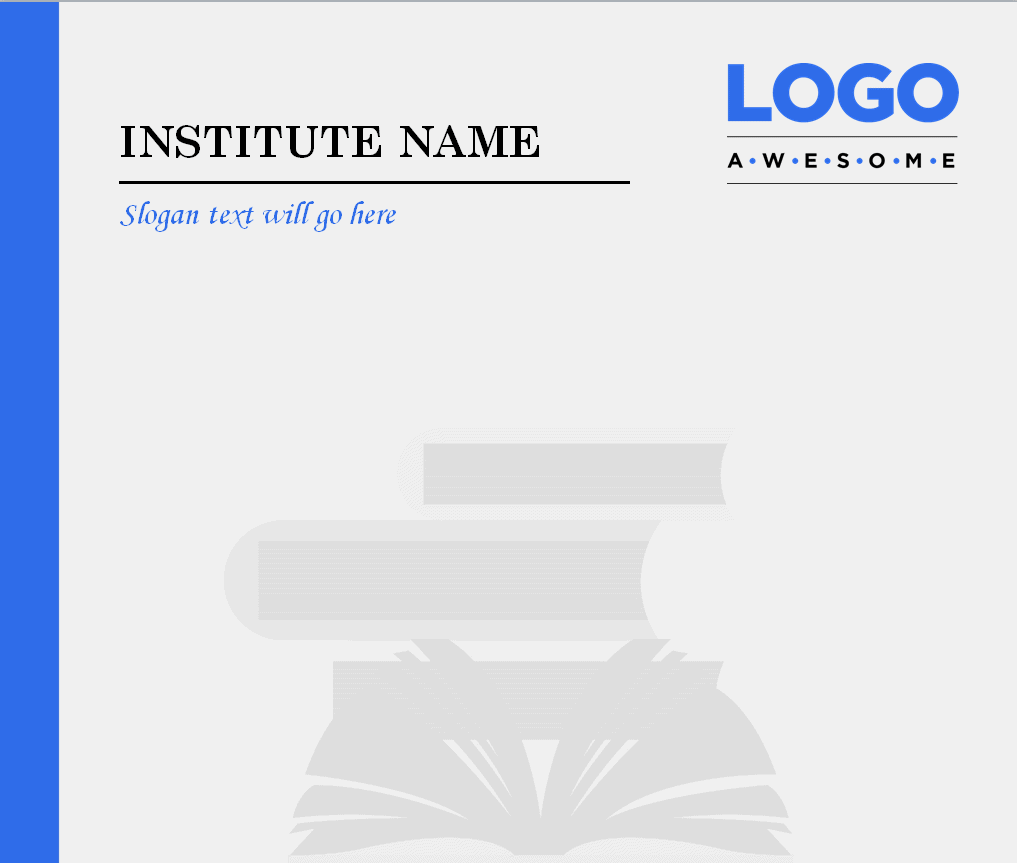
File Size: 214 KB
Elegant Company Letterhead Template
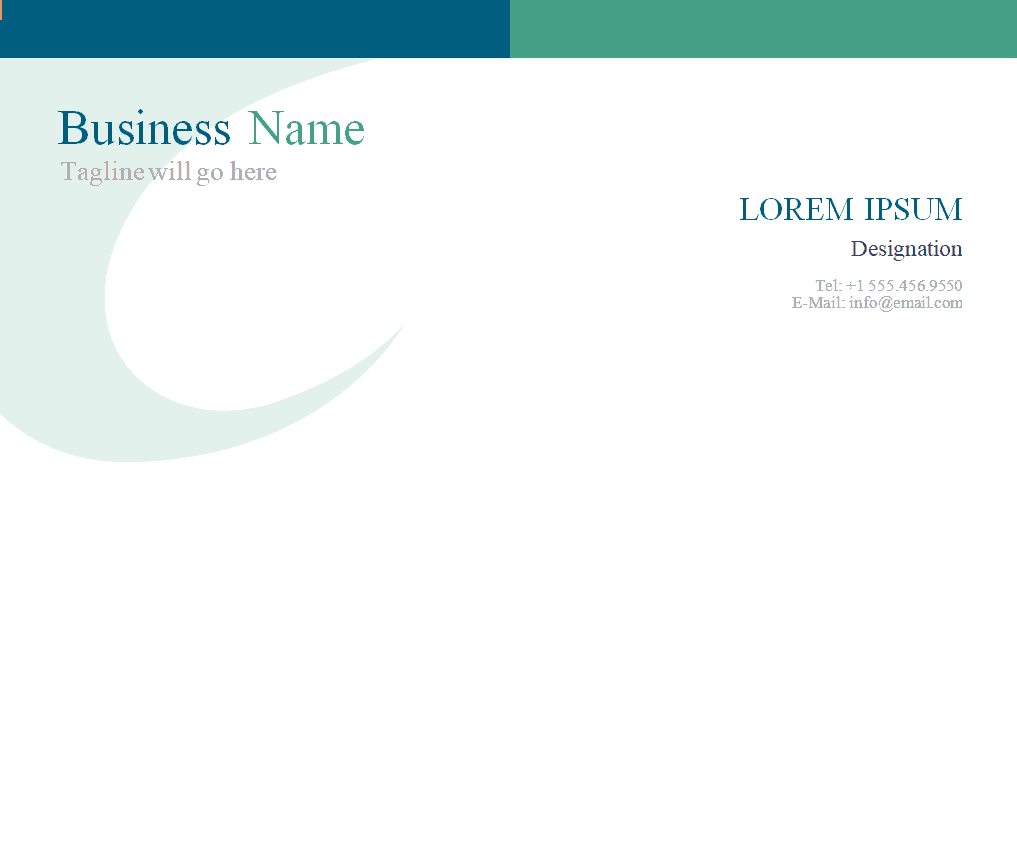
File Size: 109 KB
Construction Business Letterhead Template
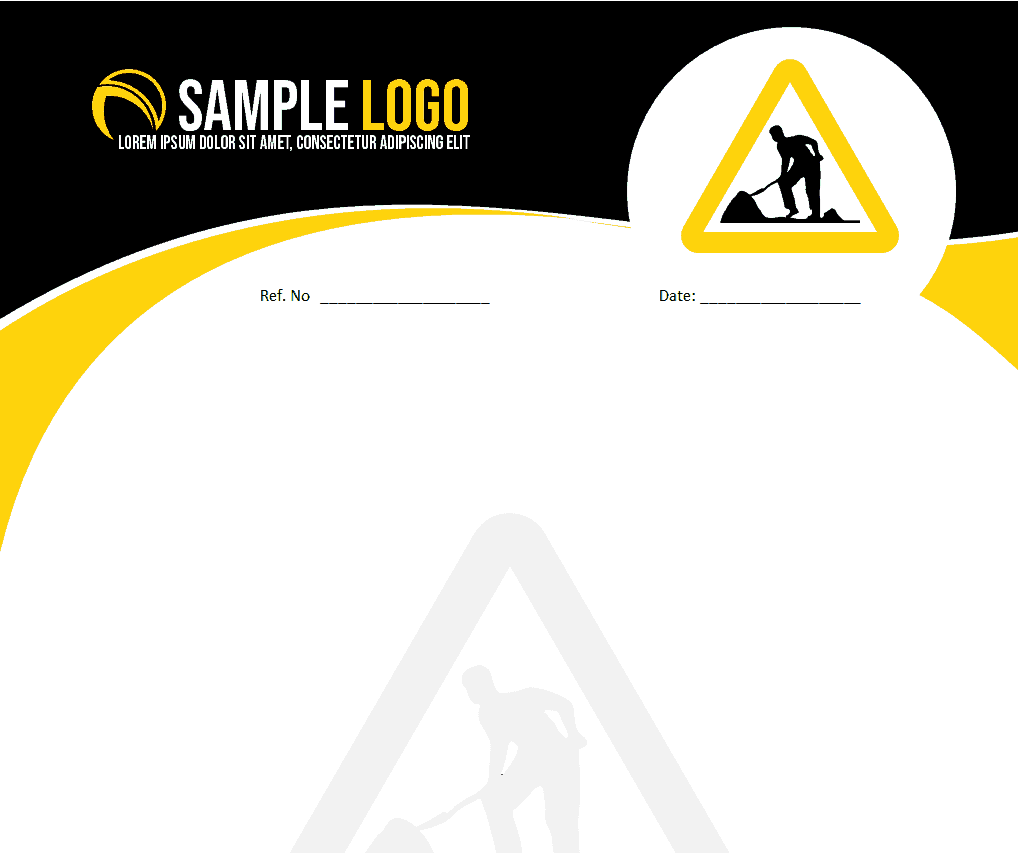
File Size: 762 KB
Professional Letterhead Template in Word
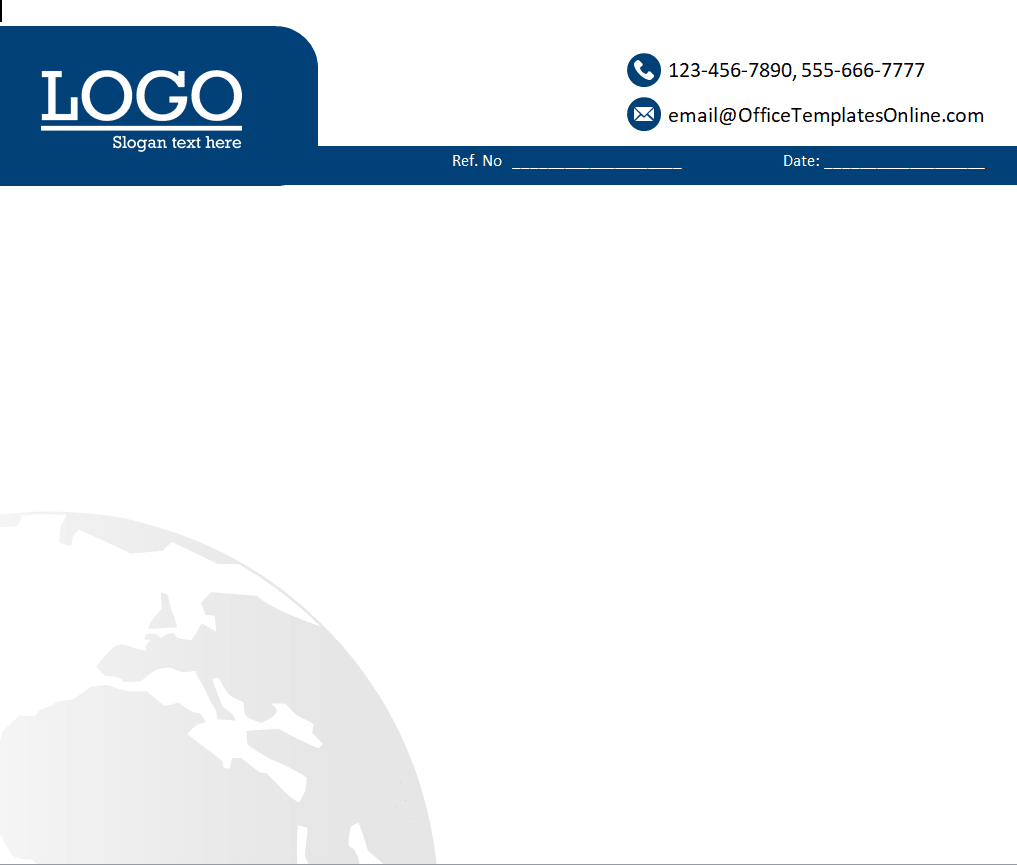
File Size: 407 KB
Educational Institute’s Letterhead Template
File Size: 495 KB
Attorney at Law’s Letterhead Format

File Size: 520 KB
Childcare Specialist’s Letterhead Word Template

File Size: 83 KB
Attractive Business Letterhead Design in MS Word
File Size: 196 KB
Company’s Sample Letterhead Template
File Size: 148 KB
Agency’s Stylish Letterhead Design Template
File Size: 352 KB
Doctor’s Letterhead Example
File Size: 313 KB
School’s Letterhead Template in DOC Format
File Size: 02 MB
Special Letterhead Design for Attorney at Law

File Size: 562 KB
Graceful Letterhead Design Example
File Size: 142 KB
Classy Letterhead Sample in DOC Format
File Size: 681 KB
Lawyer’s Letterhead Online Template

File Size: 378 KB
IT Consultant’s Letterhead Template
File Size: 40 KB
Landscape Designer’s Letterhead Sample
File Size: 55 KB
Letterhead Examples in Word
Editable Letterhead Example in Word

File Size: 02 MB
Dental Clinic’s Letterhead Design Template
File Size: 25 KB
Small Business Letterhead Template
File Size: 203 KB
Beauty Salon’s Letterhead Template

File Size: 347 KB
Beauty Salon’s Stylish Letterhead Design
File Size: 619 KB
Marketing Analyst’s Letterhead Example
File Size: 69 KB
Basic Company Letterhead Template
File Size: 71 KB
Beauty Parlor’s Vibrant Letterhead Design
File Size: 357 KB
District Attorney’s Letterhead Word Template

File Size: 02 MB
Company’s Minimal Letterhead Template
File Size: 197 KB
Company’s Professional Style Letterhead Template
File Size: 41 KB
Golf Club’s Letterhead Design Example
File Size: 395 KB
Corporate Letterhead Template in MS Word
File Size: 41 KB
Customizable Company Letterhead Template
File Size: 408 KB
Sophisticated Style Letterhead Template
File Size: 35 KB
Event Management Company’s Letterhead Design Sample
File Size: 106 KB
Company’s Official Letterhead Template
File Size: 710 KB
Beauty Salon’s Majestic Letterhead Design Example

File Size: 656 KB
More Letterhead Formats
Editable Letterhead Design for Beauty Salon

File Size:689 KB
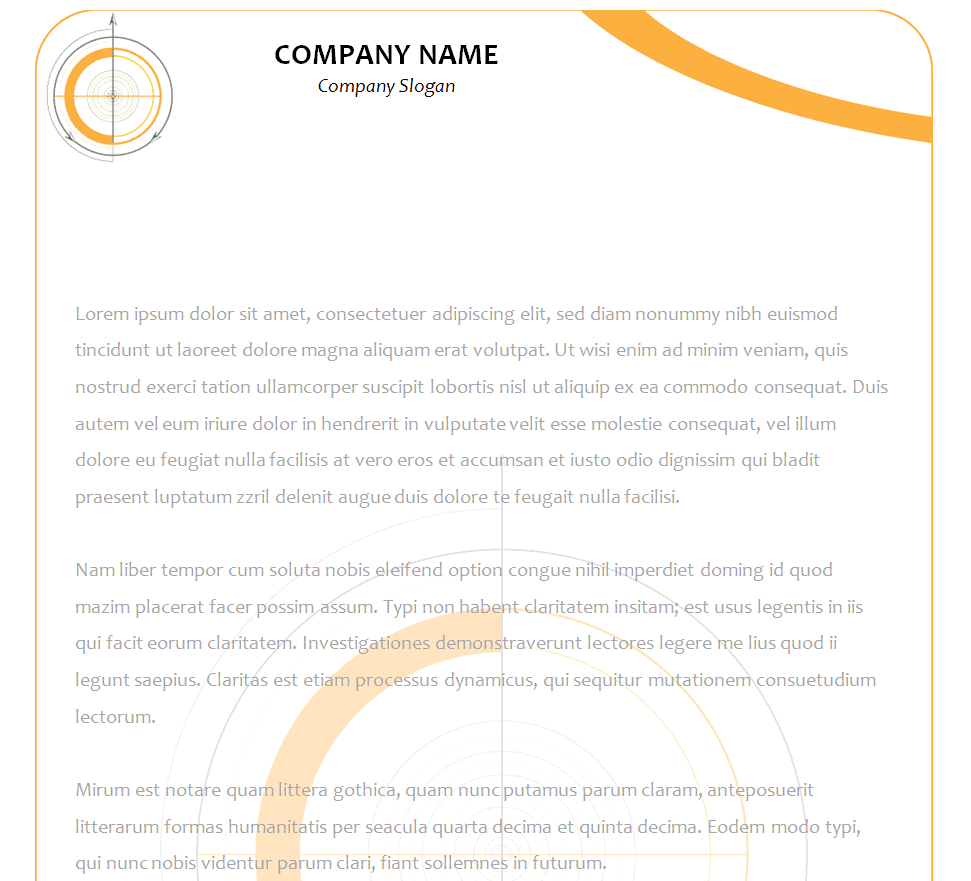
Modern Corporate Letterhead Example
File Size: 60 KB
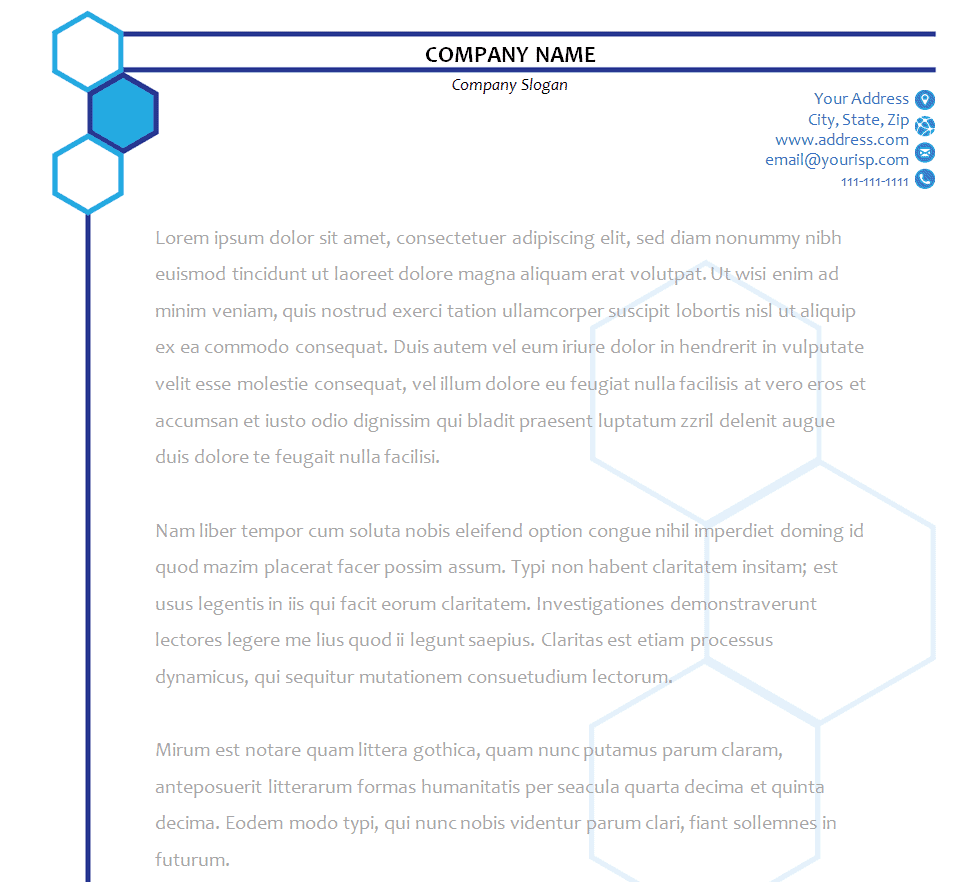
Financial Consultant’s Letterhead Template
File Size: 18 KB
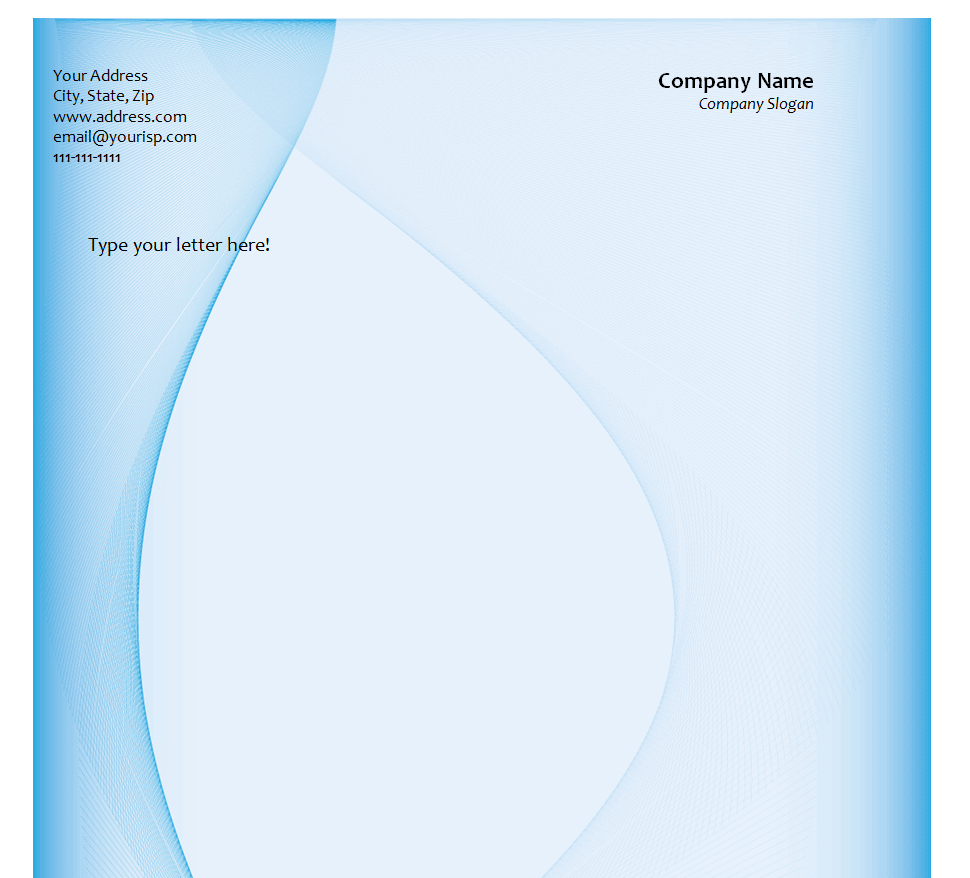
Online Business Letterhead Template in MS Word
File Size: 468 KB
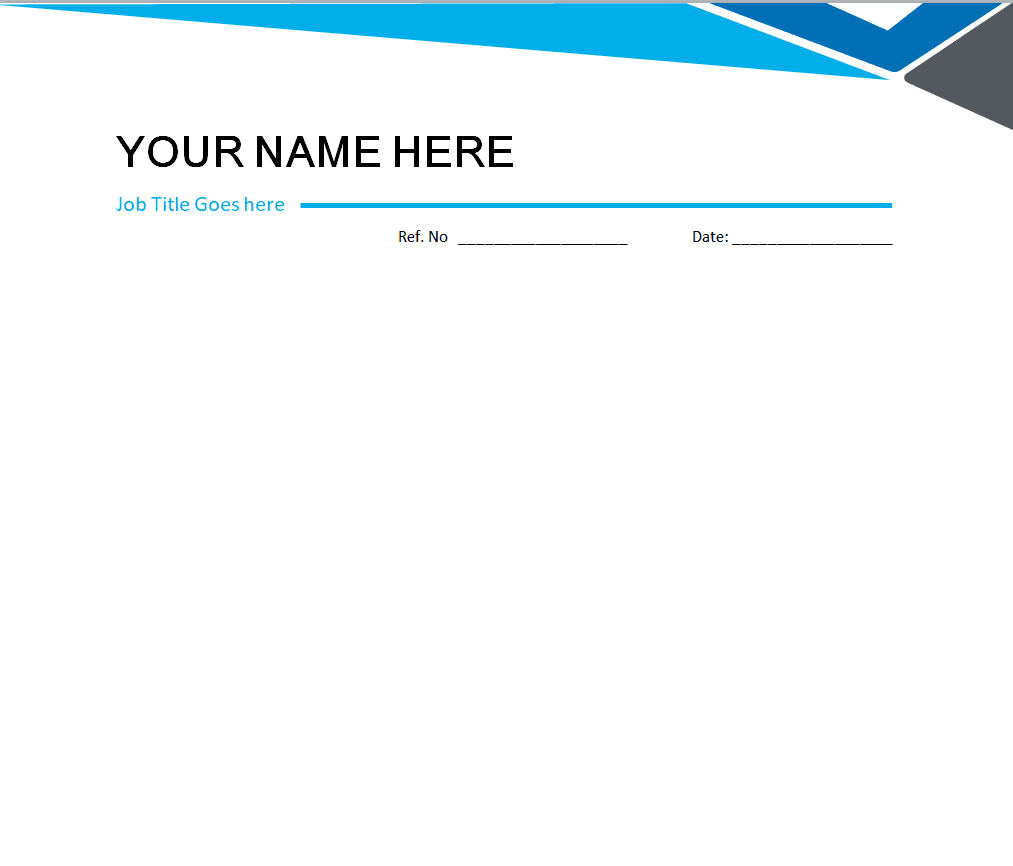
Medical Practitioner’s Letterhead Template
File Size: 156 KB
Adaptive Style Letterhead Format
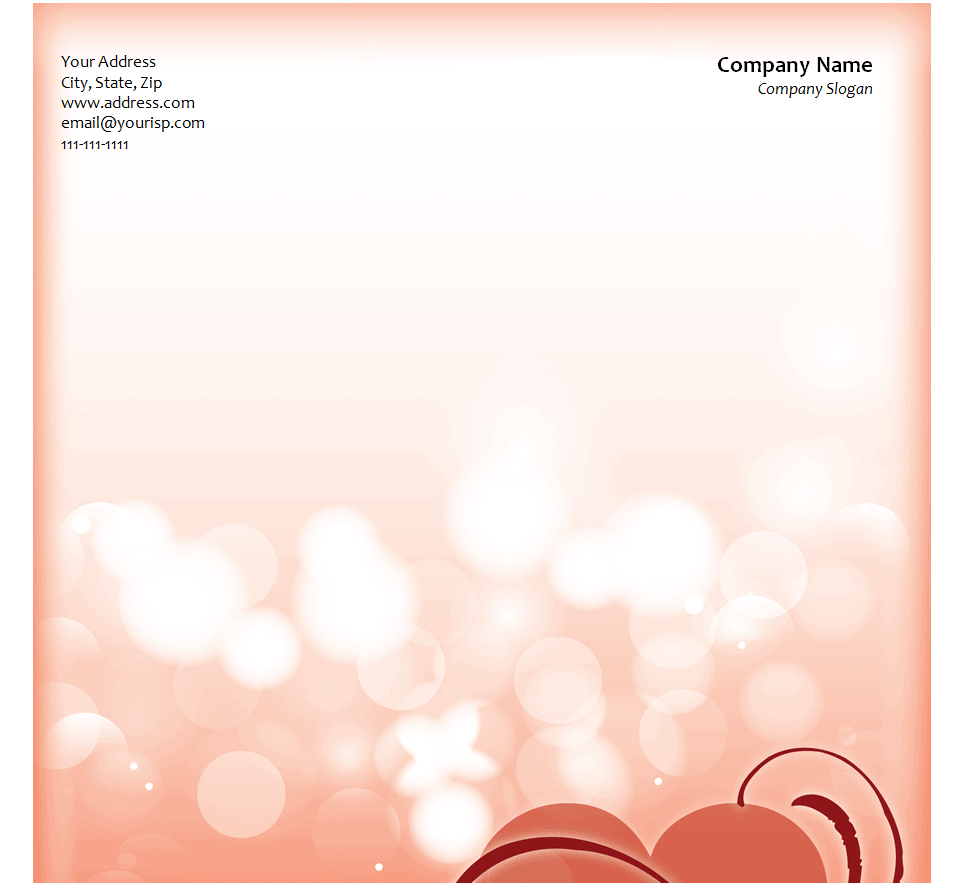
File Size: 928 KB
Marketing Company’s Letterhead Template
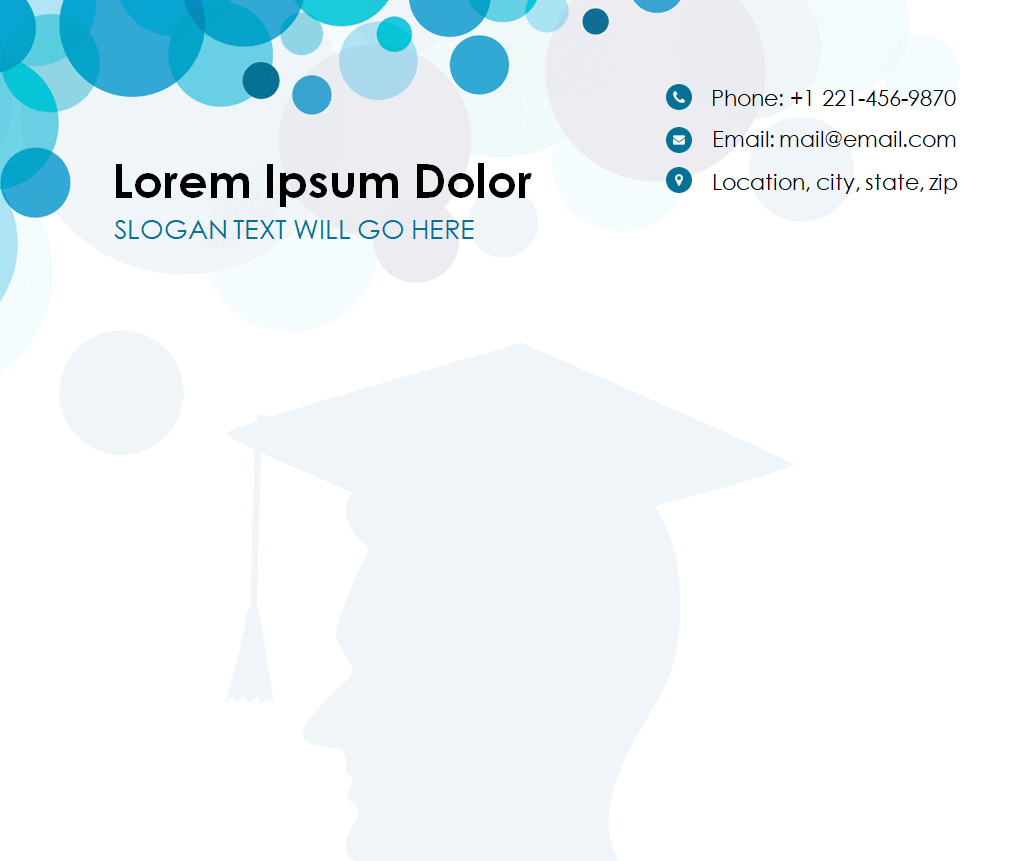
File Size: 811 KB
Small Company’s Simple Letterhead Design
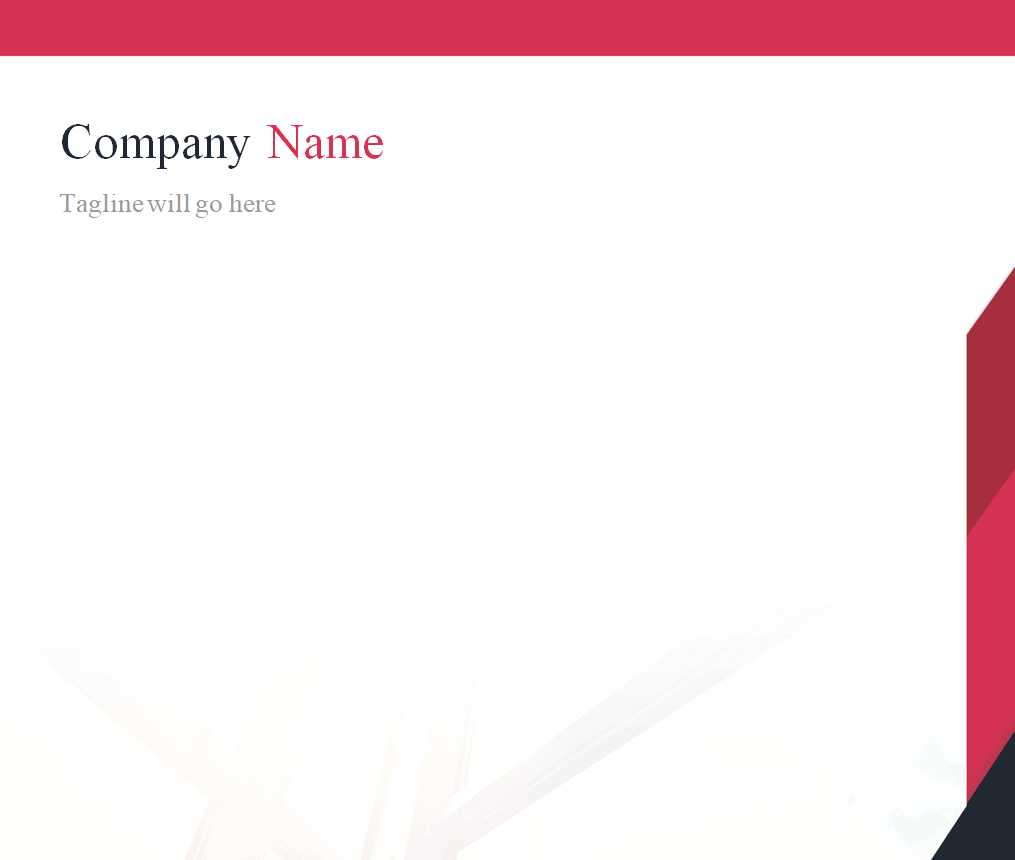
File Size: 02 MB
Company’s Modish Style Letterhead Word Template
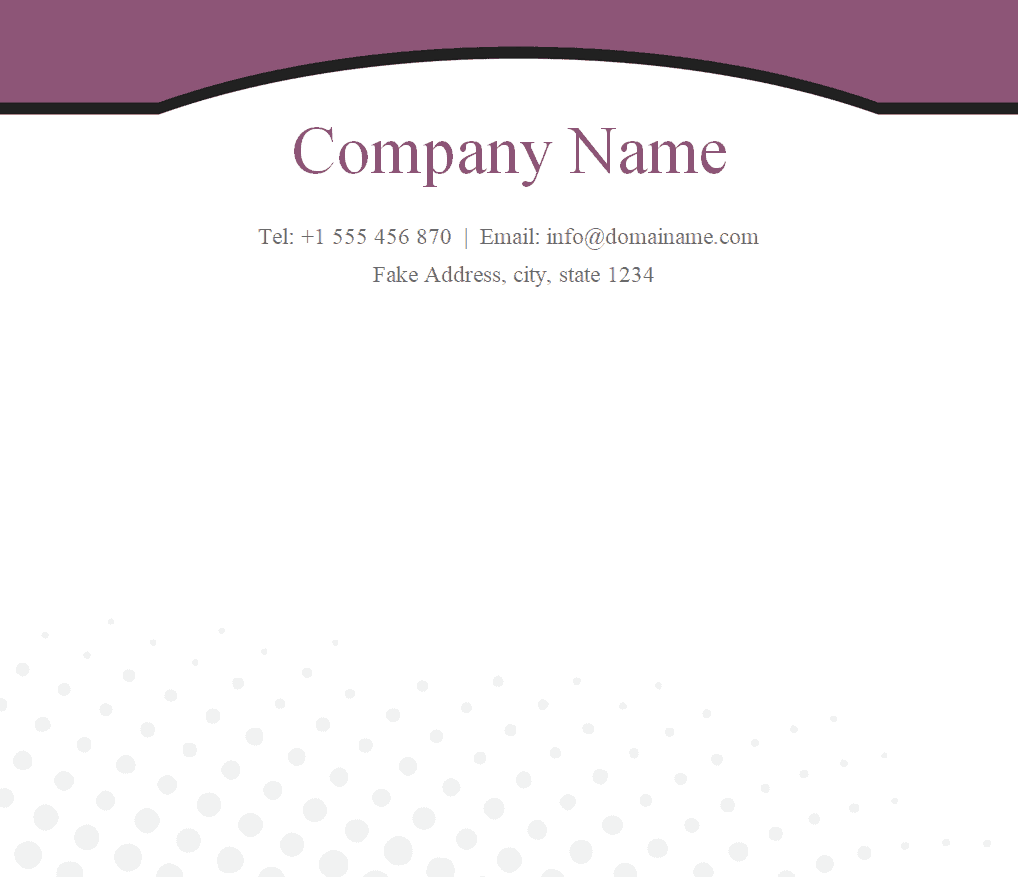
File Size: 390 KB
Multinational Company’s Letterhead Design Template
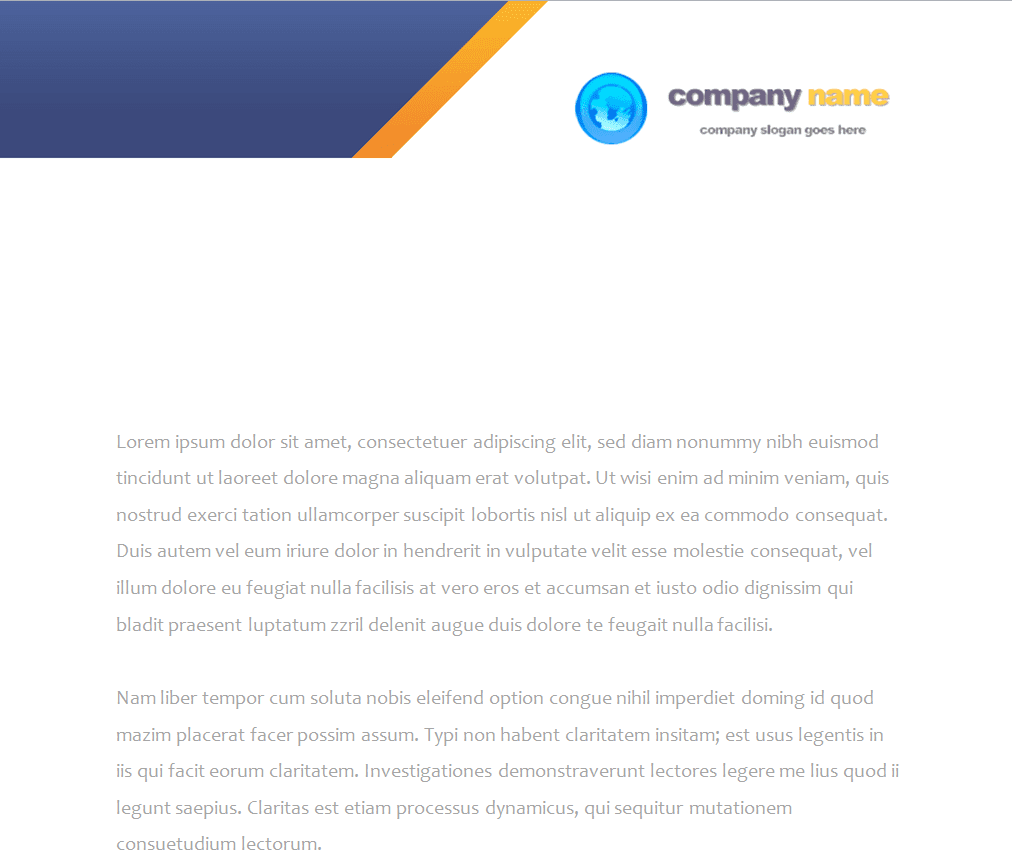
File Size: 450 KB
Lawyer’s Letterhead Example in DOC Format

File Size: 625 KB
Auditor’s Letterhead Template in MS Word

File Size: 719 KB
Tech Company’s Letterhead Design Example
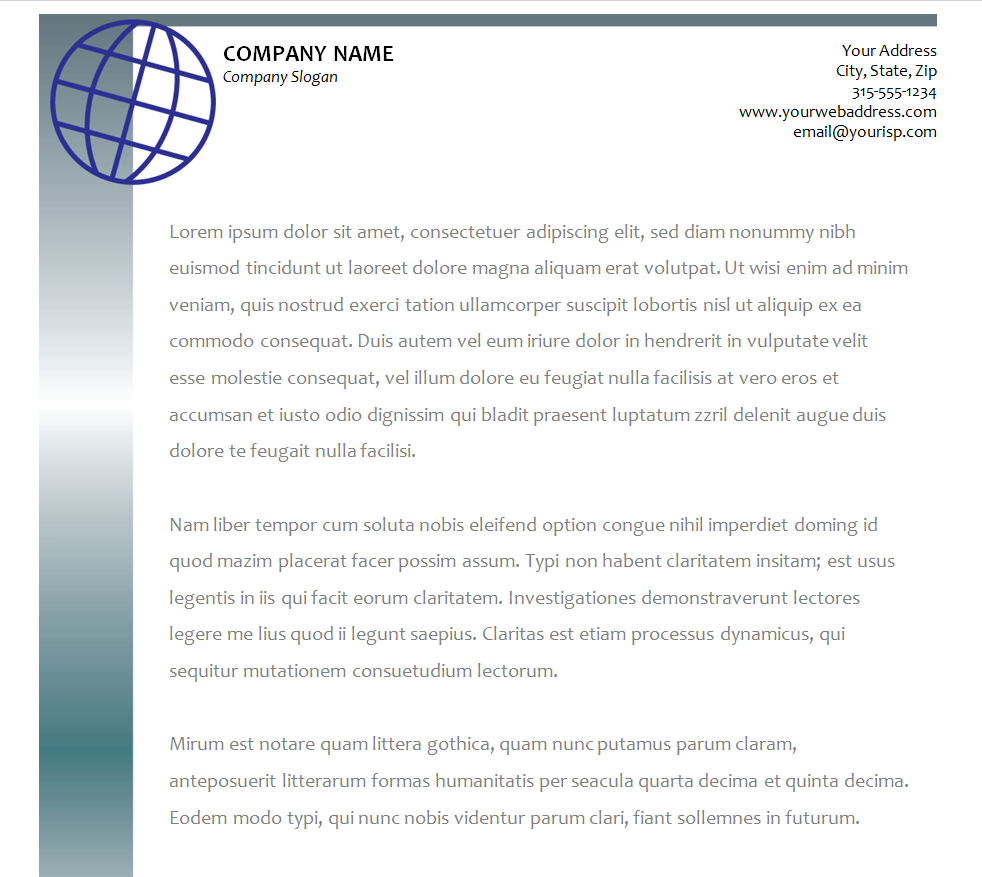
File Size: 31 KB
Printable Letterhead Template
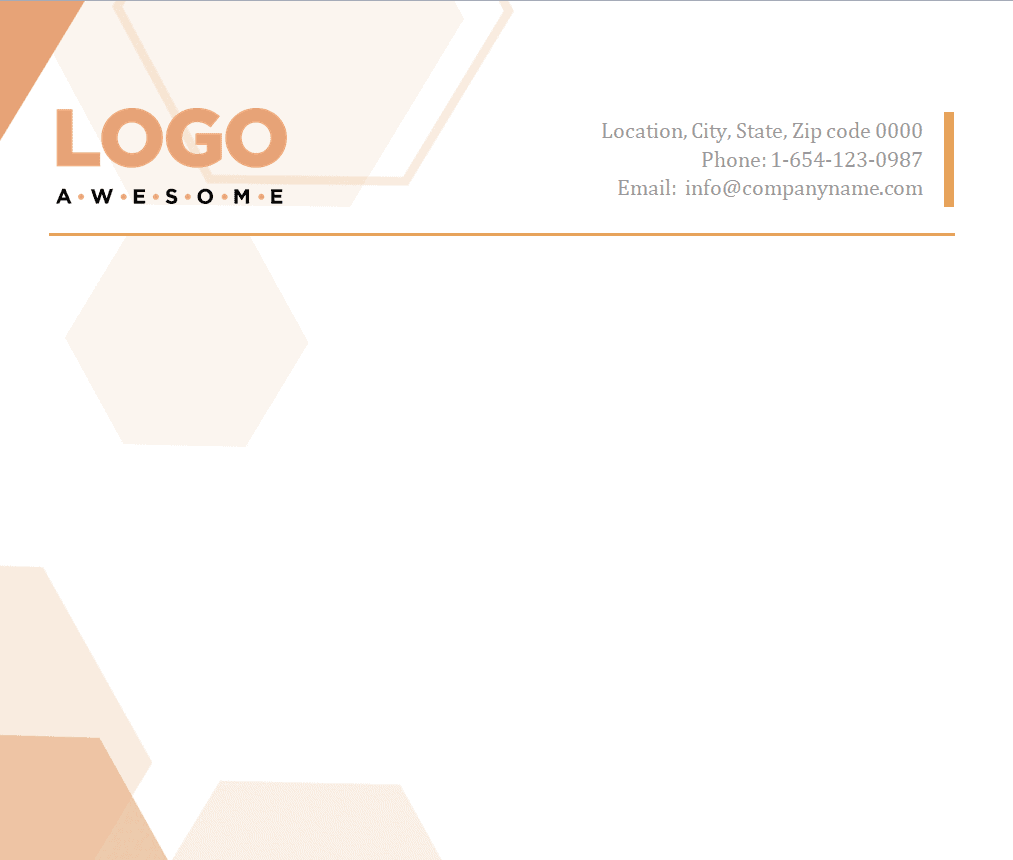
File Size: 975 KB
Beautiful Corporate Letterhead Template DOC
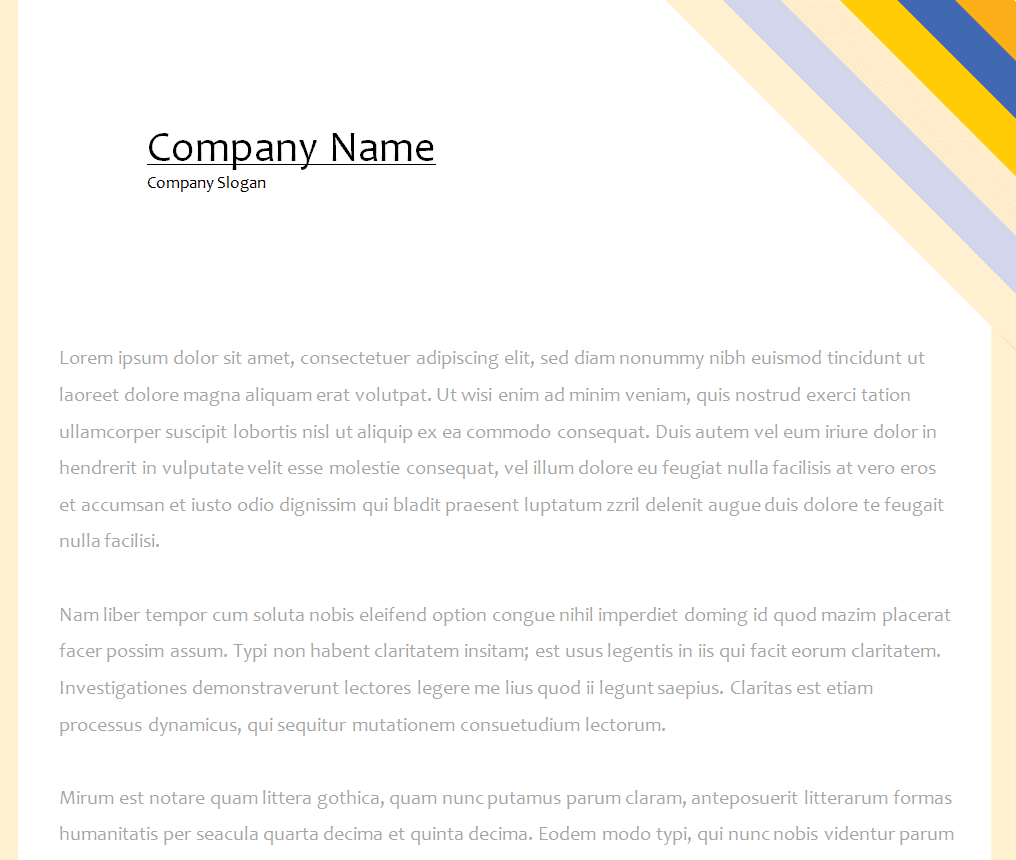
File Size: 17 KB
Tax Practitioner’s Letterhead Format
File Size: 368 KB
Example: What to Put on a Business Letterhead
The table below shows a simple, filled-in layout for a small consulting firm. You can use it as a checklist when you customize any of the templates above.
| Element | Example | Where It Usually Goes |
| Logo | BrightPath Consulting logo | Header, top left or centered |
| Business name | BrightPath Consulting Ltd. | Header, next to or below the logo |
| Address | 45 Market Street, Suite 210, Springfield | Header, right side, or footer |
| Phone and email | (555) 014-2238 | info@brightpath.example | Header or footer |
| Website | www.brightpath.example | Footer |
| Registration or license number (if required) | Company Reg. No. 0000000 | Footer, small print |
| Tagline (optional) | Practical advice for growing businesses | Footer or under the business name |
Keep the header to no more than about one-fifth of the page so there is plenty of room for the letter itself, and use the same colors and fonts as your business cards and website.
Frequently Asked Questions
1. Are these letterhead templates really free to use?
Yes. All templates in this collection are free to download and use for personal or business purposes. Simply download, customize, and print or save as a PDF.
2. What software do I need to edit these templates?
All templates are provided in Microsoft Word format (.doc/.docx), so you’ll need Word or a compatible program like Google Docs or LibreOffice Writer to edit them.
3. Can I use these letterheads for commercial purposes?
Yes, these templates are designed for both personal and commercial use, including businesses, law firms, medical practices, and other organizations.
4. How do I add my own logo to a template?
Open the template in Word, click on the existing logo placeholder, delete it, and use Insert > Pictures to add your own logo file. Resize and reposition as needed.
5. What’s the difference between a letterhead and a regular Word document?
A letterhead is a pre-formatted heading (and sometimes footer) containing your branding, meant to be reused across every official document you send — unlike a one-off document created for a single purpose.
6. Should a letterhead include a footer?
It’s optional. A footer is useful if you want to include additional details like your website, social media handles, or a tagline, but many professional letterheads use a header only.
7. Can I convert my Word letterhead into a PDF?
Yes. Once your letterhead is customized in Word, use File > Save As and choose PDF format to create a print-ready, non-editable version.
8. Do letterheads need to include a logo?
While not mandatory, including a logo significantly boosts brand recognition and professionalism. If you don’t have a logo yet, a clean typographic treatment of your business name can work as a placeholder.
9. What paper size should I use for my letterhead?
Use the standard paper size for your country: US Letter (8.5 x 11 inches) in the United States and Canada, and A4 (210 x 297 mm) in most other countries. In Word, you can check or change this under Layout > Size before you print.
Once your letterhead is ready, you can put it to work with our formal invitation letters, request letter samples, quotation formats, and salary certificate templates, all of which look more professional on branded stationery.
Final Thoughts
A good letterhead makes every letter, invoice, and notice you send look consistent and professional. Pick one of the 52 free Word templates above, add your logo and contact details, and save it as a reusable template so your whole team can use the same design.