Delivering exceptional customer service requires consistent monitoring, tracking and evaluation of client interactions. A customer service report template gives support teams, call center supervisors and service managers a structured framework to log complaints, monitor ticket resolution time, measure agent performance and track customer satisfaction (CSAT) trends over time.
By standardizing your support documentation with customer service report templates in Word and Excel, your business can identify recurring product issues, optimize service level agreements (SLAs) and improve overall customer retention.
What is a Customer Service Report?
A Customer Service Report is an operational document that records the details, status, and outcomes of customer support inquiries, technical issues, product complaints, and service requests within a designated timeframe (daily, weekly, or monthly).
Implementing a standardized customer service reporting process delivers several operational advantages:
- SLA & Resolution Tracking: Monitors how quickly support agents respond to and resolve customer tickets against defined Service Level Agreements.
- Root Cause Identification: Categorizes recurring product flaws, billing errors, or shipping delays to help operational teams resolve underlying problems.
- Agent Performance Evaluation: Tracks key productivity metrics—such as total tickets closed, average handle time, and individual customer feedback ratings.
- Customer Retention Optimization: Highlights unsatisfied clients early, enabling proactive management intervention before churn occurs.
Types of Customer Service Report Formats
Depending on your support structure—whether an e-commerce helpdesk, technical call center, or field service team—selecting the right template format ensures accurate data capture.
1. Daily Customer Call & Ticket Log (Excel)
Designed for front-line support staff and call center agents. This format functions as a real-time ledger to capture caller details, contact timestamps, issue categories, ticket priority (Low/Medium/High), assigned agents, and current resolution status (Open/In-Progress/Closed).
2. Customer Complaint & Incident Report (Word)
Tailored for complex support cases, escalated client grievances, or formal service failures. This narrative-style document records detailed background facts, root cause analyses, corrective actions taken, and preventive measures implemented to satisfy high-value accounts.
3. Monthly CSAT & SLA Performance Summary (Executive Level)
Built for customer success managers and department heads. It aggregates high-level support data across channels (Email, Phone, Live Chat), presenting overall resolution rates, team productivity trends, and average CSAT scores for board or management review.
Essential Metrics for Customer Service Reporting
To maximize the commercial utility of your customer support tracking sheets, incorporate these key performance indicators:
| Key Metric | Calculation / Definition | Strategic Value |
| First Contact Resolution (FCR) | (Resolved on 1st Contact ÷ Total Tickets) × 100 | Measures support efficiency and representative expertise. |
| Average Handling Time (AHT) | Total Talk & Work Time ÷ Total Handled Interactions | Tracks agent productivity and queue velocity. |
| Customer Satisfaction (CSAT) | (Positive Responses ÷ Total Survey Responses) × 100 | Directly reflects customer happiness and service quality. |
| SLA Compliance Rate | (Tickets Resolved Within SLA ÷ Total Tickets) × 100 | Ensures the team meets agreed-upon client response deadlines. |
| Ticket Escalation Rate | (Escalated Tickets ÷ Total Incoming Tickets) × 100 | Highlights complex issues requiring tier-2 technical intervention. |
Best Practices for Customizing Word & Excel Support Templates
Adhere to these key design practices to streamline helpdesk documentation:
Schedule Weekly Trend Audits: Review log data weekly to identify emerging product glitches or seasonal call spikes, allowing proactive staffing adjustments.
Use Excel for High-Volume Log Tracking: Microsoft Excel is ideal for daily ticket logging. Use dropdown lists (Data Validation) for fields like Status (Open, Pending, Resolved) and Priority (High, Medium, Low) to keep inputs standardized for pivot table analysis.
Use Word for Escalation & Corrective Action Reports: Reserve Microsoft Word for detailed incident reports, legal complaint documentation, and formal client communication summaries that require formatted text and sign-off signatures.
Automate Status Highlights: Apply conditional formatting in Excel to highlight overdue tickets or unassigned high-priority issues in red, giving managers instant visibility over critical items.
Customer Service Report Templates in MSWord
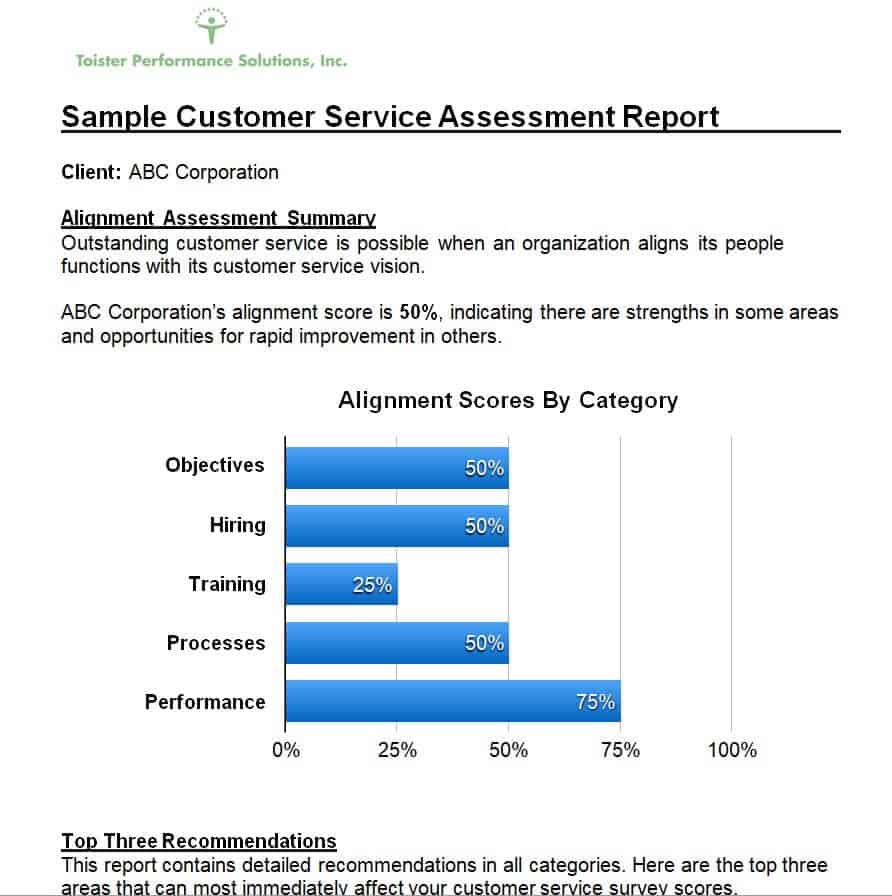
Sample Customer Service Assessment Report Template
File Size: 35 KB
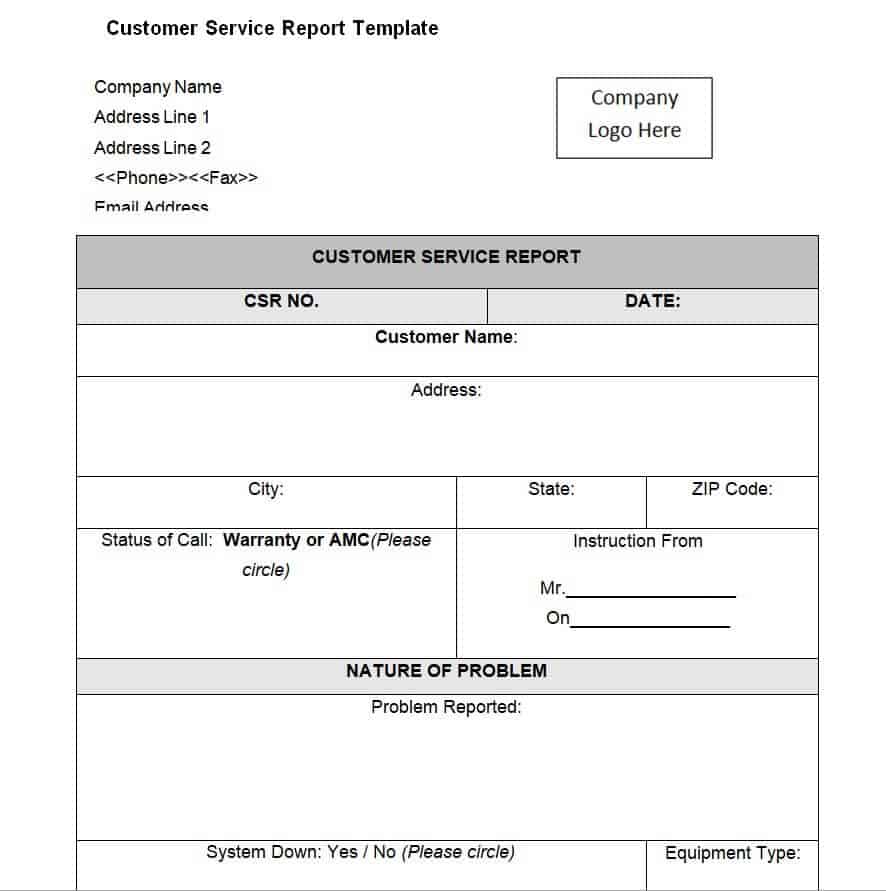
Simple Customer Service Report Template
File Size: 22 KB
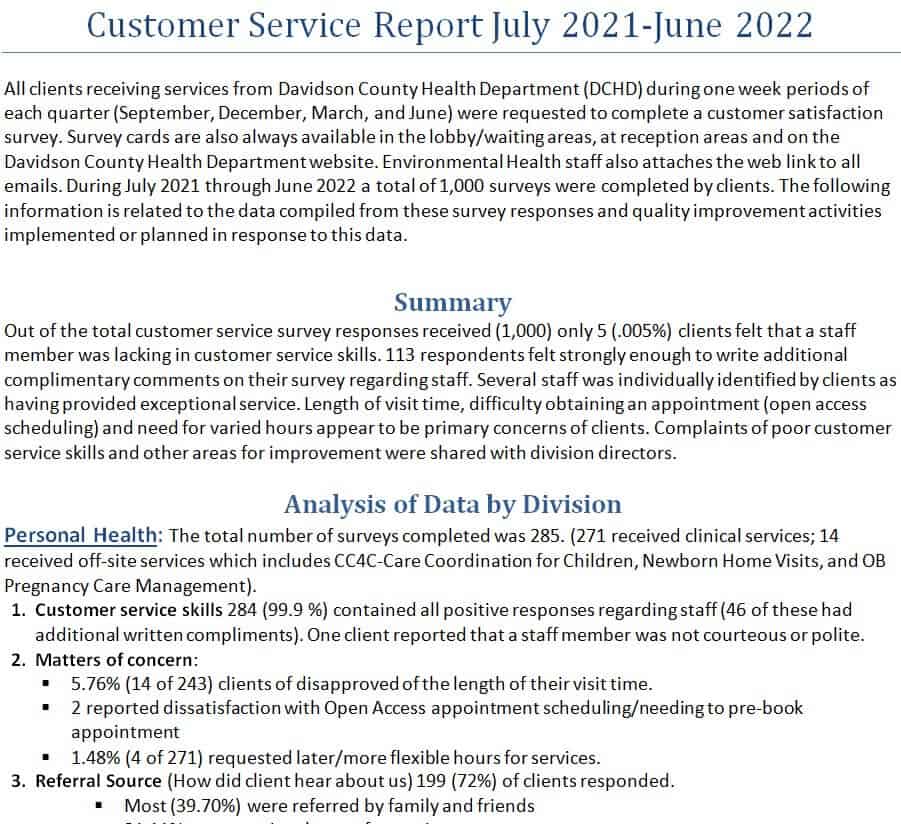
Year-End Customer Service Report Example
File Size: 25 KB
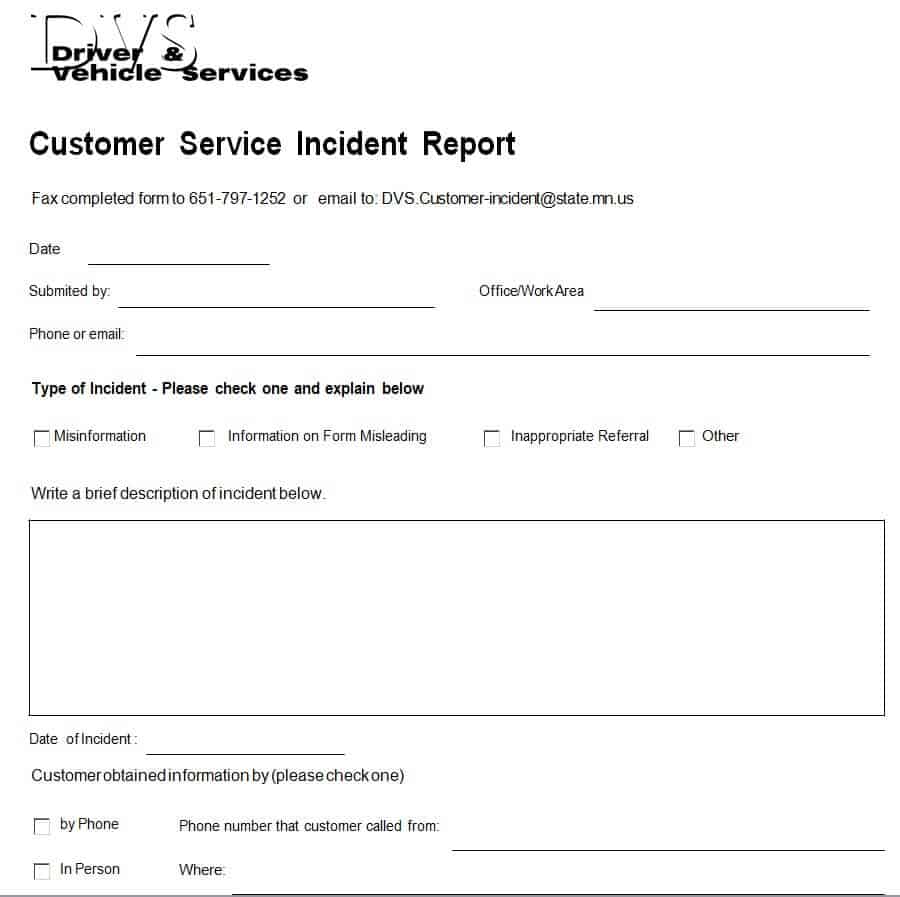
Customer Service Incident Report Template Word
File Size: 23 KB
Professional Annual Customer Service Report Template
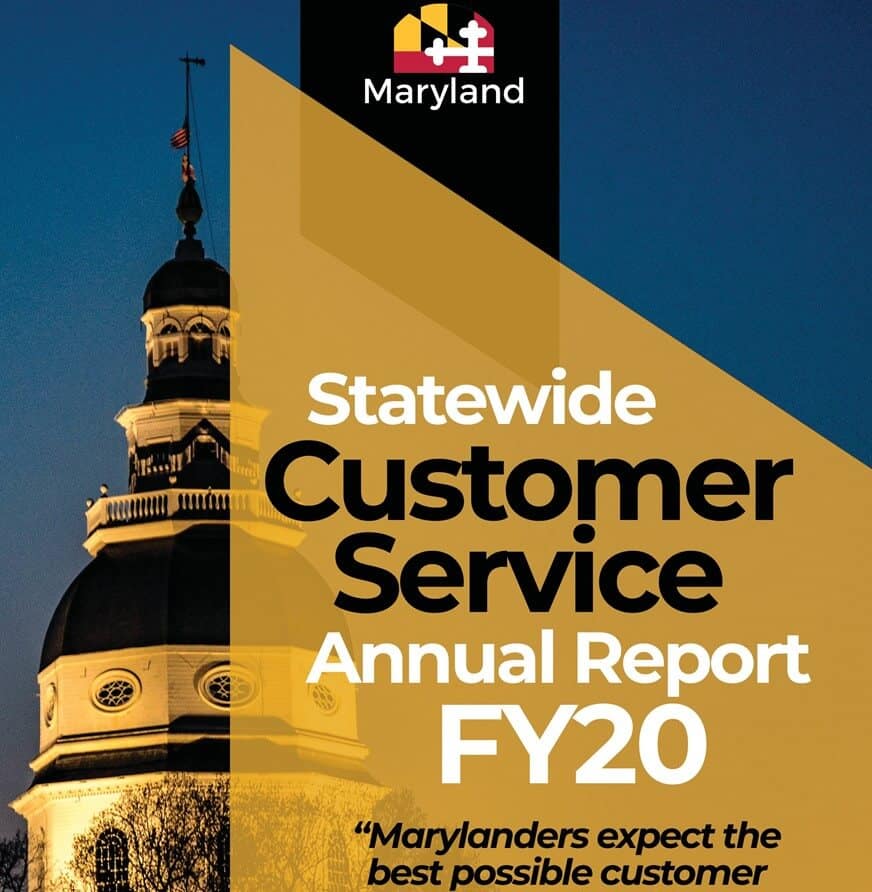
File Size: 03 MB
Yearly Customer Service Complaints Report Format
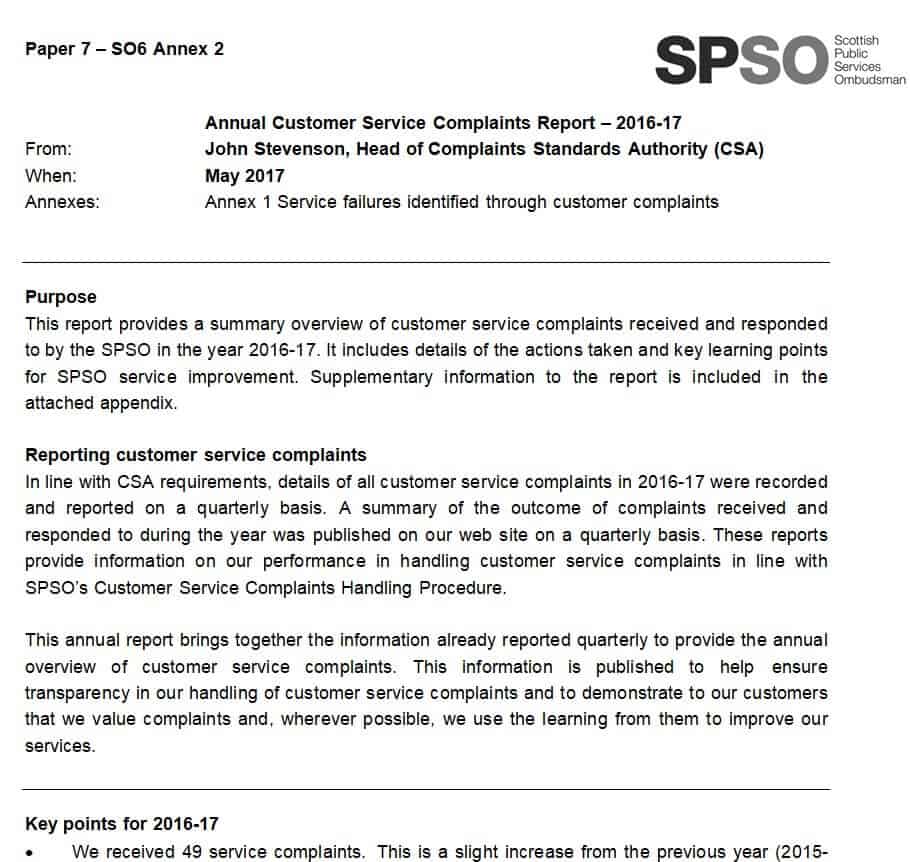
File Size: 45 KB
Monthly Customer Service Report Word Template
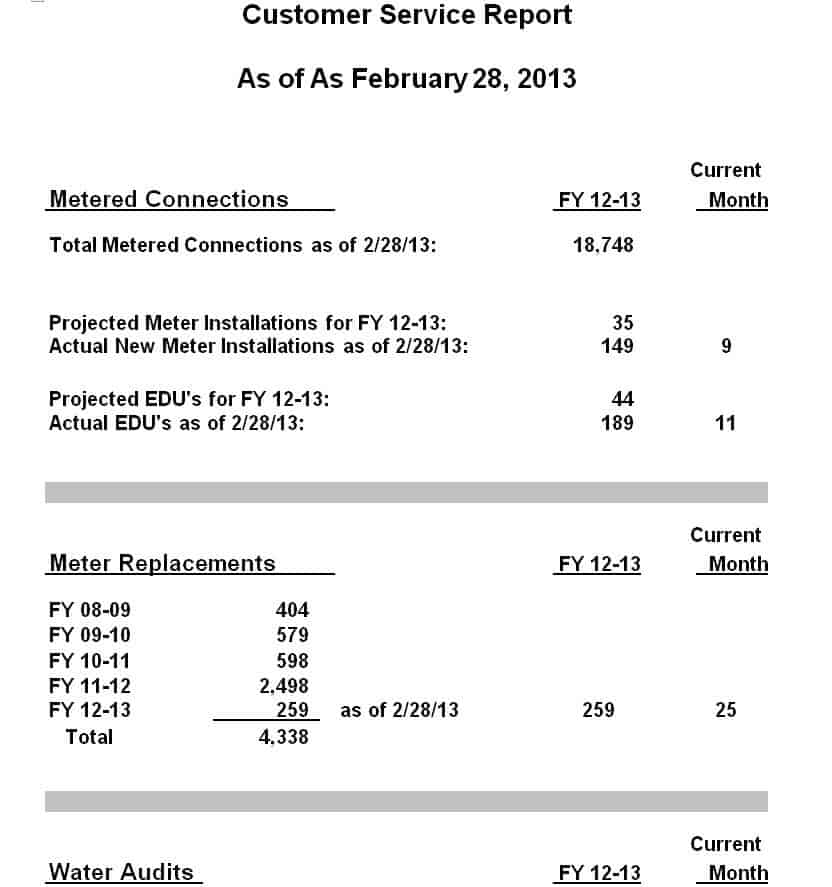
File Size: 07 KB
Blank Customer Service Report Doc Format
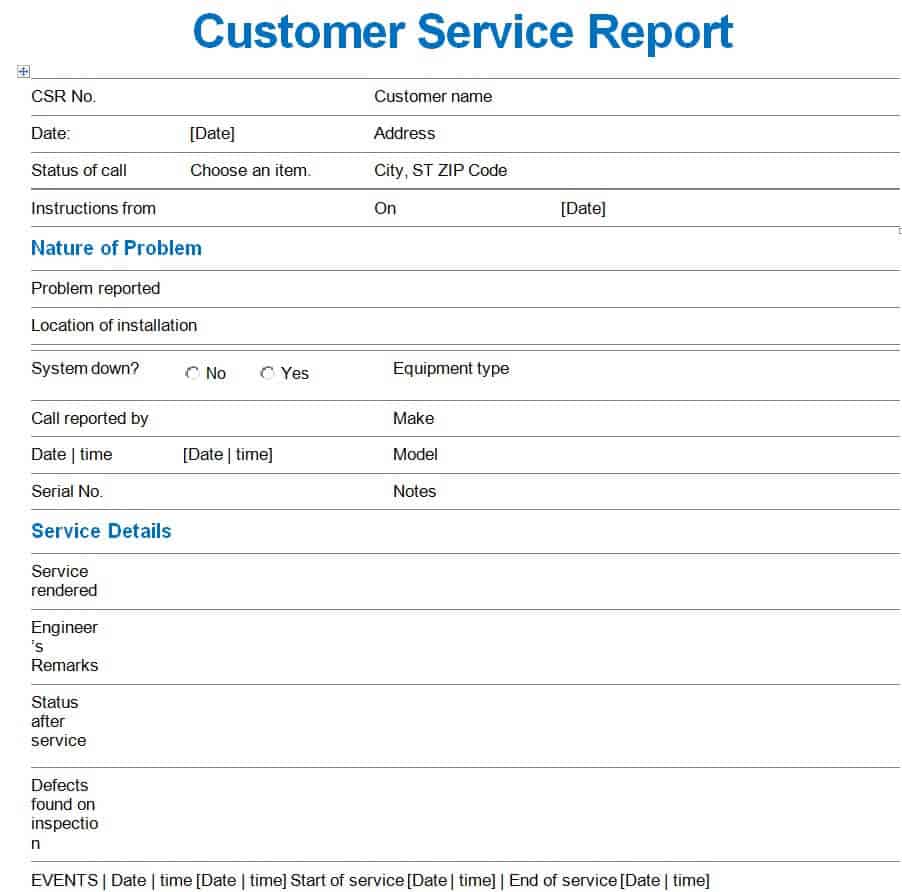
File Size: 28 KB
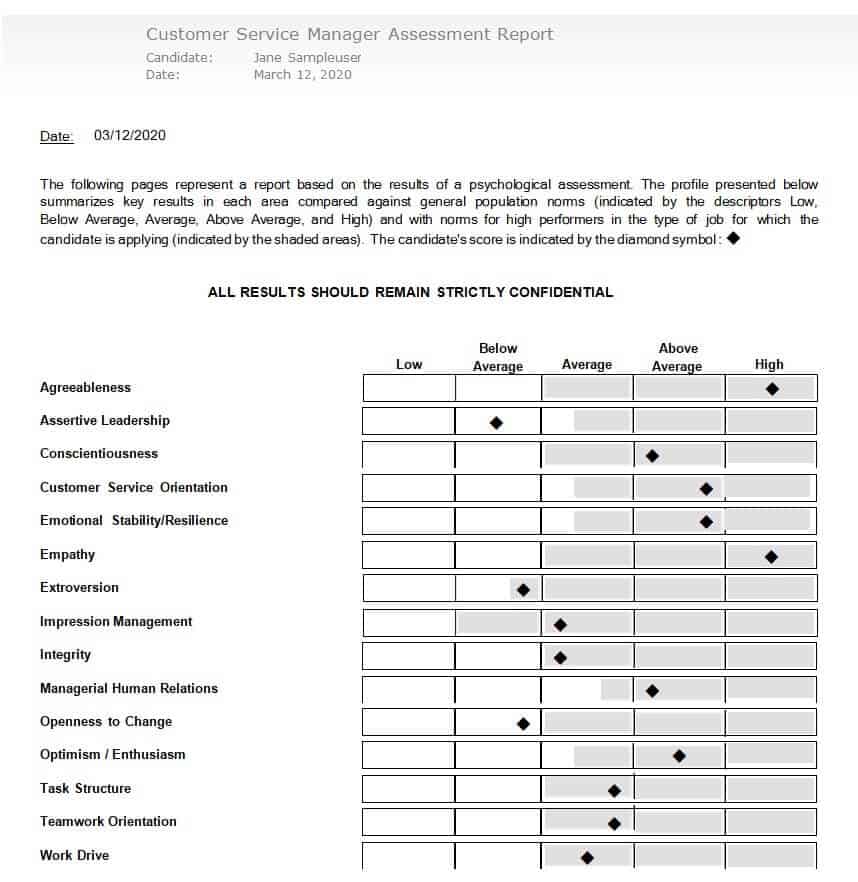
Manager’s Customer Service Assessment Report Example
File Size: 56 KB
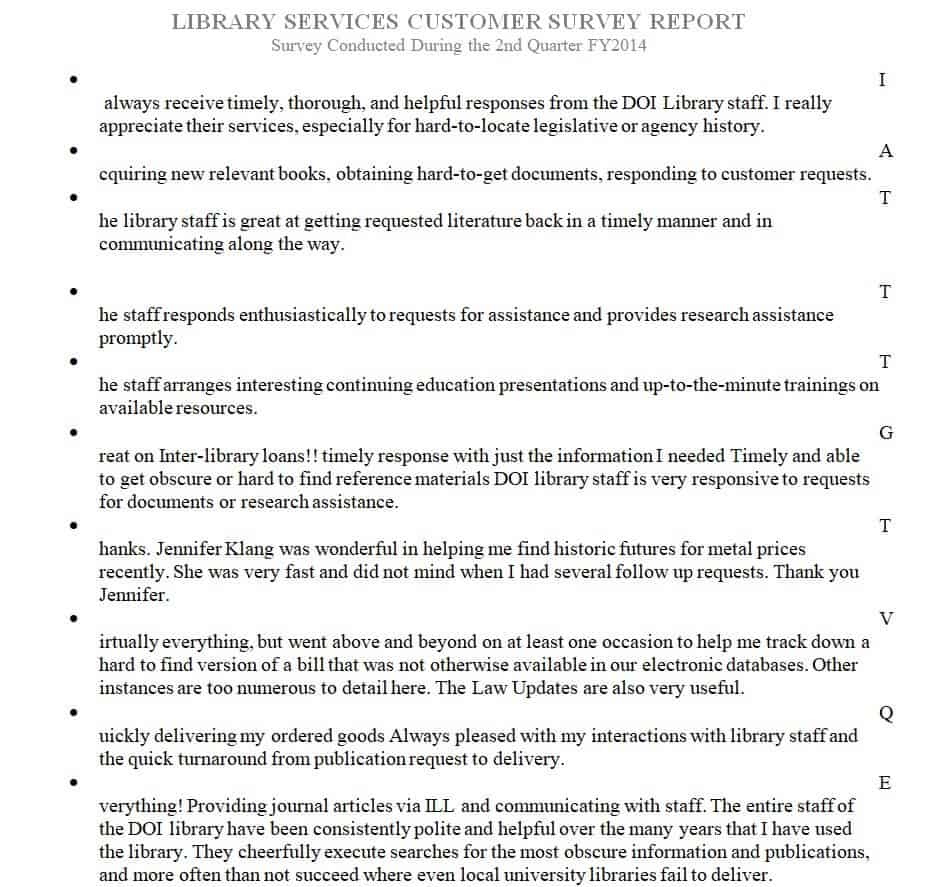
Library Services Customer Survey Report
File Size: 148 KB
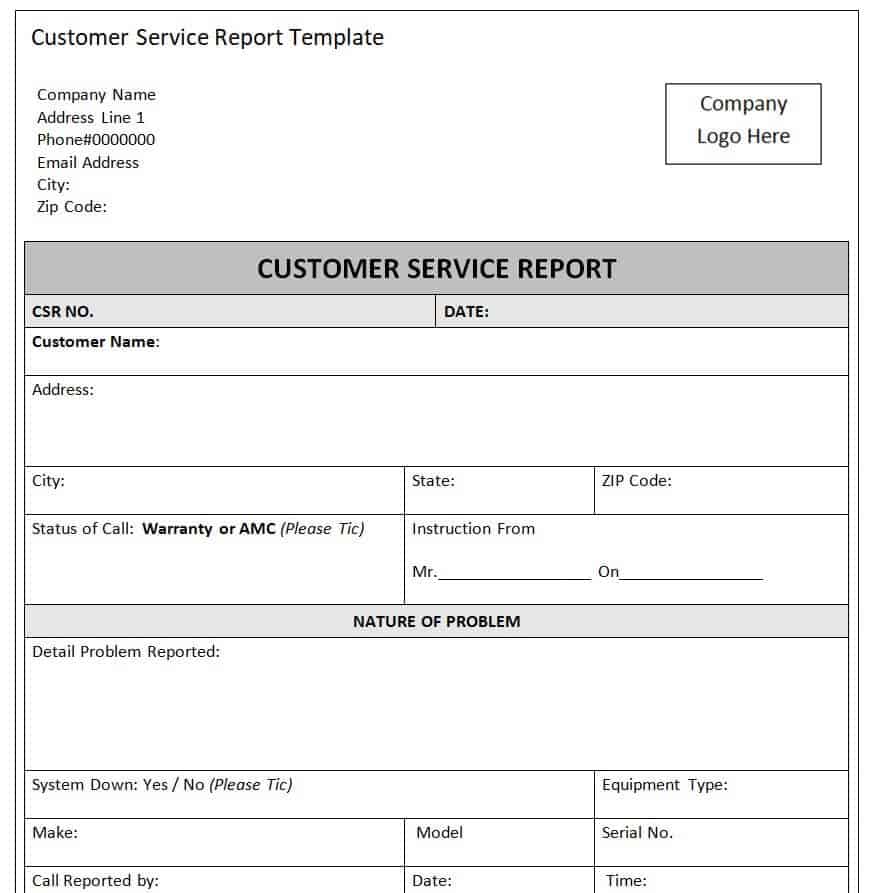
Editable Customer Service Report Template
File Size: 16 KB
Purpose of Customer Service Reports
As mentioned earlier, a customer service report can play an important part in the success of a business. A happy customer is always a loyal customer. If the customers are served the right way, they stay consistent with your brand. That’s how they become the ambassadors of your brand and that’s how you grow your audience.
However, contrary to this, if the customers are not served properly or are mistreated or disrespected, it gets difficult for the business to win back their trust. So, in a nutshell, the thing is that you don’t ever want to lose your customers.
In order to keep your customers happy and loyal to your business, you need to satisfy and serve them properly. Provide them with high-quality services and products so that they always remain loyal to your brand. In order to make better decisions regarding the provision of high-quality services to your customers, using a customer service report can be a great option.
The data and analytics of a customer service report show you the true picture of the quality of services your customer care department is providing to the customers. On the basis of data provided by a customer service report, the management can take important decisions regarding the improvement of services that it provides.
Steps can be taken to ensure the provision of great quality customer services. For example, with the data provided by a customer service report, the management can easily assess what are the areas that require improvement. They can also analyze the services provided by their competitors and take steps to compete and beat them. In order to ensure providing better customer service, the management can also organize the necessary training and workshops for its customer care representatives.
Customer Service Report Templates in MSExcel
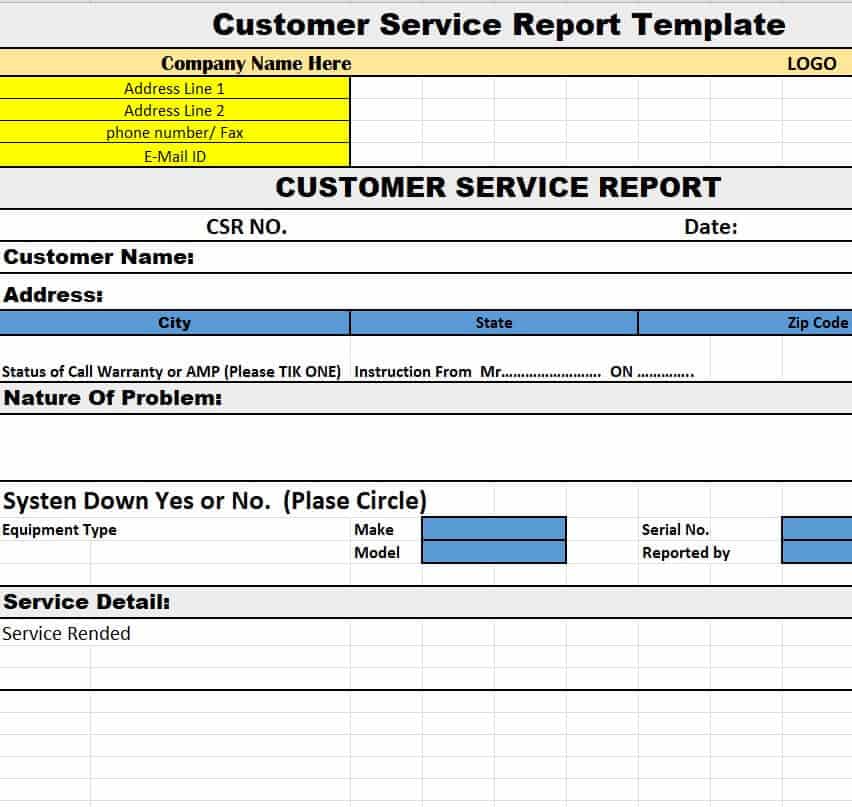
Company’s Customer Service Report Template
File Size: 09 KB
Fillable Customer Service Report Sample
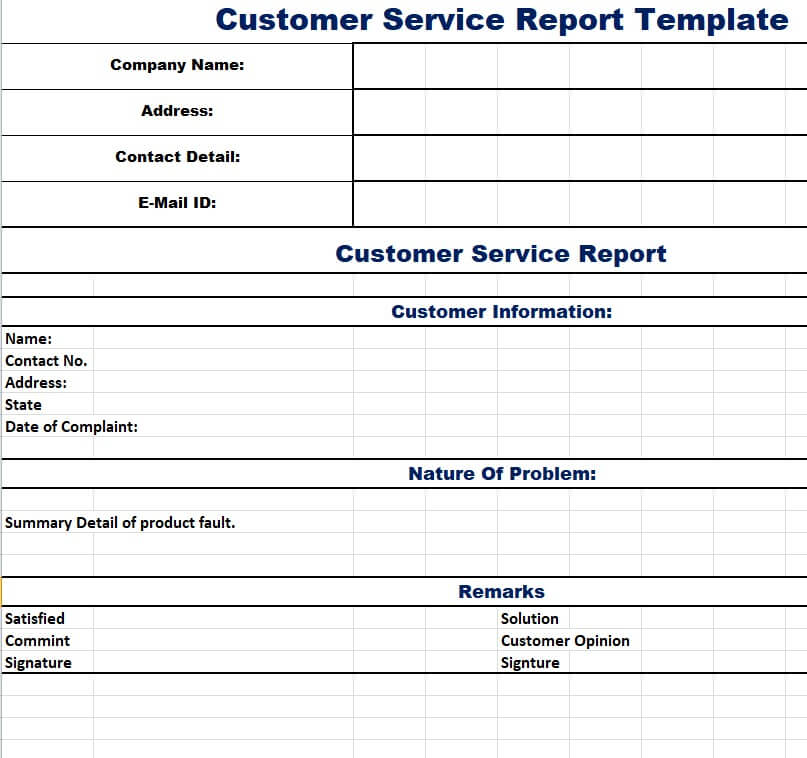
File Size: 07 KB
Editable Annual Customer Service Performance Report
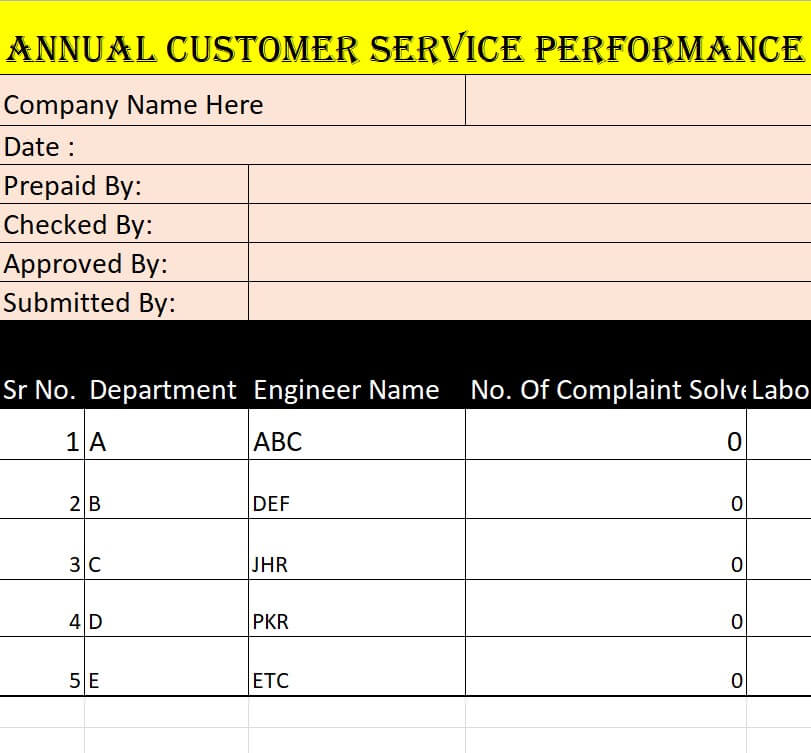
File Size: 08 KB
Official Customer Service Report Excel Template
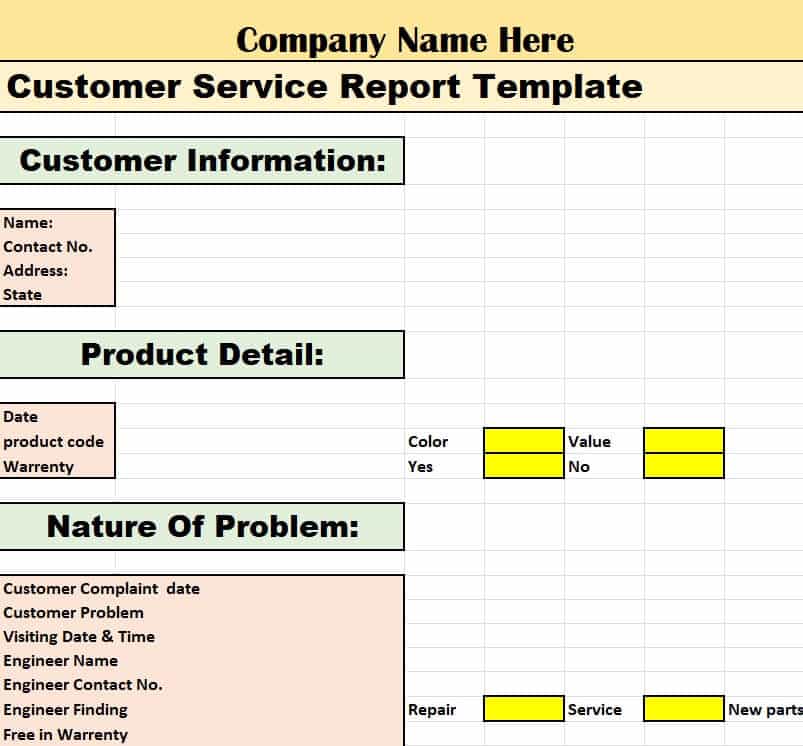
File Size: 09 KB
Organization’s Customer Service Report Excel Sheet
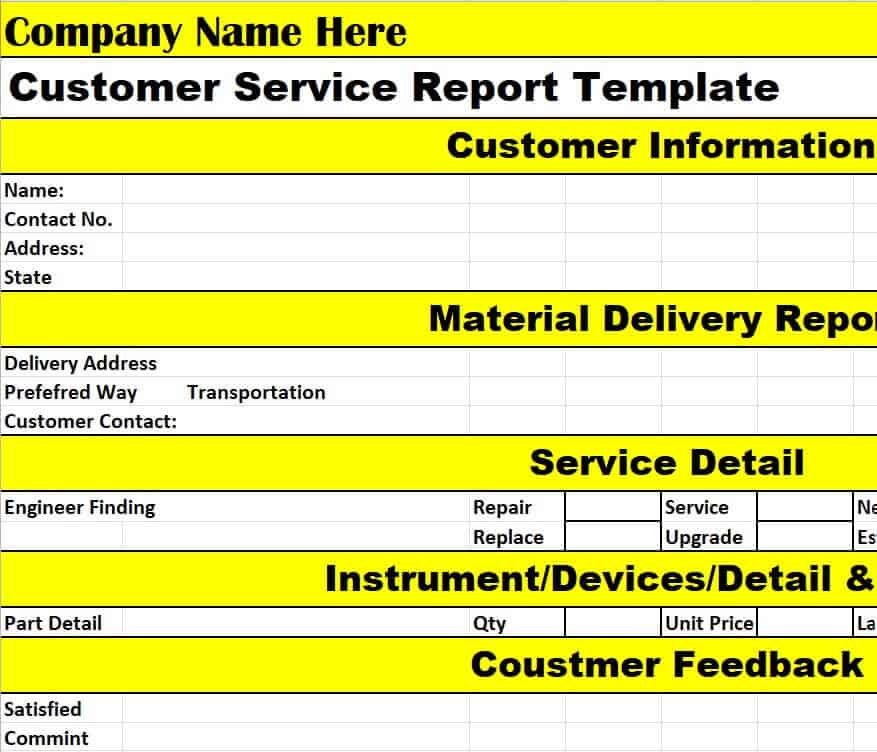
File Size: 08 KB
Executive Customer Service Report Template
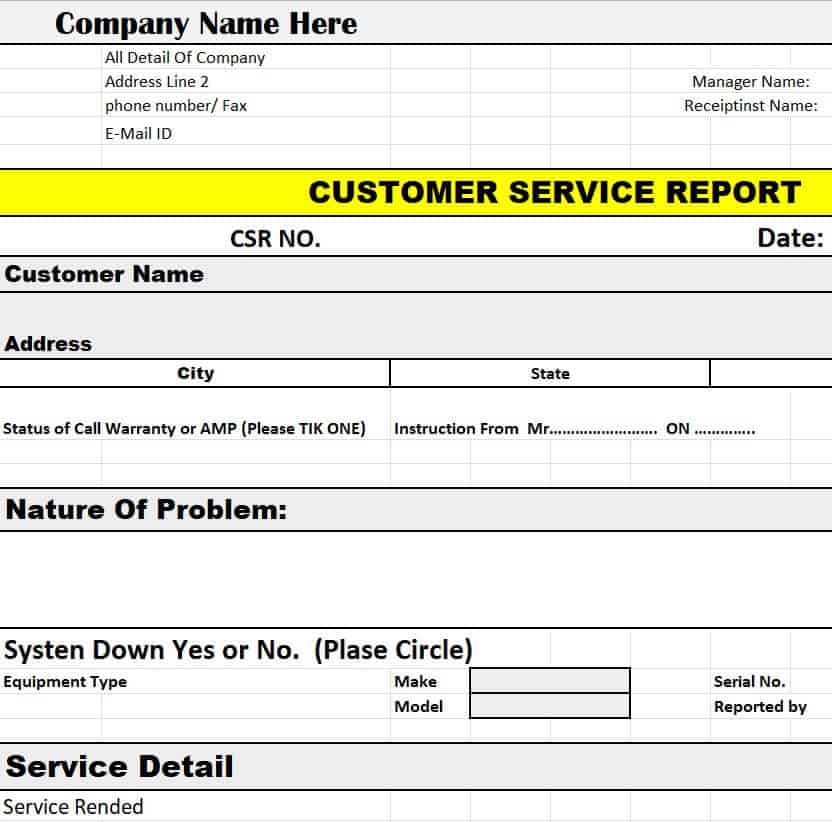
File Size: 10 KB
Detailed Customer Service Report Template in Excel
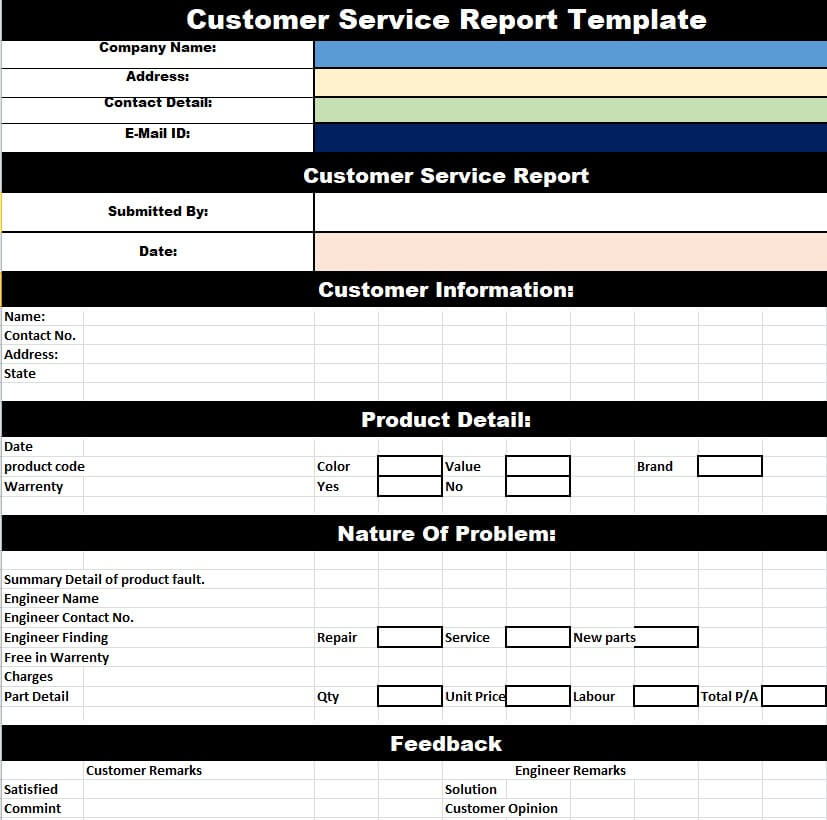
File Size: 11 KB
Basic Customer Service Report Excel Template
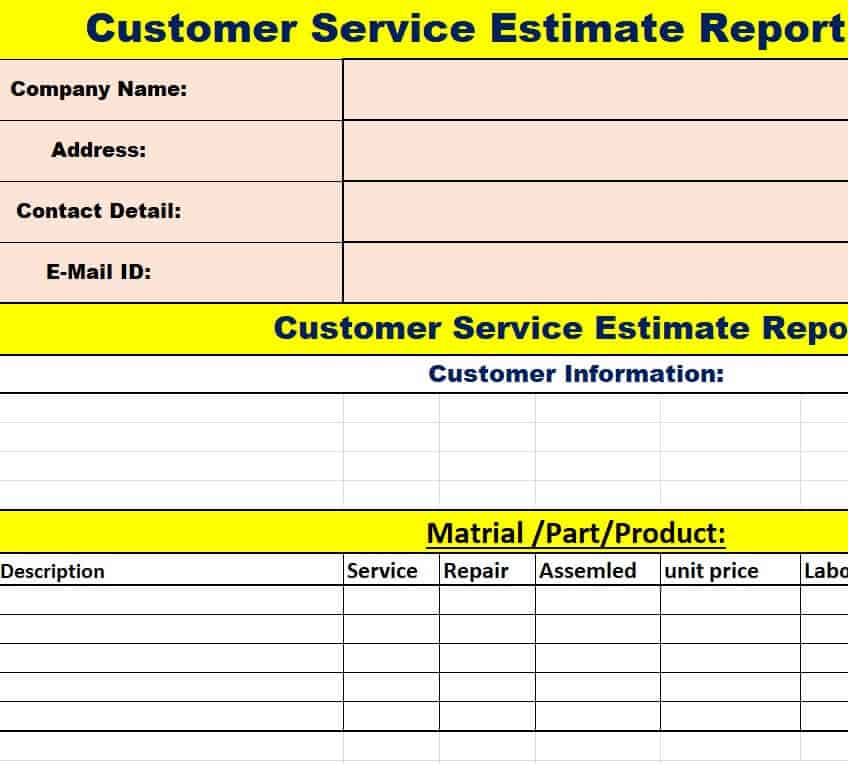
File Size: 08 KB
Formal Customer Service Report Template in XLSX Format
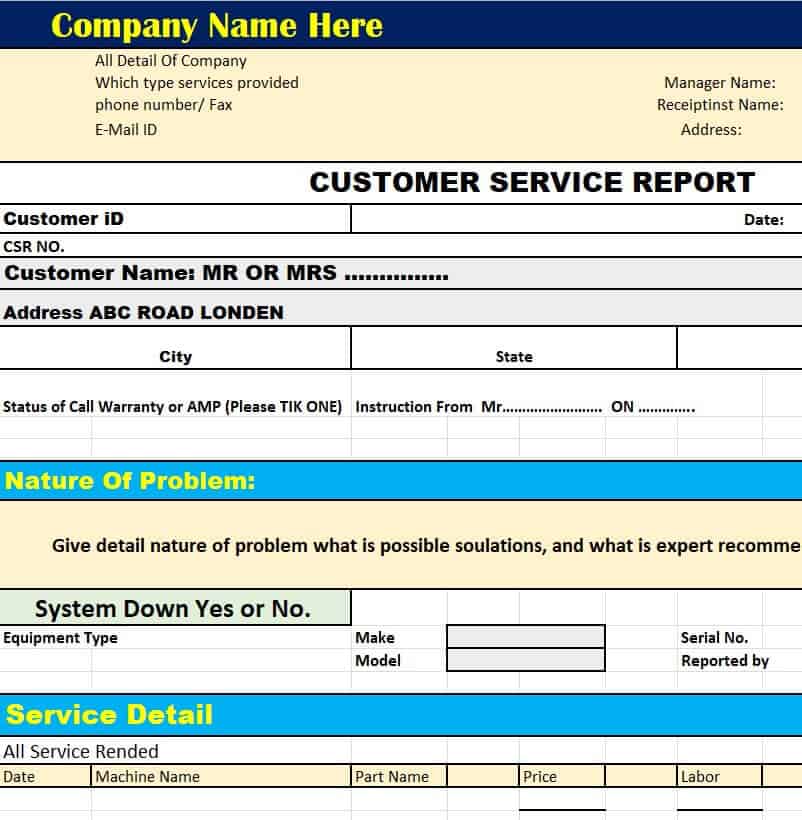
File Size: 10 KB
Manufacturer’s Customer Service Report Template
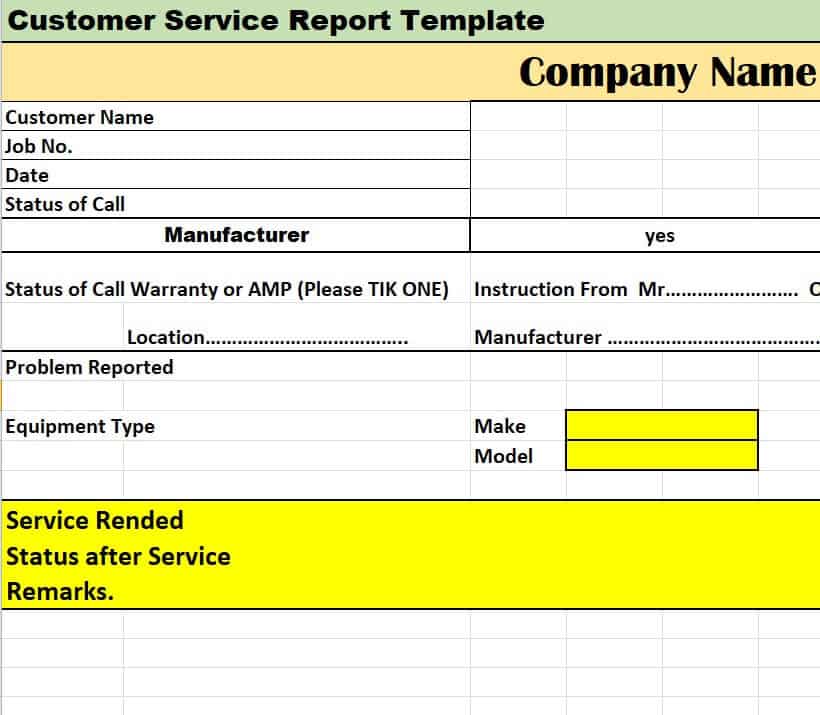
File Size: 09 KB
Important Elements of a Professional Customer Service Report
An effective and professional customer service report is one that is simple and easily understandable. In order to make it that way, one must prepare it using the proper professional format. An official customer service report must include all the details and information so as to help analyze all the statistics and to make effective decisions based on the provided information.
Being a customer support manager of an organization, one must know how to make or prepare a professional customer service report. As mentioned earlier, you can also opt for a pre-formatted customer service report template just like the templates provided on this page. However, if you want to prepare a customer service report from scratch, make sure to keep in mind the following important elements that must be included in your customer service report sample.
Title:
Mention the proper title of the customer service report at the top center of the report. The title must be written in big bold letters.
Date:
Mention the date on which the customer service report is actually prepared.
Period:
State the period for which the report is prepared i.e., whether it is an annual, monthly, or weekly customer service report.
Customer Details:
Include the names and addresses of the customers to whom the services had been provided in the period for which the report is being prepared.
Nature of Services:
State the nature or type of services that were provided to the customers during the period i.e., whether it was an after-sales service or a complaint resolution service.
Customer Responses and Feedback:
Include the responses and feedback of each and every customer to whom any kind of service had been provided. In order to collect this type of information, you must ask the customers to provide their feedback in any form like through social media pages, customer satisfaction forms, or by any other means, etc.
It might be possible that most of the customers don’t bother providing their responses but it is the duty of the customer care department of the organization to collect this data. A proper system must be devised so that you can effectively get customer feedback as it is one of the key elements of a customer service report.
Employee Records:
Keep proper track of the performances of the employees of the customer care department. It is quite important to keep daily track of records like how many customers were handled or attended to, the number of complaints that were registered and forwarded, the number of complaints that were actually resolved, etc.
Other Important Details:
Other important details which are crucial in preparing a customer service report include records like average response time, the average customer wait time or handle time, the average time to resolve each complaint, etc.
Final Remarks:
Just before the end, there must be some space for the remarks of the executive manager to whom the report is or will be presented to. However, it is not compulsory to leave space for remarks as such remarks can later be communicated separately by that same executive manager.
Signatures:
At the end of the report, leave space for the signatures of the person who prepared the report and the person to whom the report will be presented i.e., some executive manager.
Frequently Asked Questions (FAQ)
What is the primary purpose of a customer service report?
The primary purpose of a customer service report is to track, analyze, and improve support operations. It records incoming client inquiries and complaints, measures agent response efficiency, monitors SLA compliance, and provides actionable insights to reduce customer churn.
Should I track customer support logs in Microsoft Word or Excel?
Use Microsoft Excel for tracking high-volume daily ticket logs, call volumes, resolution times, and agent performance metrics using automated formulas. Use Microsoft Word when writing formal incident reports, customer complaint escalation summaries, or executive service quality reviews.
How do you measure Customer Satisfaction (CSAT) in a service report?
CSAT is measured by surveying customers immediately after ticket resolution with a rating scale (e.g., 1 to 5 stars or “Very Unsatisfied” to “Very Satisfied”). The score is calculated as: (Number of Positive Responses ÷ Total Survey Responses) × 100.
How often should a customer service report be prepared?
Most teams keep a daily ticket log, review a weekly summary to spot trends and staffing gaps, and prepare a monthly or quarterly report for management that compares CSAT, resolution time and SLA results with previous periods.
What is a good First Contact Resolution rate?
It depends on the industry and how complex your product is, but many support teams aim to solve the majority of simple requests on the first contact. Track your own FCR month by month and focus on steady improvement rather than a single target number.
Customer service results are closely linked to sales performance. Compare support trends with revenue using our sales report templates and monthly sales report templates, and turn recurring complaints into an improvement plan with a SWOT analysis template. To share support updates with management each week, try our weekly status report templates.
Final Thoughts
A consistent customer service report shows exactly how well your team is serving customers and where it can improve. Download a free Word or Excel template above, track the key metrics every week, and use the results to train your team, fix recurring problems and keep customers coming back.