Managing employee payroll accurately and professionally is a fundamental requirement for any business, regardless of size. A well-formatted salary slip (or payslip) serves as official proof of income, ensures total financial transparency between employer and employee, and simplifies tax reporting.
Whether you run a small business, manage HR for an expanding startup, or operate as an independent contractor, having instant access to customizable, pre-designed payroll forms saves valuable hours every month.
This guide covers everything you need to know about salary slip design, statutory components, legal importance, and how to use our salary slip templates: a complete pack you can download in one zip file, plus 23 individual designs in editable Microsoft Excel and Word formats.
What Is a Salary Slip?
A salary slip—also commonly referred to as a payslip, pay stub, or payroll slip—is an official document issued by an employer to an employee upon receiving their monthly wage or wage distribution.
It provides an itemized breakdown of earnings, statutory deductions, bonuses, reimbursements, and net take-home pay for a given pay period.
Sample monthly salary slip (Employee: John Doe, Pay Period: August 2026)
| Earnings | Amount (USD) | Deductions | Amount (USD) |
| Basic Salary | 4,000 | Income Tax | 550 |
| House Rent Allowance | 1,200 | Health Insurance | 150 |
| Transport Allowance | 300 | Retirement Contribution | 200 |
| Performance Bonus | 500 | Loan Repayment | 0 |
| Total Gross | 6,000 | Total Deductions | 900 |
| Net Salary (Take-Home Pay) | 5,100 | ||
Key Differences: Salary Slip vs. Pay Stub vs. Payroll Register
While these terms are frequently used interchangeably, they serve slightly different organizational functions:
| Feature | Salary Slip / Payslip | Pay Stub | Payroll Register |
| Primary Recipient | Employee | Employee | HR / Payroll Manager |
| Primary Scope | Individual monthly/bi-weekly earnings breakdown | Attached to physical paycheck or direct deposit receipt | Master summary of all employees’ pay for a given period |
| Format | Detailed document (PDF / Print) | Compact stub attached to check or digital record | Master spreadsheet or tabular ledger |
| Legal/Financial Use | Visa applications, loans, tax filing | Quick record of payment | Internal audit & corporate balance sheets |
Essential Components of a Professional Salary Slip
To ensure your payslips meet accounting standards and legal scrutiny, every generated document must contain two main sections: Header/Employee Information and Financial Breakdowns.
1. General & Organizational Information
- Employer Metadata: Business/Company name, corporate registration number, physical office address, and official logo.
- Employee Metadata: Full legal name, unique Employee ID code, job title/designation, and department.
- Payment Reference Period: The specific month and year (e.g., August 2026) or pay frequency range (bi-weekly, weekly).
- Banking & Tax Identifiers: Bank account number, tax ID / Social Security / National Insurance number, and pay date.
2. Earnings Section (Gross Income Breakdown)
- Basic Salary: The core fixed payment agreed upon in the employment contract before any additions or subtractions.
- House Rent Allowance (HRA): Allowance paid to assist employees with housing costs.
- Conveyance / Travel Allowance: Compensation for commuting expenses incurred for work purposes.
- Special / Performance Allowances: Discretionary allowances allocated for individual performance or specific work conditions.
- Overtime Pay: Compensation calculated based on extra hourly work logged beyond standard work hours.
- Bonuses & Commissions: Annual, quarterly, or incentive-based compensation additions.
3. Deductions Section (Statutory & Non-Statutory)
- Income Tax / PAYE: Mandatory local or state income withholding tax based on tax brackets.
- Retirement / Social Security Contributions: Employee contributions toward government or private pension funds (e.g., 401k, EPF, Provident Fund).
- Health Insurance / Benefits: Deductions for medical insurance coverage or wellness plans.
- Loan / Advance Repayments: Deductions for personal loans or salary advances provided earlier by the company.
4. Net Salary Output
- Gross Pay: The total sum of all earnings prior to deductions.
- Total Deductions: The total sum of all statutory and voluntary subtractions.
- Net Pay (Take-Home Salary):
Gross Pay - Total Deductions. This represents the exact figure credited to the employee’s bank account.
Why Every Business Needs a Standardized Salary Slip System
- Proof of Income for Employees: Employees depend heavily on salary slips to verify income when applying for mortgage loans, car financing, credit cards, renting apartments, or acquiring travel visas.
- Tax Audits & Compliance: Standardized payroll records protect businesses during corporate audits. They provide verifiable paper trails of tax withheld at source.
- Dispute Resolution: Clear breakdowns prevent payroll conflicts regarding overtime, missing shifts, or unexpected tax withholdings.
- Professional Brand Reputation: Providing clean, clear, well-structured pay documentation reinforces company credibility and builds trust with employees.
Why Use Excel & Word Templates Instead of Expensive Payroll Software?
While large enterprises rely on enterprise payroll software systems that cost thousands of dollars annually, small-to-medium enterprises (SMEs), freelancers, and startups often find these platforms unnecessary and expensive.
Benefits of Pre-Designed Templates:
- Zero Software Subscriptions: Completely free to download and use indefinitely without recurring monthly fees.
- Built-in Formula Automation: Microsoft Excel templates include pre-built formulas that auto-calculate Gross Pay, Deductions, and Net Pay instantly without human calculation errors.
- 100% Fully Customizable: Modify headers, branding colors, fonts, tax field names, and structures within seconds.
- Offline Access & Privacy: Keep sensitive salary data locally on your computer instead of uploading corporate financial details to third-party cloud servers.
How to Customize and Use Your Salary Slip Templates
Follow this quick guide to adapt any downloaded template for your organization:
Step 1: Add Your Corporate Branding
Open the template in Microsoft Word or Microsoft Excel. Replace the generic placeholder text at the top with your official business name, registered address, contact information, and high-resolution company logo.
Step 2: Configure Pay Variables and Categories
Adjust line items under Earnings and Deductions to match your country’s tax structure and corporate allowance policy. Rename fields as needed (e.g., change Provident Fund to 401(k) or Pension).
Step 3: Populate Employee Data
Enter the employee’s details, pay period, basic salary, and logged allowances or overtime hours.
Step 4: Verify Formulas (Excel Version)
Ensure formulas like =SUM() reflect your row modifications. Net Pay should always update dynamically:
Net Pay = Total Gross Earnings − Total Deductions
Step 5: Export to PDF or Print
Save the finalized sheet as a PDF to lock the document against unauthorized alterations before emailing it to the employee, or print a copy for direct cash payments.
Explore the Salary Slip Templates
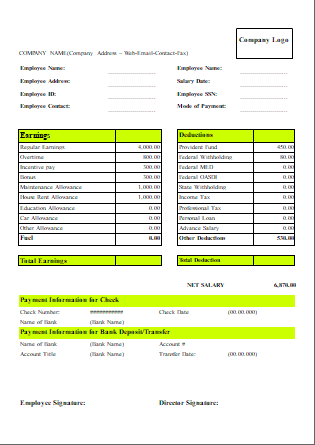
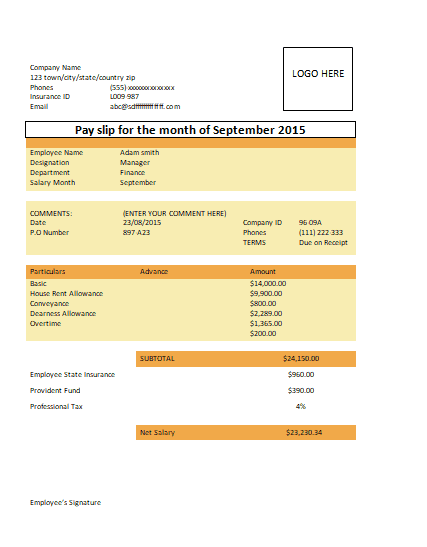
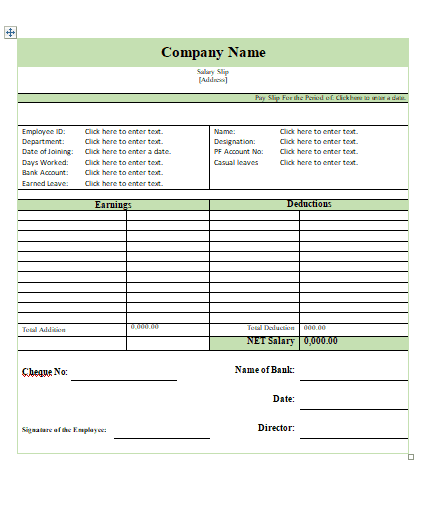
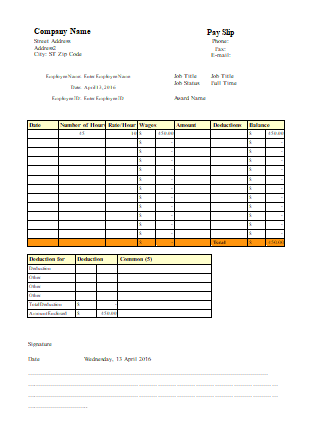
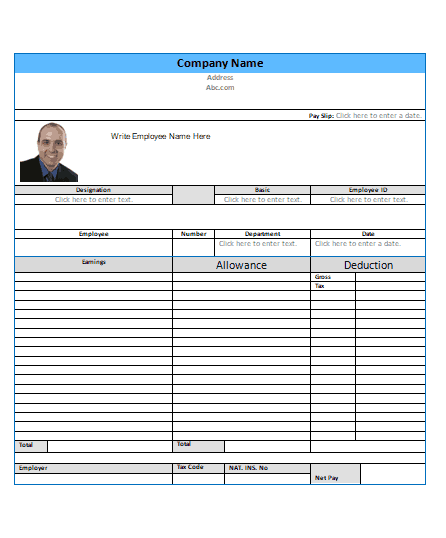
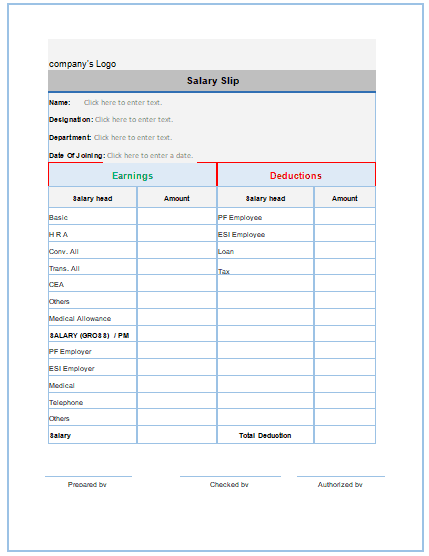
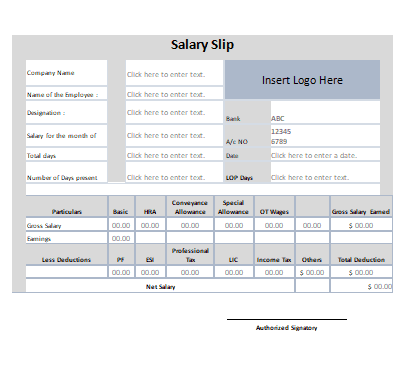
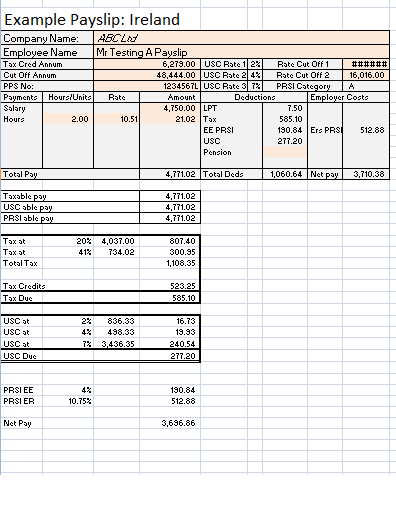
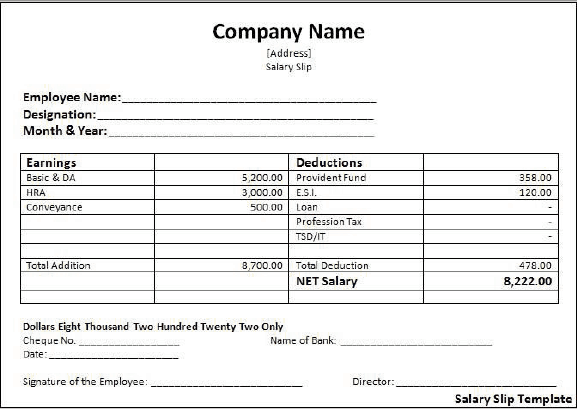
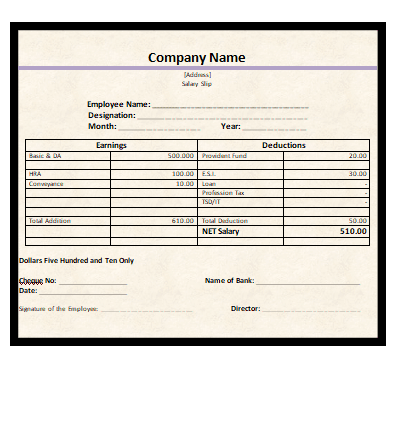
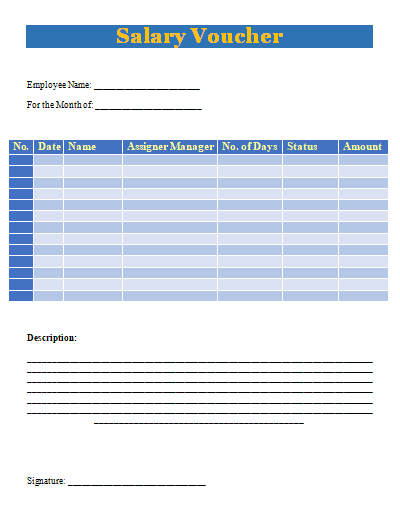
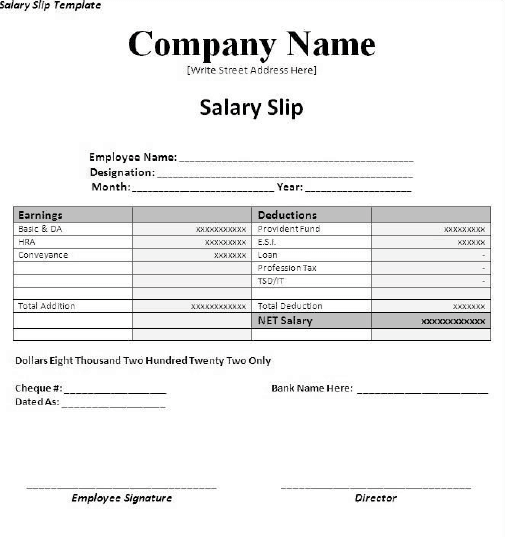
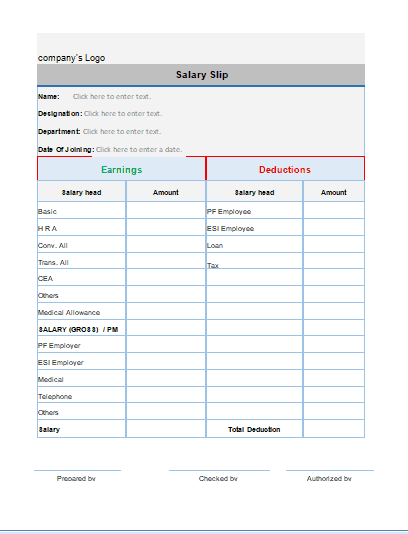
This page offers 23 individual salary slip templates, plus a complete pack you can download in a single zip file. The designs range from simple formats for small businesses to detailed layouts with several allowances and deductions, including formats for hospital staff and temporary workers.
Finding good-quality salary slip templates can take hours of searching, so we have collected the most useful layouts in one place, free to download. Get the complete pack in one click, or browse the individual templates with previews below. You may also like our related Pay slip templates and payment voucher templates.
Download the Complete Salary Slip Template Pack

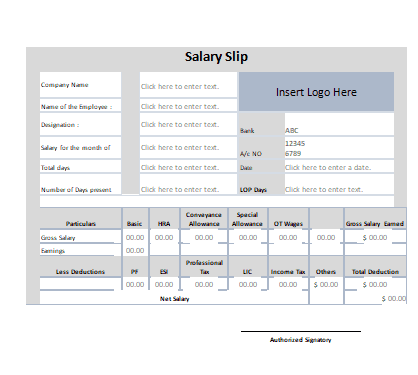
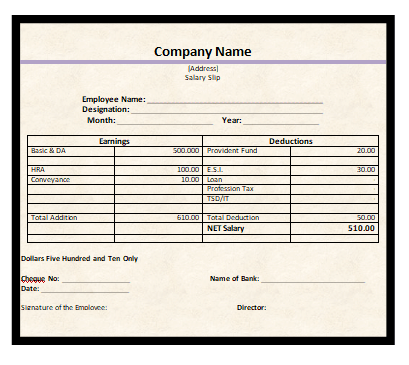
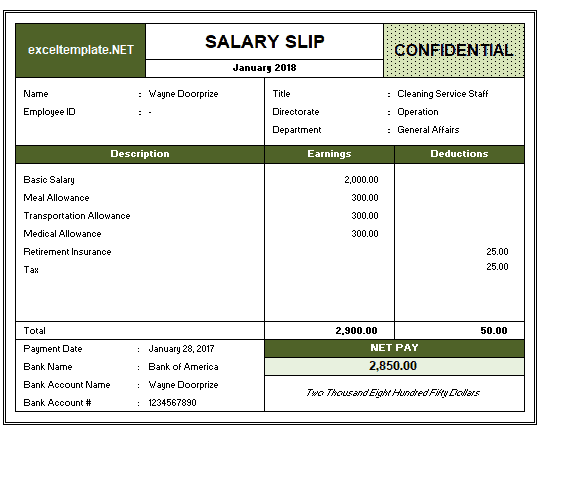
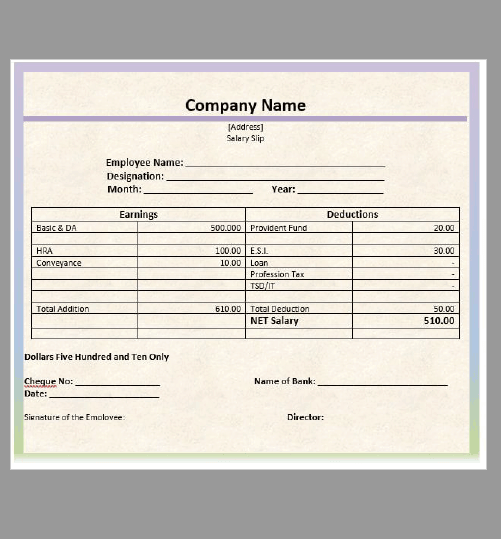
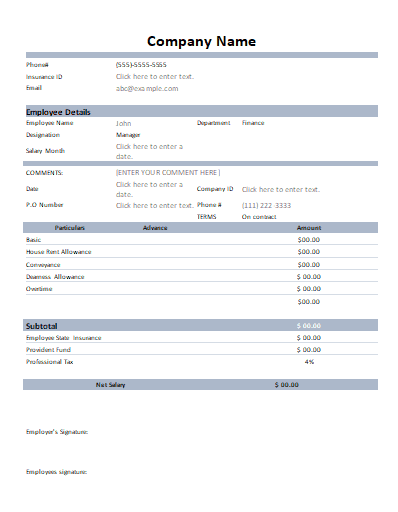
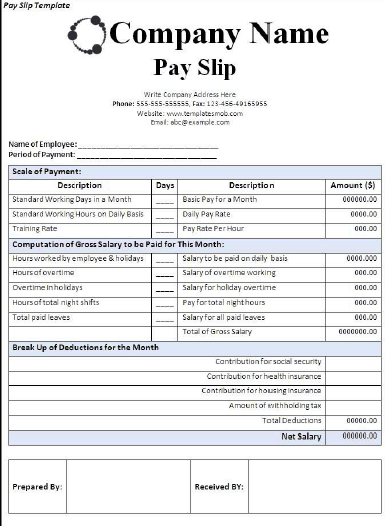
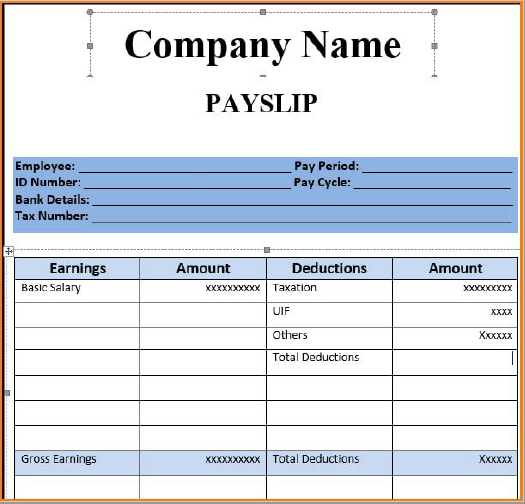
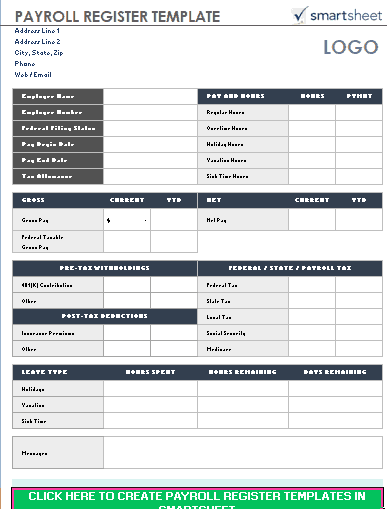
The pack above lets you download every template at once and pick your favorite offline. If you prefer to preview each design first, click any image below to download that salary slip template individually.
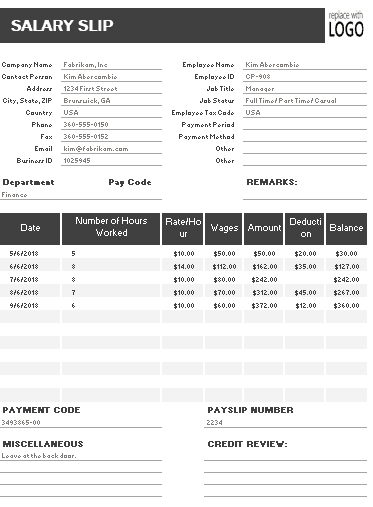
Salary Slip Templates with Snapshots:
Click Image to Download

Frequently Asked Questions (FAQ)
Is a salary slip an official document?
A salary slip is not a contract, but it is an official record of pay. A slip issued on company letterhead, or sent from an official company email address, is widely accepted as proof of income by banks, landlords and embassies, and as a record of pay for tax purposes.
Can I create salary slips in Microsoft Word instead of Excel?
Yes. Microsoft Word is ideal for creating sleek, visually detailed payslip layouts. However, Microsoft Excel is recommended for auto-calculating totals, complex tax formulas, and preventing manual math errors.
What is the difference between Gross Salary and Net Salary?
- Gross Salary: The total earnings accrued by an employee before any tax deductions, health insurance, or retirement contributions are subtracted.
- Net Salary: The final amount of money received by the employee after all statutory taxes and voluntary deductions have been subtracted (also called take-home pay).
Why do banks ask for 3 to 6 months of salary slips for loans?
Banks and financial institutions review recent salary slips to confirm employment stability, verify recurring regular income, assess existing debt obligations, and ensure loan repayment capability.
Are these salary slip templates completely free to download?
Yes. The complete salary slip template pack and all 23 individual templates on Daily Life Docs are free to download, edit, customize, and use for personal or commercial payroll purposes.
How many salary slips should an employer keep on file?
Keep a copy of every slip issued for as long as your local tax and labor laws require, which is often several years. Storing them as password-protected PDFs in a dated folder for each month makes audits and employee requests easy to handle.
Can a salary slip be issued for part-time or daily-wage workers?
Yes. Use an hourly or temporary-worker format from the pack and record hours worked, the hourly or daily rate and any overtime. This gives part-time staff the same proof of income as full-time employees.
Salary slips work best as part of a complete payroll routine. Track worked days and overtime with our attendance sheet templates, prepare the monthly payroll for all staff with these salary sheet templates, and issue a formal salary certificate when an employee needs proof of income for a bank, landlord or embassy.
Final Thoughts
A clear, consistent salary slip protects both the employer and the employee. Download the complete salary slip template pack or pick one of the 23 individual designs above, add your company details and pay structure, and issue professional payslips every pay period without paying for payroll software.